Community listing page, reviews may not be monitored by the author.
PathTracker


No reviews yet
PathTracker is a Minecraft Fabric mod that enhances your exploration experience by visually tracking your movements across different dimensions.

Community voices
Reviews
No reviews yet. Be the first to review this project!
Get it on
Available Platforms
Compatibility
Supported Environments
Runs entirely on the client. Works on vanilla servers.
About
Project Details
For authors
Embed Badge
If you're the author of this project, you can embed a live badge anywhere that supports HTML or Markdown. It updates automatically whenever ratings change.
Use HTML for any page that supports it, or Markdown for README files and Markdown-based descriptions.
Identifiers
Platform IDs
About
Description
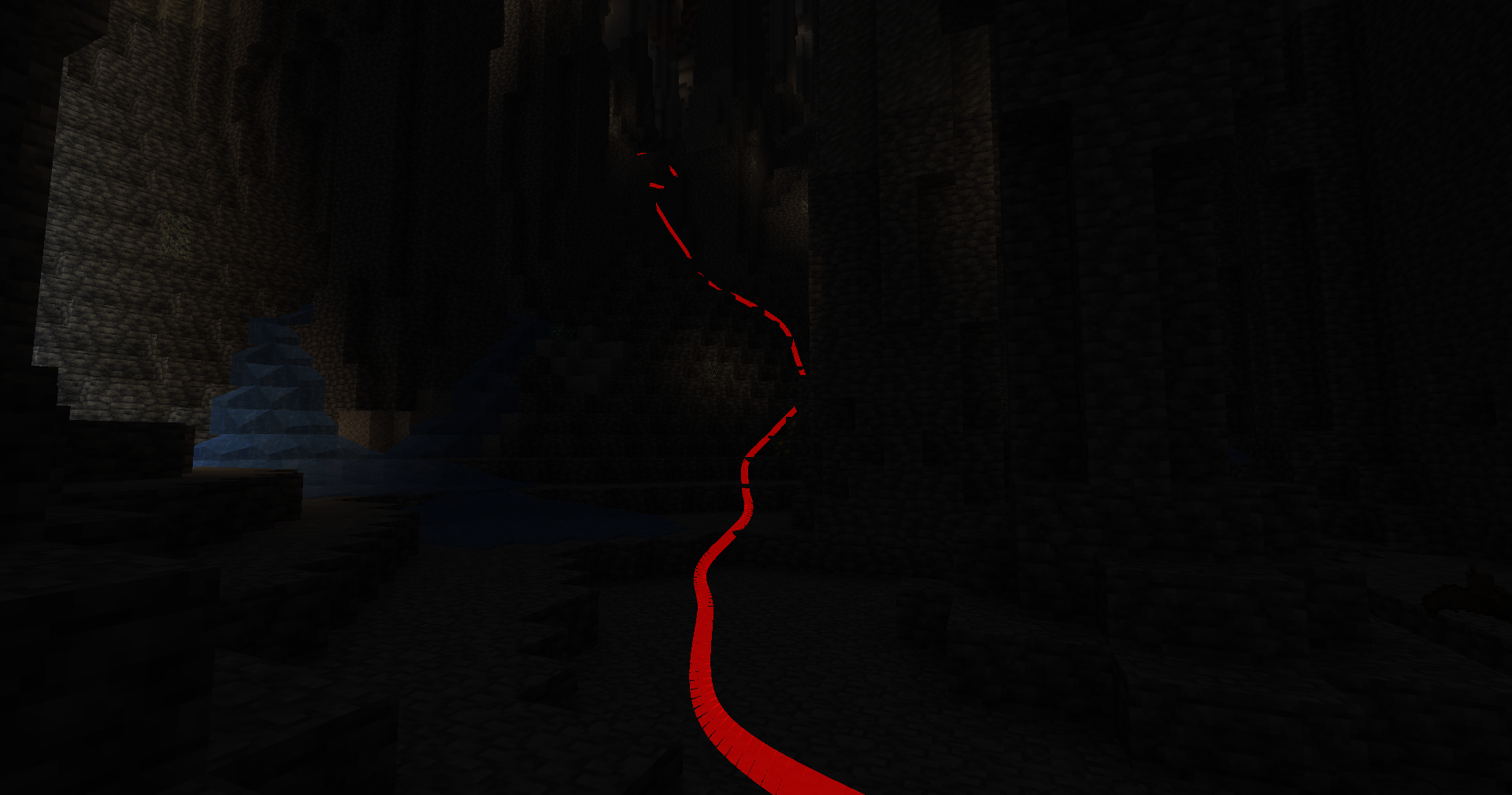
PathTracker is a Minecraft Fabric mod that enhances your exploration experience by visually tracking your movements across different dimensions. It overlays translucent colored lines behind your player, allowing you to see the paths you've taken. Whether you're navigating the Overworld, exploring the Nether, or venturing into the End, PathTracker ensures you never lose your way.
Features
- Multi-Dimension Tracking: Seamlessly track your paths across the Overworld, Nether, and End with separate tracking data for each dimension.
- Multiple Tracking Sessions: Create, list, and switch between multiple tracking sessions to manage different exploration endeavors.
- Customizable Options: Choose your preferred color, subdivision, line thickness and much more!
- Depth Override: Toggle depth testing to control whether tracking lines are rendered behind or on top of opaque blocks.
- Manual Save Command: Save your tracked paths at any time without needing to exit the game.
- Key Bindings: Quickly enable or disable tracking and rendering using customizable key bindings.
Key Bindings
Toggle Tracking
- Key:
K - Function: Enable/disable path tracking.
- Key:
Toggle Rendering
- Key:
L - Function: Show/hide tracking lines.
- Key:
Commands (All prefixed with /pathtracker)
Tracking Control
- Enable Tracking:
/pathtracker track on - Disable Tracking:
/pathtracker track off
- Enable Tracking:
Rendering Control
- Enable Rendering:
/pathtracker render on - Disable Rendering:
/pathtracker render off
- Enable Rendering:
Line Customization
- Set Line Color:
/pathtracker color <hex>- <hex>: Hex color code (e.g., FF0000 for red)
- Example:
/pathtracker color 00FF00(Sets lines to green)
- Set Line Color:
Save Path Data
- Manual Save:
/pathtracker save- Saves all tracked paths across dimensions and sessions.
- Manual Save:
Session Management
- List Current Session:
/pathtracker session current - List All Sessions:
/pathtracker session list - Create New Session:
/pathtracker session create <name>- <name>: Name for the new session
- Example:
/pathtracker session create Exploration1
- Switch Session:
/pathtracker session switch <name>- <name>: Existing session name
- Example:
/pathtracker session switch Exploration1
- List Current Session:
Depth Override Control
- Enable Depth Override:
/pathtracker depth on- Lines render on top of all blocks.
- Disable Depth Override:
/pathtracker depth off- Lines respect block depth and can be occluded.
- Enable Depth Override:
Transparency
- Set Transparency:
/pathtracker transparency <value>- <value>: The transparency value (e.g., 1000 for 10%)
- Example:
/pathtracker transparency 1000(Sets transparency to 10%)
- Set Transparency:
Line Mode
- Set Mode:
/pathtracker mode <value>- <value>: The transparency value ("grouped" or "default")
- Example:
/pathtracker mode default(Sets mode to default)
- Set Mode:
Line Thickness
- Set thickness:
/pathtracker thickness <value>- <value>: The transparency value (e.g., 10 for 10% block size)
- Example:
/pathtracker thickness 10(Sets thickness to 10%)
- Set thickness:
Render Distance
- Set the Line Render Distance:
/pathtracker renderdistance <value>- <value>: The renderdistance value (e.g., 256 for 256 blocks)
- Example:
/pathtracker renderdistance 256(Sets render distance to 256 blocks)
- Line Subdivisions
- Set the Line Subdivision count:
/pathtracker subdivisions <value>- <value>: The subdivisions value (e.g., 8 for 8 subdivisions per block)
- Example:
/pathtracker subdivisions 256(Sets subdivisions to 256 per block)
PathTracker is a Minecraft Fabric mod that enhances your exploration experience by visually tracking your movements across different dimensions. It overlays translucent colored lines behind your player, allowing you to see the paths you've taken. Whether you're navigating the Overworld, exploring the Nether, or venturing into the End, PathTracker ensures you never lose your way.
Features
- Multi-Dimension Tracking: Seamlessly track your paths across the Overworld, Nether, and End with separate tracking data for each dimension.
- Multiple Tracking Sessions: Create, list, and switch between multiple tracking sessions to manage different exploration endeavors.
- Customizable Options: Choose your preferred color, subdivision, line thickness and much more!
- Depth Override: Toggle depth testing to control whether tracking lines are rendered behind or on top of opaque blocks.
- Manual Save Command: Save your tracked paths at any time without needing to exit the game.
- Key Bindings: Quickly enable or disable tracking and rendering using customizable key bindings.
Key Bindings
-
Toggle Tracking
- Key:
K - Function: Enable/disable path tracking.
-
Toggle Rendering
- Key:
L - Function: Show/hide tracking lines.
- Key:
- Key:
Commands (All prefixed with /pathtracker)
-
Tracking Control
- Enable Tracking:
/pathtracker track on - Disable Tracking:
/pathtracker track off
- Enable Tracking:
-
Rendering Control
- Enable Rendering:
/pathtracker render on - Disable Rendering:
/pathtracker render off
- Enable Rendering:
-
Line Customization
- Set Line Color:
/pathtracker color <hex>- : Hex color code (e.g., FF0000 for red)
- Example:
/pathtracker color 00FF00(Sets lines to green)
- Set Line Color:
-
Save Path Data
- Manual Save:
/pathtracker save- Saves all tracked paths across dimensions and sessions.
- Manual Save:
-
Session Management
- List Current Session:
/pathtracker session current - List All Sessions:
/pathtracker session list - Create New Session:
/pathtracker session create <name>- : Name for the new session
- Example:
/pathtracker session create Exploration1
- Switch Session:
/pathtracker session switch <name>- : Existing session name
- Example:
/pathtracker session switch Exploration1
- List Current Session:
-
Depth Override Control
- Enable Depth Override:
/pathtracker depth on- Lines render on top of all blocks.
- Disable Depth Override:
/pathtracker depth off- Lines respect block depth and can be occluded.
- Enable Depth Override:
-
Transparency
- Set Transparency:
/pathtracker transparency <value>- : The transparency value (e.g., 1000 for 10%)
- Example:
/pathtracker transparency 1000(Sets transparency to 10%)
- Set Transparency:
-
Line Mode
- Set Mode:
/pathtracker mode <value>- : The transparency value ("grouped" or "default")
- Example:
/pathtracker mode default(Sets mode to default)
- Set Mode:
-
Line Thickness
- Set thickness:
/pathtracker thickness <value>- : The transparency value (e.g., 10 for 10% block size)
- Example:
/pathtracker thickness 10(Sets thickness to 10%)
- Set thickness:
-
Render Distance
- Set the Line Render Distance:
/pathtracker renderdistance <value>- : The renderdistance value (e.g., 256 for 256 blocks)
- Example:
/pathtracker renderdistance 256(Sets render distance to 256 blocks)
- Line Subdivisions
- Set the Line Subdivision count:
/pathtracker subdivisions <value>- : The subdivisions value (e.g., 8 for 8 subdivisions per block)
- Example:
/pathtracker subdivisions 256(Sets subdivisions to 8 per block)
Screenshots
Gallery
-
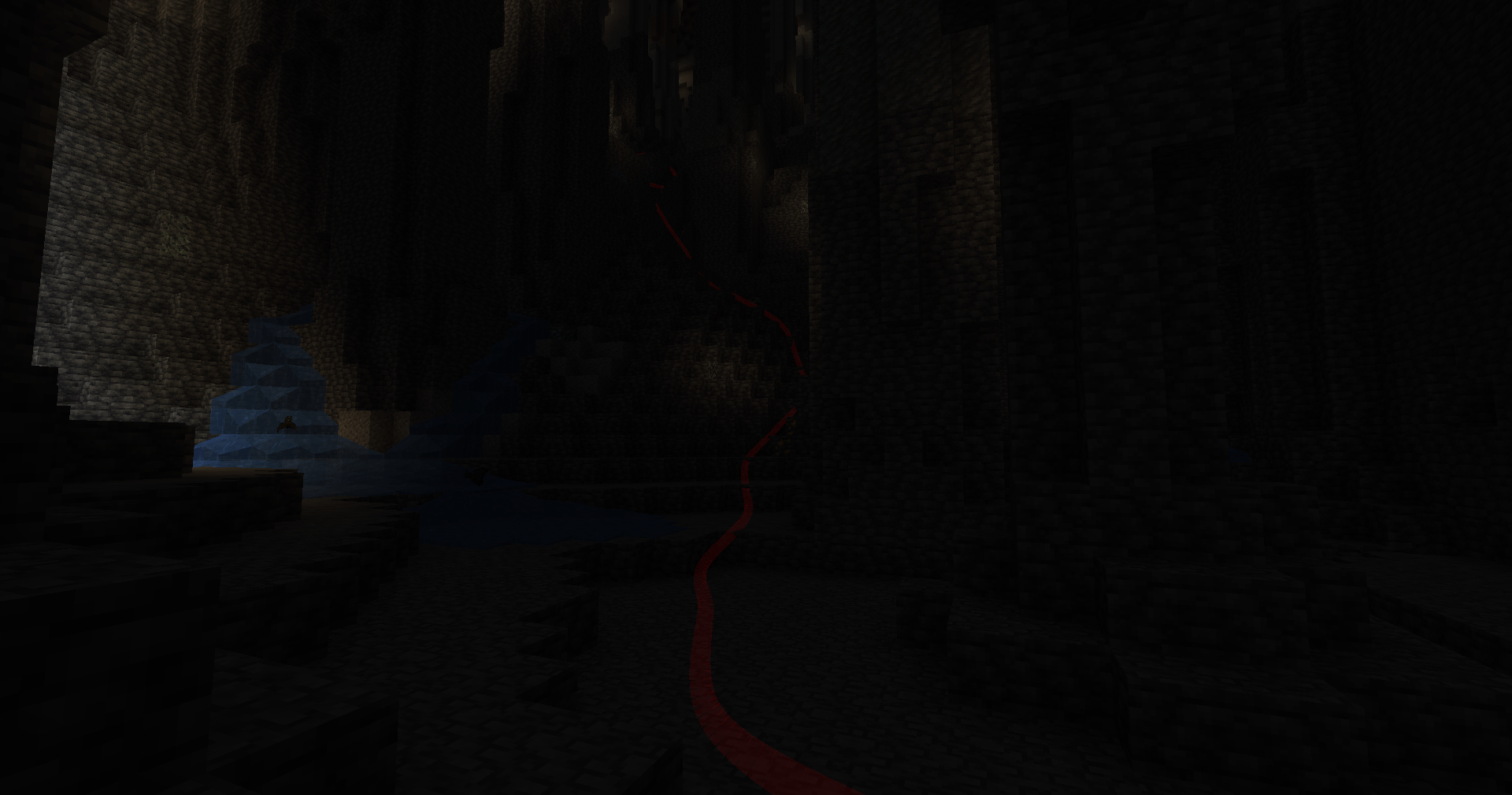 Change Transparency 2025-02-03_00.22.49.png
 -
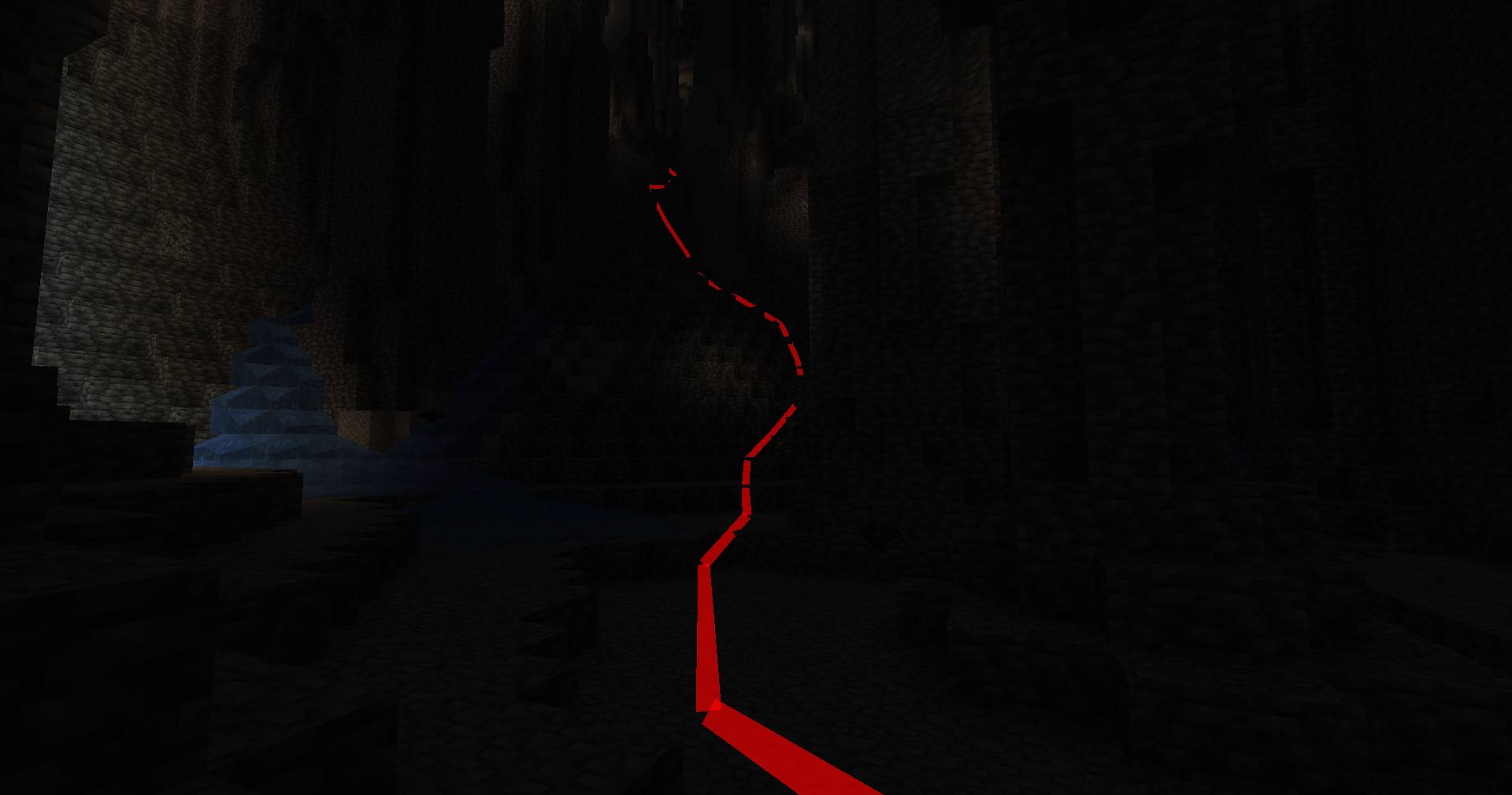 Low Subdivisions 2025-02-03_00.22.22.png
 -
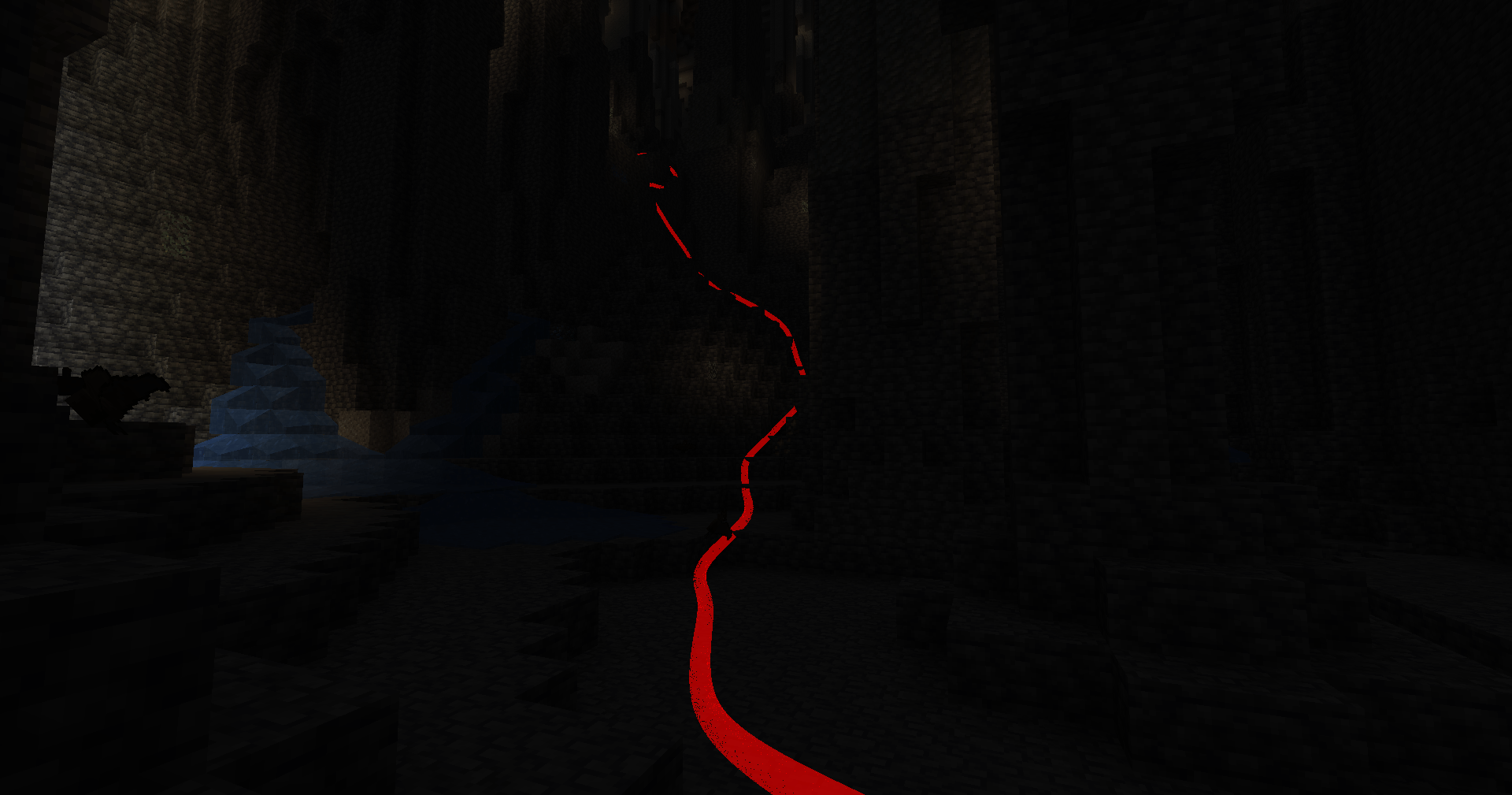 High Subdivisions 2025-02-03_00.22.18.png
 -
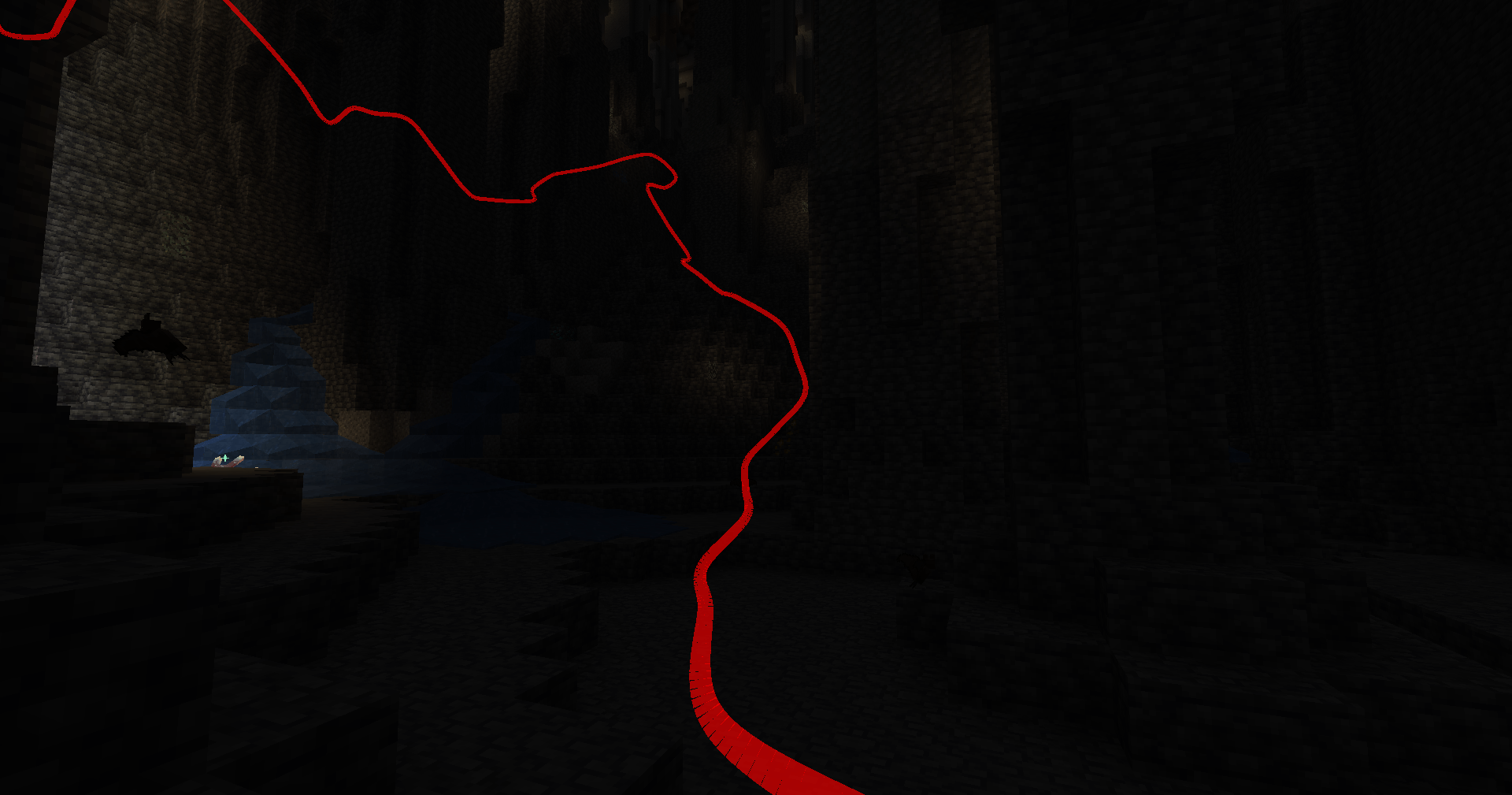 Depth Toggle 2025-02-03_00.21.53.png
 -
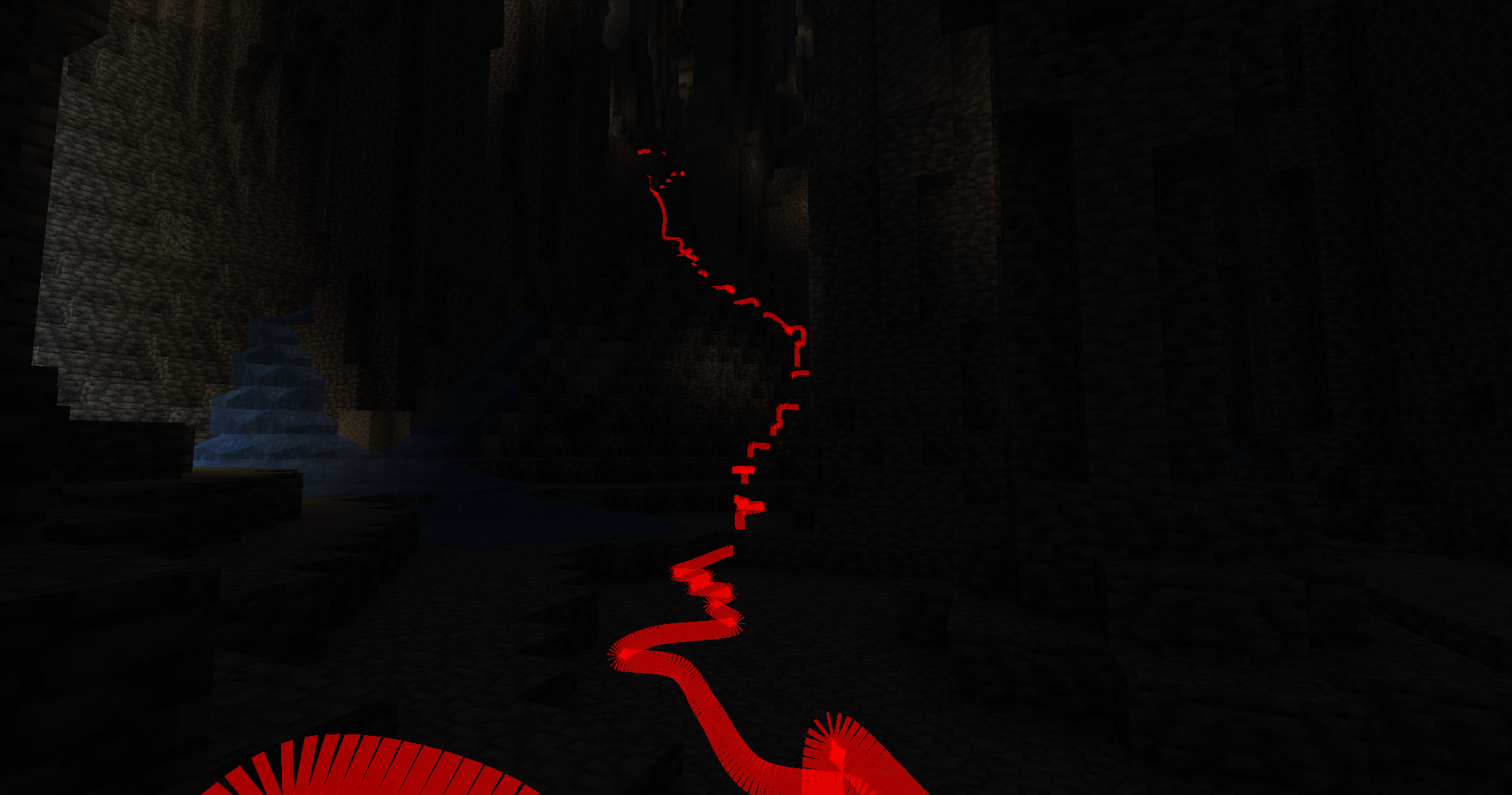 Default Mode 2025-02-03_00.19.39.png
 -
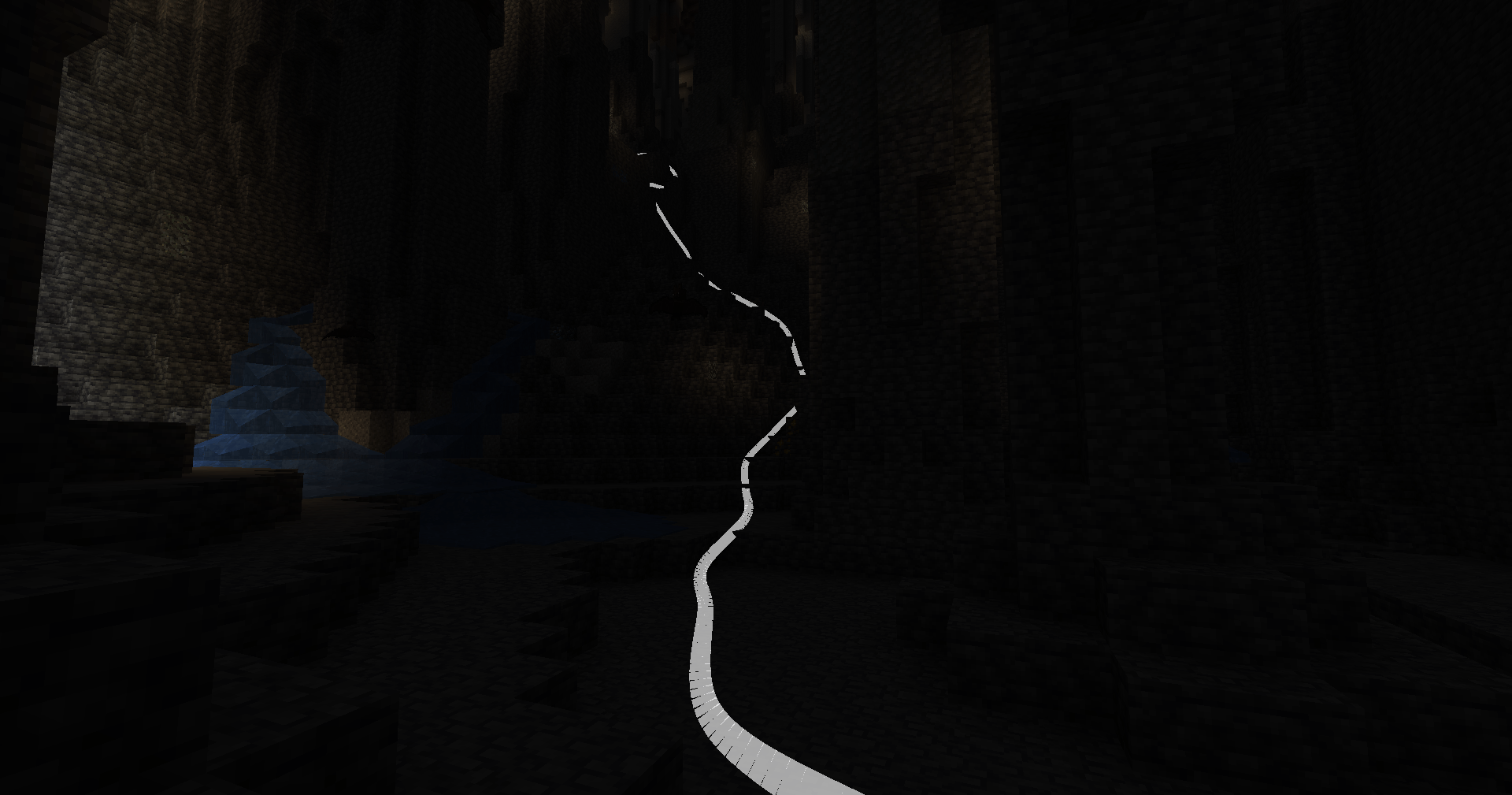 Change Color 2025-02-03_00.19.18.png
 -
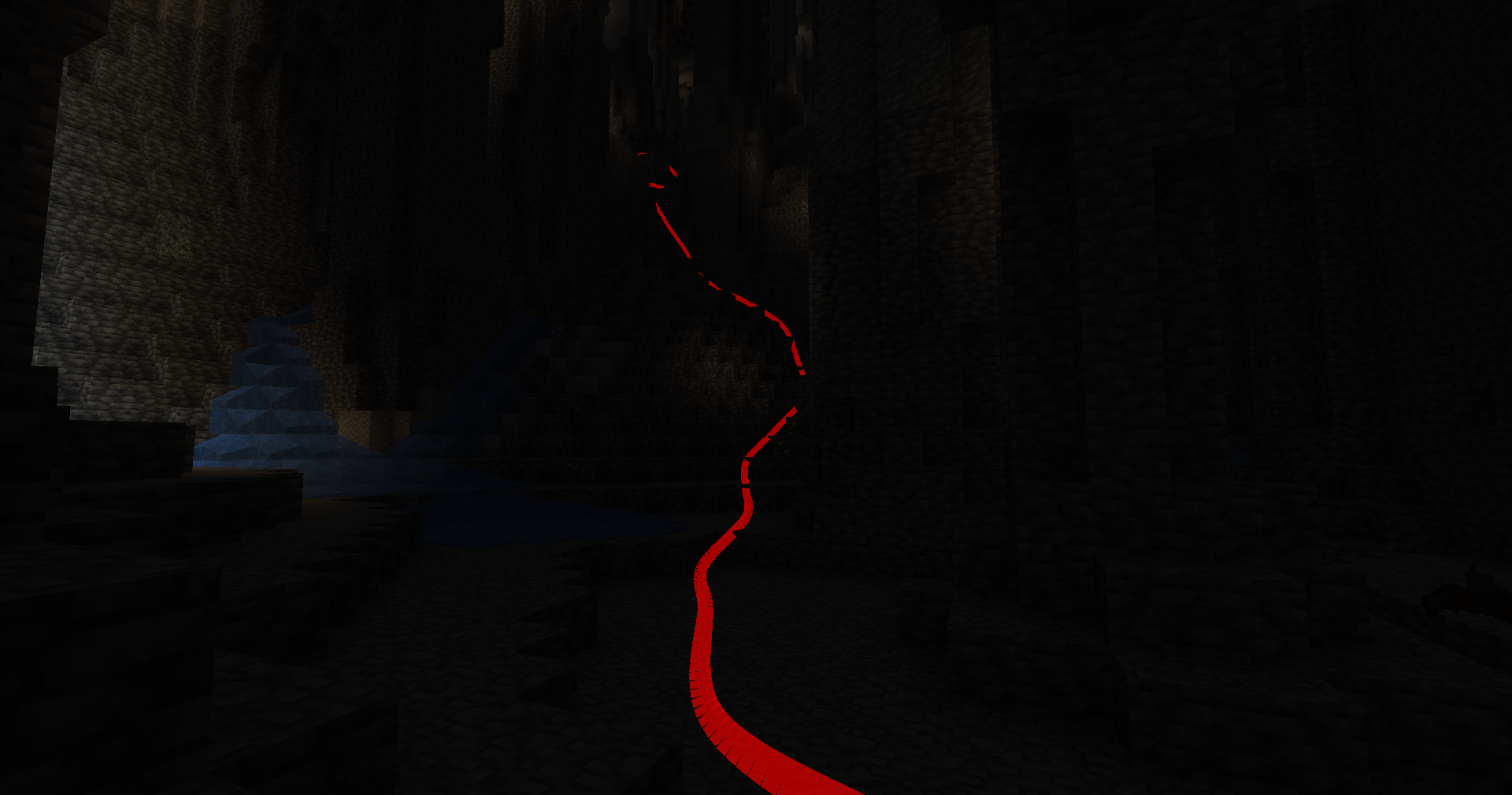 Grouped Mode 2025-02-03_00.19.11.png
-
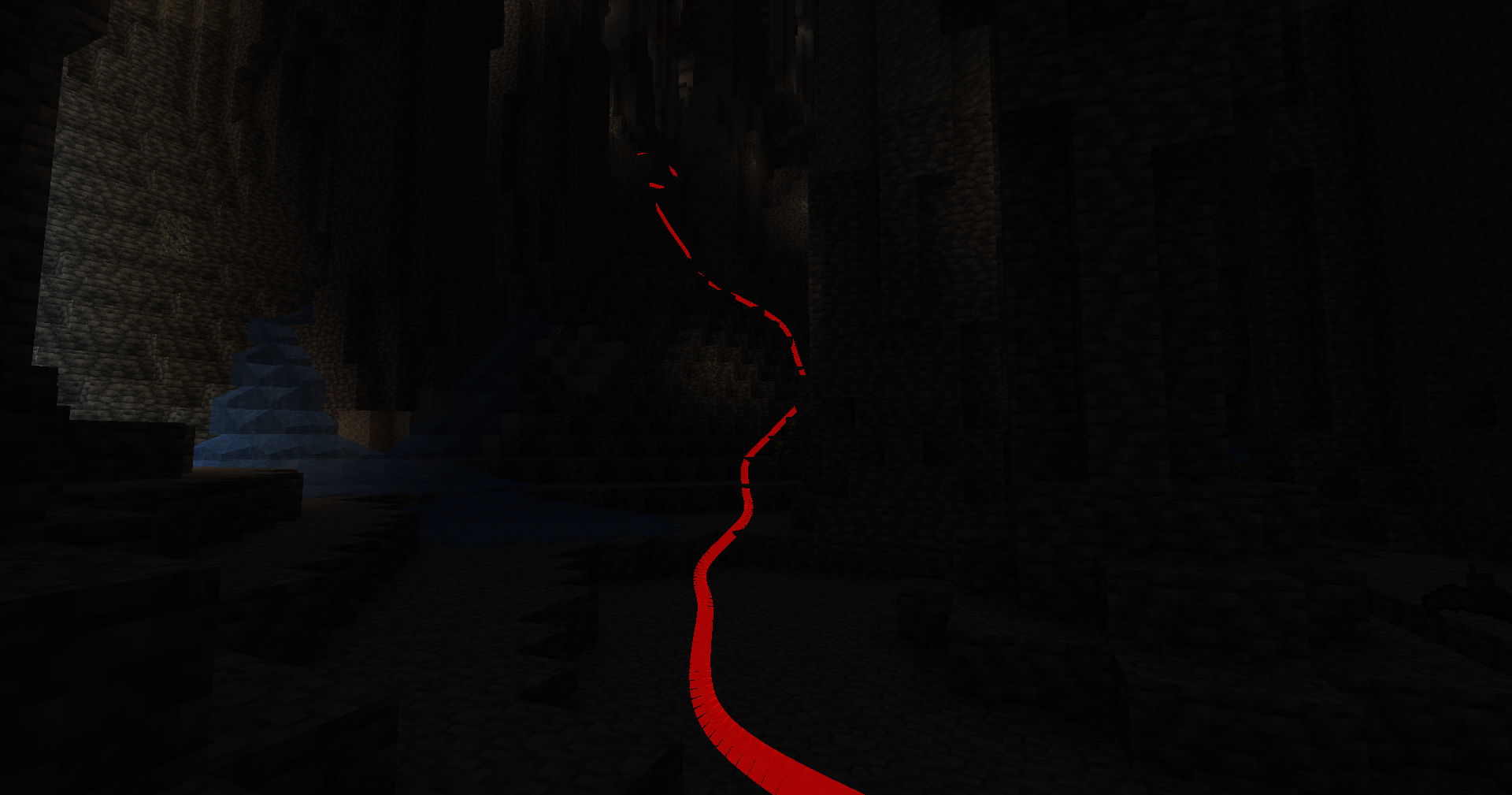 Grouped mode
 -
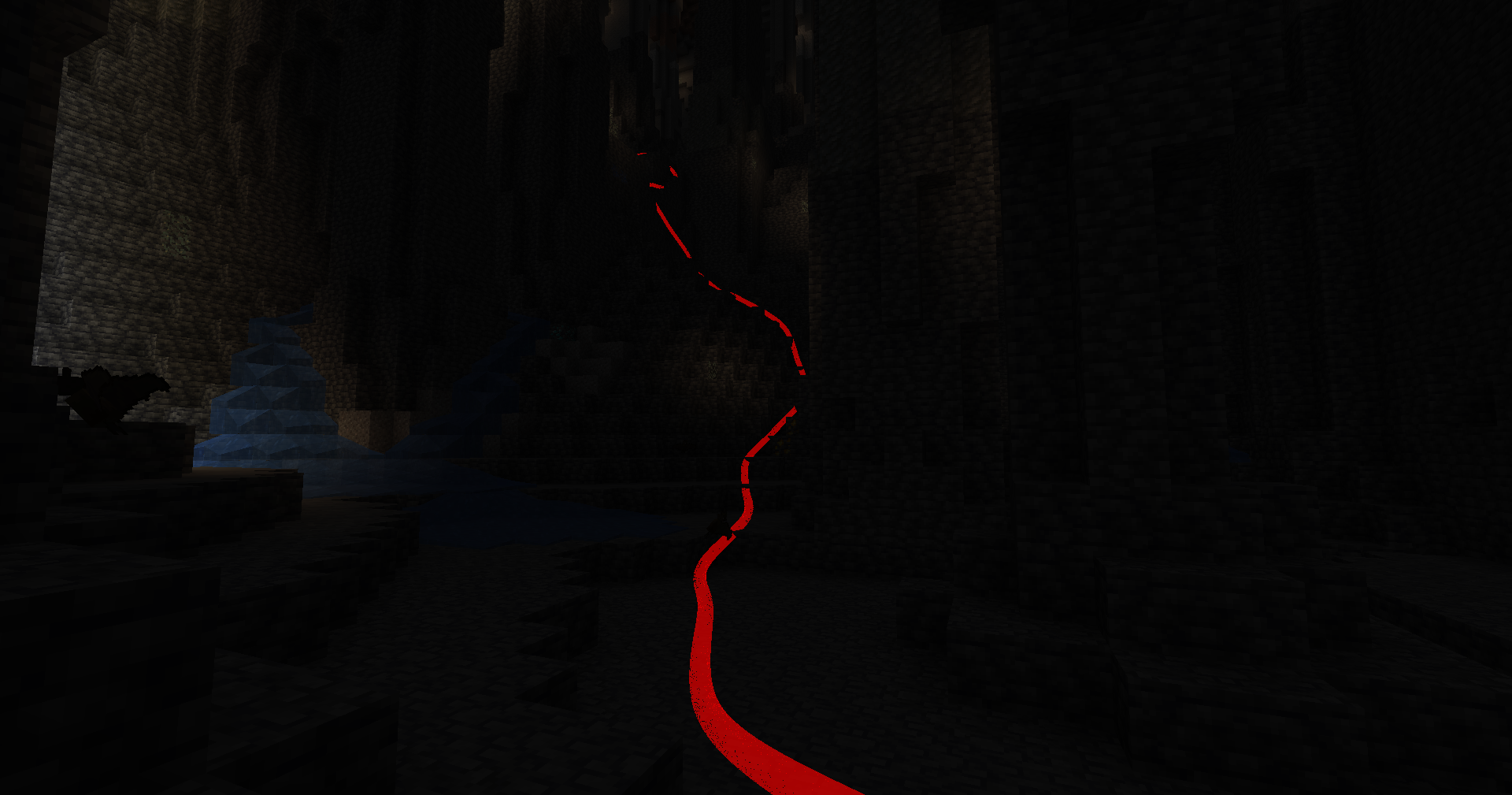 Subdivisions
 -
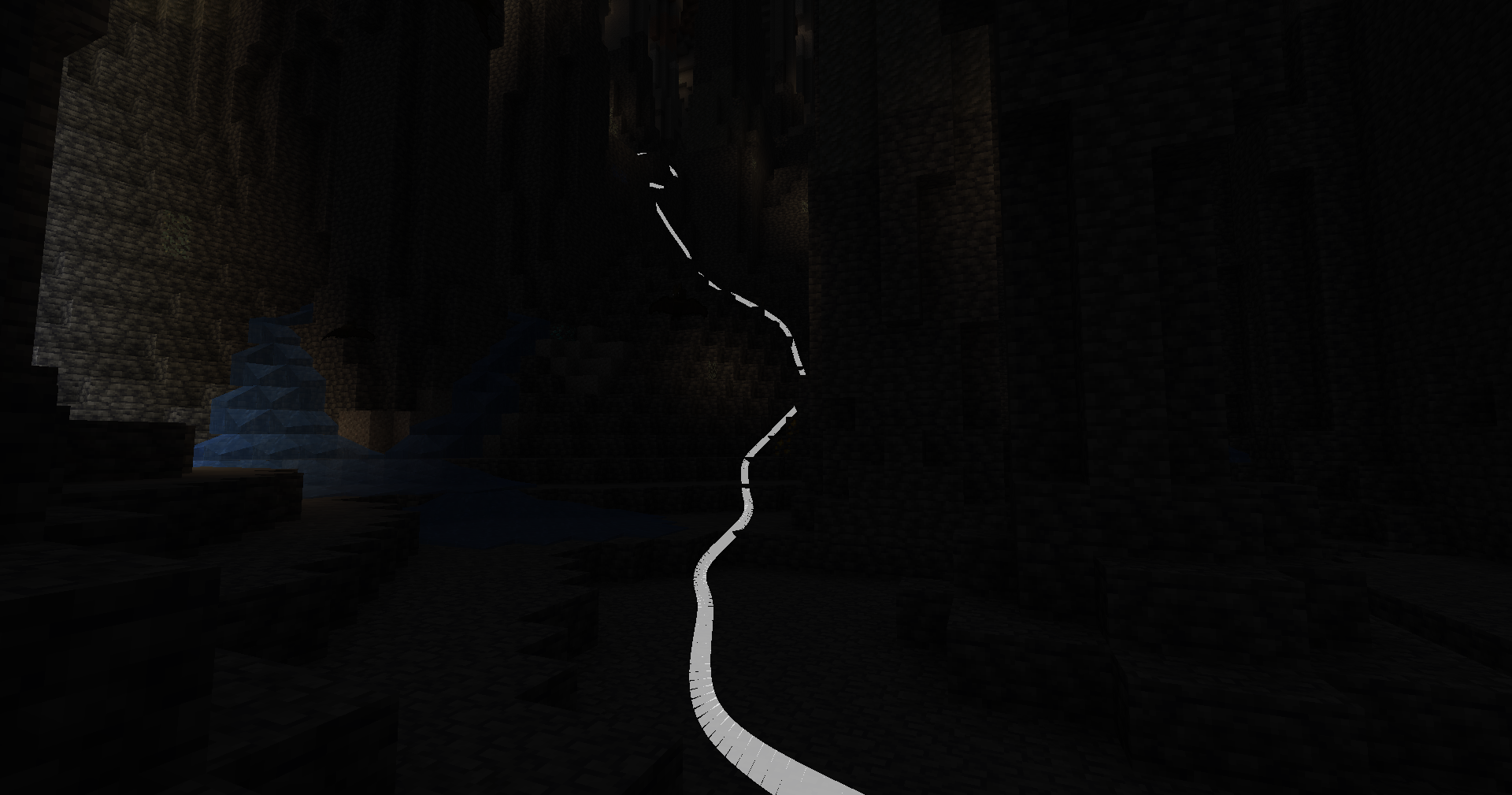 Change Color
 -
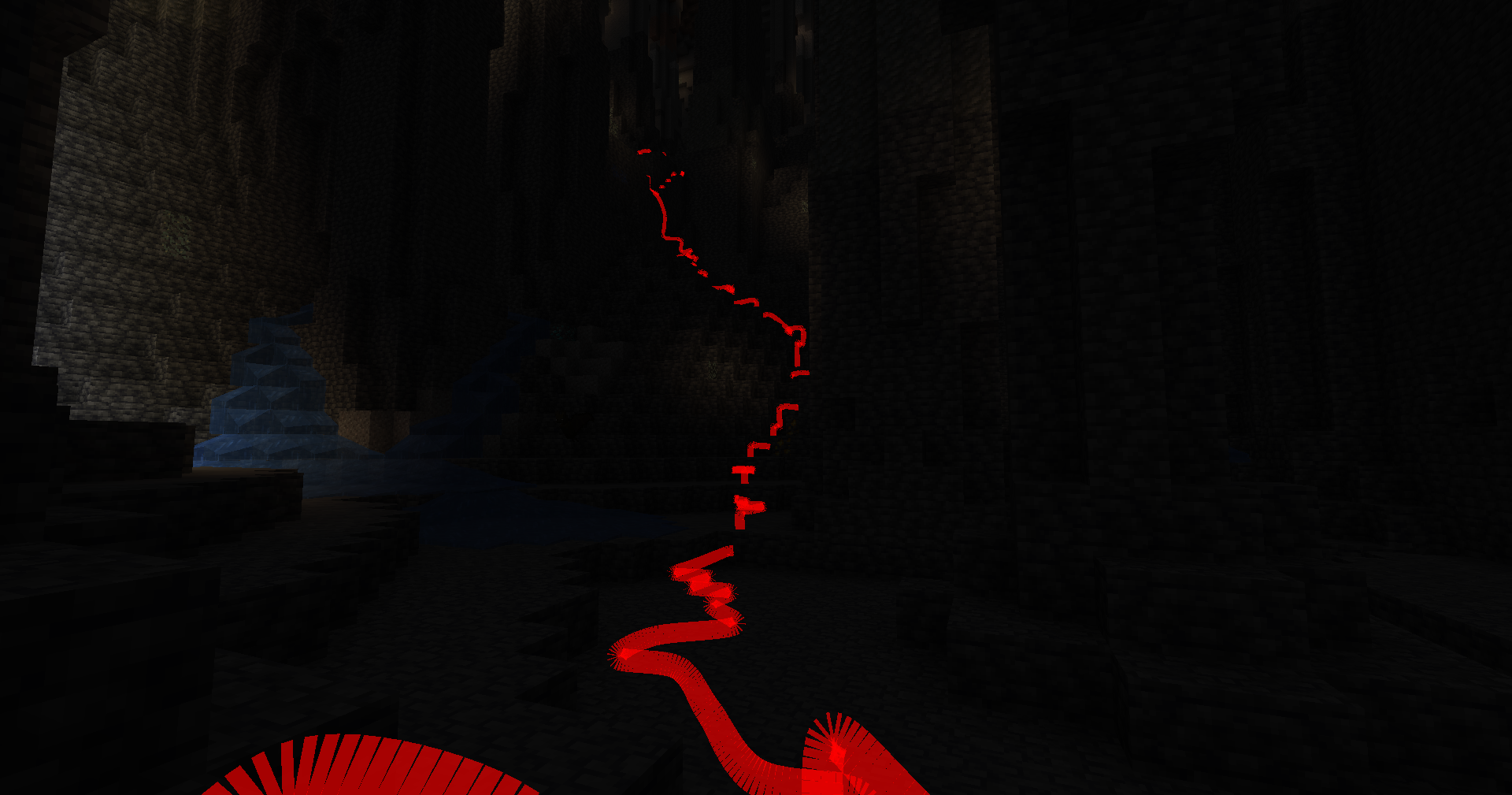 Default Mode (per block)
 -
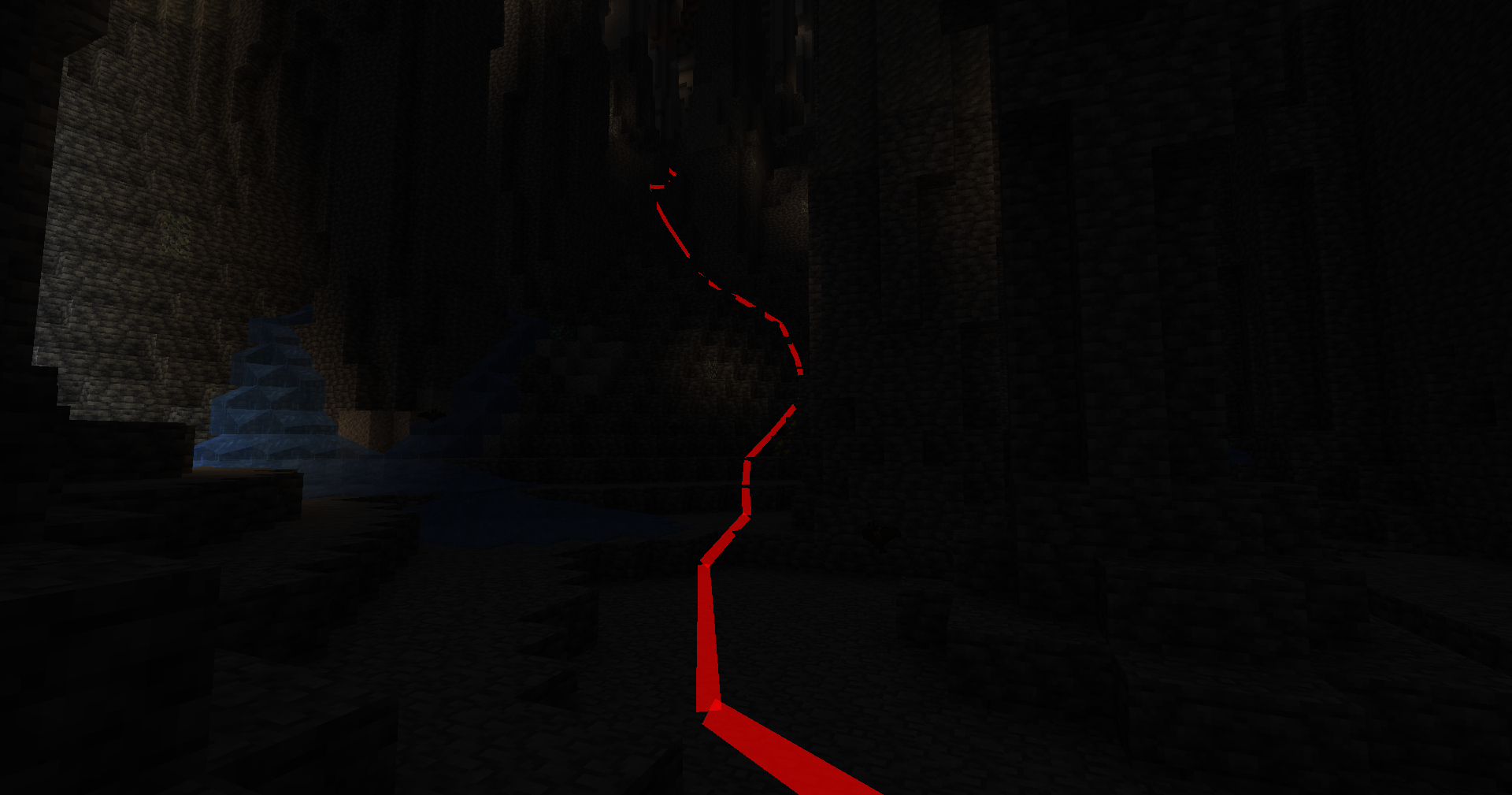 Subdivision (low count)
 -
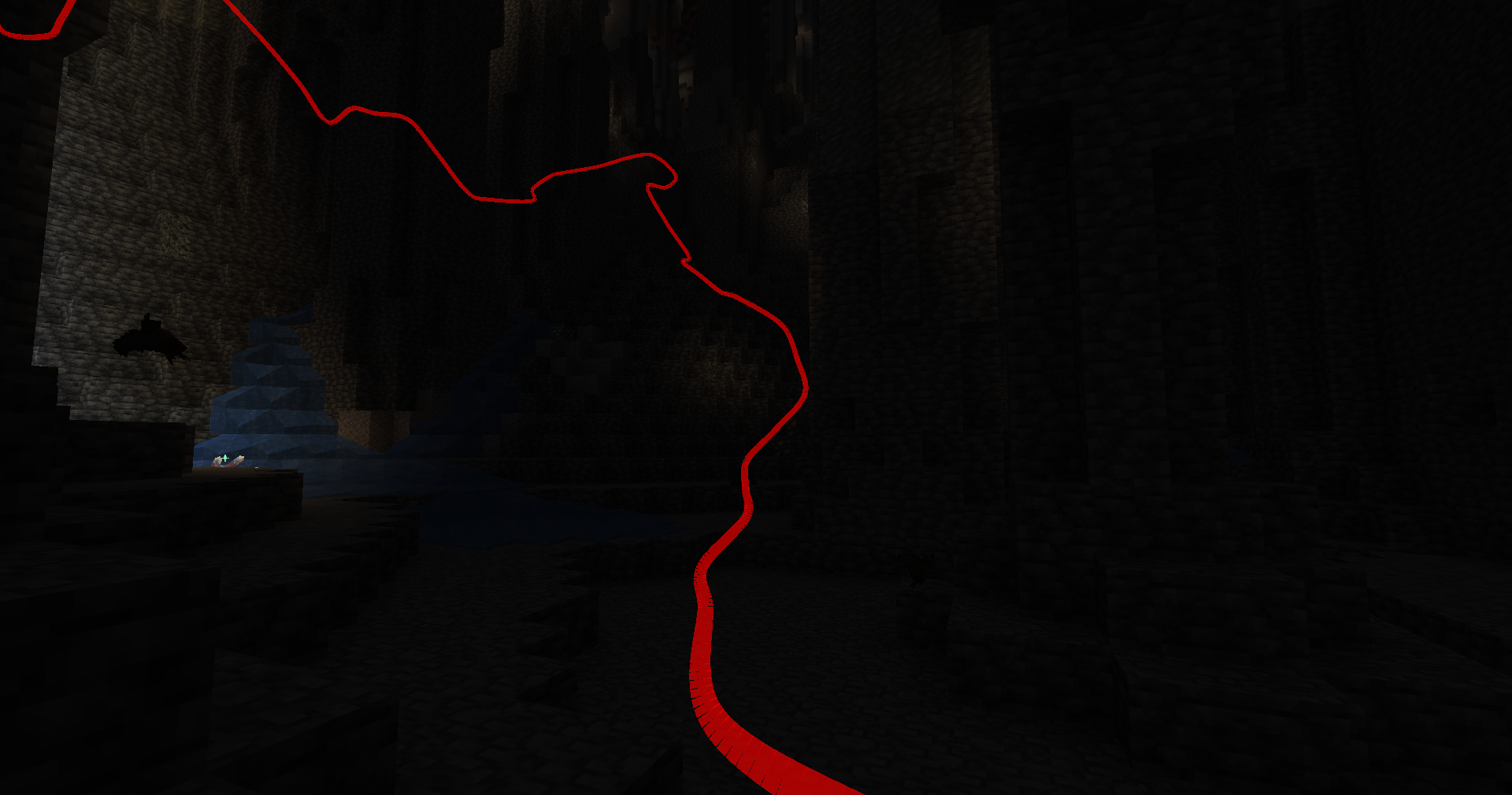 Depth Toggle
 -
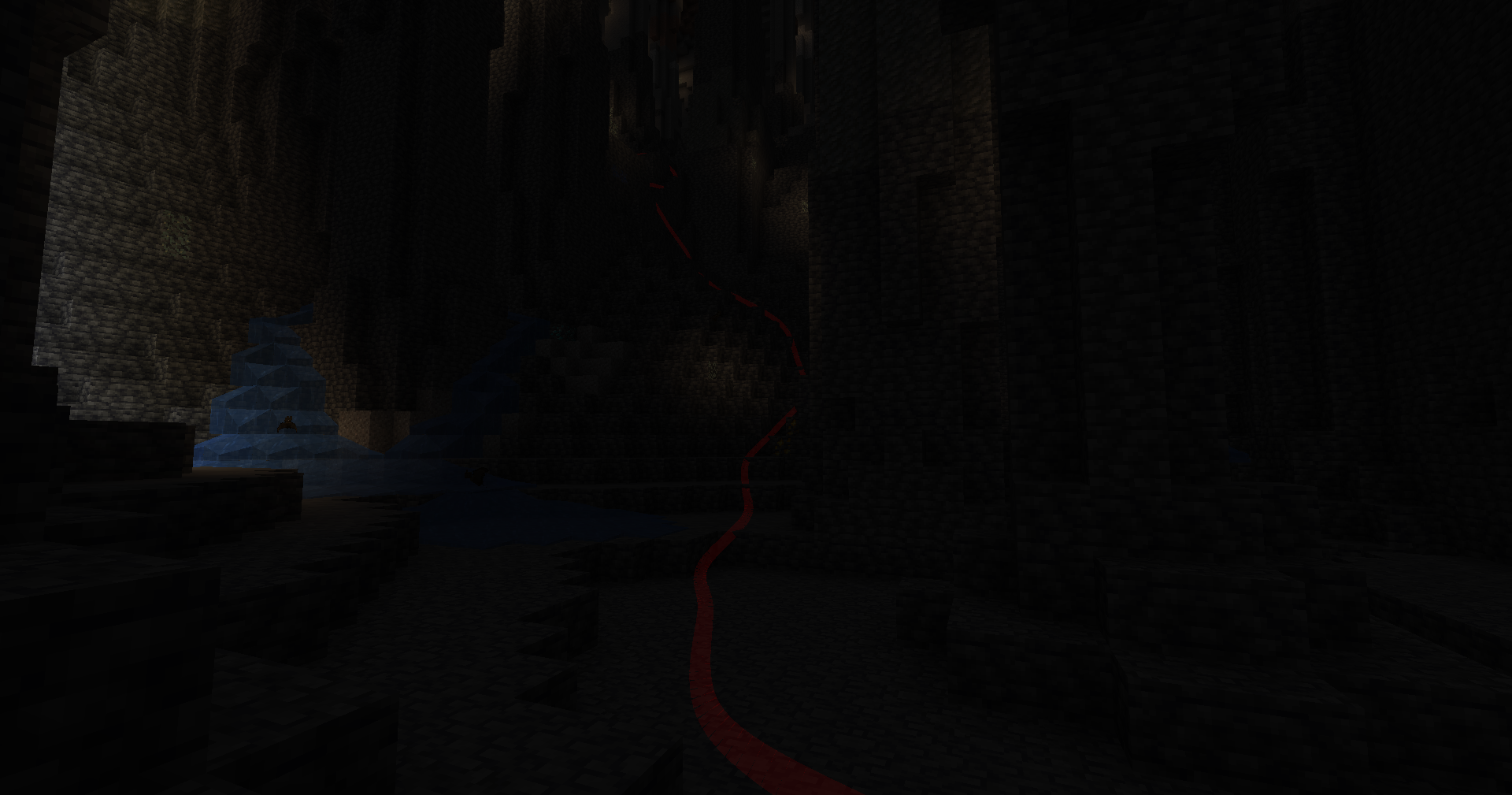 Transparency
Versions
Files
Relations
Project Relations
More like this
Similar Mods
Suggestions use data such as tags, dependencies, dependents, descriptions, titles, and more to rank how much they overlap with this mod.
On ModDex
Community snapshot
By the numbers
Statistics
 (opens in a new tab)
Get it on
Available Platforms
On ModDex
Community snapshot
By the numbers