
Community listing page, reviews here may not be monitored by the author.
PearlScout

No reviews yet
A client-side HUD utility that automatically captures and displays a picture-in-picture freeze-frame when your camera clips inside solid blocks.
Community voices
Reviews
No reviews yet. Be the first to review this project!
Get it on
Available Platforms
About
Project Details
For authors
Embed Badge
If you're the author of this project, you can embed a live badge anywhere that supports HTML or Markdown. It updates automatically whenever ratings change.
Use HTML for any page that supports it, or Markdown for README files and Markdown-based descriptions.
Identifiers
Platform IDs
Resources
External Links
About
Description
PearlScout The Ultimate Visual Buffer & Scouting Utility
PearlScout is a client-side mod that automatically records a short replay the exact millisecond your camera clips into a solid block. It is perfect for SMP players and technical explorers who need to quickly scout hidden bases, map cave systems, or analyze pearl angles.
Key Features
Auto-Capture:Instantly records a visual buffer the moment your camera hits a wall. 60-Frame Replay: Scrub backward and forward frame-by-frame to catch quick glimpses of hidden structures. Pinpoint Telemetry:View exact X/Y/Z coordinates, camera angles, and velocity locked to each frame. Flexible Viewing:Analyze footage on the fly with a Picture-in-Picture (PiP) HUD, or use the Full-Screen GUI for a closer look. One-Click Save: Export the perfect frame directly to your screenshots folder instantly. 100% Client-Side: Works on any vanilla server, SMP, or Realm without server-side installation.
Controls
All keybinds are fully customizable in the standard Minecraft controls menu under the PearlScout category.
| Key | Action |
|---|---|
| V | Toggle Picture-in-Picture HUD |
| N | Open Full-Screen Analyzer |
| Left / Right Arrows | Scrub to Previous / Next Frame |
| Up / Down Arrows | Increase / Decrease HUD size |
| G | Save current frame to disk |
| H | Toggle telemetry/coordinates overlay |
Use Cases
Base Hunting: Spot underground bases or hidden chests during a pearl clip and log their exact coordinates. Terrain Scouting: Visually map out hollow spaces, ravines, and buried structures while exploring. Technical Analysis: Review your precise camera orientation and positional data during a geometric clip.
Note: PearlScout is a client-side diagnostic tool. Please ensure you follow the rules of the servers you play on regarding the use of visual utilities.
Screenshots
Gallery
-
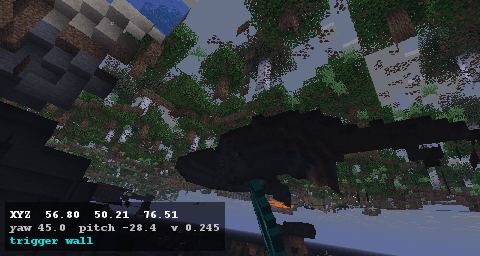 view 4 saved png with cords.png view 4 saved png with cords.png
 -
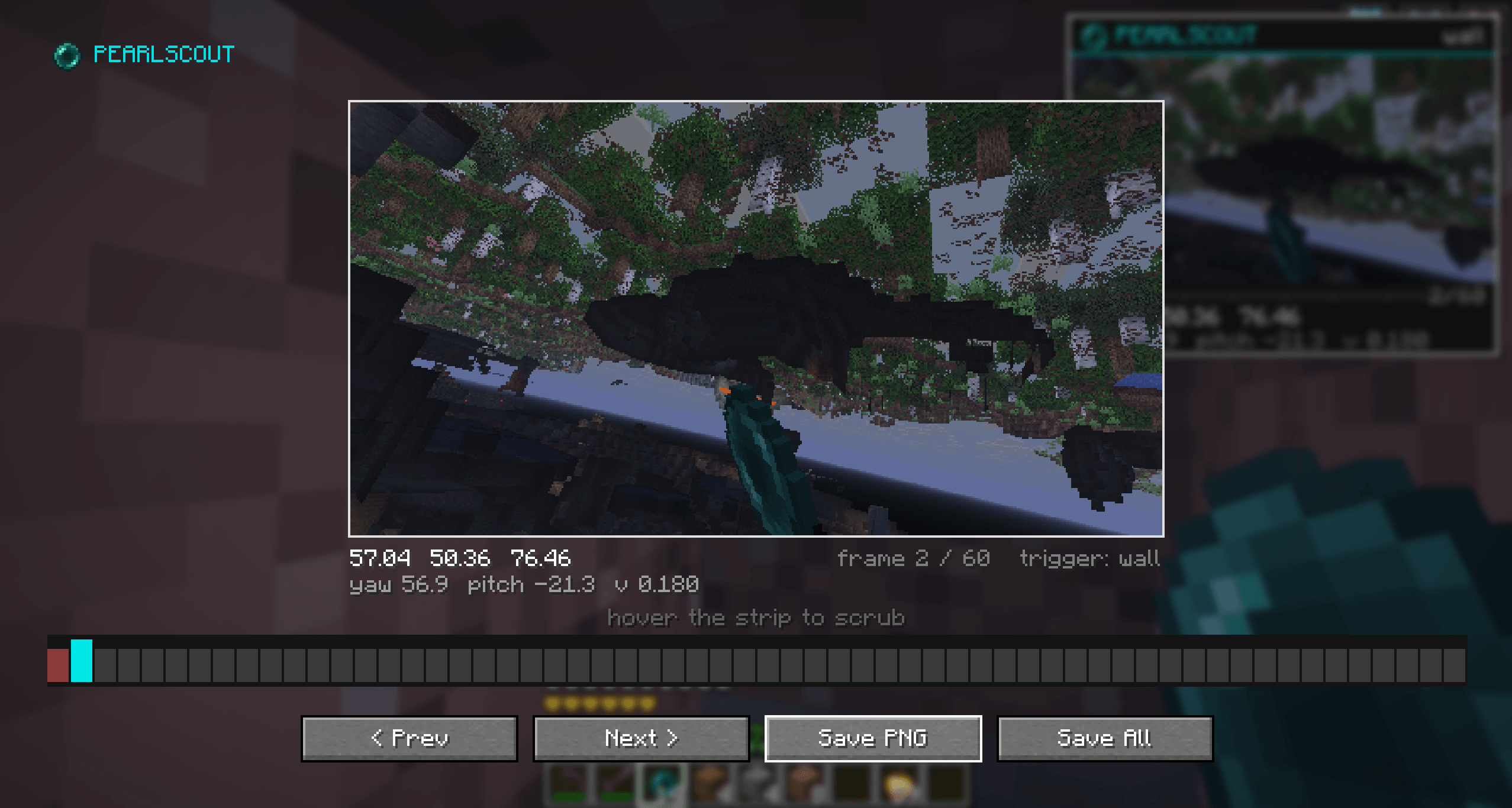 view 3 can review parts to save.png view 3 can review parts to save.png
 -
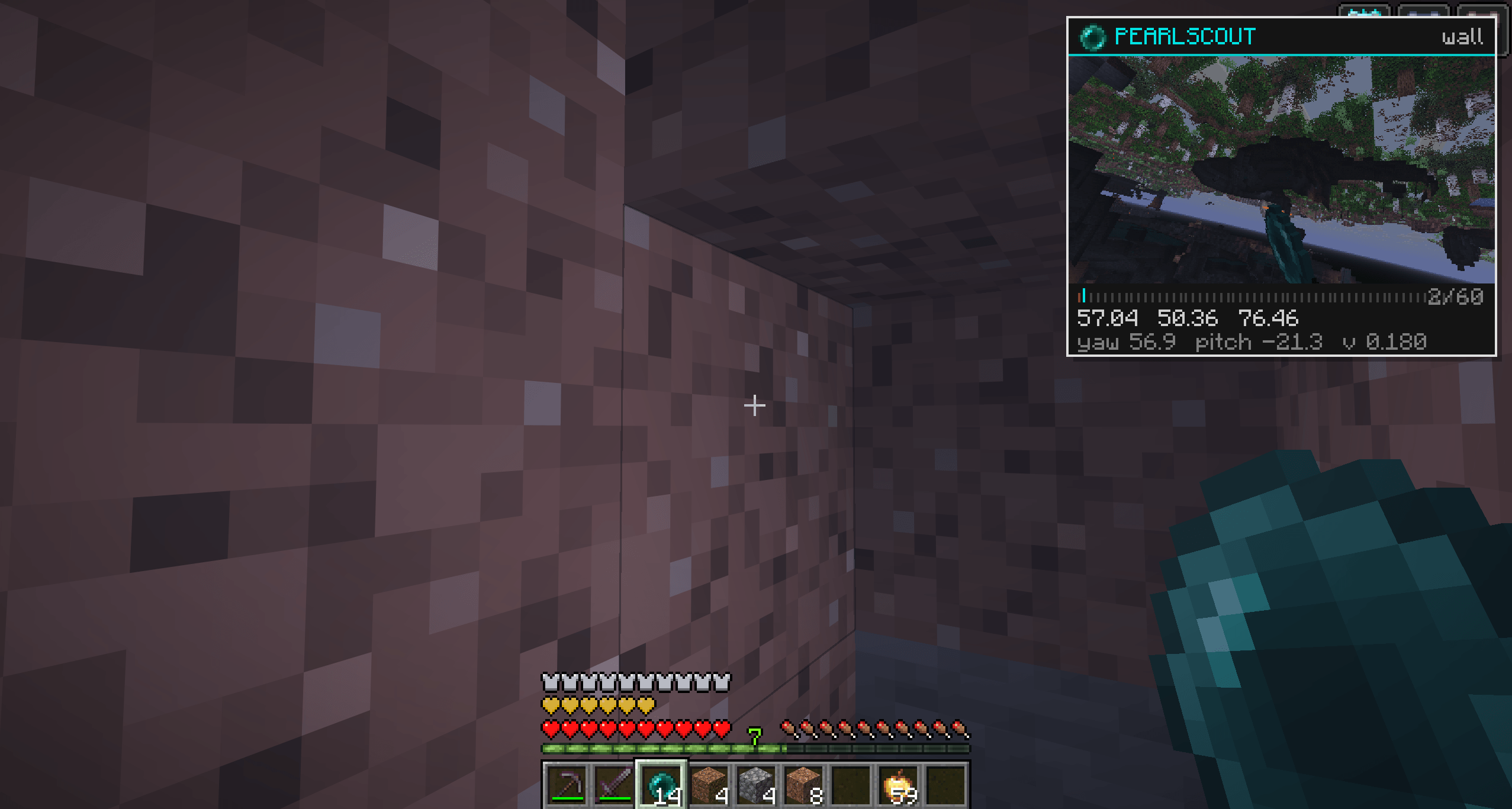 View 2 after ender pearling.png View 2 after ender pearling.png
 -
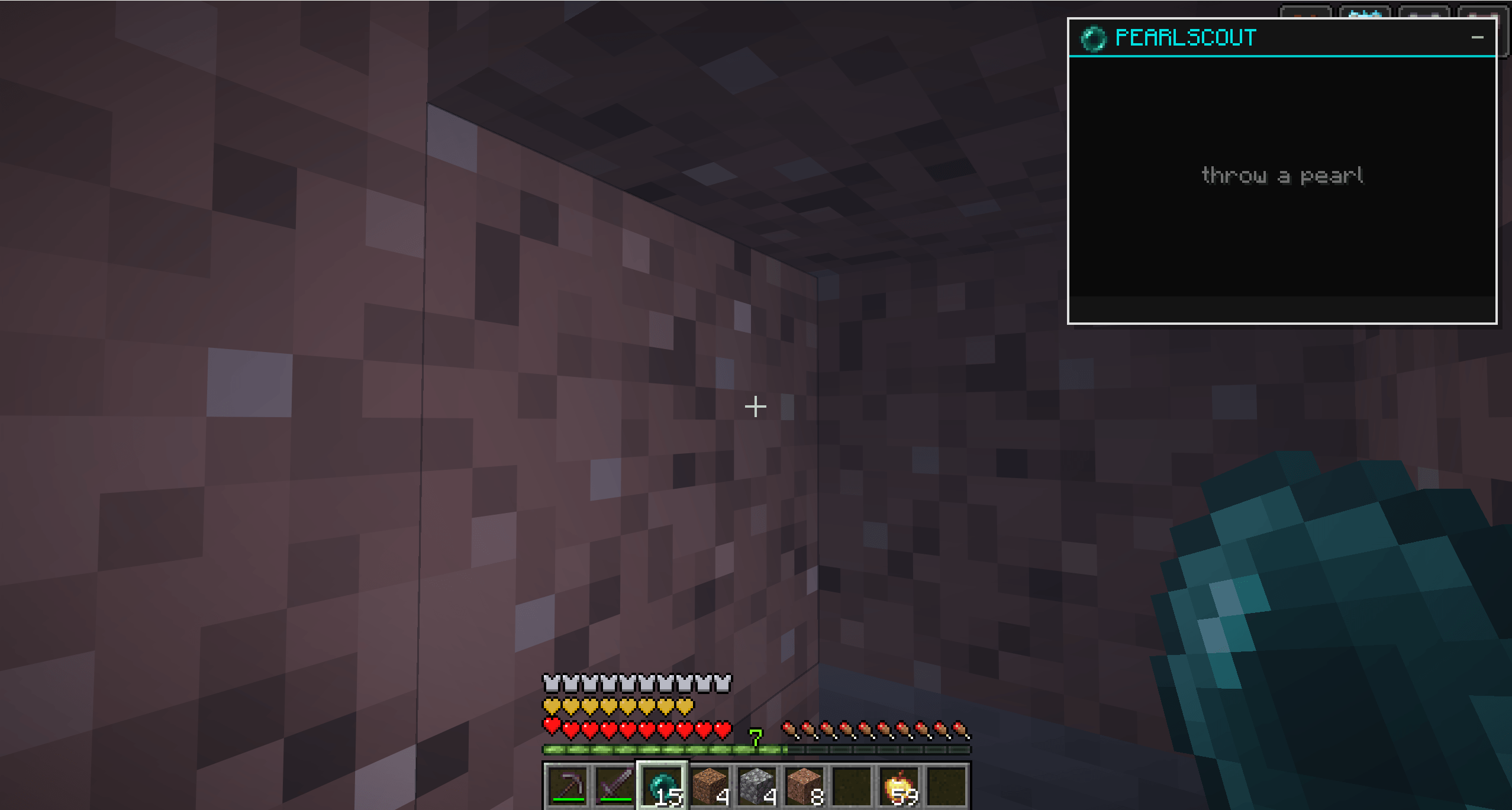 View 1.png View 1.png
Versions
Files
Relations
Project Relations
More like this
Similar Mods
Suggestions use data such as tags, dependencies, dependents, descriptions, titles, and more to rank how much they overlap with this mod.
On ModDex
Community snapshot
By the numbers
Statistics
Want to reach Minecraft players?
We're looking for a server hosting partner to feature here and other parts of the site. Interested? Send us a message!
Get in touchGet it on
Available Platforms
On ModDex
Community snapshot
By the numbers
Statistics
Resources