Community listing page, reviews here may not be monitored by the author.
Permanent Chat Logs


No reviews yet
Save the Save the chat logs to the disk, permanently.

Community voices
Reviews
No reviews yet. Be the first to review this project!
Get it on
Available Platforms
Compatibility
Supported Environments
Runs entirely on the client. Works on vanilla servers.
About
Project Details
For authors
Embed Badge
If you're the author of this project, you can embed a live badge anywhere that supports HTML or Markdown. It updates automatically whenever ratings change.
Use HTML for any page that supports it, or Markdown for README files and Markdown-based descriptions.
Identifiers
Platform IDs
About
Description
Introduction
This Mod saves chat logs to the disk to prevent them from being lost when exiting.
Compared with the plain log file (i.e. logs in the "logs" folder), the saved logs here support additional styles including colors, fonts, and even hovering texts. Besides, the time information when messages are received, which is absent in the vanilla game, is available here.
Filtering sessions
Also, searching for sessions or messages in the history is supported, you may filter sessions by:
- The save or server associated with the session.
- The day, month, or year in which the session started.
- Examples: 20240306, 202403, 2024
- The number of messages in the session.
- The format of integer ranges in entity selectors is used here.
- For example, ..20 stands for 0 to 20, while 20.. stands for 20 and above.
- The length of the session.
- The format of integer ranges in entity selectors is used here.
Settings
visibleLineCount: Overrides the maximum number of messages in the chatting HUD.autoSaveIntervalInMs: The interval of the auto-saving of chat logs, in milliseconds.
Tooltips
If a text in the chat logs has a click event or hover event, a hovering tooltip is displayed, with the argument of the event on it. When both click event and hover event are present in the same text, only the argument of the hover event is displayed initially, to get the argument of the click event, press the Alt key.
The texts on the tooltips can be copied by clicking the text with Ctrl down.
Introduction
This Mod saves chat logs to the disk to prevent them from being lost when exiting.
Compared with the plain log file (i.e. logs in the "logs" folder), the saved logs here support additional styles including colors, fonts, and even hovering texts. Besides, the time information when messages are received, which is absent in the vanilla game, is available here.
Following features are available or planned now:
- Recording chat logs.
- Exporting chat logs as TXT or HTML.
- Enhance of vanilla chat HUD (like long chat history).
- Deleting existing sessions.
- Spliting existing sessions.
- Mark for events in sessions.
- Searching for sessions.
- Searching for message in all sessions (WIP).
- Mergeing a set of sessions, especally those recorded in the same place (WIP).
Filtering sessions
Also, searching for sessions or messages in the history is supported, you may filter sessions by:
- The save or server associated with the session.
- The day, month, or year in which the session started.
- Examples: 20240306, 202403, 2024
- The number of messages in the session.
- The format of integer ranges in entity selectors is used here.
- For example, ..20 stands for 0 to 20, while 20.. stands for 20 and above.
- The length of the session.
- The format of integer ranges in entity selectors is used here.
- Whether or not the session is recorded in a multiplayer server.
Settings
visibleLineCount: Overrides the maximum number of messages in the chatting HUD.autoSaveIntervalInMs: The interval of the auto-saving of chat logs, in milliseconds.
Tooltips
If a text in the chat logs has a click event or hover event, a hovering tooltip is displayed, with the argument of the event on it. When both click event and hover event are present in the same text, only the argument of the hover event is displayed initially, to get the argument of the click event, press the Alt key.
The texts on the tooltips can be copied by clicking the text with Ctrl down.
Screenshots
Gallery
-
 Session List
 -
 Chat Logs With Styles
-
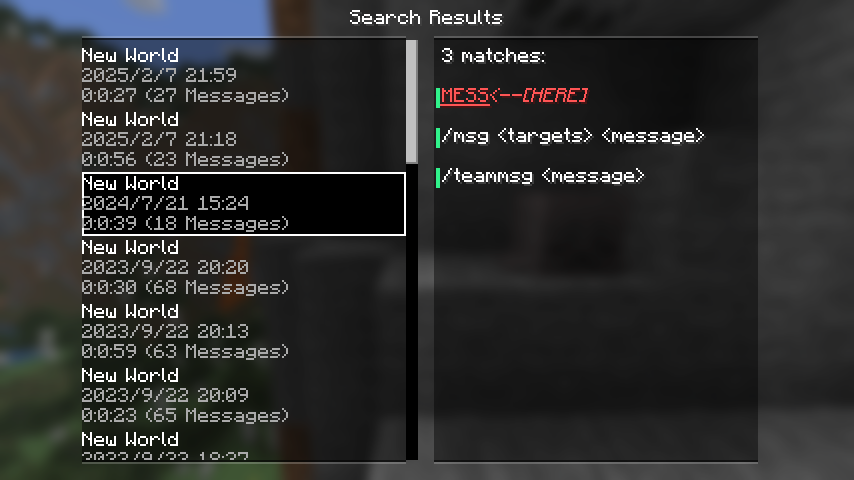 Full-text searching results
 -
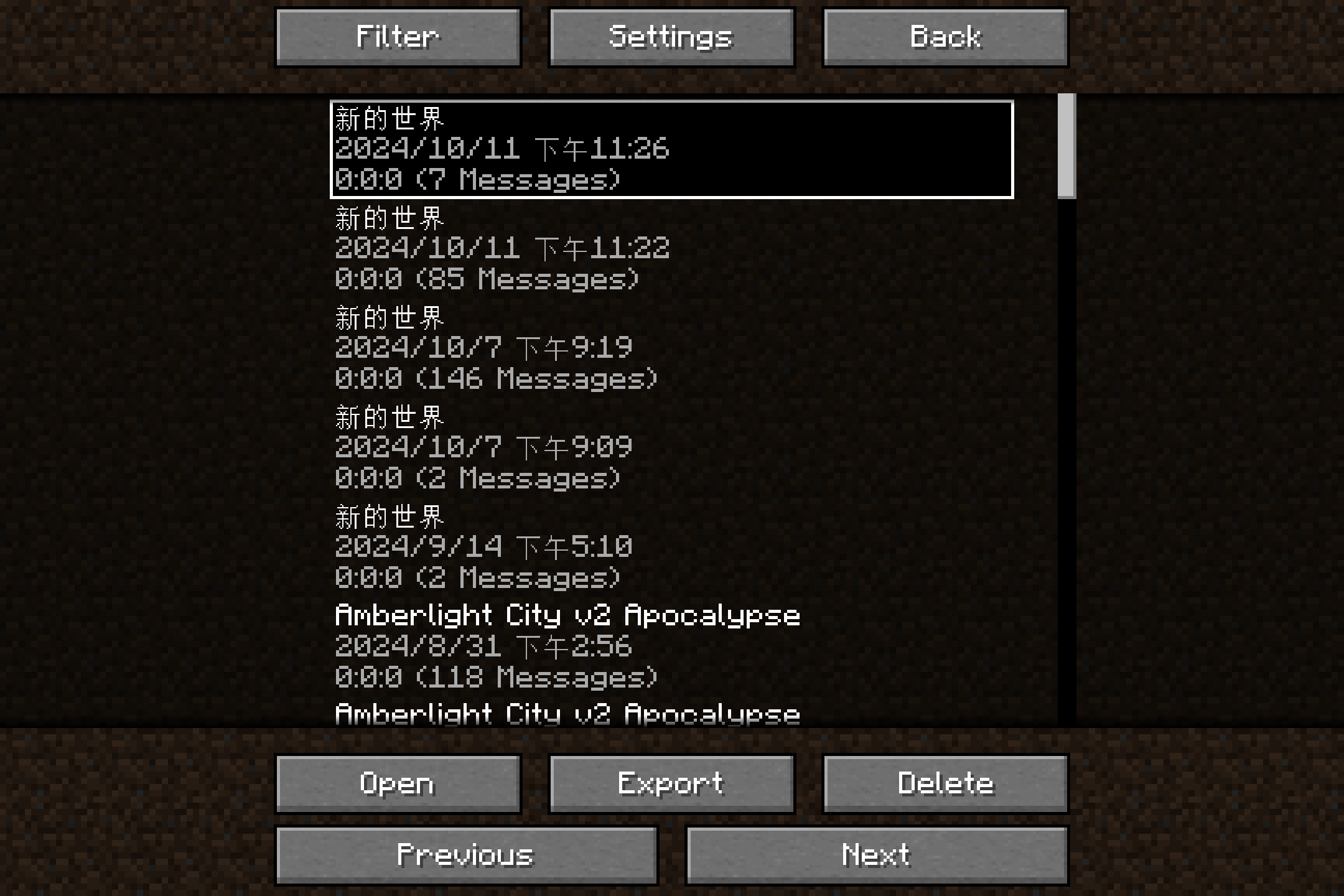 New Session List
 -
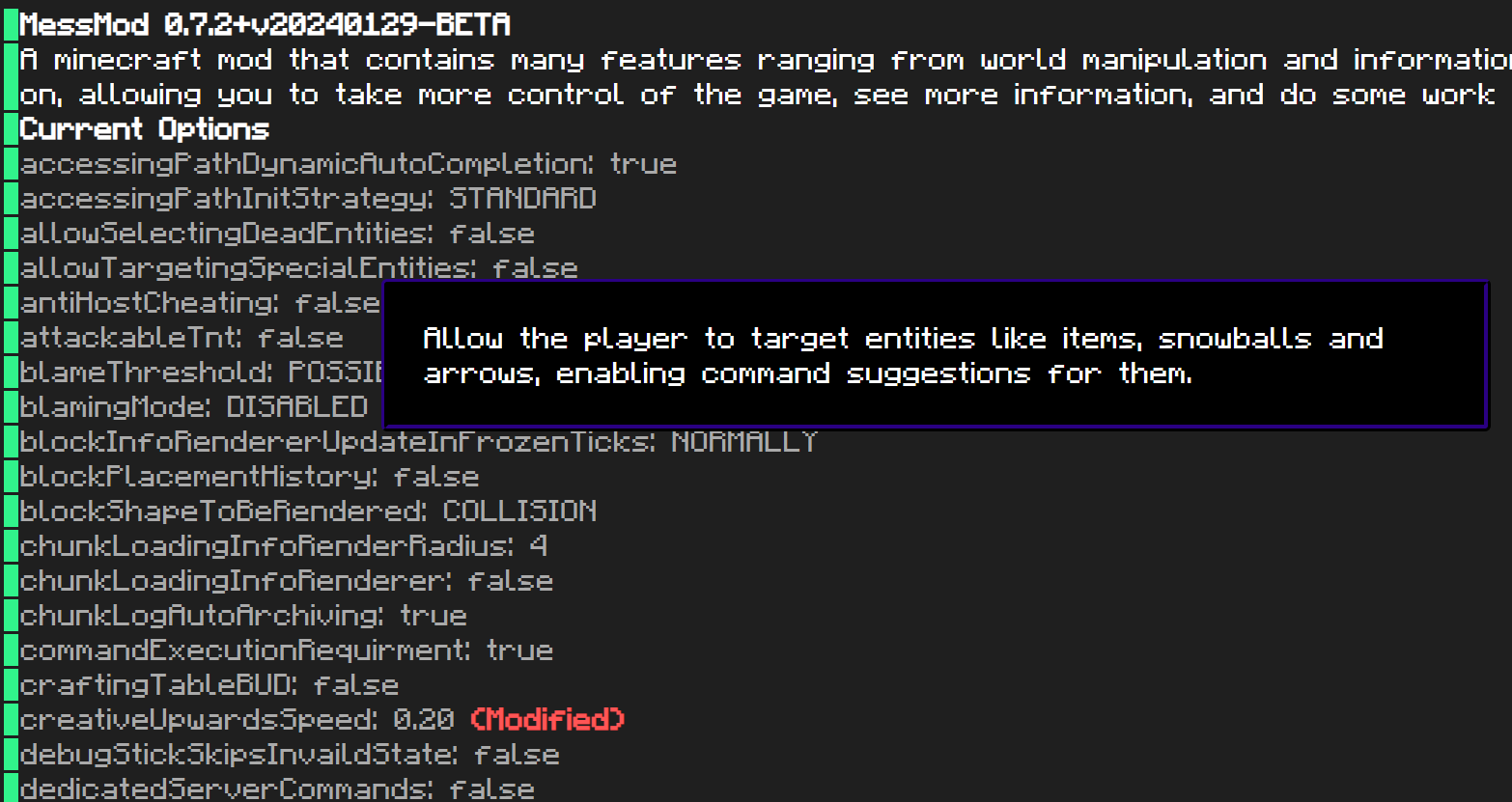 Exported HTML
 -
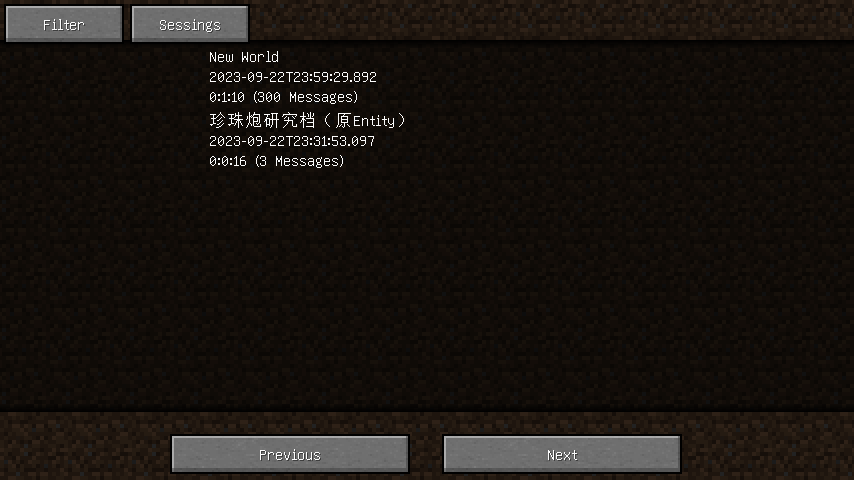 Session List
 -
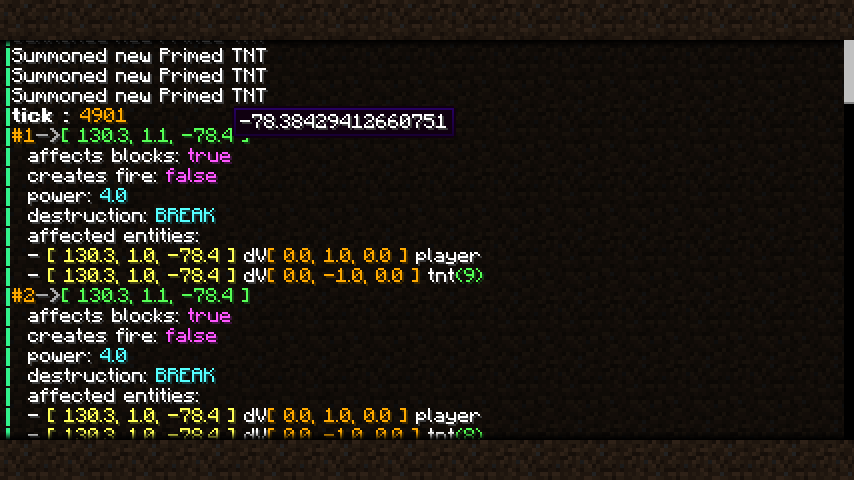 Messages with styles
Versions
Files
Relations
Project Relations
More like this
Similar Mods
Suggestions use data such as tags, dependencies, dependents, descriptions, titles, and more to rank how much they overlap with this mod.
On ModDex
Community snapshot
By the numbers
Statistics
 (opens in a new tab)
Get it on
Available Platforms
On ModDex
Community snapshot
By the numbers