
Community listing page, reviews here may not be monitored by the author.
PermanentSnow


No reviews yet
Change the weather permanently on the client side! Let it snow on every server!

Community voices
Reviews
No reviews yet. Be the first to review this project!
Get it on
Available Platforms
Compatibility
Supported Environments
Runs entirely on the client. Works on vanilla servers.
About
Project Details
For authors
Embed Badge
If you're the author of this project, you can embed a live badge anywhere that supports HTML or Markdown. It updates automatically whenever ratings change.
Use HTML for any page that supports it, or Markdown for README files and Markdown-based descriptions.
Identifiers
Platform IDs
About
Description
PermanentSnow
PermanentSnow allows you to change the appearance of the current weather client side. By default, it does nothing.
Configuration
The configuration may be changed in-game using Mod Menu or by editing the configuration file directly. The configuration file is typically located at config/permanentsnow.json5 in your minecraft folder, the following settings are the default:
{
    // Override precipitation types to render as other precipitation types.
    overridePrecipitationTypes: {
        NONE: "NONE",
        RAIN: "RAIN",
        SNOW: "SNOW"
    },
    // Override the level of precipitation to render.
    overridePrecipitationLevel: false,
    // The higher the level of precipitation, the more intense the precipitation will be.
    precipitationLevel: 1.0,
    // The opacity of the powder snow overlay rendered by this mod.
    powderSnowOverlayOpacity: 0.0
}
FAQ
Does this mod give me unfair advantages over other players?
Not really, this mod only changes the visual appearance of the weather on the client side. It has no effect on gameplay or mechanics. In addition, most Minecraft players can already customize the appearance of weather particles.
Why is there no snow, although I set every precipitation type?
Make sure you also overwrite the precipitation level, as in some cases it may be too low!
Why does my game crash with this mod?
This mod is very simple and should not cause crashes if configured correctly. Try resetting the configuration in the file to the default settings. If you encounter crashes, please report them in the Issue Tracker!
Developers
If you add a custom type of precipitation client side, make sure to set the following translations:
config.permanentsnow.precipitation.group.types.option.<custom precipitation type>config.permanentsnow.precipitation.group.types.option.<custom precipitation type>.description
PermanentSnow
PermanentSnow allows you to change the appearance of the current weather client side. By default, it does nothing.
Configuration
The configuration may be changed in-game using Mod Menu or by editing the configuration file directly. The configuration file is typically located at config/permanentsnow.json5 in your minecraft folder, the following settings are the default:
{
	// Override precipitation types to render as other precipitation types.
	overridePrecipitationTypes: {
		NONE: "NONE",
		RAIN: "RAIN",
		SNOW: "SNOW"
	},
	// Override the level of precipitation to render.
	overridePrecipitationLevel: false,
	// The higher the level of precipitation, the more intense the precipitation will be.
	precipitationLevel: 1.0,
	// The opacity of the powder snow overlay rendered by this mod.
	powderSnowOverlayOpacity: 0.0
}
FAQ
Does this mod give me unfair advantages over other players?
Not really, this mod only changes the visual appearance of the weather on the client side. It has no effect on gameplay or mechanics. In addition, most Minecraft players can already customize the appearance of weather particles.
Why is there no snow, although I set every precipitation type?
Make sure you also overwrite the precipitation level, as in some cases it may be too low!
Why does my game crash with this mod?
This mod is very simple and should not cause crashes if configured correctly. Try resetting the configuration in the file to the default settings. If you encounter crashes, please report them in the Issue Tracker!
Developers
If you add a custom type of precipitation client side, make sure to set the following translations:
config.permanentsnow.precipitation.group.types.option.<custom precipitation type>config.permanentsnow.precipitation.group.types.option.<custom precipitation type>.description
Screenshots
Gallery
-
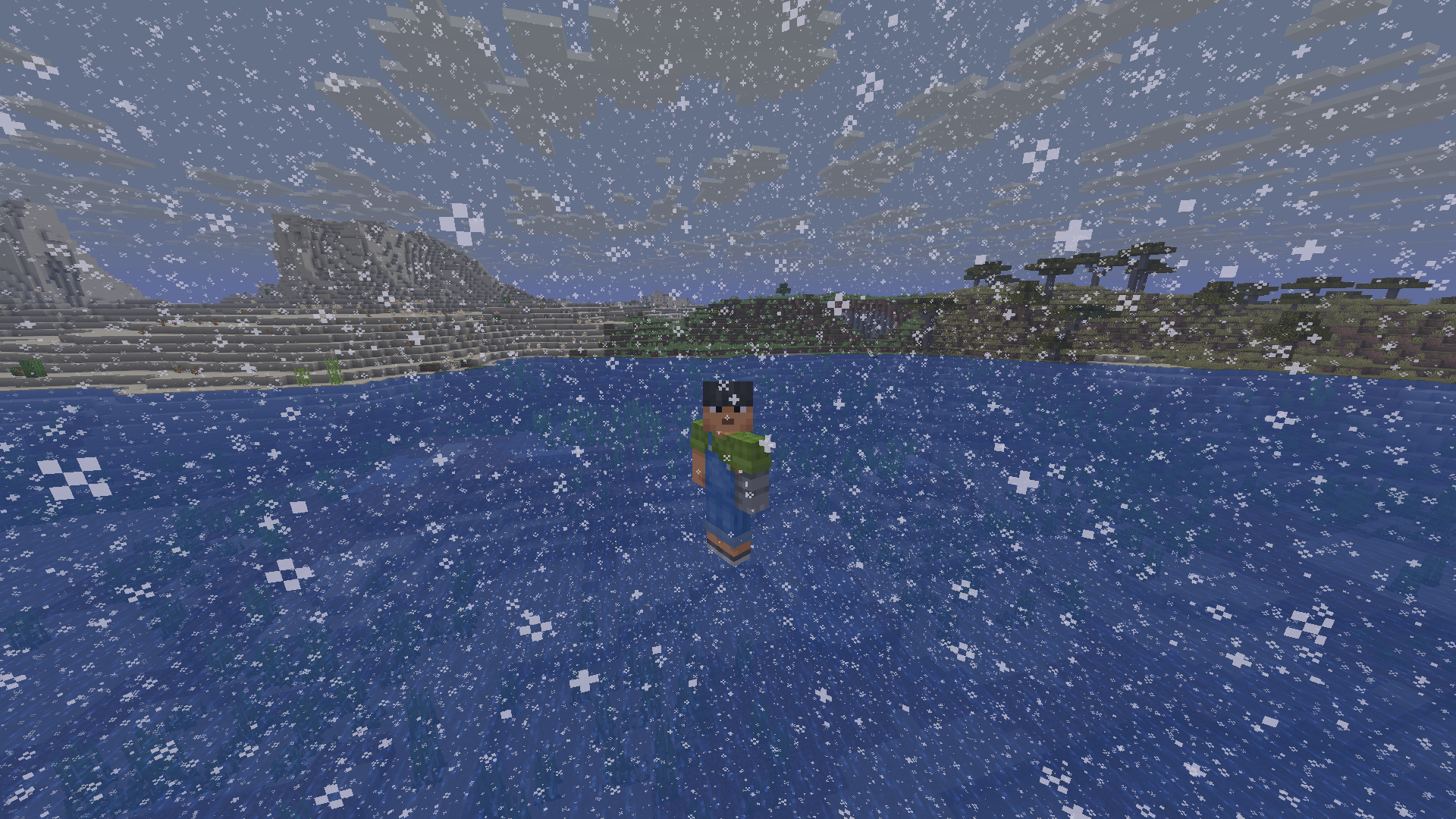 Snow in warm biomes
 -
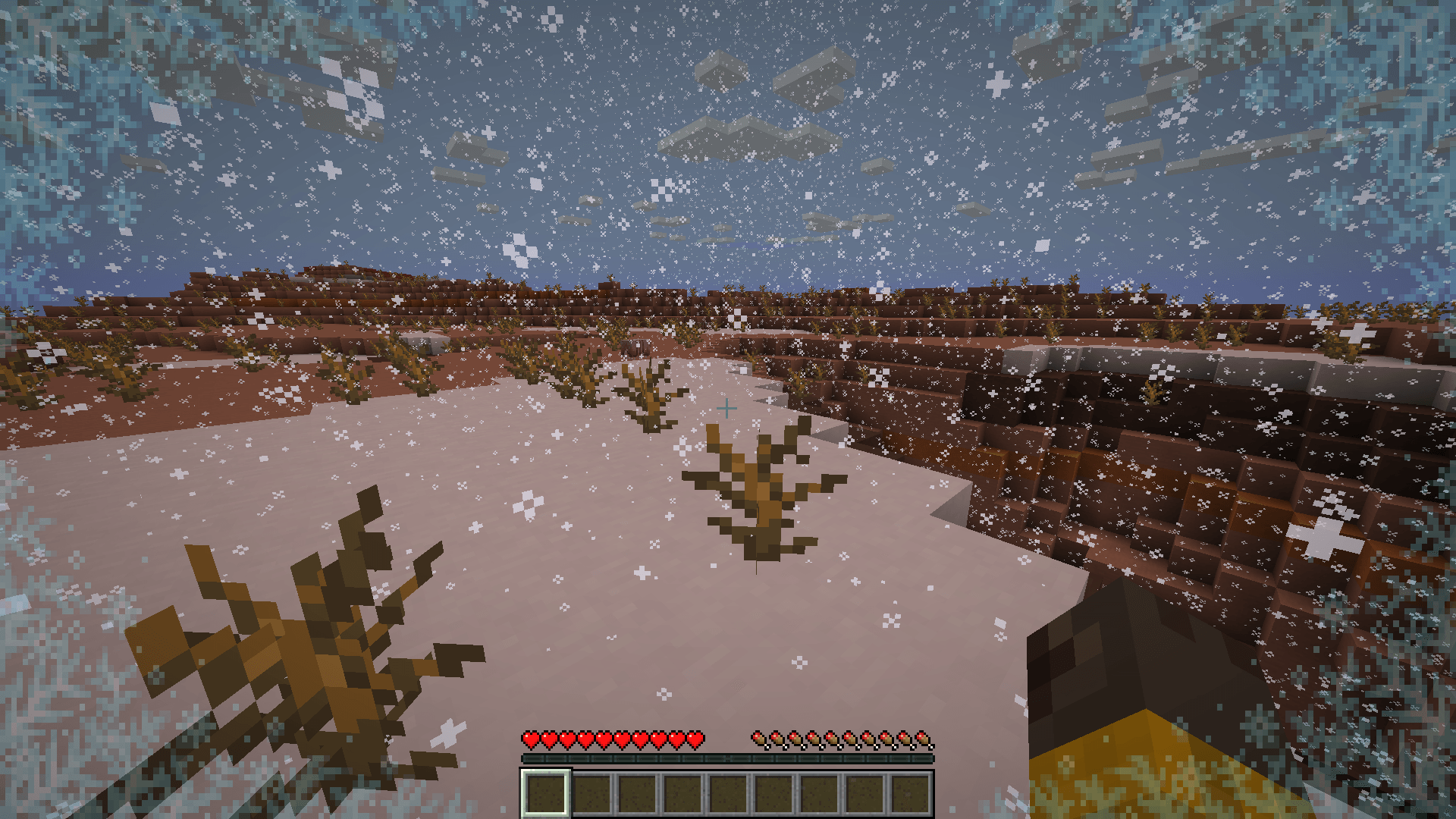 Freezing mesa
 -
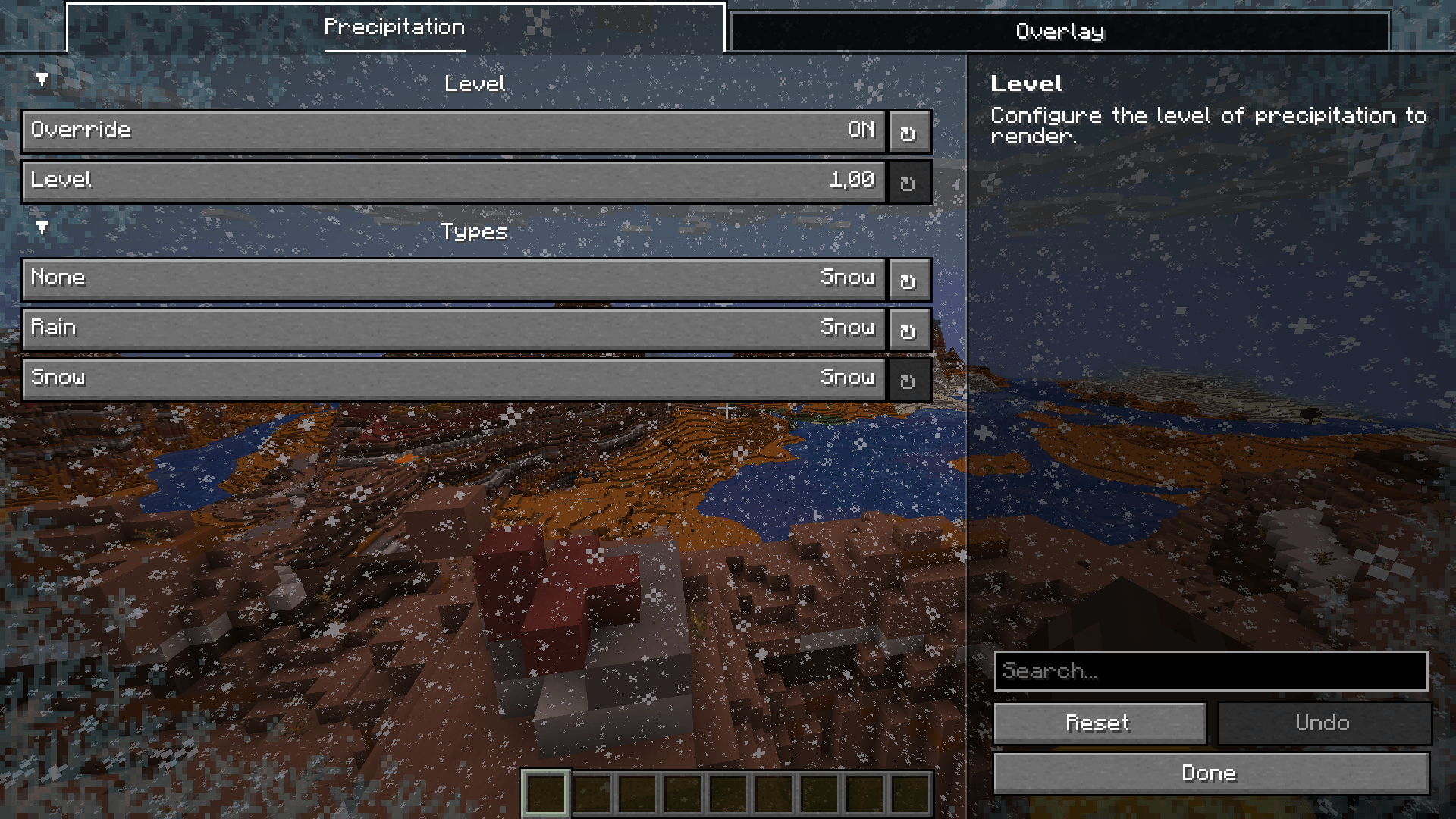 Config screen
-
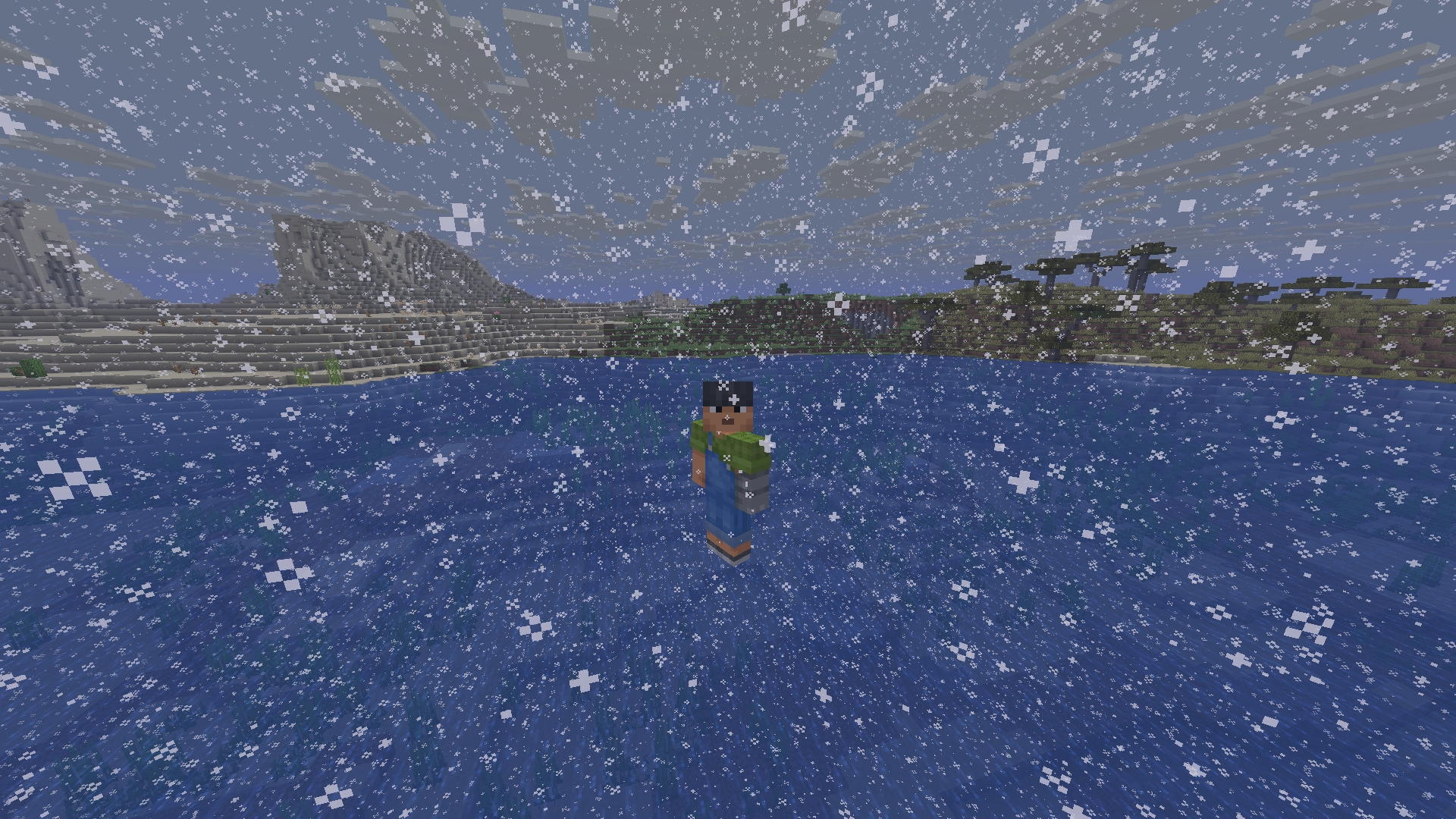 Snow in warm biomes
 -
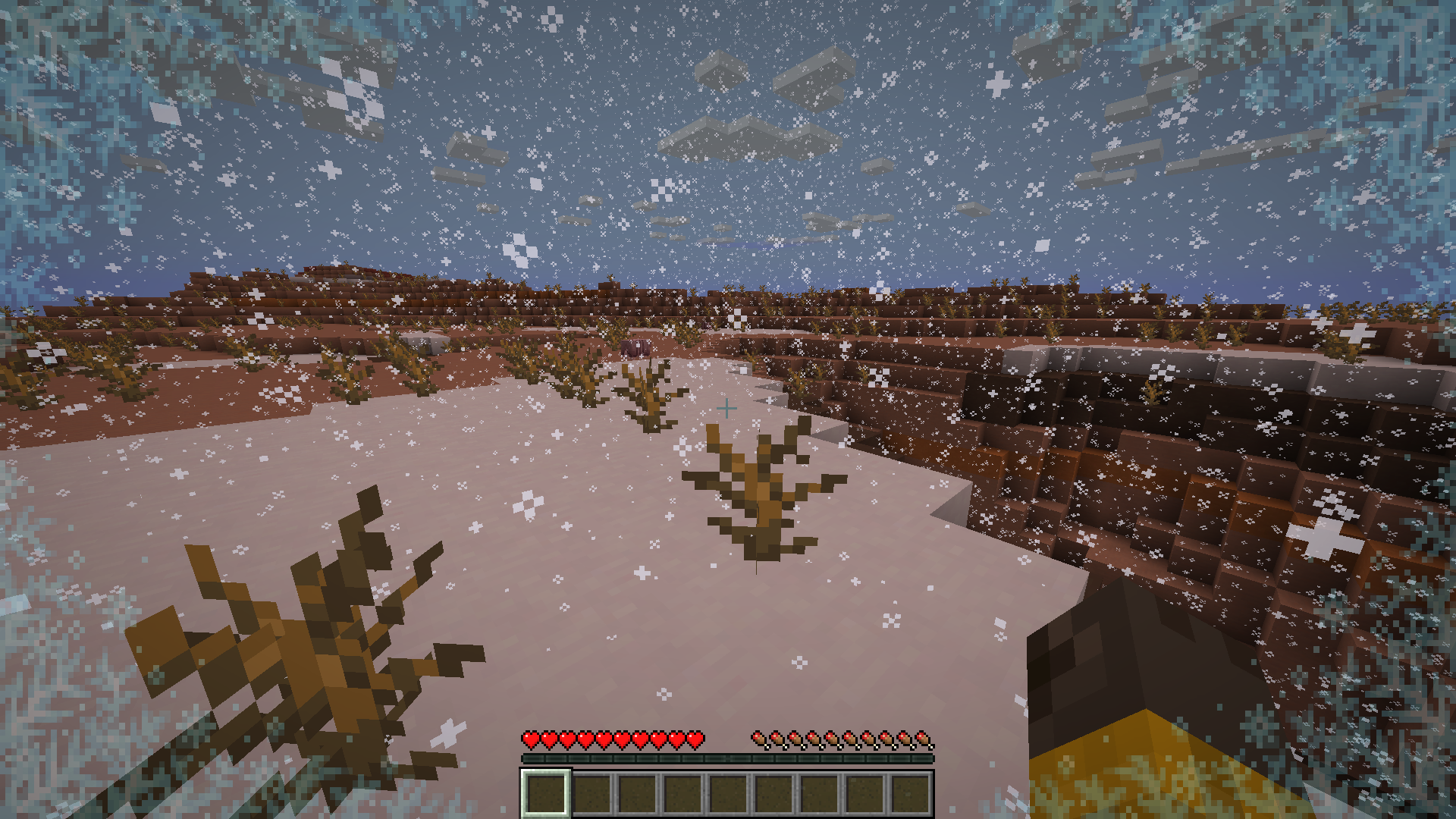 Freezing mesa
 -
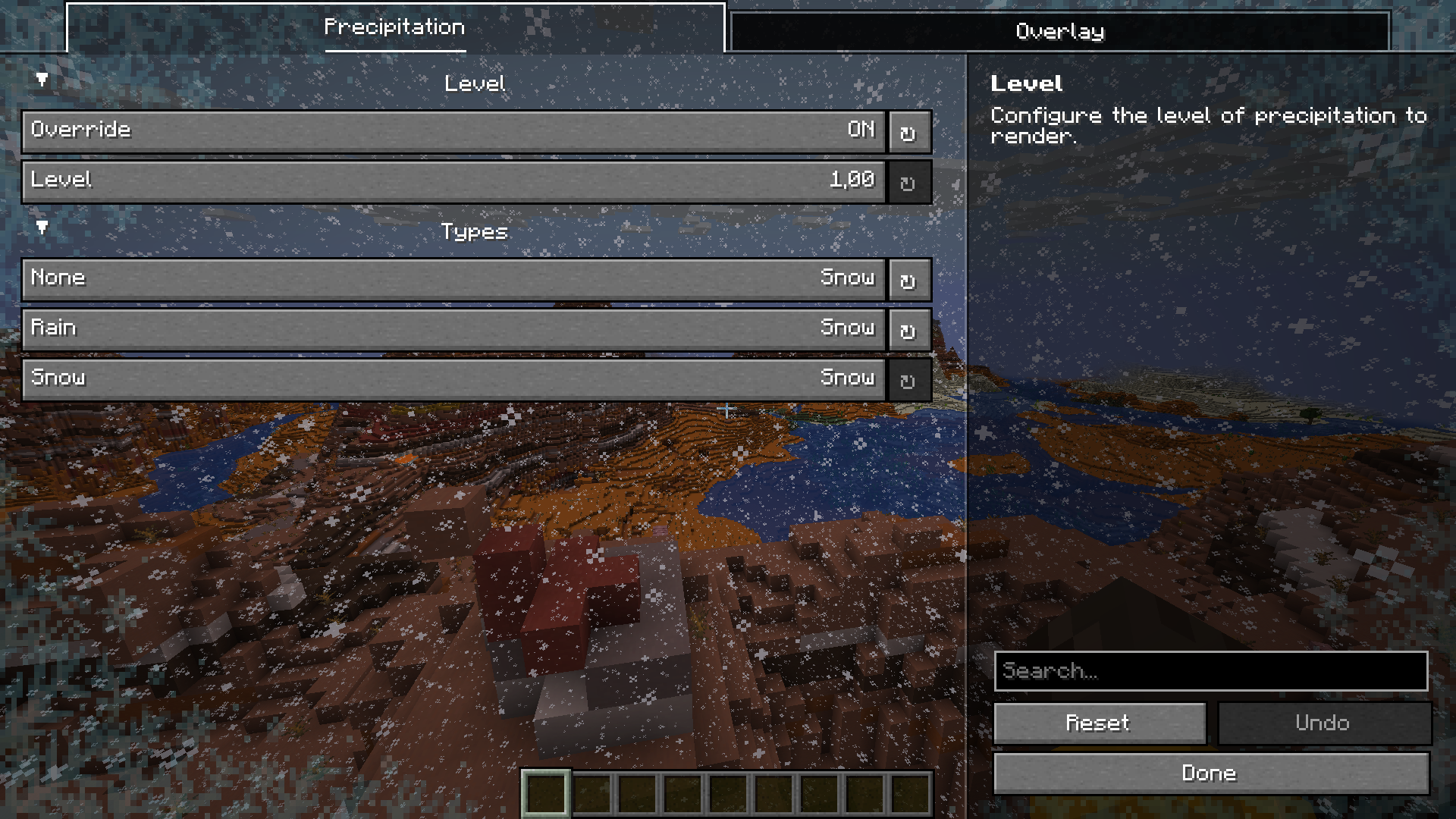 Config screen
Versions
Files
Relations
Project Relations
More like this
Similar Mods
Suggestions use data such as tags, dependencies, dependents, descriptions, titles, and more to rank how much they overlap with this mod.
On ModDex
Community snapshot
By the numbers
Statistics
 (opens in a new tab)
Get it on
Available Platforms
On ModDex
Community snapshot
By the numbers