
Community listing page, reviews here may not be monitored by the author.
Pigmentum API

No reviews yet
Painter is a mod build on neoforge 1.21.1, allows player to paint on almost every block.
Community voices
Reviews
No reviews yet. Be the first to review this project!
Get it on
Available Platforms
Compatibility
Supported Environments
Must be installed on both the client and the server.
About
Project Details
For authors
Embed Badge
If you're the author of this project, you can embed a live badge anywhere that supports HTML or Markdown. It updates automatically whenever ratings change.
Use HTML for any page that supports it, or Markdown for README files and Markdown-based descriptions.
Identifiers
Platform IDs
About
Description
🎨 Pigmentum - Minecraft Canvas API
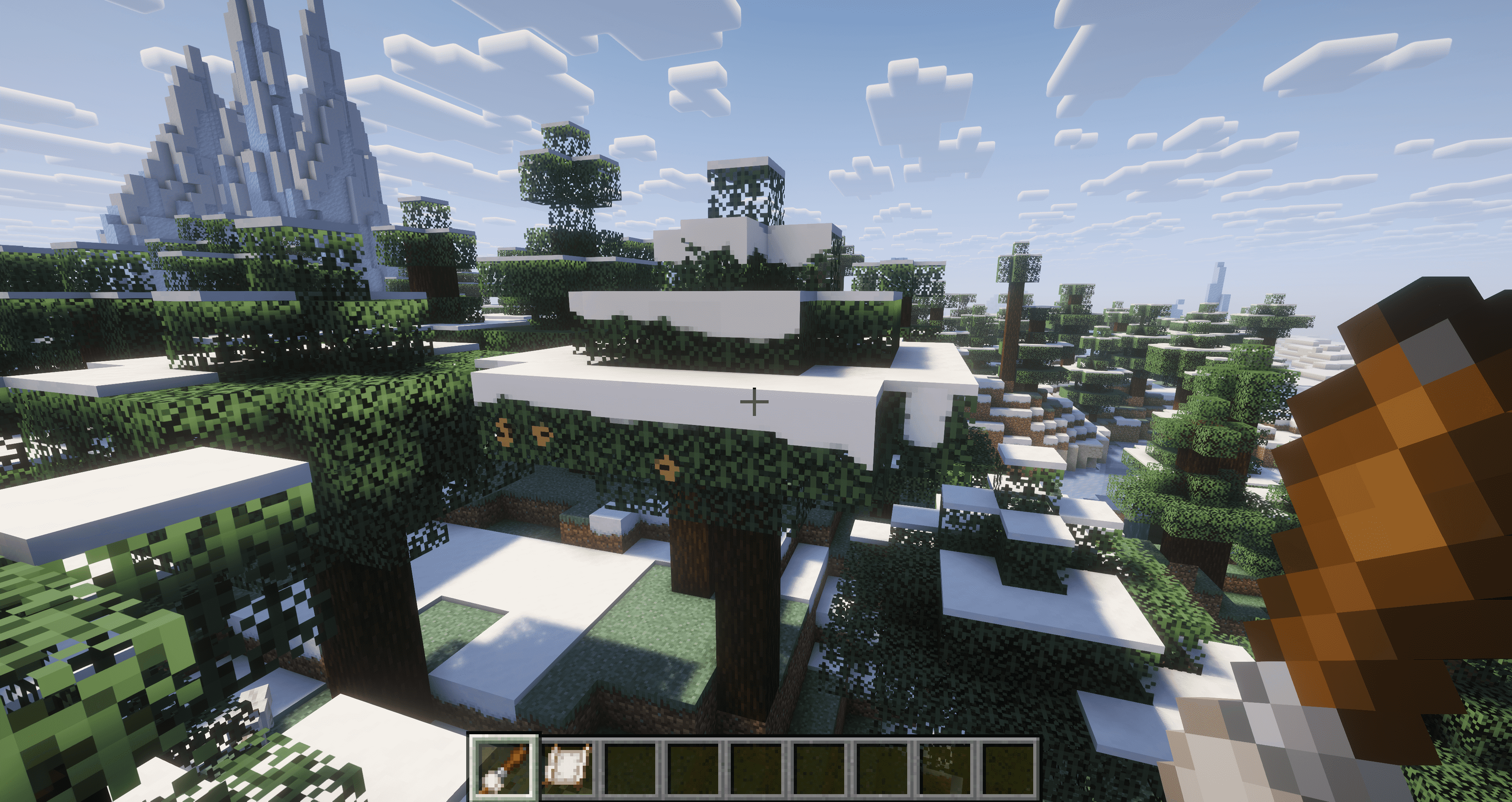
Turn every block surface into your personal canvas. Paint pixel by pixel on any surface in Minecraft.
Pigmentum is a low-level canvas API for NeoForge mod developers. Out-of-the-box painting features (brushes, GUI, blend modes) will be developed separately at Fresco. Pigmentum focuses on providing the core canvas infrastructure and extension API.
✨ Features
🖌️ Canvas System
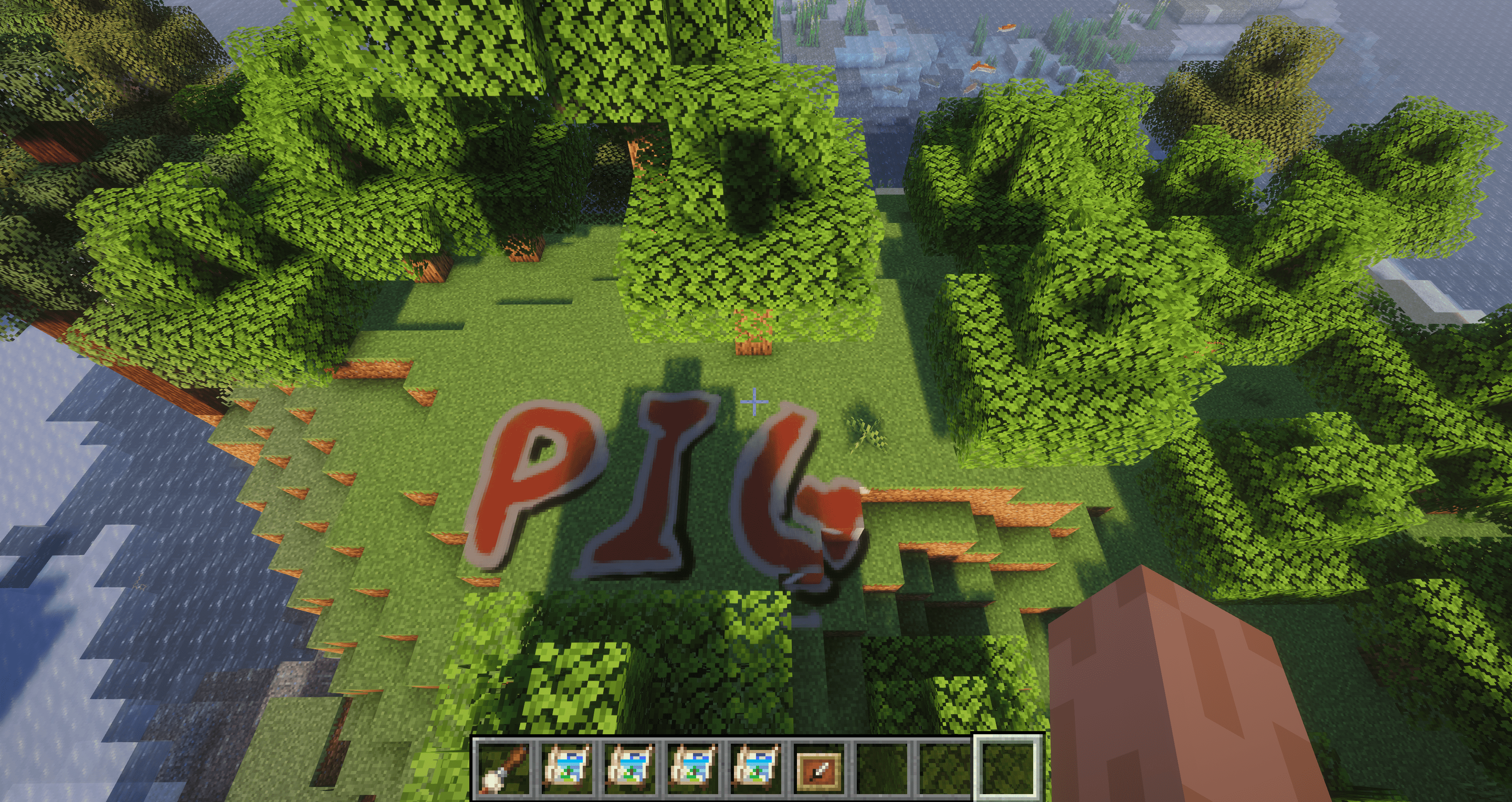
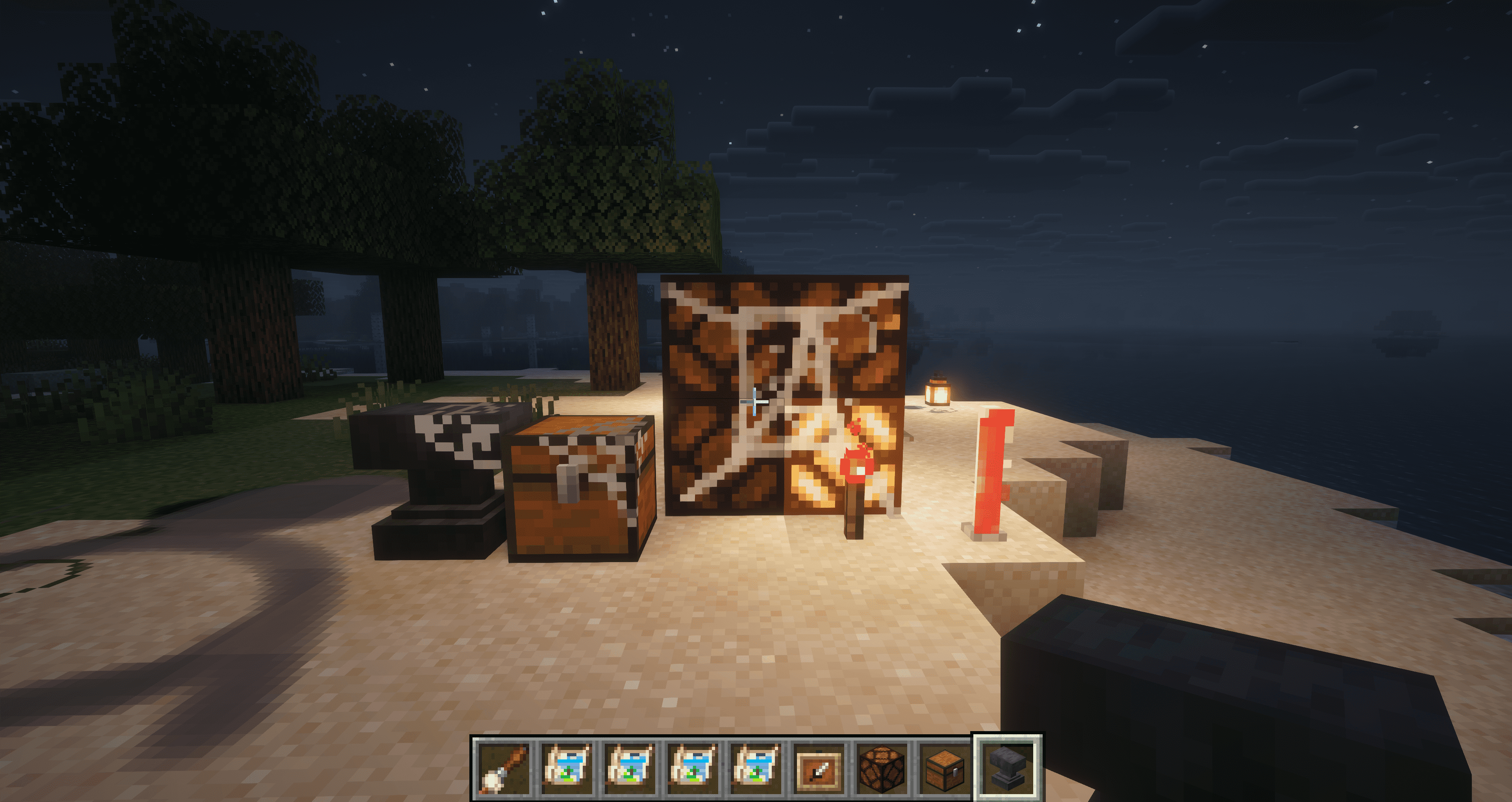
- Any Block as Canvas: Right-click any block surface with a paintbrush to turn it into a canvas that blends seamlessly with the block.
- Pixel-Level Drawing: Hold right-click and drag to draw smooth, continuous lines—no gaps even at high speed.
- Multi-Face Canvases: Paint independently on each face of a block—top, bottom, and all four sides.
- Irregular Block Support: Stairs, slabs, fences, and other shaped blocks can be painted with pixel-perfect precision.
- Brush Configuration Menu: Right-click the air with a paintbrush to adjust brush size, feathering, blend mode, and drawing interval.
🎯 Paintbrush System
- Color Picker: Press the
Rkey to sample the color of the pixel under your crosshair. - Multiple Blend Modes: Choose from Overwrite, Additive, Multiply, and Erase.
📦 Canvas Extraction & Display
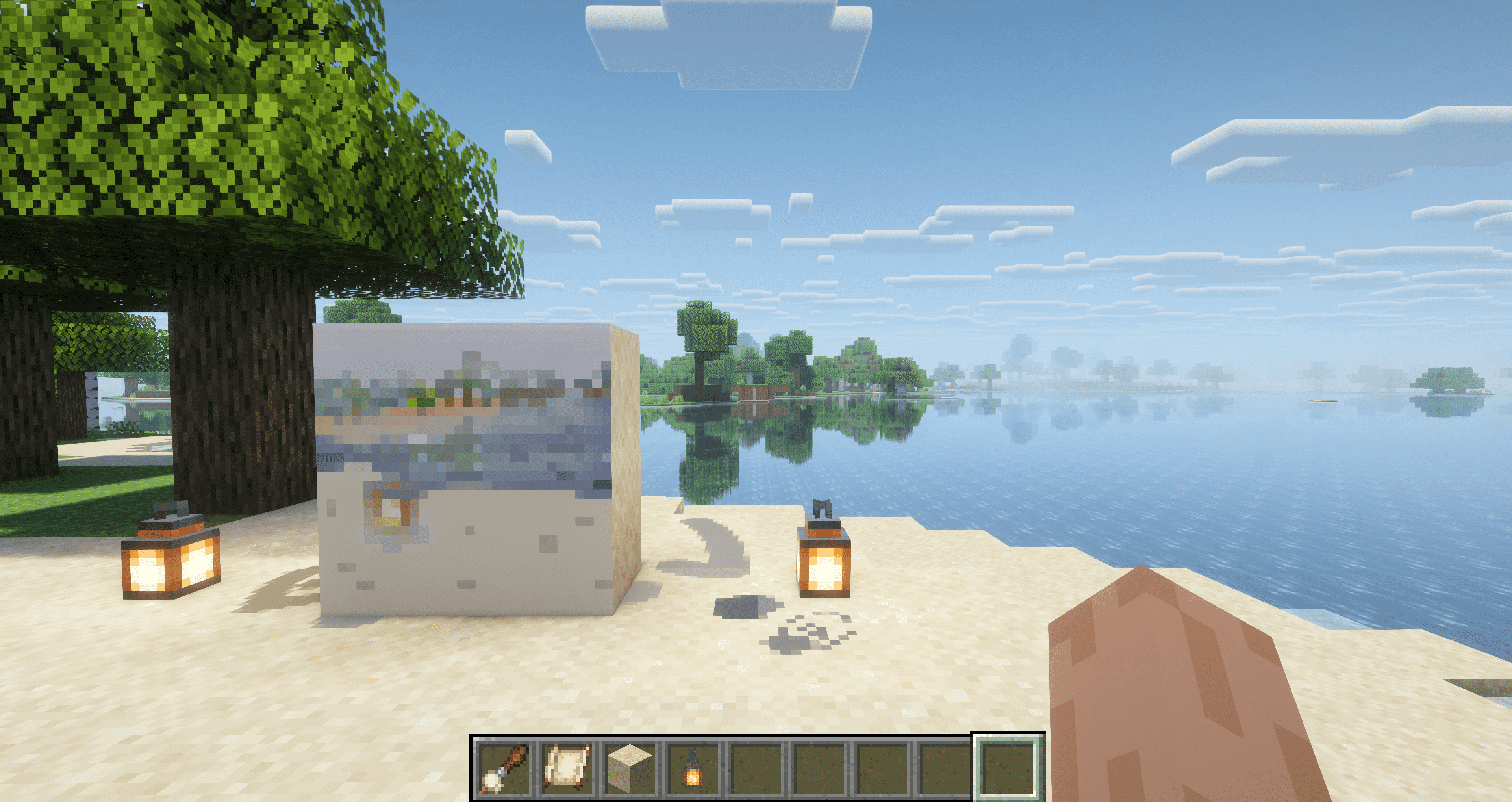
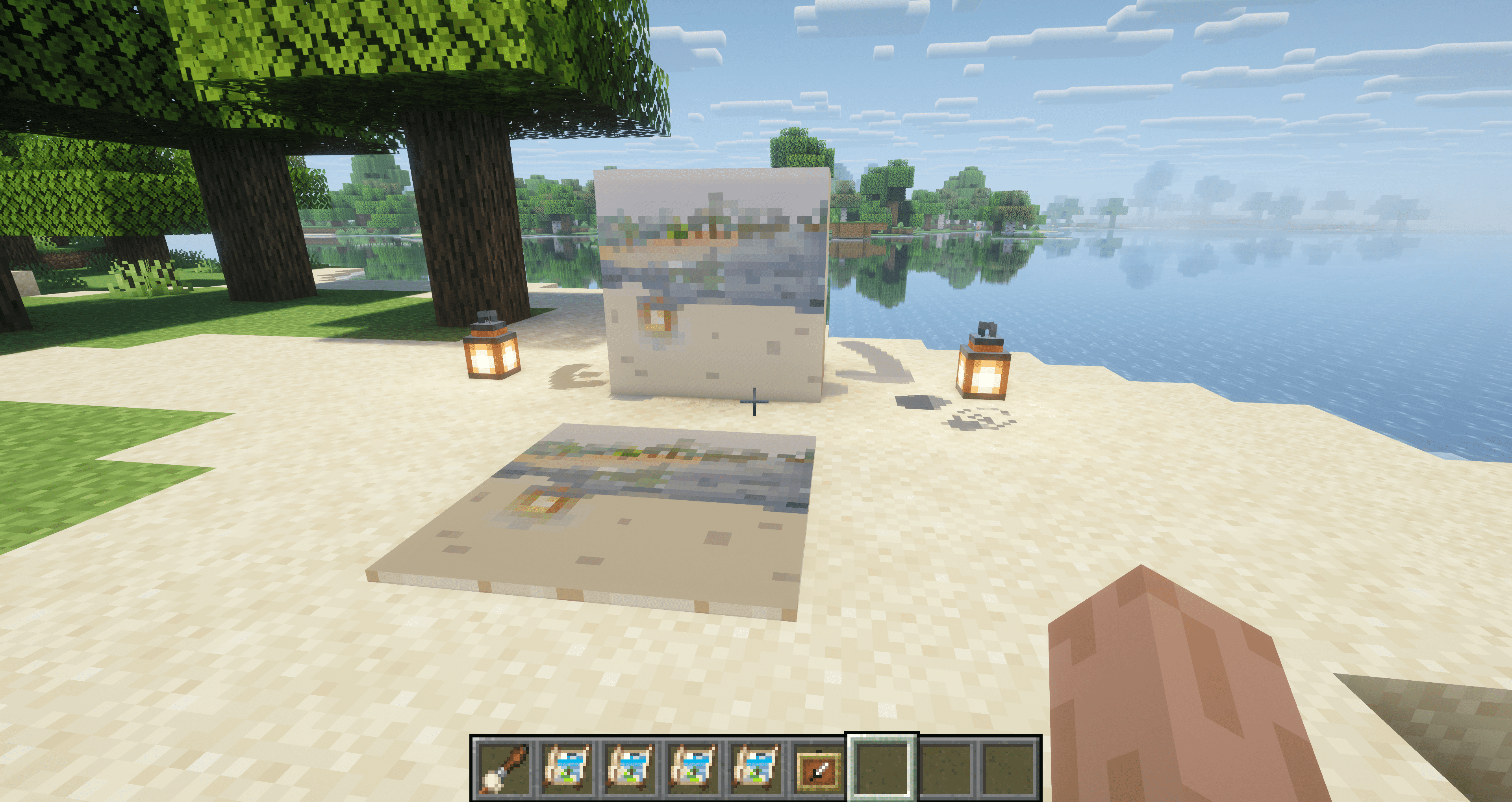
- Canvas Sheet Item: Sneak-right-click a painted block to copy one face onto a Canvas Sheet without removing the original.
- Item Frame Display: Place a Canvas Sheet in an item frame to display your artwork like a map.
🧩 Extension API
- Custom Image Providers (
CanvasImageProvider) — register custom texture generation from pixel data - Custom Renderers (
CanvasPixelRenderer) — control how canvas faces are rendered - Per-Pixel Effect Layers — attach arbitrary byte data per pixel (e.g. glow intensity, roughness)
- Custom Blend Functions (
BlendFunction) — full control over pixel color and effect compositing - Custom Paint Brushes (
IPaintProvider) — register any item as a brush with custom behavior
🎮 Getting Started
- Obtain a paintbrush from the creative inventory.
- Right-click any block surface to create a canvas.
- Hold right-click and drag to paint pixels.
- Press the
Rkey to pick a color from the world. - Right-click the air to adjust your brush settings.
- Use a Canvas Sheet to extract and display your artwork in item frames.
Pigmentum - Every face is a canvas.
Screenshots
Gallery
Versions
Files
Relations
Project Relations
More like this
Similar Mods
Suggestions use data such as tags, dependencies, dependents, descriptions, titles, and more to rank how much they overlap with this mod.
On ModDex
Community snapshot
By the numbers
Statistics

Want to reach Minecraft players?
We're looking for a server hosting partner to feature here and other parts of the site. Interested? Send us a message!
Get in touchGet it on
Available Platforms
On ModDex
Community snapshot
By the numbers