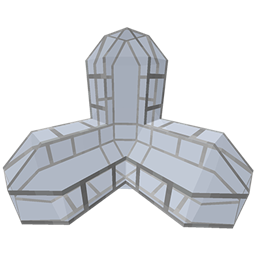
Community listing page, reviews here may not be monitored by the author.
PipeCraft


No reviews yet
adds viaducts and (pipes WIP) to minecraft
Community voices
Reviews
No reviews yet. Be the first to review this project!
Get it on
Available Platforms
Compatibility
Supported Environments
Must be installed on both the client and the server.
About
Project Details
For authors
Embed Badge
If you're the author of this project, you can embed a live badge anywhere that supports HTML or Markdown. It updates automatically whenever ratings change.
Use HTML for any page that supports it, or Markdown for README files and Markdown-based descriptions.
Identifiers
Platform IDs
About
Description
Attention!
This mod is not finished, missing some content. and contain bugs.
Make sure to back up your world!
Attention!
This mod is not finished, missing some content and contain bugs.
Make sure to Backup your world!
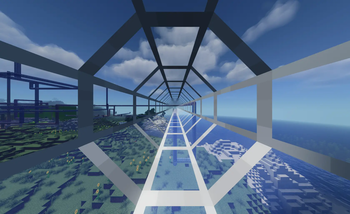
This mod adds Viaduct pipes, inspired by the old Thermal mods.
Normal item and fluid pipes may be available in a future update.
You can place the viaducts to create a network to connect them using Viaduct Connectors, which act as start and goal points.

You can change the travel speed with Viaduct Boosters and detect players using Detectors.

Viaducts can be colored with dyes, have their light level adjusted with Glowstone Dust (only for normal Viaducts, removable with a brush), and be made solid or transparent using wool or glass.

In the menu, you can sort your connections, click on them, and travel through the network.
Shift + Right-click on a connector to open the ID screen, where you can change its ID and name.
With the booster, you can adjust the speed by right-clicking and scrolling up or down.
If you hold an item and Shift + Right-click, you can assign it to the booster so that all boosters with the same ID change speed together.
Screenshots
Gallery
-
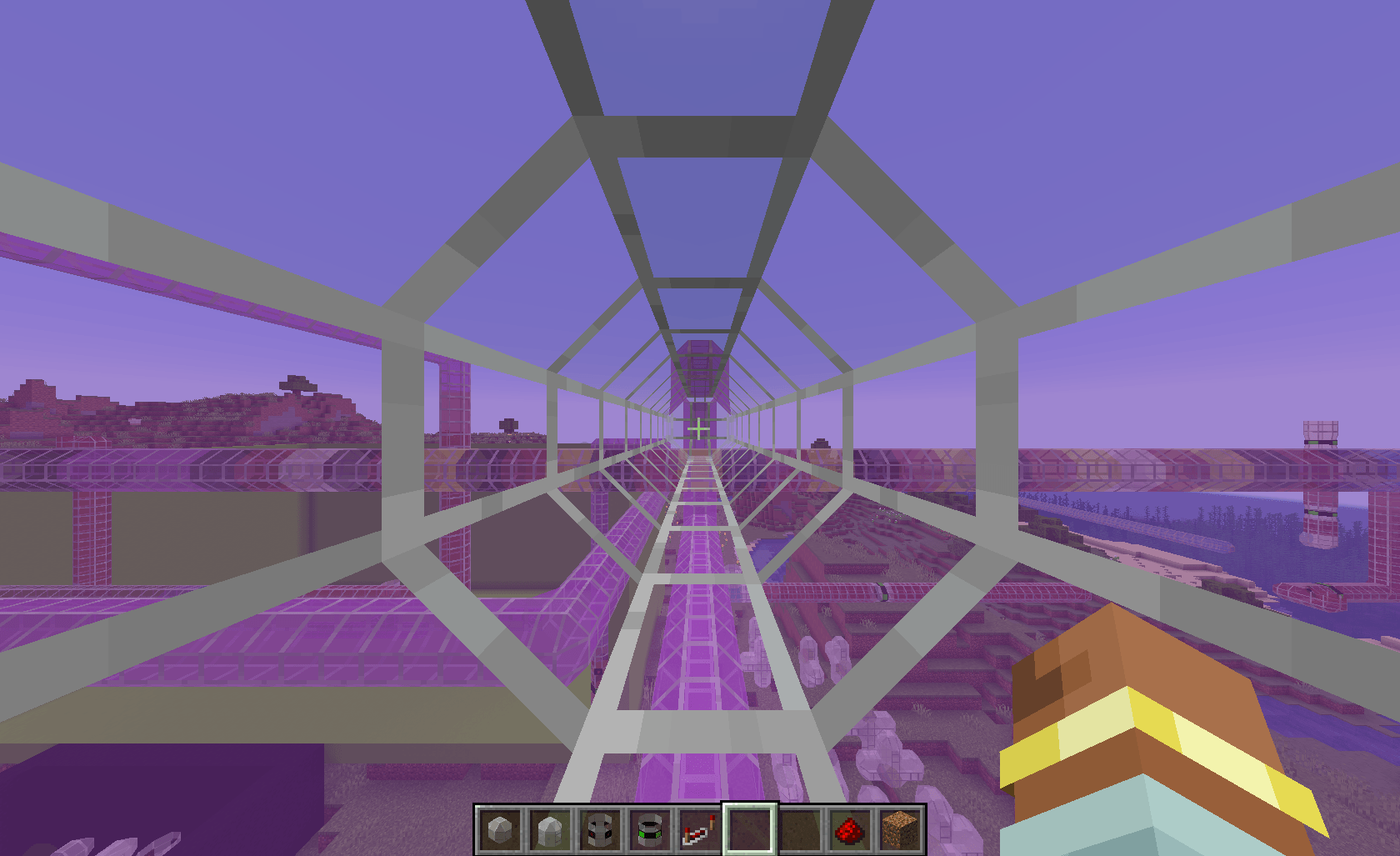 Viaduct active Travel
 -
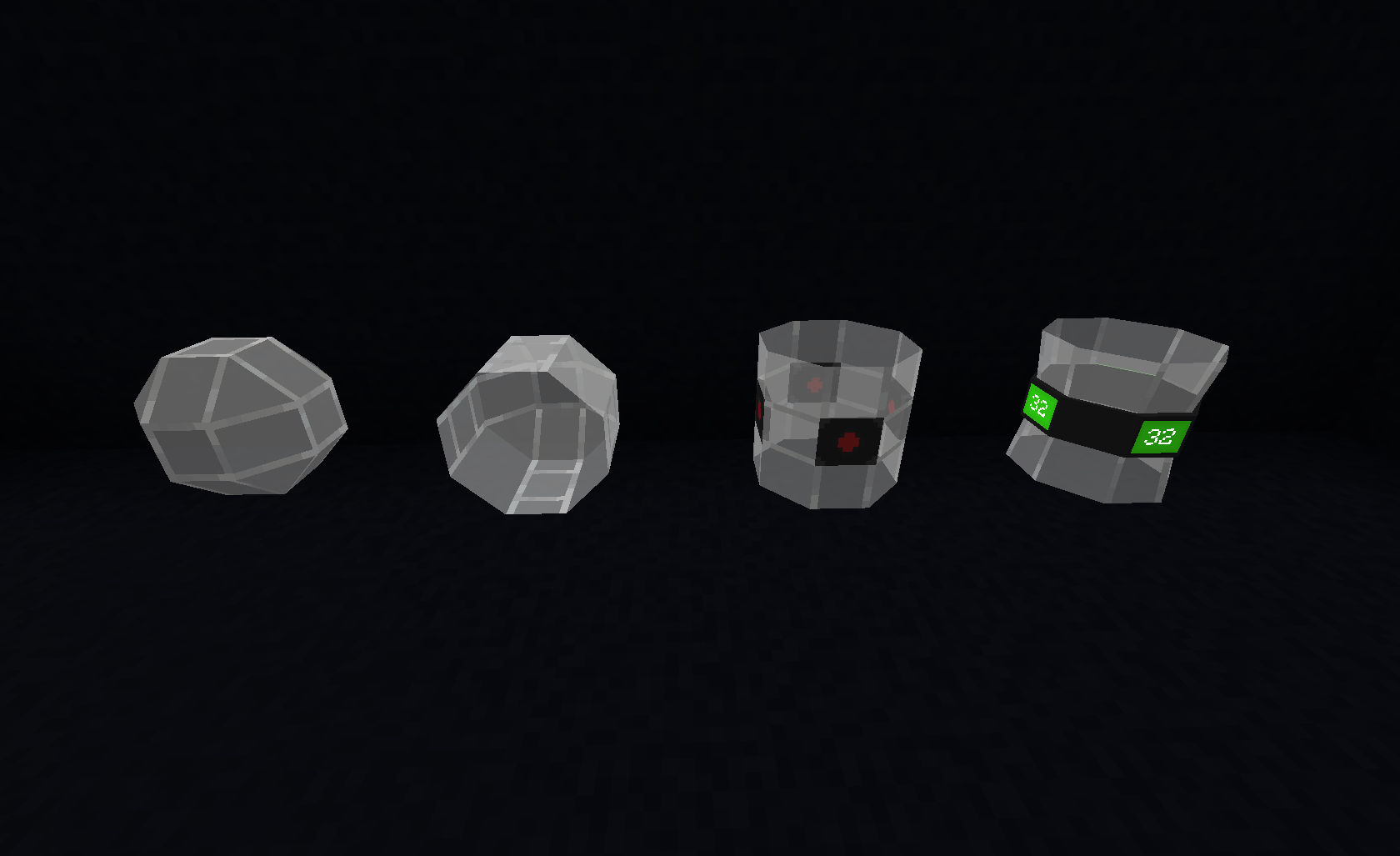 Viaduct Types
 -
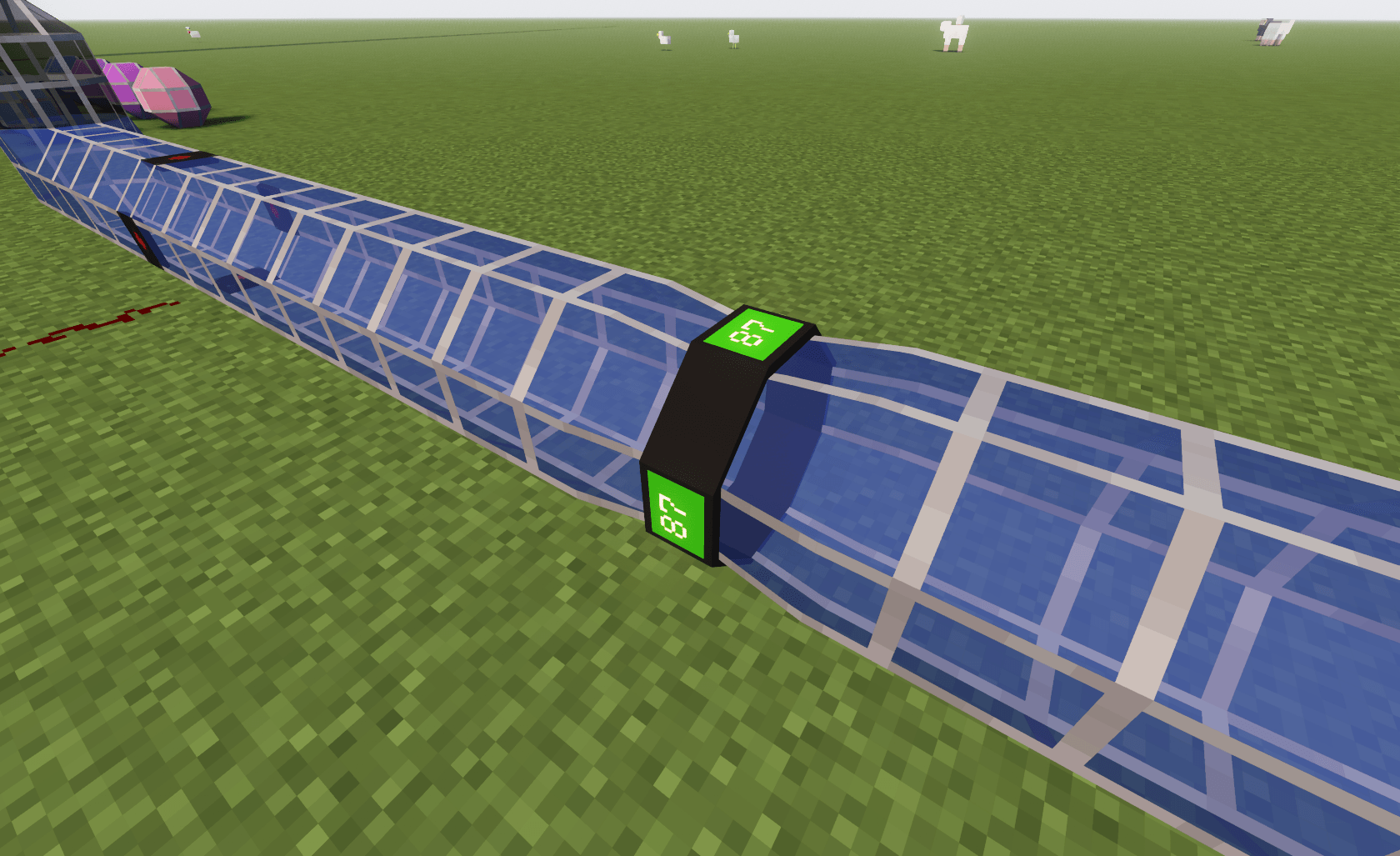 Viadcut Booster
 -
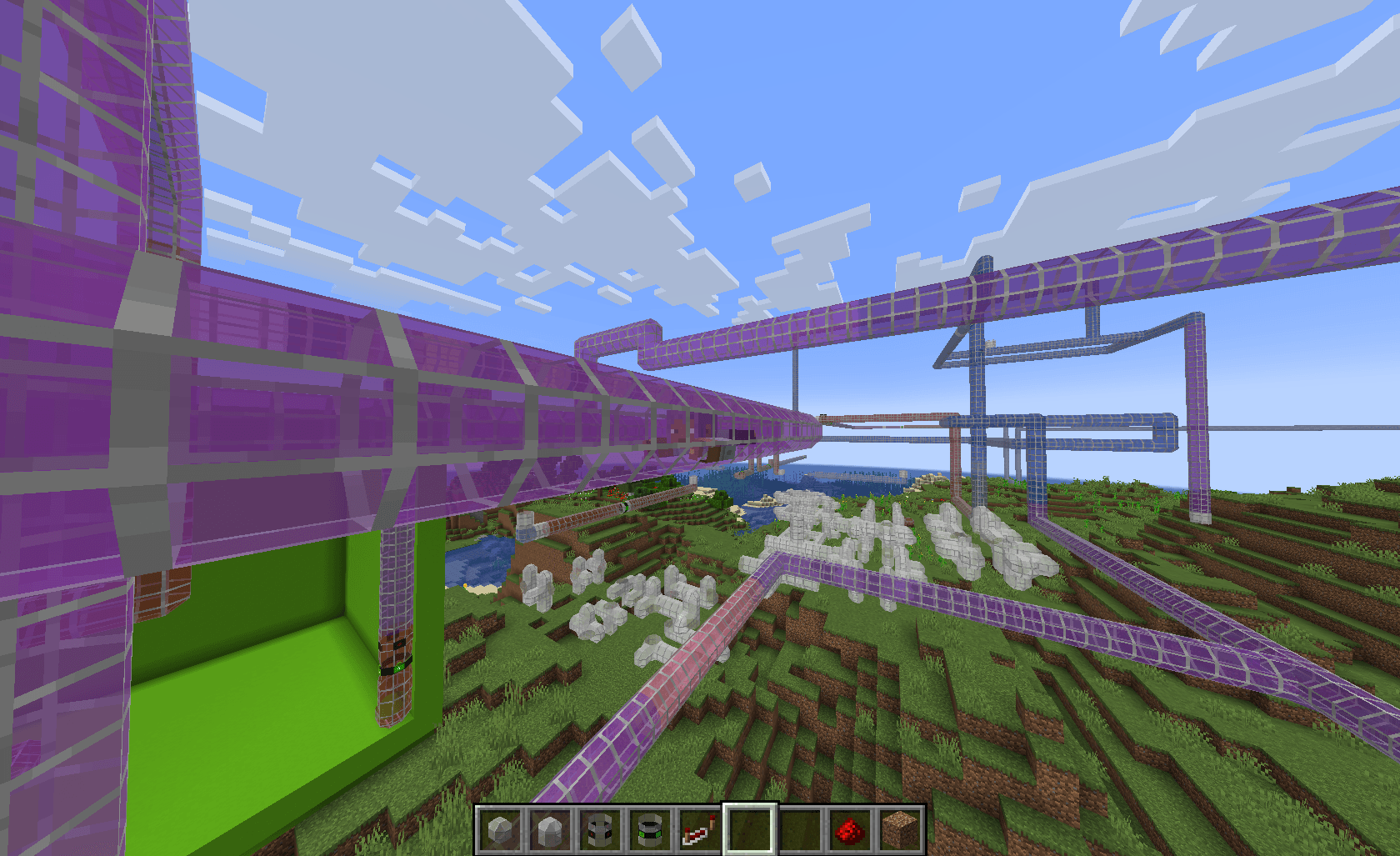 viaduct travel third person
 -
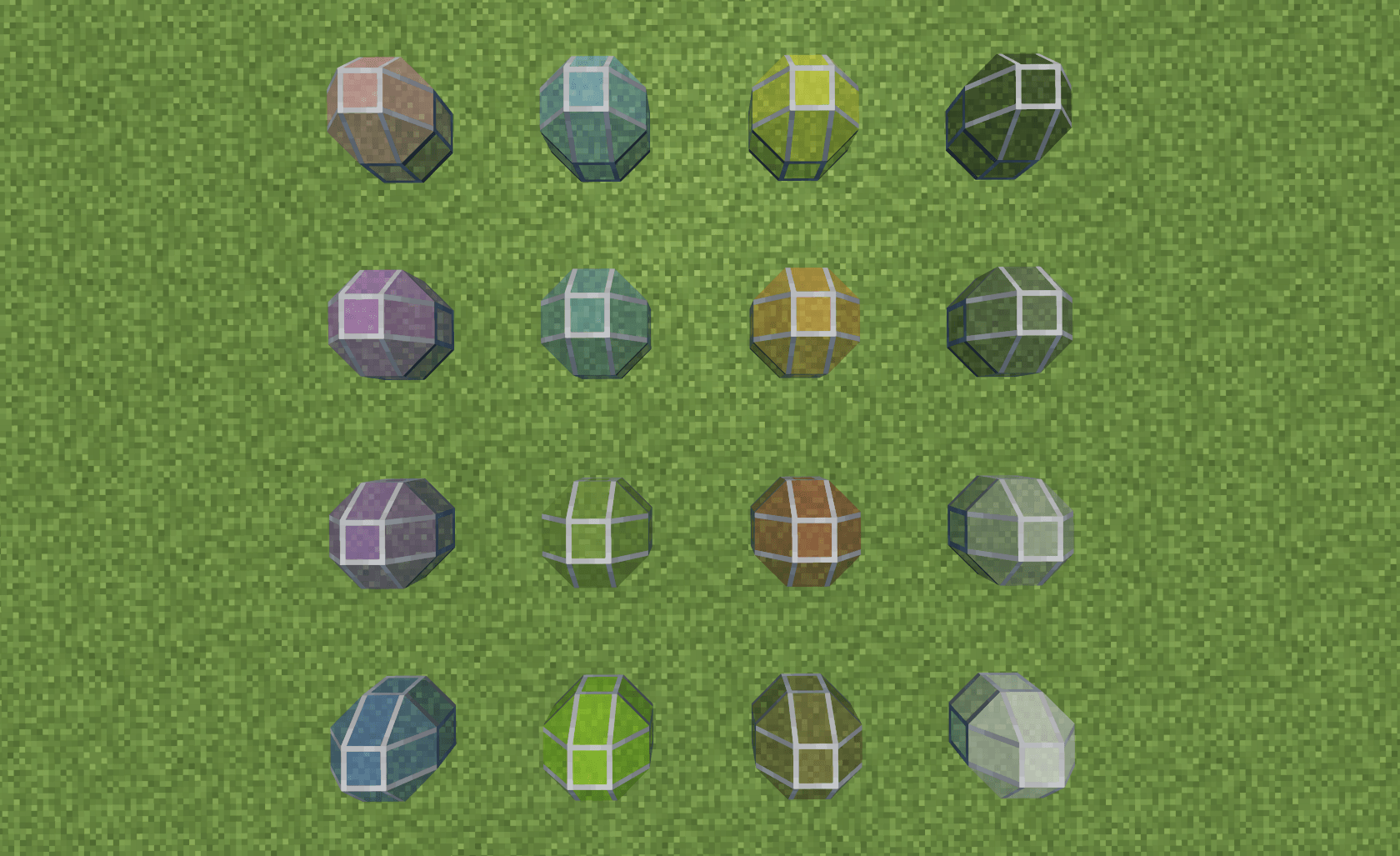 Coloring Viadcut Coloring Viadcut
 -
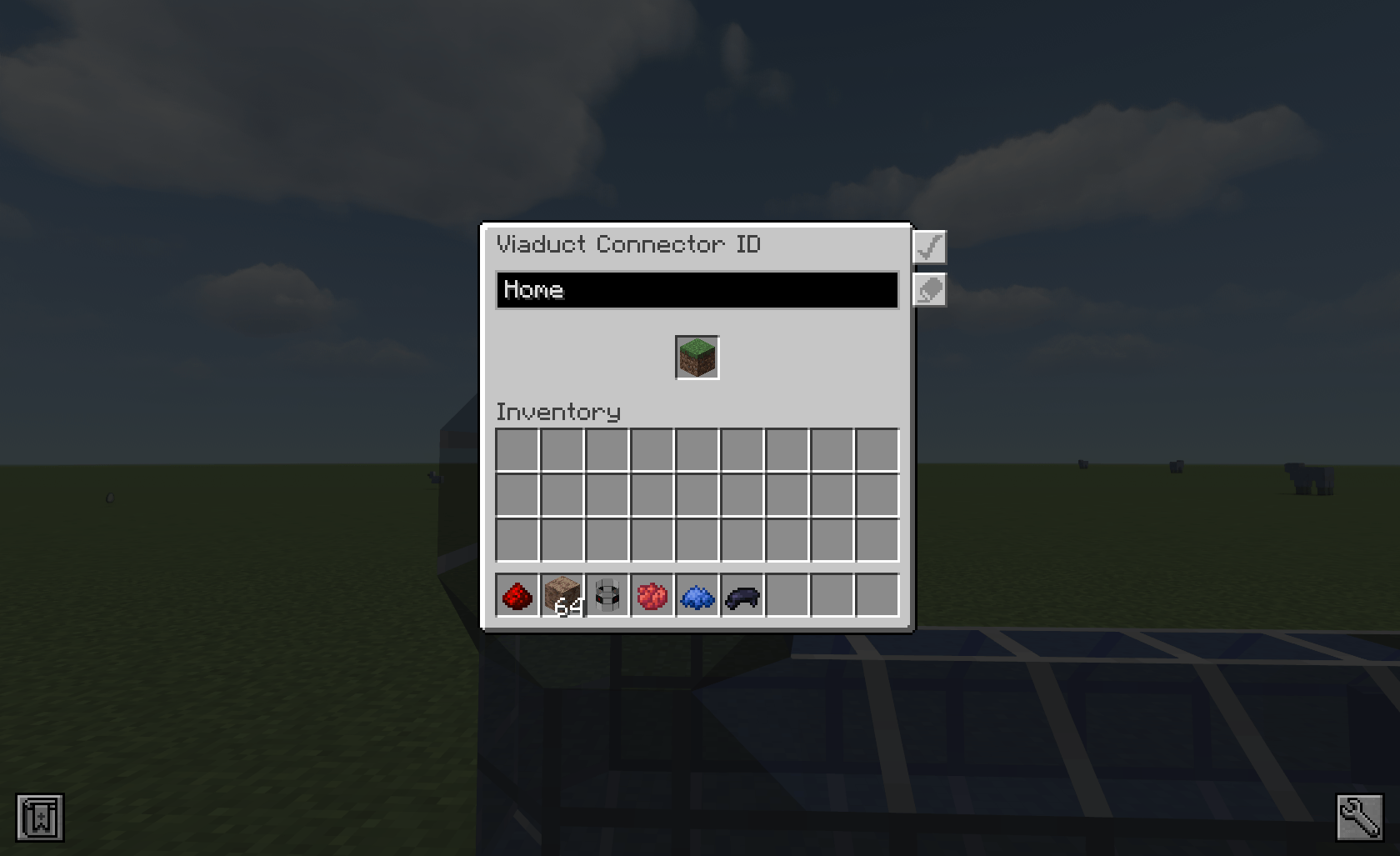 Viadcut ID Gui Viadcut ID Gui
 -
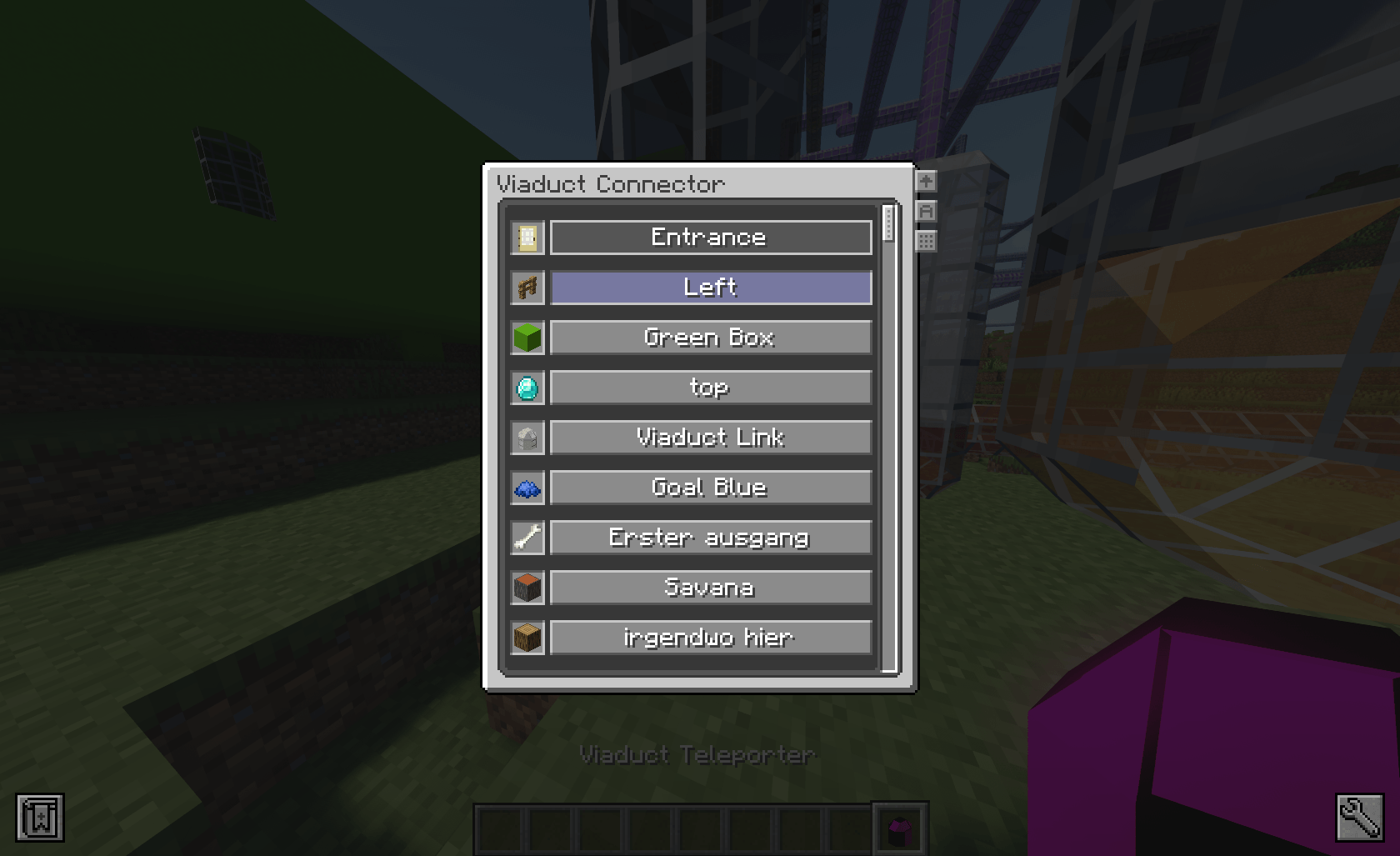 Full Menu Full Menu
 -
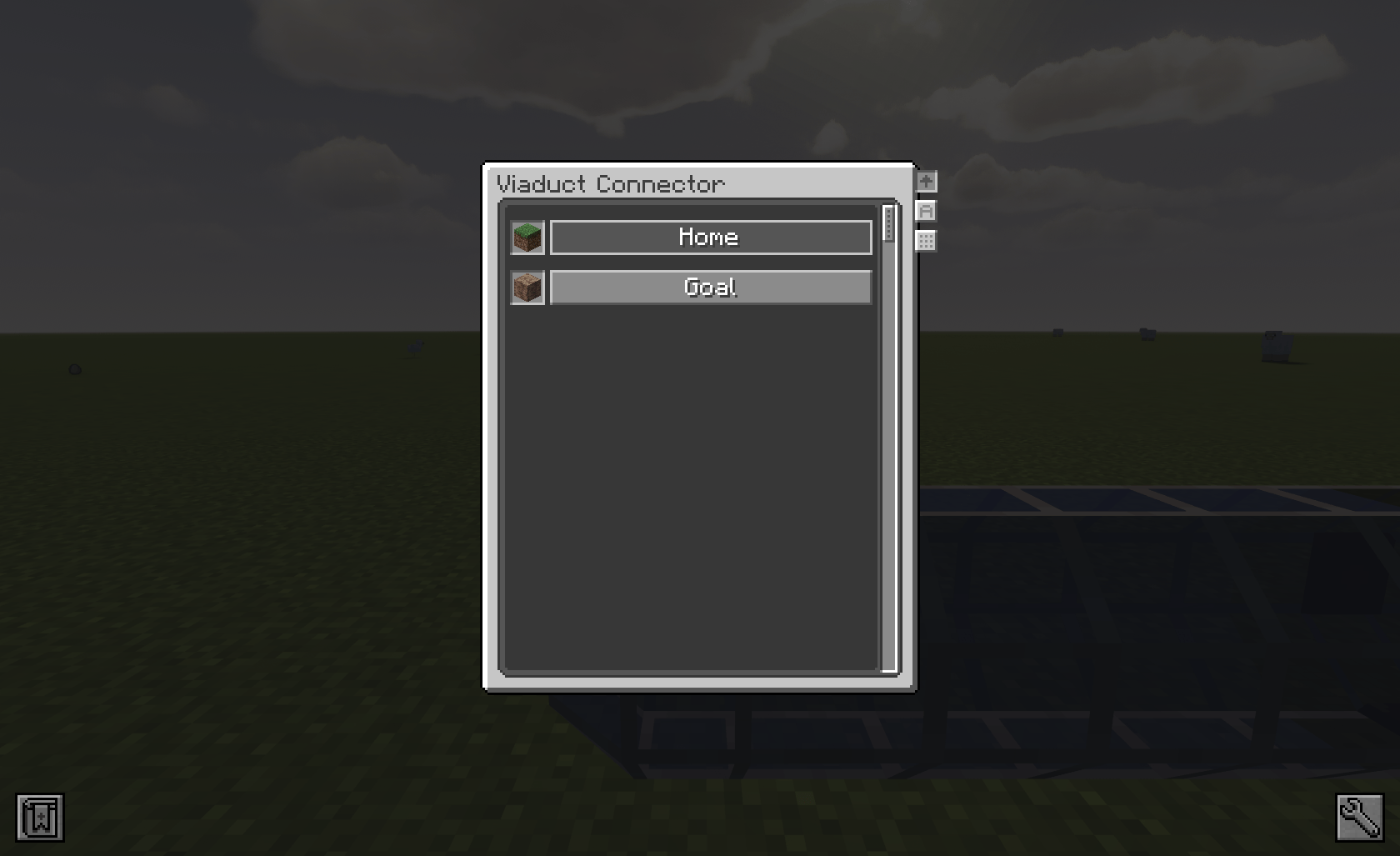 Viadcut menu Viadcut menu
-
Colored Viadcut
-
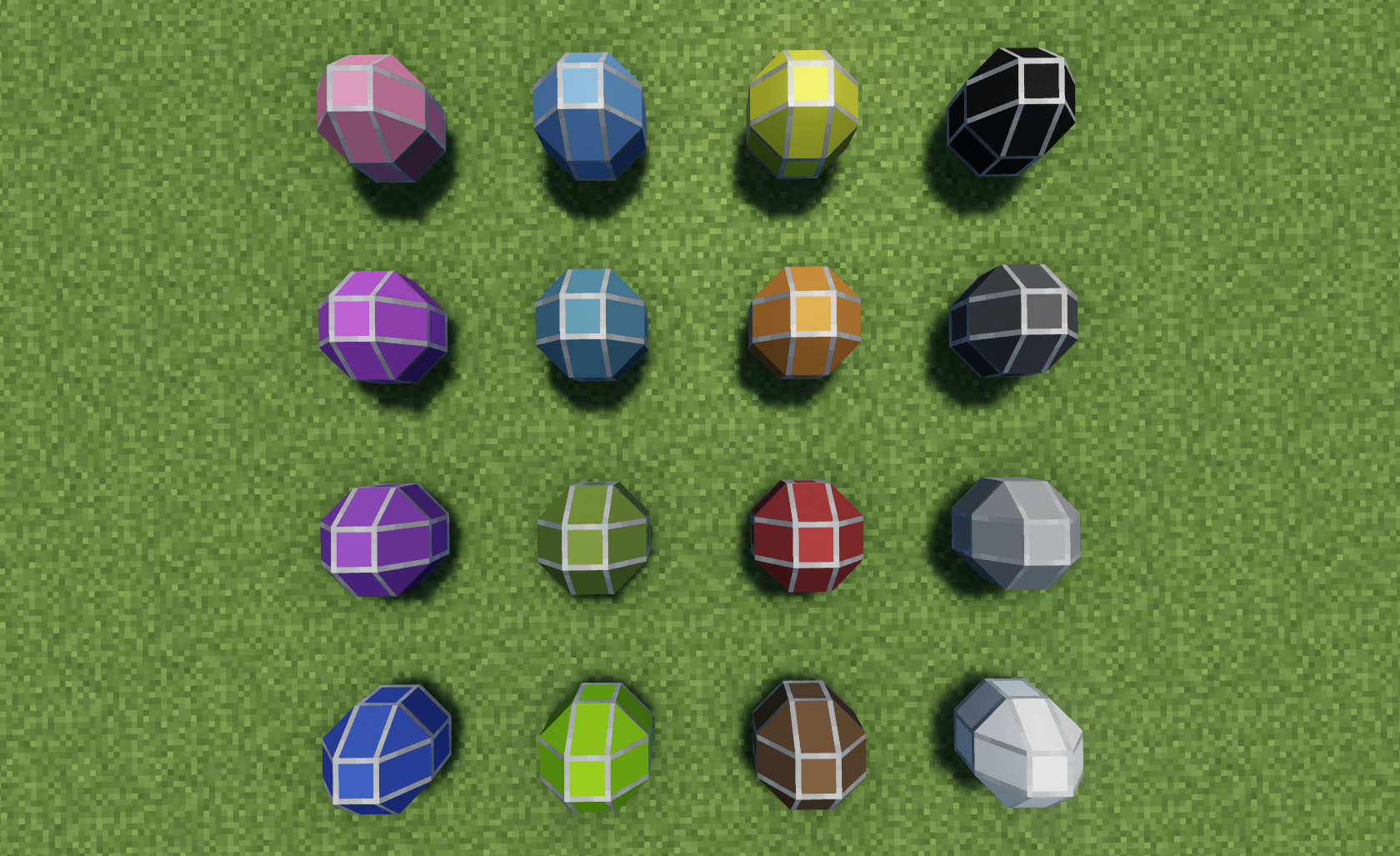 No transparency
 -
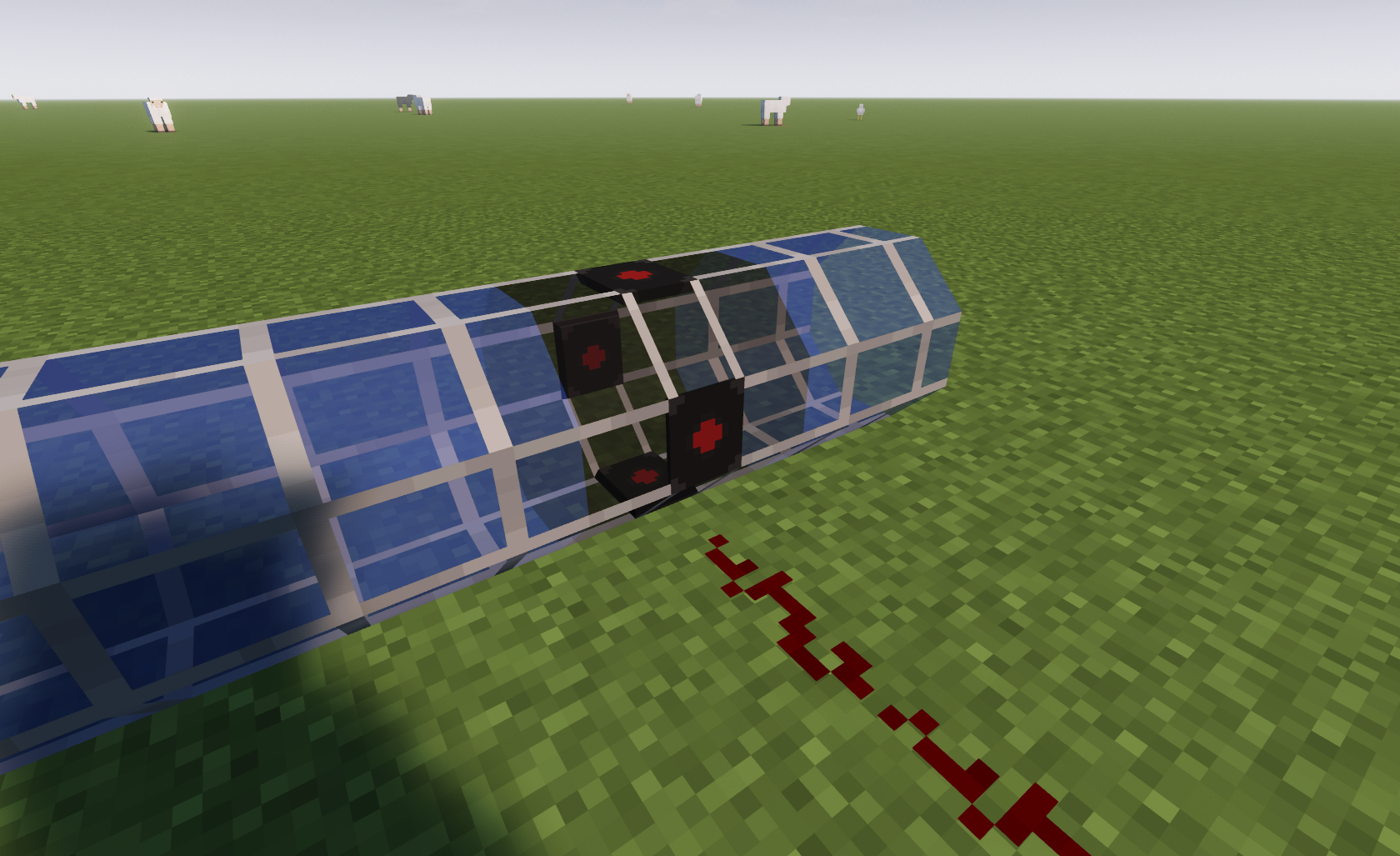 Detector
 -
Detector on
-
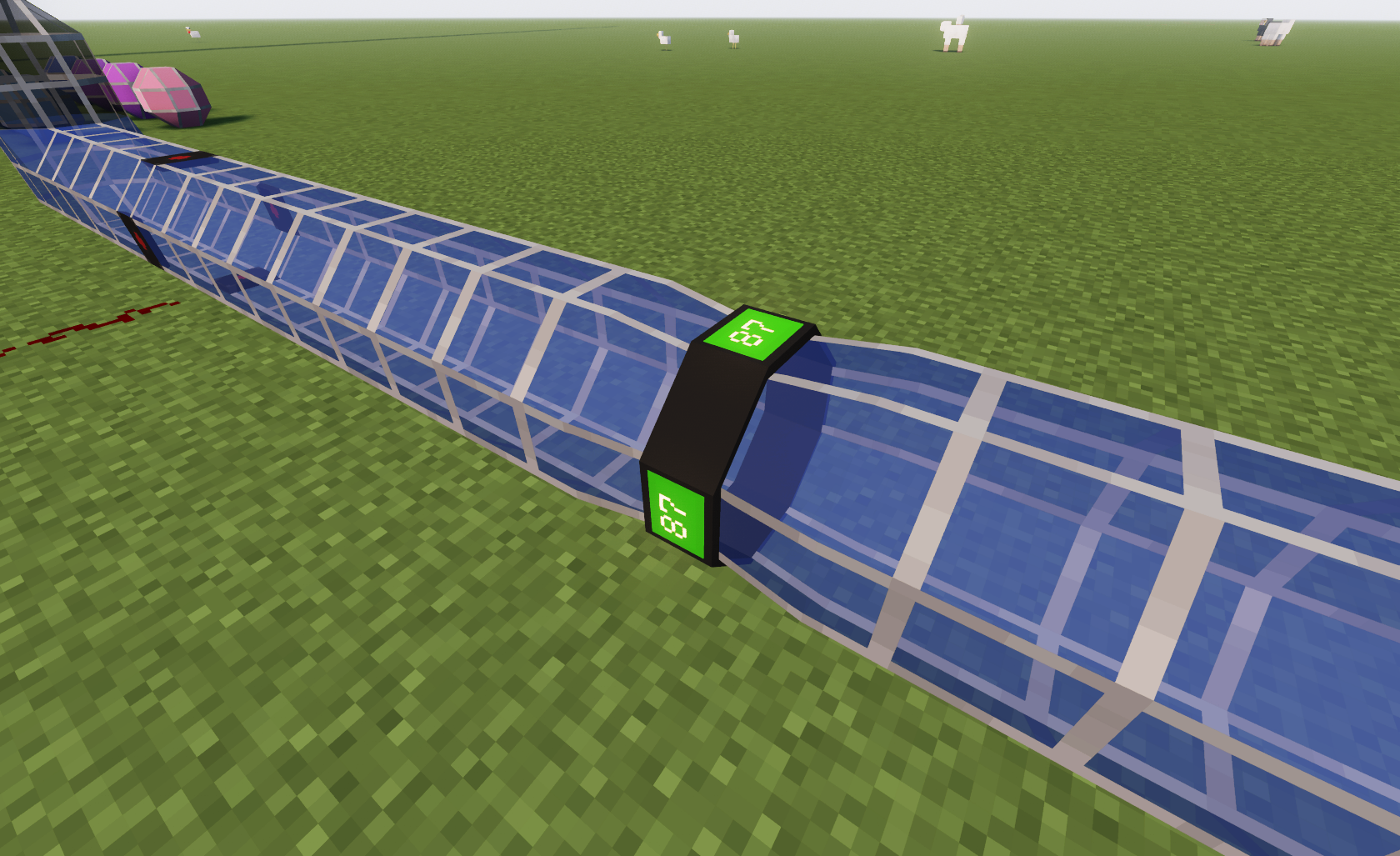 Speed change block
 -
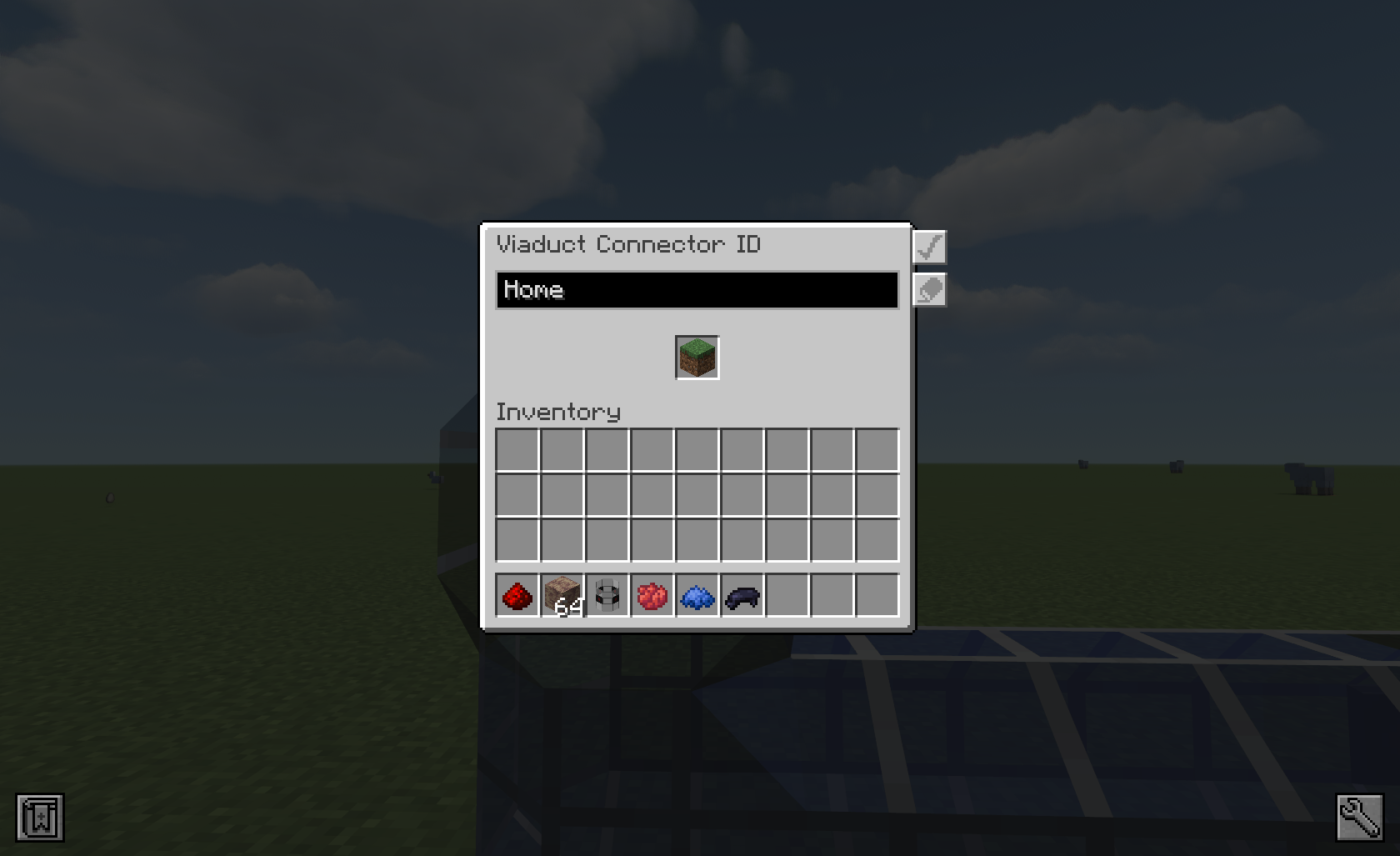 ID Screen
 -
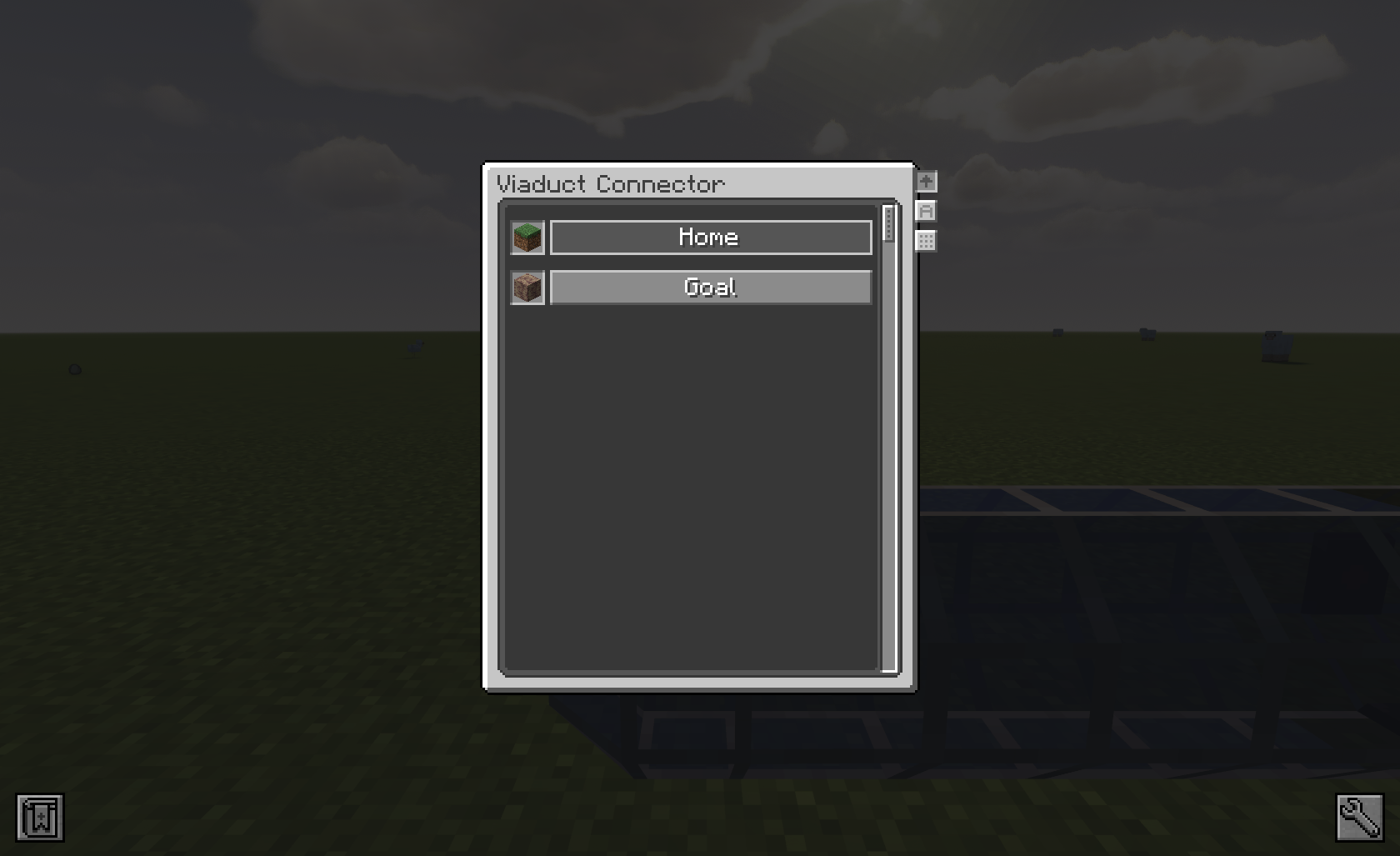 Viadcut Menu
 -
Menu Full
-
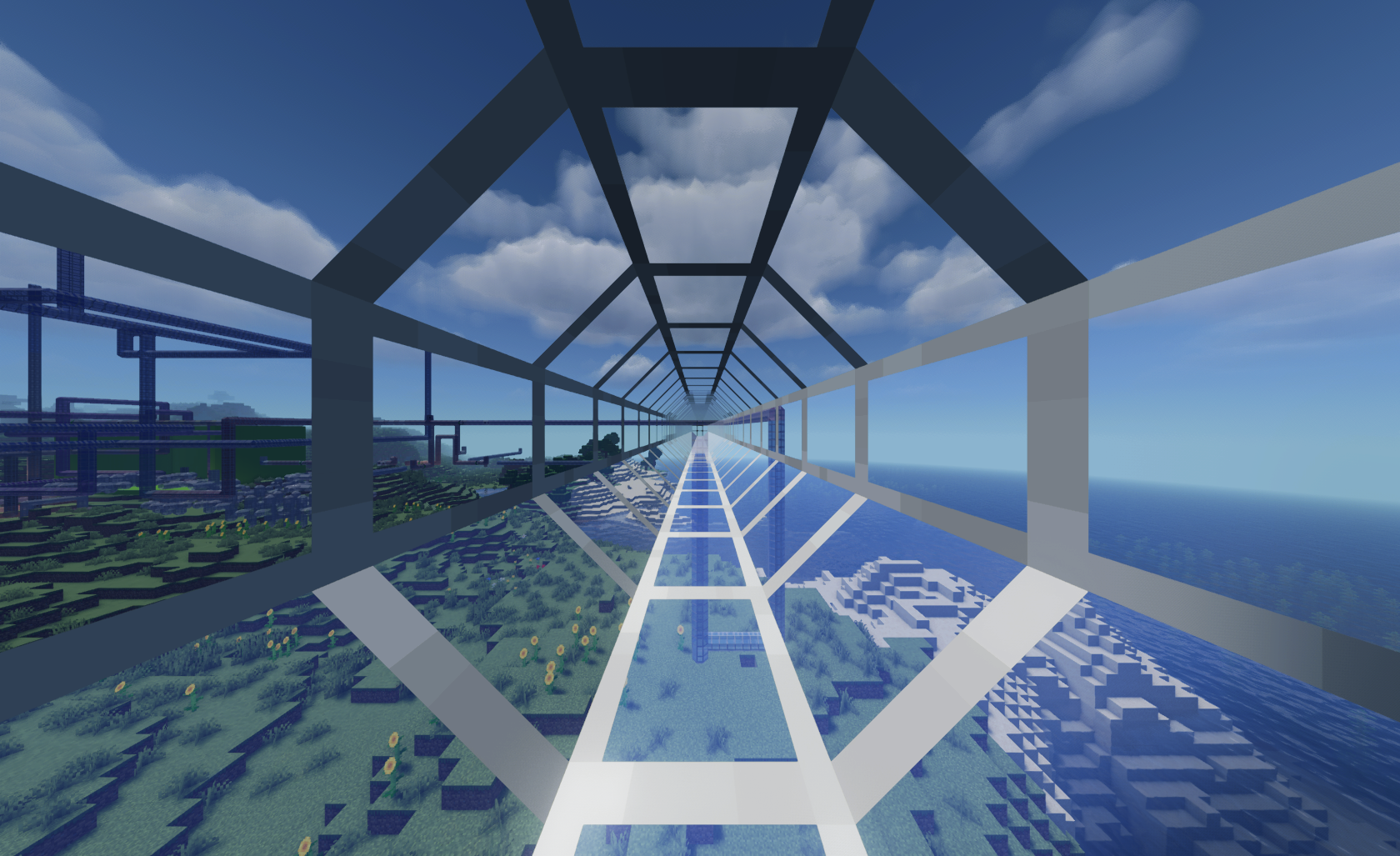 Travel
Versions
Files
Relations
Project Relations
More like this
Similar Mods
Suggestions use data such as tags, dependencies, dependents, descriptions, titles, and more to rank how much they overlap with this mod.
On ModDex
Community snapshot
By the numbers
Statistics
Want to reach Minecraft players?
We're looking for a server hosting partner to feature here and other parts of the site. Interested? Send us a message!
Get in touchGet it on
Available Platforms
On ModDex
Community snapshot
By the numbers