
Community listing page, reviews here may not be monitored by the author.
Player Workstation


No reviews yet
A Minecraft mod that allows you to access calculator, notepad, crafting list and tools that you can create your own rule.
Community voices
Reviews
No reviews yet. Be the first to review this project!
Get it on
Available Platforms
Compatibility
Supported Environments
Runs entirely on the client. Works on vanilla servers.
About
Project Details
For authors
Embed Badge
If you're the author of this project, you can embed a live badge anywhere that supports HTML or Markdown. It updates automatically whenever ratings change.
Use HTML for any page that supports it, or Markdown for README files and Markdown-based descriptions.
Identifiers
Platform IDs
About
Description
Player Workspace
An all-in-one workspace mod for Minecraft. Press P to open a fast, in-game overlay with four tools.
Features
Calculator
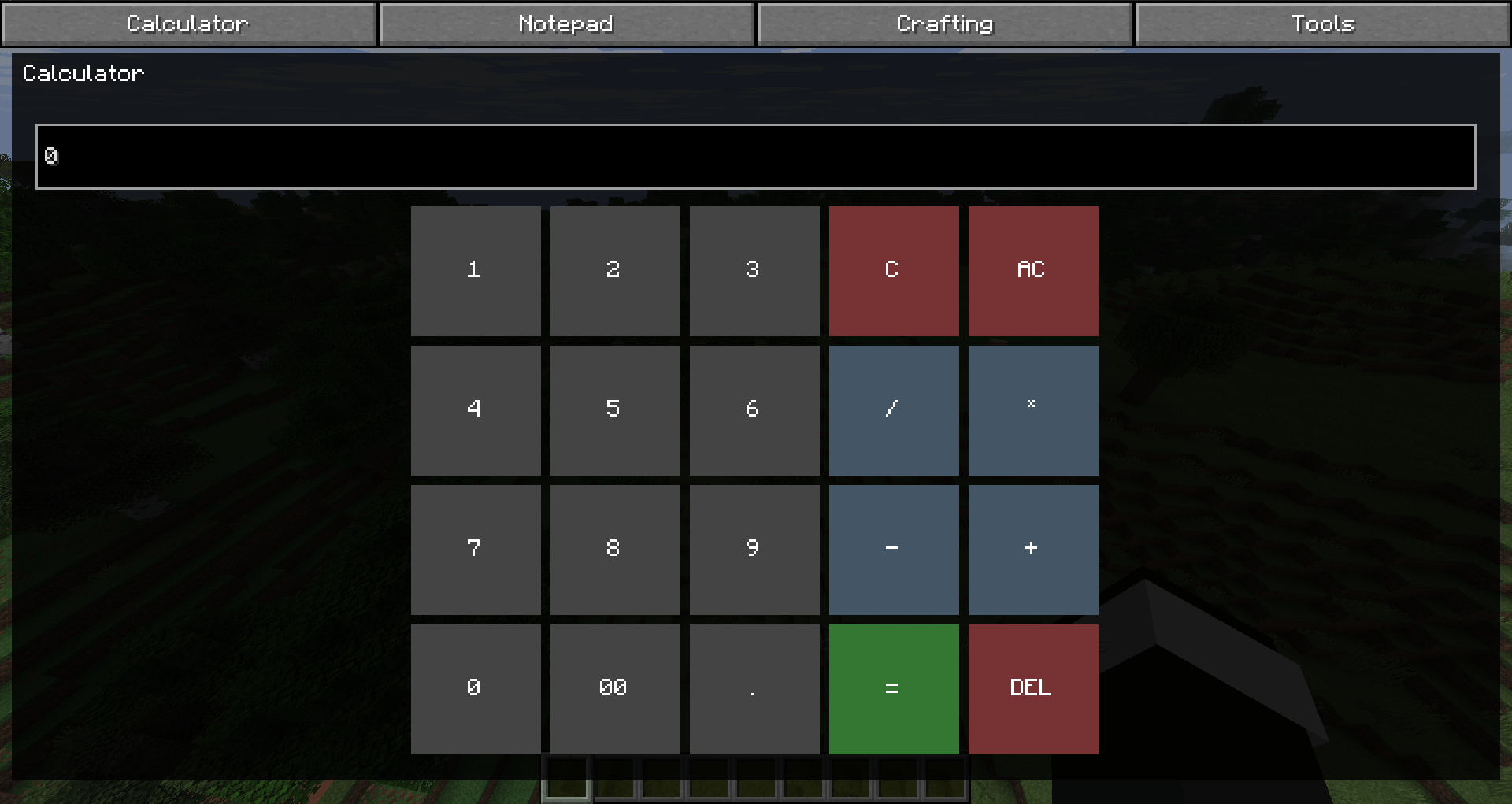
- Expression evaluation with parentheses and operators (
+,-,*,/) - On-screen buttons for quick input
- History of past calculations (persistent across sessions)
Notepad
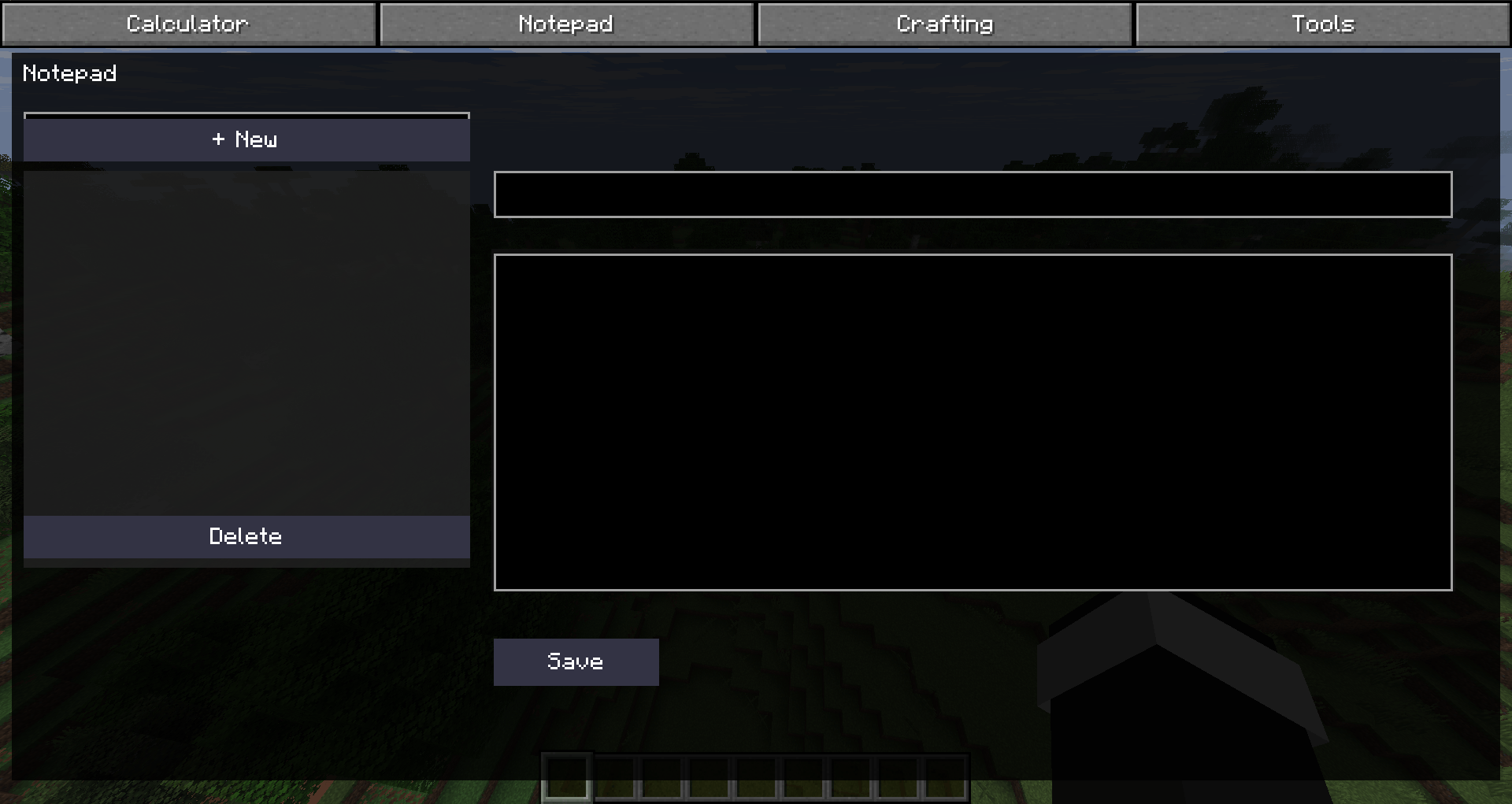
- Create, edit, and delete notes in-game
- Titles and content are saved automatically
- Configurable max notes and note length (via ModMenu)
Crafting Guide
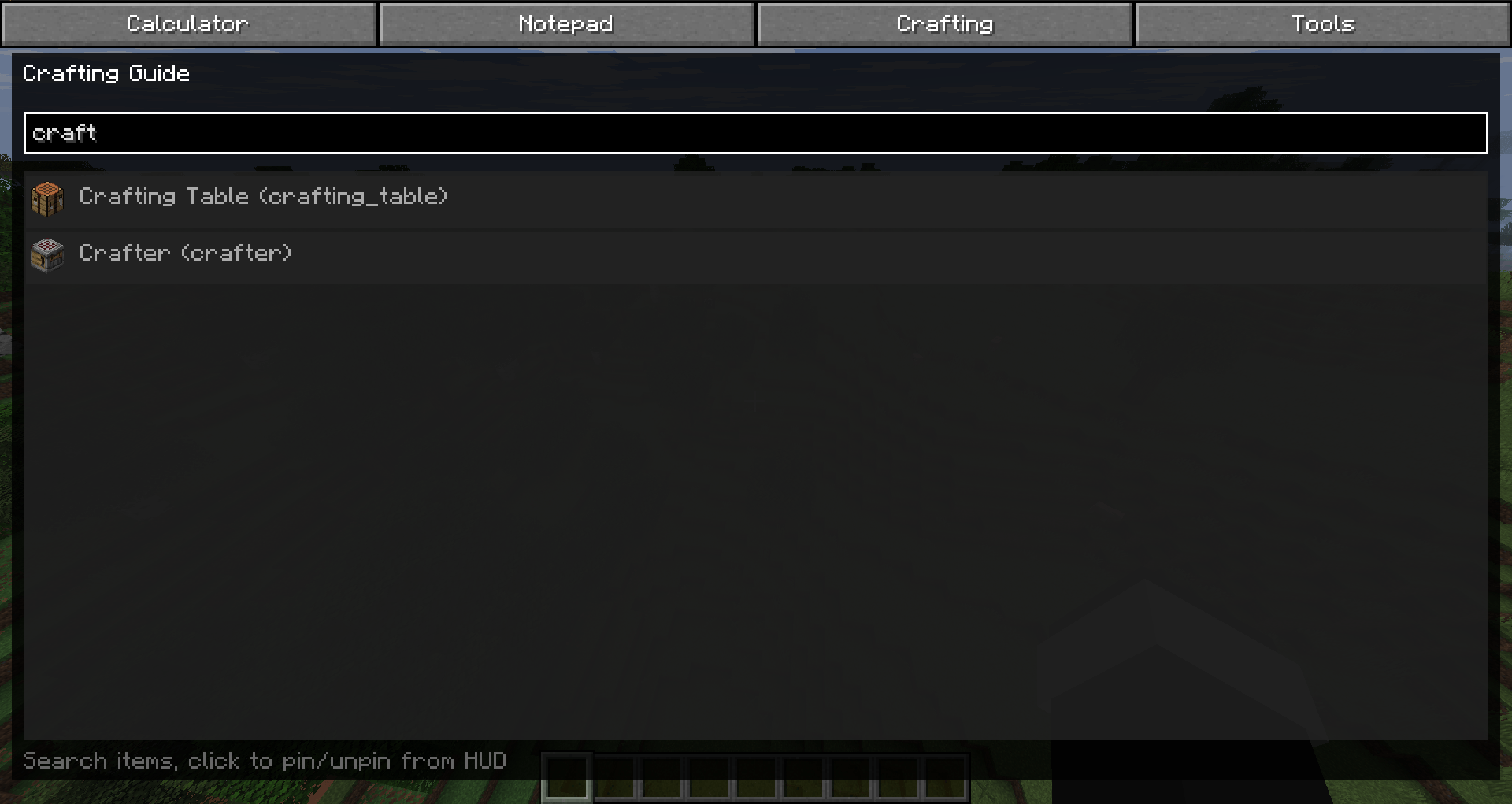
- Search any item by name or ID
- Pin items to your HUD for quick reference
- Multiple pinned items shown stacked on-screen
- Configurable pin position (via ModMenu)
Tools
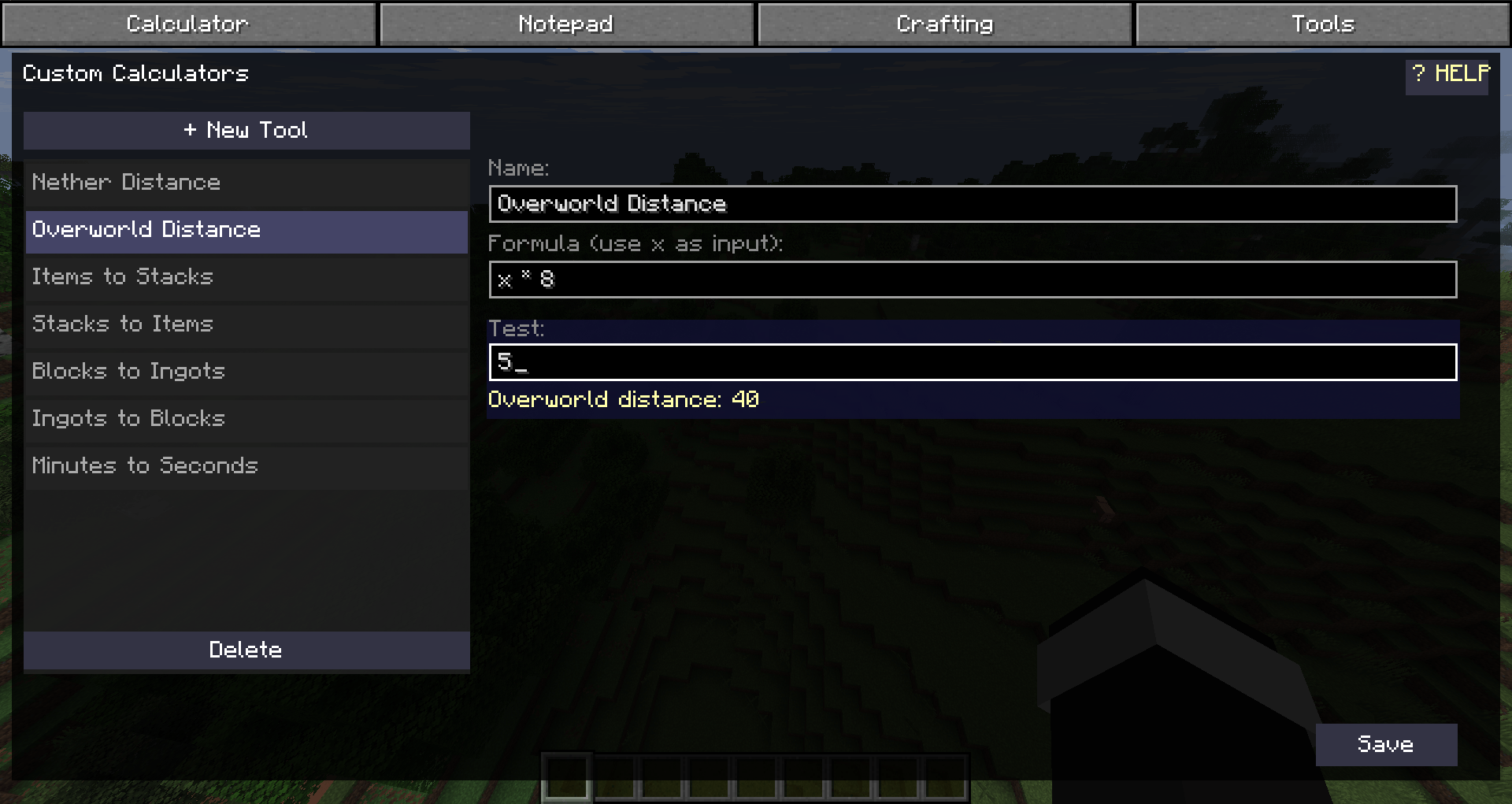
- Custom calculation tools using formulas with
xas input - Built-in examples: Nether/Overworld distance, stack size calculator, block/ingot conversion, minutes to seconds
- Test formulas live before saving
- Wiki with usage instructions
Requirements
- Minecraft 26.2
- Fabric Loader 0.19.0+
- Fabric API (any version for 26.2)
- ModMenu (optional, for settings screen)
Installation
- Install Fabric Loader for Minecraft 26.2
- Download Fabric API for 26.2 and place it in your
modsfolder - Download Player Workspace and place it in your
modsfolder - (Optional) Download ModMenu for the settings GUI
Configuration
Settings can be changed in-game via ModMenu, or directly in
.minecraft/config/playerworkspace.json:
pinX/pinY: HUD pinned items positionmaxNotes: Maximum number of notesmaxNoteLength: Maximum characters per note
Key Bindings
| Key | Action |
|---|---|
| P | Open workspace overlay |
Player Workspace
An all-in-one workspace mod for Minecraft. Press P to open a fast, in-game overlay with four tools.
Features
Calculator
- Expression evaluation with parentheses and operators (
+,-,*,/) - On-screen buttons for quick input
- History of past calculations (persistent across sessions)
Notepad
- Create, edit, and delete notes in-game
- Titles and content are saved automatically
- Configurable max notes and note length (via ModMenu)
Crafting Guide
- Search any item by name or ID
- Pin items to your HUD for quick reference
- Multiple pinned items shown stacked on-screen
- Configurable pin position (via ModMenu)
Tools
- Custom calculation tools using formulas with
xas input - Built-in examples: Nether/Overworld distance, stack size calculator, block/ingot conversion, minutes to seconds
- Test formulas live before saving
- Wiki with usage instructions
Requirements
- Minecraft 26.2
- Fabric Loader 0.19.0+
- Fabric API (any version for 26.2)
- ModMenu (optional, for settings screen)
Installation
- Install Fabric Loader for Minecraft 26.2
- Download Fabric API for 26.2 and place it in your
modsfolder - Download Player Workspace and place it in your
modsfolder - (Optional) Download ModMenu for the settings GUI
Configuration
Settings can be changed in-game via ModMenu, or directly in
.minecraft/config/playerworkspace.json:
pinX/pinY: HUD pinned items positionmaxNotes: Maximum number of notesmaxNoteLength: Maximum characters per note
Key Bindings
| Key | Action |
|---|---|
| P | Open workspace overlay |
Screenshots
Gallery
-
 4.png 4.png
 -
 3.png 3.png
 -
 2.png 2.png
 -
 1.png 1.png
-
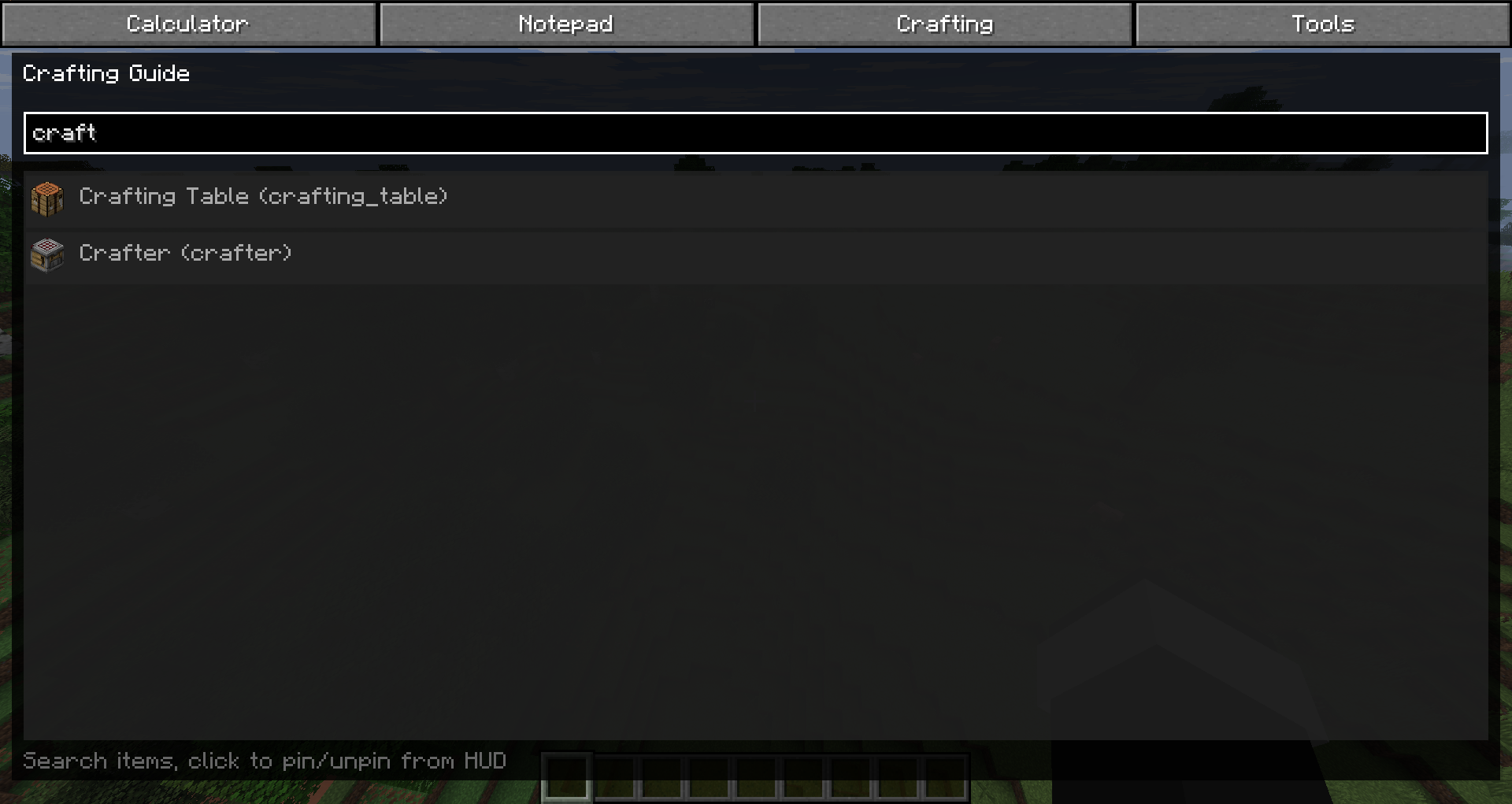 Crafting You can pin to screen crafting list.
 -
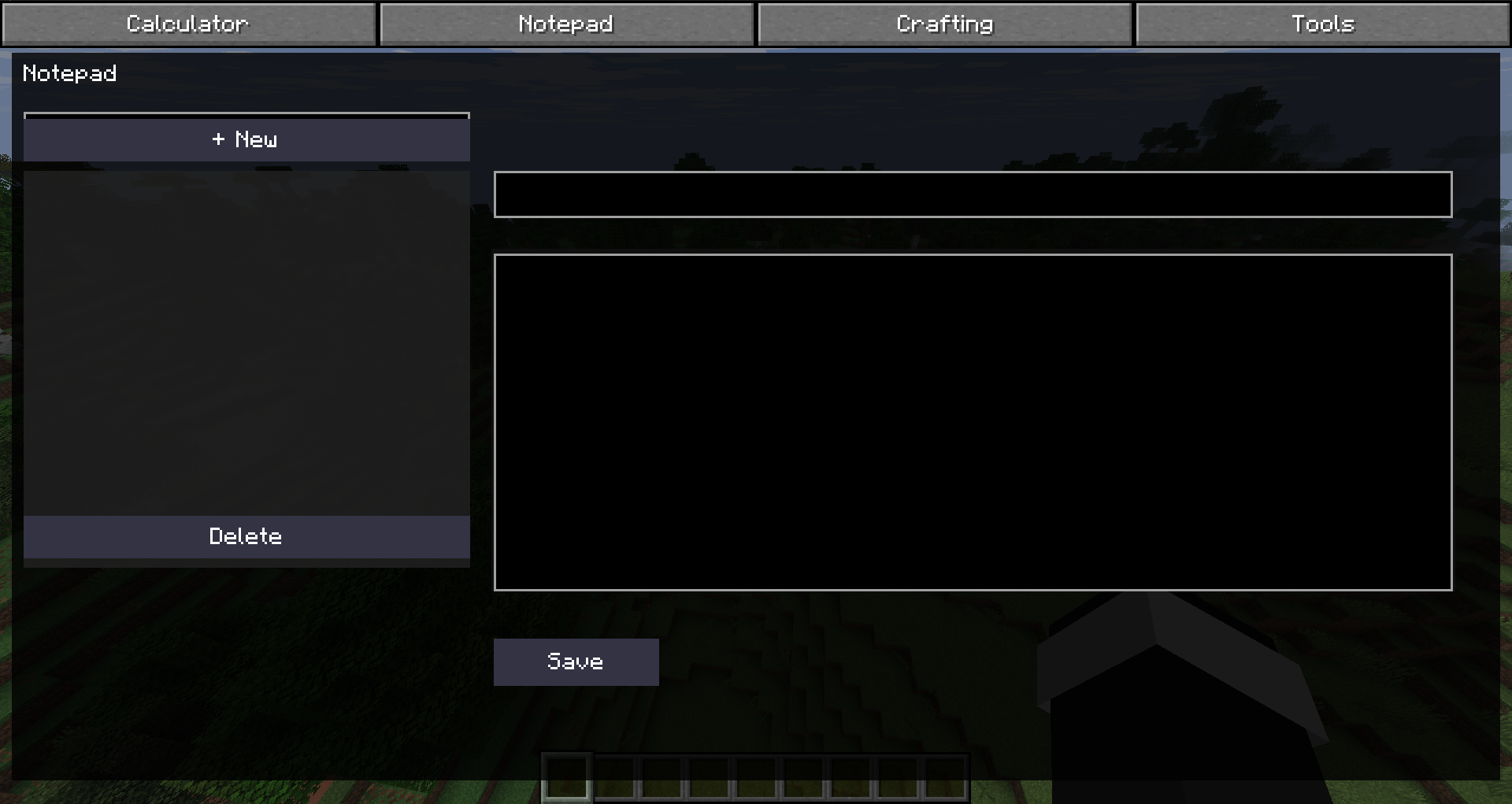 Notepad You can take notes and manage them.
 -
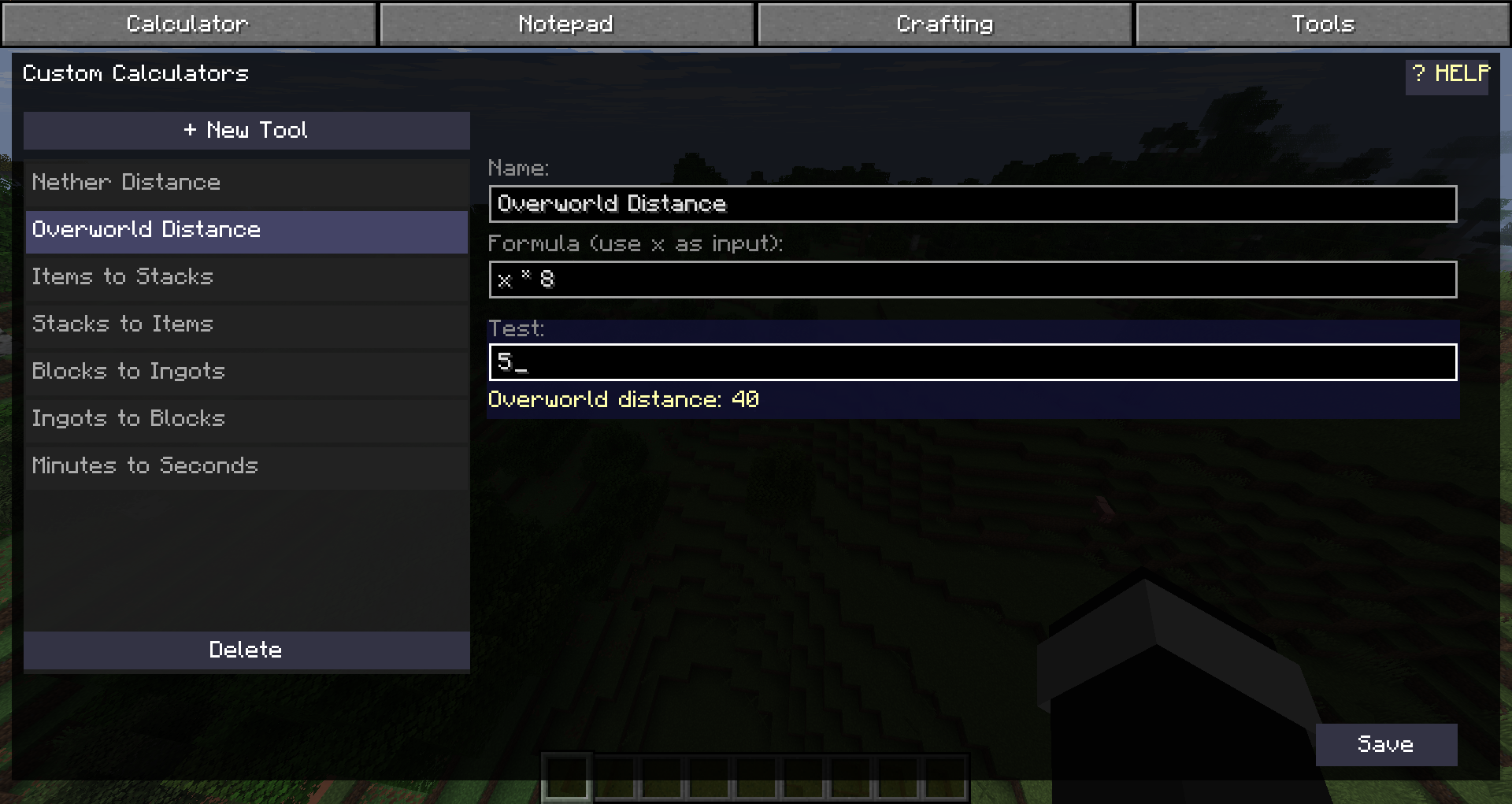 Tools You can create and use your own rules with formulas.
 -
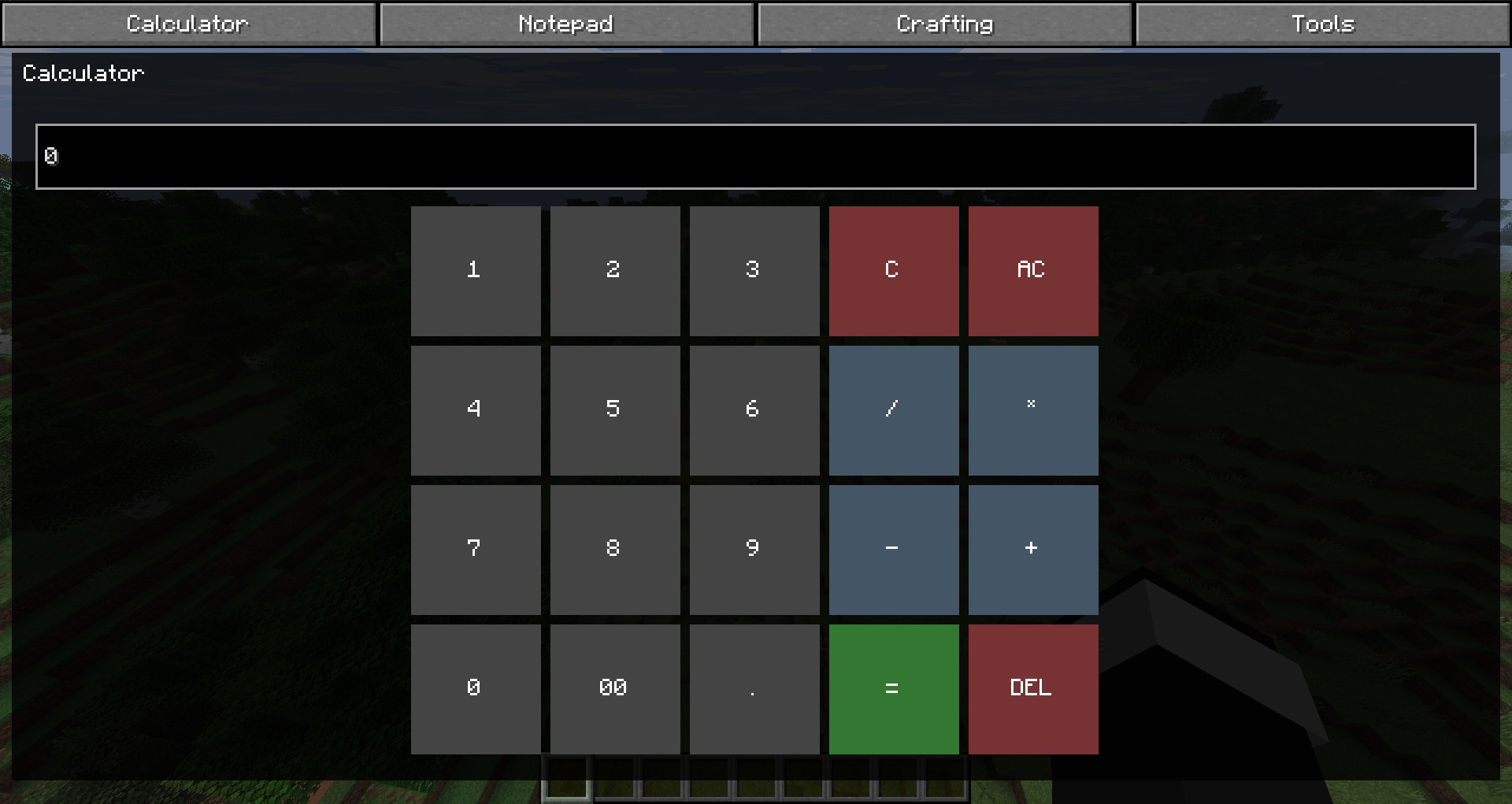 Calculator You can calculate in game with history.
Versions
Files
Relations
Project Relations
More like this
Similar Mods
Suggestions use data such as tags, dependencies, dependents, descriptions, titles, and more to rank how much they overlap with this mod.
On ModDex
Community snapshot
By the numbers
Statistics
Want to reach Minecraft players?
We're looking for a server hosting partner to feature here and other parts of the site. Interested? Send us a message!
Get in touchGet it on
Available Platforms
On ModDex
Community snapshot
By the numbers