Community listing page, reviews here may not be monitored by the author.
NameChanger

No reviews yet
PlayerSettingChanger lets you customize how online players look, sound, and appear on your client with per-player nicknames, skin URL overrides, voice mutes, and a premium themed GUI.
Community voices
Reviews
No reviews yet. Be the first to review this project!
Get it on
Available Platforms
Compatibility
Supported Environments
Runs entirely on the client. Works on vanilla servers.
About
Project Details
For authors
Embed Badge
If you're the author of this project, you can embed a live badge anywhere that supports HTML or Markdown. It updates automatically whenever ratings change.
Use HTML for any page that supports it, or Markdown for README files and Markdown-based descriptions.
Identifiers
Platform IDs
Resources
External Links
About
Description
PlayerSettingChanger
About
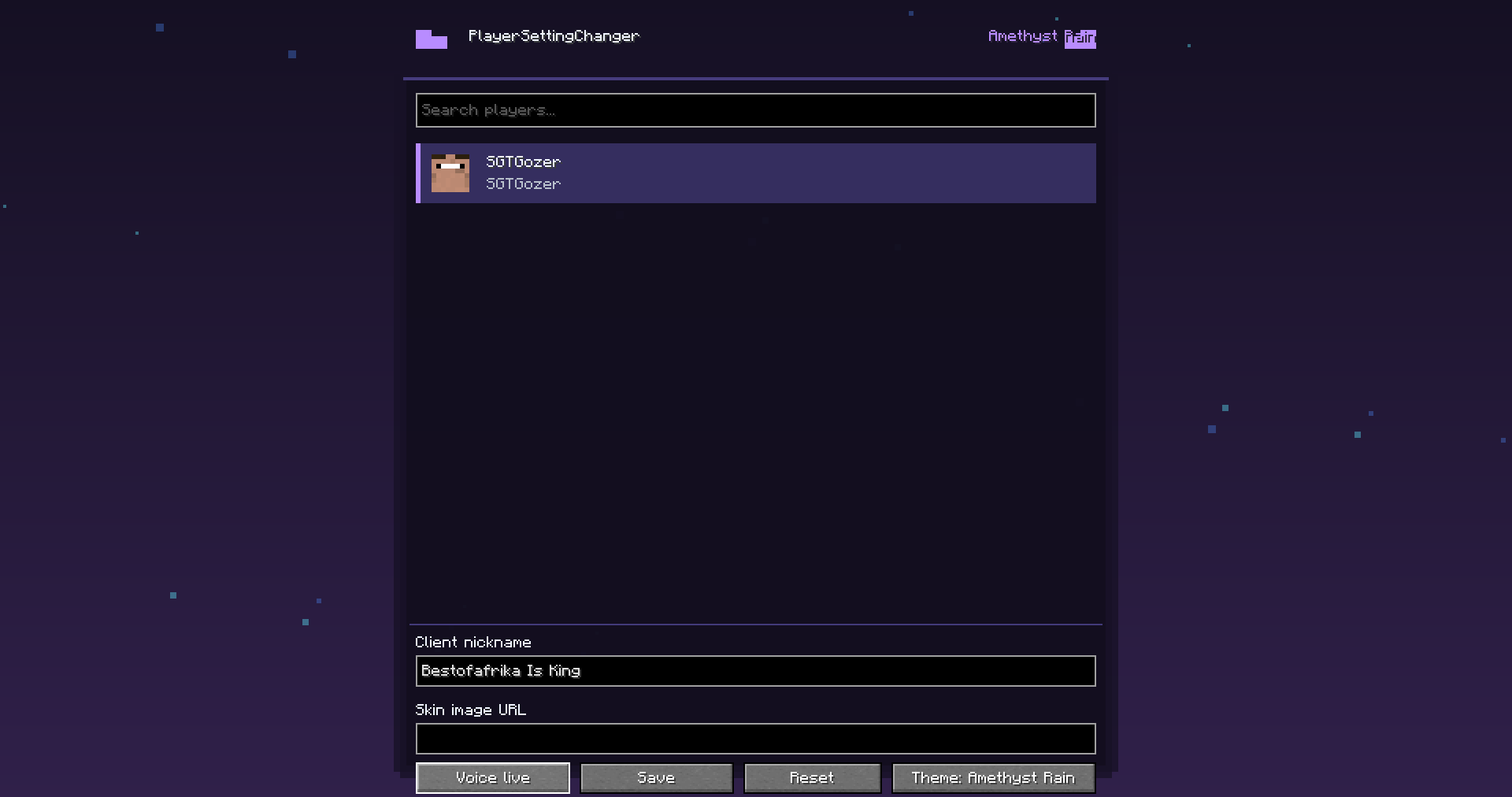
PlayerSettingChanger is a client-side Minecraft mod that gives you a clean, modern menu for managing how other online players appear and sound only on your client.
Open the mod from Mod Menu and you’ll see every online player listed in a premium styled GUI with their player head and username. From there, you can set a custom client-side nickname, add a skin image URL override, mute them through Simple Voice Chat support, or reset their settings back to normal.
Features
- Modern player settings GUI
- Shows all online players
- Player head and username cards
- Client-side nickname changer
- Client-side skin URL override
- Per-player Simple Voice Chat mute
- Reset button to restore a player back to original
- Settings are saved per player UUID
- 50 custom themes
- Animated theme effects
- Flapping cat-ear style header
- Custom mod logo
- Works through Mod Menu
Important
This mod is client-side only.
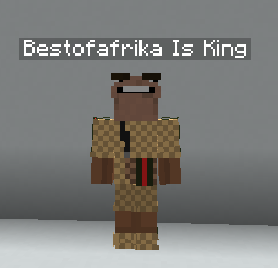
Custom names, skins, and mute settings are only visible or active for you. Other players will not see your changes.
Skin overrides require a direct PNG image URL, usually a Minecraft skin image in 64x64 format.
Simple Voice Chat Support
If Simple Voice Chat is installed, PlayerSettingChanger can mute selected players locally by silencing their incoming voice audio on your client.
Dependencies
Required:
- Fabric Loader
- Fabric API
- Minecraft 1.21.11
Recommended:
- Mod Menu
- Simple Voice Chat, for voice mute support
Author
Made by BestOfAfrika
Screenshots
Gallery
Versions
Files
Relations
Project Relations
More like this
Similar Mods
Suggestions use data such as tags, dependencies, dependents, descriptions, titles, and more to rank how much they overlap with this mod.
On ModDex
Community snapshot
By the numbers
Statistics

Want to reach Minecraft players?
We're looking for a server hosting partner to feature here and other parts of the site. Interested? Send us a message!
Get in touchGet it on
Available Platforms
On ModDex
Community snapshot
By the numbers
Statistics
Resources