Community listing page, reviews here may not be monitored by the author.
Plushified

No reviews yet
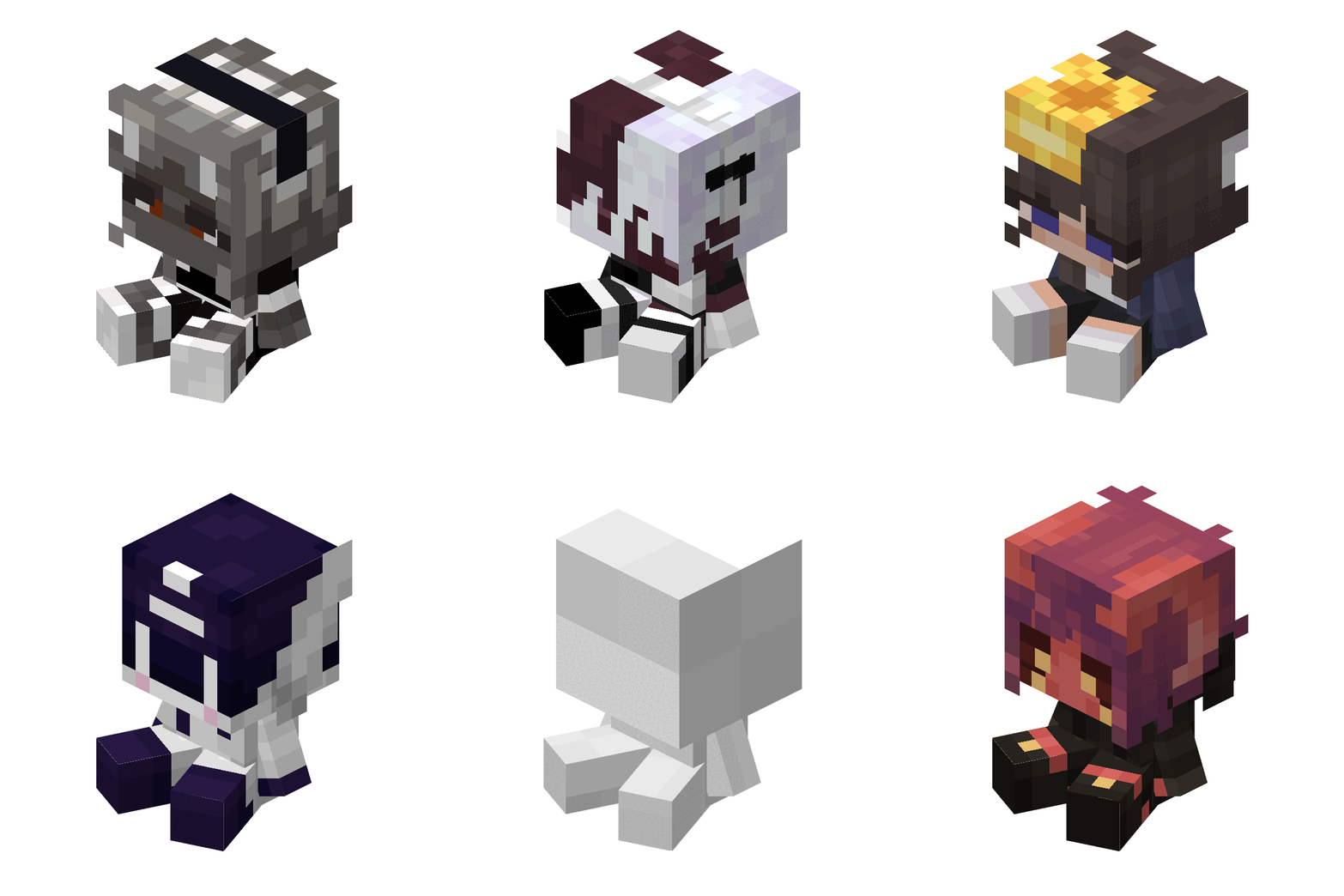
Lets you create plushies from a simple texture and a bit of json.
Community voices
Reviews
No reviews yet. Be the first to review this project!
Get it on
Available Platforms
About
Project Details
For authors
Embed Badge
If you're the author of this project, you can embed a live badge anywhere that supports HTML or Markdown. It updates automatically whenever ratings change.
Use HTML for any page that supports it, or Markdown for README files and Markdown-based descriptions.
Identifiers
Platform IDs
Resources
External Links
About
Description


\*\*DISCONTINUED\*\*
Overview
The Plushie Blocks Mod allows users to create custom plushie blocks with their own textures, sounds, and descriptions. Personalize your Minecraft world with unique plushies by simply adding a texture file and updating the configuration file.
Features
- Custom Textures: Add your own textures for plushie blocks.
- Custom Sounds: Assign specific sound events to your plushies.
- Custom Descriptions: Add unique descriptions for each plushie.
How to Use
Add Your Texture:
- Place your texture files in the
config/plushified/texturesfolder. - Ensure the texture name matches the "texture" field in the configuration file.
- Place your texture files in the
Update Configuration File:
- Open the
config/plushified/config.json5file. - Add a new JSON object for each plushie you want to create. Follow the format below:
"your_plushie_name": { "texture": "your_texture_name", "soundEvent": "your_sound_event", "descriptionText": "your_description" }Example:
"cup_plushie": { "texture": "cup_plushie", "soundEvent": "minecraft:block.mud.hit", "descriptionText": "It's only been a week, but it feels like a year." }- Open the
Example Configuration
Here is an example configuration with multiple plushies:
{
    "cup_plushie": {
        "texture": "cup_plushie",
        "soundEvent": "minecraft:block.mud.hit",
        "descriptionText": "It's only been a week, but it feels like a year."
    },
    "bear_plushie": {
        "texture": "bear_plushie",
        "soundEvent": "minecraft:block.wood.hit",
        "descriptionText": "A cuddly bear plushie."
    },
    "cat_plushie": {
        "texture": "cat_plushie",
        "soundEvent": "minecraft:block.wool.hit",
        "descriptionText": "A cute cat plushie to keep you company."
    }
}
Notes
- The texture file must be named exactly as specified in the "texture" field.
- Make sure the sound event exists in the Modpack.
- Descriptions can be any text string to give your plushies a unique touch.
Installation
- Download and install the mod.
- Place your texture files in the
config/texturesfolder. - Edit the
config/plushified/config.json5file to add your plushie configurations. - Launch Minecraft and enjoy your custom plushie blocks!
Sponsor

Screenshots
Gallery
-
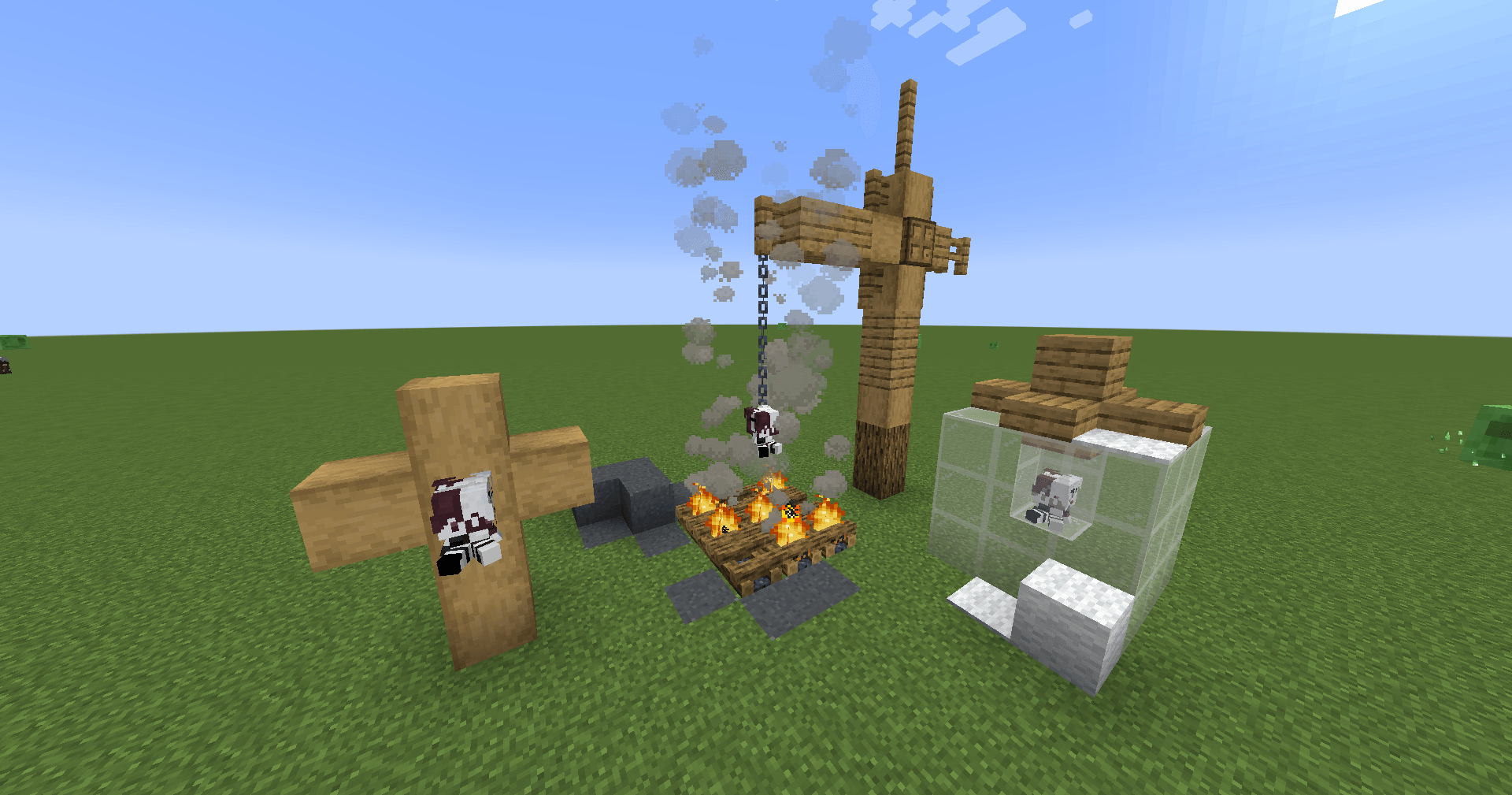 A Plushie A plushie added using the mod.
 -
plushified_logo.png Mod Banner
Versions
Files
Relations
Project Relations
More like this
Similar Mods
Suggestions use data such as tags, dependencies, dependents, descriptions, titles, and more to rank how much they overlap with this mod.
On ModDex
Community snapshot
By the numbers
Statistics
Want to reach Minecraft players?
We're looking for a server hosting partner to feature here and other parts of the site. Interested? Send us a message!
Get in touchGet it on
Available Platforms
On ModDex
Community snapshot
By the numbers
Statistics
Resources