
Community listing page, reviews may not be monitored by the author.
PopStop - Custom Item Decay / Despawn Time

No reviews yet
Configure any item to despawn quicker, slower, or never! Fireproof too!

Community voices
Reviews
No reviews yet. Be the first to review this project!
Get it on
Available Platforms
About
Project Details
For authors
Embed Badge
If you're the author of this project, you can embed a live badge anywhere that supports HTML or Markdown. It updates automatically whenever ratings change.
Use HTML for any page that supports it, or Markdown for README files and Markdown-based descriptions.
Identifiers
Platform IDs
Resources
External Links
About
Description
PopStop - A custom item despawn timer mod
This description is intentionally sarcastic, please dont ban me
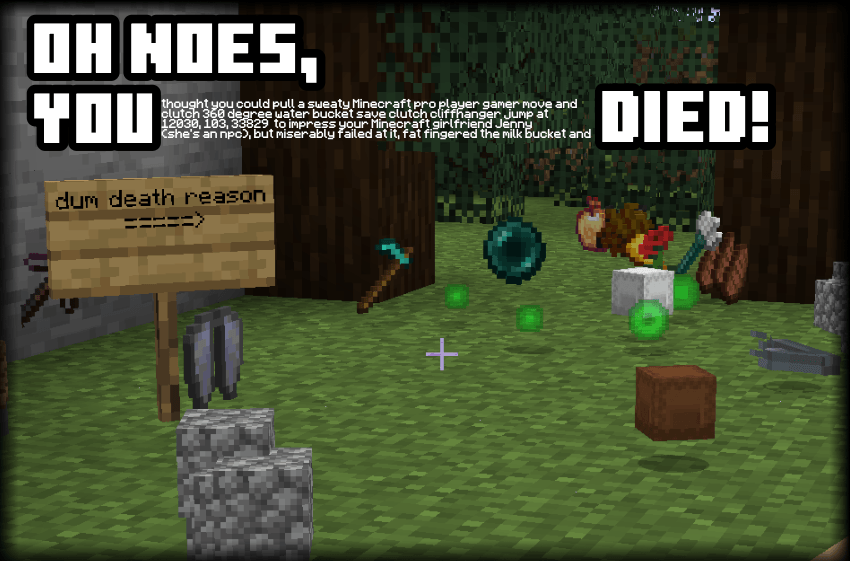
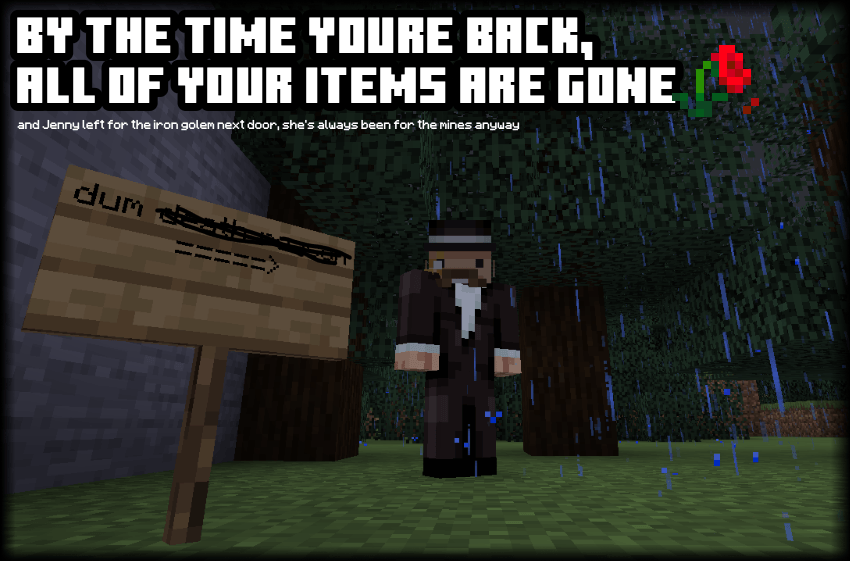

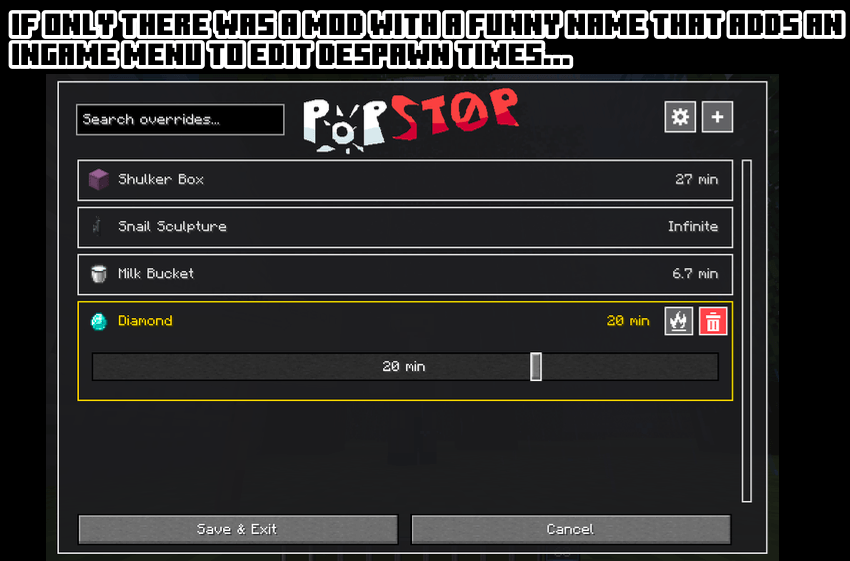
Oh wait... youre looking at it right now!!!1!!
I made this mod after dying and loosing shulker boxes with my assorted jar collection, which broke my heart.
Out of spite, I learned the art of staying in my parents basement and modding the Minecraft™
This is the totally real story of how PopStop was born.
So what does it even do:
PopStop lets you control how long any dropped items remains in the world!
You can edit individual items and set a global despawn time. You can also create custom rules for specific items, keep important drops forever, or protect them from fire and lava, all inside this comprehensive GUI. Live. As in, instant. As long as you press save & exit.
Features List because we love feature lists :333
- Edit default despawn time for all items
- Create individual timers for specific items
- Set item lifetimes from 1 second to 60 minutes
- Give selected items an infinite lifetime
- Make selected drops immune to fire and lava (like netherite)
- Supports vanilla and modded items (because its cool like that)
- Wool and colored shulker boxes are grouped so its not a pain
- Items can be searched in an inventory like grid, for visual fidelity points
- Client side at its core, but server owners can use it too
- No, clients cannot edit the servers rules if they install PopStop themselves
- If youre oldschool, you can still edit the JSON config file.
How do i use the funny
- Open Minecraft's Options menu.
- Click the small PopStop icon beside Telemetry Data (which i hope doesnt overlap with any other mod menu please god i dont want to wrtie patches)
- Use the settings button to change the default despawn time for ALL items.
- Press + to choose an item and create a custom rule.
- Click the item in the list to adjust its timer, toggle fire protection, or remove the rule.
- Select Save & Exit to apply your changes.
The config file is in config/popstop.json.
On multiplayer servers, PopStop must be installed on the server to affect dropped items.
Server owners can editconfig/popstop.json, then restart the server or run/popstop reload. which like.. thats what the command is for, it saves you time <3
The in-game editor is read-only for any client connected to a host, meaning no foregin players can suddenly set all despawn times to 1 second and cause havoc.
Infinite time Performance: Items with an infinite lifetime can accumulate over time and do big nonoes on any server. Because computer needs to think extra hard for all the littering you did at your local minecraft park. Best only use it for REALLY important items. And mind people who item dupe.
Anyhow, thanks for reading, have fun!
You're allowed to use this mod in your modpacks!
You may include this mod in public or private Minecraft modpacks, provided the mod file is unmodified and downloaded from its official Modrinth or CurseForge page
Screenshots
Gallery
-
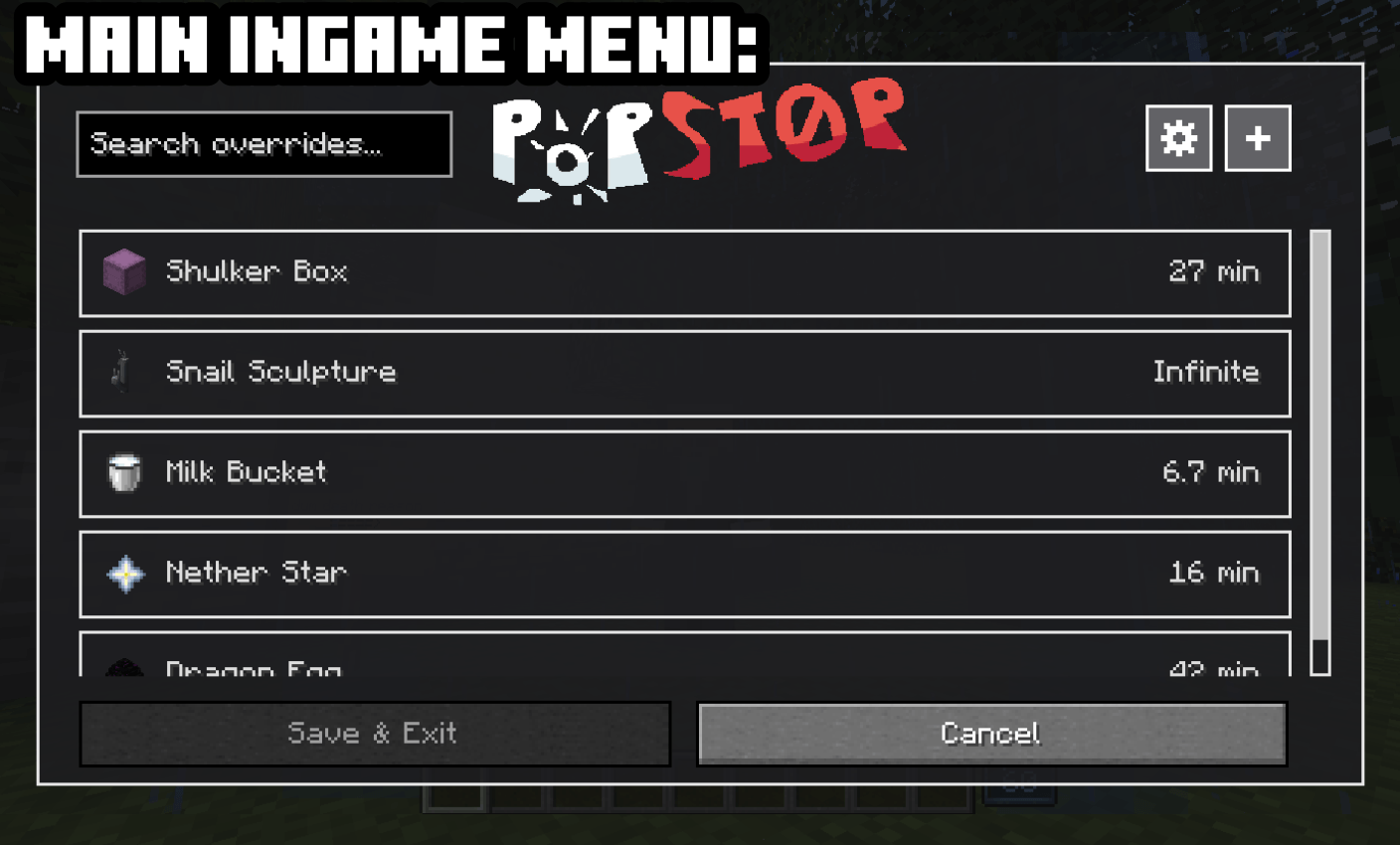 Main Ingame Menu Im proud of how it looks, so this is a second picture with the general overview
 -
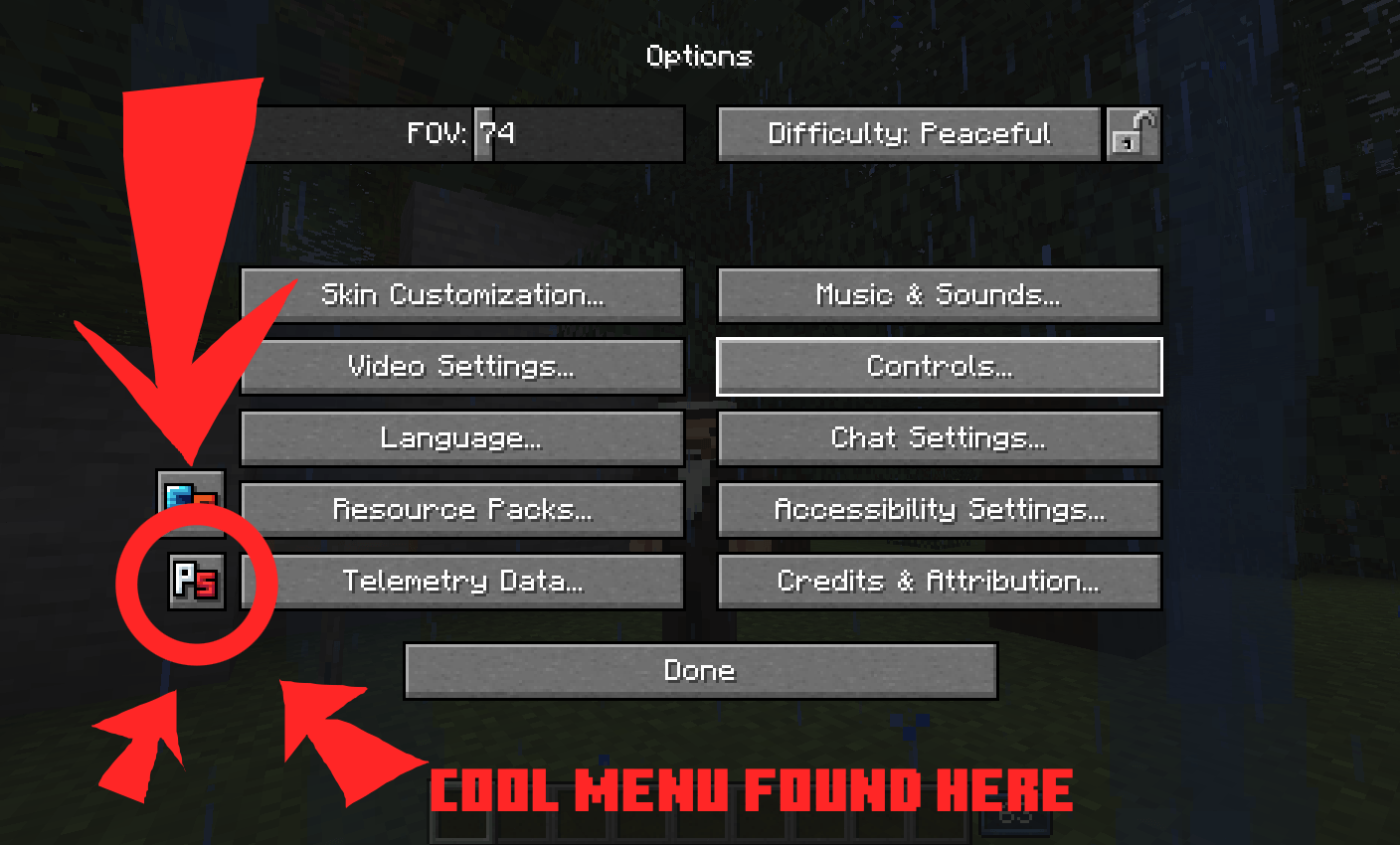 Where is the PopStop menu? The PopStop menu is in the "options" menu of the game. It's the little PS button.
 -
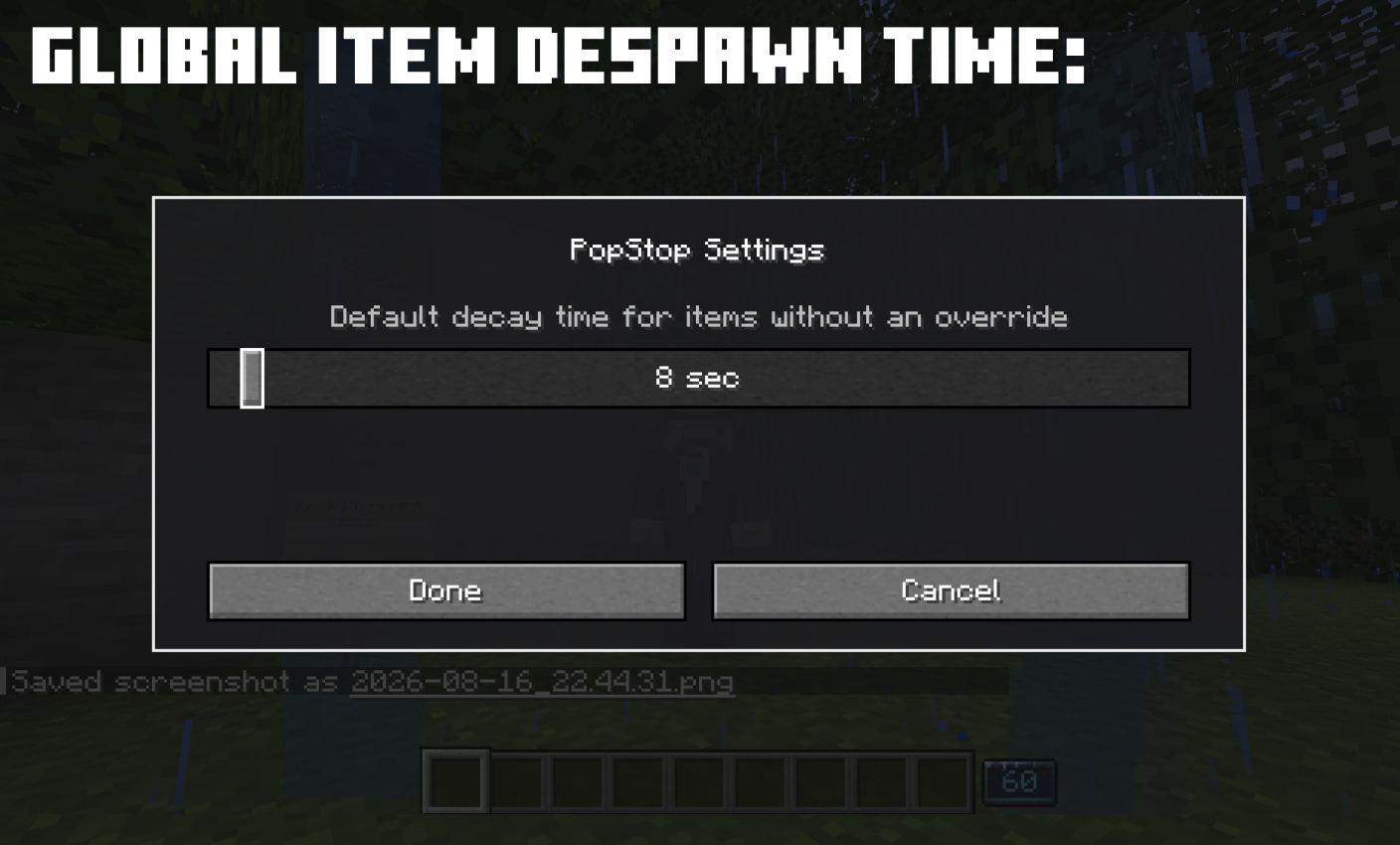 Set Global Despawn Times This is the default for ALL dropped items. The default is 5 minutes :3
 -
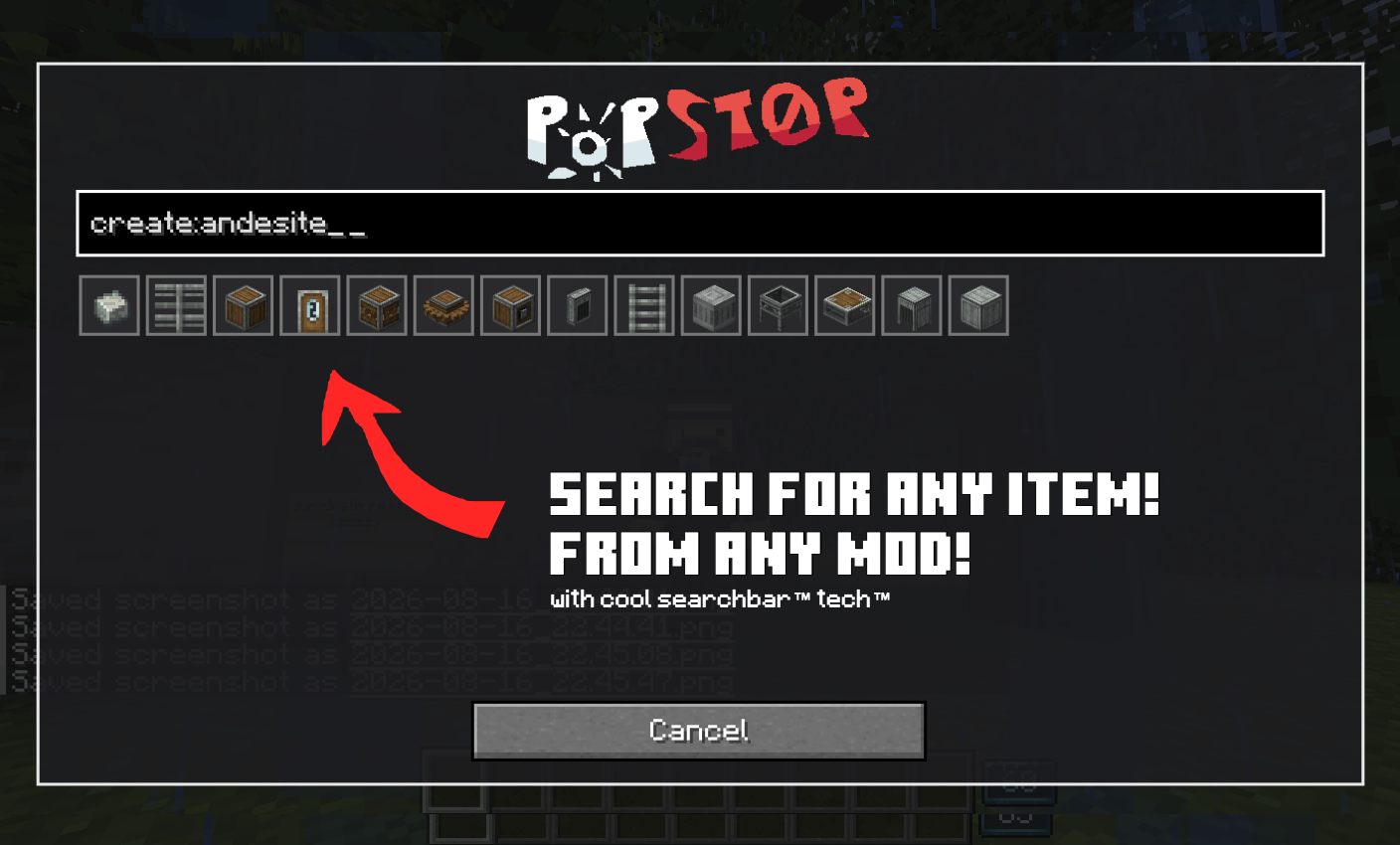 Item Selection Interface Normal names, mod ids, anything goes. Has a cool visual interface too!
 -
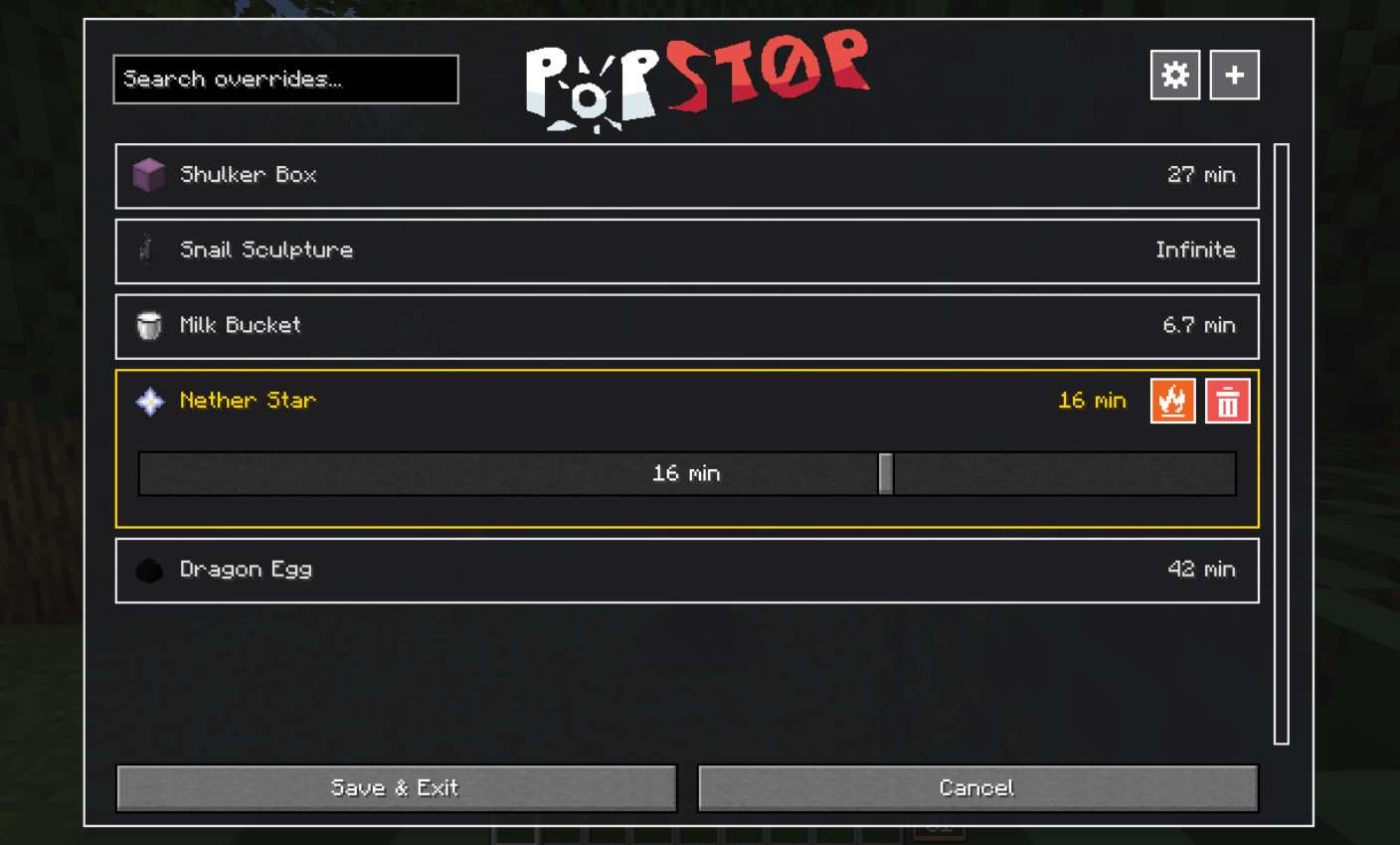 Edit Despawn Times! Theres a slider to adjust times and you can even fireproof any item (like netherite)
Versions
Files
Relations
Project Relations
More like this
Similar Mods
Suggestions use data such as tags, dependencies, dependents, descriptions, titles, and more to rank how much they overlap with this mod.
On ModDex
Community snapshot
By the numbers
Statistics

Get it on
Available Platforms
On ModDex
Community snapshot
By the numbers
Statistics
Resources