Community listing page, reviews here may not be monitored by the author.
Potion HUD Display


No reviews yet
A clean, elegant, and fully customizable HUD overlay to track your active potion effects in real-time.
Community voices
Reviews
No reviews yet. Be the first to review this project!
Get it on
Available Platforms
Compatibility
Supported Environments
Runs entirely on the client. Works on vanilla servers.
About
Project Details
For authors
Embed Badge
If you're the author of this project, you can embed a live badge anywhere that supports HTML or Markdown. It updates automatically whenever ratings change.
Use HTML for any page that supports it, or Markdown for README files and Markdown-based descriptions.
Identifiers
Platform IDs
Resources
External Links
About
Description
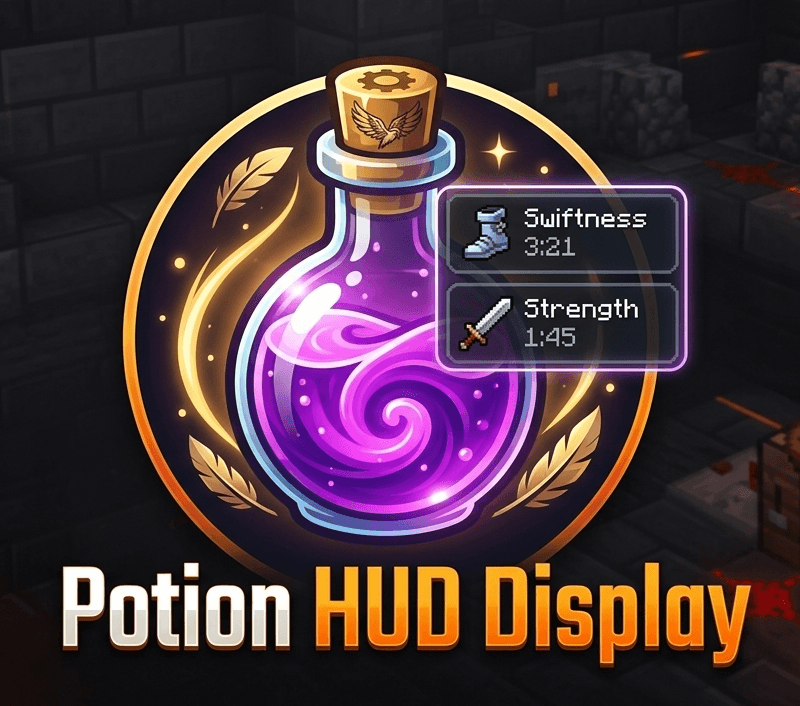 Potion HUD Display Enhance your Minecraft experience with a sleek, clear, and fully customizable display for all your active potion effects.
Overview Potion HUD Display is a lightweight, client-side mod designed for players who want to keep track of their power-ups and status effects without cluttering their screen. No more opening your inventory or squinting at tiny vanilla icons. This mod adds a modern, readable, and aesthetic overlay directly to your in-game HUD.
Features
-
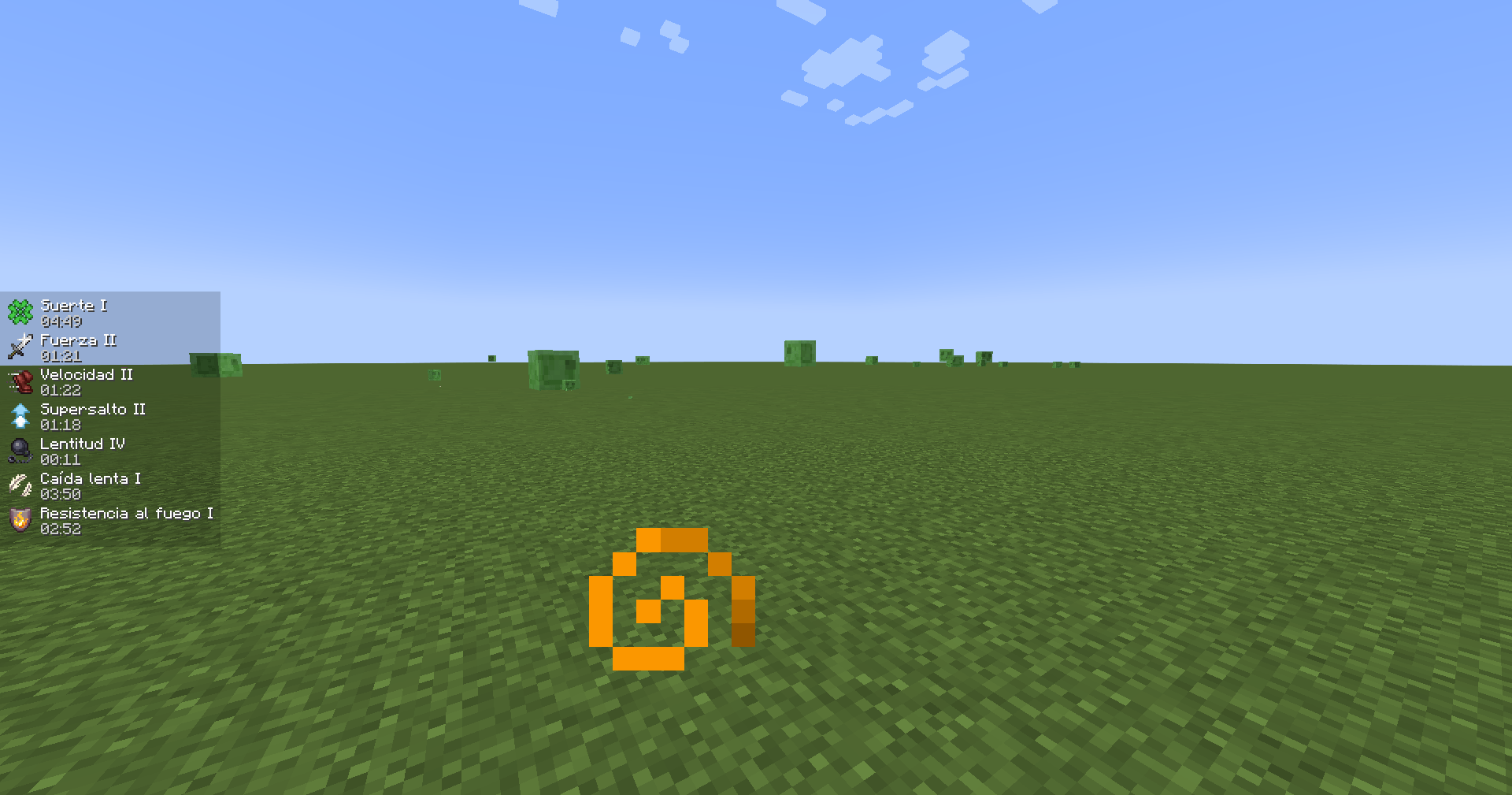
Crystal-Clear List: Displays a vertical list of your active effects with clear icons, effect names, and exact timers (M:SS).
-
Dynamic Appearance: Enjoy subtle text formatting—effect names turn slightly red as they near expiration, ensuring you're never caught off guard.
-
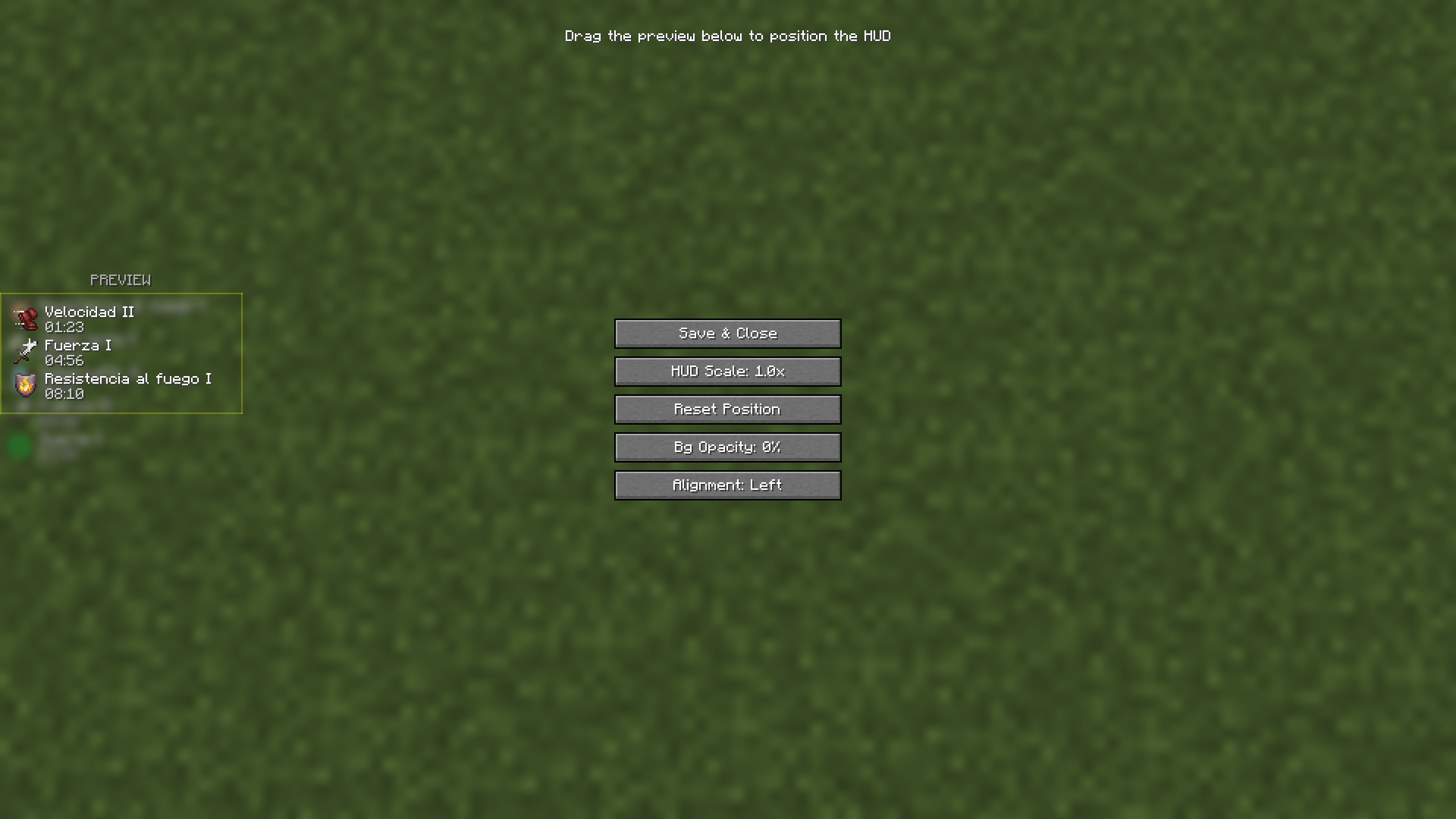
Customizable Positioning: Drag-and-drop your custom preview box to place the HUD anywhere on your screen.
-
Advanced Configuration: Fine-tune everything via an in-game Config Screen.
Installation Notes: This mod requires Fabric API (or Forge counterpart) and ModMenu to access the in-game config screen. It is a client-side mod, so you do not need to install it on servers.
Permissions and Packs:
-
Modpacks: You are free to include this mod in any modpack.
Credits: A project by FalconMods. Special thanks to the community for feedback and testing!
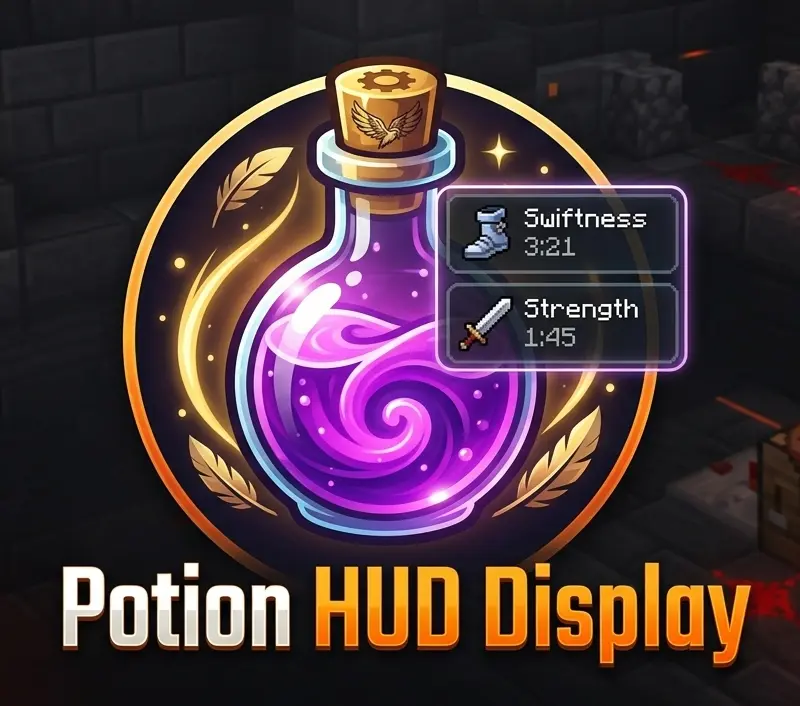
Falcon's Potion HUD Display
Falcon's Potion HUD Display is a sleek, lightweight, and fully client-side quality-of-life mod that displays your active status effects directly on your screen without cluttering your view.
✨ Features
- Sleek HUD Integration: View all active potion effects, their remaining duration, and amplifier levels beautifully rendered on your screen.
- Smart Visibility: Automatically hides or adjusts when your inventory is open to prevent overlapping with vanilla menus.
- Highly Optimized: Zero impact on FPS, designed to run smoothly alongside heavy modpacks and optimization mods.
🕹️ Usage
Once installed, your active status effects will automatically appear on your screen as soon as you consume a potion, get hit by an effect, or eat status-granting food. No configuration required!
📦 Installation & Compatibility
- Mod Loader: Built exclusively for Fabric.
- Environment: Client-side only. This does not need to be installed on the server!
- Requirements: Requires Fabric API.
- Modpacks: You are 100% free to include this mod in any modpack!
Screenshots
Gallery
-
 2026-07-13_10.38.55.png 1
 -
 2026-07-13_14.30.16.png 1
-
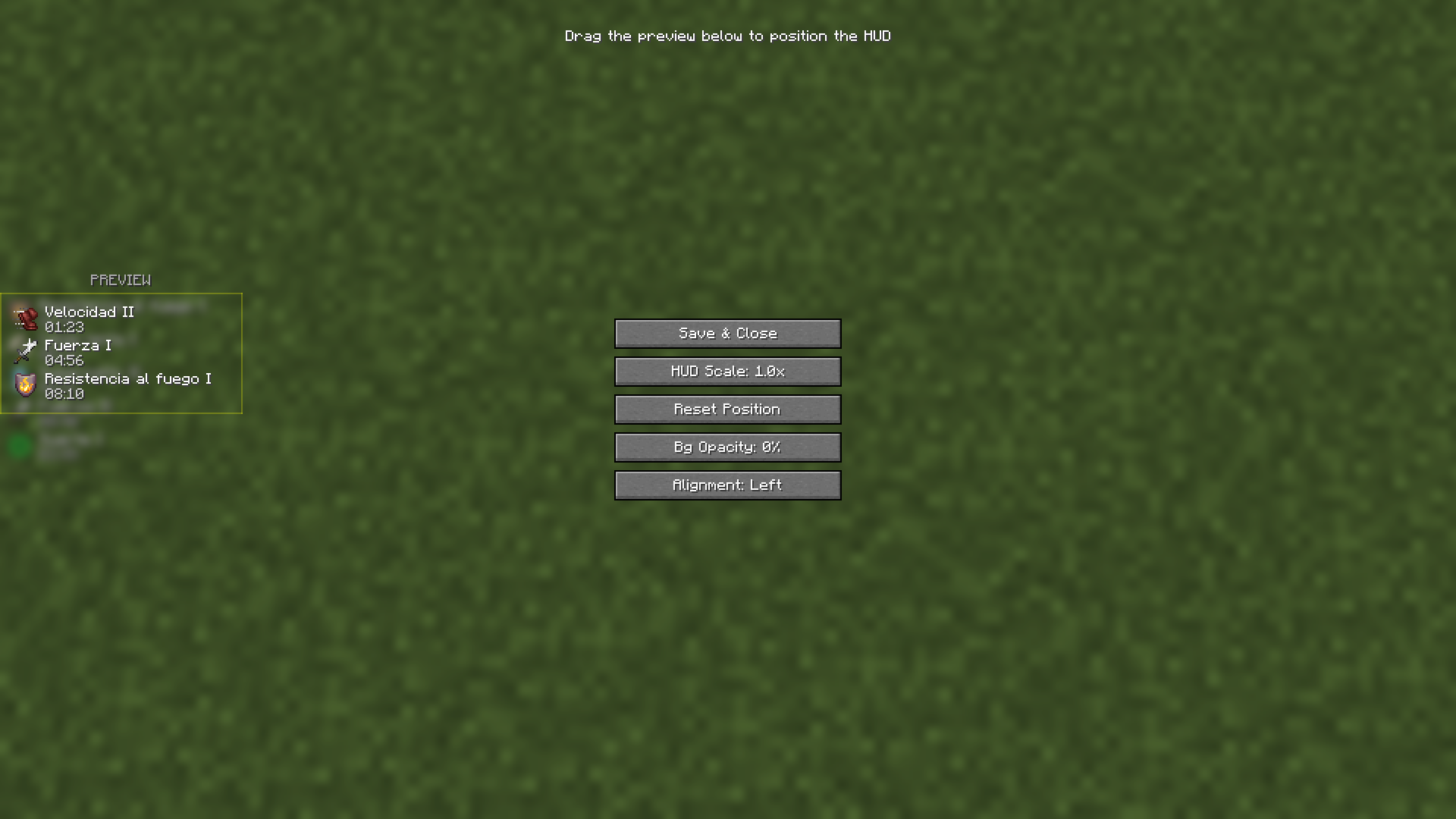 HUD Customization & Settings Menu This screen allows you to drag, reposition, and scale the HUD to your liking, as well as configure specific display options in-game.
 -
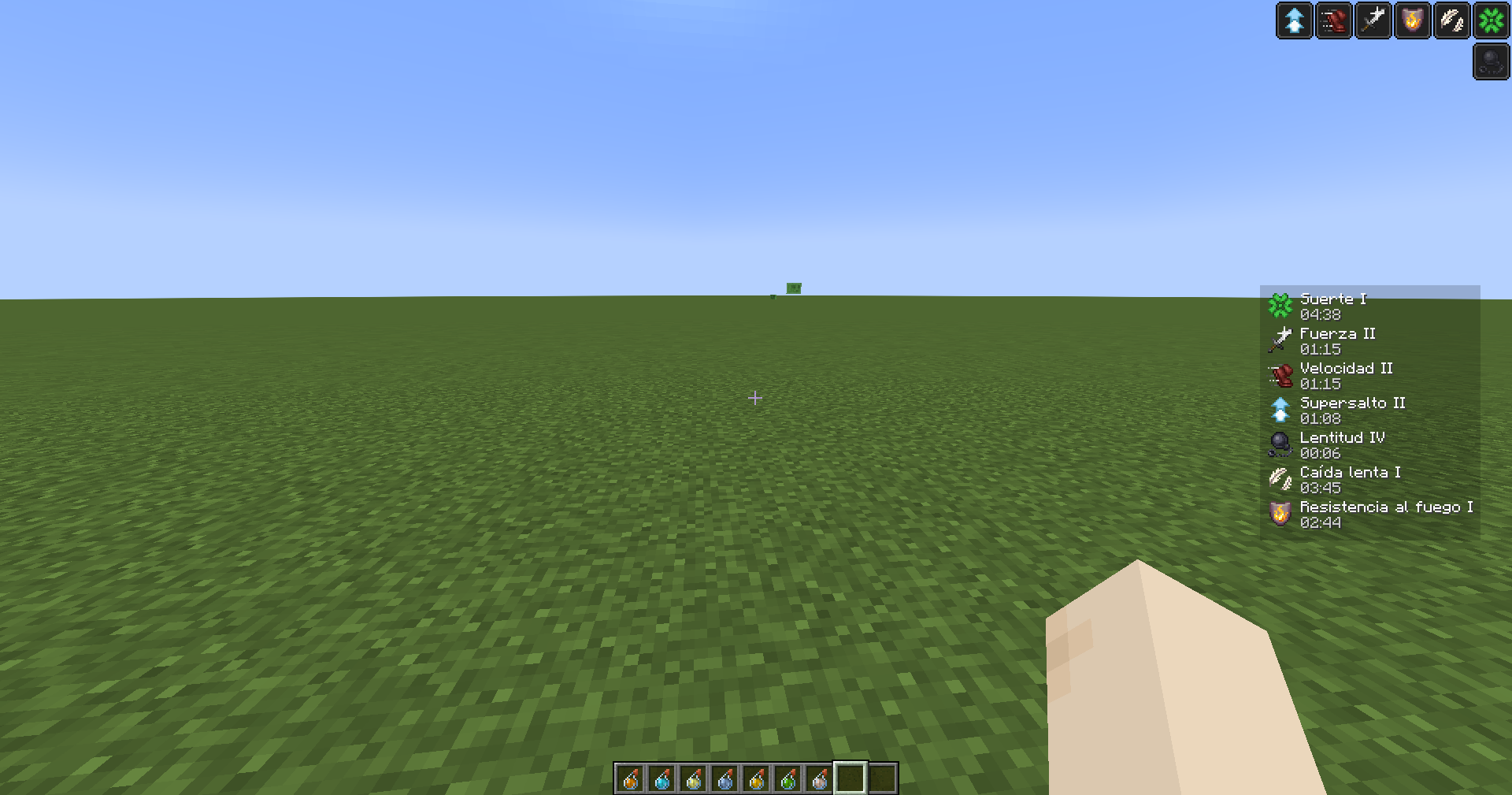 In-Game HUD Preview How the custom HUD looks during gameplay, displaying active status effects, durations, and icons clearly on your screen.
Versions
Files
Relations
Project Relations
More like this
Similar Mods
Suggestions use data such as tags, dependencies, dependents, descriptions, titles, and more to rank how much they overlap with this mod.
On ModDex
Community snapshot
By the numbers
Statistics
Want to reach Minecraft players?
We're looking for a server hosting partner to feature here and other parts of the site. Interested? Send us a message!
Get in touchGet it on
Available Platforms
On ModDex
Community snapshot
By the numbers
Statistics
Resources