Community listing page, reviews may not be monitored by the author.
Potion Water

No reviews yet
Turn small pools into colorful potion water with splash or lingering potions, then carry it anywhere in a bucket.

Community voices
Reviews
No reviews yet. Be the first to review this project!
Get it on
Available Platforms
About
Project Details
For authors
Embed Badge
If you're the author of this project, you can embed a live badge anywhere that supports HTML or Markdown. It updates automatically whenever ratings change.
Use HTML for any page that supports it, or Markdown for README files and Markdown-based descriptions.
Identifiers
Platform IDs
Resources
External Links
About
Description
Turn a small pool into a potion you can step into.
Throw a splash or lingering potion into water to give the pool lasting color and effects. Players and mobs gain those effects on contact.
Build a regeneration bath, a swiftness stream, or a poison moat. Carry it in a bucket, or fill glass bottles to take the potion with you.
Features
- Potion pools: Infuse up to 128 connected water blocks by default. Timed effects dilute according to pool size; instant effects keep their strength. Add potions to introduce new effects or extend existing ones.
- Potion brewing: Combine layered potions in the Potion Brewing Cauldron, stir them over a fire, and use brewing ingredients to upgrade effects up to level IV.
- Potion crystals: Smelt potion bottles or buckets into crystals, then stir them into your mixtures to concentrate their effects without adding liquid.
- Potion crafts: Coat arrows and string with your mixtures. Craft potion wool, beds that grant effects after sleeping, and cobwebs that affect trapped creatures. Dyeing potion wool preserves its effects.
- Water interactions: Use potion water with cauldrons, dispensers, waterlogged blocks, dripstone, infinite sources, and fire extinguishing. It evaporates in the Nether. Mixed potions require the Potion Brewing Cauldron.
- Potion stone: Lava reactions produce potion-marked stone, cobblestone, and obsidian. Breaking these blocks or their supported infested variants releases a cloud with their stored effects. Potion wool and beds also release clouds when broken.
- Potion portals: Matching potion-marked obsidian frames apply their effects when you arrive in the Nether, using the lowest level and shortest duration. Corners are ignored.
- Infused catches: Food caught in potion water grants its effects when eaten, even after cooking.
- Dyed water: Drop dyes into a small pool to recolor it without removing its effects. Buckets and bottles keep the color; blue dye mimics ordinary water.
- Jade support: Inspect potion water to see its effects, or a brewing cauldron to see each layer's effects and volume.
- Modded potions & configuration: Supports compatible potions that use vanilla potion items. Dilution tiers and dyeing limits are configurable.
Support Version
NeoForge · Minecraft 1.21.1 and 26.1.2
Modpacks
You are welcome to include Potion Water in Java Edition modpacks. No additional permission is required.
If you encounter a bug, have a feature request, or want to suggest a new combat mechanic, please leave a comment on the CurseForge project page.
When reporting a problem, please include your Minecraft version, mod version, and the steps needed to reproduce it.
Screenshots
Gallery
-
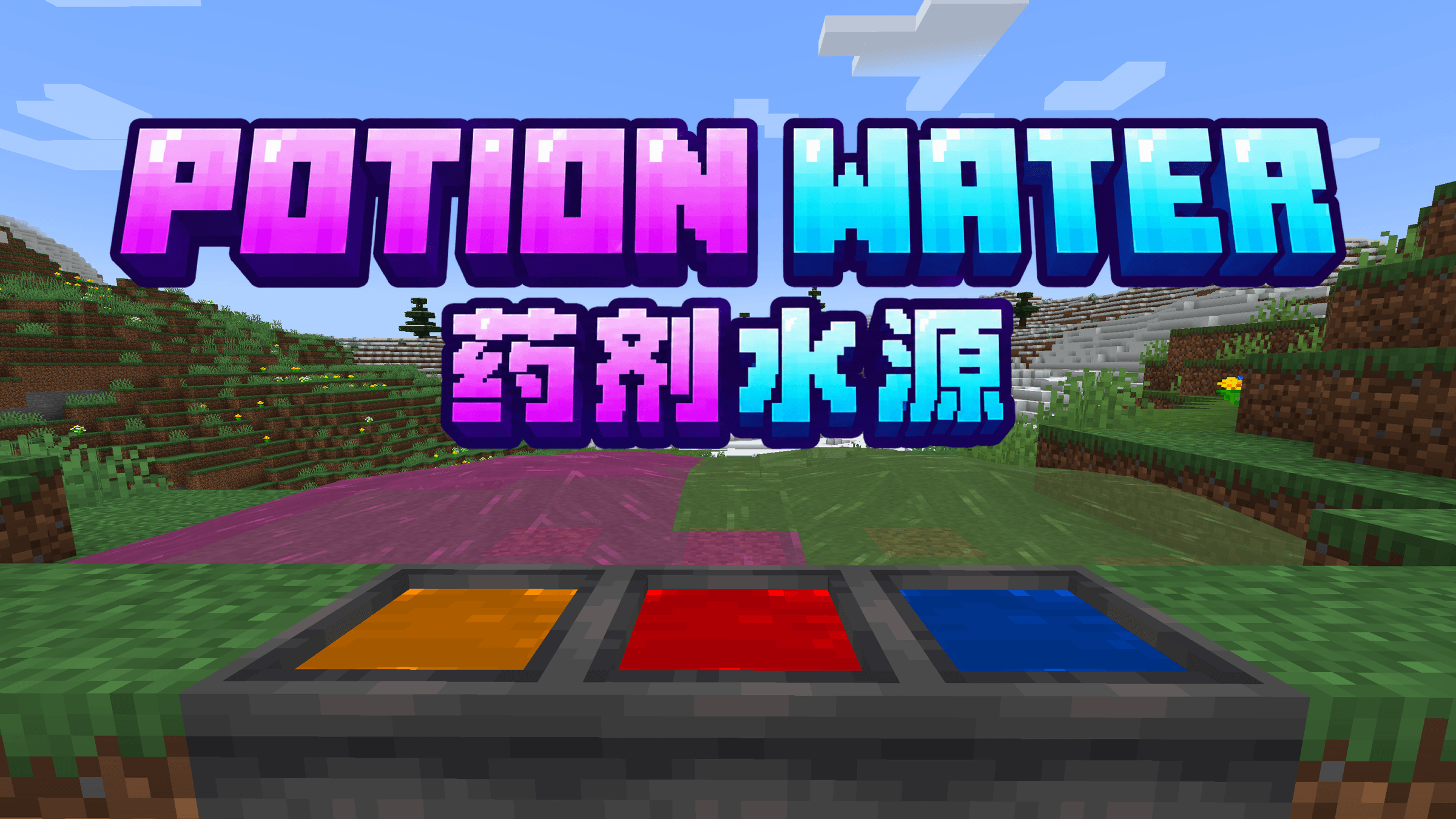 image-attachment_c32c05a3-48d8-4ee5-80c4-c73151dfe15d.png
Versions
Files
Relations
Project Relations
More like this
Similar Mods
Suggestions use data such as tags, dependencies, dependents, descriptions, titles, and more to rank how much they overlap with this mod.
On ModDex
Community snapshot
By the numbers
Statistics

Get it on
Available Platforms
On ModDex
Community snapshot
By the numbers
Statistics
Resources