
Community listing page, reviews may not be monitored by the author.
QOGL (Quality-Of-Game-Life)


No reviews yet
Adds a configurable HUD overlay showing days survived, session playtime, real time, coordinates, and FPS.

Community voices
Reviews
No reviews yet. Be the first to review this project!
Get it on
Available Platforms
Compatibility
Supported Environments
Runs entirely on the client. Works on vanilla servers.
About
Project Details
For authors
Embed Badge
If you're the author of this project, you can embed a live badge anywhere that supports HTML or Markdown. It updates automatically whenever ratings change.
Use HTML for any page that supports it, or Markdown for README files and Markdown-based descriptions.
Identifiers
Platform IDs
Resources
External Links
About
Description
QOGL (Quality Of Game Life)
A small, clean, and configurable HUD overlay that shows useful information while you play.
Description (EN)
Features
- Days survived (world day counter)
- Session playtime (time spent in the current session)
- Real time (your system clock)
- Coordinates (X / Y / Z)
- FPS
- In-game config screen with a two-page UI: Info / Position
- Toggle modules (what to show)
- Position settings (anchor + X/Y offsets)
- “- / +” offset controls (hold Shift for x10 step)
- Text shadow toggle
- English & Russian translations
Configuration
Open the config screen via:
- Options → HUD Config
The config file is saved automatically in the config folder.
Compatibility / Versions
Separate builds are provided:
- Minecraft 1.20.1: Fabric / Forge
- Minecraft 1.21.1: Fabric / NeoForge
Описание (RU)
Возможности
- Количество прожитых дней (счётчик дней мира)
- Время игры за текущую сессию
- Время устройства (системные часы)
- Координаты (X / Y / Z)
- FPS
- Меню настроек в игре с двумя страницами: Инфо / Позиция
- Включение/выключение элементов HUD
- Настройка позиции (якорь + смещение X/Y)
- Смещение через кнопки “- / +” (удерживай Shift для шага x10)
- Переключение тени текста
- Переводы: русский и английский
Настройка
Открыть меню настроек можно через:
- Настройки (Options) → Настройки HUD
Файл конфигурации сохраняется автоматически в папке config.
Совместимость / версии
Отдельные сборки:
- Minecraft 1.20.1: Fabric / Forge
- Minecraft 1.21.1: Fabric / NeoForge
QOGL (Quality Of Game Life)
A small, clean, and configurable HUD overlay that shows useful information while you play.
Description (EN)
Features
- Days survived (world day counter)
- Session playtime (time spent in the current session)
- Real time (your system clock)
- Coordinates (X / Y / Z)
- FPS
- In-game config screen with a two-page UI: Info / Position
- Toggle modules (what to show)
- Position settings (anchor + X/Y offsets)
- “- / +” offset controls (hold Shift for x10 step)
- Text shadow toggle
- English & Russian translations
Configuration
Open the config screen via:
- Options → HUD Config
The config file is saved automatically in the config folder.
Compatibility / Versions
Separate builds are provided:
- Minecraft 1.20.1: Fabric / Forge
- Minecraft 1.21.1: Fabric / NeoForge
Описание (RU)
Возможности
- Количество прожитых дней (счётчик дней мира)
- Время игры за текущую сессию
- Время устройства (системные часы)
- Координаты (X / Y / Z)
- FPS
- Меню настроек в игре с двумя страницами: Инфо / Позиция
- Включение/выключение элементов HUD
- Настройка позиции (якорь + смещение X/Y)
- Смещение через кнопки “- / +” (удерживай Shift для шага x10)
- Переключение тени текста
- Переводы: русский и английский
Настройка
Открыть меню настроек можно через:
- Настройки (Options) → Настройки HUD
Файл конфигурации сохраняется автоматически в папке config.
Совместимость / версии
Отдельные сборки:
- Minecraft 1.20.1: Fabric / Forge
- Minecraft 1.21.1: Fabric / NeoForge
Screenshots
Gallery
-
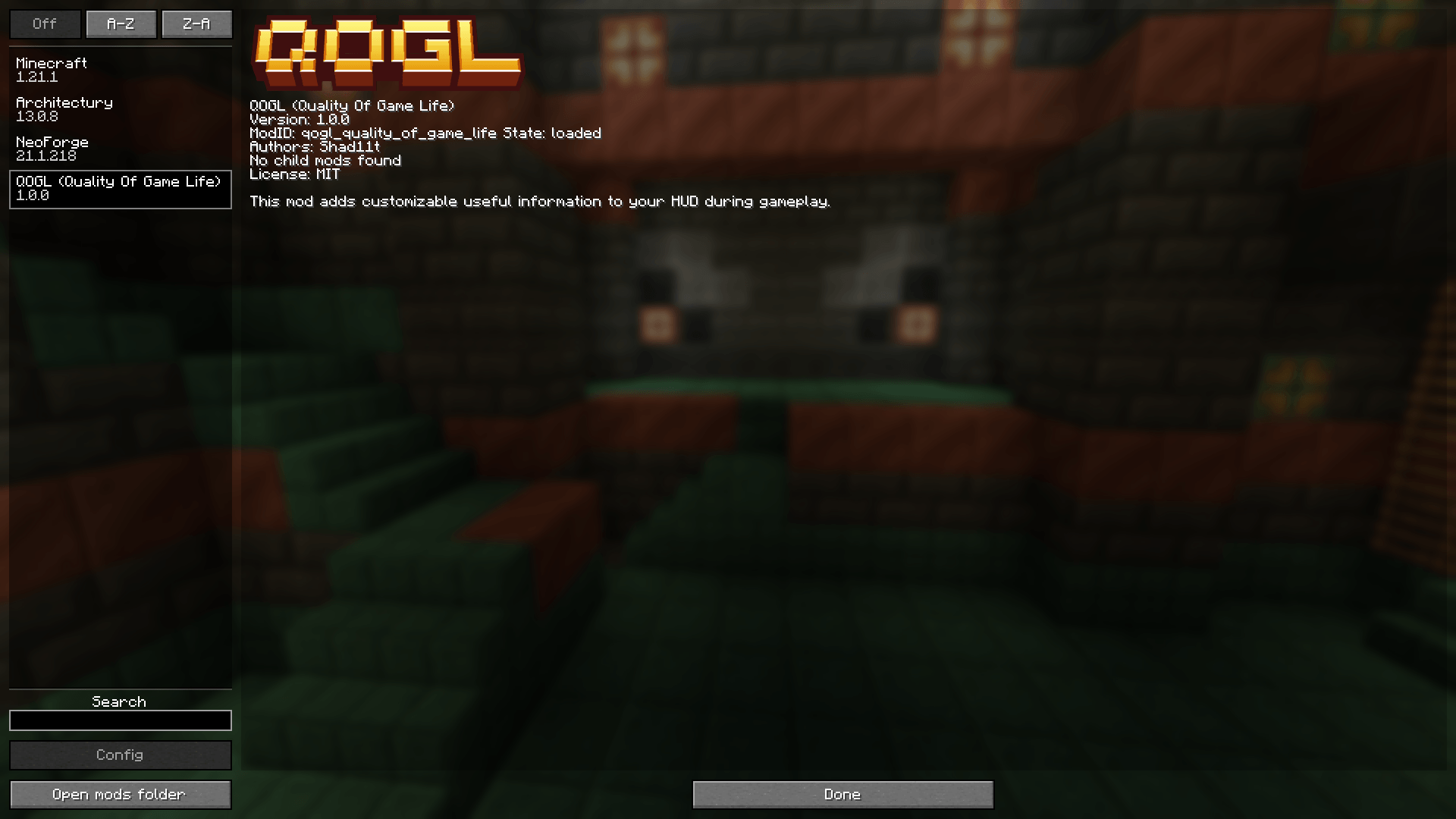 Mod in Mod Menu(Forge/NeoForge) Mod in Mod Menu(Forge/NeoForge)
 -
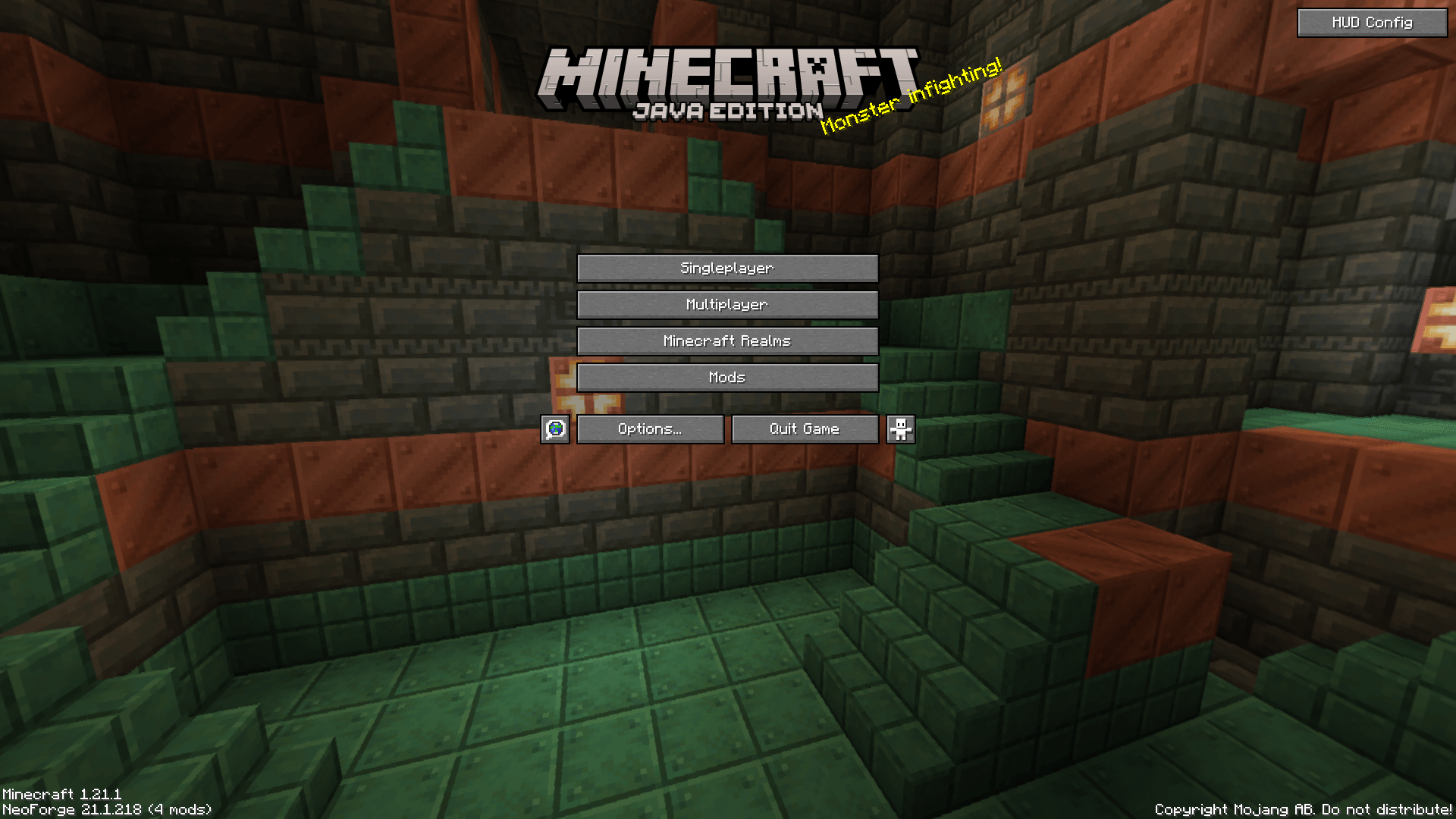 Config Menu Button Config Menu Button
 -
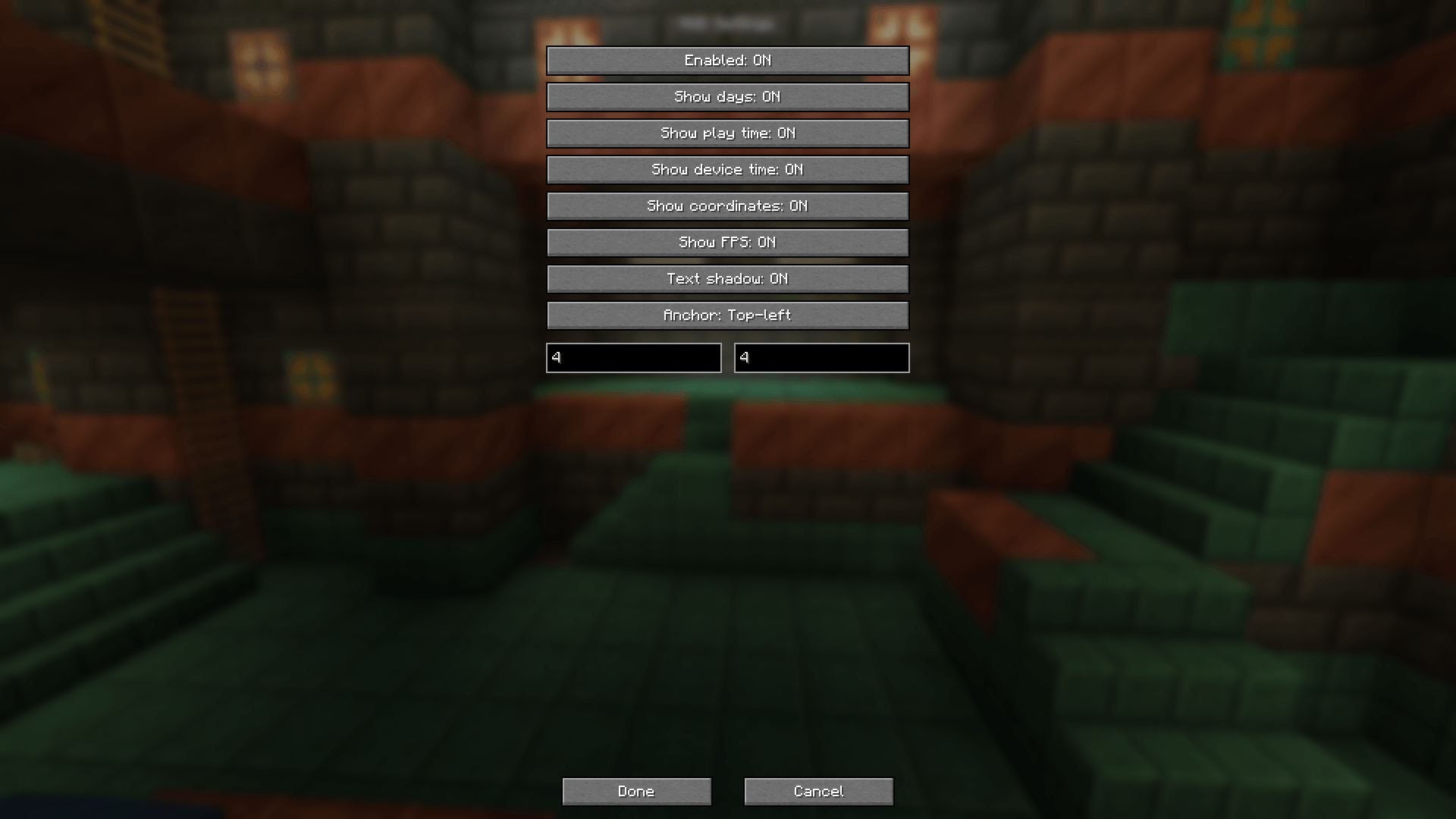 Config Menu Config Menu
 -
 QOGL QOGL
 -
 icon icon
-
 QOGL QOGL
 -
 Icon Icon
 -
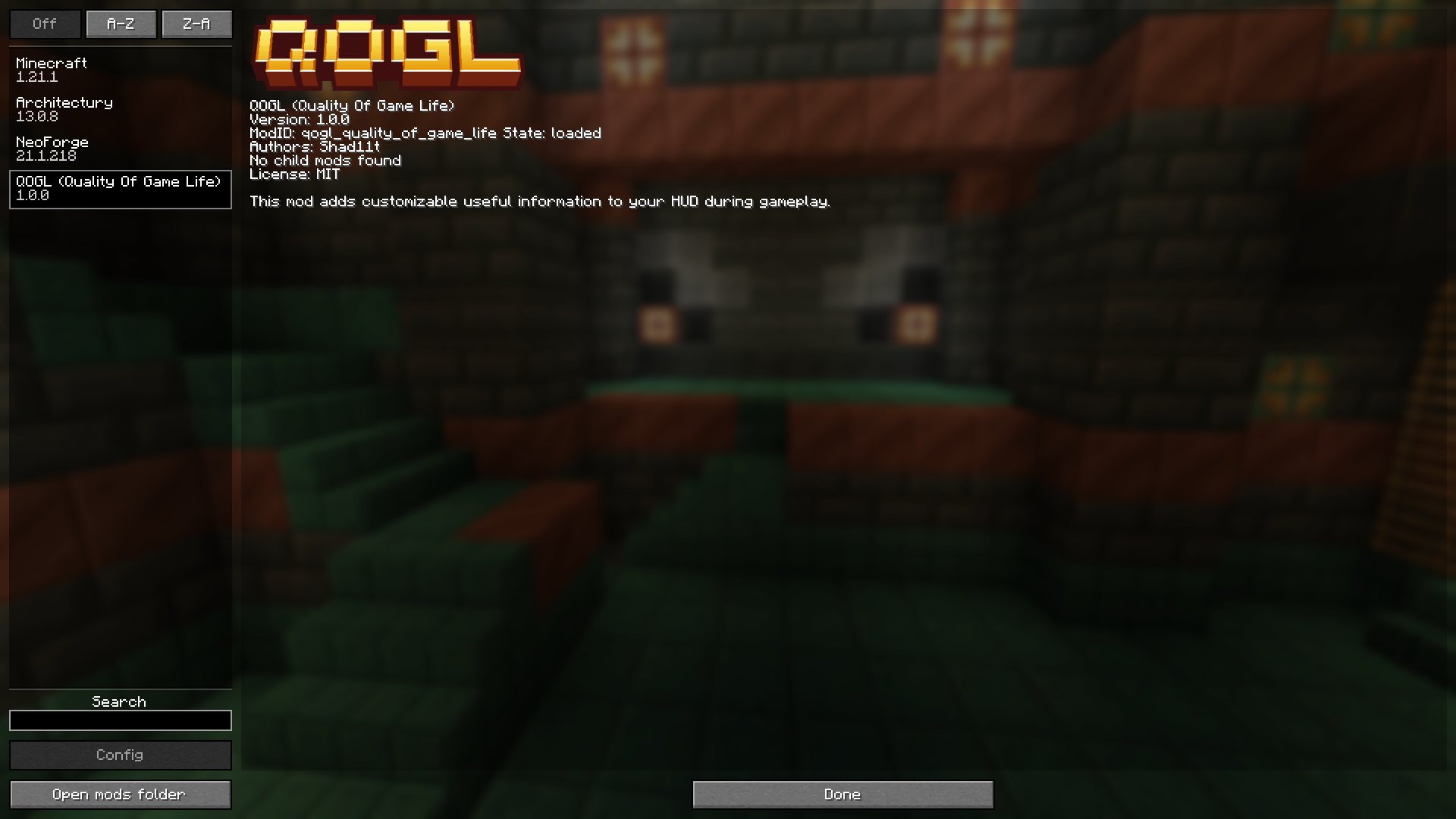 Mod in Mod Menu(Forge/NeoForge) Mod in Mod Menu(Forge/NeoForge)
 -
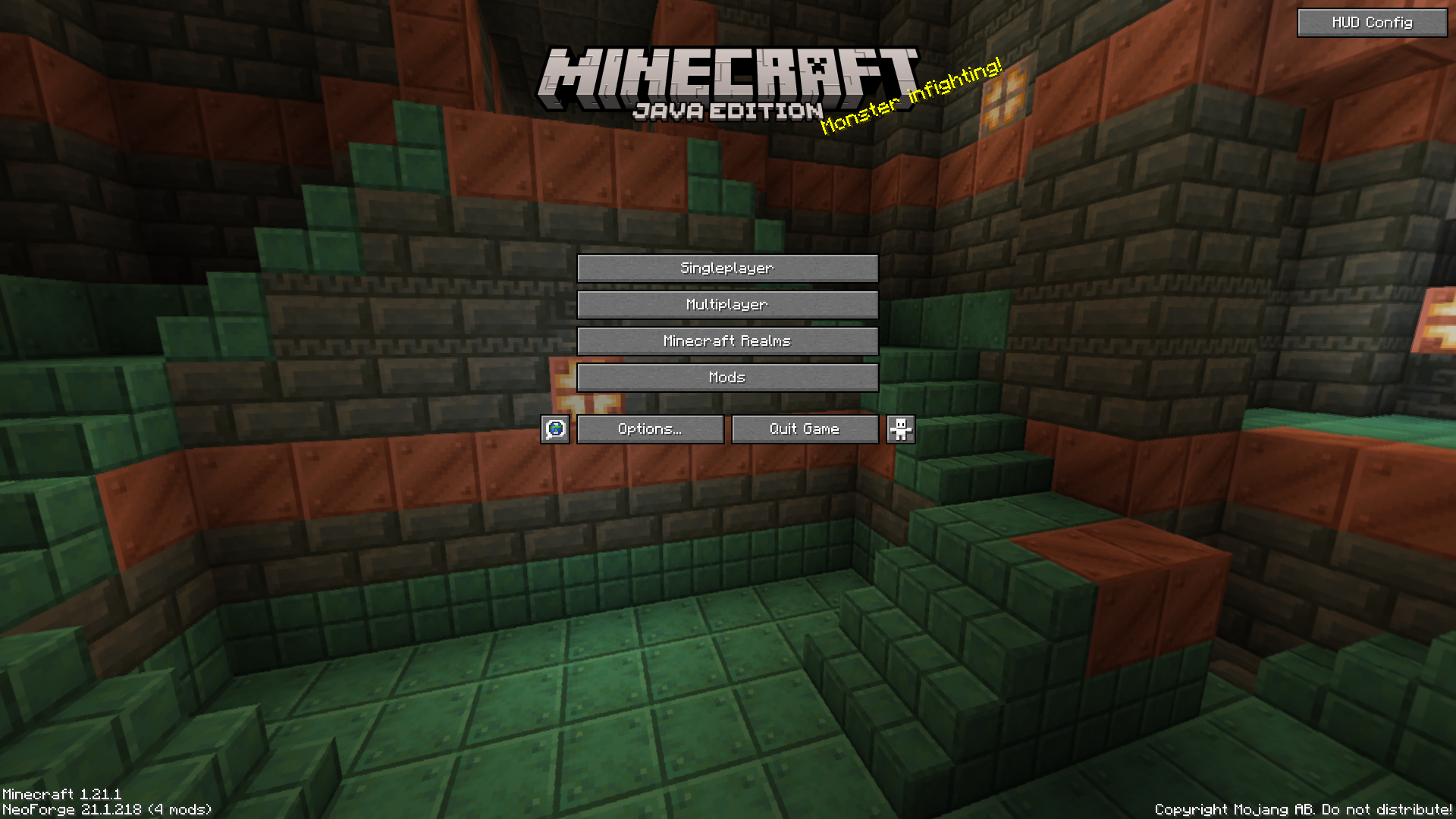 Config Menu Button(OLD) Config Menu Button(OLD)
 -
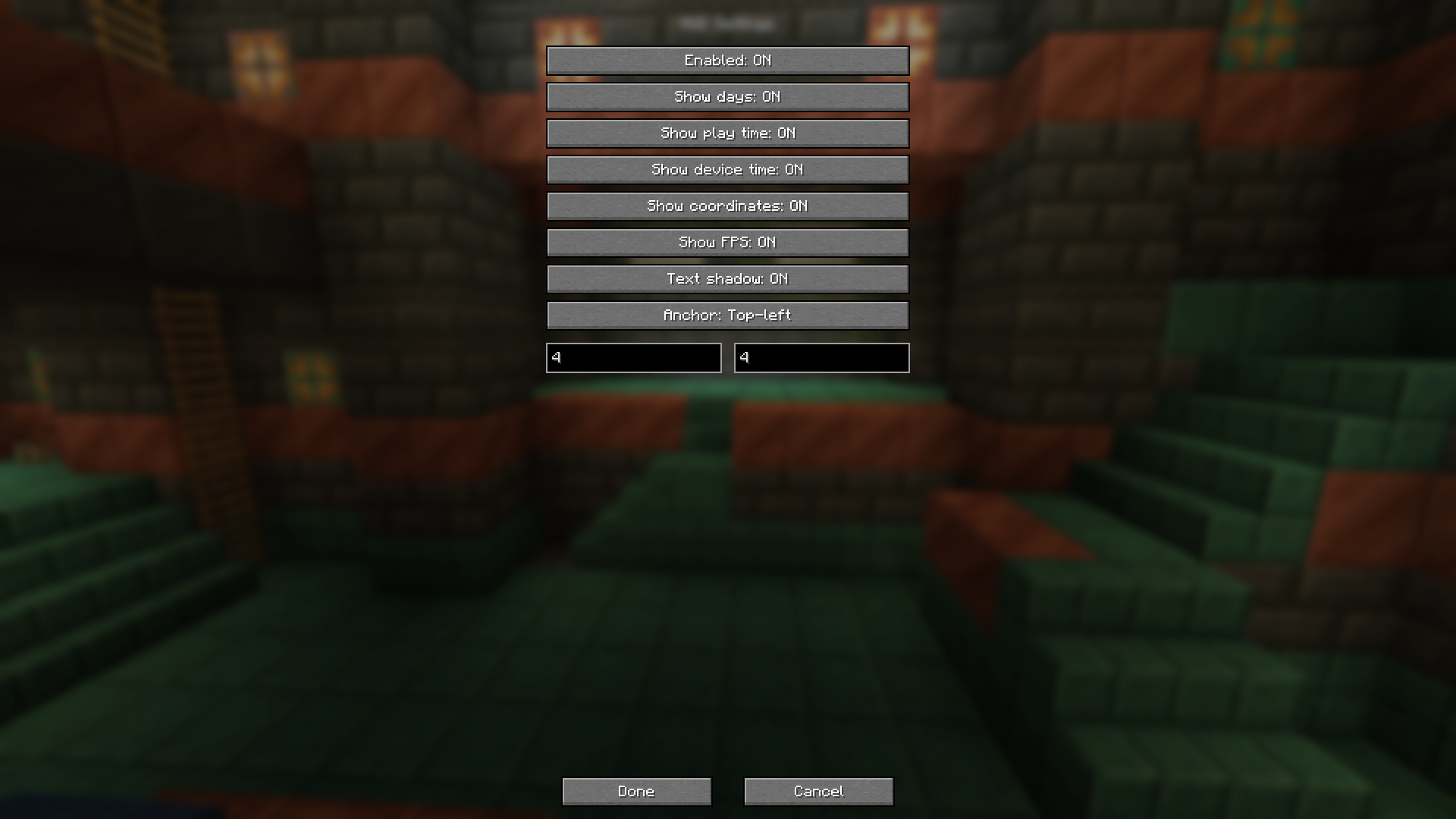 Config Menu Config Menu
Versions
Files
Relations
Project Relations
More like this
Similar Mods
Suggestions use data such as tags, dependencies, dependents, descriptions, titles, and more to rank how much they overlap with this mod.
On ModDex
Community snapshot
By the numbers
Statistics

Get it on
Available Platforms
On ModDex
Community snapshot
By the numbers
Statistics
Resources