Community listing page, reviews may not be monitored by the author.
Quest Npc RPG

No reviews yet
Bring your world to life with NPC Quest! Meet unique NPCs, finish missions, and earn rewards. Perfect for RPG adventures.

Community voices
Reviews
No reviews yet. Be the first to review this project!
Get it on
Available Platforms
About
Project Details
For authors
Embed Badge
If you're the author of this project, you can embed a live badge anywhere that supports HTML or Markdown. It updates automatically whenever ratings change.
Use HTML for any page that supports it, or Markdown for README files and Markdown-based descriptions.
Identifiers
Platform IDs
Resources
External Links
About
Description
QUEST NPC RPG - Features & Official Guide
Core Features
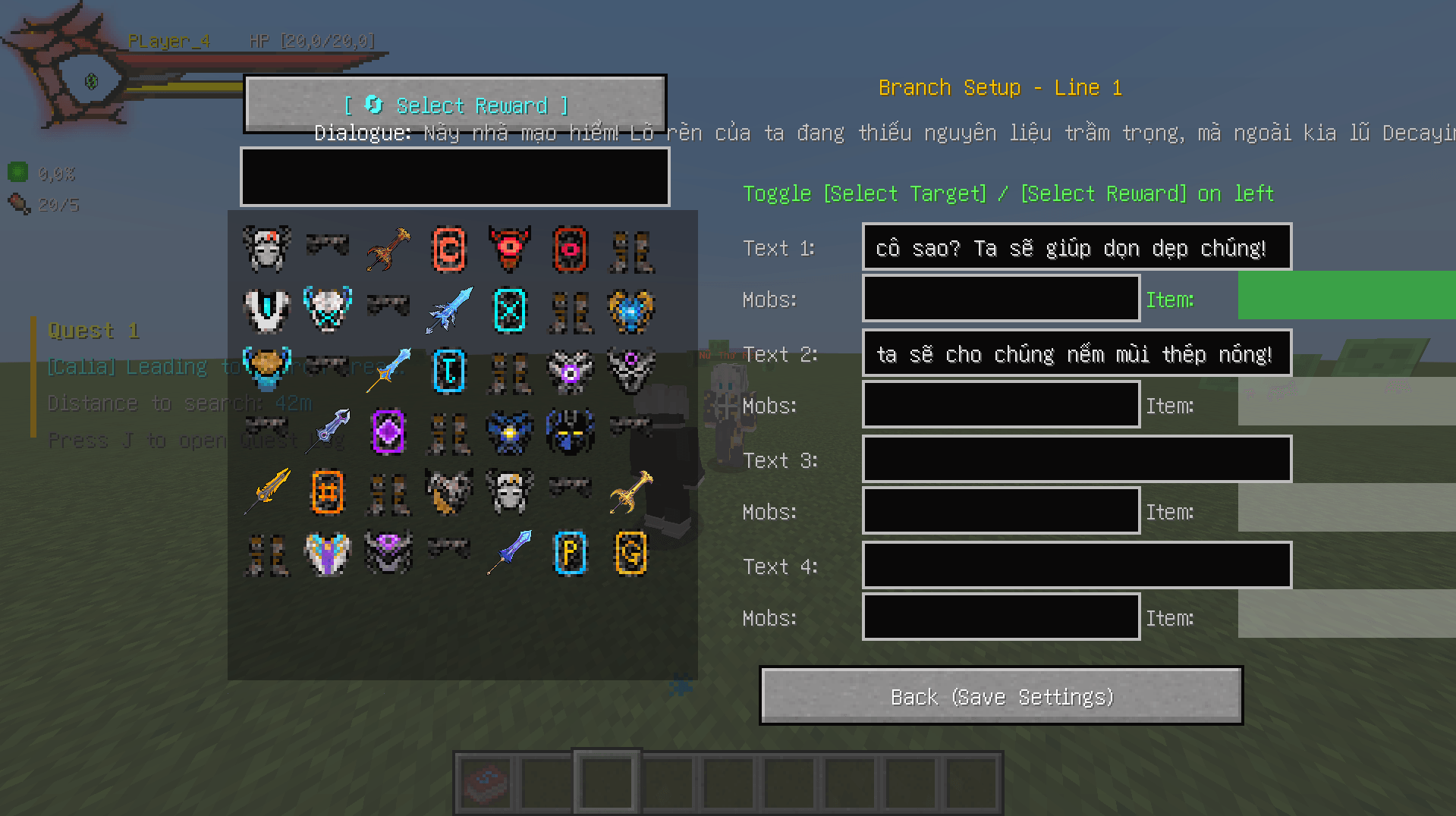
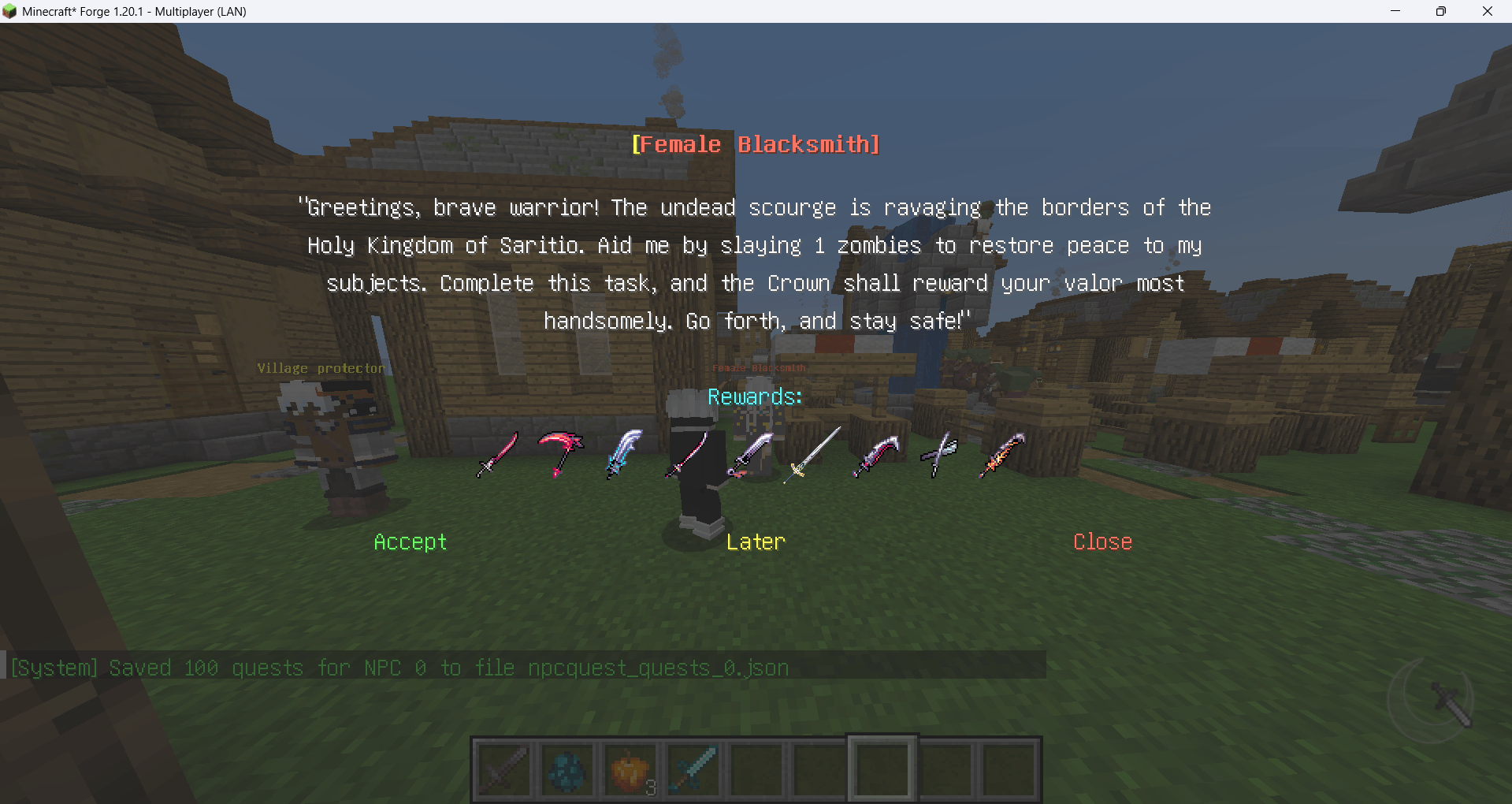
* Allows branching between NPC dialogue and player dialogue. Updates the quest status panel to allow reviewing the entire conversation after accepting a quest.
!!!: The dialogue panel will automatically start when you return within 5 blocks of the NPC and will not reappear if you close the quest within that range. If you want the dialogue panel to reappear, move 6 blocks away and then move closer to the NPC again.
-
Expansive NPC System: Adds 20 unique NPCs to your RPG world.
-
Extensive Questlines: Each NPC supports up to 100 individual quests.
-
Linear Progression: Quests follow a strict story path—you must complete NPC 1's tasks before you can unlock missions from NPC 2.
-
Dynamic Customization: * Assign one or multiple tasks to npc_0 (starting NPC).
-
Any quest without a defined dialogue will be automatically disabled by the system.
-
-
Find-and-Seek Quests: * To create a quest to find another NPC, enter
npc_1throughnpc_19in the idmobs field.-
For structure-based quests, input the ID of the mob spawner associated with that structure.
-
Getting Started & Requirements
-
Dependency: This modpack requires the ChoiceTheorem's Overhauled Villages mod to handle NPC spawning correctly.
-
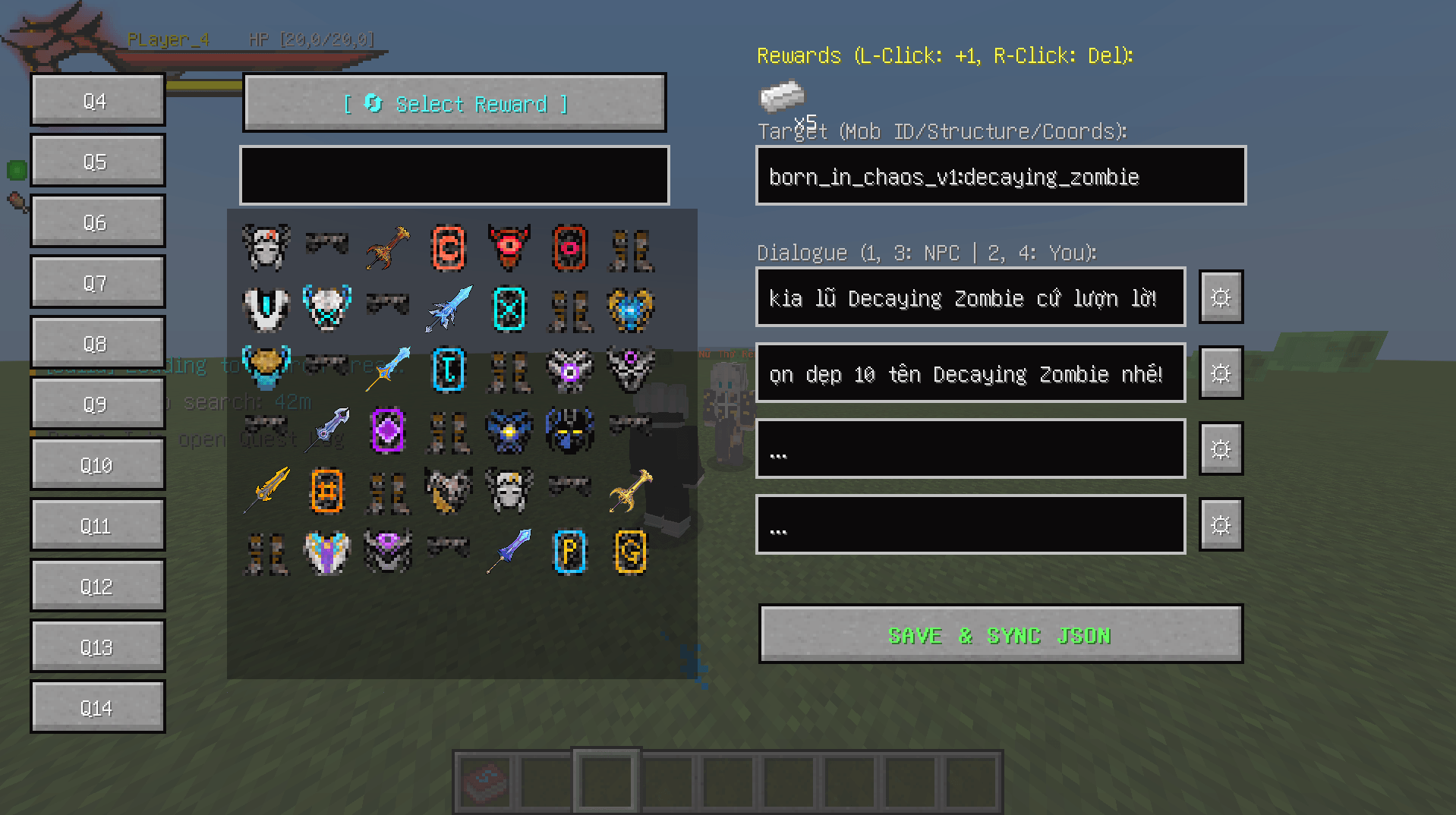
In-Game Configuration: * Creative Mode Only: Press Shift + Right Click on an NPC to open the customization GUI.
-
Quick Scroll: Use the middle mouse button on the "Q1" text to quickly scroll to Quest 100.
-
Quantity Control: Double-click an item to increase its stack count.
-
Reward Selection: Double-right-click on "Select Reward" to toggle between Mob IDs and Item rewards.
-
Commands (Creative Mode Only)
Use these commands to manually summon NPCs:
-
/npc_0to/npc_19
Important Technical Note (World Initialization)
When generating a new map, the integrated GPS system scans the world for NPC structure IDs to locate the nearest npc_0.
*: If there are any errors, please comment and I will try to fix them as soon as possible.
-
Initial Lag: You may experience a slight frame drop or notice mobs/entities standing still during the first 5 to 10 minutes.
-
Solution: This is a one-time process. Once the system finishes calculating all NPC spawn positions, the world will return to normal performance.
Vietnamese:
⚔️ QUEST NPC RPG - HƯỚNG DẪN
Bản modpack này mang đến hệ thống NPC và Nhiệm vụ (Quest) có chiều sâu cho thế giới RPG của bạn. Dưới đây là hướng dẫn chi tiết để bạn làm chủ hệ thống này.
📜 Các Tính Năng Cốt Lõi
!!!: Khung hội thoại sẽ tự động mở khi bạn trong phạm vi 5 khối so với NPC và sẽ không xuất hiện lại nếu bạn đóng nhiệm vụ trong phạm vi đó. Nếu bạn muốn khung hội thoại xuất hiện lại, hãy di chuyển ra xa 6 khối rồi tiến lại gần NPC hơn.
-
Hệ thống NPC đồ sộ: Thêm vào thế giới 20 NPC độc nhất.
-
Nội dung phong phú: Mỗi NPC có thể chứa tối đa 100 nhiệm vụ khác nhau.
-
Mạch truyện tuyến tính: Hệ thống bắt buộc người chơi phải hoàn thành chuỗi nhiệm vụ của NPC 1 mới có thể mở khóa nhiệm vụ từ NPC 2.
-
Tùy biến linh hoạt:
-
NPC 0 (NPC khởi đầu) có thể được thiết lập một hoặc nhiều nhiệm vụ tùy ý.
-
Tự động hóa: Bất kỳ quest nào không được thiết lập hội thoại (dialogue), hệ thống sẽ mặc định nhiệm vụ đó không hoạt động.
-
🛠️ Cách Tùy Chỉnh & Cấu Hình
Bạn có thể chỉnh sửa hệ thống Quest theo 2 cách:
-
Chỉnh sửa File: Can thiệp trực tiếp vào các file JSON tại đường dẫn
npc_x.json(Mỗi NPC sẽ có một file cấu hình riêng). -
Tùy chỉnh trực tiếp trong Game (Chế độ Sáng tạo):
-
Mở Menu: Nhấn giữ
Shift + Chuột phảivào NPC muốn chỉnh sửa. -
Cuộn nhanh: Sử dụng nút cuộn chuột giữa ngay tại chữ "Q1" để lướt nhanh đến Quest 100.
-
Tăng số lượng: Nhấn chuột trái 2 lần vào vật phẩm (Item) để tăng số lượng yêu cầu.
-
Chọn phần thưởng: Nhấn chuột phải 2 lần vào mục "Select Reward" để chuyển đổi giữa ID Mobs hoặc Item quà tặng.
-
🔍 Thiết Lập Nhiệm Vụ Nâng Cao
-
Quest tìm NPC: Để tạo nhiệm vụ yêu cầu đi tìm NPC khác, hãy nhập
npc_1đếnnpc_19vào ô idmobs. -
Quest công trình: Đối với các nhiệm vụ liên quan đến công trình, hãy nhập ID của lồng Spawner thuộc công trình đó vào ô tương ứng.
⚠️ Yêu Cầu Kỹ Thuật & Lưu Ý Hiệu Năng
-
Bắt buộc: Phải cài đặt mod ChoiceTheorem's Overhauled Villages để NPC có thể spawn chính xác.
-
Lệnh triệu hồi (Creative): Sử dụng lệnh
/npc_0đến/npc_19để gọi NPC thủ công. -
Hiện tượng khựng (Lag) khi khởi tạo:
-
Khi mới tạo map, hệ thống GPS của Mod sẽ quét toàn bộ ID công trình để đưa bạn đến vị trí NPC 0 gần nhất.
-
Lưu ý: Map sẽ có hiện tượng khựng nhẹ và sinh vật (mobs) sẽ đứng yên trong khoảng 2 - 3 phút. Đây là quá trình hệ thống hoàn tất thiết lập vị trí spawn, sau đó game sẽ hoạt động mượt mà trở lại.
- Nếu có bất kỳ lỗi nào vui lòng bình luận tôi sẽ sửa nó sớm nhất có thể ,_.
-
Screenshots
Gallery
-
 Ảnh chụp mà n hình 2026-04-26 195313.png Ảnh chụp mà n hình 2026-04-26 195313.png
 -
 Ảnh chụp mà n hình 2026-04-26 195322.png Ảnh chụp mà n hình 2026-04-26 195322.png
 -
 Ảnh chụp mà n hình 2026-04-20 121202.png Ảnh chụp mà n hình 2026-04-20 121202.png
 -
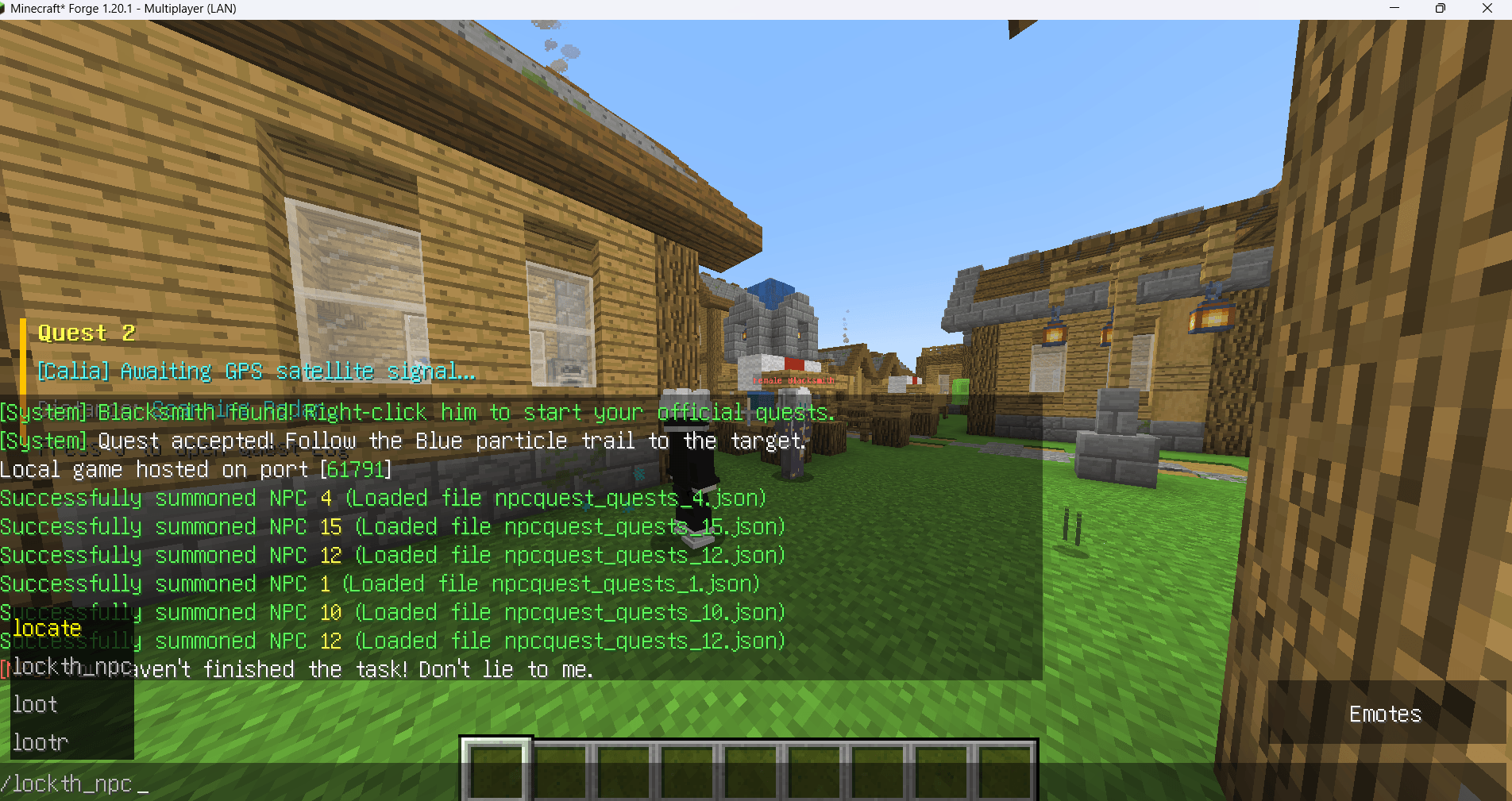 Ảnh chụp mà n hình 2026-04-20 120737.png Ảnh chụp mà n hình 2026-04-20 120737.png
 -
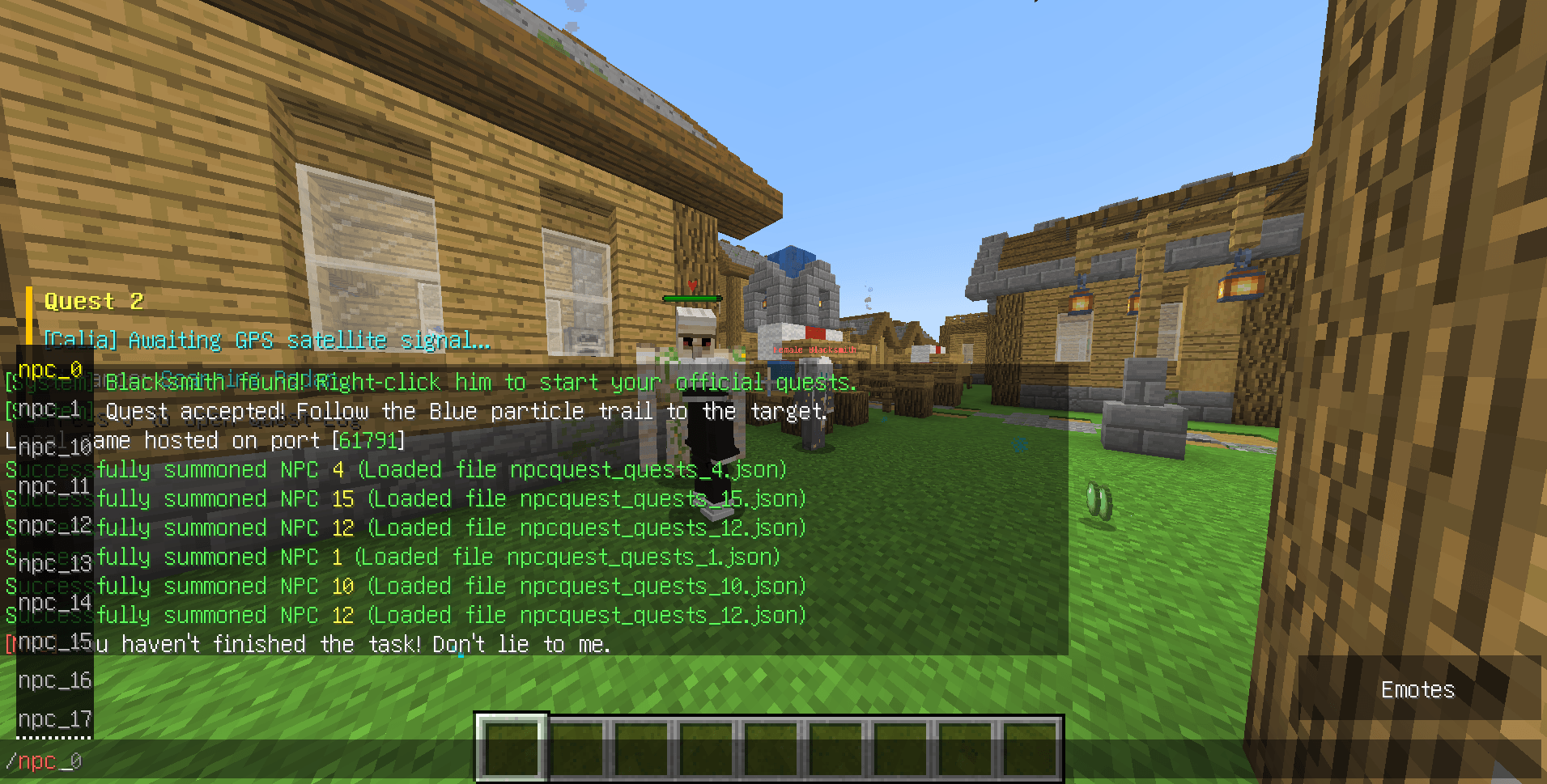 Ảnh chụp mà n hình 2026-04-20 120707.png Ảnh chụp mà n hình 2026-04-20 120707.png
Versions
Files
Relations
Project Relations
More like this
Similar Mods
Suggestions use data such as tags, dependencies, dependents, descriptions, titles, and more to rank how much they overlap with this mod.
On ModDex
Community snapshot
By the numbers
Statistics

Get it on
Available Platforms
On ModDex
Community snapshot
By the numbers
Statistics
Resources