
Community listing page, reviews may not be monitored by the author.
Quick Chatting


No reviews yet
QuickChat is a lightweight client-side mod that automates sending chat messages at customizable intervals.

Community voices
Reviews
No reviews yet. Be the first to review this project!
Get it on
Available Platforms
Compatibility
Supported Environments
Runs entirely on the client. Works on vanilla servers.
About
Project Details
For authors
Embed Badge
If you're the author of this project, you can embed a live badge anywhere that supports HTML or Markdown. It updates automatically whenever ratings change.
Use HTML for any page that supports it, or Markdown for README files and Markdown-based descriptions.
Identifiers
Platform IDs
Resources
External Links
About
Description
QuickChat
QuickChat is a lightweight client-side mod that automates sending chat messages at customizable intervals. Whether you want to repeat commands, send announcements, or automate common messages, QuickChat makes it simple with an intuitive in-game interface.
Features
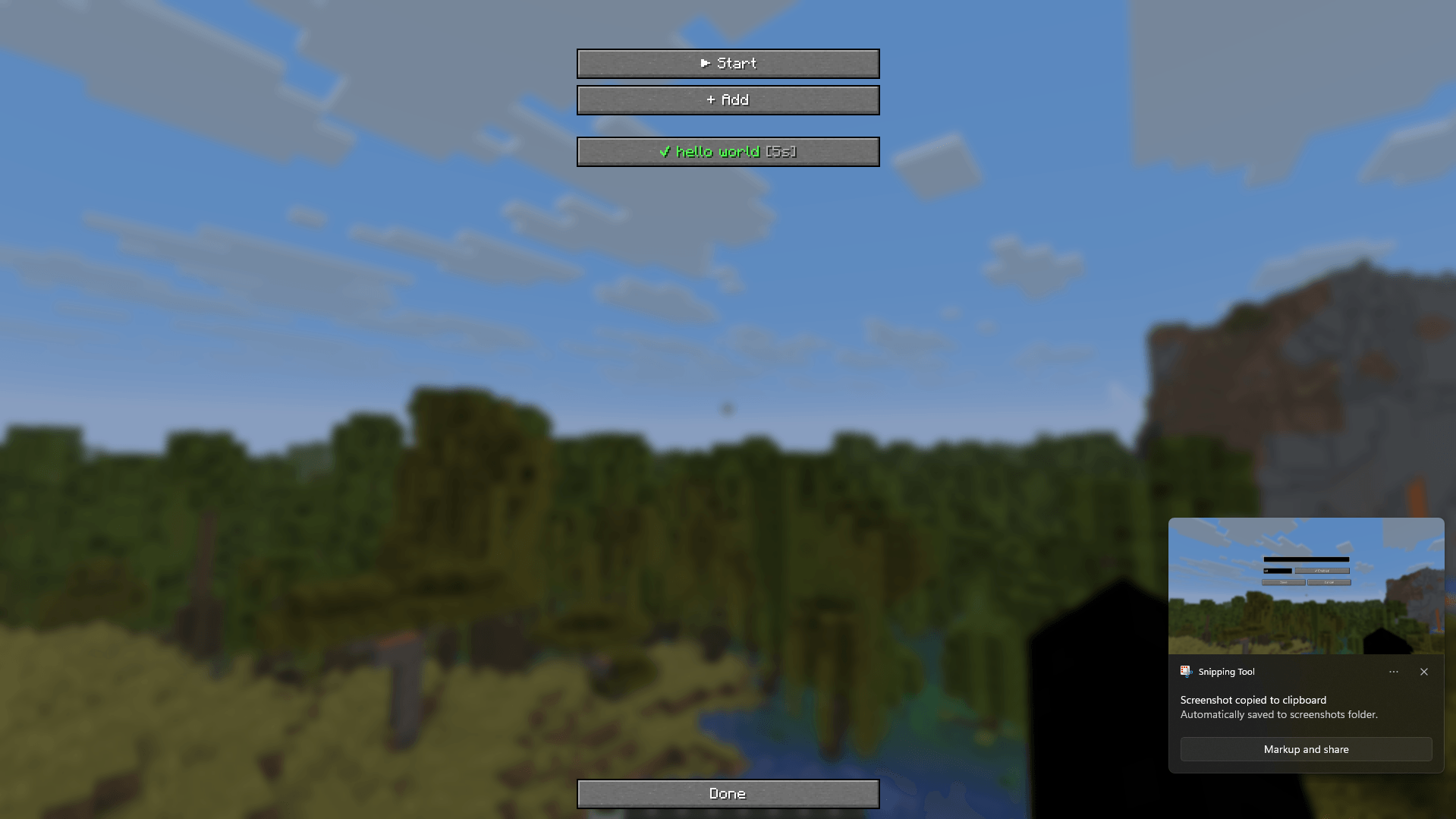
- 💬 Create and manage multiple chat messages.
- ⏱️ Set an individual sending interval for each message.
- ✅ Enable or disable messages without deleting them.
- ▶️ Start or stop automatic message sending with a single click.
- ⚡ Supports both regular chat messages and commands (messages starting with
/). - ✏️ Edit or delete existing entries at any time.
- 💾 Automatically saves your configuration.
- 🪶 Lightweight and easy to use.
- 🔧Changing the key binding (Settings → Controls → Key Binds → Misc → Open QuickChat).
- 🤝 Supports multiple languages (Russian, English, German, Spanish, Chinese).
Perfect for
- Repeating server commands
- Sending periodic announcements
- Auto-chat on private servers
- Reducing repetitive typing
Dependencies (1.21.11)
- Fabric Loader 0.19.3
- Fabric API 0.141.4+1.21.11
- Mod Menu 17.0.0-beta.1
Dependencies (1.21.4)
- Fabric Loader 0.18.1
- Fabric API 0.119.2+1.21.4
- Mod Menu 13.0.2
Dependencies (1.21.8)
- Fabric Loader 0.18.1
- Fabric API 0.129.0+1.21.8
- Mod Menu 15.0.1
⚡ QuickChat v2
QuickChat is a powerful yet lightweight client-side Fabric mod designed to supercharge your Minecraft chat experience. Automate repetitive commands, schedule timed announcements, customize your in-game chat layout, and manage everything effortlessly through an intuitive ClickGUI.
✨ Key Features
🖥️ Modern ClickGUI & Menu
- Sleek Interface: Manage all features through an animated, clean ClickGUI.
- Category Navigation: Easily switch between Auto-Sender, Message Log, Chat Settings, and Keybinds.
- Instant Search & Custom Binds: Quickly find settings with
Ctrl + Fand assign custom activation keys.
🤖 Smart Chat Automation
- Timed Messages: Set individual intervals (in seconds) for each message or command.
- Anti-Spam Random Delay: Add random delay jitter (
±sec) to keep messages natural and prevent server anti-spam kicks. - Command & Chat Support: Works seamlessly with standard text messages and slash commands (
/spawn,/sell, etc.). - Quick Toggles: Pause, reorder, or toggle individual messages without deleting them.
🎨 In-Game Chat Customization
- Chat Dimensions: Full control over vanilla chat Width, Height, and Scale.
- Line Spacing: Fine-tune line spacing (
Spacing) for cleaner text readability. - Chat Timestamps: Independent in-game timestamp display (
[HH:mm:ss]) directly in the standard chat feed.
📜 Message Log & History
- Live Message History: View recent dispatches with formatted timestamps and status icons (
✓/✗). - Click-to-Copy: Click any entry in history to copy it instantly to your clipboard.
- One-Click Export: Save full message history into a clean
.txtfile in your game directory.
🎮 How to Use
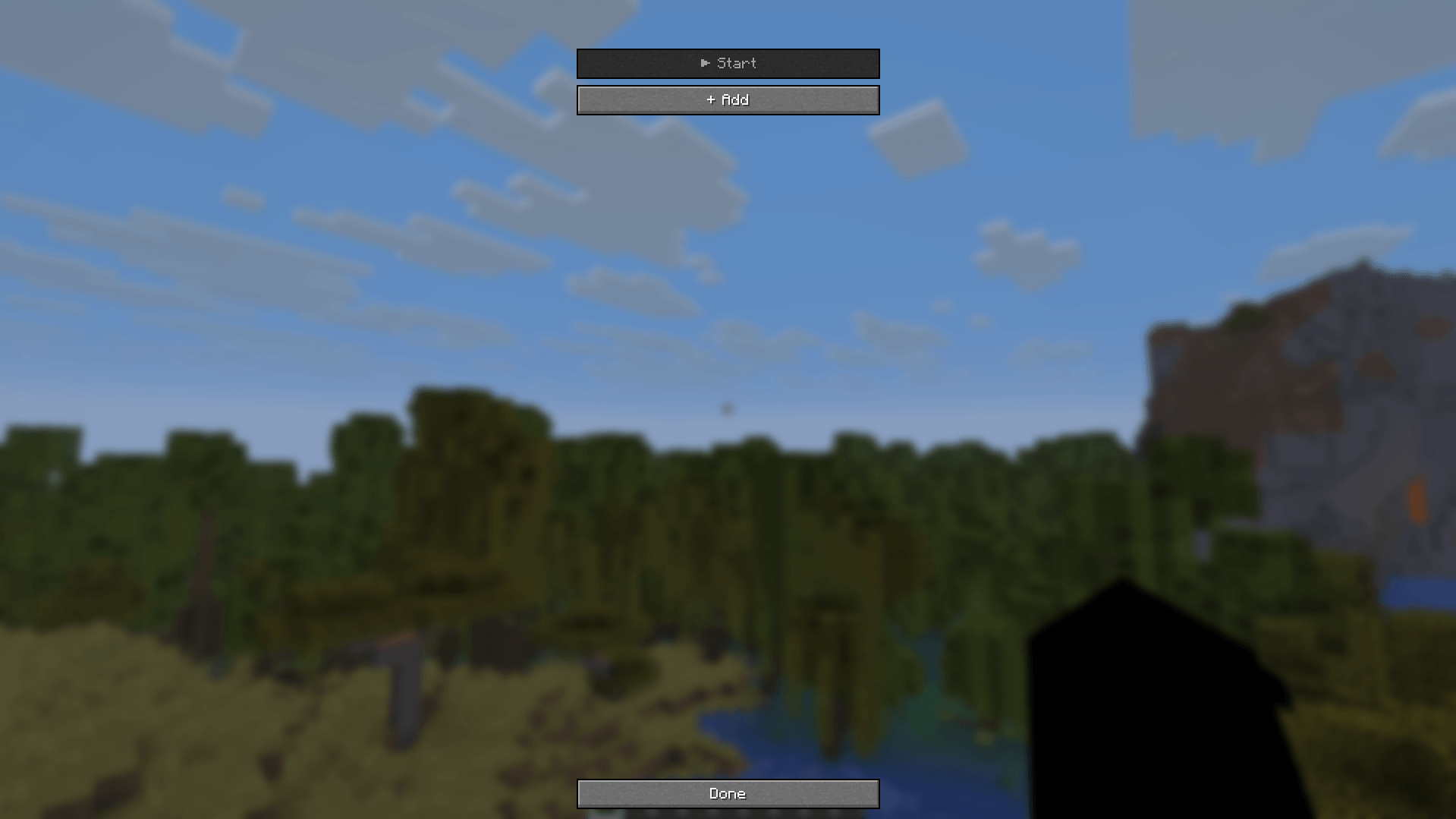
- Press
UorRight Shift(default keys) to open the QuickChat interface. - Add a Message:
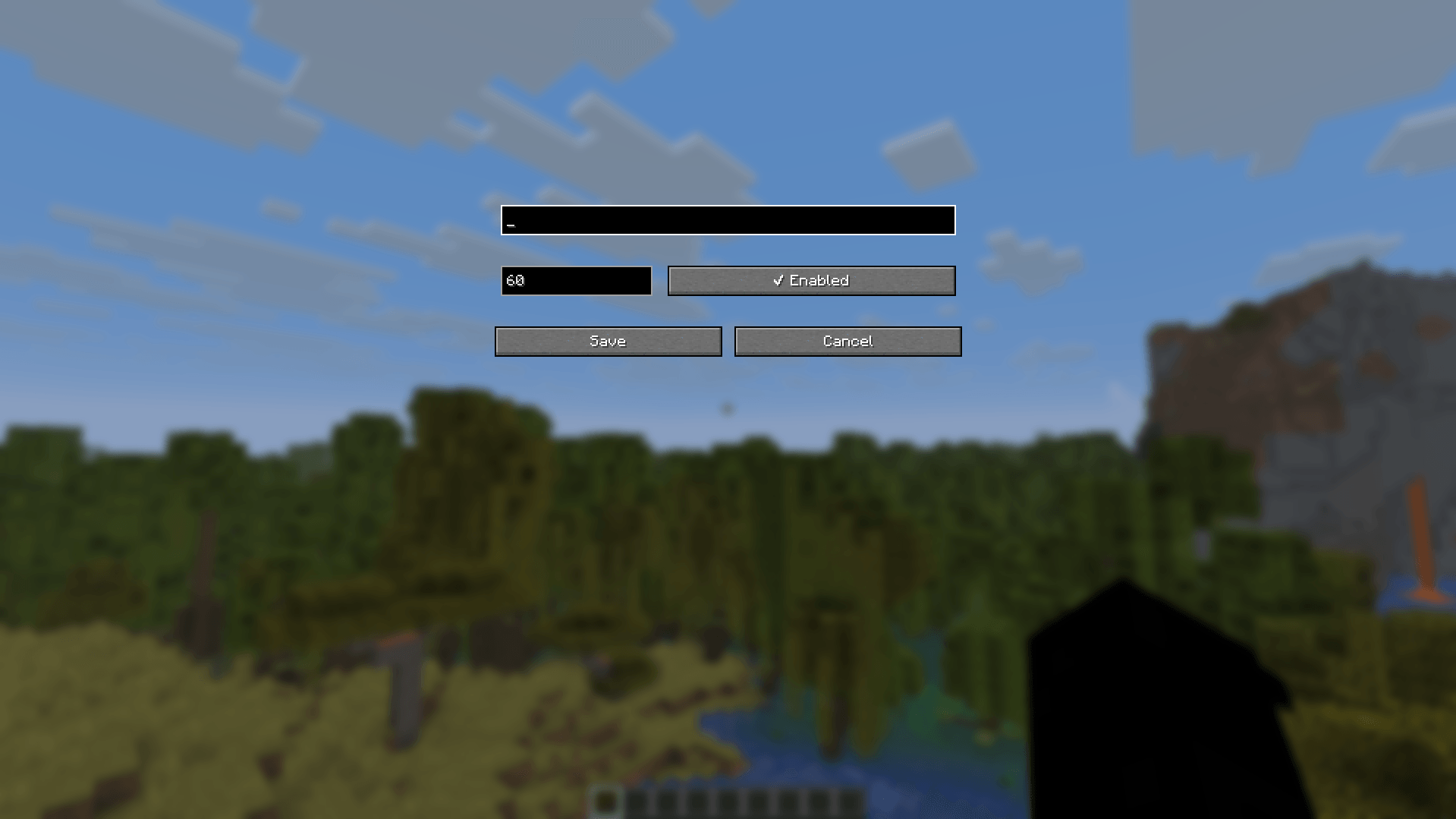
- Enter your text or command.
- Set your desired interval (e.g.,
60seconds). - (Optional) Add a random delay (e.g.,
±5seconds) for human-like intervals.
- Click
Saveand toggleStart! - (Optional) Head to Settings to customize chat dimensions, line spacing, and in-game timestamps.
📦 Compatibility & Requirements (v2)
| Minecraft Version | Fabric Loader | Java | Fabric API | Mod Menu |
|---|---|---|---|---|
| 26.1.2 | >= 0.19.5 |
25+ |
Compatible 26.1.2 build | Optional |
| 1.21.11 | >= 0.19.3 |
21+ |
Compatible 1.21.11 build | Optional |
Note: QuickChat is entirely client-side. It does not need to be installed on servers.
⚠️ Disclaimer
Please make sure automated messages and repetitive commands are permitted on your target multiplayer servers before enabling auto-dispatching.
Screenshots
Gallery
-
 Screenshot 2026-07-18 234258.png Screenshot 2026-07-18 234258.png
-
 Screenshot 2026-07-18 234237.png Screenshot 2026-07-18 234237.png
-
 Screenshot 2026-07-18 234217.png Screenshot 2026-07-18 234217.png
-
 Chat Timestamp & AutoSend display
-
 Main GUI
-
 Main GUI & message settings
Versions
Files
Relations
Project Relations
More like this
Similar Mods
Suggestions use data such as tags, dependencies, dependents, descriptions, titles, and more to rank how much they overlap with this mod.
On ModDex
Community snapshot
By the numbers
Statistics

Get it on
Available Platforms
On ModDex
Community snapshot
By the numbers
Statistics
Resources