
Community listing page, reviews here may not be monitored by the author.
Quick Replant


No reviews yet
Quick Replant automatically replants crops immediately after harvesting them. Simply break your fully-grown crops as usual, and the mod instantly replants them using seeds or crops from your inventory.
Community voices
Reviews
No reviews yet. Be the first to review this project!
Get it on
Available Platforms
Compatibility
Supported Environments
Runs entirely on the client. Works on vanilla servers.
About
Project Details
For authors
Embed Badge
If you're the author of this project, you can embed a live badge anywhere that supports HTML or Markdown. It updates automatically whenever ratings change.
Use HTML for any page that supports it, or Markdown for README files and Markdown-based descriptions.
Identifiers
Platform IDs
Resources
External Links
About
Description
Quick Replant
Harvest crops faster and never waste time replanting again with this lightweight auto-replant mod for Minecraft!
What This Mod Does
Quick Replant automatically replants crops immediately after harvesting them. Simply break your fully-grown crops as usual, and the mod instantly replants them using seeds or crops from your inventory.
Perfect for farming large fields without the repetitive extra clicks.
Features
Instant Replanting – Automatically replants crops after harvesting
Fortune Supporting - Works with Fortune enchantment.
Simple Toggle – Press R to enable or disable the mod anytime
Supports Multiple Crops – Works with:
Wheat
Carrots
Potatoes
Beetroot
Nether Wart
Lightweight – Minimal performance impact
Clean & Simple – No complicated setup required
How to Use
Quick Start
1. Harvest fully-grown crops normally
2. The crop is instantly replanted automatically
3. Press R anytime to toggle Quick Replant on or off
Installation
Requirements:
-Minecraft 1.21+
-Fabric Loader
-Fabric API
Steps
1. Install Fabric Loader for Minecraft 1.21+
2. Download and install Fabric API
3. Download Quick Replant
4. Place both mods into your `mods` folder
5. Launch Minecraft and enjoy easier farming!
Perfect For
Large Survival Farms – Harvest huge crop fields quickly
Multiplayer Servers – Speed up farming tasks
Villager Trading – Farm crops more efficiently
Technical Worlds – Simplify automated manual farming
Casual Survival – Remove repetitive replanting
Technical Details
Client-side lightweight utility mod
Fabric 1.21+ compatible
Low resource usage
Simple keybind support
Easy to use with no configuration needed
##Sample Images


Also Check: AutoMLG+
Donation: Buy Me Mo:Mo
Saurav Khanal,
Quick Replant Team
Quick Replant
Harvest crops faster and never waste time replanting again with this lightweight auto-replant mod for Minecraft!
Quick Replant automatically replants crops immediately after harvesting them. Simply break your fully-grown crops as usual, and the mod instantly replants them using seeds or crops from your inventory.
Perfect for farming large fields without the repetitive extra clicks.
Features
Instant Replanting – Automatically replants crops after harvesting
Fortune Supporting - Works with Fortune enchantment.
Simple Toggle – Press R to enable or disable the mod anytime
Supports Multiple Crops – Works with:
Wheat
Carrots
Potatoes
Beetroot
Nether Wart
Lightweight – Minimal performance impact
Clean & Simple – No complicated setup required
How to Use
Quick Start
1. Harvest fully-grown crops normally
2. The crop is instantly replanted automatically
3. Press R anytime to toggle Quick Replant on or off
Installation
Requirements:
-Minecraft 1.21
-Fabric Loader
-Fabric API
Steps
1. Install Fabric Loader for Minecraft 1.21
2. Download and install Fabric API
3. Download Quick Replant
4. Place both mods into your `mods` folder
5. Launch Minecraft and enjoy easier farming!
Perfect For
Large Survival Farms – Harvest huge crop fields quickly
Multiplayer Servers – Speed up farming tasks
Villager Trading – Farm crops more efficiently
Technical Worlds – Simplify automated manual farming
Casual Survival – Remove repetitive replanting
Technical Details
Client-side lightweight utility mod
Fabric 1.21 compatible
Low resource usage
Simple keybind support
Easy to use with no configuration needed
Sample Images
Also Check: AutoMLG+
Donation: Buy Me Mo:Mo
Saurav Khanal,
Quick Replant Team
Screenshots
Gallery
-
 Nether Wart.png It can also be used for nether wart quick replant.
 -
 Wheat.png Can use for crops like wheat, potato, carrot and beetroot
 -
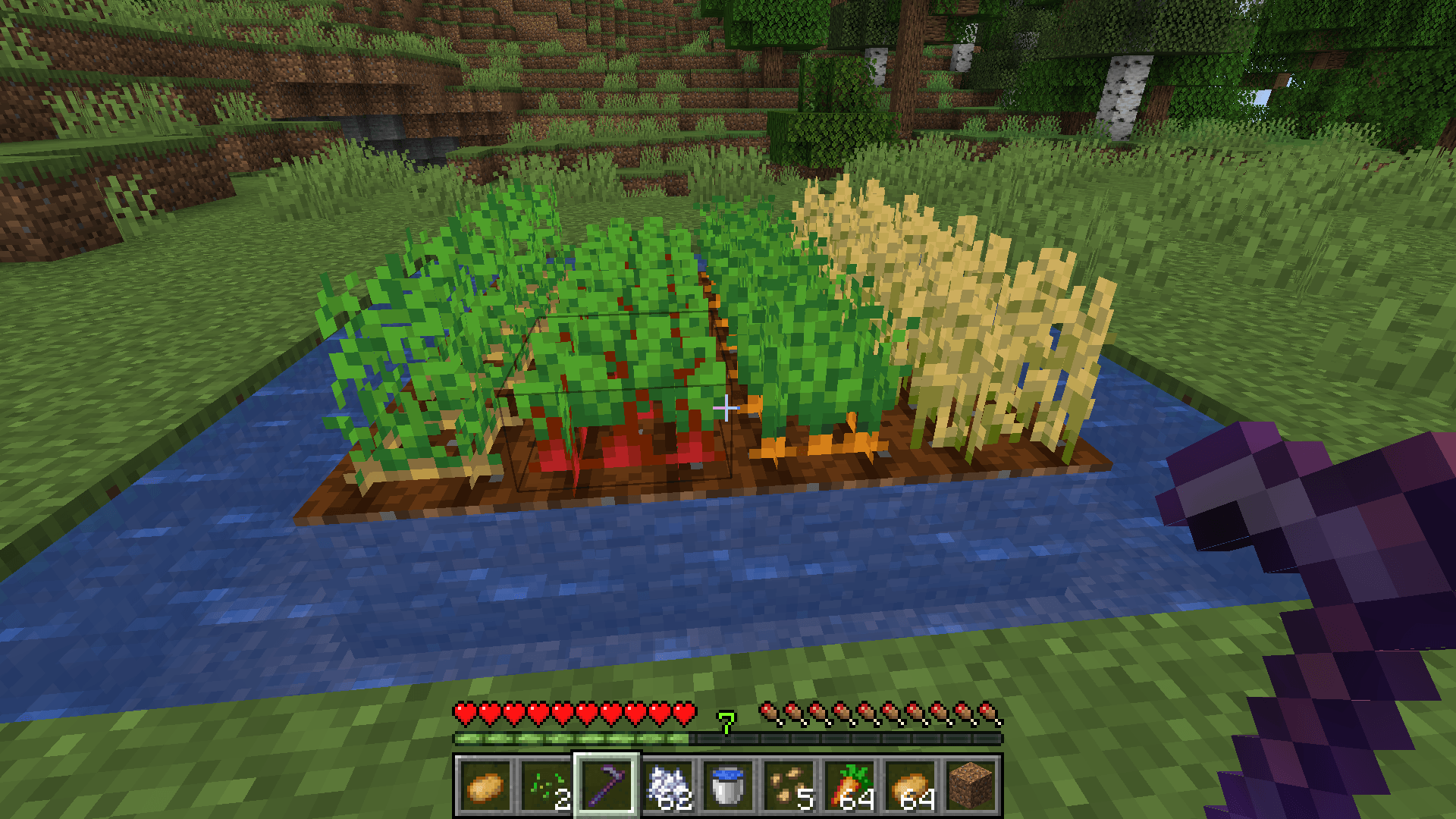 Fortune.png The mod is fortune comapatible.
-
 Crops Quick Replant
 -
 Nether Wart Quick Replant
 -
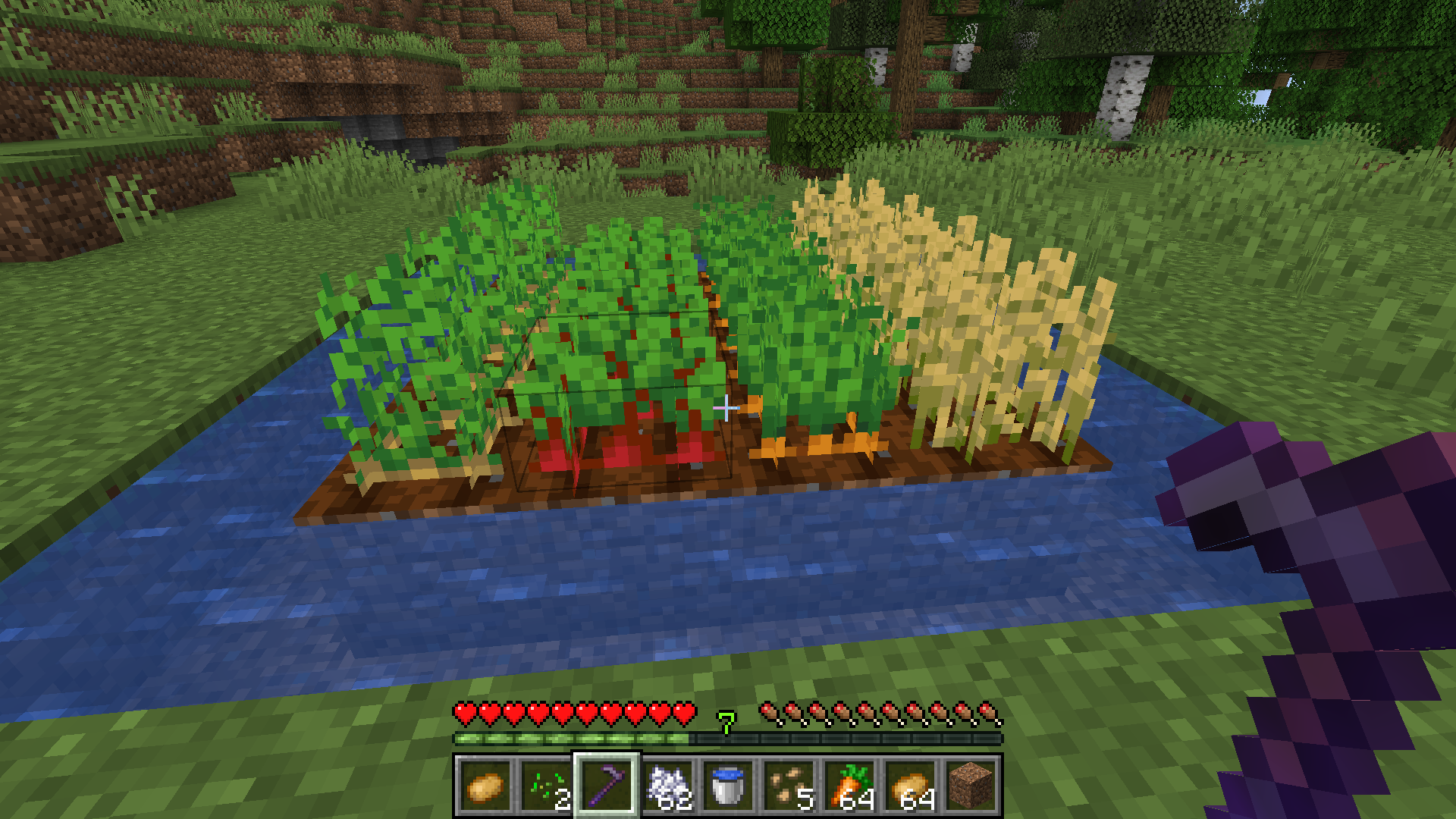 Fortune Friendly
Versions
Files
Relations
Project Relations
More like this
Similar Mods
Suggestions use data such as tags, dependencies, dependents, descriptions, titles, and more to rank how much they overlap with this mod.
On ModDex
Community snapshot
By the numbers
Statistics
Want to reach Minecraft players?
We're looking for a server hosting partner to feature here and other parts of the site. Interested? Send us a message!
Get in touchGet it on
Available Platforms
On ModDex
Community snapshot
By the numbers
Statistics
Resources