Community listing page, reviews may not be monitored by the author.
Quick Right-Click


No reviews yet
✋ Adds a portable functionality to certain items, which allows for quick access without placement. Works with beds, crafting tables, ender chests and shulker boxes among others.

Community voices
Reviews
No reviews yet. Be the first to review this project!
Get it on
Available Platforms
Compatibility
Supported Environments
Runs entirely on the server. Also works in singleplayer.
About
Project Details
For authors
Embed Badge
If you're the author of this project, you can embed a live badge anywhere that supports HTML or Markdown. It updates automatically whenever ratings change.
Use HTML for any page that supports it, or Markdown for README files and Markdown-based descriptions.
Identifiers
Platform IDs
About
Description


Quick Right-Click is a QoL mod which enables players to quickly access many functional blocks without having to place them down. Just right-click the item in the air, without targeting a block. Quickly sleep in a bed, access your ender chest or open shulker boxes. Some will be opened directly, others placed down automatically. See the example GIFs below for a better idea of how it works.
Works for:
Beds, Cartography Tables, Crafting Tables, Ender Chests, Grindstones, Shulker Boxes, Smithing Tables and Stonecutters.


All available config options:
enableQuickBeds default true
If right-clicking beds in the air should enable the quick feature.
enableQuickCartographyTables default true
If right-clicking cartography tables in the air should enable the quick feature.
enableQuickCraftingTables default true
If right-clicking crafting tables in the air should enable the quick feature.
enableQuickEnderChests default true
If right-clicking ender chests in the air should enable the quick feature.
enableQuickGrindstones default true
If right-clicking grindstones in the air should enable the quick feature.
enableQuickShulkerBoxes default true
If right-clicking shulker boxes in the air should enable the quick feature.
enableQuickSmithingTables default true
If right-clicking smithing tables in the air should enable the quick feature.
enableQuickStonecutters default true
If right-clicking stonecutters in the air should enable the quick feature.

Quickly sleep in a bed. It'll be placed down and picked up automatically once done sleeping.

Quickly access your ender chest, without the need for silk touch to pick it back up.

Open Shulker Boxes quickly, access its contents and be on your way.

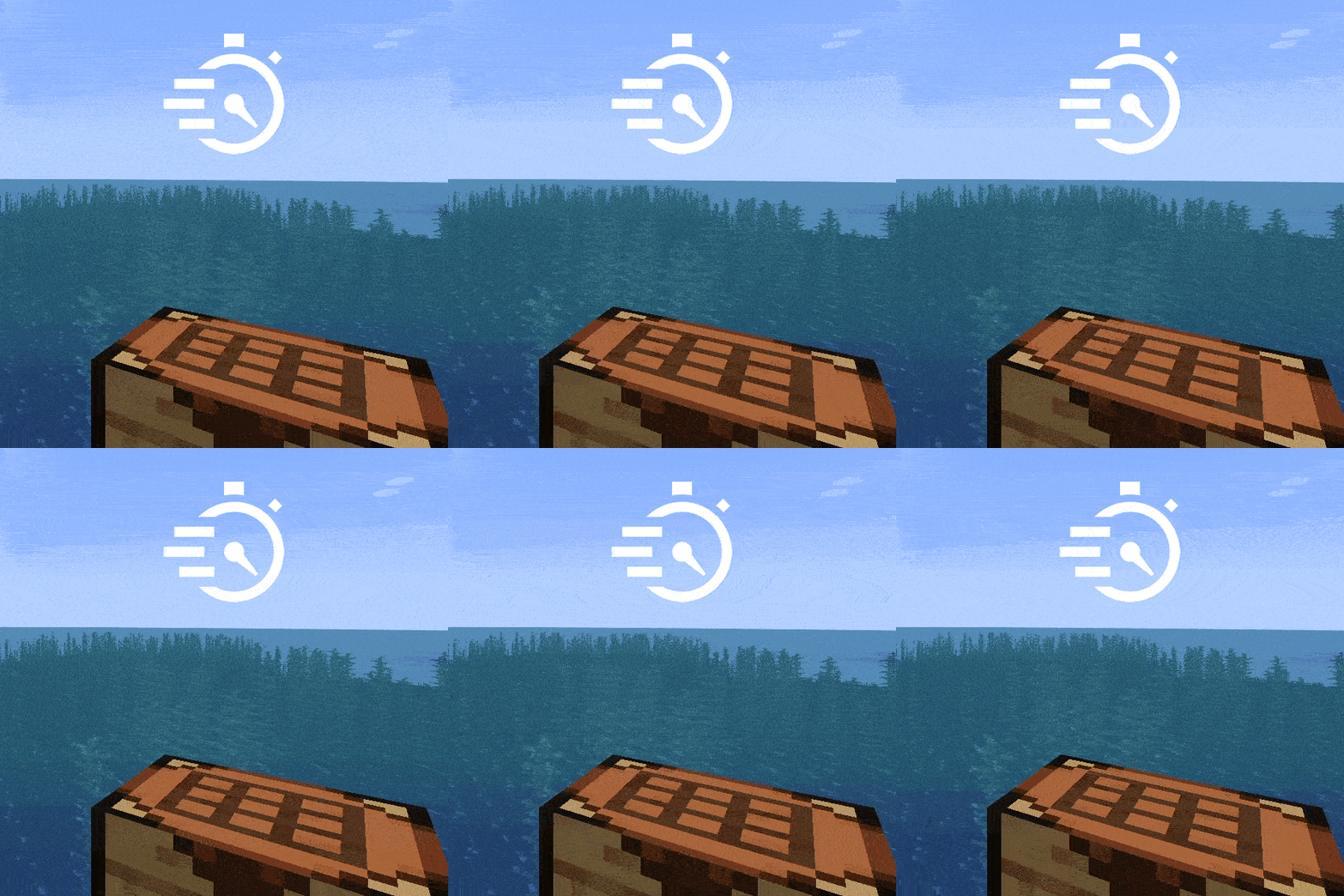
Craft items quickly without leaving crafting tables everywhere you go.

Also works for cartography tables, and the other village profession blocks.


You may freely use this mod in any modpack, as long as the download remains hosted within the CurseForge or Modrinth ecosystem.
Serilum.com contains an overview and more information on all mods available.
Comments are disabled as I'm unable to keep track of them across so many separate mod pages.
For issues, ideas, suggestions or anything else there is the Github repo. Thanks!


Quick Right-Click is a QoL mod which enables players to quickly access many functional blocks without having to place them down. Just right-click the item in the air, without targeting a block. Quickly sleep in a bed, access your ender chest or open shulker boxes. Some will be opened directly, others placed down automatically. See the example GIFs below for a better idea of how it works.
Works for:
Beds, Cartography Tables, Crafting Tables, Ender Chests, Grindstones, Shulker Boxes, Smithing Tables and Stonecutters.


All available config options:
Show Spoiler
enableQuickBeds default true
If right-clicking beds in the air should enable the quick feature.
enableQuickCartographyTables default true
If right-clicking cartography tables in the air should enable the quick feature.
enableQuickCraftingTables default true
If right-clicking crafting tables in the air should enable the quick feature.
enableQuickEnderChests default true
If right-clicking ender chests in the air should enable the quick feature.
enableQuickGrindstones default true
If right-clicking grindstones in the air should enable the quick feature.
enableQuickShulkerBoxes default true
If right-clicking shulker boxes in the air should enable the quick feature.
enableQuickSmithingTables default true
If right-clicking smithing tables in the air should enable the quick feature.
enableQuickStonecutters default true
If right-clicking stonecutters in the air should enable the quick feature.

Quickly sleep in a bed. It'll be placed down and picked up automatically once done sleeping.
Show Spoiler

Quickly access your ender chest, without the need for silk touch to pick it back up.
Show Spoiler

Open Shulker Boxes quickly, access its contents and be on your way.
Show Spoiler

Craft items quickly without leaving crafting tables everywhere you go.
Show Spoiler

Also works for cartography tables, and the other village profession blocks.
Show Spoiler


You may freely use this mod in any modpack, as long as the download remains hosted within the CurseForge or Modrinth ecosystem.
Serilum.com contains an overview and more information on all mods available.
For issues, ideas, suggestions or anything else there is the Github repo. Thanks!
Screenshots
Gallery
Versions
Files
Relations
Project Relations
More like this
Similar Mods
Suggestions use data such as tags, dependencies, dependents, descriptions, titles, and more to rank how much they overlap with this mod.
On ModDex
Community snapshot
By the numbers
Statistics
 (opens in a new tab)
Get it on
Available Platforms
On ModDex
Community snapshot
By the numbers