Community listing page, reviews here may not be monitored by the author.
Random Item Speedrun


No reviews yet
Allows you to test your knowledge of the game and your ability to quickly find items
Community voices
Reviews
No reviews yet. Be the first to review this project!
Get it on
Available Platforms
Compatibility
Supported Environments
Runs entirely on the client. Works on vanilla servers.
Must be installed on both the client and the server.
Varies by version.
About
Project Details
For authors
Embed Badge
If you're the author of this project, you can embed a live badge anywhere that supports HTML or Markdown. It updates automatically whenever ratings change.
Use HTML for any page that supports it, or Markdown for README files and Markdown-based descriptions.
Identifiers
Platform IDs
About
Description
Random Item Speedrun
This mod tests the player's gear by forcing them to collect one randomly selected item
Usage
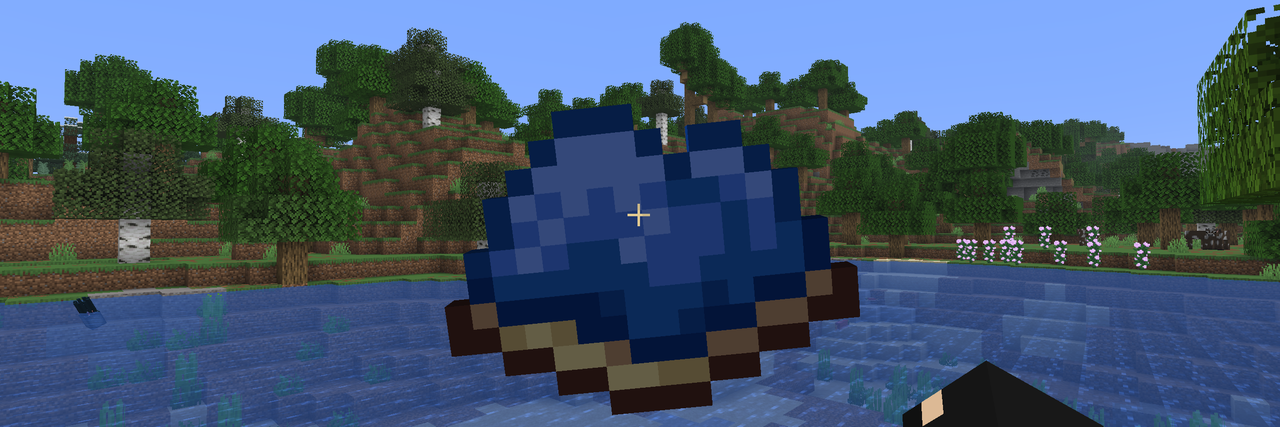
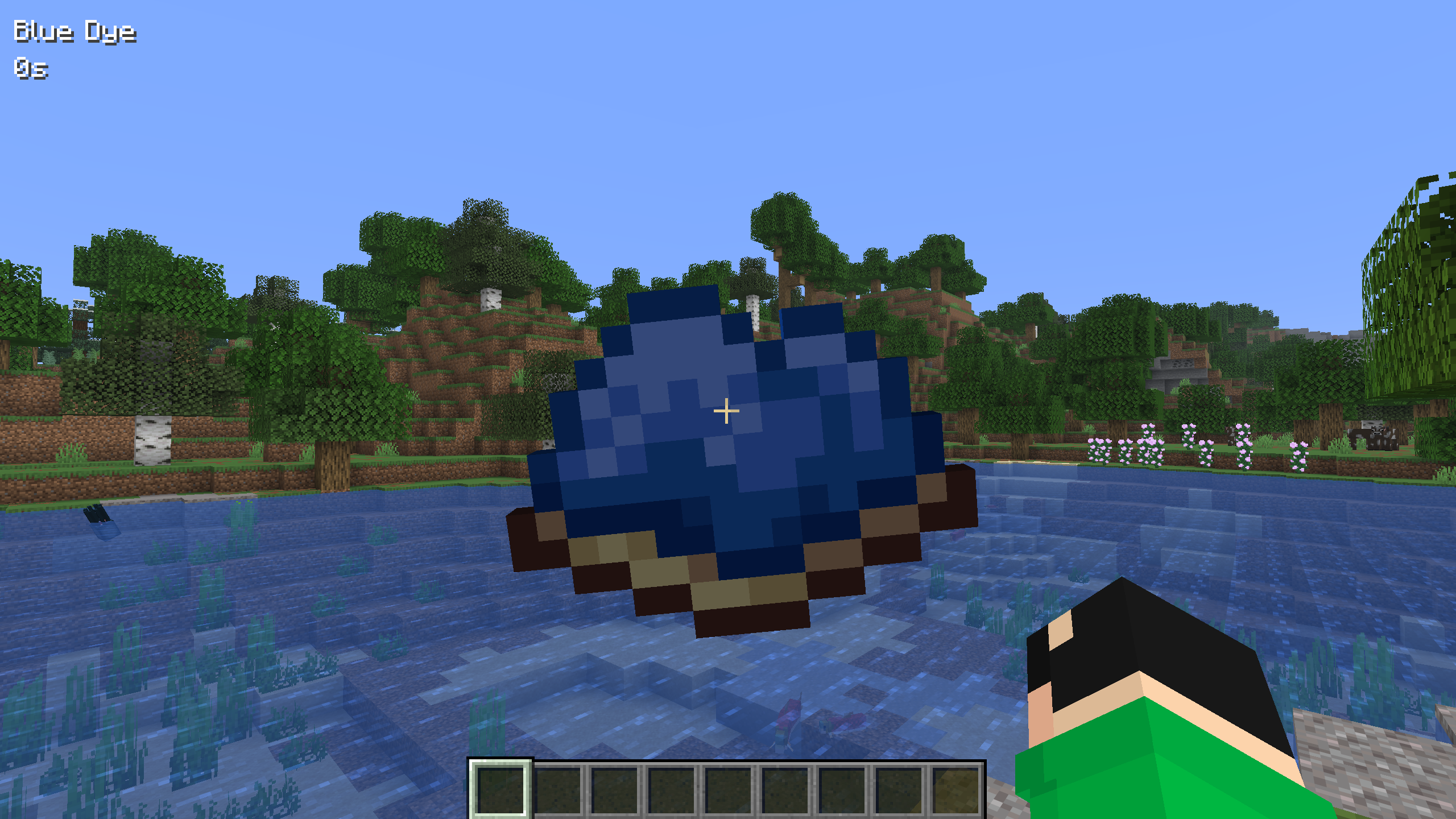
After installing the mod, press the Y key (default) to open the run start screen. This screen displays a list of speedruns and additional information about each run by tapping on the desired run. To start a speedrun, press the corresponding button, and the item you need to collect will appear on the screen. For more accurate run information, the item name and elapsed time will be displayed in the corner of the screen.
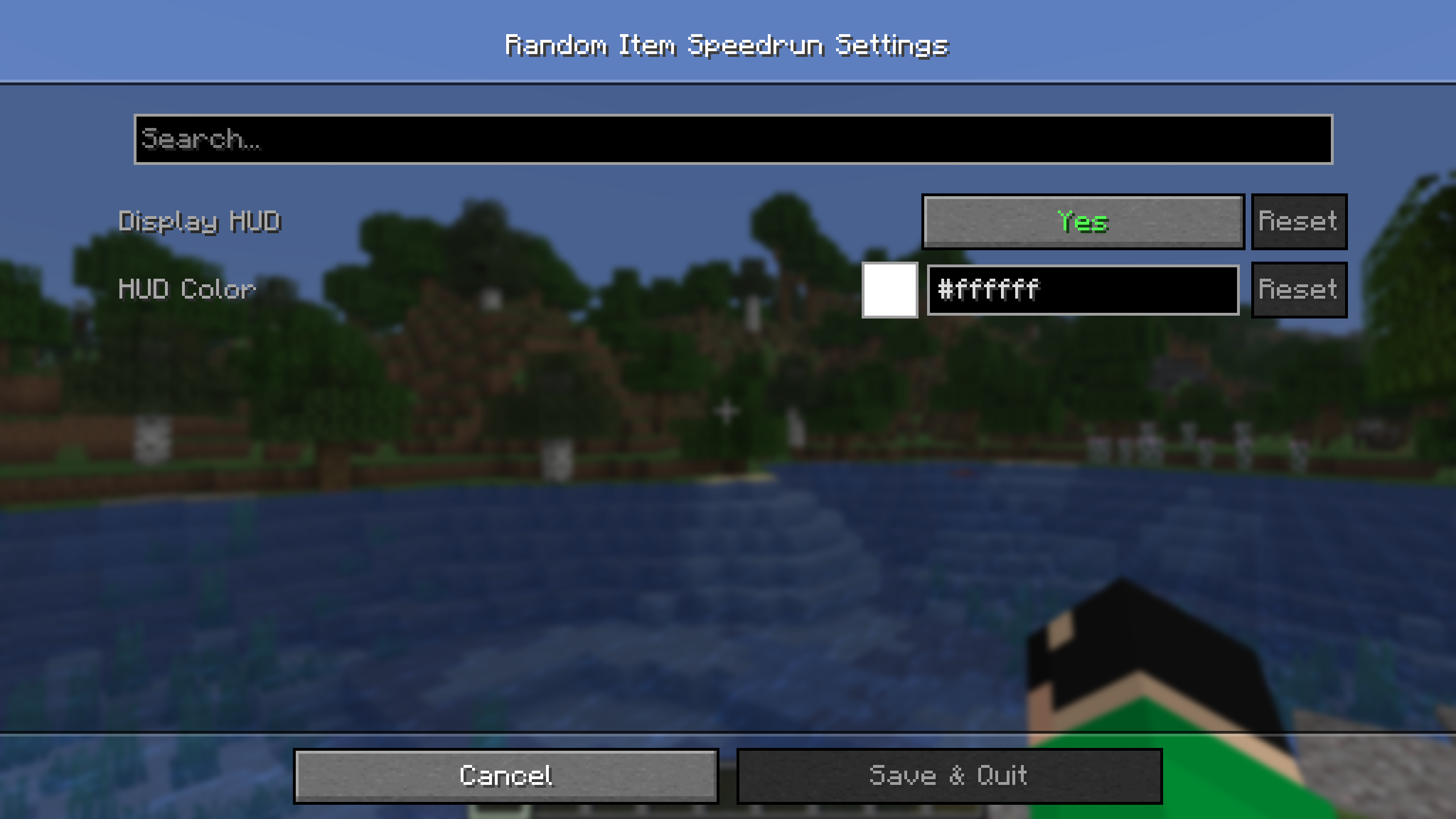
The mod has settings where you can change the HUD parameters (more customization options are planned for the future).

Since version 2.0, the mod has been running on the server. This means all players can participate in the same run simultaneously. The name of the player who finds the item will also be saved in the run list.
You can specify the difficulty of drop items in the mod settings:
- Easy - items that don't require entering the Nether,
- Normal - items that don't require entering the End,
- Hard - all items except those that take too long to obtain,
- Hardcore - all items.
To start/stop the game without entering the mod screen, you can assign a key in the binding settings. Pressing the key will then instantly change the game status.
Settings

🤝 Support

Random Item Speedrun
This mod tests the player's gear by forcing them to collect one randomly selected item
Usage
After installing the mod, press the Y key (default) to open the run start screen. This screen displays a list of speedruns and additional information about each run by tapping on the desired run. To start a speedrun, press the corresponding button, and the item you need to collect will appear on the screen. For more accurate run information, the item name and elapsed time will be displayed in the corner of the screen.
The mod has settings where you can change the HUD parameters (more customization options are planned for the future).
Since version 2.0, the mod has been running on the server. This means all players can participate in the same run simultaneously. The name of the player who finds the item will also be saved in the run list.
You can specify the difficulty of drop items in the mod settings:
- Easy - items that don't require entering the Nether,
- Normal - items that don't require entering the End,
- Hard - all items except those that take too long to obtain,
- Hardcore - all items.
To start/stop the game without entering the mod screen, you can assign a key in the binding settings. Pressing the key will then instantly change the game status.
Settings
Click to open
🤝 Support
Screenshots
Gallery
-
 Random Item
 -
 Feature image
 -
Start Game Screen
-
 Mod Settings
Versions
Files
Relations
Project Relations
More like this
Similar Mods
Suggestions use data such as tags, dependencies, dependents, descriptions, titles, and more to rank how much they overlap with this mod.
On ModDex
Community snapshot
By the numbers
Statistics
Want to reach Minecraft players?
We're looking for a server hosting partner to feature here and other parts of the site. Interested? Send us a message!
Get in touchGet it on
Available Platforms
On ModDex
Community snapshot
By the numbers