Community listing page, reviews here may not be monitored by the author.
Reach Customization

No reviews yet
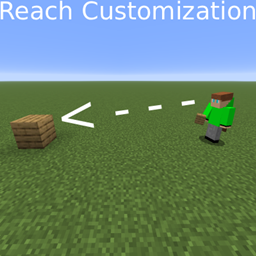
An elegant arcade-style slider menu that lets you dynamically customize your block interaction reach distance on the fly.
Community voices
Reviews
No reviews yet. Be the first to review this project!
Get it on
Available Platforms
About
Project Details
For authors
Embed Badge
If you're the author of this project, you can embed a live badge anywhere that supports HTML or Markdown. It updates automatically whenever ratings change.
Use HTML for any page that supports it, or Markdown for README files and Markdown-based descriptions.
Identifiers
Platform IDs
Resources
External Links
About
Description
Have you ever wanted more building freedom in your singleplayer worlds without installing heavy, game-breaking cheat clients? Reach Customizer puts an elegant, arcade-style configuration slider right at your fingertips, allowing you to dynamically adjust your block reach distance on the fly!
Press 'R' in-game to pull up the minimalist overlay panel, slide the bar to your preferred distance, and start crafting from afar!
Key Features:
- Dynamic Reach Slider: Instantly adjust your block placement and breaking range from standard vanilla levels all the way up to Unlimited (the absolute maximum 64.0 limit supported by the Minecraft engine core).
- Zero Ghost Blocks: Features an integrated singleplayer server-side synchronization loop. Blocks broken from afar stay broken permanently and drop normal item pickups without forcefully snapping back into existence.
- Smart Multiplayer Safety Lock: Built with safe configuration safeguards. The second you log into a public dedicated multiplayer server, the mod instantly disables itself and locks your reach back down to a legal vanilla 4.5 blocks, protecting your account from anti-cheat bans.
- Mod Menu Supported: Fully compatible with the popular Mod Menu interface out of the box! You can access the configuration slider directly from your in-game mod list screen.
How to Use:
1. Make sure you have Fabric Loader and Fabric API installed for your game version.
2. Drop the reach-customizer-1.0.0.jar file straight into your .minecraft/mods folder.
3. Launch the game, hop into a singleplayer map, and tap the R key to configure your range.
Developer & Credits:
- Created and maintained by @Lamez111
- Developed using the modern Fabric modding architecture framework.
Screenshots
Gallery
-
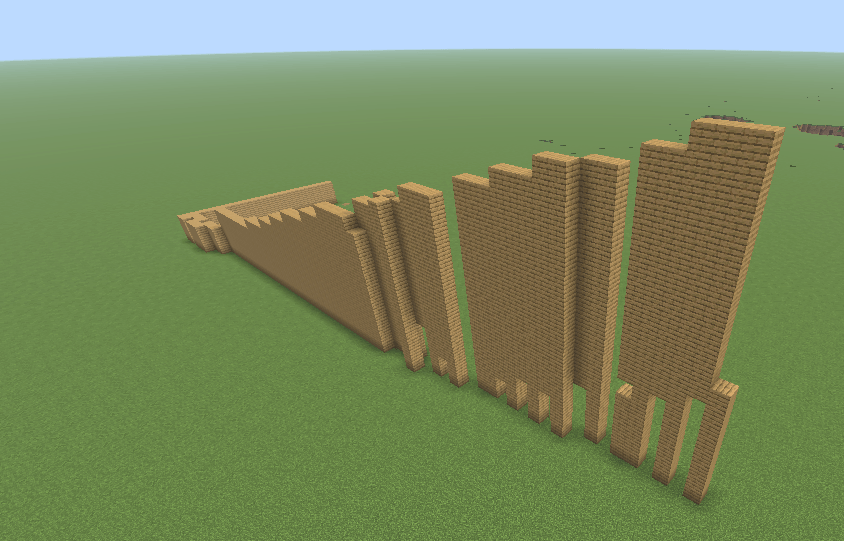 Screenshot 2026-09-06 114101.png Screenshot 2026-09-06 114101.png
Versions
Files
Relations
Project Relations
More like this
Similar Mods
Suggestions use data such as tags, dependencies, dependents, descriptions, titles, and more to rank how much they overlap with this mod.
On ModDex
Community snapshot
By the numbers
Statistics
Want to reach Minecraft players?
We're looking for a server hosting partner to feature here and other parts of the site. Interested? Send us a message!
Get in touchGet it on
Available Platforms
On ModDex
Community snapshot
By the numbers
Statistics
Resources