
Community listing page, reviews here may not be monitored by the author.
ReCased


No reviews yet
Adds Lucky Cases to your Game
Community voices
Reviews
No reviews yet. Be the first to review this project!
Get it on
Available Platforms
Compatibility
Supported Environments
Must be installed on both the client and the server.
About
Project Details
For authors
Embed Badge
If you're the author of this project, you can embed a live badge anywhere that supports HTML or Markdown. It updates automatically whenever ratings change.
Use HTML for any page that supports it, or Markdown for README files and Markdown-based descriptions.
Identifiers
Platform IDs
About
Description
ReCased

ReCased adds highly customizable Loot Cases to Minecraft. While there are Ways to find them Through exploration of the World, the main reason for using this mod is to add them as quest rewards for mod packs.
Since Version 2.0.0 you no longer have to manually add cases to the config files. New cases can be Added Via the casing Station if enabled in the Config!
📦 The Base Cases
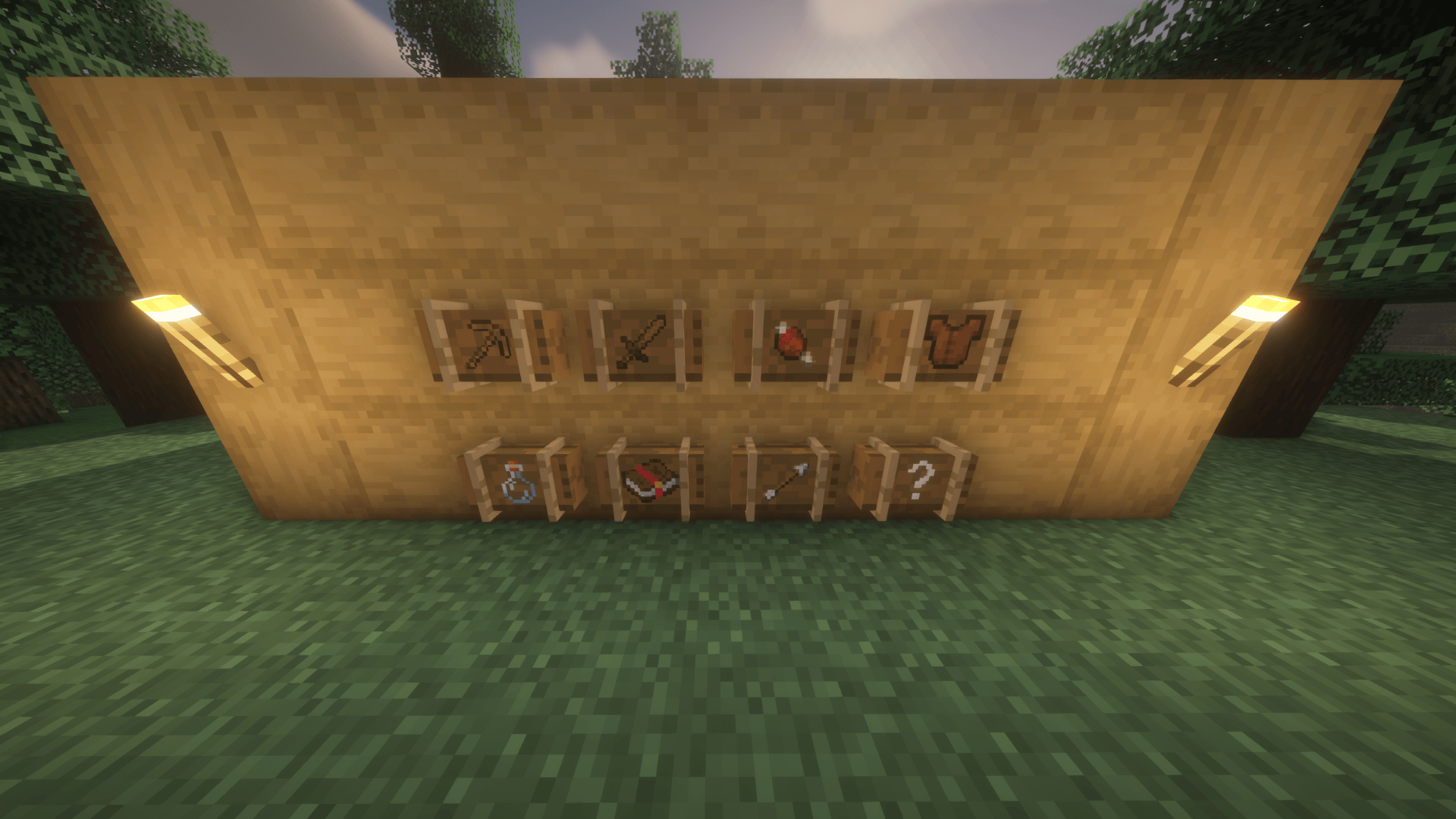
By default, the mod dynamically scans your game (including other mods!) and sorts items into the following crates:
- Armor Case: Contains Vanilla and Modded Armor (random durability).
- Arrow Case: Contains Vanilla and Modded Arrows (drops 1-64).
- Enchantment Case: Contains Vanilla and Modded Enchanted Books.
- Food Case: Contains Vanilla and Modded Food Items (drops 1-64).
- Potion Case: Contains Vanilla and Modded Potions.
- Tool Case: Contains Vanilla and Modded Tools (random durability).
- Weapon Case: Contains Vanilla and Modded Weapons and Shields (random durability).
- Special Case: A configurable case for special items (e.g., Beacons, Music Discs, Boss Drops).
Default Drop Rates:
60% Common | 25% Rare | 10% Epic | 5% Legendary
How to Obtain Cases
- World Generation: Loot cases now spawn naturally in Vanilla and Modded dungeon chests, mineshafts, and strongholds!
- Village Exploration: Keep an eye out for the new Case Trader Villager House that naturally generates in all 5 village types! Here you will find the Case Trader.
- Archaeology: Uncover them by brushing Suspicious Sand inside Desert Pyramids.
- Creative: Find them in the dedicated ReCased Creative Tab, or use
/give @s recased:<case_name>.
The Casing Station (In-Game Editor)
You can now edit existing cases or create entirely new custom ones directly in-game. [ONLY WORKS IF ENABLED IN CONFIG]
-
Place a Casing Station block.
-
Open the GUI to see a list of all existing cases.
-
Click the "+" button to create a brand-new custom case, or click an existing case to edit it.
-
Add/Remove Items: Simply click items in your inventory to add them to the case, or click them in the case grid to remove them. (NBT data, enchantments, and custom potions are fully supported!)
-
Tweak Drop Rates: Select any item in the case to manually adjust its drop chance and min/max drop amounts.
-
Save: Once you hit save, the mod instantly generates a clean
.jsonfile in yourconfig/recased/folder!
⚠️ IMPORTANT UPDATING RULES:
- Adding/Editing Cases: If you create a new case or edit an existing one, you must reload your world (Singleplayer) or reconnect to the server (Multiplayer) for the changes to fully sync to your client.
- Deleting Cases: If you manually delete a case
.jsonfile from your config folder, you must fully restart the server/game to clear it from memory!
The Configuration Options
ReCased is highly configurable to suit any modpack or server. All main settings are located in your config/recased-common.toml file.
General Settings:
enableCasingStationGUI: (Default: false) Security toggle. Set this to true to allow players with admin rights to create and edit cases using the Casing Station block.disableStandardCrates: (Default: false) Set to true if you only want your Custom Cases to load, completely removing the default Weapon/Armor/Tool crates from the game.showRarityInTooltip: (Default: false) Adds the item's internal Case Rarity and Type to its hover tooltip.excludedItems: A list of Item IDs (e.g.,"minecraft:dirt") to completely ban from dynamically populated base cases.
World Generation Settings:
enableChestLoot: (Default: true) Master toggle to allow cases to naturally spawn in dungeon and village chests.globalSpawnMultiplier: (Default: 1.0) Scale how often cases spawn. Set to 0.5 for half as many cases, or 2.0 for double.caseSpawnInjections: Define exactly which chests drop which cases. (Format: "case_id | loot_table | spawn_chance")
Villager & Archaeology Settings:
enableVillagerTrades: (Default: true) Allows the Case Trader villager to sell cases.enableVillagerCustomTrades: (Default: false) Allows the Case Trader villager to sell your custom cases.enableVillagerBaseTrades: (Default: true) Allows the Case Trader villager to sell base cases.defaultEmeraldCost: (Default: 25) The baseline emerald price for purchasing cases.enableSuspiciousSand: (Default: true) Allows cases to be brushed from suspicious sand.suspiciousSandChance: (Default: 0.1) The percentage chance (0.0 to 1.0) of finding a case via archaeology.
Durability Settings:
disableRandomDurability: (Default: false) Forces all weapons, tools, and armor from cases to drop at 100% durability.excludedDurabilityItems: Specific Item IDs that should always drop with full durability.excludedDurabilityTypes: Entire case types (e.g.,"weapon") that should drop items with full durability.
Custom Textures & Resource Packs
Want to turn a wooden crate into a sci-fi safe or a rusted lockbox? ReCased now fully supports CustomModelData for infinite custom case textures!
Resource Pack Permissions:
Modpack creators and players have full permission to create, modify, distribute, and upload Resource Packs dependent on ReCased that add or modify custom case textures. To make this as easy as possible, we have provided an official template!
Multiplayer & Servers
SERVER SYNC You no longer need to force players to manually download and copy config files.
When a player joins your dedicated server, ReCased will automatically sync the server's custom crates and drop rates directly to the player's client.
Modpack Creators
Can I use this in my Modpack?
YES! We highly encourage you to use ReCased for your modpack's loot or questing system. (If you are hosting outside of CurseForge, a simple credit link back to this page is appreciated!)
Known Issues & Feedback
- First-Load Lag: When opening a dynamically generated case for the very first time in a heavily modded world, there may be a slight lag spike as the mod indexes all modded items. Subsequent openings will be perfectly smooth.
- Ideas & Bugs: If you have a great idea for a feature or run into a compatibility bug, please use the Issue Tracker or leave a comment!
If you want to report a bug Please open a Support Ticket on our Discord!
Disclaimer: This mod is written from scratch and is in no way affiliated with or related to the Lucky Cases Mod by Intektor.


Welcome to ReCased 2.0.0!
ReCased adds highly customizable Loot Cases to Minecraft, perfect for survival exploration, server economies, or modpack quest rewards.
For version 2.0.0, we have completely overhauled the mod! You no longer need to manually edit complicated config files to create custom cases. Everything can now be done in-game using our new GUI, cases spawn naturally in the world, and server syncing is fully supported!
The Base Cases
By default, the mod dynamically scans your game (including other mods!) and sorts items into the following crates:
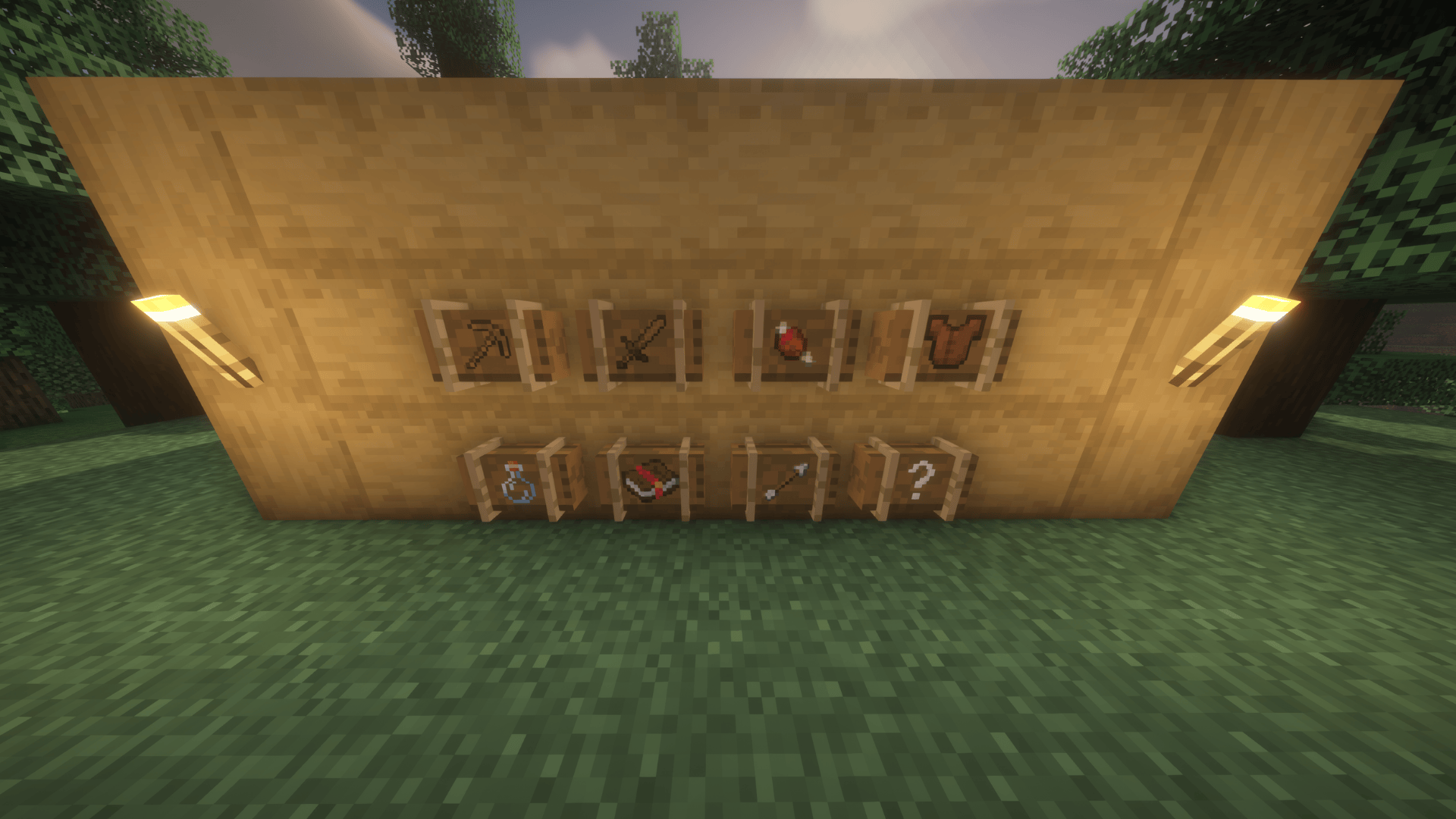
- Armor Case: Contains Vanilla and Modded Armor (random durability).
- Arrow Case: Contains Vanilla and Modded Arrows (drops 1-64).
- Enchantment Case: Contains Vanilla and Modded Enchanted Books.
- Food Case: Contains Vanilla and Modded Food Items (drops 1-64).
- Potion Case: Contains Vanilla and Modded Potions.
- Tool Case: Contains Vanilla and Modded Tools (random durability).
- Weapon Case: Contains Vanilla and Modded Weapons and Shields (random durability).
- Special Case: A configurable case for special items (e.g., Beacons, Music Discs, Boss Drops).
Default Drop Rates: 60% Common | 25% Rare | 10% Epic | 5% Legendary
How to Obtain Cases
- World Generation: Loot cases now spawn naturally in Vanilla and Modded dungeon chests, mineshafts, and strongholds!
- Village Exploration: Keep an eye out for the new Case Trader Villager House that naturally generates in all 5 village types! Here you will find the Case Trader and the new Casing Station block.
- Archaeology: Uncover them by brushing Suspicious Sand inside Desert Pyramids.
- Creative: Find them in the dedicated ReCased Creative Tab, or use
/give @s recased:<case_name>. - Modpacks: They are incredibly easy to integrate as Quest Rewards in FTB Quests or BetterQuesting!
The Casing Station (New In-Game Editor!)
Forget editing massive text files! You can now edit existing cases or create entirely new custom ones directly in-game. [ONLY WORKS IF ENABLED IN CONFIG]
- Craft and place the new Casing Station block (or find one in a village).
- Open the GUI to see a list of all existing cases.
- Click the "+" button to create a brand-new custom case, or click an existing case to edit it.
- Add/Remove Items: Simply click items in your inventory to add them to the case, or click them in the case grid to remove them. (NBT data, enchantments, and custom potions are fully supported!)
- Tweak Drop Rates: Select any item in the case to manually adjust its drop chance and min/max drop amounts.
- Save: Once you hit save, the mod instantly generates a clean
.jsonfile in yourconfig/recased/folder!
IMPORTANT UPDATING RULES:
- Adding/Editing Cases: If you create a new case or edit an existing one, you must reload your world (Singleplayer) or reconnect to the server (Multiplayer) for the changes to fully sync to your client.
- Deleting Cases: If you manually delete a case
.jsonfile from your config folder, you must fully restart the server/game to clear it from memory!
The Configuration Options
ReCased is highly configurable to suit any modpack or server. All main settings are located in your config/recased-common.toml file.
General Settings:
enableCasingStationGUI: (Default: false) Security toggle. Set this to true to allow players with admin rights to create and edit cases using the Casing Station block.disableStandardCrates: (Default: false) Set to true if you only want your Custom Cases to load, completely removing the default Weapon/Armor/Tool crates from the game.showRarityInTooltip: (Default: false) Adds the item's internal Case Rarity and Type to its hover tooltip.excludedItems: A list of Item IDs (e.g., "minecraft:dirt") to completely ban from dynamically populated base cases.
World Generation Settings (NEW):
enableChestLoot: (Default: true) Master toggle to allow cases to naturally spawn in dungeon and village chests.globalSpawnMultiplier: (Default: 1.0) Easily scale how often cases spawn. Set to 0.5 for half as many cases, or 2.0 for double!caseSpawnInjections: Define exactly which chests drop which cases. (Format: "case_id | loot_table | spawn_chance")
Villager & Archaeology Settings:
enableVillagerTrades: (Default: true) Allows the Case Trader villager to sell your custom cases.defaultEmeraldCost: (Default: 25) The baseline emerald price for purchasing cases.enableSuspiciousSand: (Default: true) Allows cases to be brushed from suspicious sand.suspiciousSandChance: (Default: 0.1) The percentage chance (0.0 to 1.0) of finding a case via archaeology.
Durability Settings:
disableRandomDurability: (Default: false) Forces all weapons, tools, and armor from cases to drop at 100% durability.excludedDurabilityItems: Specific Item IDs that should always drop with full durability.excludedDurabilityTypes: Entire case types (e.g., "weapon") that should drop items with full durability.
Custom Textures & Resource Packs
Want to turn a wooden crate into a sci-fi safe or a rusted lockbox? ReCased now fully supports CustomModelData for infinite custom case textures!
Resource Pack Permissions: Modpack creators and players have full permission to create, modify, distribute, and upload Resource Packs dependent on ReCased that add or modify custom case textures. To make this as easy as possible, we have provided an official template!
Multiplayer & Servers
SERVER SYNC IS FIXED! You no longer need to force players to manually download and copy config files. When a player joins your dedicated server, ReCased will automatically sync the server's custom crates and drop rates directly to the player's client. Build your custom crates on the server, and your players will instantly see them!
Modpack Creators
Can I use this in my Modpack? YES! We highly encourage you to use ReCased for your modpack's loot or questing system. (If you are hosting outside of Modrinth, a simple credit link back to this page is appreciated!)
Known Issues & Feedback
- First-Load Lag: When opening a dynamically generated case for the very first time in a heavily modded world, there may be a slight lag spike as the mod indexes all modded items. Subsequent openings will be perfectly smooth.
- Ideas & Bugs: If you have a great idea for a feature or run into a compatibility bug, please use the Issue Tracker or leave a comment!
Disclaimer: This mod is written from scratch and is in no way affiliated with or related to the Lucky Cases Mod by Intektor.
Screenshots
Gallery
-
Loot Cases All Lootcases added by this Mod
-
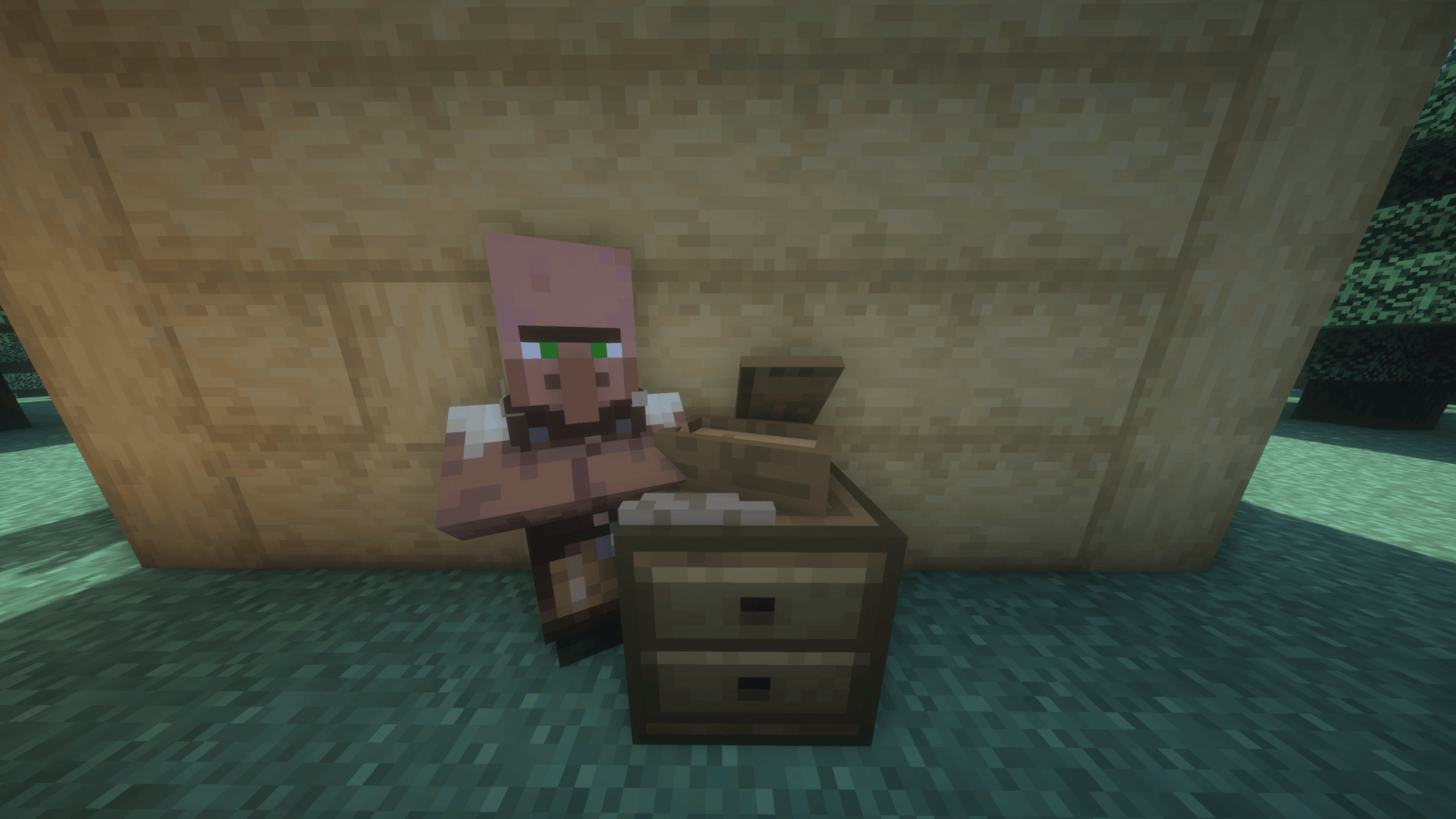 Loot Case Trader This is the Loot Case Trader Villager!
 -
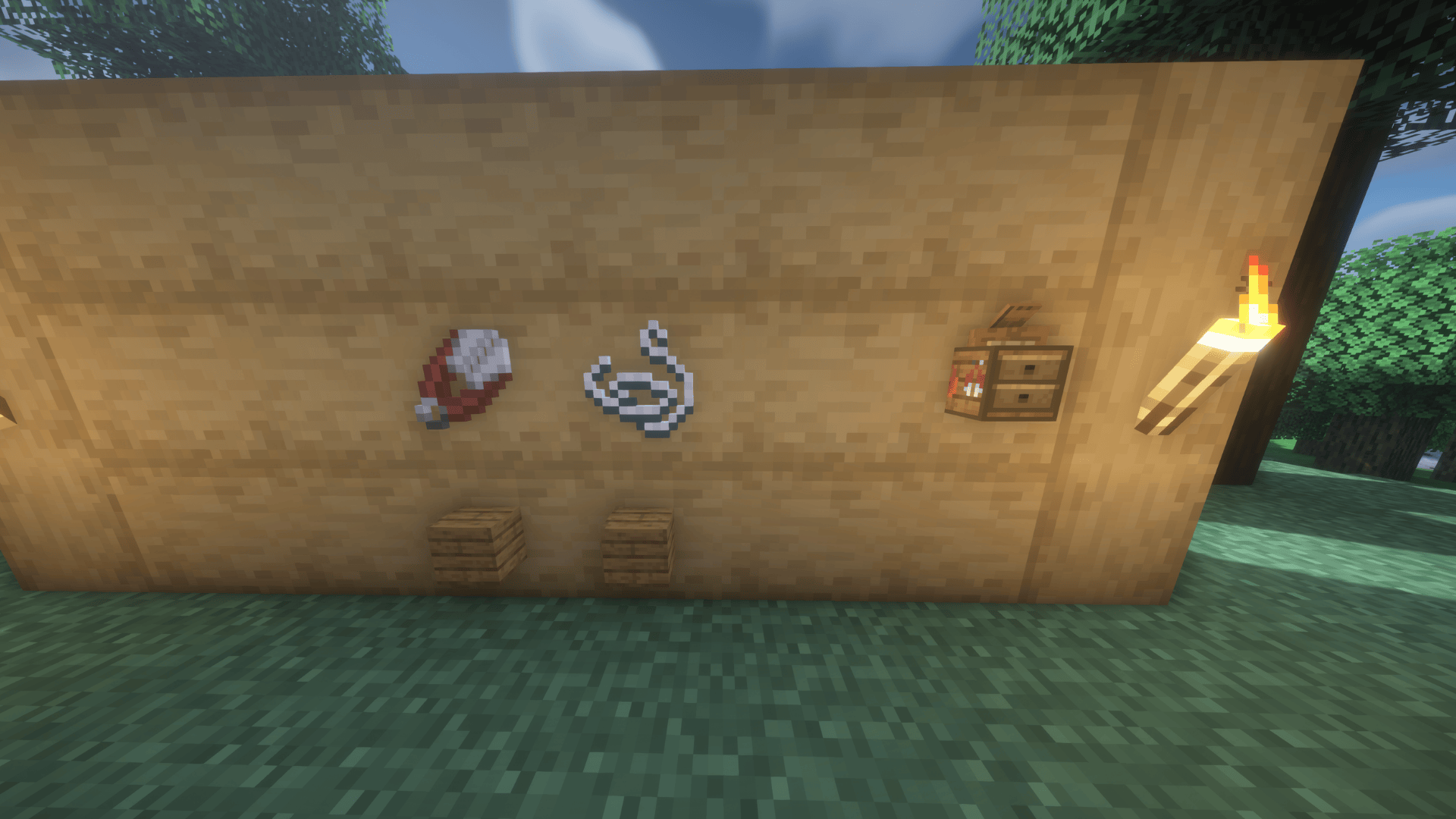 Villager Workstation Villager Workstation Crafting Recipie for the Case Trader
 -
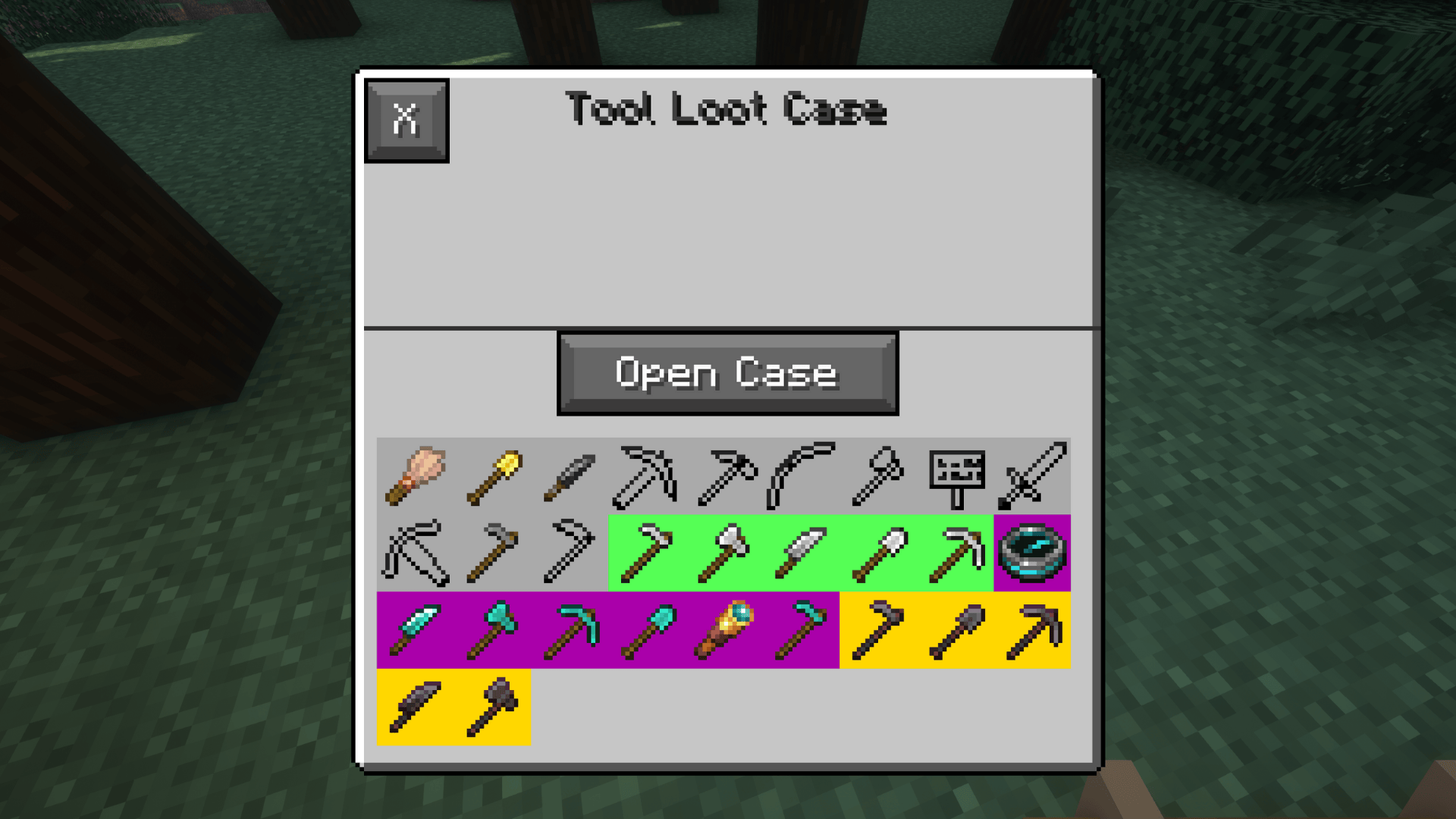 Tool Case
 -
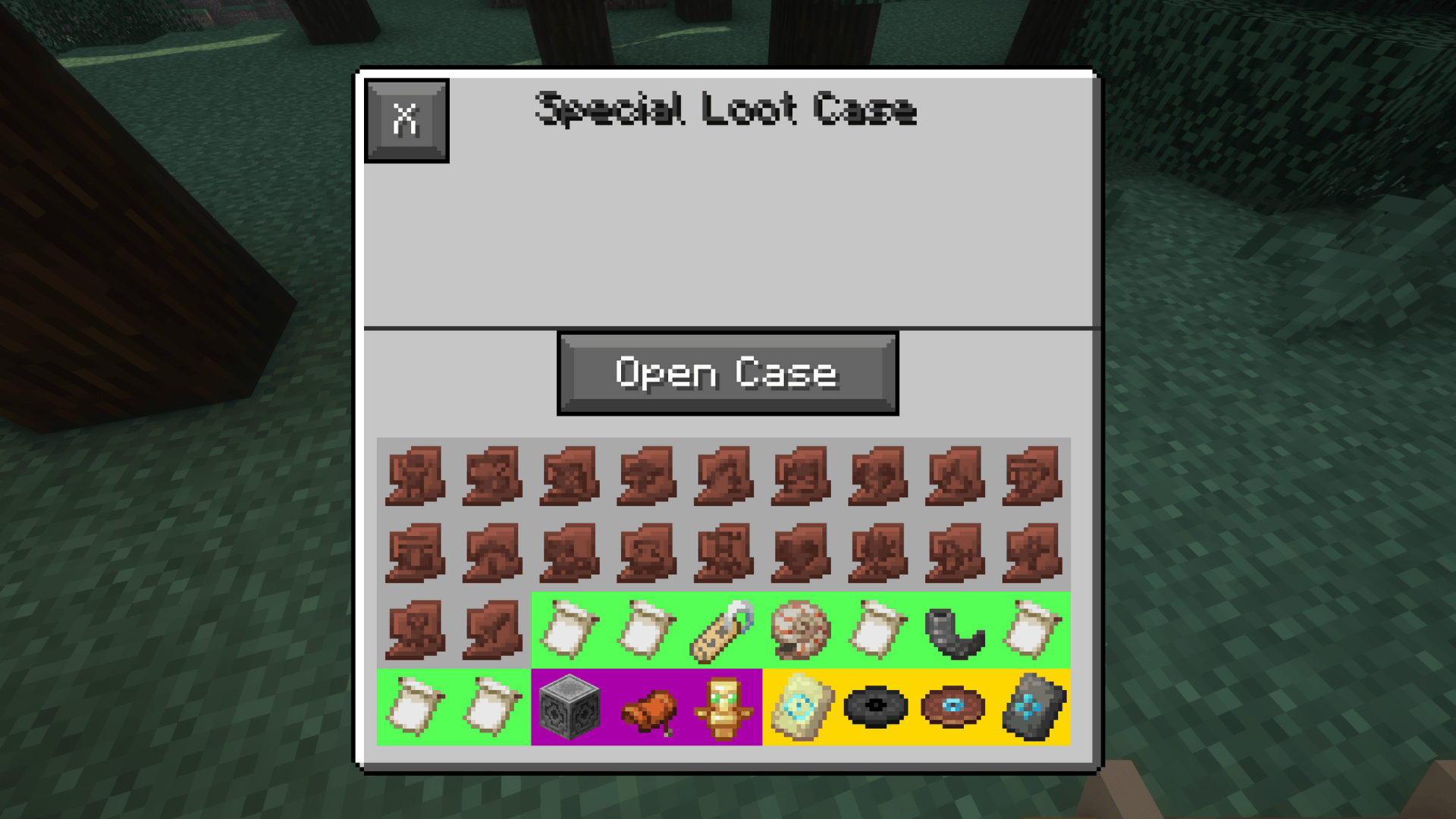 Special Case
 -
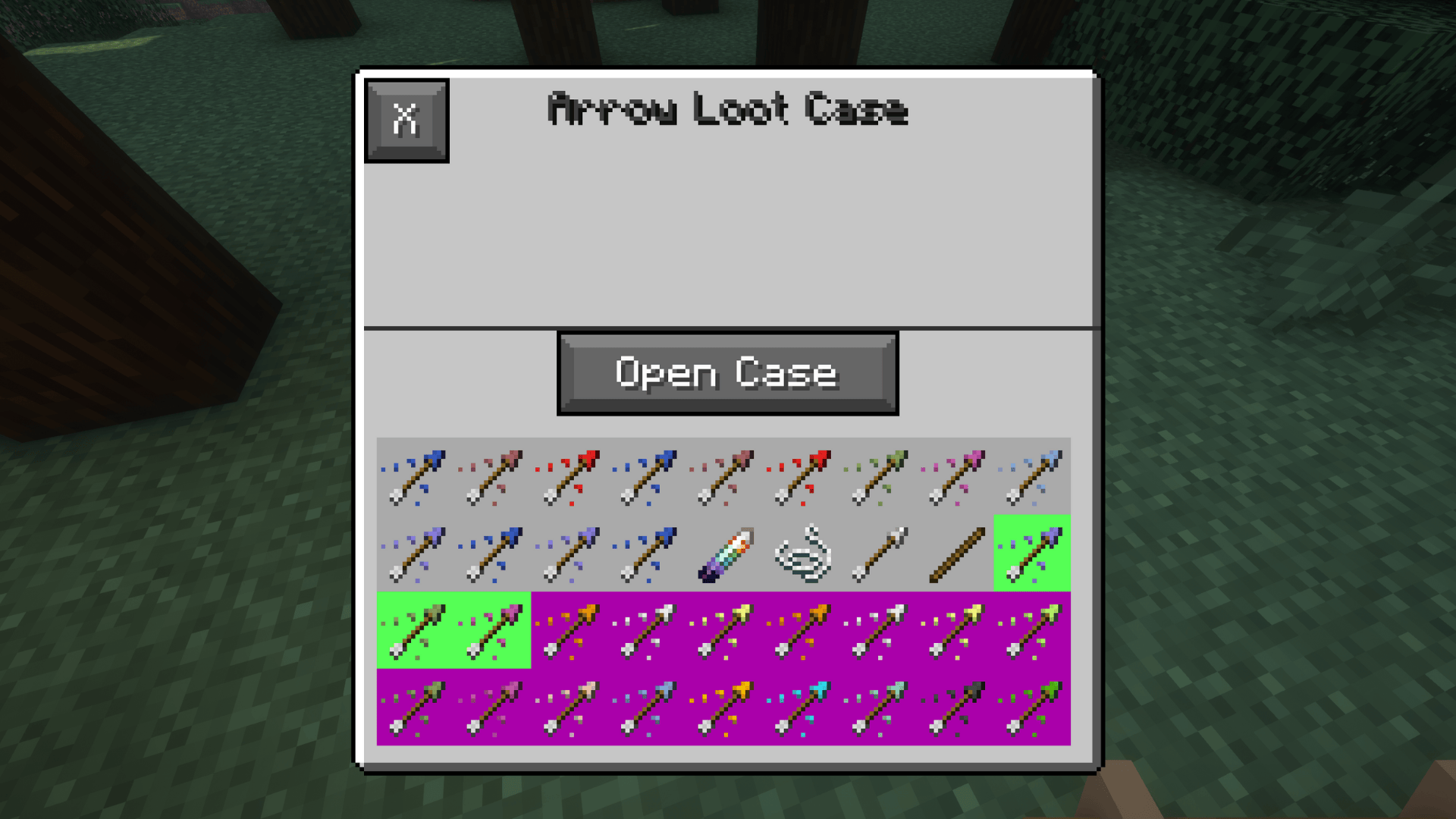 Arrow Case
 -
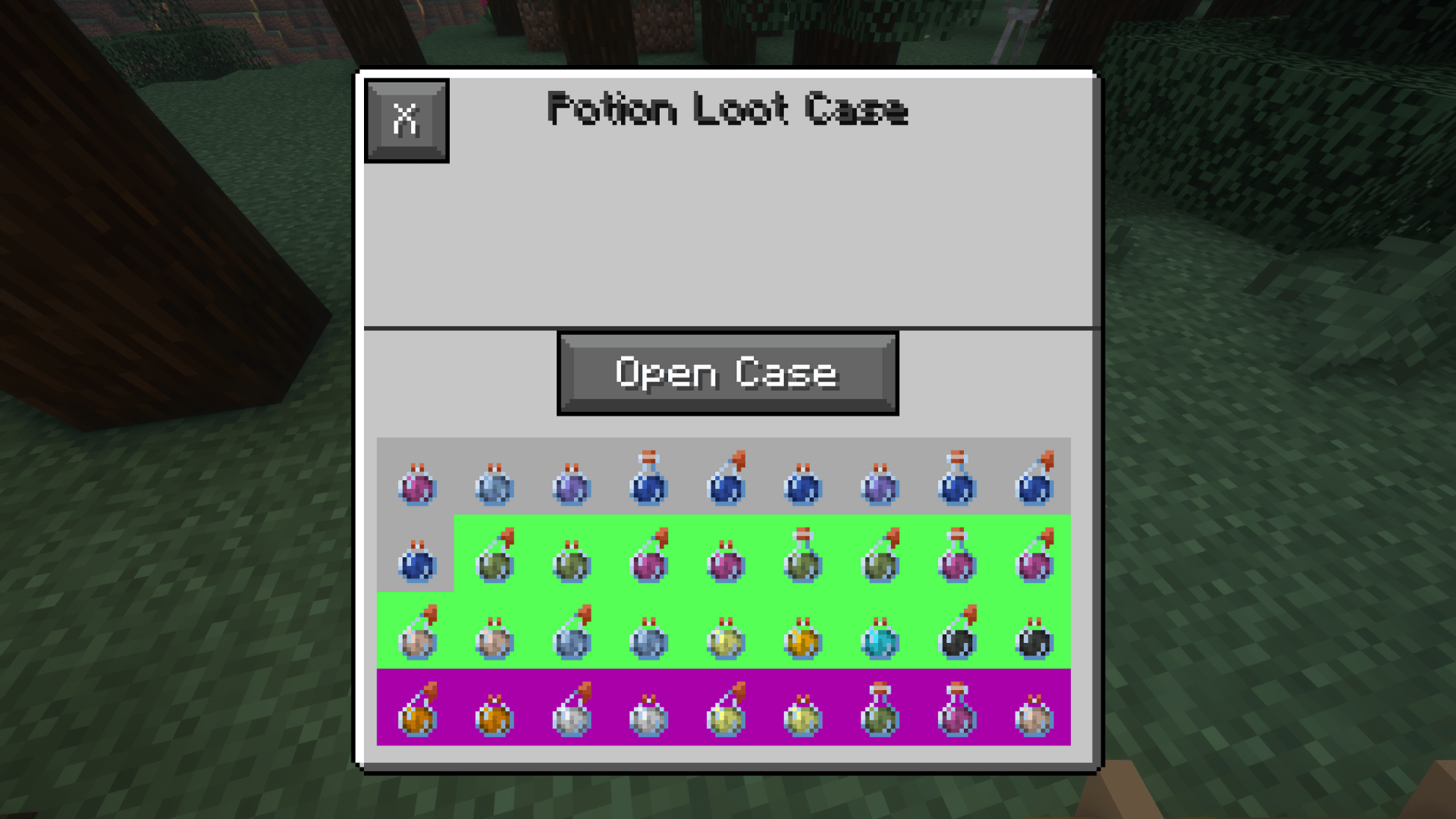 Potion Case
 -
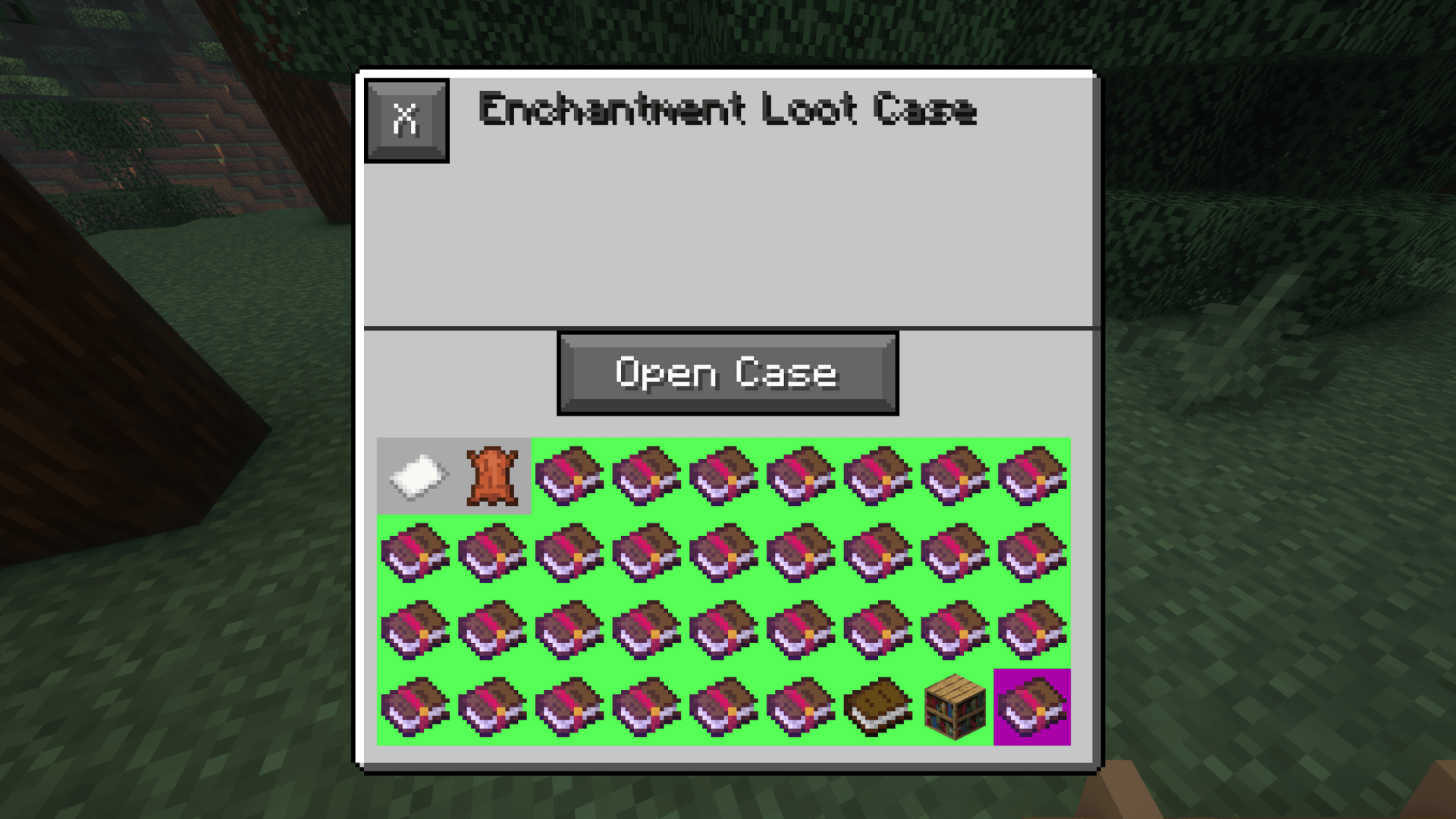 Enchantment Case
 -
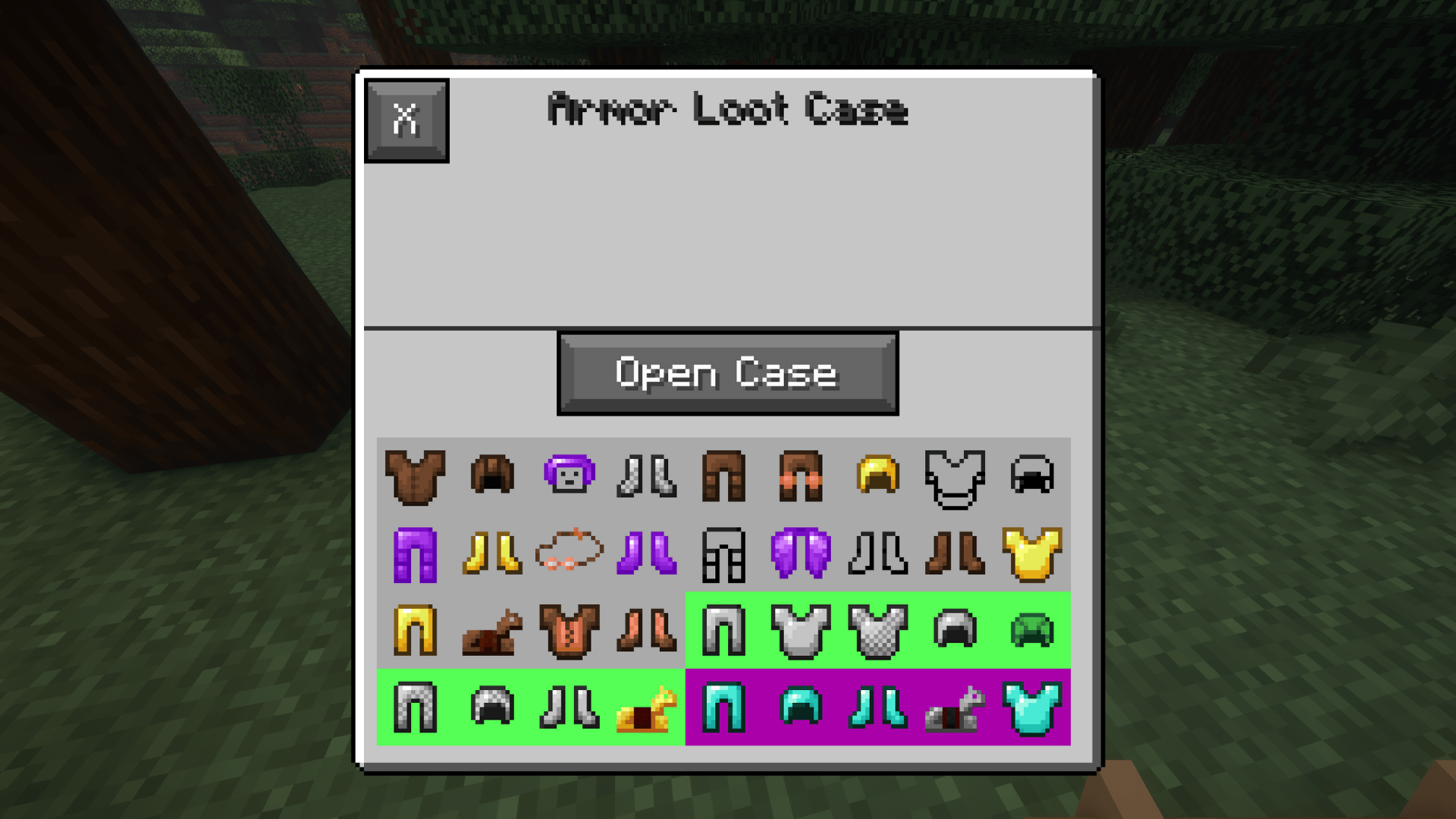 Armor Case
 -
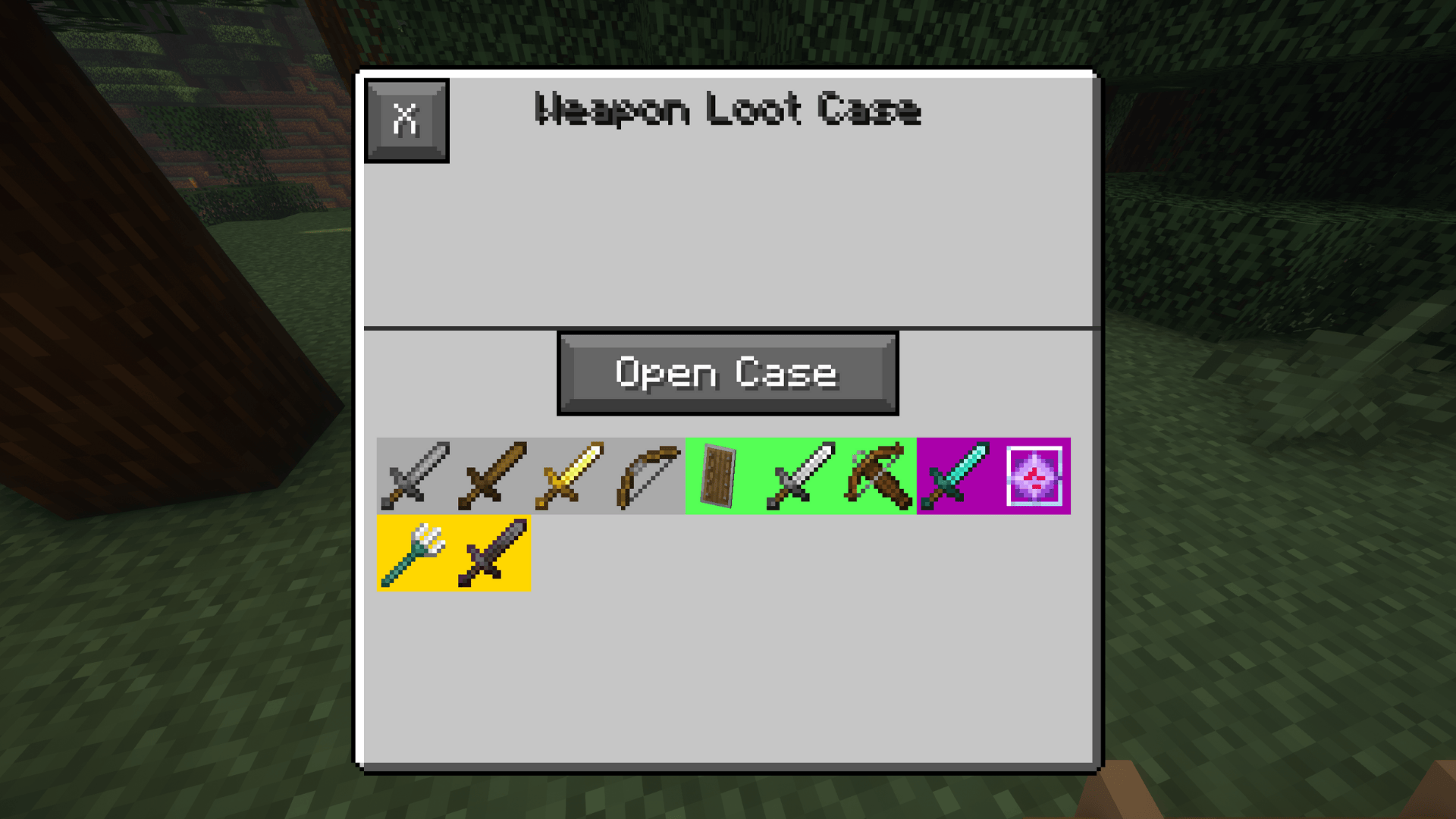 Weapon Case
 -
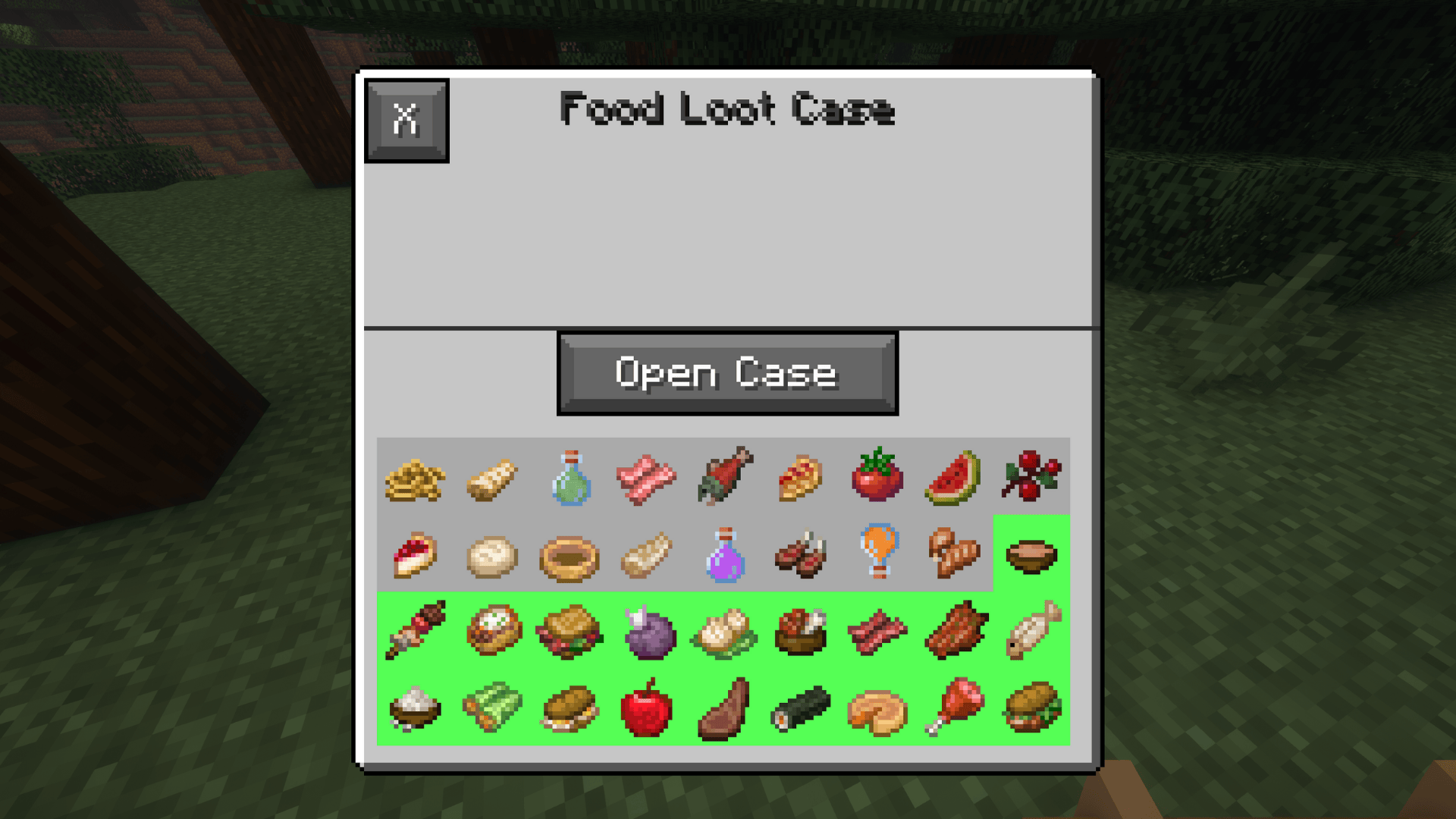 Food Case
-
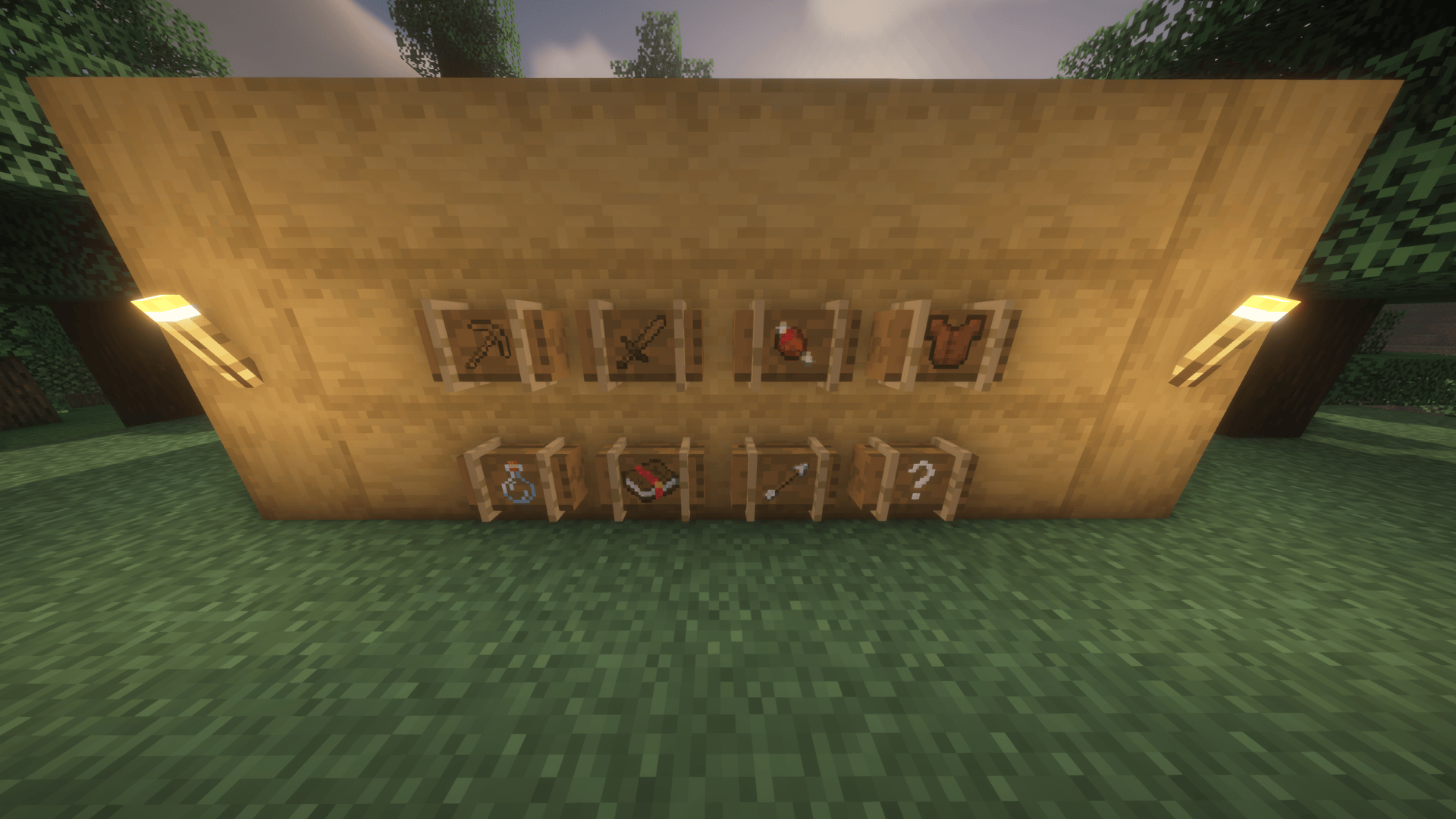 Loot Cases All Lootcases added by this Mod
 -
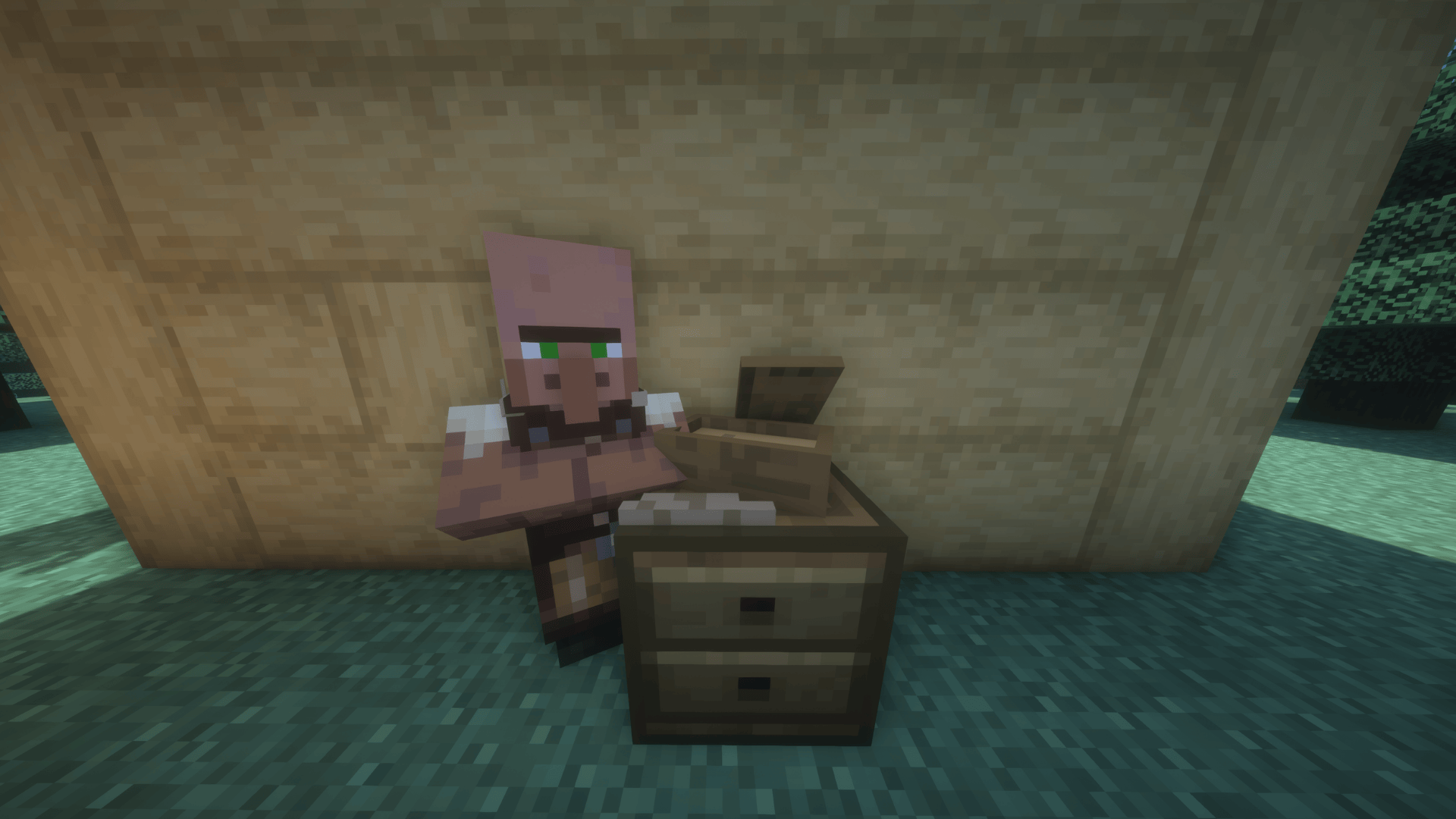 Loot Case Trader This is the Loot Case Trader Villager!
 -
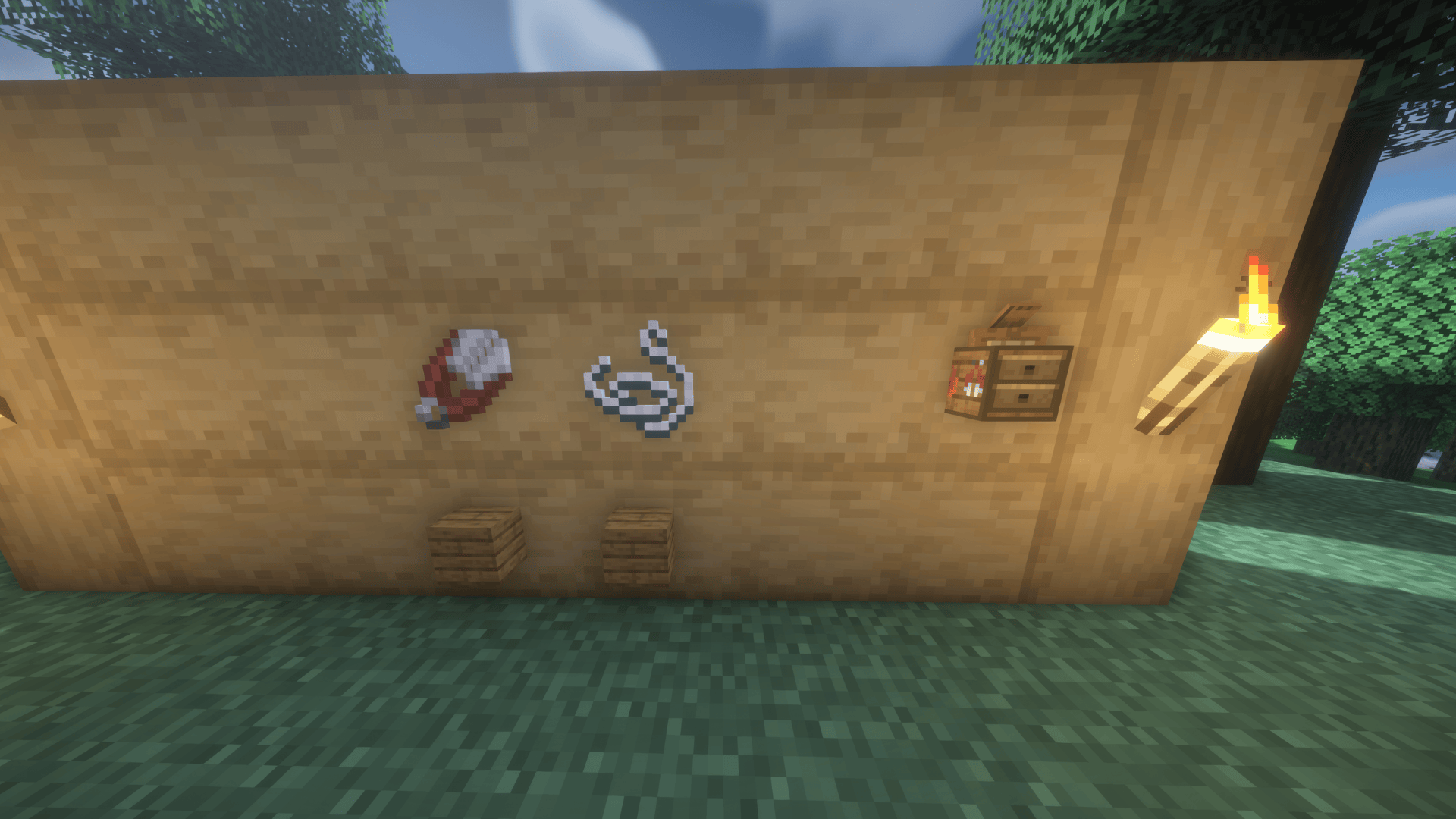 Villager Workstation Villager Workstation Crafting Recipie for the Case Trader
 -
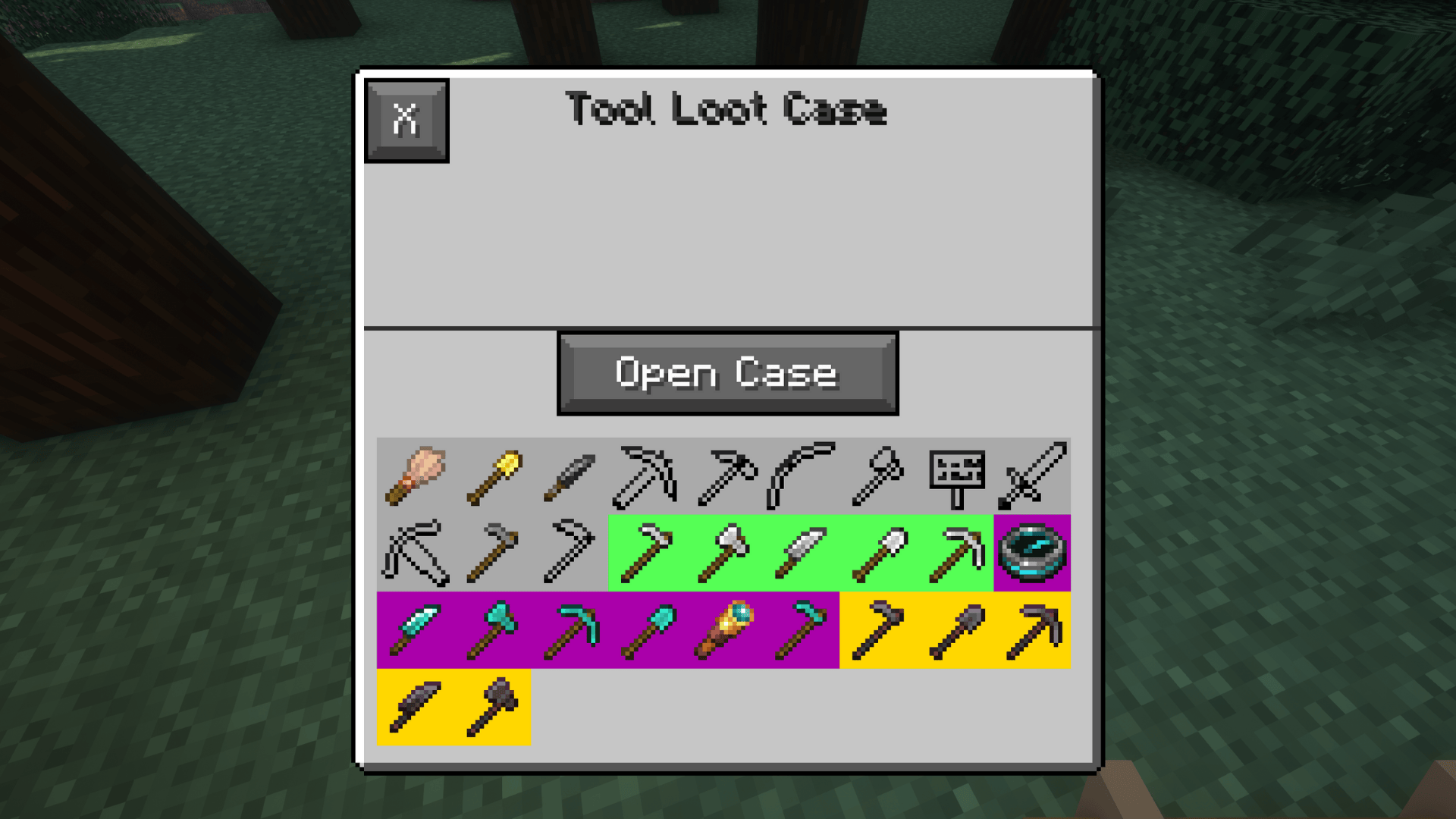 Tool Case
 -
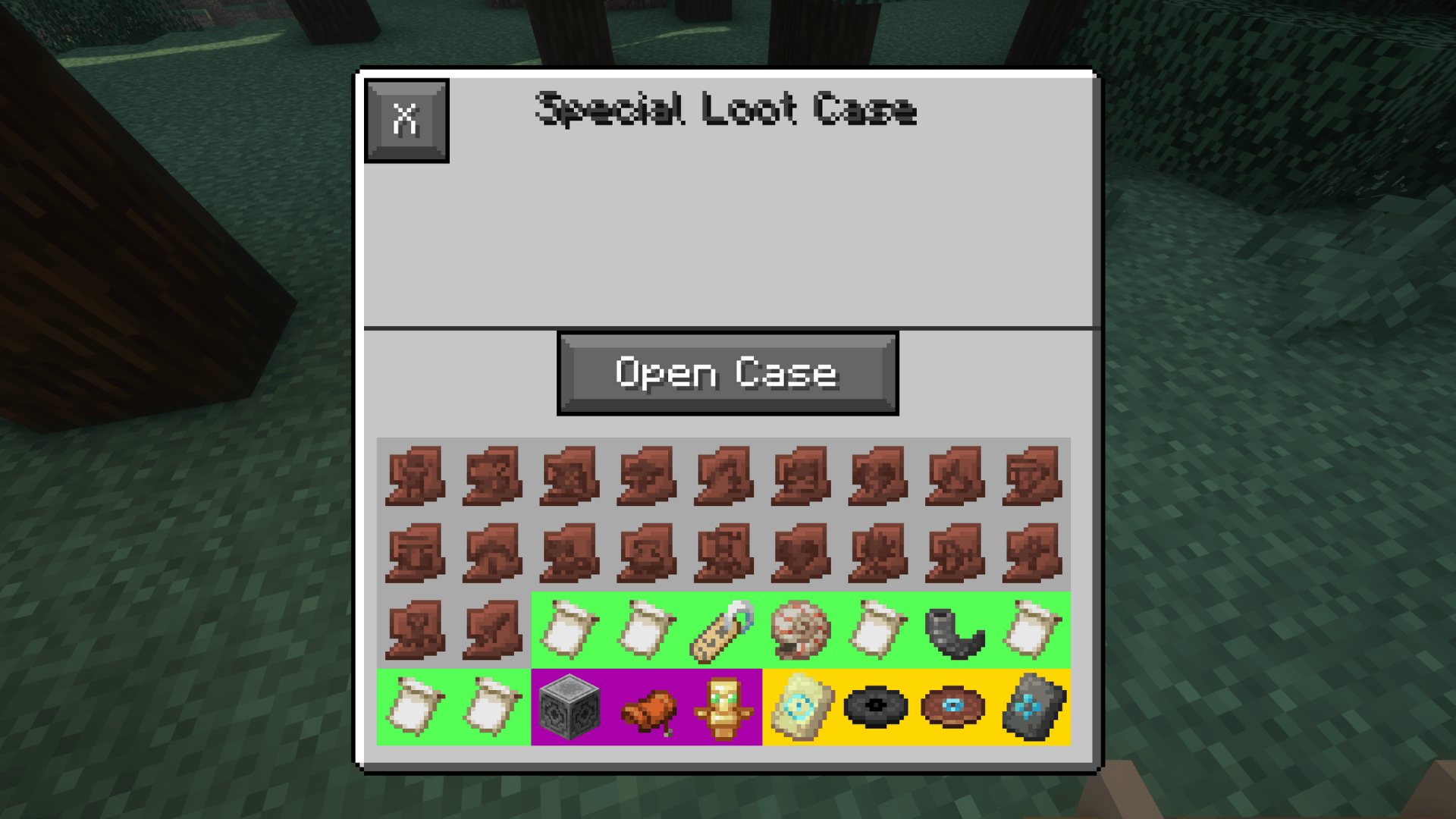 Special Case
 -
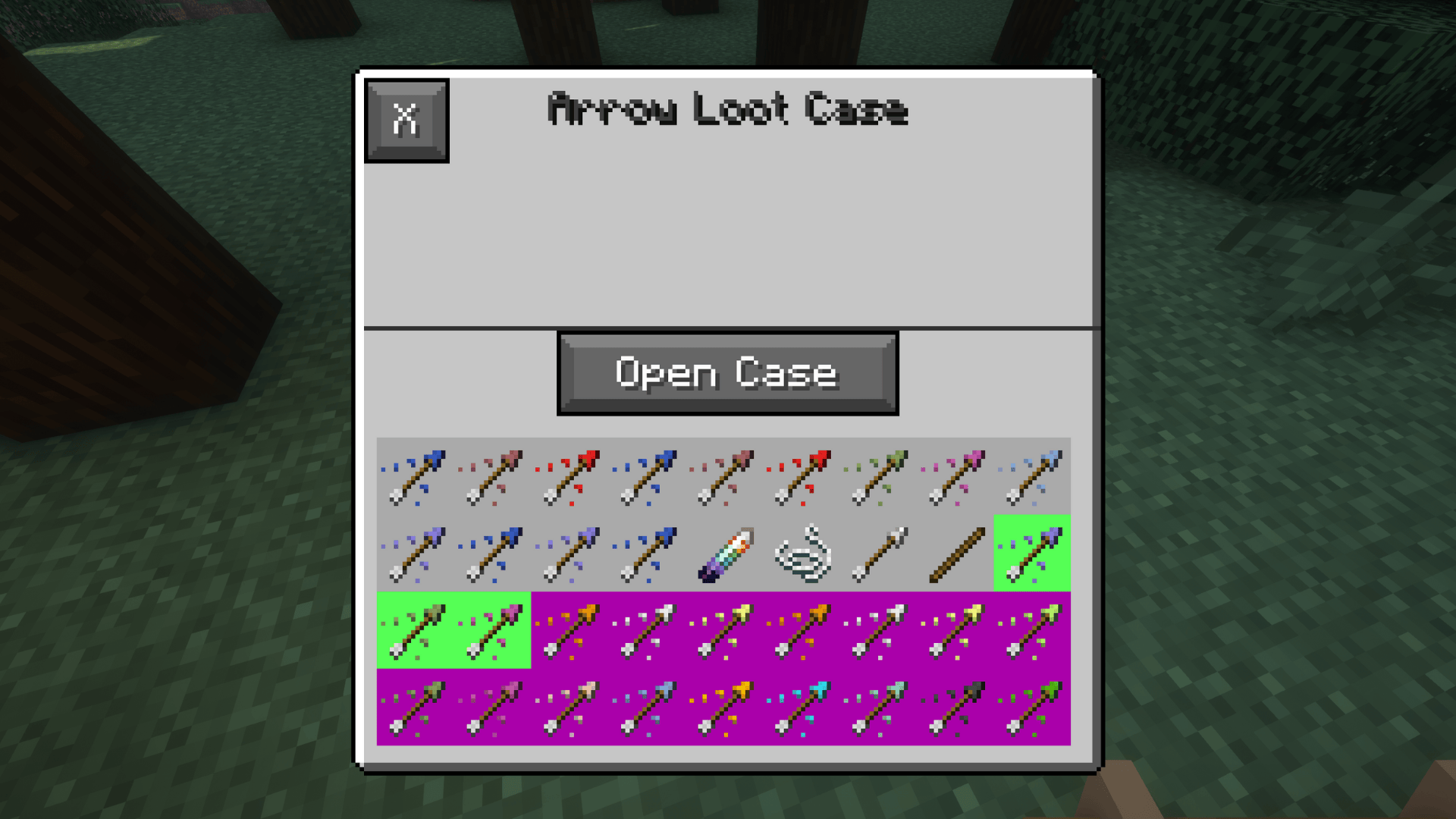 Arrow Case
 -
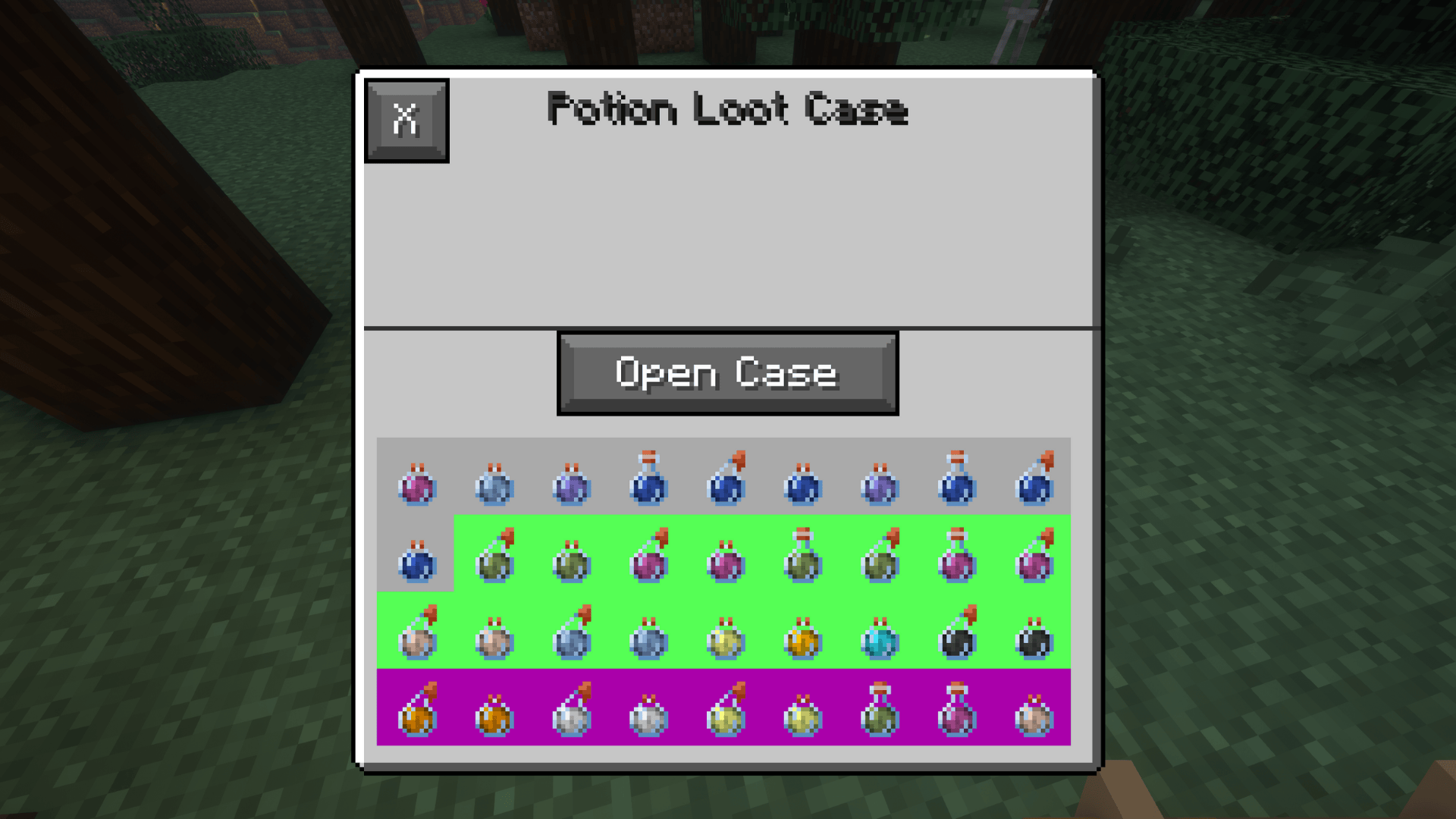 Potion Case
 -
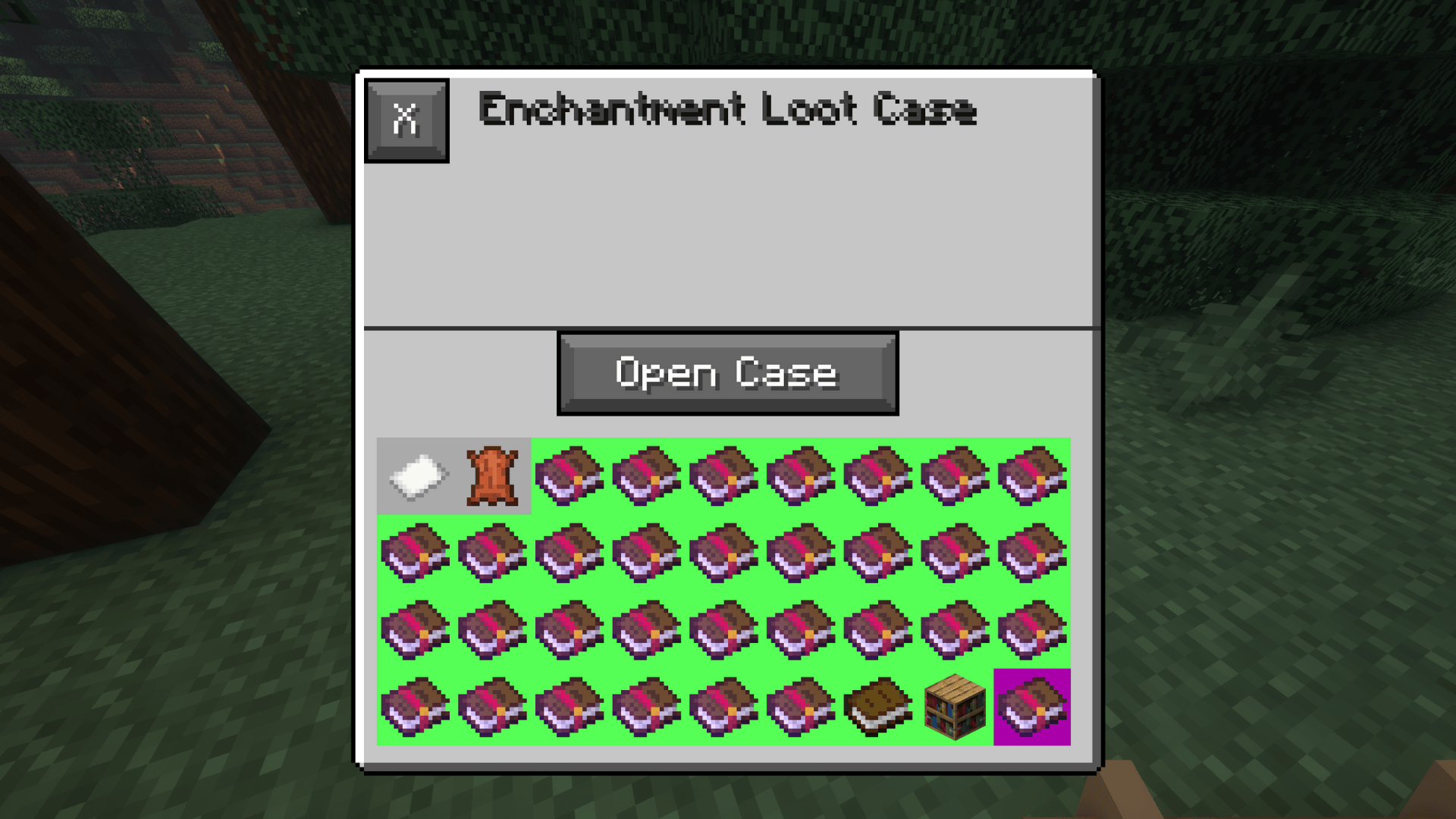 Enchantment Case
 -
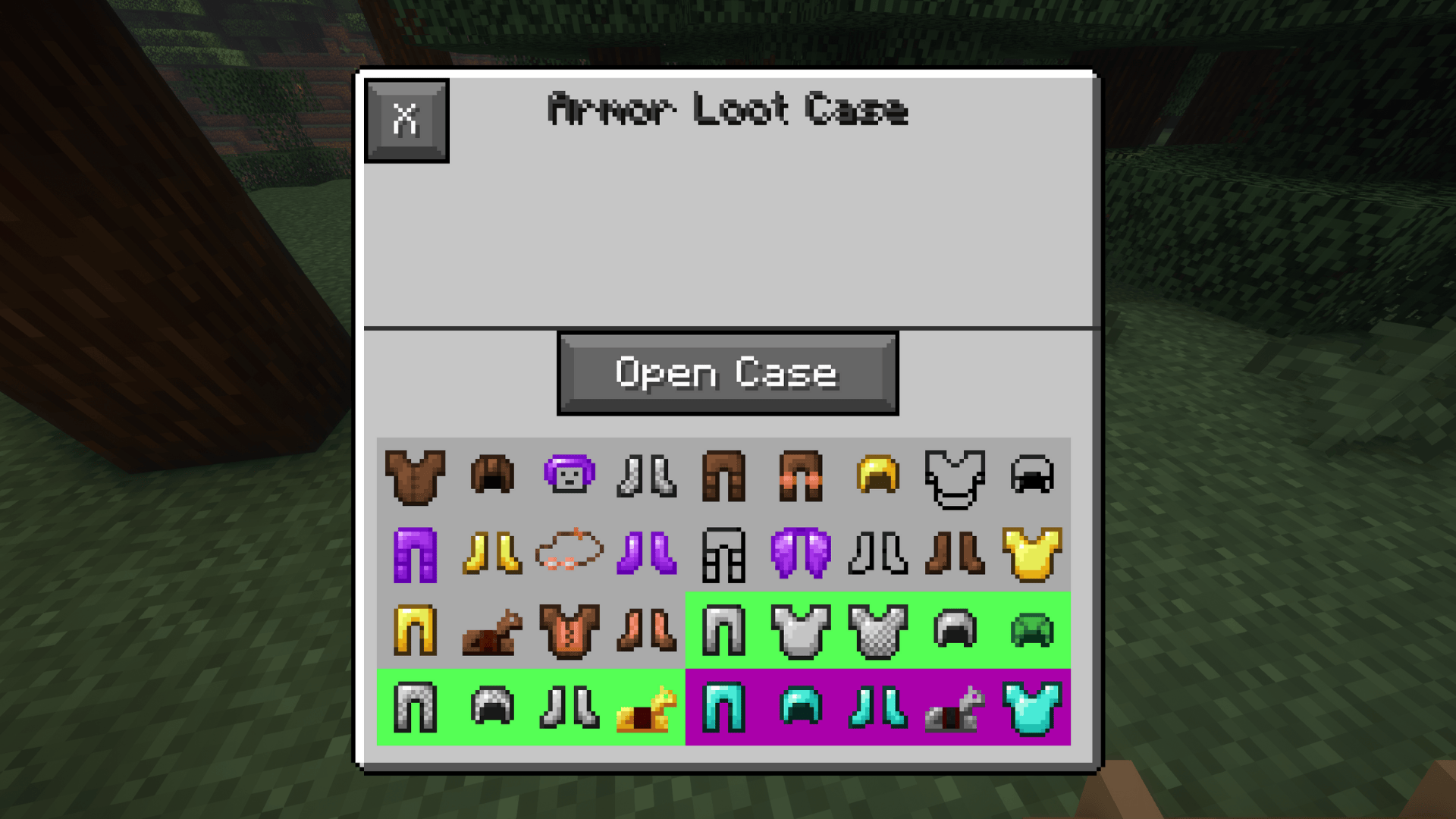 Armor Case
 -
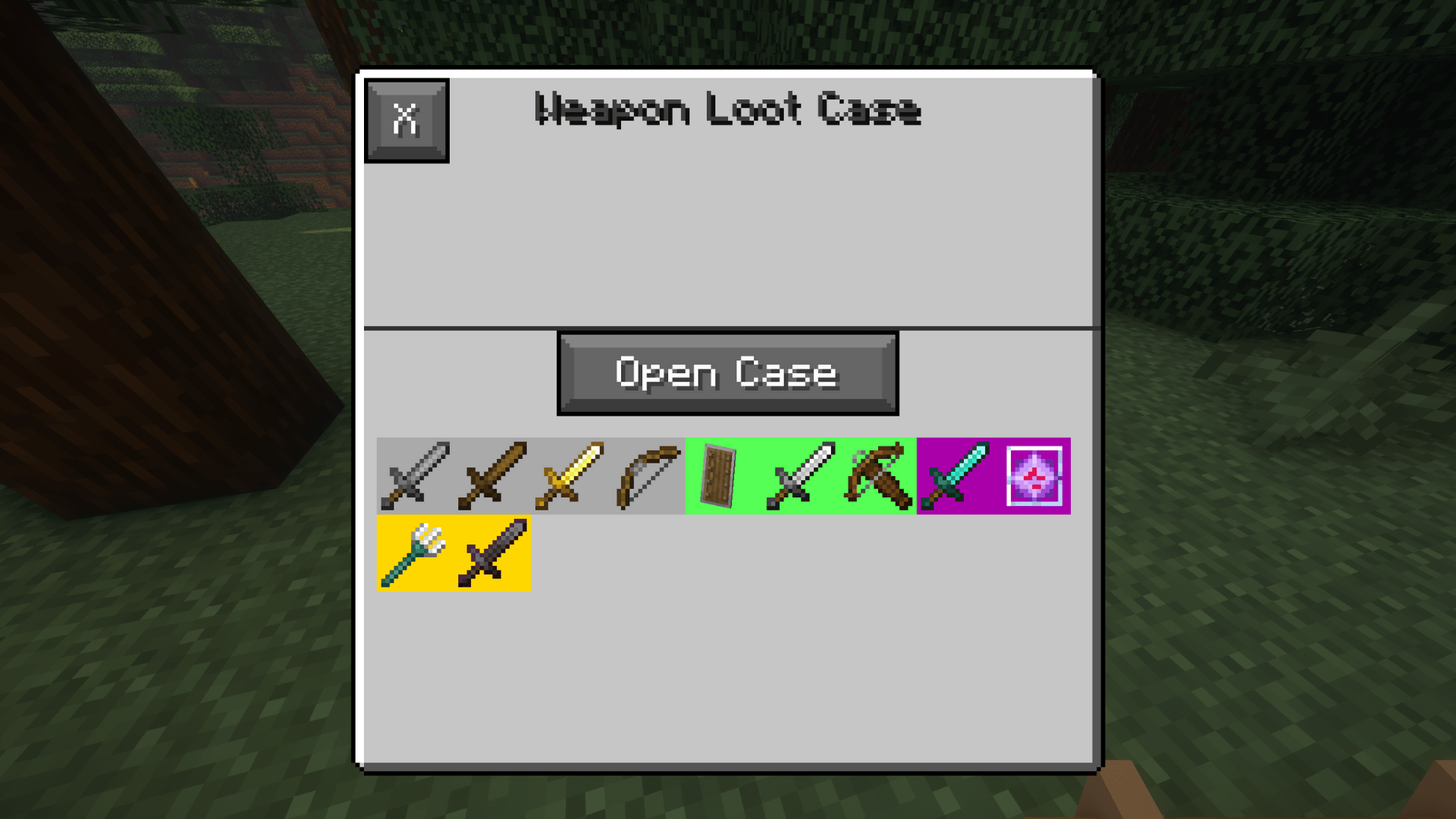 Weapon Case
 -
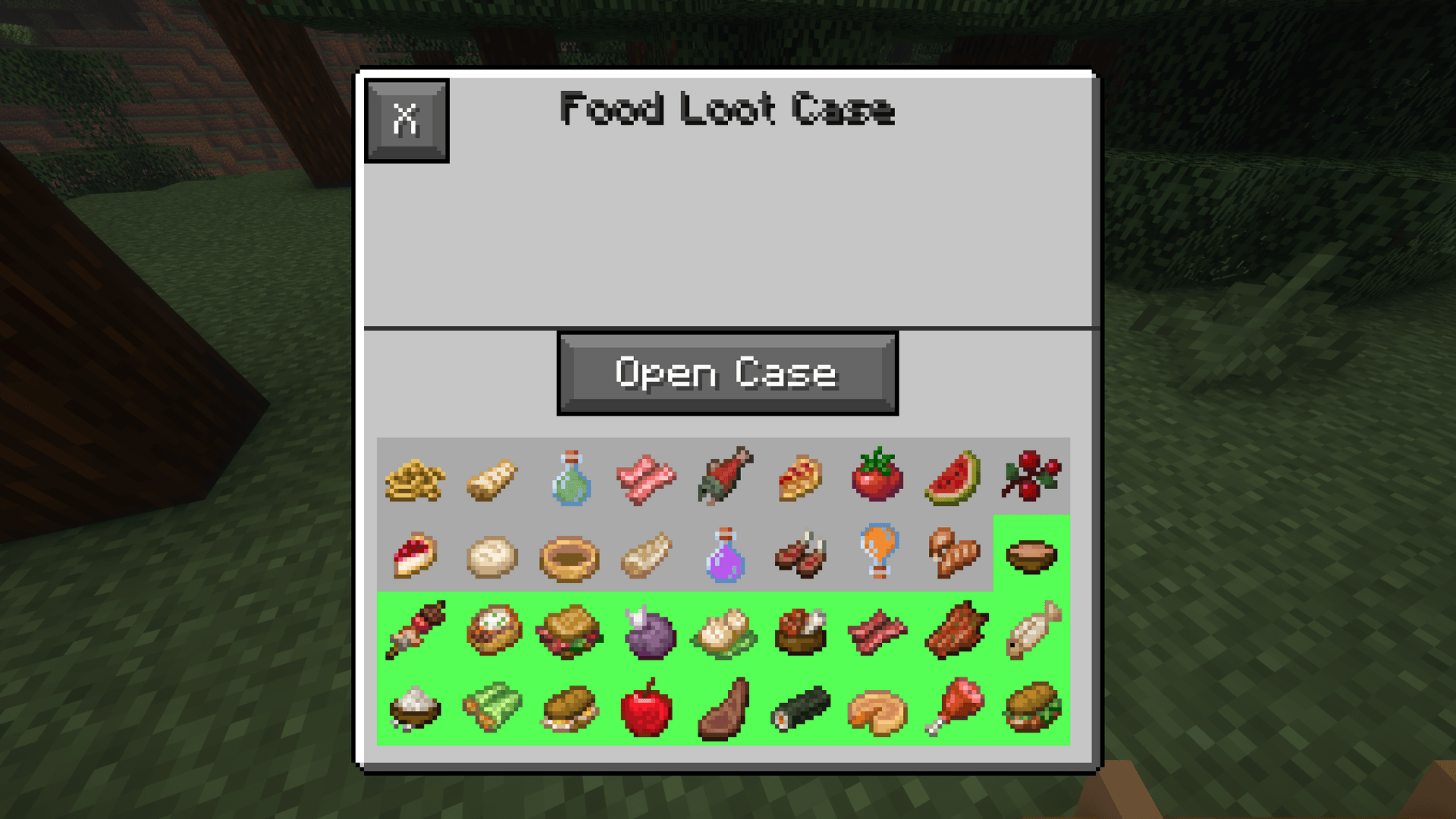 Food Case
Versions
Files
Relations
Project Relations
More like this
Similar Mods
Suggestions use data such as tags, dependencies, dependents, descriptions, titles, and more to rank how much they overlap with this mod.
On ModDex
Community snapshot
By the numbers
Statistics
Want to reach Minecraft players?
We're looking for a server hosting partner to feature here and other parts of the site. Interested? Send us a message!
Get in touchGet it on
Available Platforms
On ModDex
Community snapshot
By the numbers