Community listing page, reviews may not be monitored by the author.
RegionVisualizer+Music

No reviews yet
Regions with music in .minecraft/music using the command /region add

Community voices
Reviews
No reviews yet. Be the first to review this project!
Get it on
Available Platforms
About
Project Details
For authors
Embed Badge
If you're the author of this project, you can embed a live badge anywhere that supports HTML or Markdown. It updates automatically whenever ratings change.
Use HTML for any page that supports it, or Markdown for README files and Markdown-based descriptions.
Identifiers
Platform IDs
Resources
External Links
About
Description
A Mod About Music Regions
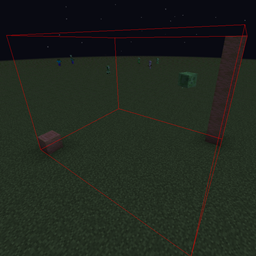
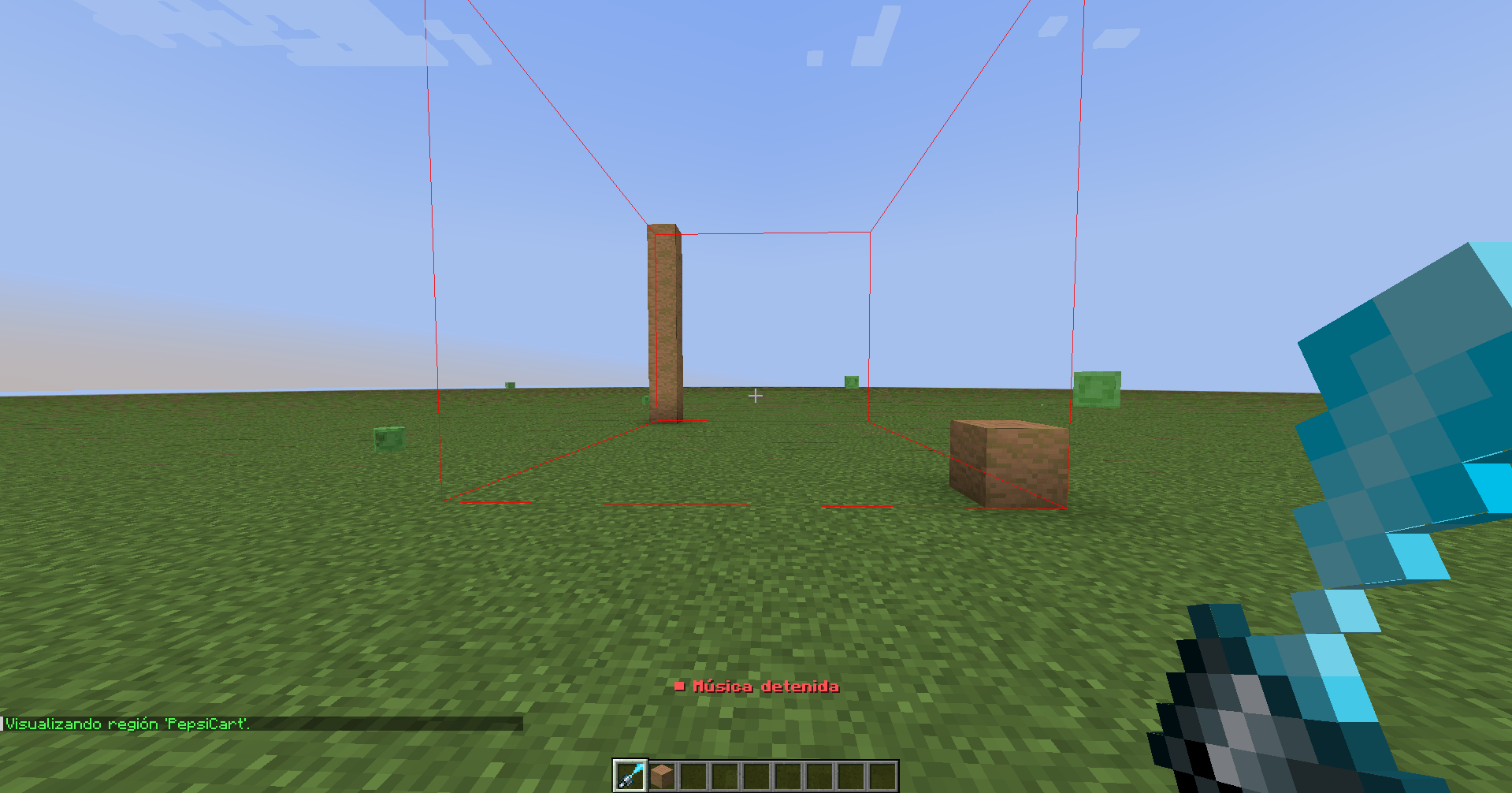
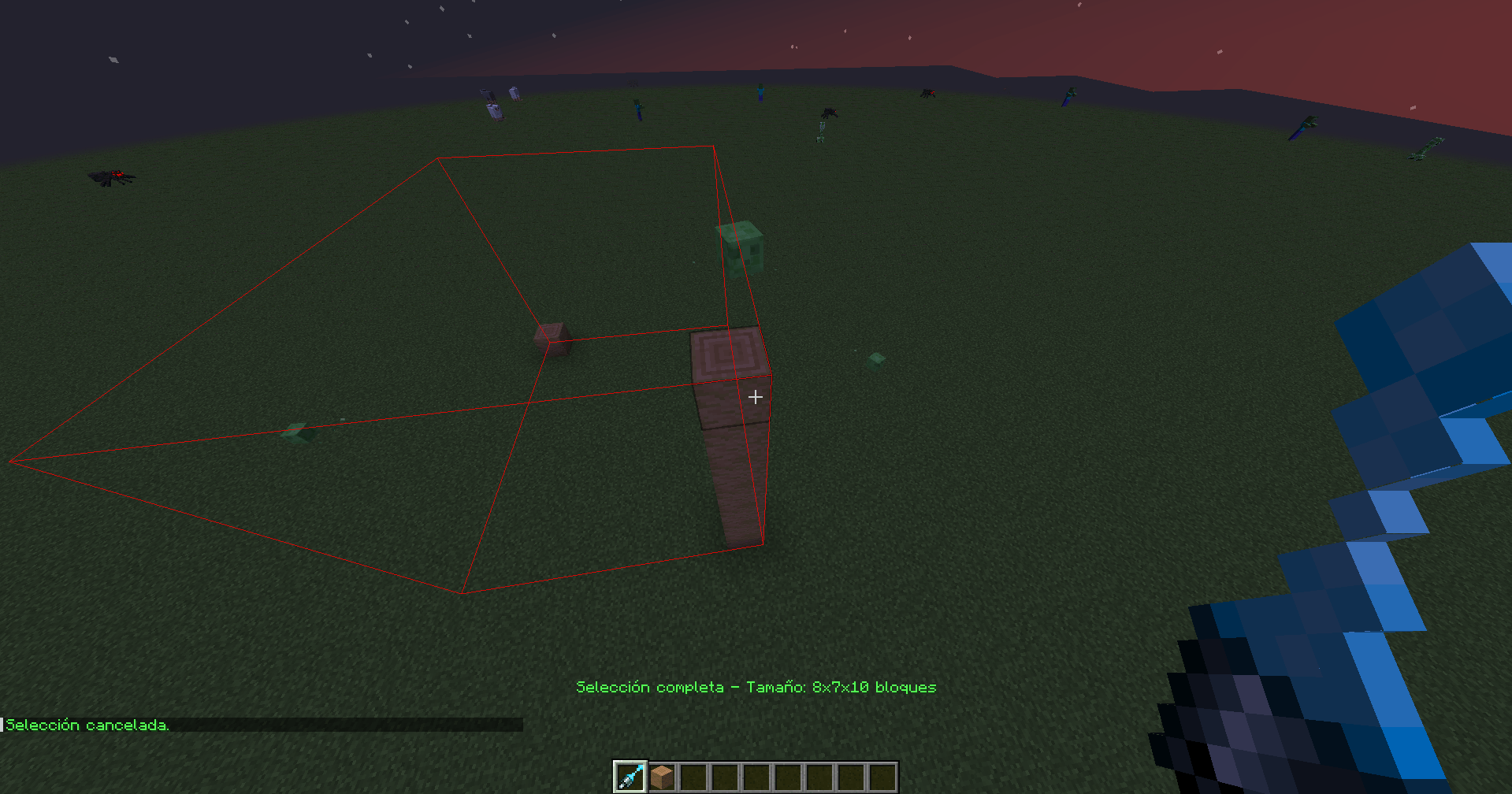
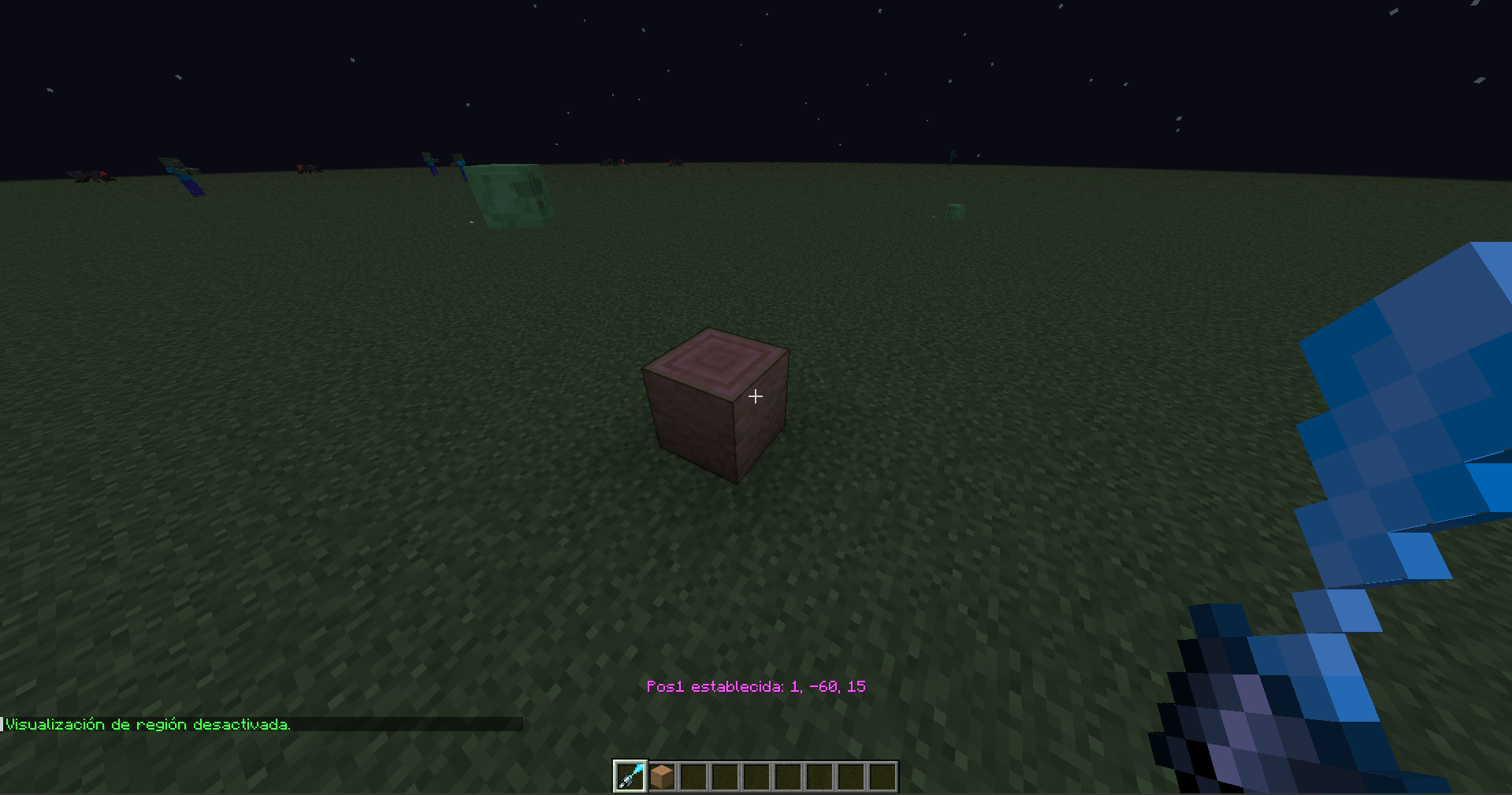
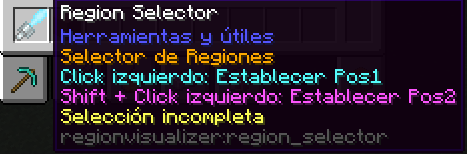
This mod allows you to create music regions using an item called Region Selector, found under “Tools & Utilities” at the end of the creative tab. You can define an area from X to Z — the Y level is automatically calculated based on the block position. Fully compatible with Minecraft Forge 1.20.1.
Where to Add Music
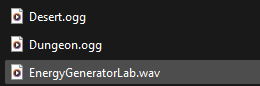
To add your own music, go to: .minecraft/music → If the folder doesn’t exist, create it manually.
Then, place your music files there using the formats: .ogg or .wav — both are supported by this mod.


Commands
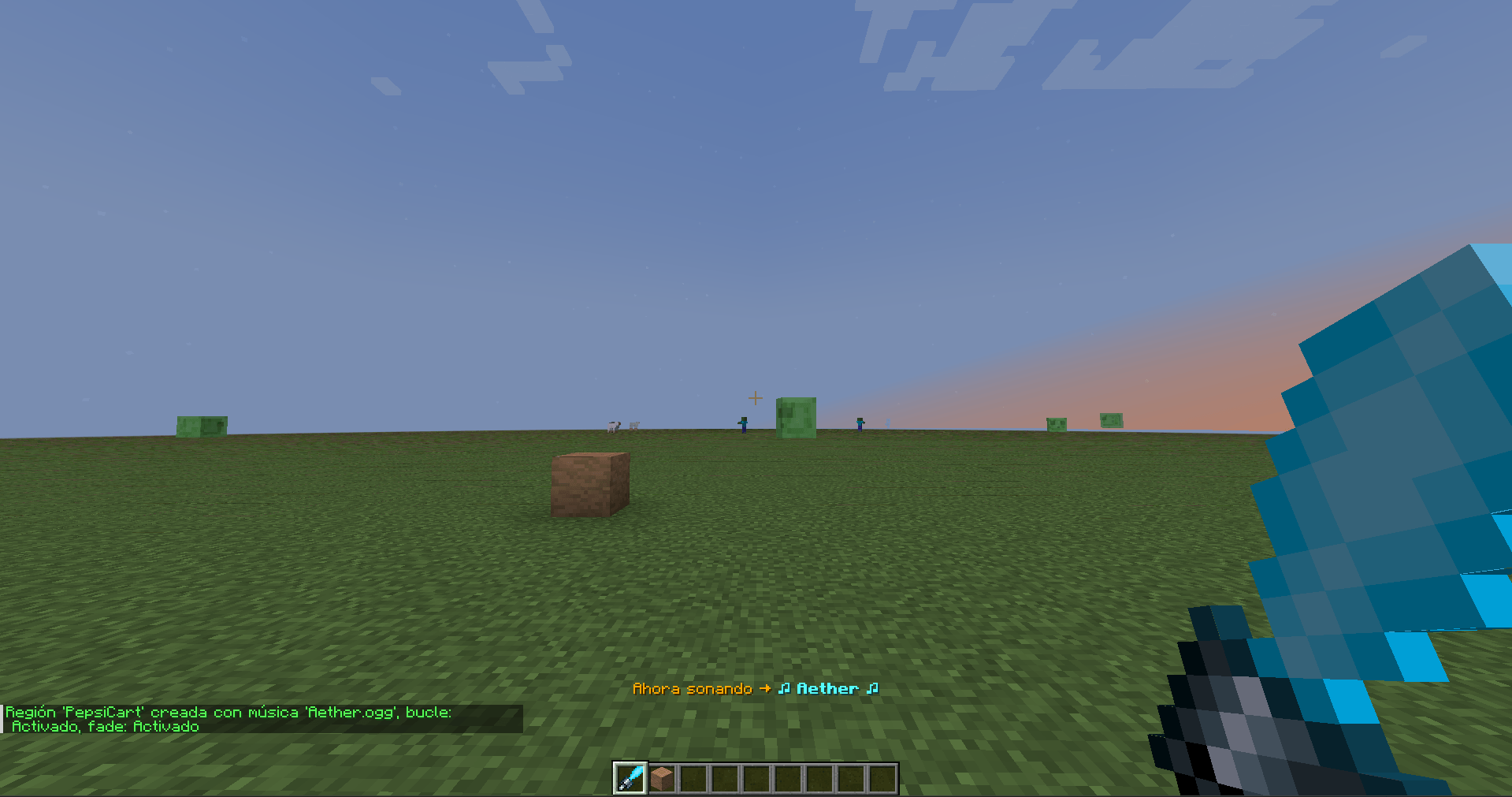
– /region add (add) (filemusic) (loop-> true/false) (fade-> true/false) – Defines a region with music and optional fade and loop properties.
– /region cancel – Cancels the current selection made with the Region Selector item.
– /region here – Shows which region you are currently in.
– /region info (name) – Displays information about a specific region.
– /region list – Lists all created regions in the world.
– /region remove (nameregion) – Removes a region from the world.
– /region tp (region) – Teleports you to a specific region.
– /playmusic (player) (volume -> 1.0 to 0.0) – Changes the music volume for a player.
– /playmusic (player) stop – Stops the currently playing music.
– /playmusic (player) (filemusic.wav/filemusic.ogg) – Plays the selected music file from .minecraft/music.
– /playmusic (player) list – Sends the list of available music files to the player.
– /playmusic (player) getvolume – Displays the player’s current music volume.
– /regedit clear – Clears the visualization of a region.
– /regedit music (region) (filemusic) – Changes the music previously assigned to a region.
– /regedit pos (region) – Allows repositioning of the region (this feature is still being refined).
– /regedit regname (region) (newRegionTag) – Renames a specific region.
– /regedit view (region) – Visualizes a specific region (only one can be displayed at a time).
Future Updates
In future versions, the mod will support newer Minecraft versions — only on Forge (no Fabric or other loaders). It will also include various bug fixes, such as issues with large .ogg files causing playback stutters.
LICENSE
All rights reserved by Aristiva Studio and Riburitu.
Any unauthorized copying, distribution, modification, or commercial use of this mod is strictly prohibited. Doing so may result in legal action.
Screenshots
Gallery
-
 Captura de pantalla 2025-11-07 010912.png Captura de pantalla 2025-11-07 010912.png
 -
 Captura de pantalla 2025-11-07 010847.png Captura de pantalla 2025-11-07 010847.png
 -
 Captura de pantalla 2025-11-07 010831.png Captura de pantalla 2025-11-07 010831.png
 -
 Captura de pantalla 2025-11-07 010759.png Captura de pantalla 2025-11-07 010759.png
 -
 Captura de pantalla 2025-11-07 010722.png Captura de pantalla 2025-11-07 010722.png
 -
 Captura de pantalla 2025-11-07 010644.png Captura de pantalla 2025-11-07 010644.png
 -
 Captura de pantalla 2025-11-07 010617.png Captura de pantalla 2025-11-07 010617.png
Versions
Files
Relations
Project Relations
More like this
Similar Mods
Suggestions use data such as tags, dependencies, dependents, descriptions, titles, and more to rank how much they overlap with this mod.
On ModDex
Community snapshot
By the numbers
Statistics

Get it on
Available Platforms
On ModDex
Community snapshot
By the numbers
Statistics
Resources