Community listing page, reviews here may not be monitored by the author.
REI Clean Overlay


No reviews yet
Hides selected REI overlay buttons and hint popups.
Community voices
Reviews
No reviews yet. Be the first to review this project!
Get it on
Available Platforms
Compatibility
Supported Environments
Runs entirely on the client. Works on vanilla servers.
About
Project Details
For authors
Embed Badge
If you're the author of this project, you can embed a live badge anywhere that supports HTML or Markdown. It updates automatically whenever ratings change.
Use HTML for any page that supports it, or Markdown for README files and Markdown-based descriptions.
Identifiers
Platform IDs
Resources
External Links
About
Description
It hides selected REI interface elements, such as overlay buttons and hint popups, so the inventory screen looks cleaner and more polished. The hidden elements are not removed permanently: they can be temporarily restored at any time with a configurable keybind in the game’s Controls settings.
By default, the interface buttons are hidden and no key is assigned. If you want to bring the hidden buttons back temporarily, open the Controls menu and assign a keybind for REI Clean Overlay.
This is especially useful for modpacks where REI is already configured by the pack author and players do not need quick access to every REI overlay button during normal gameplay.
Notes
By default, the selected REI interface buttons are hidden and the restore keybind is not assigned.

This mod does not change recipes, item entries, or REI functionality itself. It only adjusts selected interface elements in the REI overlay.
Requirements
Roughly Enough Items (REI)
Forge
Don’t forget to leave comments about any possible issues with the addon - it’s important to me!
It hides selected REI interface elements, such as overlay buttons and hint popups, so the inventory screen looks cleaner and more polished. The hidden elements are not removed permanently: they can be temporarily restored at any time with a configurable keybind in the game’s Controls settings.
By default, the interface buttons are hidden and no key is assigned. If you want to bring the hidden buttons back temporarily, open the Controls menu and assign a keybind for REI Clean Overlay.
This is especially useful for modpacks where REI is already configured by the pack author and players do not need quick access to every REI overlay button during normal gameplay.
Notes
By default, the selected REI interface buttons are hidden and the restore keybind is not assigned.
 This mod does not change recipes, item entries, or REI functionality itself. It only adjusts selected interface elements in the REI overlay.
Requirements
Screenshots
Gallery
-
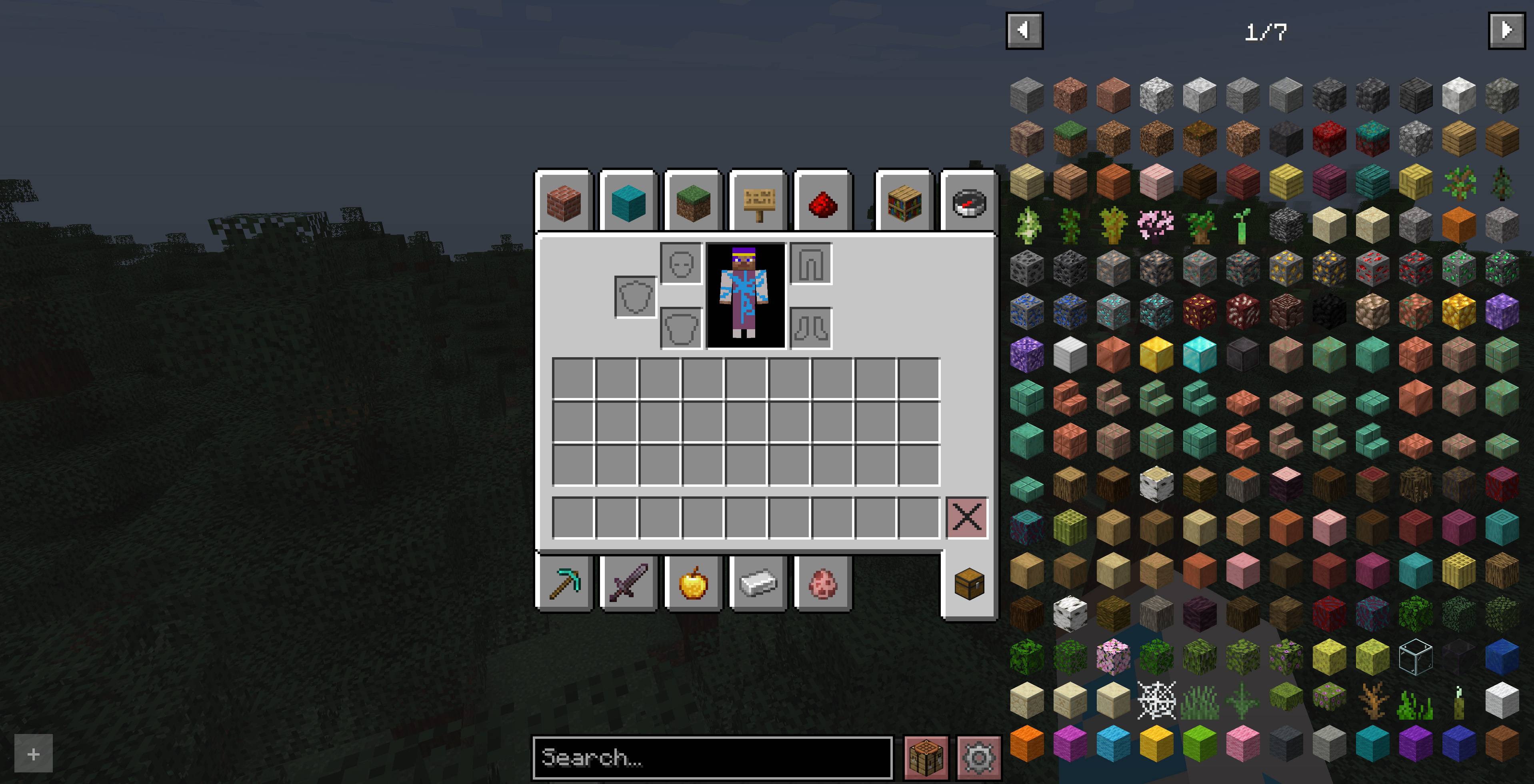 Before REI Clean Overlay Before REI Clean Overlay
 -
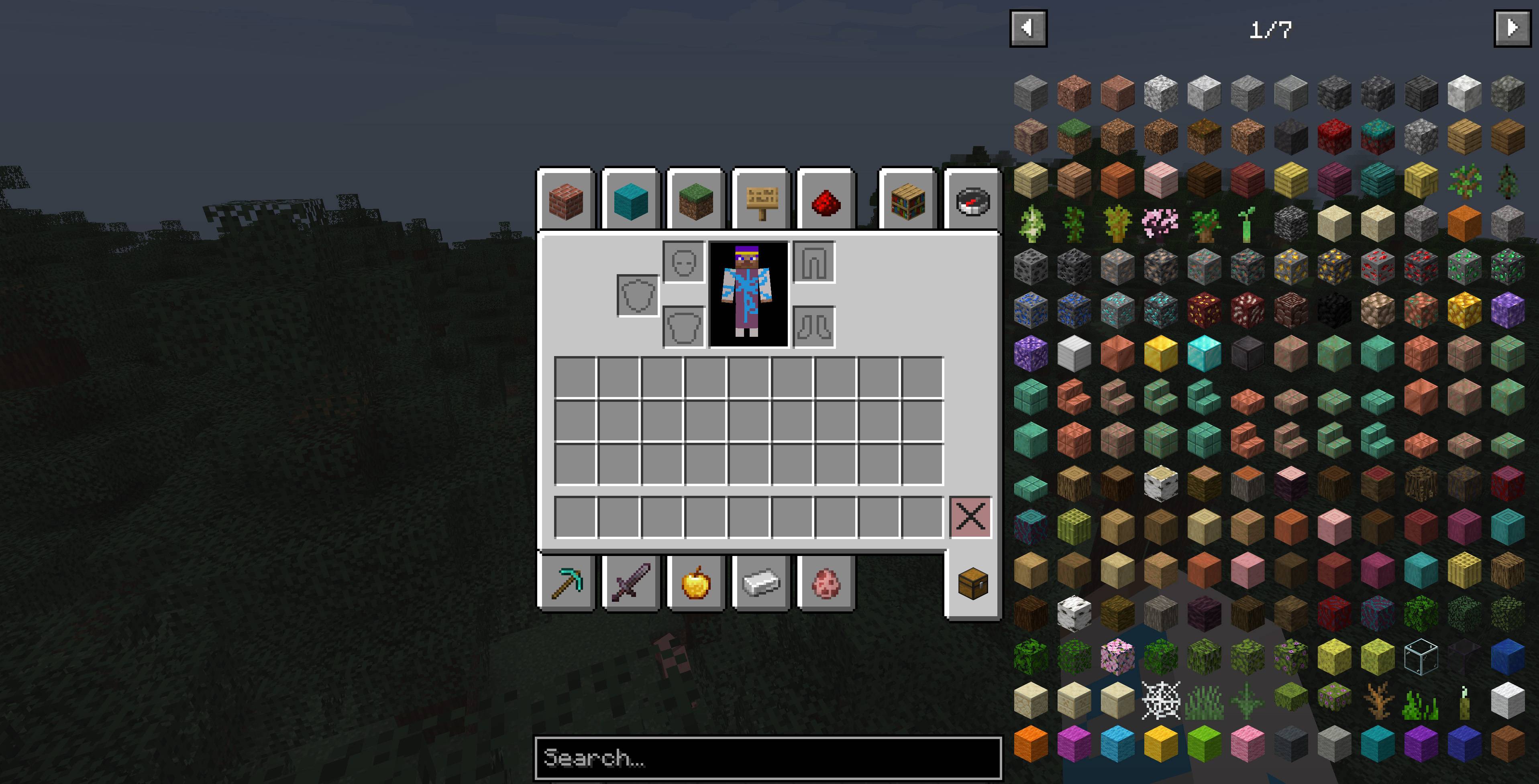 After REI Clean Overlay After REI Clean Overlay
-
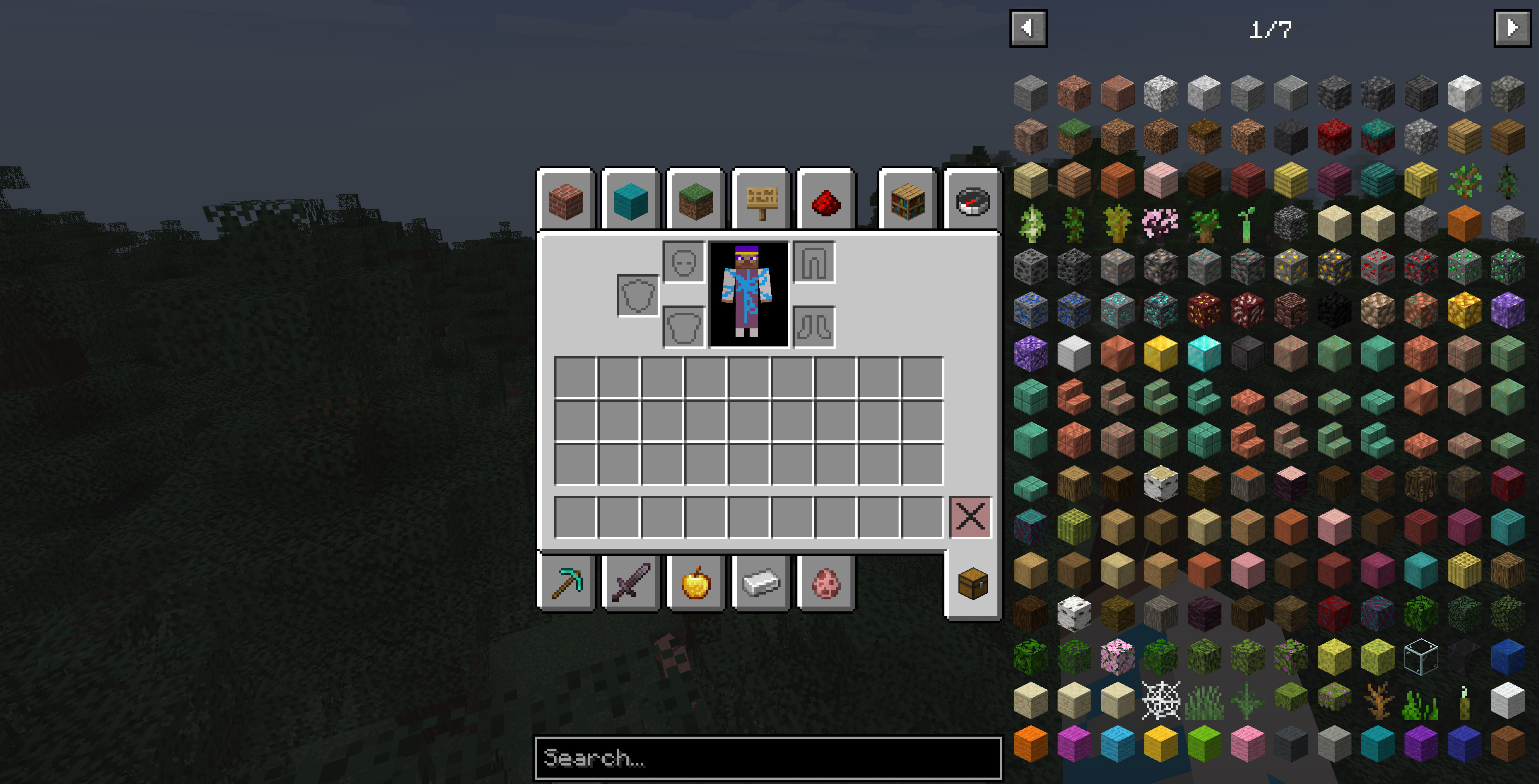 After REI Clean Overlay
 -
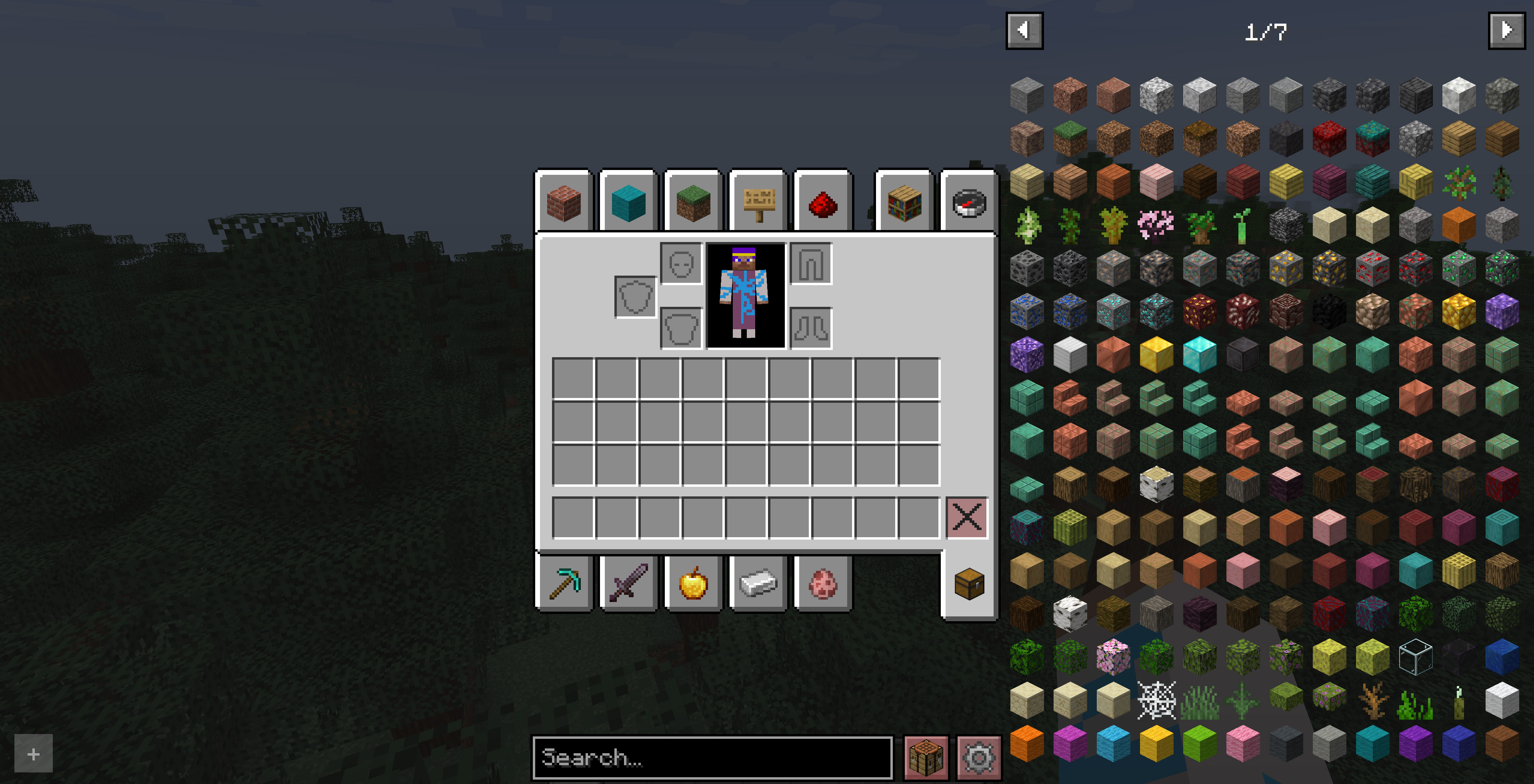 Before REI Clean Overlay
Versions
Files
Relations
Project Relations
More like this
Similar Mods
Suggestions use data such as tags, dependencies, dependents, descriptions, titles, and more to rank how much they overlap with this mod.
On ModDex
Community snapshot
By the numbers
Statistics
Want to reach Minecraft players?
We're looking for a server hosting partner to feature here and other parts of the site. Interested? Send us a message!
Get in touchGet it on
Available Platforms
On ModDex
Community snapshot
By the numbers
Statistics
Resources