![Relipets [FABRIC]](https://media.forgecdn.net/avatars/thumbnails/1231/302/256/256/638807669118537845.png)
Community listing page, reviews may not be monitored by the author.
Relipets [FABRIC]

No reviews yet
Do you love your new wolf friend? How about staying with them forever!?

Community voices
Reviews
No reviews yet. Be the first to review this project!
Get it on
Available Platforms
About
Project Details
For authors
Embed Badge
If you're the author of this project, you can embed a live badge anywhere that supports HTML or Markdown. It updates automatically whenever ratings change.
Use HTML for any page that supports it, or Markdown for README files and Markdown-based descriptions.
Identifiers
Platform IDs
Resources
External Links
About
Description
REQUIRES:
Relipets adds a few things:
- The ability to create modular pets for yourself
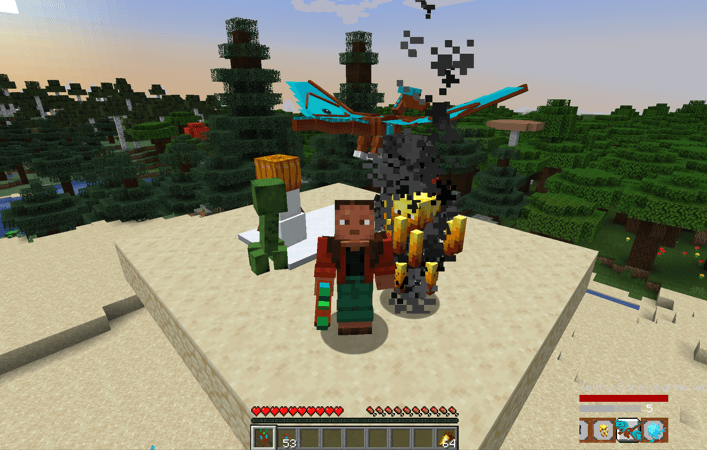
- The ability to turn ANY living entity into your pet (even hostile ones)
- The ability to easily manage your pets, introducing a pet system that lets you:
- Summon/recall your pets at will
- If your pet dies, they enter a healing state and after a few seconds you can summon them again. Basically you don't have to worry about your pet dying.
- A progression system for your pets that lets you make them stronger as they level up.
- A way to track your pets and spectate them
To get started with the mod, craft a Petificator:
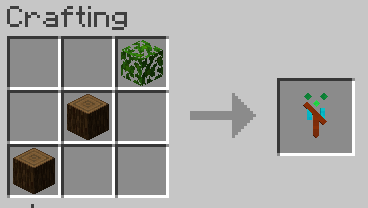
This item is the core of the mod. All the pet management is done using it. To capture your first pet, craft a few Pet Capsules:
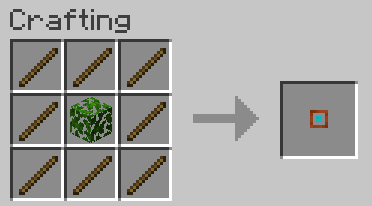
Then, aim at the mob that you want to turn into your pet and Sneak + Right Click to throw a Pet Capsule at them. If the capsule lands on them, you got your first pet!
At the bottom right corner of your HUD you will see the pet HUD. After capturing your first pet, it should look something like this (I captured a sheep to demonstrate):
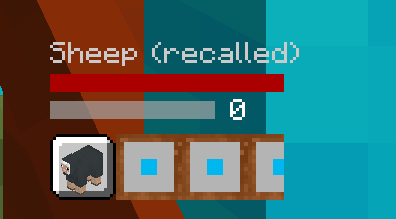
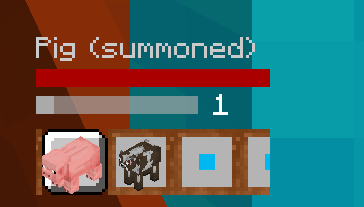
This HUD lets you see the name, state(summoned/recalled/healing), health and xp bar of your pet. Under your selected pet stats you can see all the pets you currently have in your party. To cycle your selected pet, Sneak + Mouse Scroll Up/Down:
To summon/recall your pet, the default keybinding is C. You must be holding a Petificator while doing so.
Additionally, while holding the petificator you can:
- If the selected pet is summoned, you can Right Click a block with the Petificator to teleport your pet to that block. This is useful for getting your pet close to you without recalling/summoning them.
- Use the default keybinding R to open the Petificator Menu. This is where all the more advanced pet management takes place:
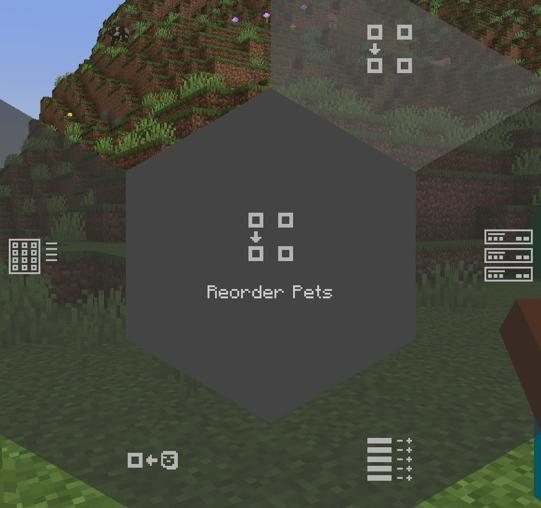
- Each of those options have a particular use. Click on each them to explore!
Modular Pets
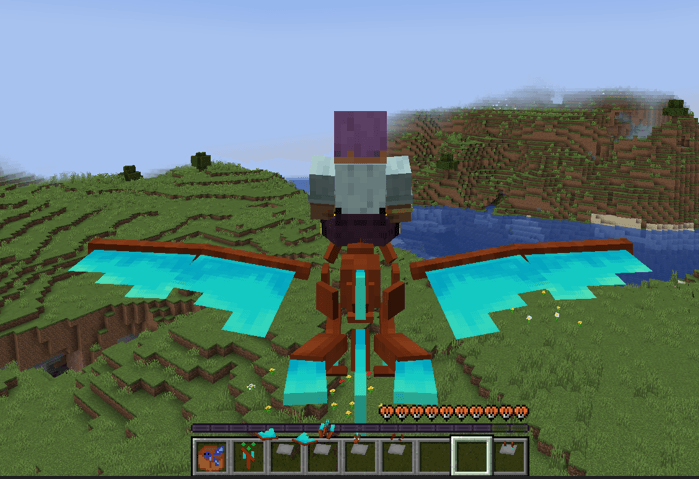
Yes, modular pets. You can create your pet using a combination of the available pet parts. Pet parts come in Sets. Currently, there are 4 sets (more sets to come in the future):
- Basic Avian
- Basic Quadruped
- Basic Bee
- Standard Avian
To create a modular pet, first craft a Core. There are currently two types of Cores:
- Cyan Core: makes small pets. They are better at long range combat as they have ranged basic attacks by default.
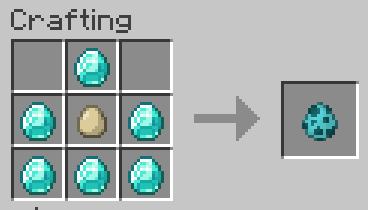
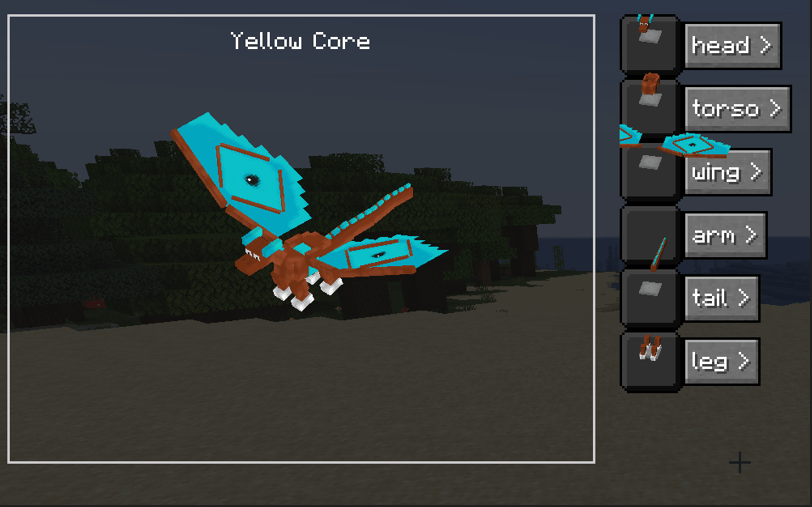
- Yellow Core: makes bigger pets. They are rideable and if they have wings you can fly with them. They only have melee attacks.
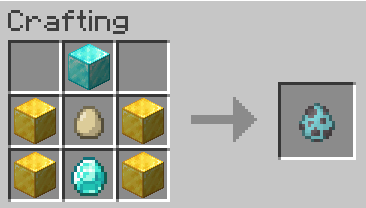
After crafting a core, spawn them in your world by using the spawn egg crafted. For a Cyan core, they will look like this:
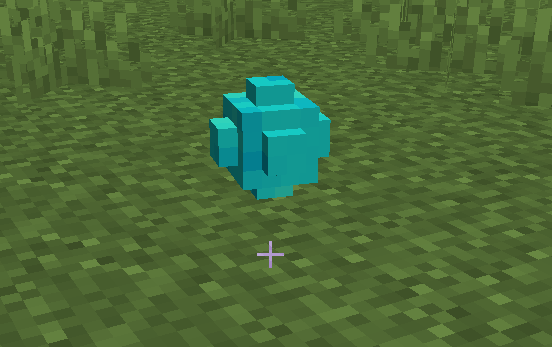
Now that you have your core, it is time to get parts! Parts can be crafted individually or in packs. Either way, you can not decide which variant of a part you might get, so good luck! In the example below, i crafted a Part Pack and it gave me a Basic Quadruped pack:
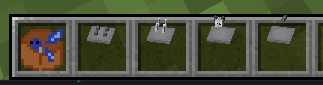
Now with the parts in hand, just Right Click the core with the part to install it:
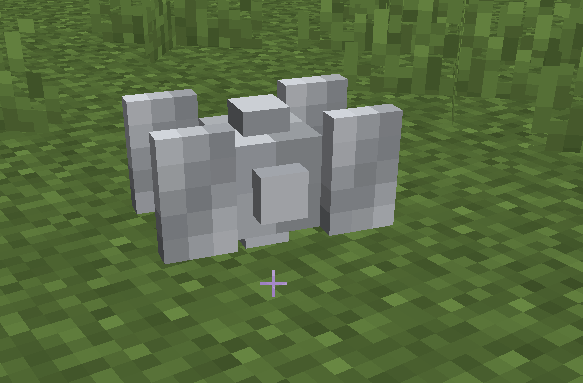
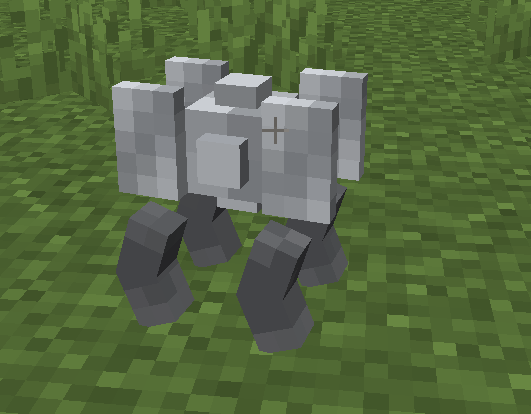
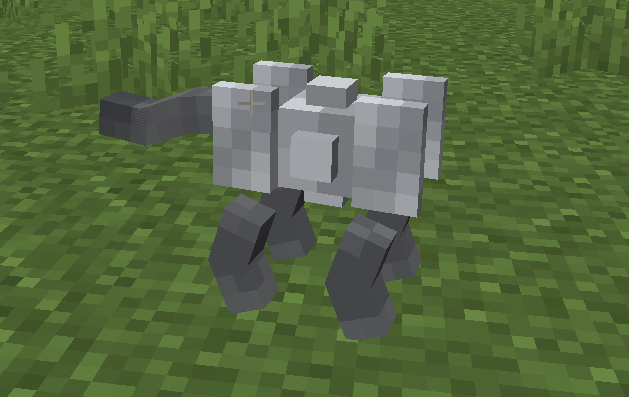
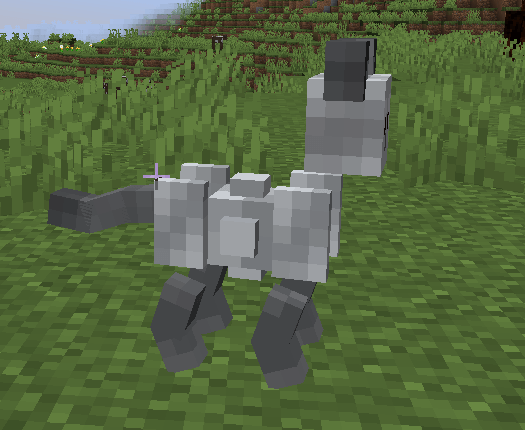
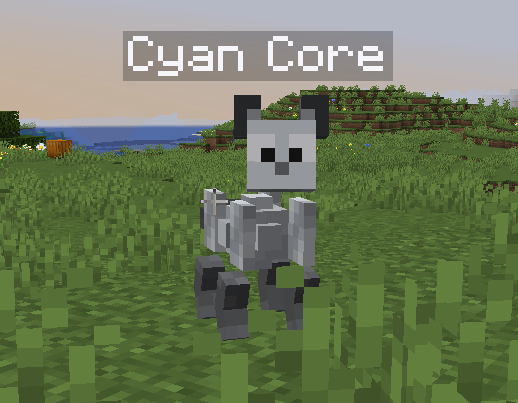
You can also mix and match parts from different sets:
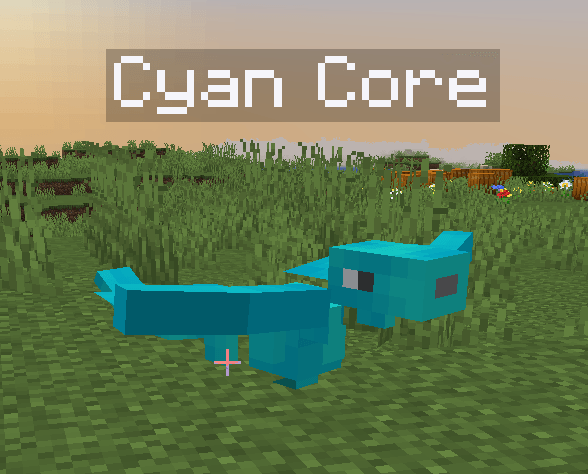
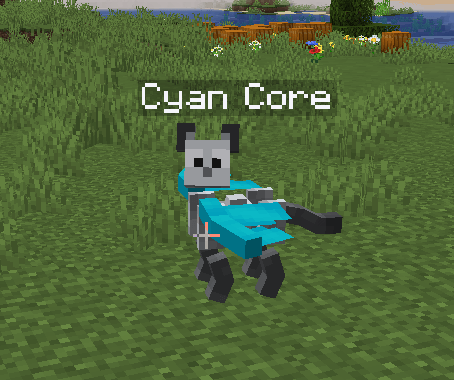
You can get back your parts by interacting with a Core using Scissors.
The mod is in Beta, and because of that some things might need a little bit more polishing, but overrall, it should be stable enough to use in your forever world. Have fun!
Screenshots
Gallery
Versions
Files
Relations
Project Relations
More like this
Similar Mods
Suggestions use data such as tags, dependencies, dependents, descriptions, titles, and more to rank how much they overlap with this mod.
On ModDex
Community snapshot
By the numbers
Statistics
 (opens in a new tab)
Get it on
Available Platforms
On ModDex
Community snapshot
By the numbers
Statistics
Resources