Community listing page, reviews here may not be monitored by the author.
LootScatter

No reviews yet
A mod that will help you hide your loot all over the map!
Community voices
Reviews
No reviews yet. Be the first to review this project!
Get it on
Available Platforms
About
Project Details
For authors
Embed Badge
If you're the author of this project, you can embed a live badge anywhere that supports HTML or Markdown. It updates automatically whenever ratings change.
Use HTML for any page that supports it, or Markdown for README files and Markdown-based descriptions.
Identifiers
Platform IDs
Resources
External Links
About
Description
Description
This simple mod will help you organize a battle royale with your friends.
Has only 3 commands (the other 3 are still in development).
Functions
/spawnloot auto [chests count] [loot table name] [minimal distance between chests] [radius] Example: /spawnloot auto 20 relootmod:chests/battle_royale 15 100 Spawn 20 loot chests from a table called battle_royale with a minimum distance between chests of 15 blocks and a radius of 100 blocks. /relootall Regenerates all loot in all chests with a loot table (which were created by the /spawnloot command) /clearchests Deletes all chests created by the /spawnloot commandLoot tables
How to Create Custom Loot Tables (Guide)
Reloot Mod allows you to use any custom loot table for the/spawnloot command. You don’t need to make a new mod; you can add them directly to your world using the Minecraft Data Pack system.
Folder Structure
Navigate to your world folder (saves/your_world_name/) and create the following directory tree:
datapacks/
└── MyCustomLoot/
    ├── pack.mcmeta
    └── data/
        └── custom/
            └── loot_tables/
                └── super_chest.json
Create pack.mcmeta
In theMyCustomloot folder, create a file named pack.mcmeta and paste this code:
{"pack": {"pack_format": 15,"description": "Loot tables for Reloot Mod"}}
(Note: For Minecraft 1.20.1, the pack_format is 15).
pack_format is 15).Create the Loot Table File
In theloot_tables folder, create a JSON file (e.g., super_chest.json). Here is a simple template:
{
  "pools": [
    {
      "rolls": { "min": 2, "max": 5 },
      "entries": [
        { "type": "minecraft:item", "name": "minecraft:diamond", "weight": 10 },
        { "type": "minecraft:item", "name": "minecraft:golden_apple", "weight": 5 },
        { "type": "minecraft:item", "name": "minecraft:netherite_ingot", "weight": 1 }
      ]
    }
  ]
}
How to Use in Game
-
Open your world or type the command
/reloadif the world is already running. -
Your custom loot table now has the ID:
custom:super_chest. -
Use it with the mod command (example):
/spawnloot auto 10 custom:super_chest 5 50
Enjoy!
WARNING!!!
The mod is in beta, so there may be bugs, report them in the comments.
Also, if you have any advice, I'll read it all.
Screenshots
Gallery
-
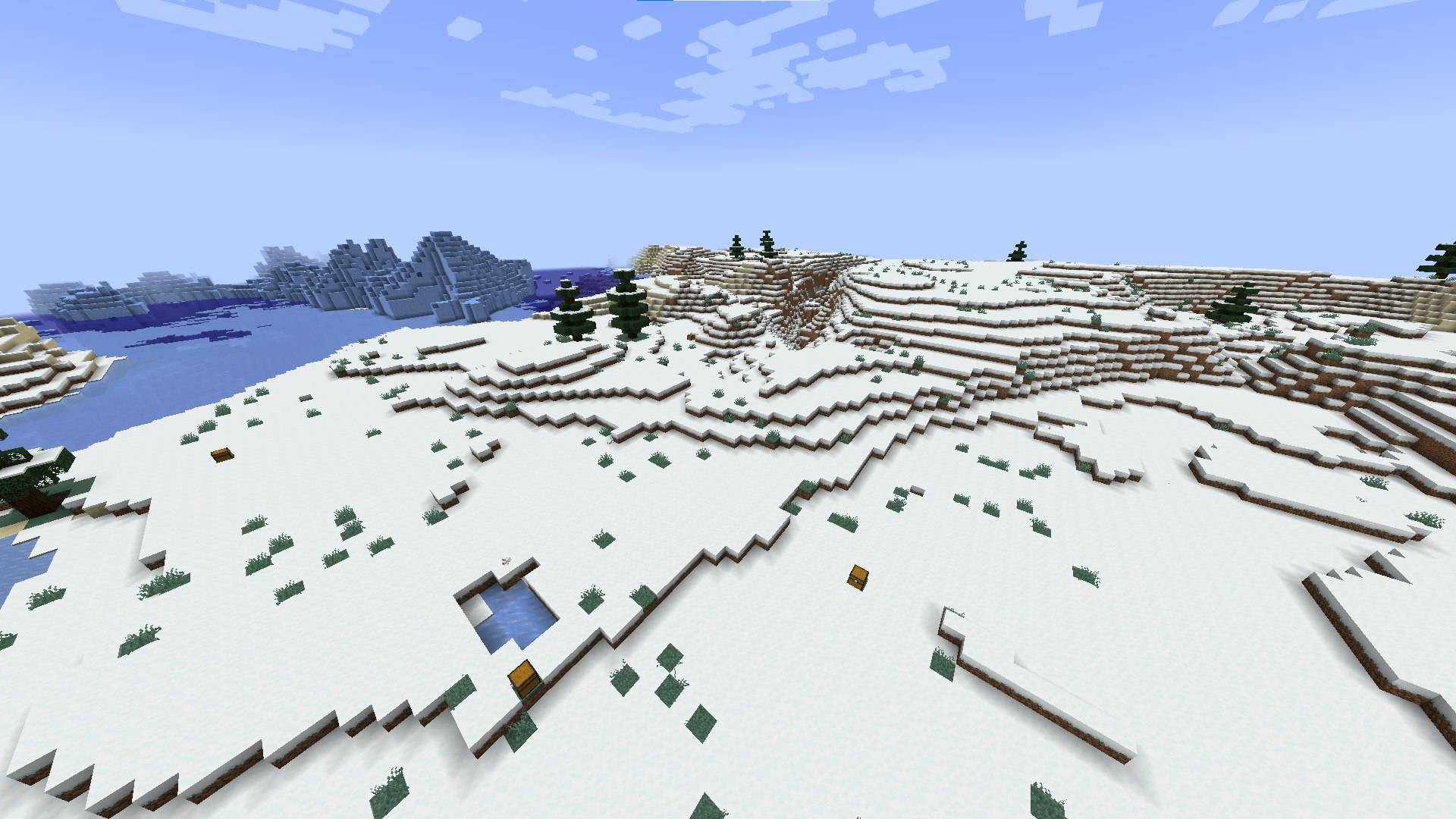 photo_5210819521294310043_w.jpg photo_5210819521294310043_w.jpg
Versions
Files
Relations
Project Relations
More like this
Similar Mods
Suggestions use data such as tags, dependencies, dependents, descriptions, titles, and more to rank how much they overlap with this mod.
On ModDex
Community snapshot
By the numbers
Statistics
Want to reach Minecraft players?
We're looking for a server hosting partner to feature here and other parts of the site. Interested? Send us a message!
Get in touchGet it on
Available Platforms
On ModDex
Community snapshot
By the numbers
Statistics
Resources