![Remove "Lava Chicken" Music Disc [Fabric/Forge/NeoForge/Quilt]](https://media.forgecdn.net/avatars/thumbnails/1389/638/256/256/638900985161983316.png)
Community listing page, reviews here may not be monitored by the author.
Remove "Lava Chicken" Music Disc [Fabric/Forge/NeoForge/Quilt]


No reviews yet
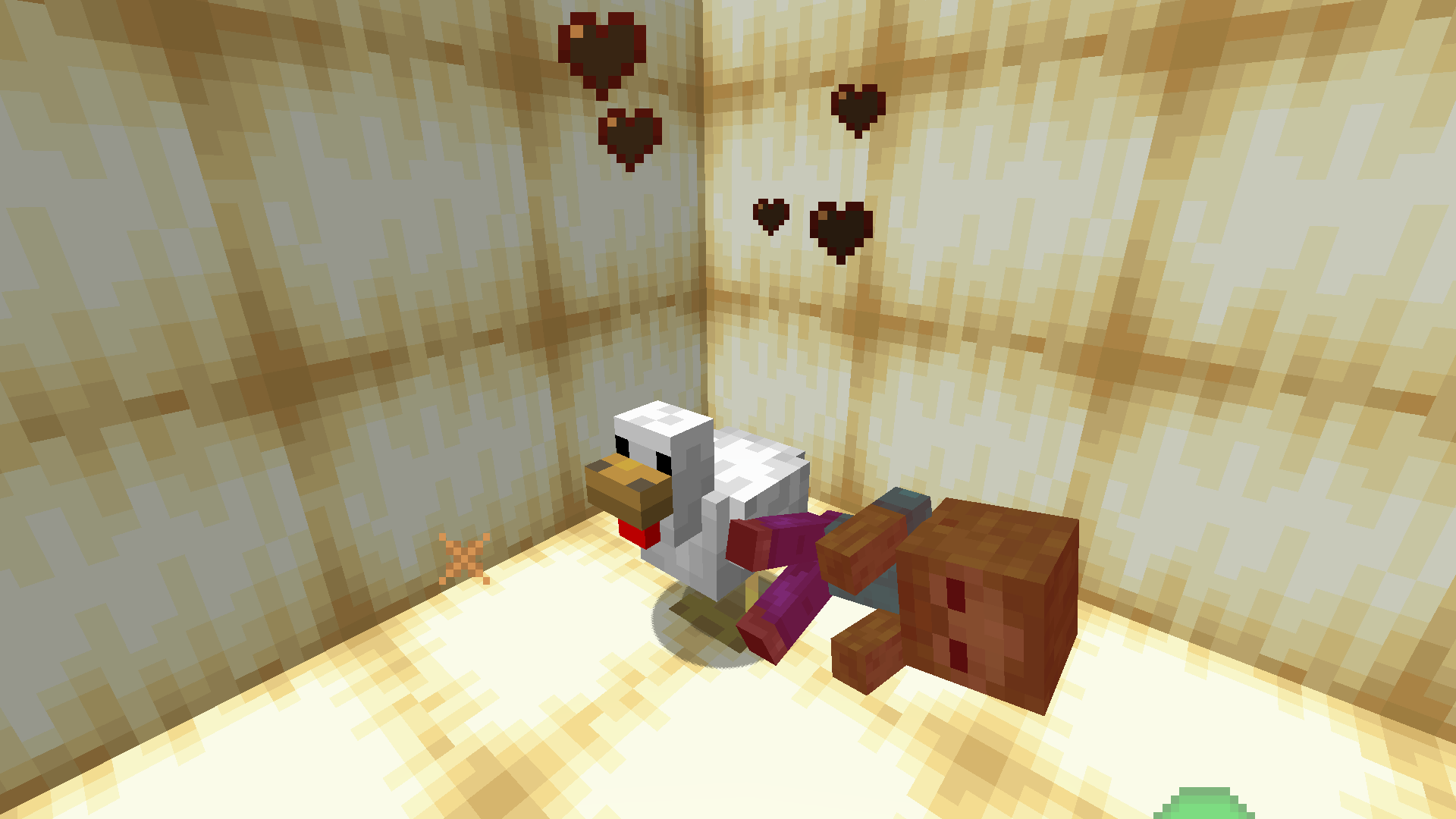
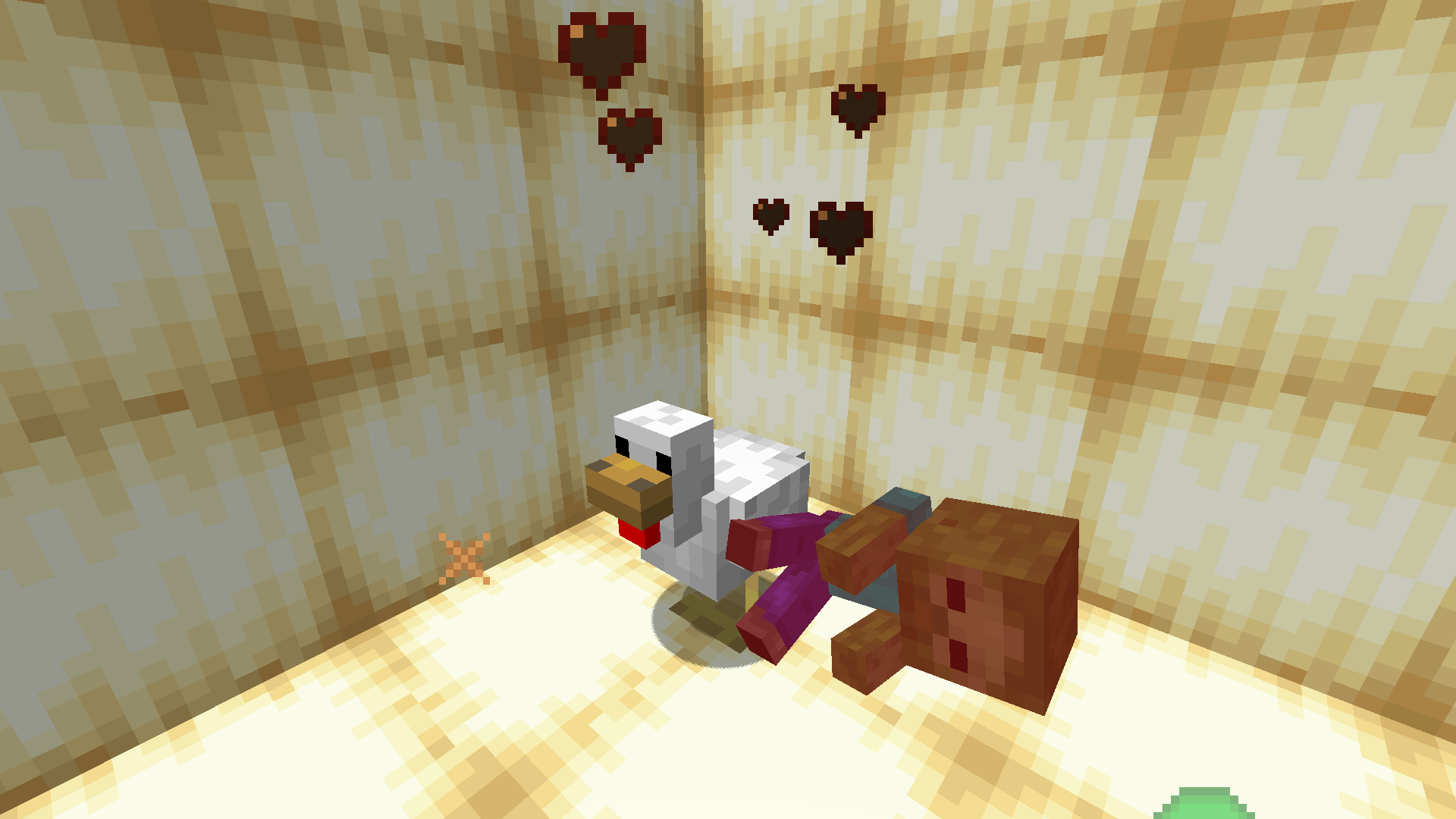
This simple mod removes the drop of the "Lava Chicken" music disc specifically from Chicken Jockeys (baby zombies riding chickens).
Community voices
Reviews
No reviews yet. Be the first to review this project!
Get it on
Available Platforms
Compatibility
Supported Environments
Runs entirely on the server. Also works in singleplayer.
About
Project Details
For authors
Embed Badge
If you're the author of this project, you can embed a live badge anywhere that supports HTML or Markdown. It updates automatically whenever ratings change.
Use HTML for any page that supports it, or Markdown for README files and Markdown-based descriptions.
Identifiers
Platform IDs
About
Description
This simple data pack removes the drop of the "Lava Chicken" music disc specifically from Chicken Jockeys (baby zombies riding chickens).
What it does:
- Prevents Chicken Jockeys from dropping the "Lava Chicken" music disc upon death.
- All other drops from Chicken Jockeys remain unchanged.
Also available Data Pack
Installation
- Download the
.jarfile. - Place it into your
modsfolder.
Uninstallation
- Simply remove the
.jarfile from yourmodsfolder.
Support
⚠ Find a bug? Create an issue to help improve this datapack!
This simple data pack removes the drop of the "Lava Chicken" music disc specifically from Chicken Jockeys (baby zombies riding chickens).
What it does:
- Prevents Chicken Jockeys from dropping the "Lava Chicken" music disc upon death.
- All other drops from Chicken Jockeys remain unchanged.
Installation
For Data Pack:
- Download the
.zipfile. - If your world is already created:
- Go to your world save folder.
- Place the
.zipfile into thedatapacksfolder. - Launch your world. If cheats are not enabled, open your world to LAN and allow cheats.
- Type
/reloadin-game.
- If you are creating a new world:
- In the world creation menu, open the "Data Packs" tab and add the datapack there.
For Modloader:
- Download the
.jarfile. - Place it into your
modsfolder.
Uninstallation
For Datapack:
- To temporarily disable the datapack, use
/datapack disable <datapack_name>. To re-enable, use/datapack enable <datapack_name>. - To remove it completely, delete the datapack file from the
datapacksfolder.
For Modloader:
- Simply remove the
.jarfile from yourmodsfolder.
Support
⚠ Find a bug? Create an issue to help improve this datapack!
Screenshots
Gallery
-
 69cba7862deca03e74f1ed57df8de84c6ba0f035.png 69cba7862deca03e74f1ed57df8de84c6ba0f035.png
-
 No drop
Versions
Files
Relations
Project Relations
More like this
Similar Mods
Suggestions use data such as tags, dependencies, dependents, descriptions, titles, and more to rank how much they overlap with this mod.
On ModDex
Community snapshot
By the numbers
Statistics
Want to reach Minecraft players?
We're looking for a server hosting partner to feature here and other parts of the site. Interested? Send us a message!
Get in touchGet it on
Available Platforms
On ModDex
Community snapshot
By the numbers