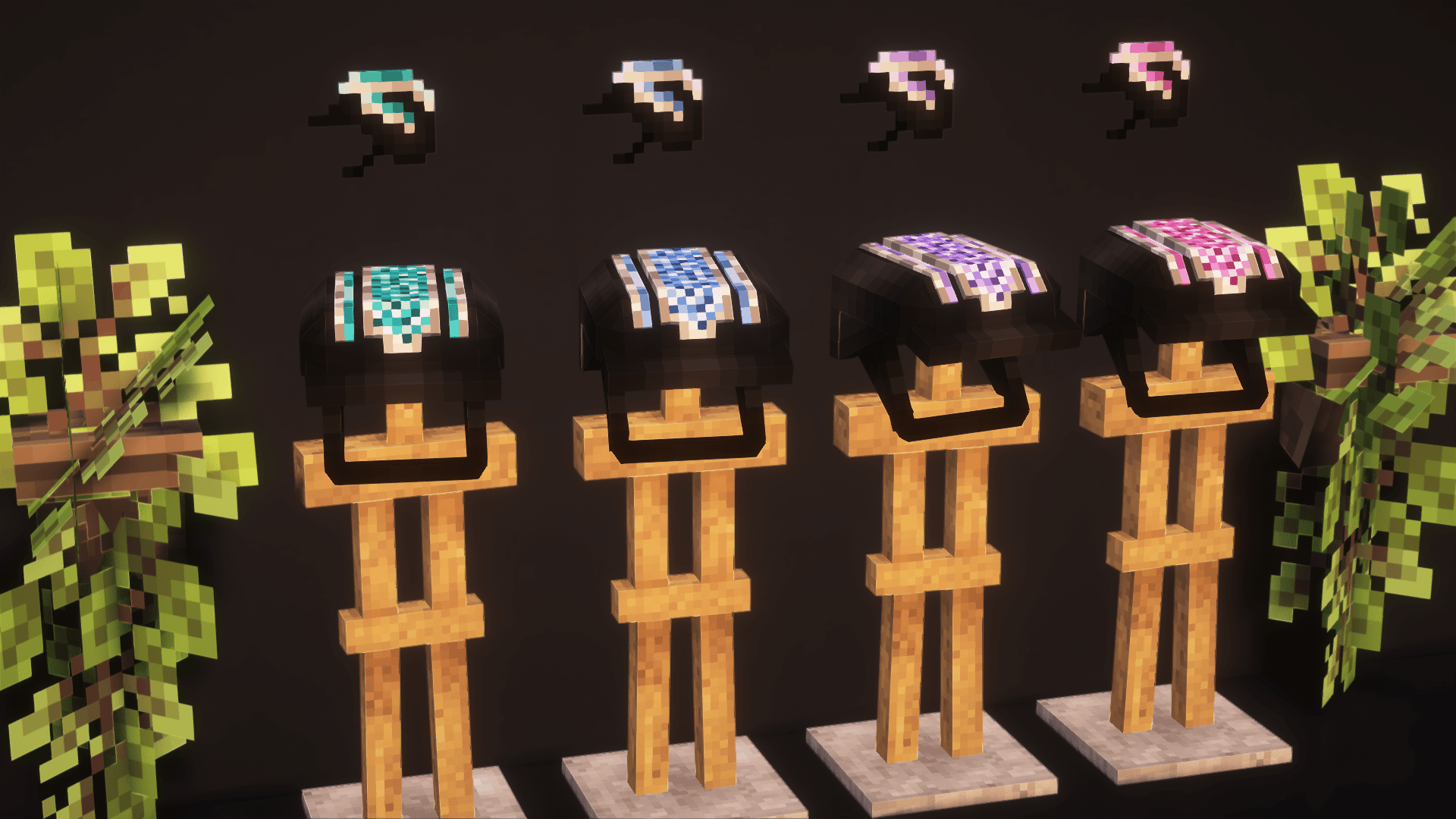
Riding Helmet

Quick rating

Riding Helmet

No reviews yet

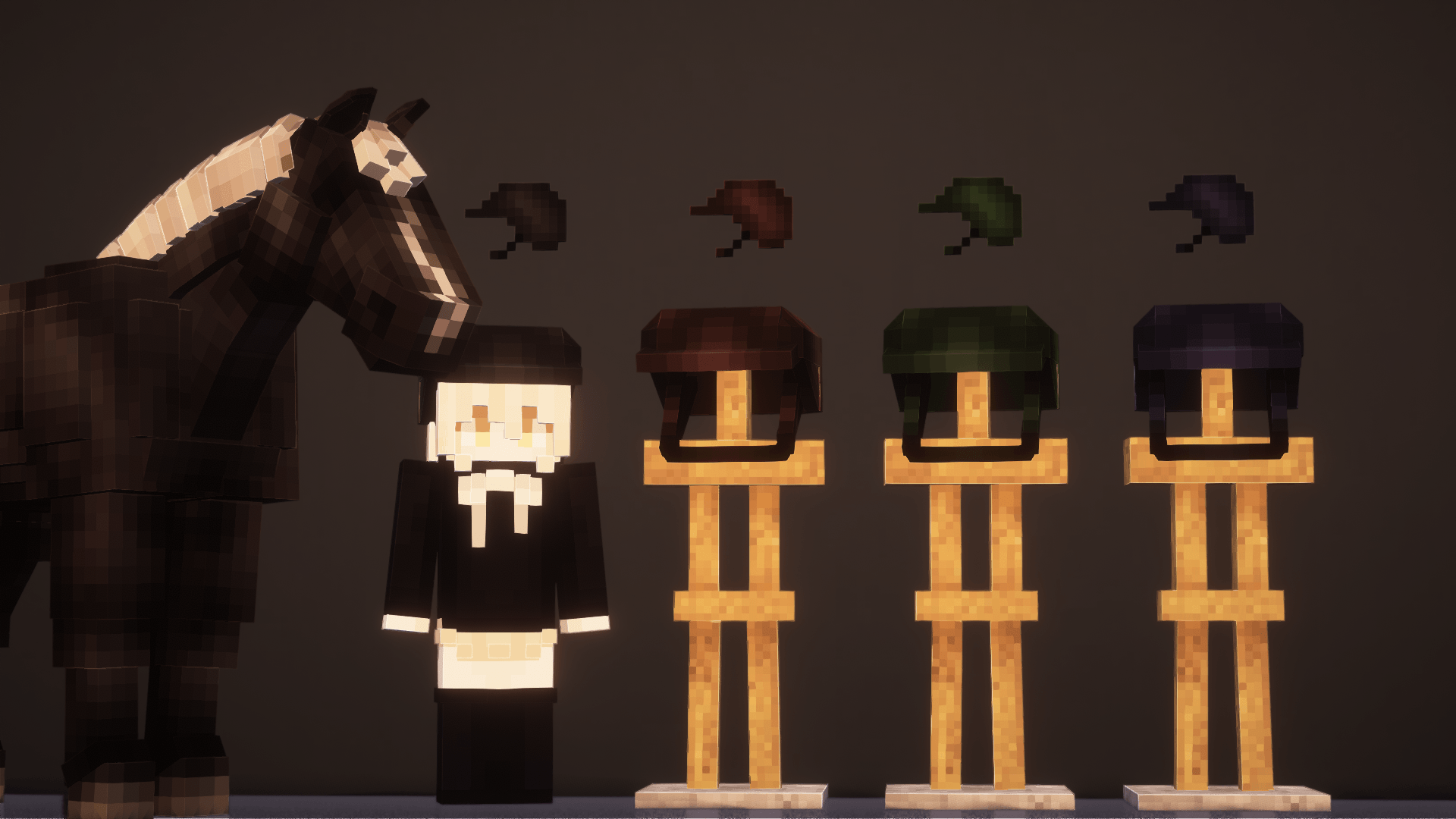
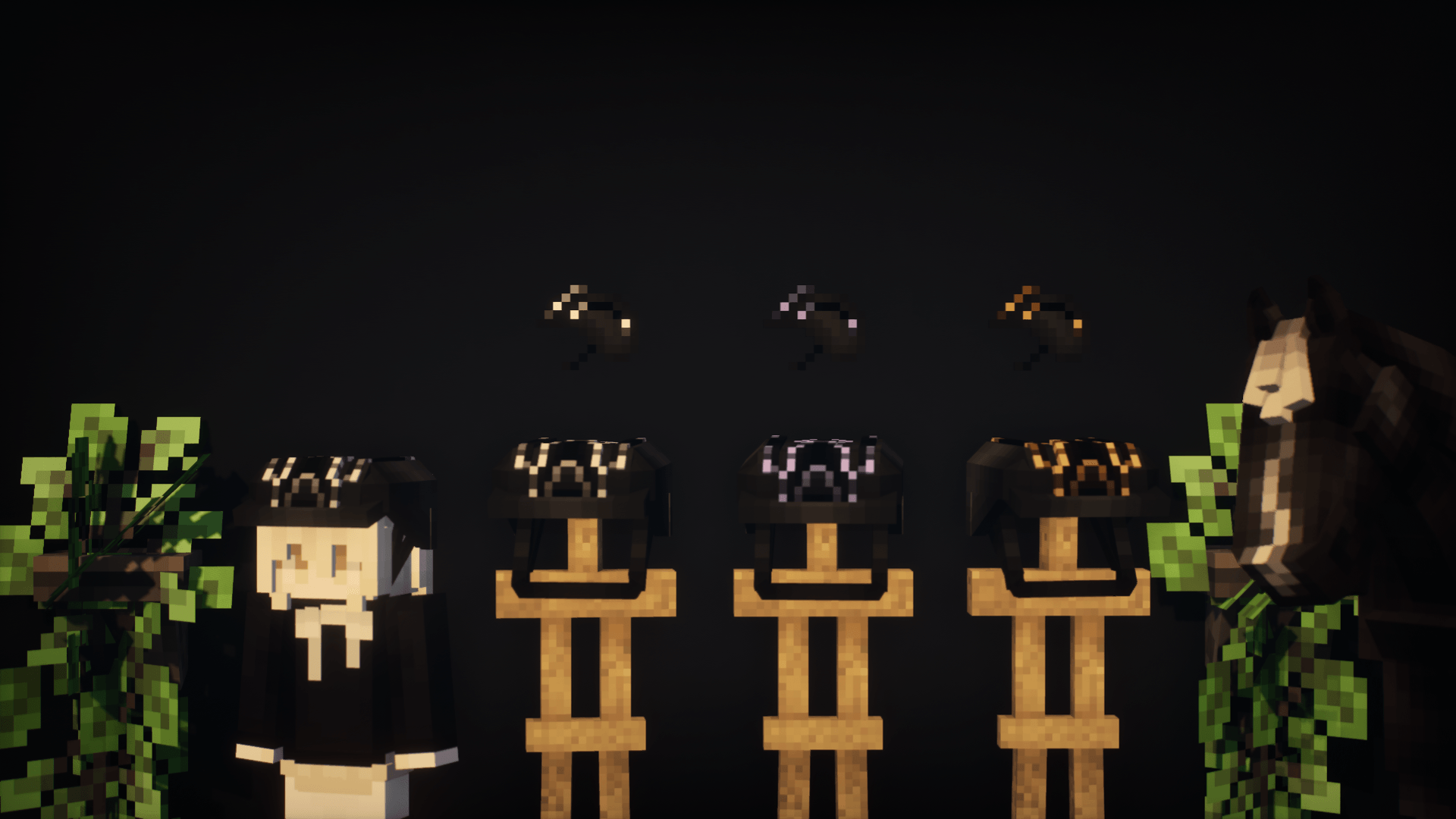
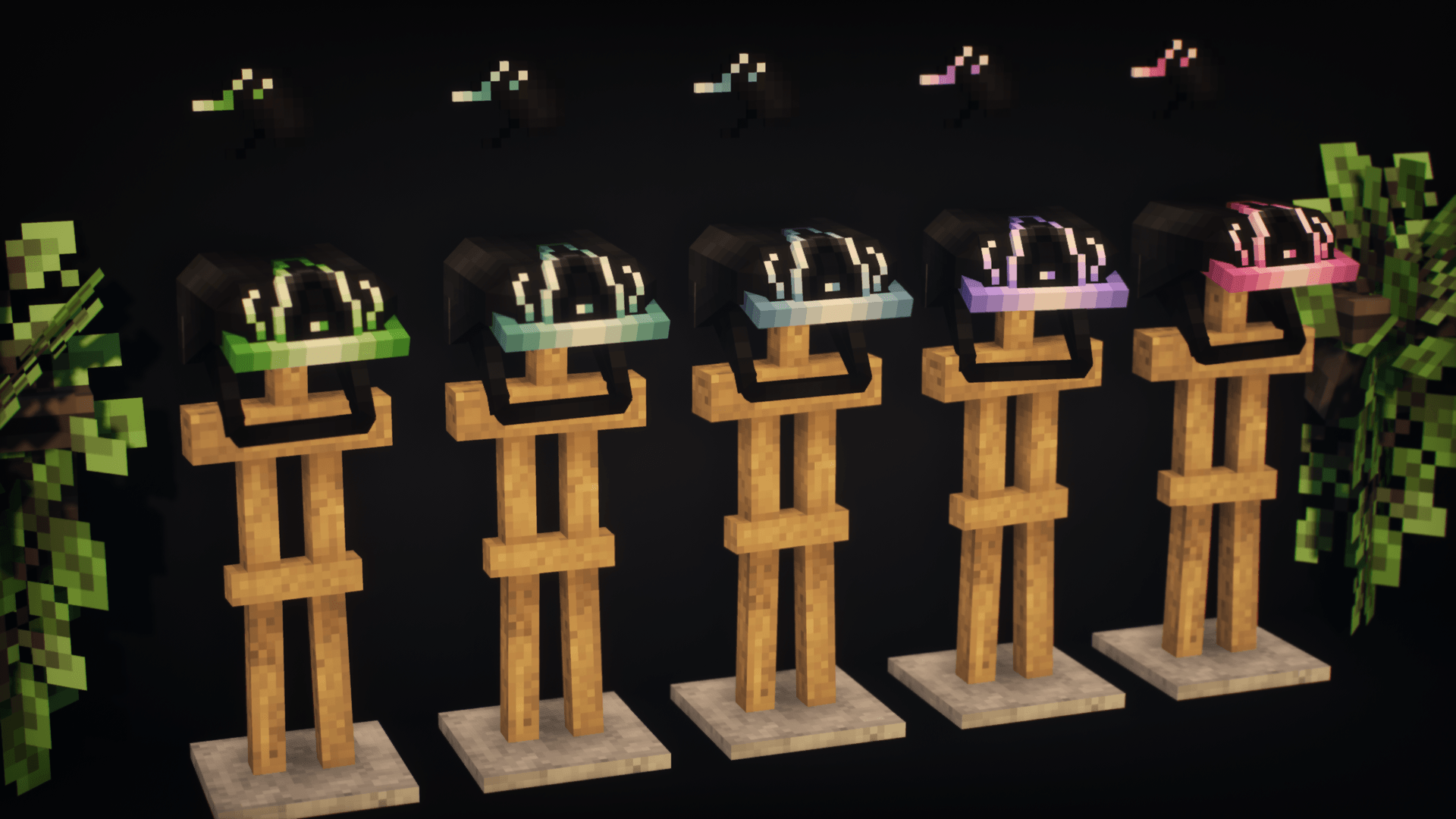
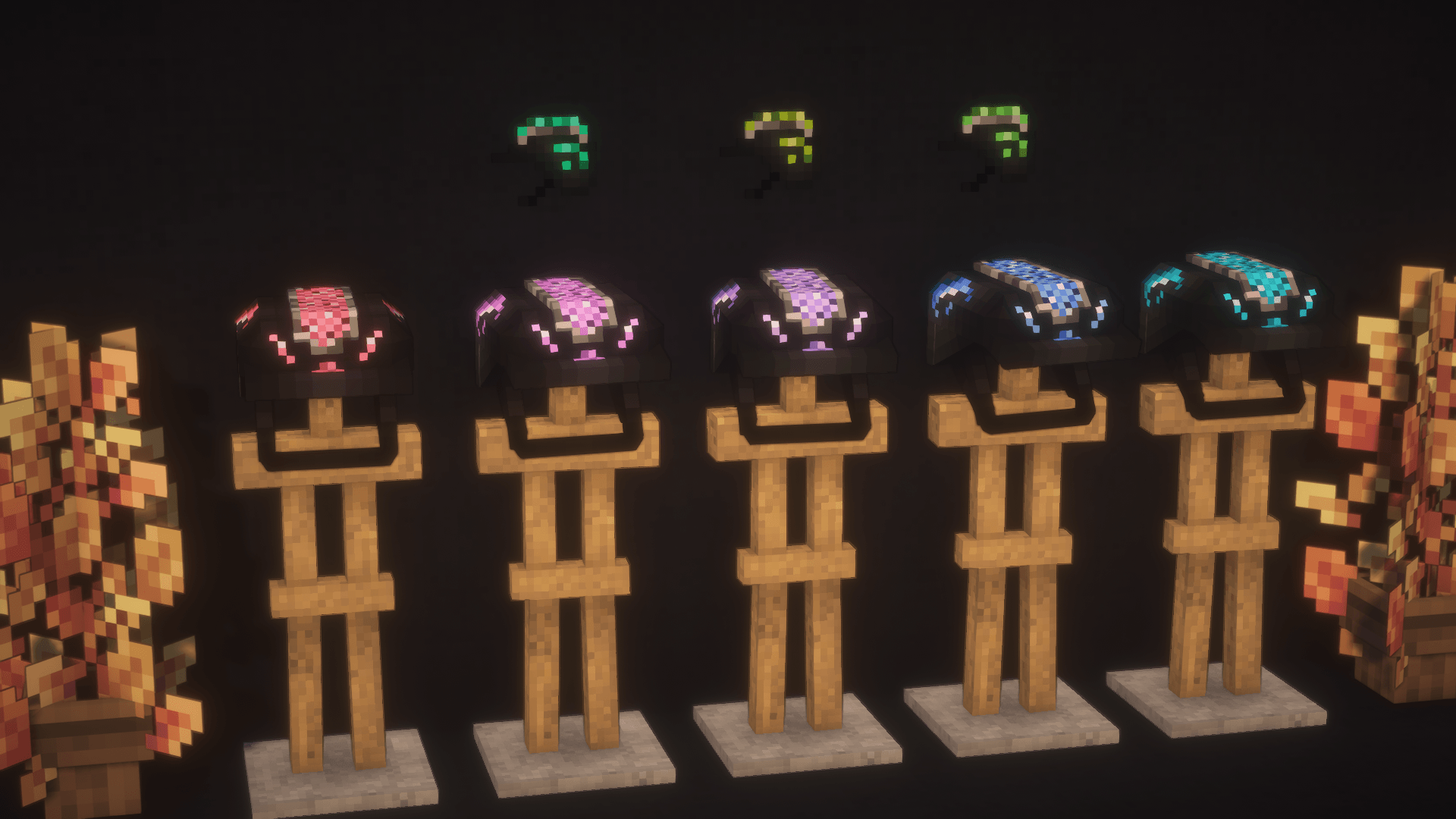
The mod adds a riding helmet!

No Theme
No Genre
Custom Armor
Cosmetics
Mod Loaders
Forge
NeoForge
Minecraft

Community voices

Reviews

Versions
Loading versions…
Match includes

Click once to include, again to exclude, again to clear

Rating Any
Any 0.5 1.0 1.5 2.0 2.5 3.0 3.5 4.0 4.5 5.0
Min
Max
Play Status
Reviews
Time Played
hrs+
Verified developers only
Has developer response
List view
Grid view
Compact view
Sort by
Date
Rating
Helpful
Unhelpful
Edited
Sort ascending
Delete this review?

This removes your review from the project. You can write a new review after.

Review submitted for moderation

Your review has been sent to moderators, who will check that it meets our guidelines before it appears publicly.

No reviews yet. Be the first to review this project!

Get it on

Available Platforms

About

Project Details

Type
Mod
Latest Version
RidingHelmetMOD_byS_Dreamalway_1.21NeoForge_2.1.jar

For authors

Embed Badge

If you're the author of this project, you can embed a live badge anywhere that supports HTML or Markdown. It updates automatically whenever ratings change.

Custom banner text
ModDex rating badge preview

Use HTML for any page that supports it, or Markdown for README files and Markdown-based descriptions.

Identifiers

Platform IDs

CurseForge ID

Resources

External Links

Source Issues Wiki Discord

About

Description

The mod adds a riding helmet!
There are 4 base colors and 40 "empty" textures available! You can use the empty textures, replacing them with your own, thereby complementing the mod with new colors and helmet designs!

In future updates of the mod, even more empty textures will be added, so there will be no limit to the space for new designs!


🔧 How to replace a texture?
1. Replacing the main texture:
1). Right-click on the mod file → "Open archive".
2). Go to:
assets → riding_helmet_mod_bys_dreamalway → textures → entities.
3). Select the texture named h(n) (where n is any number: 1, 2, 3...).
4). Rename your texture according to the selected slot (for example, h5.png) and move it to the mod folder, replacing the original.
2. Replacing the icon:
1). Right-click on the mod file → "Open archive".
2). Go to:
assets → riding_helmet_mod_bys_dreamalway → textures → items.
3). Select the texture named hi(n) (where n is any number: 1, 2, 3...).
4). Rename your texture (for example, hi5.png) and move it to the mod folder, replacing the original.
Now your helmet will be displayed with your design! 🎨
The modification is waiting for you in the comments under the post!
🔧 Other Ways to Add New Helmet Textures
Via a Shared Resource Pack:
Download and install the resource pack. It is compatible with all versions of the mod and the game.
Note: It won’t add new helmets by itself—it only provides texture slots.
Replacing the Main Texture:
1). Open the resource pack folder.
2). Navigate to: assets → riding_helmet_mod_bys_dreamalway → textures → entities
3).Select a texture named h(n) (where n is any number: 1, 2, 3...).
4). Rename your texture to match the slot (e.g., h5.png) and replace the original file.
Replacing the Icon:
1). Open the resource pack folder.
2). Navigate to: assets → riding_helmet_mod_bys_dreamalway → textures → items
3).S elect a texture named hi(n) (where n is any number: 1, 2, 3...).
4). Rename your texture to match the slot (e.g., hi5.png) and replace the original file.
Via Separate Resource Packs (Pre-made Sets):
These packs come with pre-configured textures.
Each set replaces textures starting from the first "empty" slot (h1.png, h2.png, etc., depending on the number of helmets in the pack).
Replacing the Main Texture:
1). Open the resource pack folder.
2). Navigate to: assets → riding_helmet_mod_bys_dreamalway → textures → entities
3). Select a texture named h(n). If using multiple packs, check which slots are "empty/available."
4). Rename your texture accordingly (e.g., h5.png).
Replacing the Icon:
1). Open the resource pack folder.
2). Navigate to: assets → riding_helmet_mod_bys_dreamalway → textures → items
3). Select a texture named hi(n). If using multiple packs, check which slots are "empty/available."
4). Rename your texture accordingly (e.g., hi5.png).
Important Notes:
Always ensure your textures are in .png format and match the original dimensions.
If using multiple resource packs, check for conflicting textures in the same slots.
✅ Done! Your new helmet textures should now appear in-game. 🎮✨


Free and paid kits, as well as the opportunity to order your own unique designs (or your modest support) - Boosty https://boosty.to/samecreation
Discord - same1202


Screenshots

Gallery

  • 9f2f3ddd-60a4-4358-9b99-8cb03c201568.png
    9f2f3ddd-60a4-4358-9b99-8cb03c201568.png 9f2f3ddd-60a4-4358-9b99-8cb03c201568.png
  • c95ec1d4-a680-499b-a1ea-59d17a7ee388.png
    c95ec1d4-a680-499b-a1ea-59d17a7ee388.png c95ec1d4-a680-499b-a1ea-59d17a7ee388.png
  • c85c0fa1-0169-4a33-b2a6-bbacc5c9b8fb.png
    c85c0fa1-0169-4a33-b2a6-bbacc5c9b8fb.png c85c0fa1-0169-4a33-b2a6-bbacc5c9b8fb.png
  • 18b0916c-6874-43a7-93f7-cc541737cb6e.png
    18b0916c-6874-43a7-93f7-cc541737cb6e.png 18b0916c-6874-43a7-93f7-cc541737cb6e.png
  • 8010eb02-39fc-44b6-8c35-835069bc2421.png
    8010eb02-39fc-44b6-8c35-835069bc2421.png 8010eb02-39fc-44b6-8c35-835069bc2421.png

Versions

Files

Relations

Project Relations

More like this

Similar Mods

Suggestions use data such as tags, dependencies, dependents, descriptions, titles, and more to rank how much they overlap with this mod.

On ModDex

Community snapshot

0
Ratings
0
Followers
0
In stacks

By the numbers

Statistics

~4,000
Downloads
Last Updated
Created
Last synced
When ModDex last fetched this project from CurseForge or Modrinth. Every project is re-checked on a schedule, and any project that ships a new file is synced automatically within hours of the release.
New file updates sync automatically
How syncing works