
Community listing page, reviews here may not be monitored by the author.
RoadMarker

No reviews yet
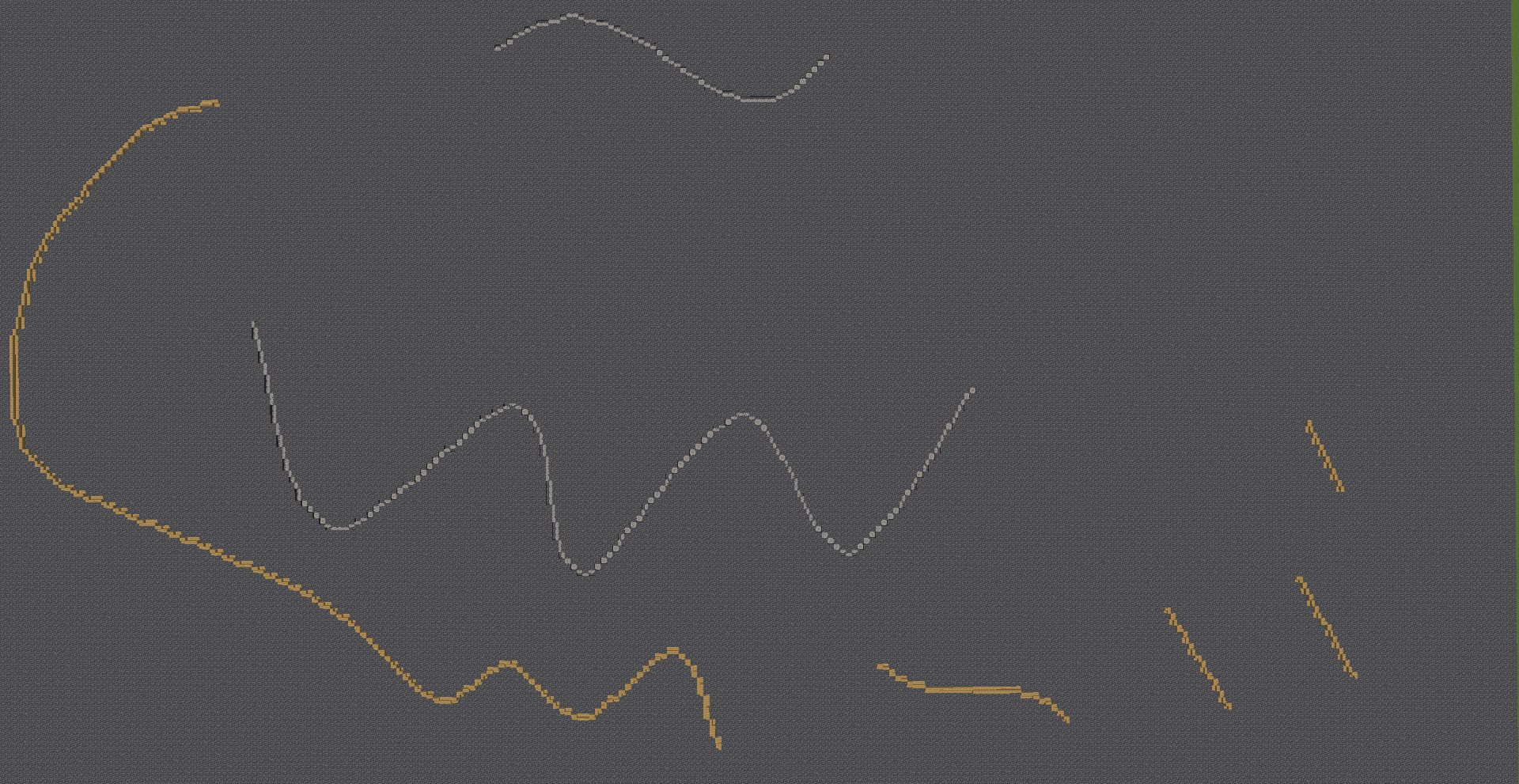
RoadMarker is a Minecraft Fabric utility for creating smooth subpixel curves, road markings, diagonal curb bevels, and spline paths using stairs and coral fans.
Community voices
Reviews
No reviews yet. Be the first to review this project!
Get it on
Available Platforms
Compatibility
Supported Environments
Runs entirely on the server. Also works in singleplayer.
About
Project Details
For authors
Embed Badge
If you're the author of this project, you can embed a live badge anywhere that supports HTML or Markdown. It updates automatically whenever ratings change.
Use HTML for any page that supports it, or Markdown for README files and Markdown-based descriptions.
Identifiers
Platform IDs
Resources
External Links
About
Description
RoadMarker
RoadMarker is a powerful builder's utility for Minecraft Fabric that creates smooth subpixel curves, road markings, diagonal curb bevels, and spline paths using stairs and coral fans.
Gone are the days of jagged stepped lines and awkward road transitions. RoadMarker uses a 2x2 subpixel rasterization engine with global dynamic programming optimization to place and orient stairs and corals seamlessly.
Features
- Wand-Based In-Game Workflow: Quick planning with particle previews before modifying the world.
- Multiple Curve Modes:
line: Ultra-crisp subpixel straight lines between 2 points.bezier: Smooth N-point Bezier curves (unlimited control points).catmull: Catmull-Rom splines passing directly through every control point.border: Automatic road curb and bevel generator that bevels the road edge towards the surrounding terrain.smooth: In-place smoothing that converts existing full-block lines into smooth stair curves in a single click.
- Dual Material Support:
- Stairs: Perfect 1/4 and 2/4 subpixel stair orientations (straight runs, adaptive corner stairs).
- Coral Fans: Floor coral fans for corners and wall coral fans for straight runs (placed dry without water).
- Multi-level Undo / Redo: Revert or re-apply changes with
/rm undoand/rm redo. - Multiplayer and Operator Safe: Non-destructive particle preview, respects server permissions.
Quick Start
- Get the wand with
/rm wand. - Right-Click on any stair or coral block in the world to pick that material.
- Select your desired mode with
/rm mode <line|bezier|catmull|border|smooth>. - Left-Click blocks in the world to place control points (or define a 2-point box).
- Review the glowing particle preview.
- Right-Click in the air with the wand to instantly build.
Commands
| Command | Description |
|---|---|
/rm wand |
Gives you the RoadMarker Wand tool. |
/rm mode <mode> |
Switches generation mode (line, bezier, catmull, border, smooth). |
/rm block <block_id> |
Manually sets the active stair/coral material with auto-complete. |
/rm preview |
Toggles the particle preview on/off. |
/rm undo |
Reverts the last placed curve or road operation. |
/rm redo |
Re-applies the last undone operation. |
/rm info |
Displays current session status, mode, points, and settings. |
/rm samples <n> |
Adjusts curve sampling density (default: 3000). |
/rm maxBlocks <n> |
Safety limit on maximum blocks per operation (default: 50000). |
Modes
Border
Select a 2-point rectangular area. The mod scans the road, detects all road edge blocks bordering the field, and replaces them with matching beveled stairs sloping down into the field while leaving the field 100% untouched.
Smooth
Build any freehand line with regular blocks (e.g. white concrete / quartz), select the area with 2 points, and RoadMarker will trace and convert it into a smooth stair curve.
Curves
Place 2 or more control points to draw mathematically smooth curves (bezier, catmull, line) for highway off-ramps, airport taxiways, race tracks, or decorative landscaping.
Requirements
- Fabric Loader (Minecraft 26.2+)
- Fabric API
- Java 21+
Screenshots
Gallery
Versions
Files
Relations
Project Relations
More like this
Similar Mods
Suggestions use data such as tags, dependencies, dependents, descriptions, titles, and more to rank how much they overlap with this mod.
On ModDex
Community snapshot
By the numbers
Statistics

Want to reach Minecraft players?
We're looking for a server hosting partner to feature here and other parts of the site. Interested? Send us a message!
Get in touchGet it on
Available Platforms
On ModDex
Community snapshot
By the numbers
Statistics
Resources