Community listing page, reviews here may not be monitored by the author.
RPG Camera and Controls


No reviews yet
RPG Camera and Controls completely reimagines Minecraft’s third-person camera. Inspired by classic MMORPG controls, it replaces the vanilla camera system with smooth orbit movement and full mouse-driven aiming.
Community voices
Reviews
No reviews yet. Be the first to review this project!
Get it on
Available Platforms
Compatibility
Supported Environments
Runs entirely on the client. Works on vanilla servers.
About
Project Details
For authors
Embed Badge
If you're the author of this project, you can embed a live badge anywhere that supports HTML or Markdown. It updates automatically whenever ratings change.
Use HTML for any page that supports it, or Markdown for README files and Markdown-based descriptions.
Identifiers
Platform IDs
About
Description
⚔️🧙♂️ RPG Camera and Controls
Hello everybody and welcome to my first Minecraft mod! RPG Camera and Controls is a mod that transforms the third-person camera into a true RPG-style experience. Inspired by classic MMORPGs like World of Warcraft, RPG Camera introduces smooth third-person controls, dynamic camera behavior, and a more immersive player perspective - perfect for role-playing and MMO-style gameplay in Minecraft.
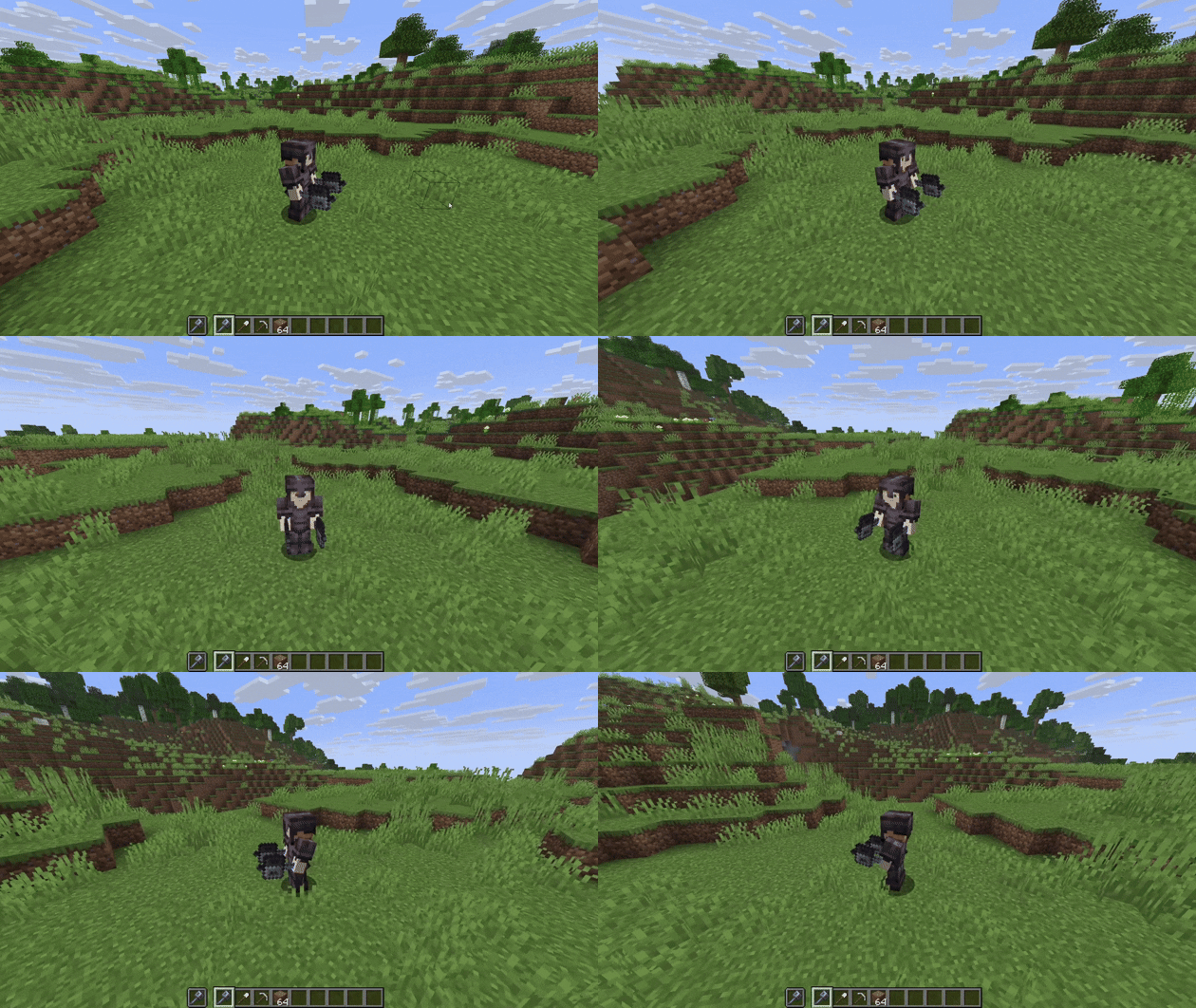
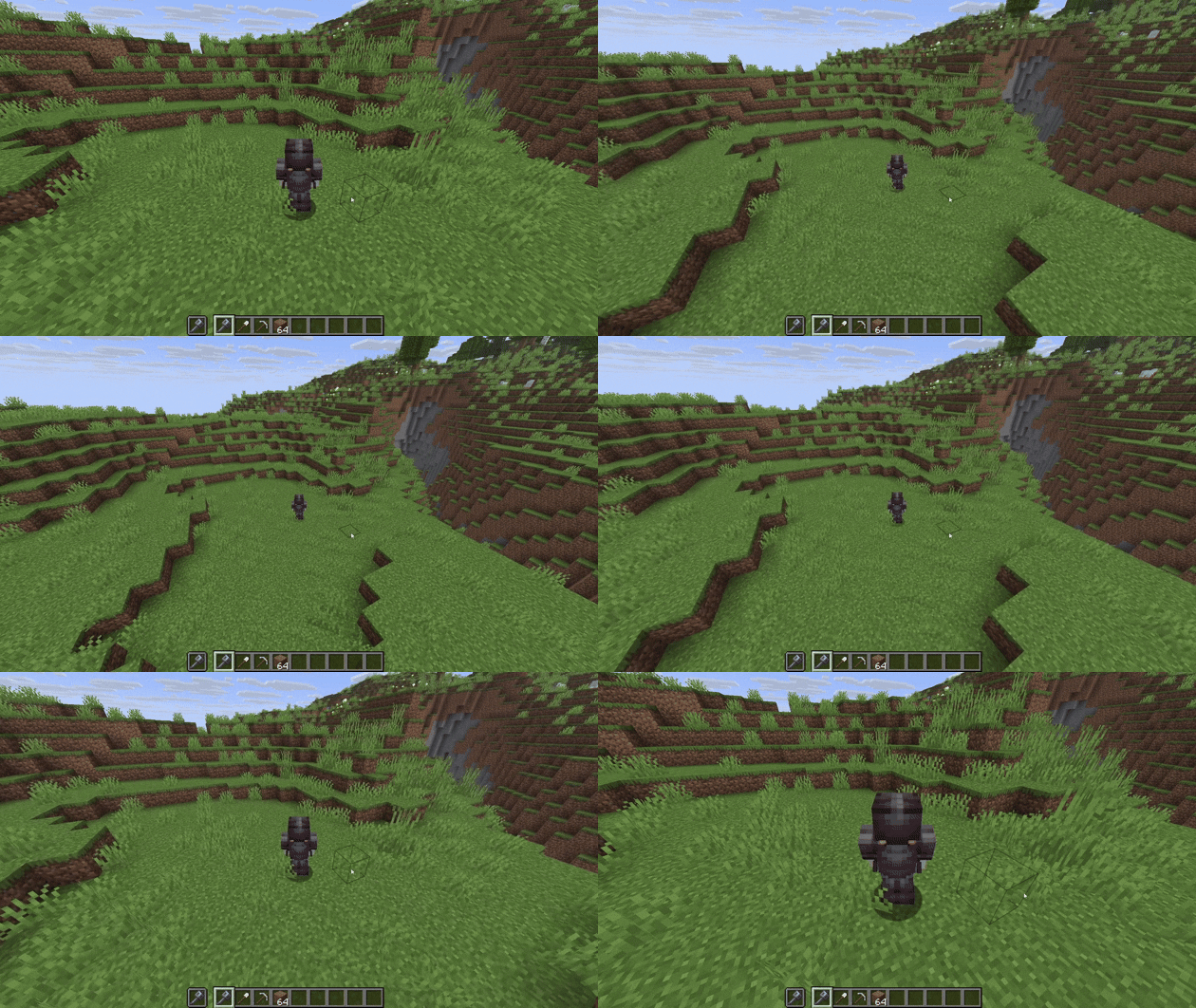
You can hold right-click and move your mouse to use orbit control. As long as your mouse cursor is visible, you will place a block when your “use item” key is bound to right-click. Once you move far enough, the cursor fades out and you can freely rotate the camera around your character. After releasing right-click, no block will be placed.
The default way to zoom in and out is to hold Left Alt while scrolling your mouse wheel.
You can customize all controls in the settings under RPG Camera & Controls. Don’t be confused by duplicated keybinds like Q and E for strafing - when you are in RPG third-person mode, Minecraft uses the RPG Camera keybinds. When you are in first-person, it uses the vanilla keybinds.
You can also move your mouse freely and break or place blocks without directly looking at them. You can still interact with blocks such as furnaces and other containers.
📷📹 Screenshots and Videos


⚔️🧙♂️ RPG Camera and Controls
Hello everybody and welcome to my first Minecraft mod! RPG Camera and Controls is a mod that transforms the third-person camera into a true RPG-style experience. Inspired by classic MMORPGs like World of Warcraft, RPG Camera introduces smooth third-person controls, dynamic camera behavior, and a more immersive player perspective - perfect for role-playing and MMO-style gameplay in Minecraft.
You can hold right-click and move your mouse to use orbit control. As long as your mouse cursor is visible, you will place a block when your “use item” key is bound to right-click. Once you move far enough, the cursor fades out and you can freely rotate the camera around your character. After releasing right-click, no block will be placed.
The default way to zoom in and out is to hold Left Alt while scrolling your mouse wheel.
You can customize all controls in the settings under RPG Camera & Controls. Don’t be confused by duplicated keybinds like Q and E for strafing - when you are in RPG third-person mode, Minecraft uses the RPG Camera keybinds. When you are in first-person, it uses the vanilla keybinds.
You can also move your mouse freely and break or place blocks without directly looking at them. You can still interact with blocks such as furnaces and other containers.
📷📹 Screenshots and Videos
Screenshots
Gallery
-
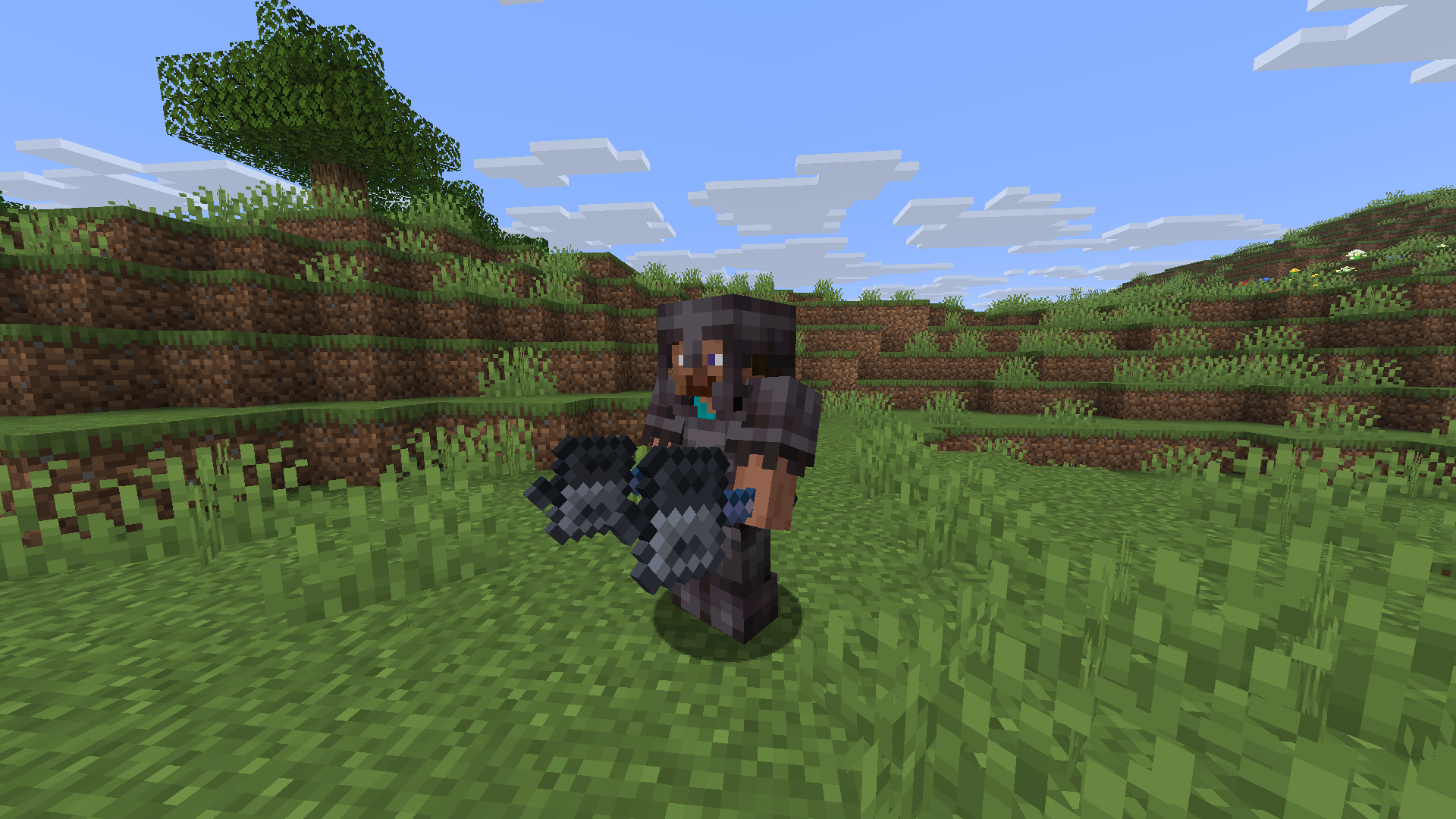 Side view of Steve A sideview of Steve, achievable with new camera orbit control.
 -
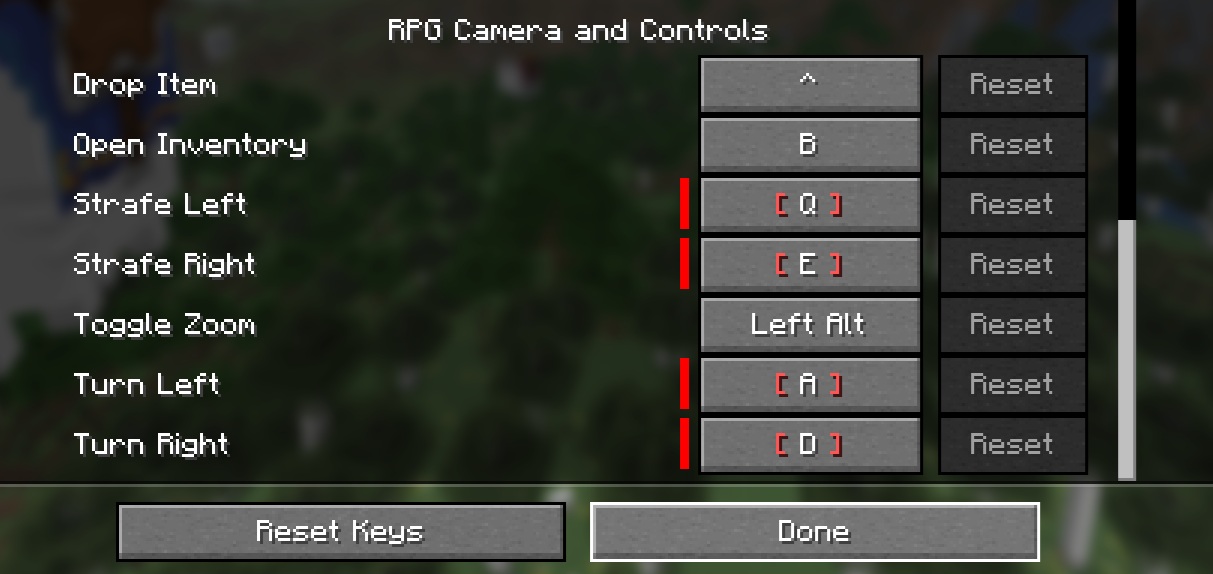 Keybinds for RPG Camera and Controls All configurable keybinds for the mod.
Versions
Files
Relations
Project Relations
More like this
Similar Mods
Suggestions use data such as tags, dependencies, dependents, descriptions, titles, and more to rank how much they overlap with this mod.
On ModDex
Community snapshot
By the numbers
Statistics
Want to reach Minecraft players?
We're looking for a server hosting partner to feature here and other parts of the site. Interested? Send us a message!
Get in touchGet it on
Available Platforms
On ModDex
Community snapshot
By the numbers