Community listing page, reviews may not be monitored by the author.
Saro´s Interactive Blocks


No reviews yet
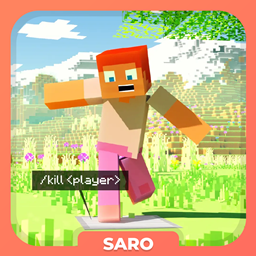
Trigger server or client commands on right-click, left-click, touch, or redstone signal — for custom interactions.

Community voices
Reviews
No reviews yet. Be the first to review this project!
Get it on
Available Platforms
Compatibility
Supported Environments
Runs entirely on the server. Also works in singleplayer.
About
Project Details
For authors
Embed Badge
If you're the author of this project, you can embed a live badge anywhere that supports HTML or Markdown. It updates automatically whenever ratings change.
Use HTML for any page that supports it, or Markdown for README files and Markdown-based descriptions.
Identifiers
Platform IDs
About
Description
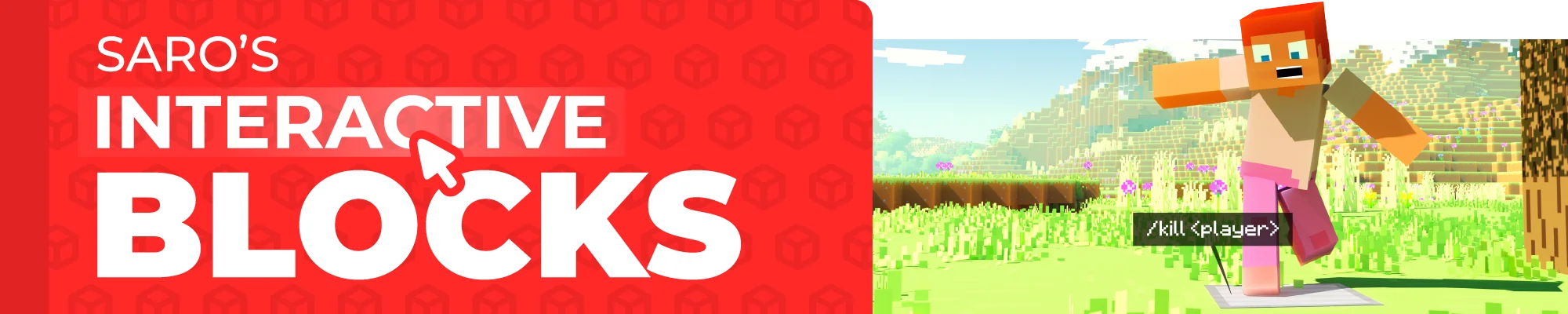
 The Saro's Interactive Blocks Mod introduces a system that allows players to create custom block interactions in Minecraft. This includes actions such as right-clicking, left-clicking, or even touching blocks to trigger commands that can run either on the server or client-side.

Custom Block Actions ⚙️
- Players can assign commands to specific blocks based on interactions like right-clicking, left-clicking, or touching.
Easy Command Setup 🛠️
- Players can use simple commands to configure block actions directly in-game.

- Right-Click Action (R): Run specific commands when a block is right-clicked.
- Left-Click Action (L): Run specific commands when a block is left-clicked.
- Touch Action (T): Activate commands when a player walks over a block.
- On Redstone Action (S): Activate commands when the block is on redstone.

/blockaction create <side> <action> <command>: Create a new block interaction./blockaction delete: Remove an existing block interaction./blockaction info: Get information about the block interaction you are looking- (Use <player> in the command to use the name of the trigger player)


Currently Supported
- Forge/NeoForge/Fabric 26.1 ✅
- Forge/Fabric 1.21.5 ✅
- Forge/Fabric 1.21.4 ✅
- Forge/Fabric 1.21.1 ✅
- Forge/Fabric 1.21 ✅
- Forge/Fabric 1.20.6 ✅
- Forge/Fabric 1.20.4 ✅
- Forge/Fabric 1.20.1 ✅
- Forge/Fabric 1.19.4 ✅
- Forge/Fabric 1.19.2 ✅
- Forge/Fabric 1.18.2 ✅
- Forge/Fabric 1.16.5 ✅
 Join our community on Discord to give feedback and suggestions or report any bugs you find!
Project Support & Usage
Hosting: For the best performance, I recommend using BisectHosting linked in the banner.
Modpacks: You are free to include my work in any modpack. Please ensure proper credit is given by providing a link to this project page.

 The Saro's Interactive Blocks Mod introduces a system that allows players to create custom block interactions in Minecraft. This includes actions such as right-clicking, left-clicking, or even touching blocks to trigger commands that can run either on the server or client-side.

-
Custom Block Actions ⚙️
- Players can assign commands to specific blocks based on interactions like right-clicking, left-clicking, or touching.
-
Easy Command Setup 🛠️
- Players can use simple commands to configure block actions directly in-game.

- Right-Click Action (R): Run specific commands when a block is right-clicked.
- Left-Click Action (L): Run specific commands when a block is left-clicked.
- Touch Action (T): Activate commands when a player walks over a block.
- On Redstone Action (S): Activate commands when the block is on redstone.

/blockaction create <side> <action> <command>: Create a new block interaction./blockaction delete: Remove an existing block interaction./blockaction info: Get information about the block interaction you are looking- (Use in the command to use the name of the trigger player)


Currently Supported
- Forge/NeoForge/Fabric 26.1 ✅
- Forge/Fabric 1.21.5 ✅
- Forge/Fabric 1.21.4 ✅
- Forge/Fabric 1.21.1 ✅
- Forge/Fabric 1.21 ✅
- Forge/Fabric 1.20.6 ✅
- Forge/Fabric 1.20.4 ✅
- Forge/Fabric 1.20.1 ✅
- Forge/Fabric 1.19.4 ✅
- Forge/Fabric 1.19.2 ✅
- Forge/Fabric 1.18.2 ✅
- Forge/Fabric 1.16.5 ✅
 Join our community on Discord to give feedback and suggestions or report any bugs you find!

Project Support & Usage
Hosting: For the best performance, I recommend using BisectHosting linked in the banner.
Modpacks: You are free to include my work in any modpack. Please ensure proper credit is given by providing a link to this project page.
Screenshots
Gallery
Versions
Files
Relations
Project Relations
More like this
Similar Mods
Suggestions use data such as tags, dependencies, dependents, descriptions, titles, and more to rank how much they overlap with this mod.
On ModDex
Community snapshot
By the numbers
Statistics

Get it on
Available Platforms
On ModDex
Community snapshot
By the numbers