
Community listing page, reviews here may not be monitored by the author.

Community voices
Reviews
No reviews yet. Be the first to review this project!
Get it on
Available Platforms
Compatibility
Supported Environments
Runs entirely on the client. Works on vanilla servers.
About
Project Details
For authors
Embed Badge
If you're the author of this project, you can embed a live badge anywhere that supports HTML or Markdown. It updates automatically whenever ratings change.
Use HTML for any page that supports it, or Markdown for README files and Markdown-based descriptions.
Identifiers
Platform IDs
Resources
External Links
About
Description
Screenshot to Clipboard
Press F2. Ctrl + V. Screenshot shared.
No searching in the screenshots folder.
No drag & drop.
No “wait, where was the image saved?”
This mod automatically copies every Minecraft screenshot to your clipboard, while Minecraft still saves it normally as a file.
What happens?
| You do... | The mod does... |
|---|---|
F2 screenshot |
saves the image normally |
right after that Ctrl + V |
instantly pastes the screenshot |
| Discord, browser, chat, bug report | image is ready to share |
Perfect for
- quickly showing builds
- reporting bugs
- directly posting funny moments
- screenshots without clicking through folders
Screenshot -> Clipboard -> Paste -> Done
Screenshots
Gallery
-
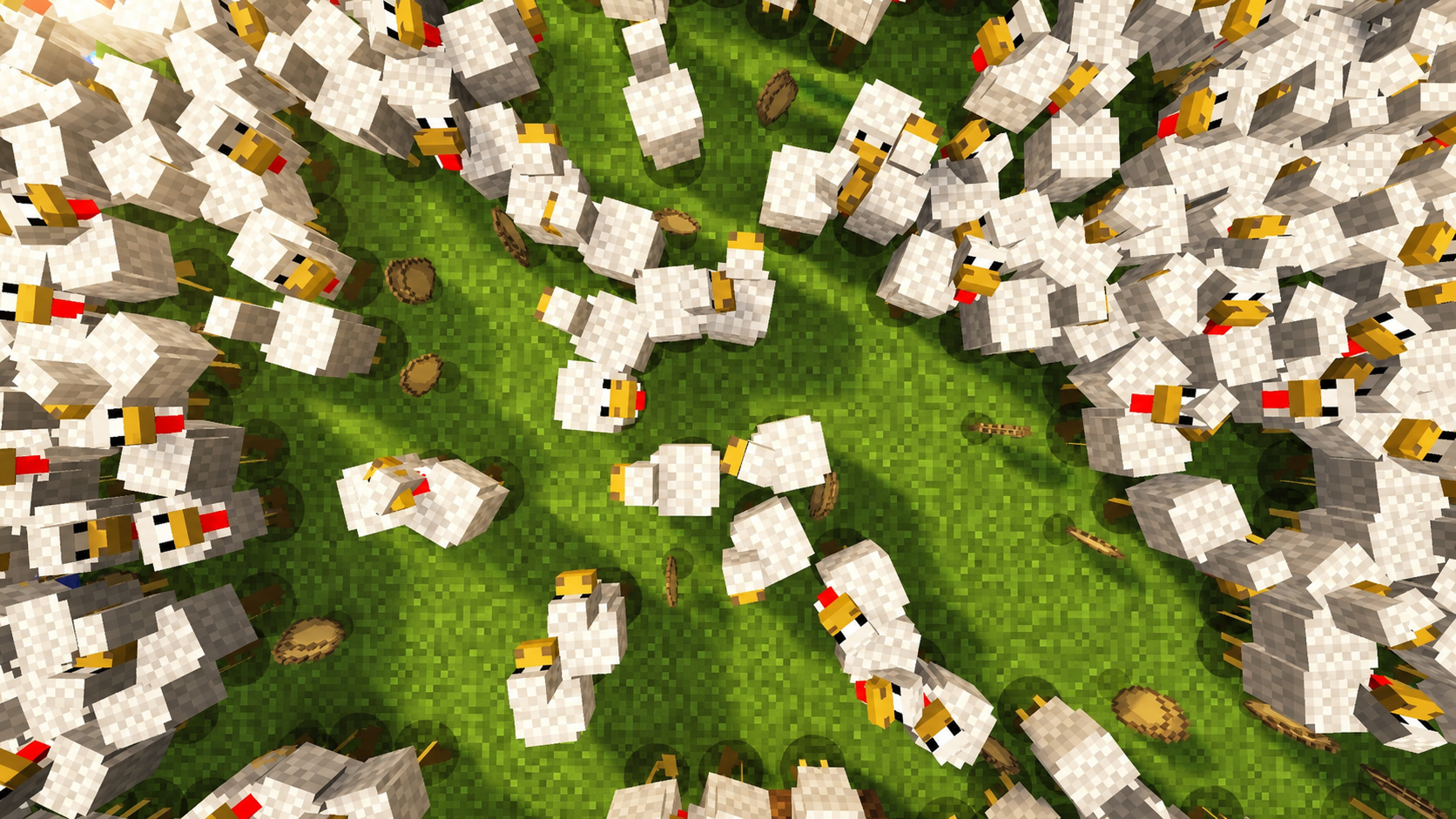 Ohh so Cute
 -
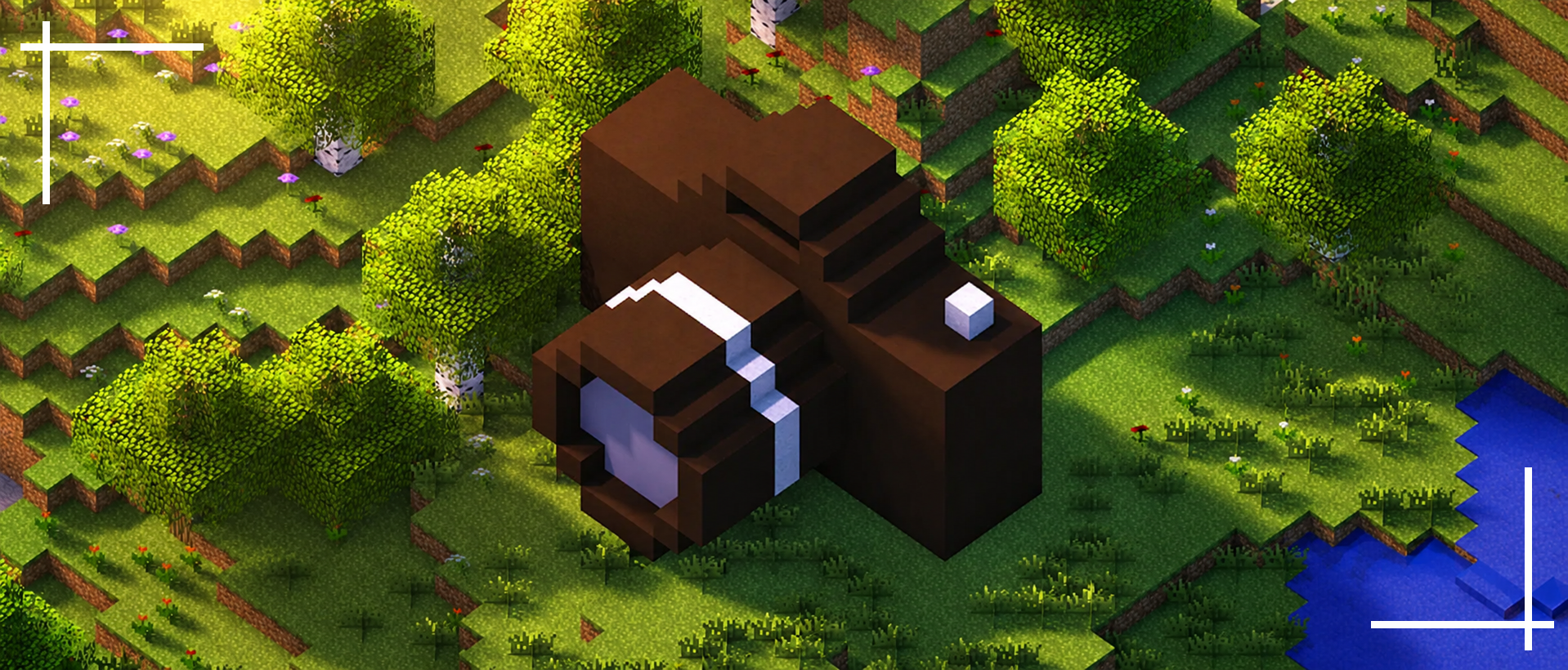 What a Shot
Versions
Files
Relations
Project Relations
More like this
Similar Mods
Suggestions use data such as tags, dependencies, dependents, descriptions, titles, and more to rank how much they overlap with this mod.
On ModDex
Community snapshot
By the numbers
Statistics

Want to reach Minecraft players?
We're looking for a server hosting partner to feature here and other parts of the site. Interested? Send us a message!
Get in touchGet it on
Available Platforms
On ModDex
Community snapshot
By the numbers
Statistics
Resources