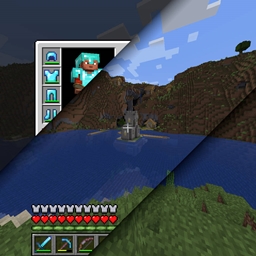
Community listing page, reviews may not be monitored by the author.
Screenshot Layers


No reviews yet
Splits screenshots into multiple layers so you can retroactively hide the GUI or hot bar in your screenshots.

Community voices
Reviews
No reviews yet. Be the first to review this project!
Get it on
Available Platforms
Compatibility
Supported Environments
Runs entirely on the client. Works on vanilla servers.
About
Project Details
For authors
Embed Badge
If you're the author of this project, you can embed a live badge anywhere that supports HTML or Markdown. It updates automatically whenever ratings change.
Use HTML for any page that supports it, or Markdown for README files and Markdown-based descriptions.
Identifiers
Platform IDs
About
Description
Screenshot Layers 
Requires: Fabric API
A Minecraft mod that splits screenshots into multiple layers so you can retroactively hide the GUI or hot bar from view in your screenshots
Usage
Once installed, a new keybind will be added to the list. You may want to unbind the default take screenshot key and bind F2 to Screenshot Layer's capture binding. Screenshot Layers outputs .tiff files, as it's one of the few mainstream image formats that supports multiple layers. If you open one of these files in PhotoPea, GIMP, or another image editor, you can view and modify the individual layers separately.
Screenshot Layers 
Requires: Fabric API
A Minecraft mod that splits screenshots into multiple layers so you can retroactively hide the GUI or hot bar from view in your screenshots
Usage
Once installed, a new keybind will be added to the list. You may want to unbind the default take screenshot key and bind F2 to Screenshot Layer's capture binding. Screenshot Layers outputs .tiff files, as it's one of the few mainstream image formats that supports multiple layers. If you open one of these files in PhotoPea, GIMP, or another image editor, you can view and modify the individual layers separately.
Layers
Not every layer will be added to every screenshot, only the ones that are diffrent from the others. For example the overlay layer will only show if the player has some overlay from a carved pumpkin, power snow, or a potion. Optional layers are denoted with an asterisk.
| World | Player Hand* | Overlays* |
|---|---|---|
| Hotbar | In Game HUD | Screen* |
Screenshots
Gallery
-
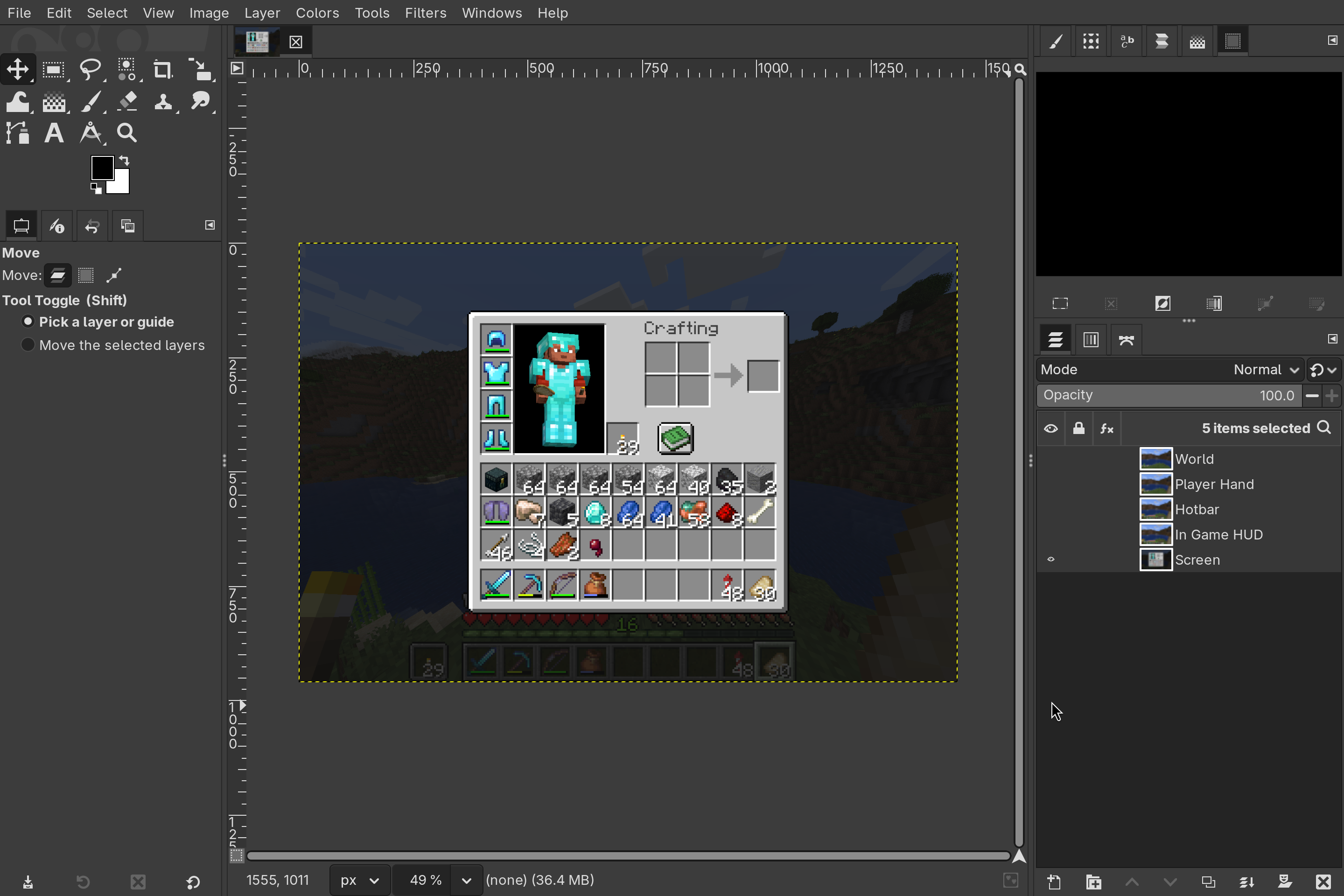 Screenshot in GIMP See the layer panel on the right showing the 5 layers in this screenshot.
 -
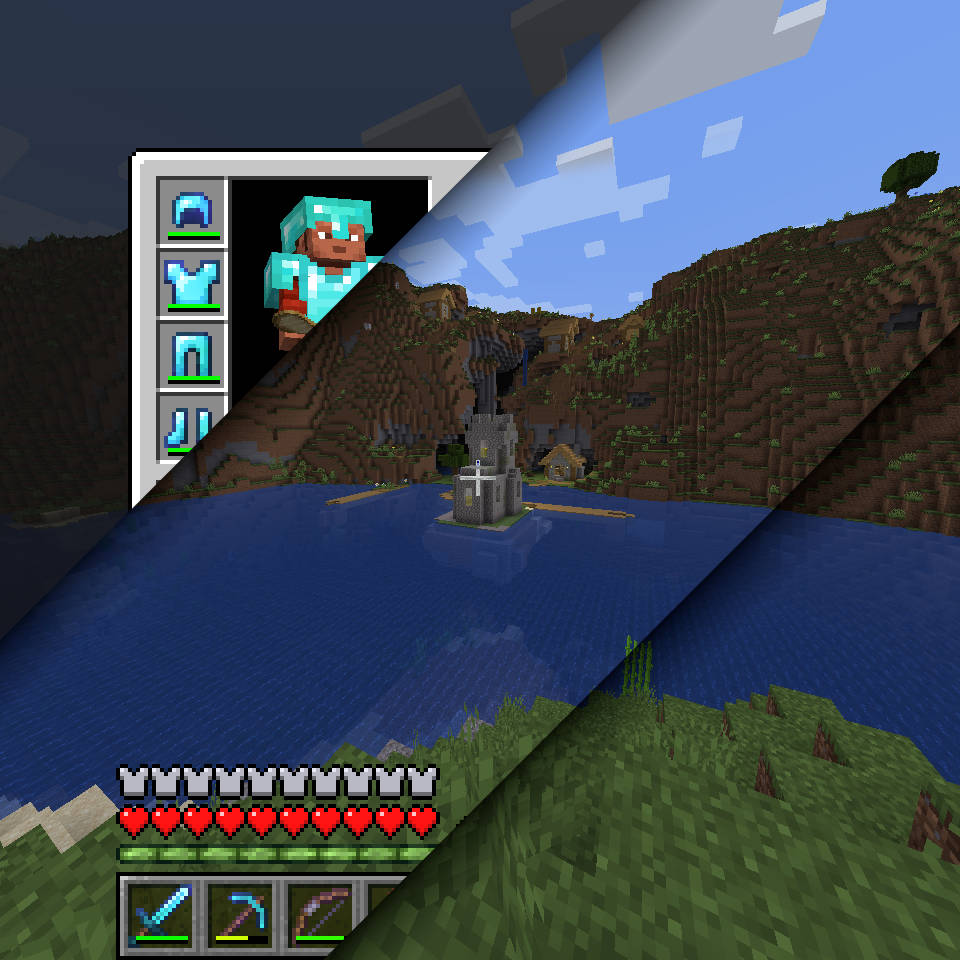 Mod Logo Composite of three layers from a screenshot
-
 Mod Logo Composite of three layers from a screenshot
 -
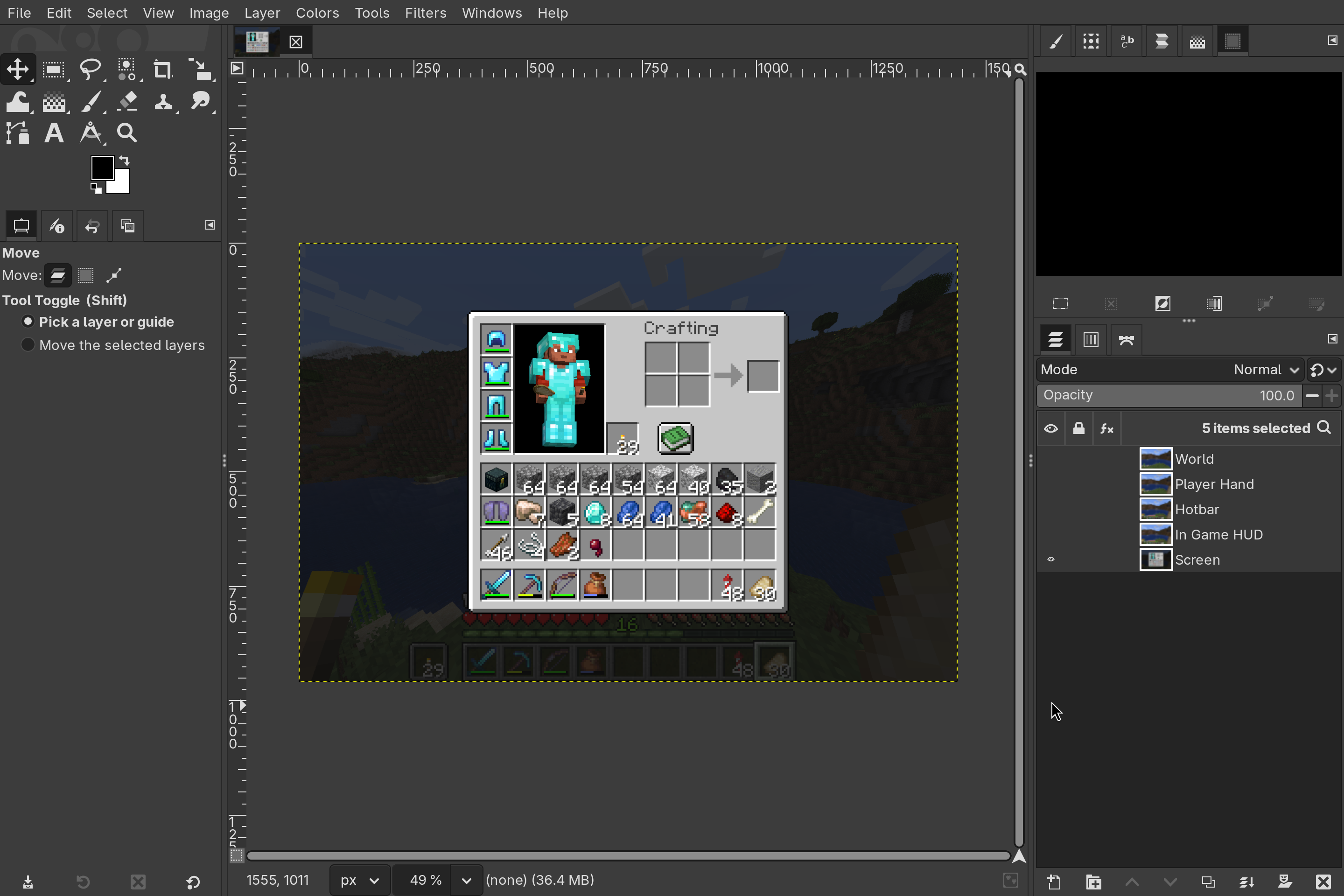 Screenshot in GIMP See the layer panel on the right showing the 5 layers in this screenshot.
Versions
Files
Relations
Project Relations
More like this
Similar Mods
Suggestions use data such as tags, dependencies, dependents, descriptions, titles, and more to rank how much they overlap with this mod.
On ModDex
Community snapshot
By the numbers
Statistics
 (opens in a new tab)
Get it on
Available Platforms
On ModDex
Community snapshot
By the numbers