Community listing page, reviews may not be monitored by the author.
Sea_Sky's God Mode

No reviews yet
A terrain editor. Brush, curve, shape placement with undo/redo.

Community voices
Reviews
No reviews yet. Be the first to review this project!
Get it on
Available Platforms
About
Project Details
For authors
Embed Badge
If you're the author of this project, you can embed a live badge anywhere that supports HTML or Markdown. It updates automatically whenever ratings change.
Use HTML for any page that supports it, or Markdown for README files and Markdown-based descriptions.
Identifiers
Platform IDs
Resources
External Links
About
Description
This is a terrain editor inspired by game engines like Unity. So many functions and operations are similar to Unity. You can easily transform the whole world.
Full visualization, no difficulty in getting started. Brush, curve, terrain, biome, shape placement with undo/redo.
This mod is very suitable for large-scale transformation of the world. If you want to make your own world, don't hesitate to try it.
Usage
This is a simple tutorial. It is easy to use, so you can choose not to look at it. But I still suggest you take a look at it, which is always good.
First, you need use the command "/godmode on" or just press "G" to change gamemode to godmode.
Then press "B" to open/close the editor UI.
Press the middle mouse button or press and hold the right button+WASD to move. Roll the mouse wheel farther or closer.
Ctrl + Z to undo.
Ctrl + Y to redo.
Brush
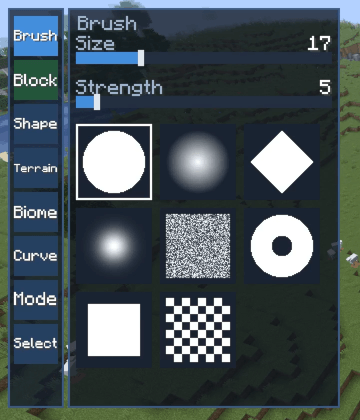
The brush usually determines the shape and range of the paint. You can understand it as you understand the brush in PS or the terrain brush in Unity. There eight default brushes in mod. But you can add your own brushes to "godmode/brushes".
Block
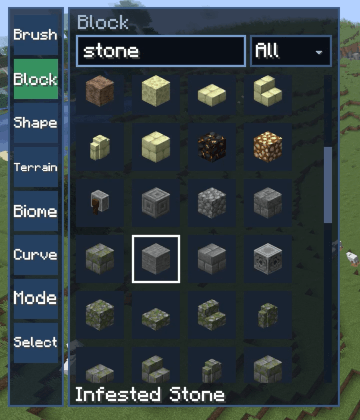
This is the most basic editing object. Select a block, click the left mouse button, drag the mouse.
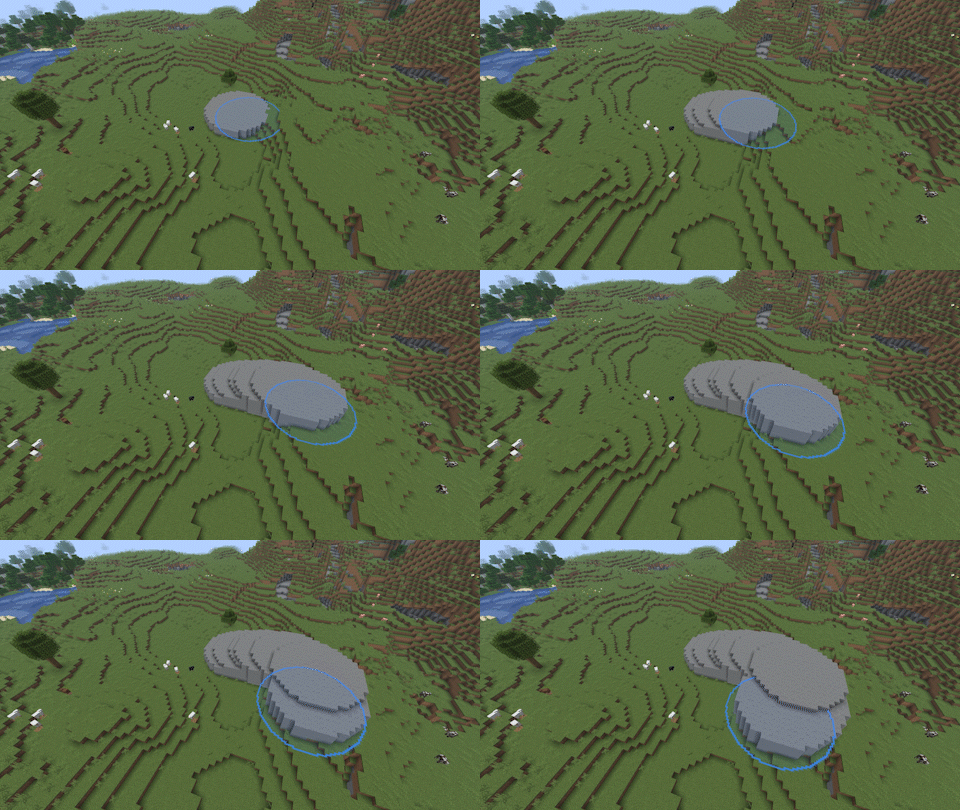
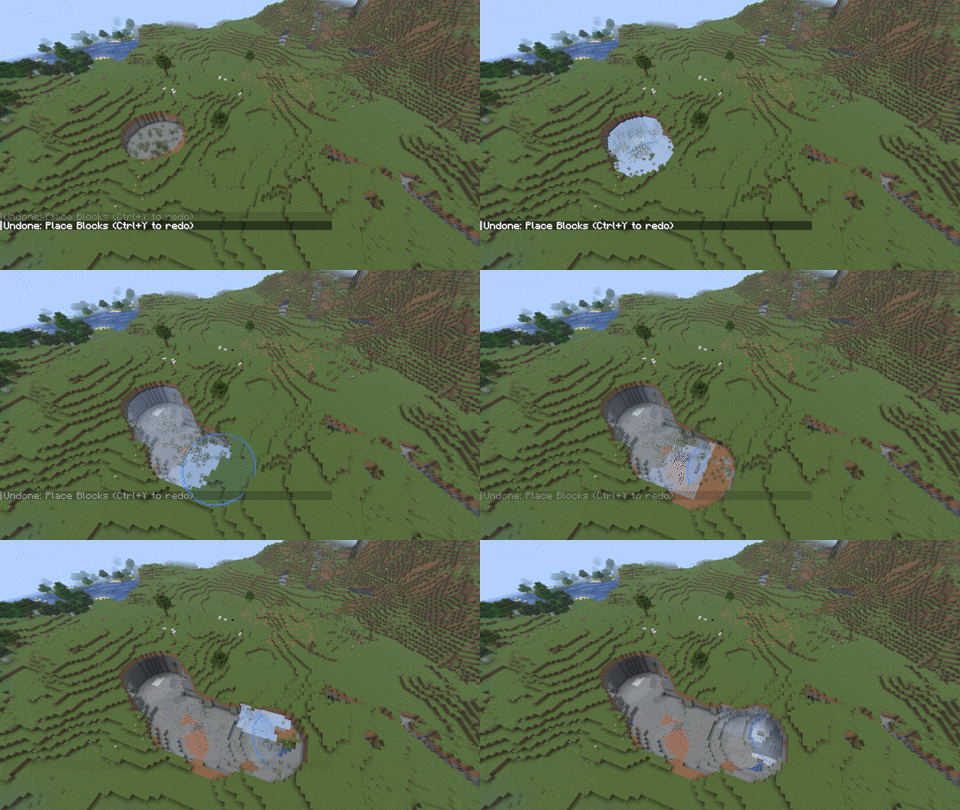
If you hold down Shift, only non air blocks will be replaced.
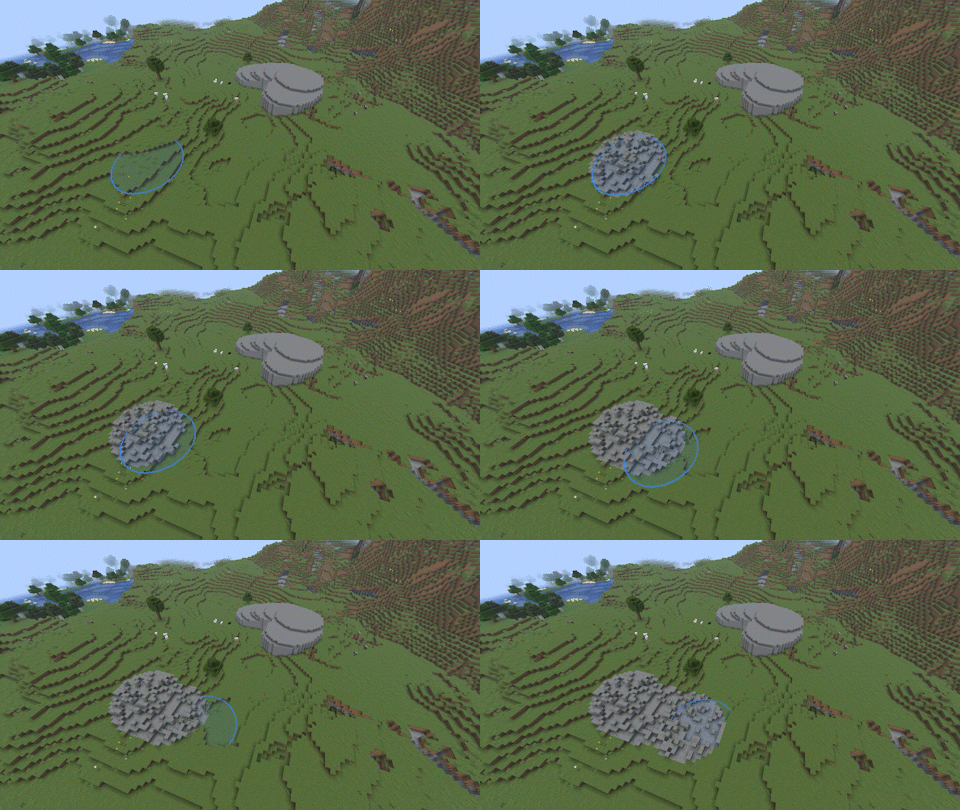
Selecting air or holding down ctrl erases the blocks.
Select
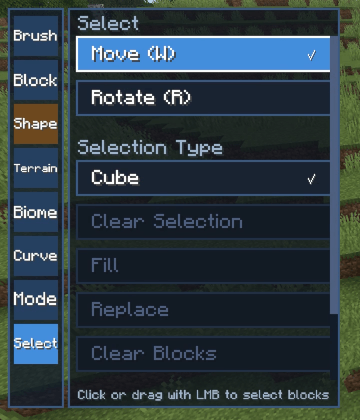
You can drag mouse to select blocks in a range.
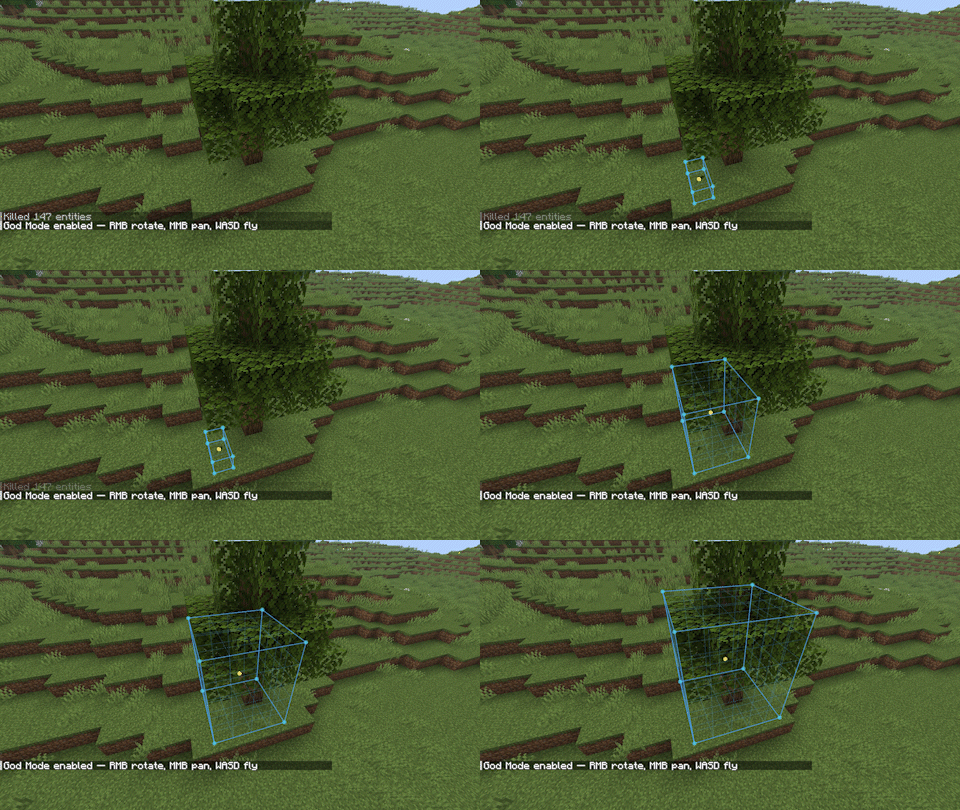
You can click to select a gizmo. Then move (press "W") gizmo to adjust the selection or rotate (press "R") the selection.
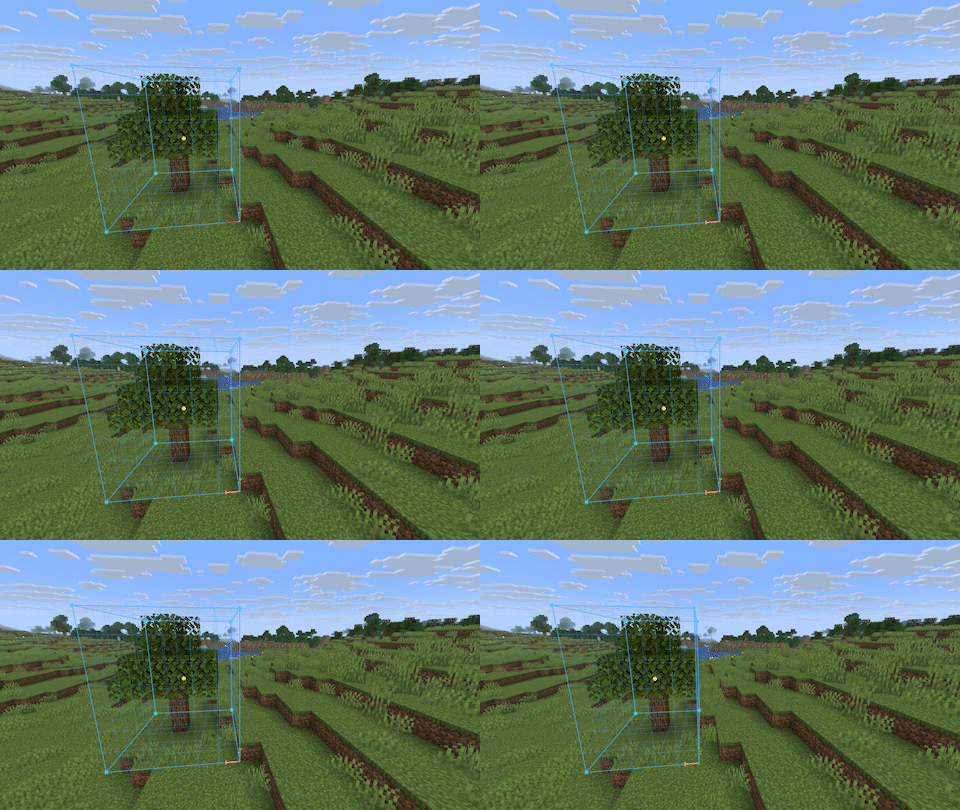
If press the Shift, you can move/rotation the blocks in the selection.
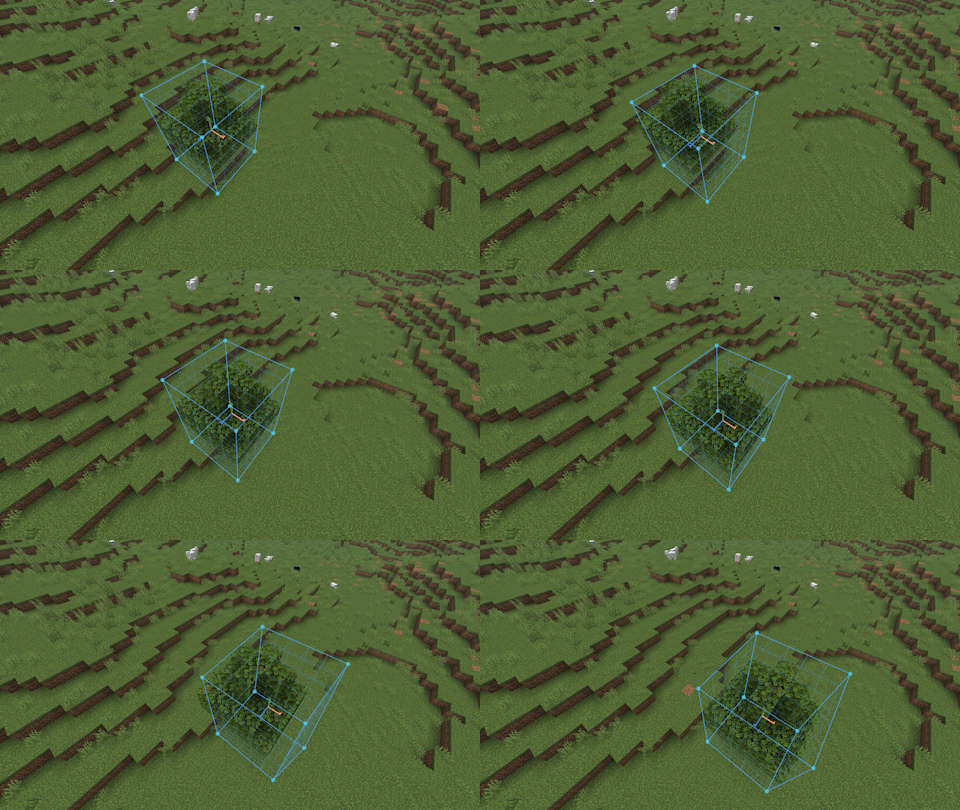
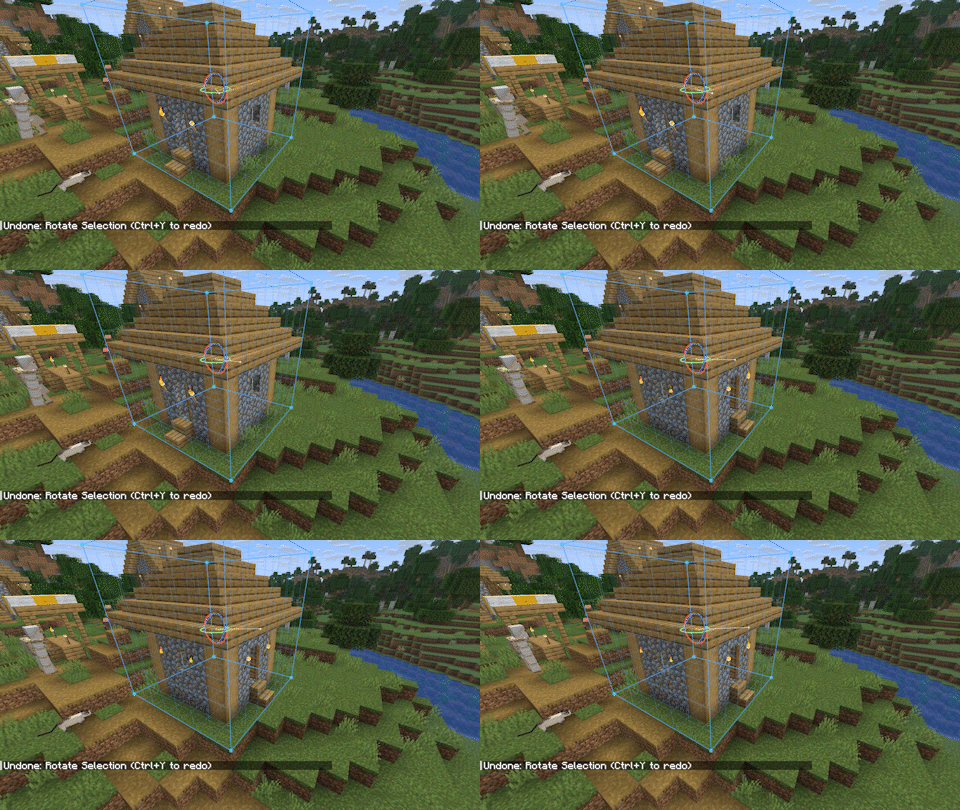
Ctrl + C will copy the content in the selection. Ctrl + V to paste them.
You can also export the blocks in the selection as a shape.
Shape
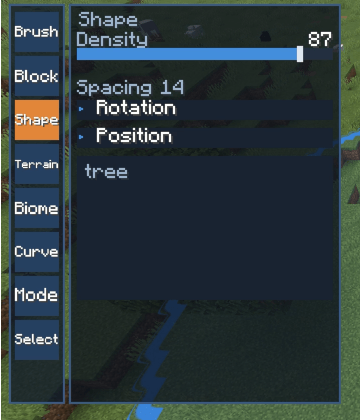
This is the second type of editing object. There can only be one active editing object at the same time.
It will load the shapes under "godmode/shapes". Click to select a shape.
Using shapes can easily create a forest, or place some random decorations.
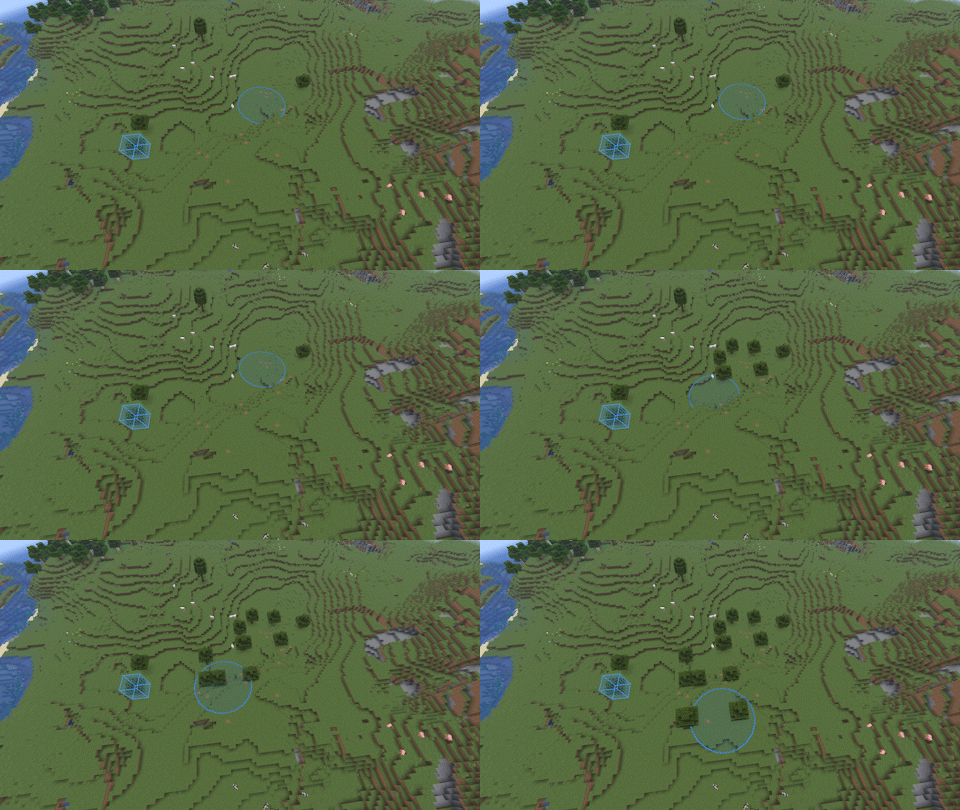
Terrain
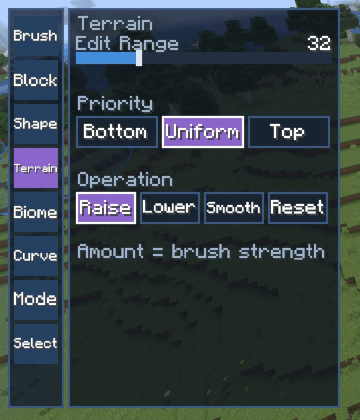
The third editing object. Edit Range determines the height you can penetrate. Bottom means that the blocks at the bottom will be edited first, such as removed or copied. Others are similar.
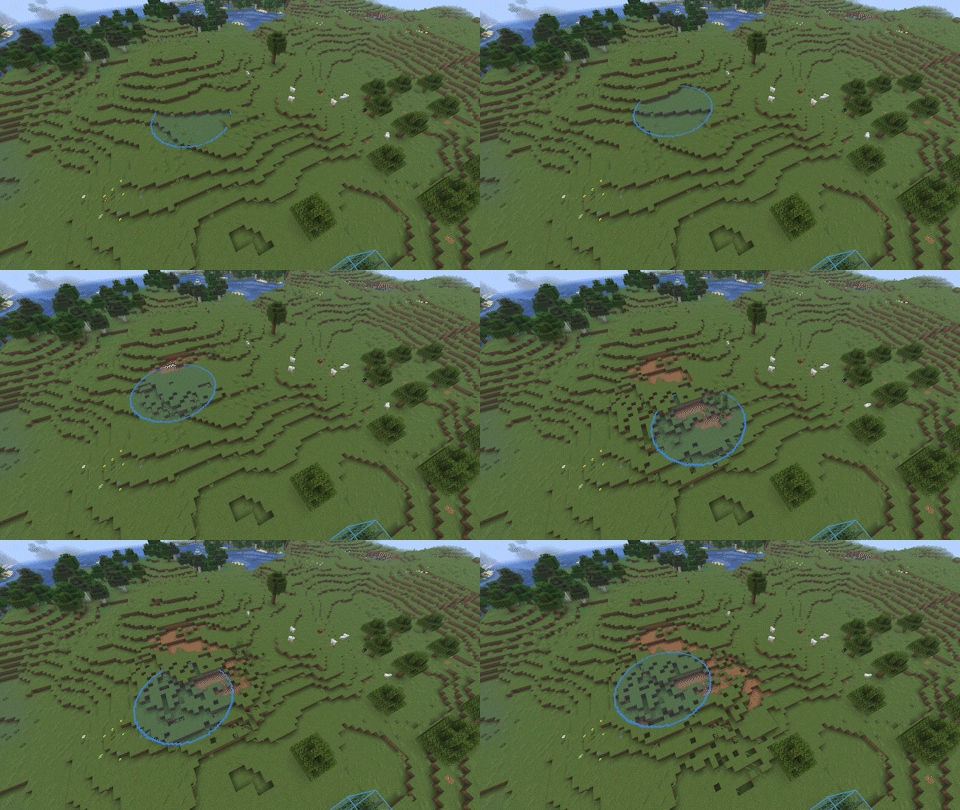
Reset will reset all blocks to their original state. This recalculates the chunks, so there may be a slight delay.
Biome
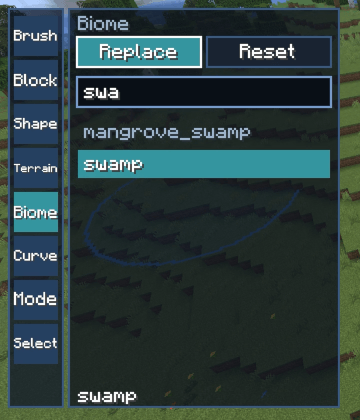
The fourth editing object. There's nothing to explain, literally.
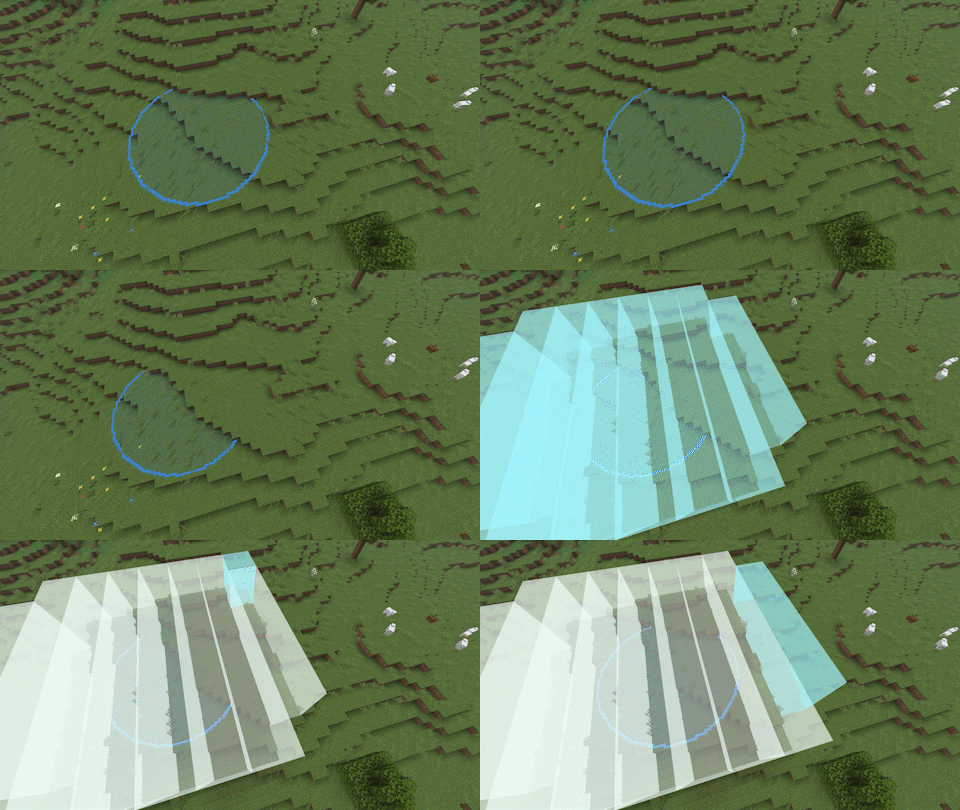
Curve
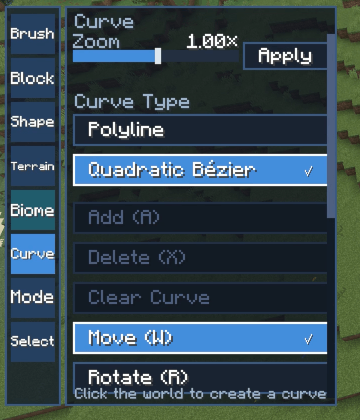
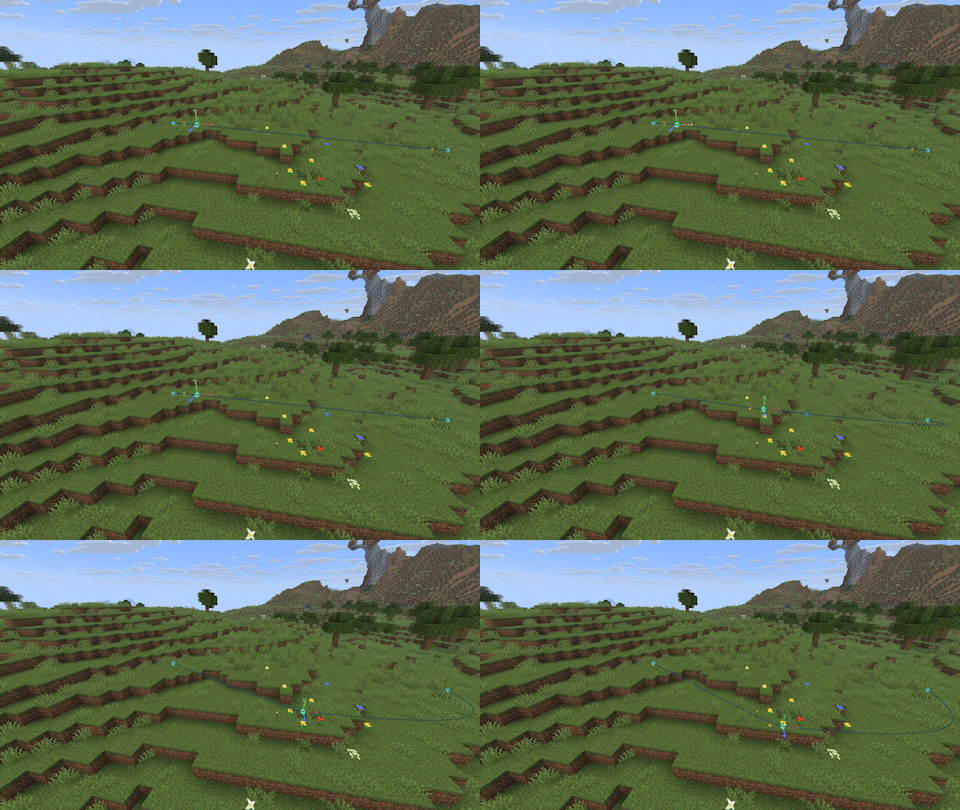
Curves allow you to easily lay out objects such as rivers.
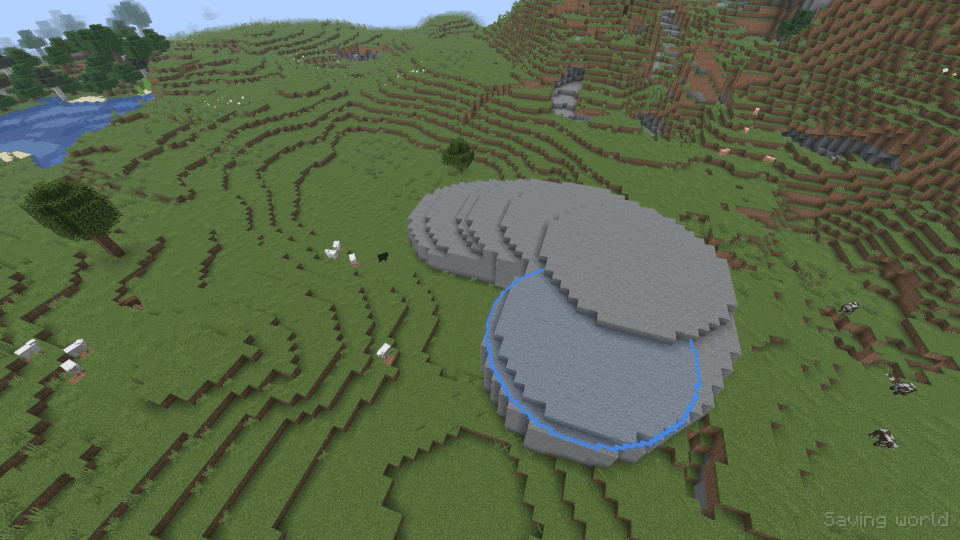
Curves can be used with block, shape, and biome.
Press ctrl to move the curve. Press the shift to select multiple gizmos.
Zoom scales the curve around the currently selected gizmo. If multiple gizmos are selected, their average point is the zoom center.
Note
BlockEntities are not supported at present, and their datas will be lost in the process of moving, copying, and exporting.
A shape can only hold up to 48x48x48 blocks.
You can undo up to 20 steps. And there is a maximum number of blocks.
Screenshots
Gallery
-
 Fill.png Fill.png
 -
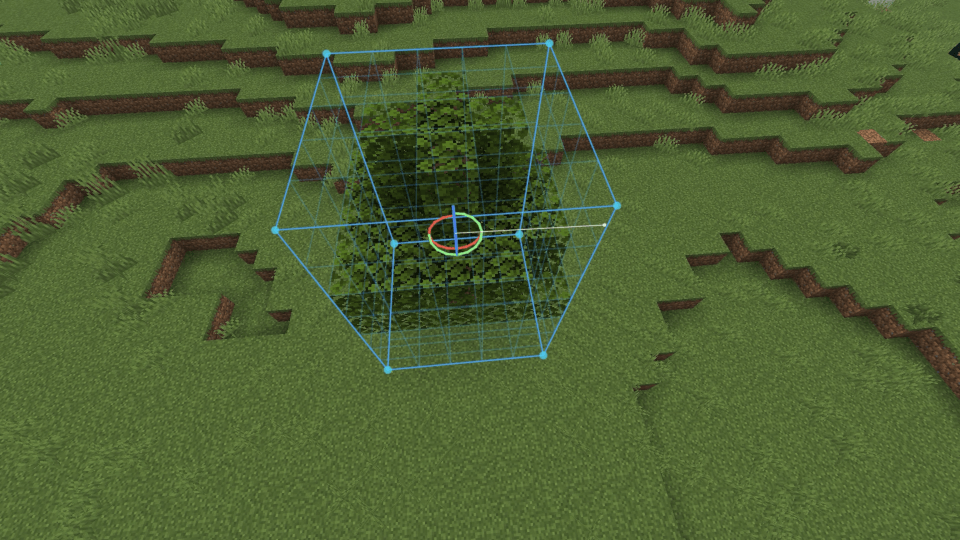 Rotate.png Rotate.png
 -
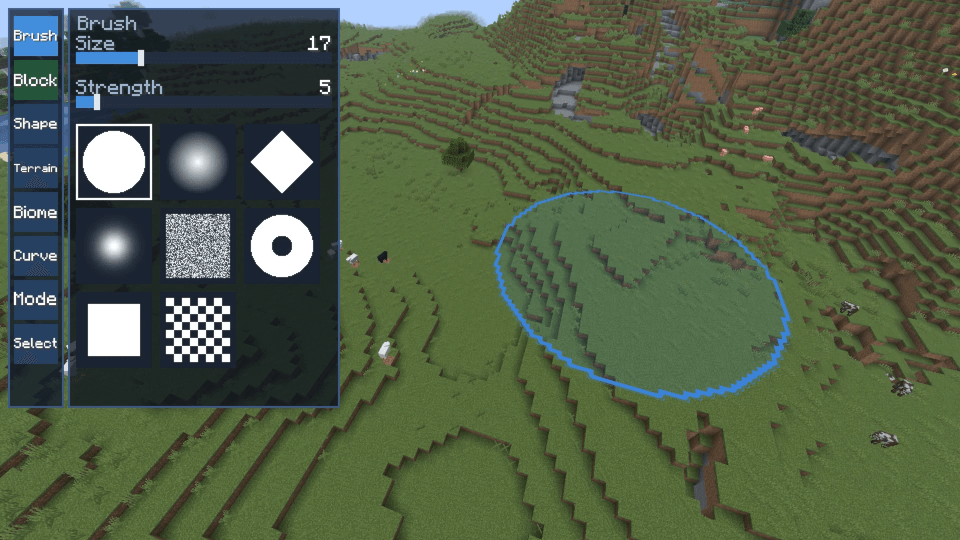 Brush.png Brush.png
 -
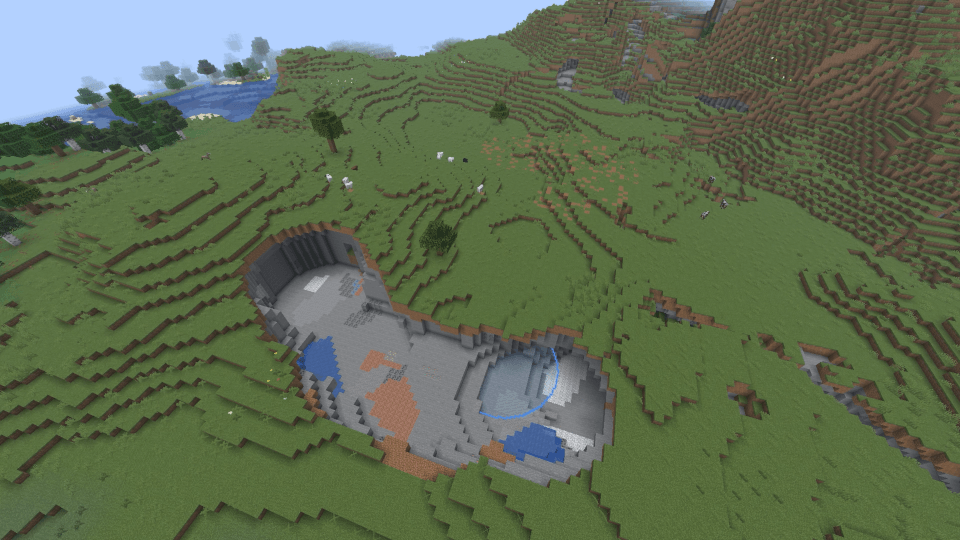 Clear.png Clear.png
 -
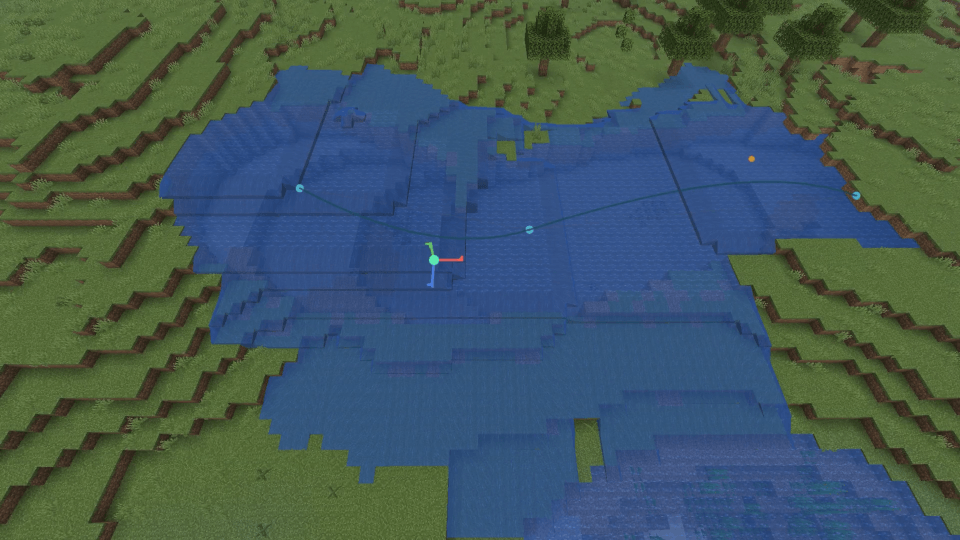 Curve.png Curve.png
 -
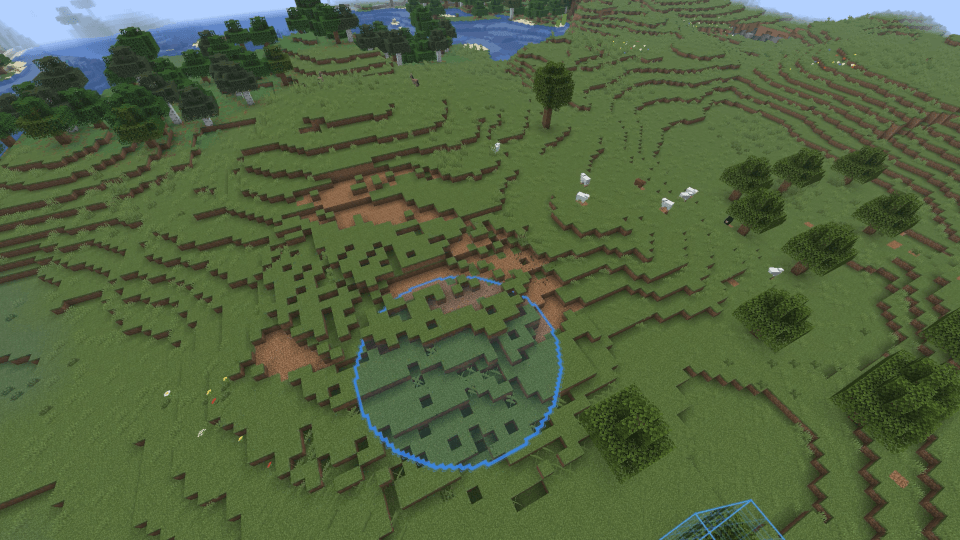 Smooth.png Smooth.png
Versions
Files
Relations
Project Relations
More like this
Similar Mods
Suggestions use data such as tags, dependencies, dependents, descriptions, titles, and more to rank how much they overlap with this mod.
On ModDex
Community snapshot
By the numbers
Statistics

Get it on
Available Platforms
On ModDex
Community snapshot
By the numbers
Statistics
Resources