Community listing page, reviews may not be monitored by the author.
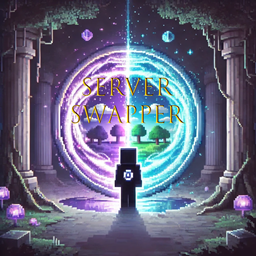
Server Swapper


No reviews yet
Allows portal use between neoforge servers

Community voices
Reviews
No reviews yet. Be the first to review this project!
Get it on
Available Platforms
Compatibility
Supported Environments
Must be installed on both the client and the server.
About
Project Details
For authors
Embed Badge
If you're the author of this project, you can embed a live badge anywhere that supports HTML or Markdown. It updates automatically whenever ratings change.
Use HTML for any page that supports it, or Markdown for README files and Markdown-based descriptions.
Identifiers
Platform IDs
Resources
External Links
About
Description
Server Portal Mod
Are you looking for a portal to switch between Neoforge servers? Well here it is!
Key Features
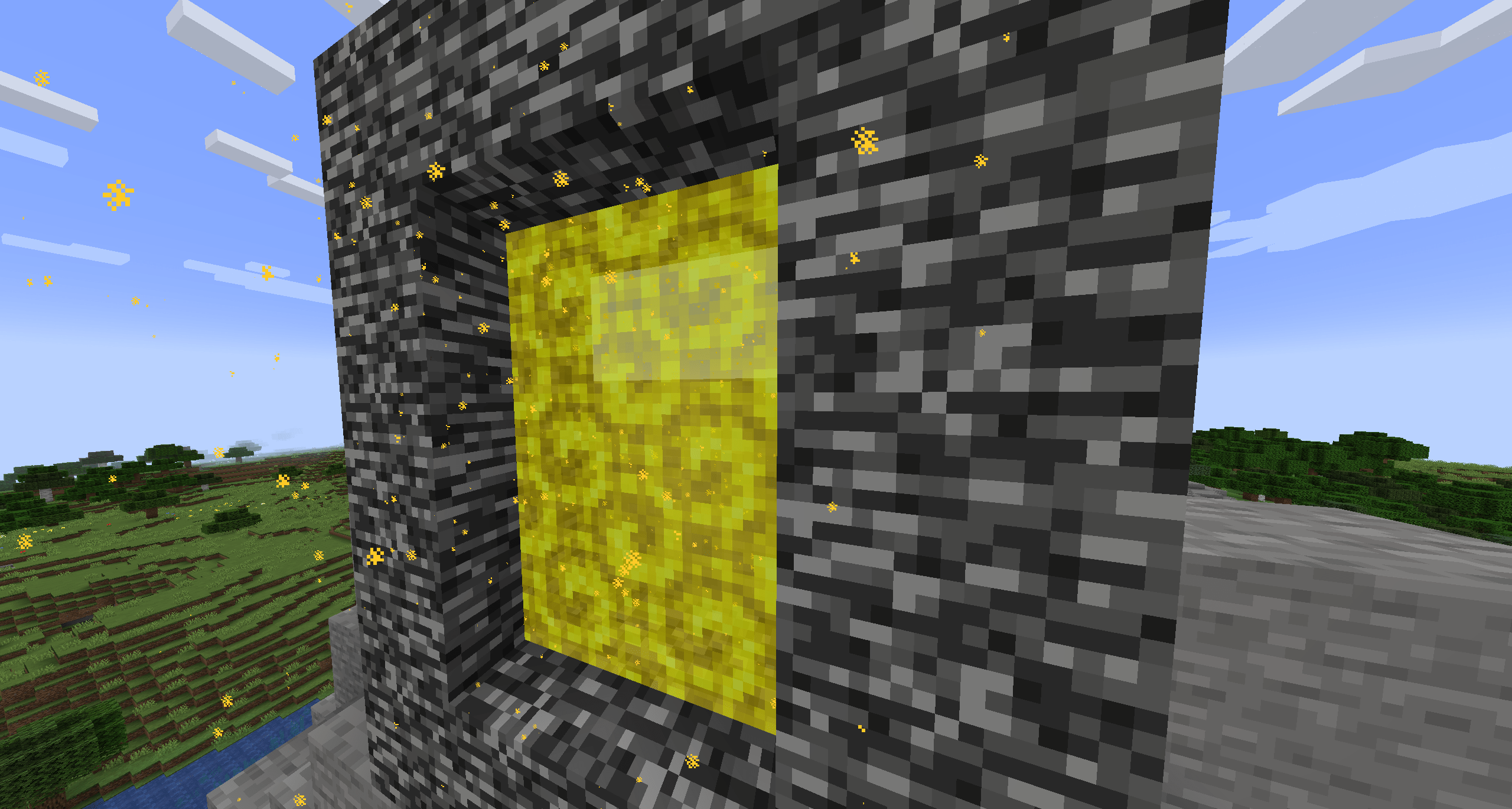
- Customizable Portals: Create special portals that act as gateways to other server instances or specific IPs/ports. The portals have a distinctive gold appearance with dynamic particle effects.
- Persistent Server Destinations: Server administrators can easily manage a list of predefined server connections (name, IP, port) using intuitive in-game commands.
- Cross-Server Chat (via RCON): Connect chat across your entire server network, allowing players on different servers to communicate seamlessly.
- Configurable Message Formats: Tailor the appearance of cross-server chat messages, player join messages, and player leave messages using placeholders and various color codes.
How it Enhances Your Server
- Easy Server Hubs: Create a central hub that links to your survival, creative, minigame, or resource servers.
- Intuitive Navigation: Players don't need to disconnect and reconnect; simply walk through a portal.
- Immersive Experience: The custom visuals make portal travel feel unique and magical.
- Unified Community: Foster a more connected player base by enabling real-time chat and presence notifications across all linked servers.
- Admin Control: Commands for adding, removing, and listing server destinations put you in charge of your network's flow.
Commands (OP & LuckPerms Integration)
/swp create <name>– Spawn a portal to a saved server destination./swp list– View all saved server destinations./swp add <name> <ip> <port>– Add a new server destination to the config./swp remove <name>– Remove a saved server destination./swp reload– Reload the mod's configuration./swp help– Display mod commands.
Configuration
There's a ton of config options, basically everything I could think anyone would want to change! This includes particle size, cooldown time, teleport delay, portal frame block, and much more. You can now also extensively customize the cross server chat message formats, including support for Minecraft's native § color codes, the common & format, and Solstice color tags, along with dynamic placeholders for server name, player name, LuckPerms prefix/suffix, and message content.
Limitations
- Single Player Incompatibility: The mod does not currently work in single-player mode and is designed specifically for multiplayer Neoforge servers (Work in Progress).
- RCON Dependency for Chat: Cross-server chat functionality requires proper RCON configuration on all linked servers.
- Must be on client and server!
Are you looking for a portal to switch between Neoforge servers? Well here it is!
Key Features
Customizable Portals: Create special portals that act as gateways to other server instances or specific IPs/ports. The portals have a distinctive gold appearance with dynamic particle effects.
Persistent Server Destinations: Server administrators can easily manage a list of predefined server connections (name, IP, port) using intuitive in-game commands.
Cross-Server Chat (via RCON): Connect chat across your entire server network, allowing players on different servers to communicate seamlessly.
Configurable Message Formats: Tailor the appearance of cross-server chat messages, player join messages, and player leave messages using placeholders and various color codes.
How it Enhances Your Server
Easy Server Hubs: Create a central hub that links to your survival, creative, minigame, or resource servers. Intuitive Navigation: Players don't need to disconnect and reconnect; simply walk through a portal. Immersive Experience: The custom visuals make portal travel feel unique and magical. Unified Community: Foster a more connected player base by enabling real-time chat and presence notifications across all linked servers. Admin Control: Commands for adding, removing, and listing server destinations put you in charge of your network's flow.
Commands OP & LuckPerms Integration
/swp create <name>– Spawn a portal to a saved server destination./swp list– View all saved server destinations./swp add <name> <ip> <port>– Add a new server destination to the config./swp remove <name>– Remove a saved server destination./swp reload– Reload the mod's configuration./swp help– Display mod commands.
Configuration
There's a ton of config options, basically everything I could think anyone would want to change! This includes particle size, cooldown time, teleport delay, portal frame block, and much more. You can now also extensively customize the cross server chat message formats, including support for Minecraft's native § color codes, the common & format, and Solstice color tags, along with dynamic placeholders for server name, player name, LuckPerms prefix/suffix, and message content.
Limitations
- Single Player Incompatibility: The mod does not currently work in single-player mode and is designed specifically for multiplayer Neoforge servers (Work in Progress).
- RCON Dependency for Chat: Cross-server chat functionality requires proper RCON configuration on all linked servers.
Screenshots
Gallery
-
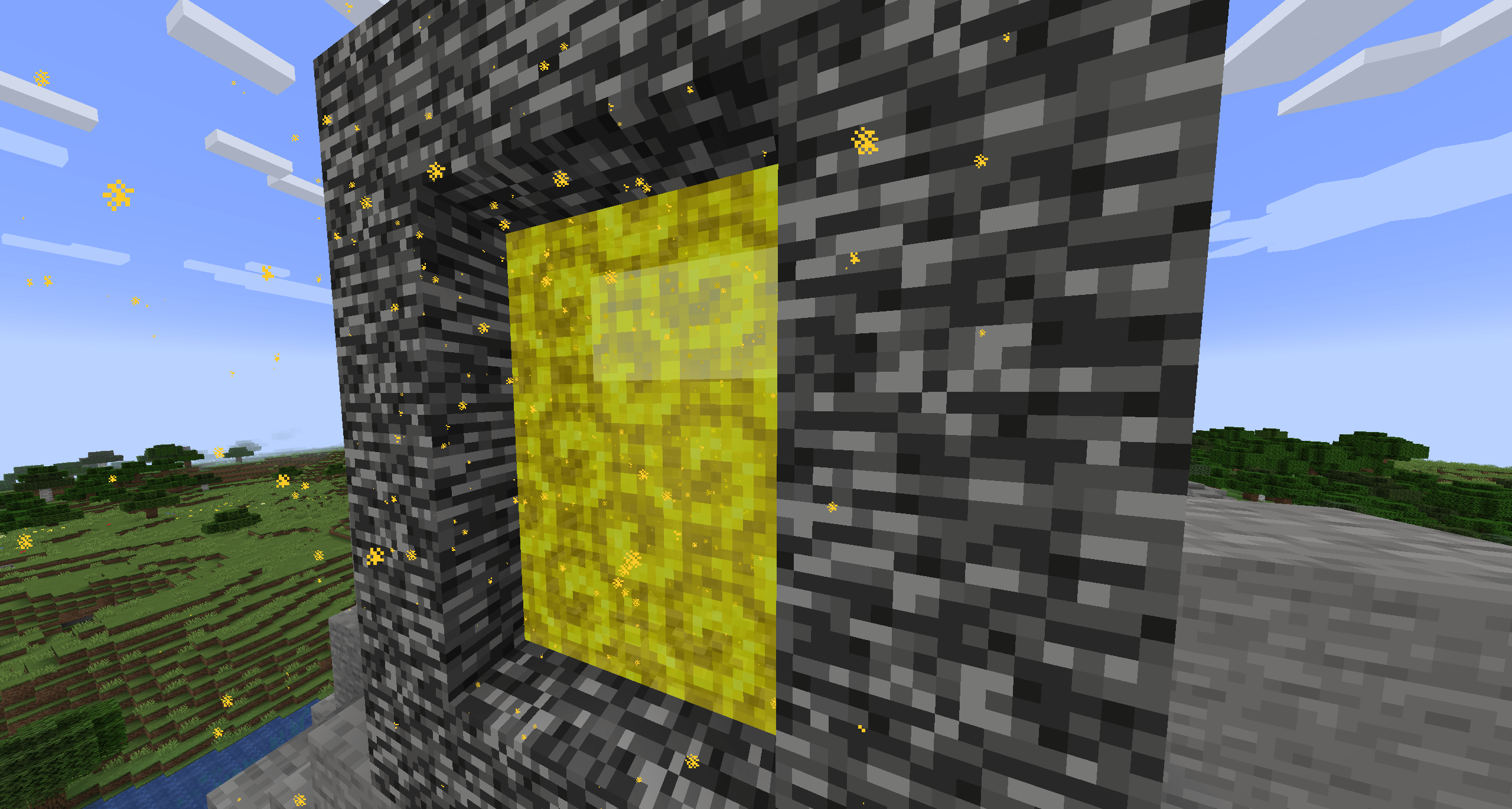 2025-06-25_21.40.32-min.png 2025-06-25_21.40.32-min.png
 -
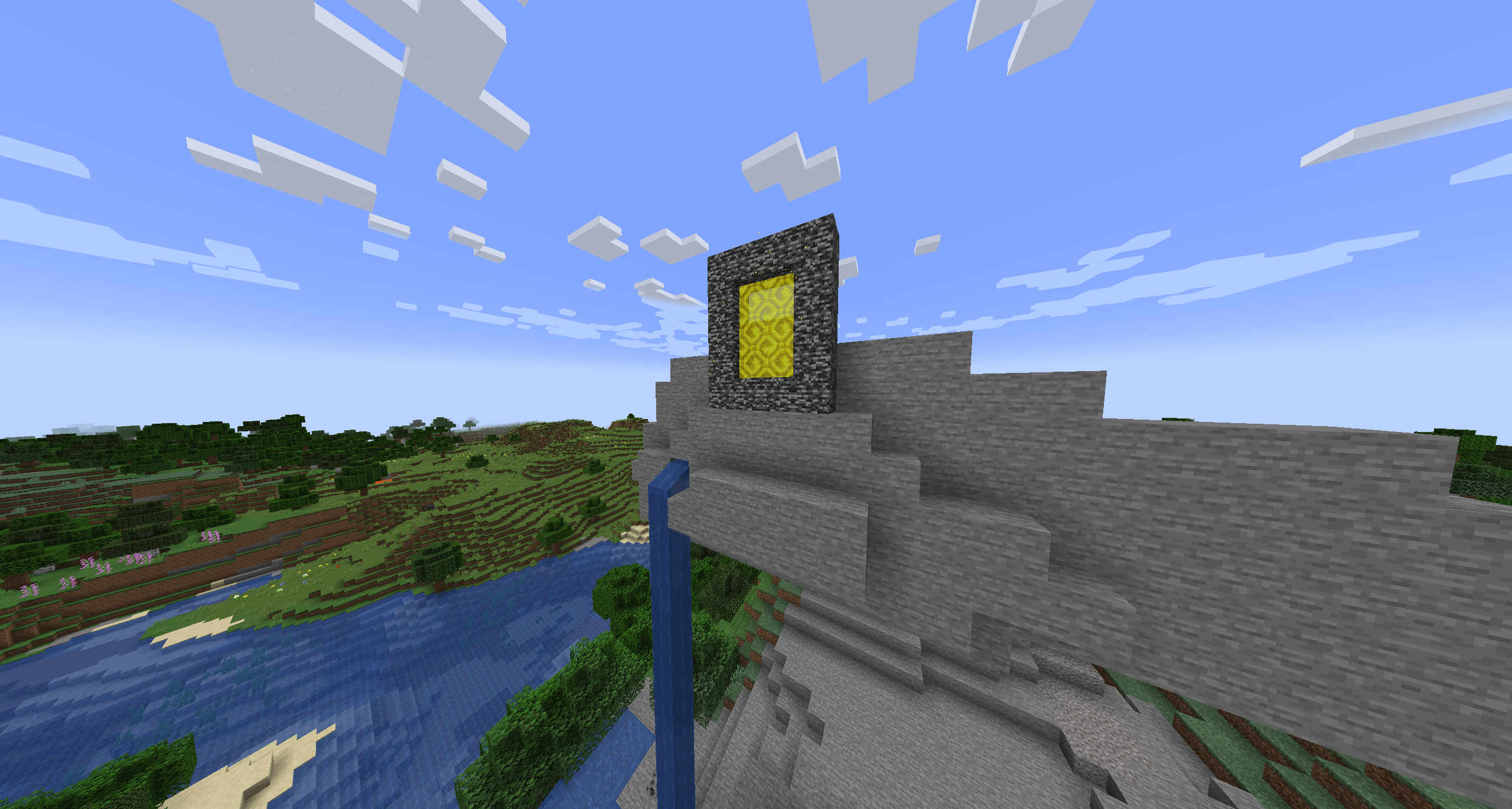 2025-06-25_21.40.08-min.png 2025-06-25_21.40.08-min.png
Versions
Files
Relations
Project Relations
More like this
Similar Mods
Suggestions use data such as tags, dependencies, dependents, descriptions, titles, and more to rank how much they overlap with this mod.
On ModDex
Community snapshot
By the numbers
Statistics
 (opens in a new tab)
Get it on
Available Platforms
On ModDex
Community snapshot
By the numbers
Statistics
Resources