
Community listing page, reviews may not be monitored by the author.
ShadertoyMC

No reviews yet
//g from worldedit but with actual code

Community voices
Reviews
No reviews yet. Be the first to review this project!
Get it on
Available Platforms
Compatibility
Supported Environments
Runs entirely on the server. Also works in singleplayer.
About
Project Details
For authors
Embed Badge
If you're the author of this project, you can embed a live badge anywhere that supports HTML or Markdown. It updates automatically whenever ratings change.
Use HTML for any page that supports it, or Markdown for README files and Markdown-based descriptions.
Identifiers
Platform IDs
About
Description
ShadertoyMC
CURRENTLY THIS IS A SINGLEPLAYER ONLY MOD
This minecraft mod allows writing scripts in Arucas with the goal of placing blocks based on math.
The working logic is similar to how shadertoy works: an expression is calculated for each block with block coordinates as inputs and as a result of this expression a block is placed at the coordinates.
FabricAPI required
Easy start
Step 1
Create a new script with /shadertoy new <name>
This file will contain a working script and can be run immediately, but the area on operation is defined within the file and might not match your desired are.
Step 2
Set the area with one of the
following: /area pos1 <pos> + /area pos2 <pos>, /area origin <origin> size <sizeX> <sizeY> <sizeZ>, /area <pos1> <pos2>.
Step 3
The file can be located in .minecraft/config/shadertoy. Recommended text editor: VSCode with Arucas extension
recommended.
Files can also be opened with /shadertoy open <name>.
Step 4
Run the script with /shadertoy run <name>.
Screenshots
Gallery
-
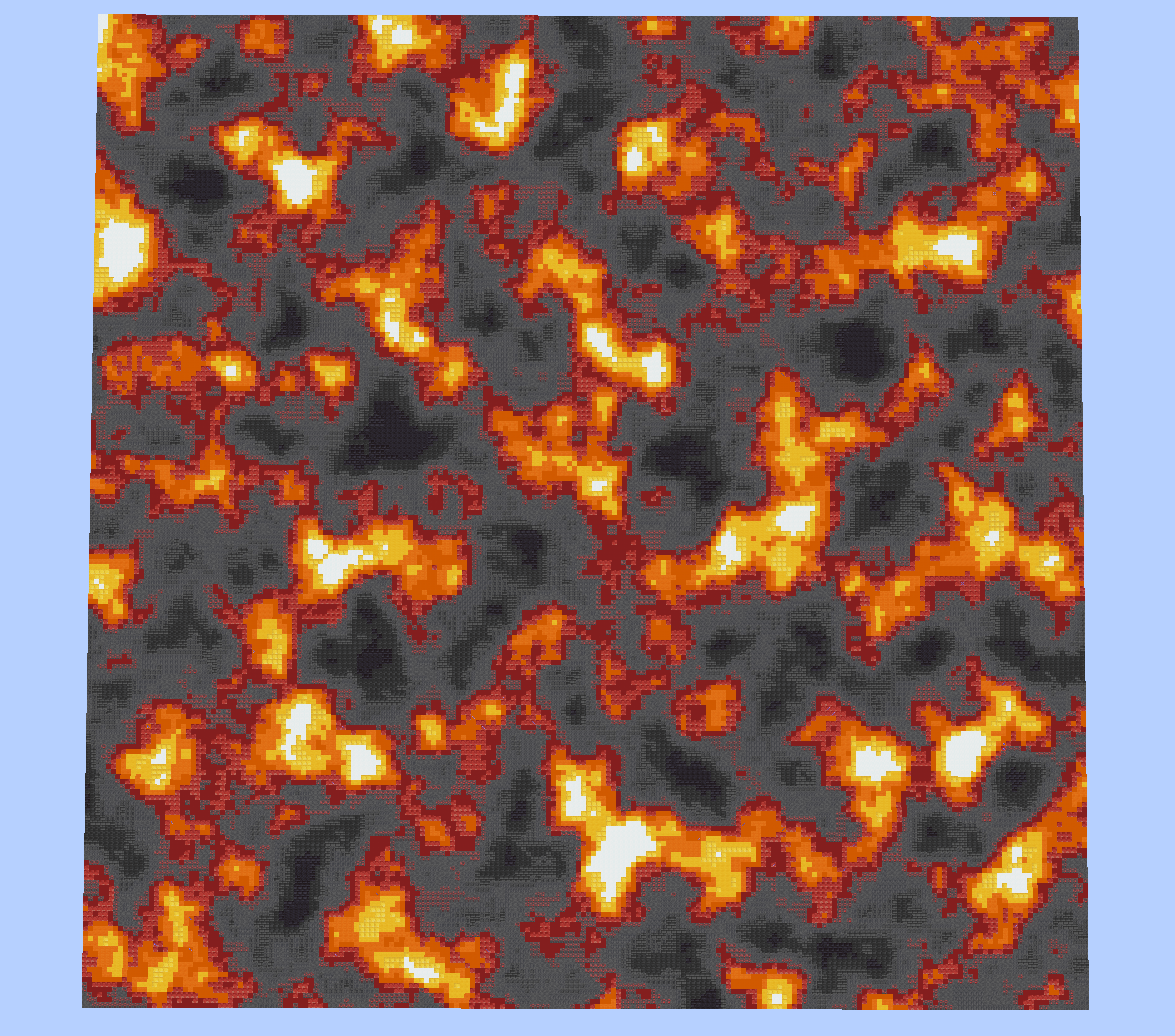 2d magma This was generated by mapping perlin noise values to one of the provided block palettes
 -
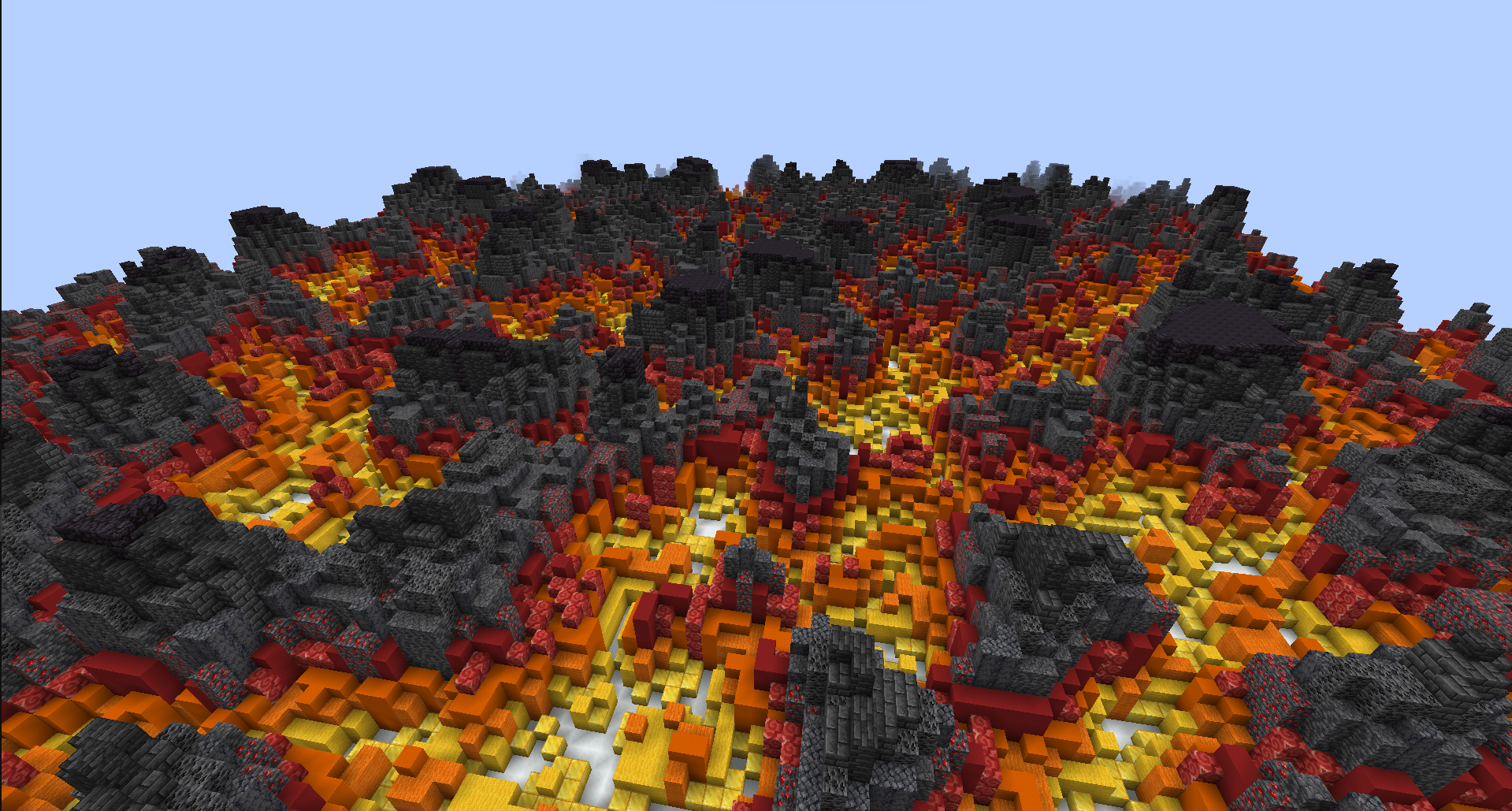 Simple 3d magma terrain This was done by comparing the absolute value of a 2d perlin noise with the normalized (from -1, -1, -1 to 1, 1, 1 within the area) y values
 -
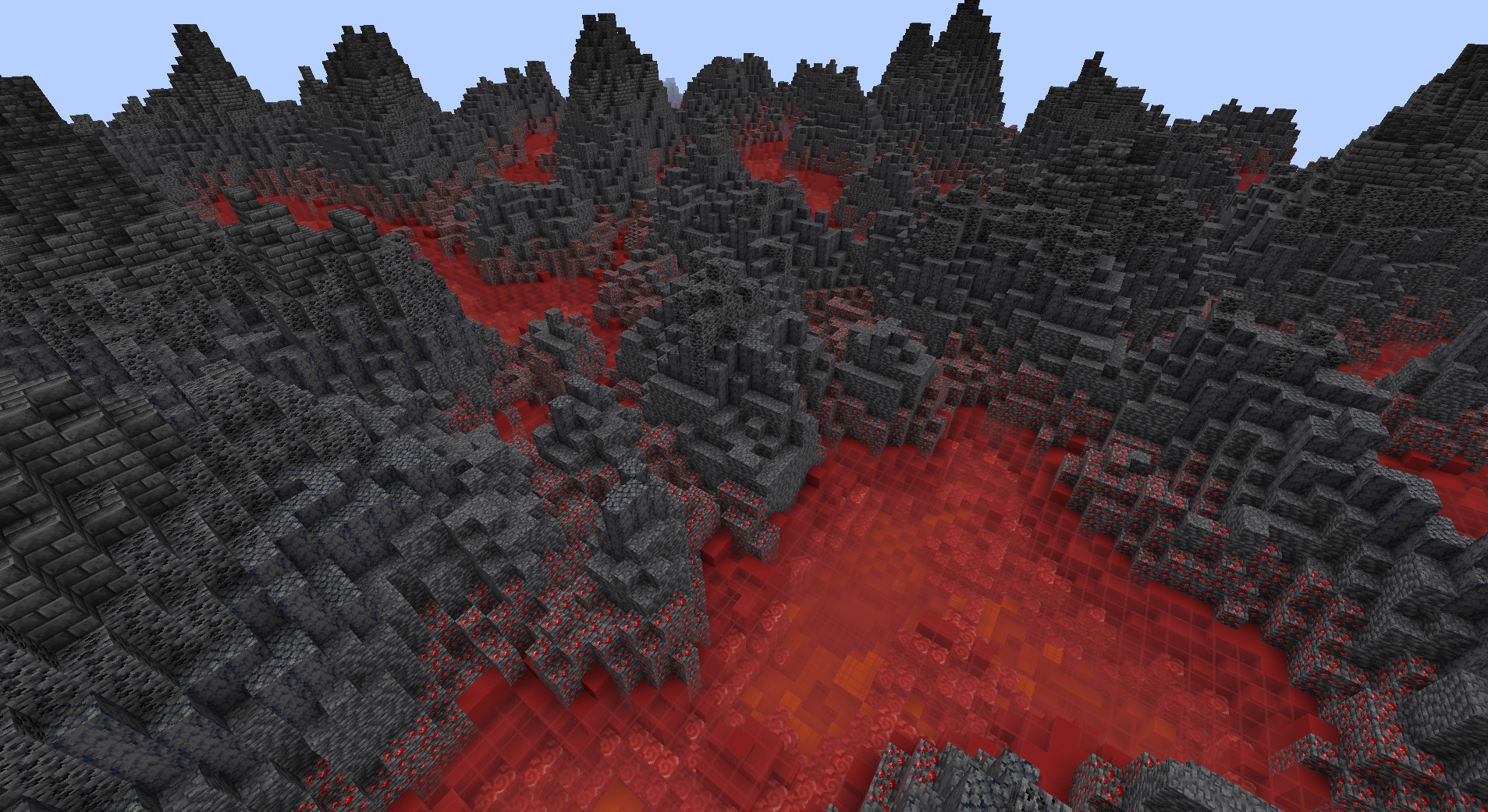 Improved 3d magma terrain Code for this can be found here: https://github.com/erv123/ShadertoyMC_Libraries/blob/main/scripts/improved3dMagma.arucas
 -
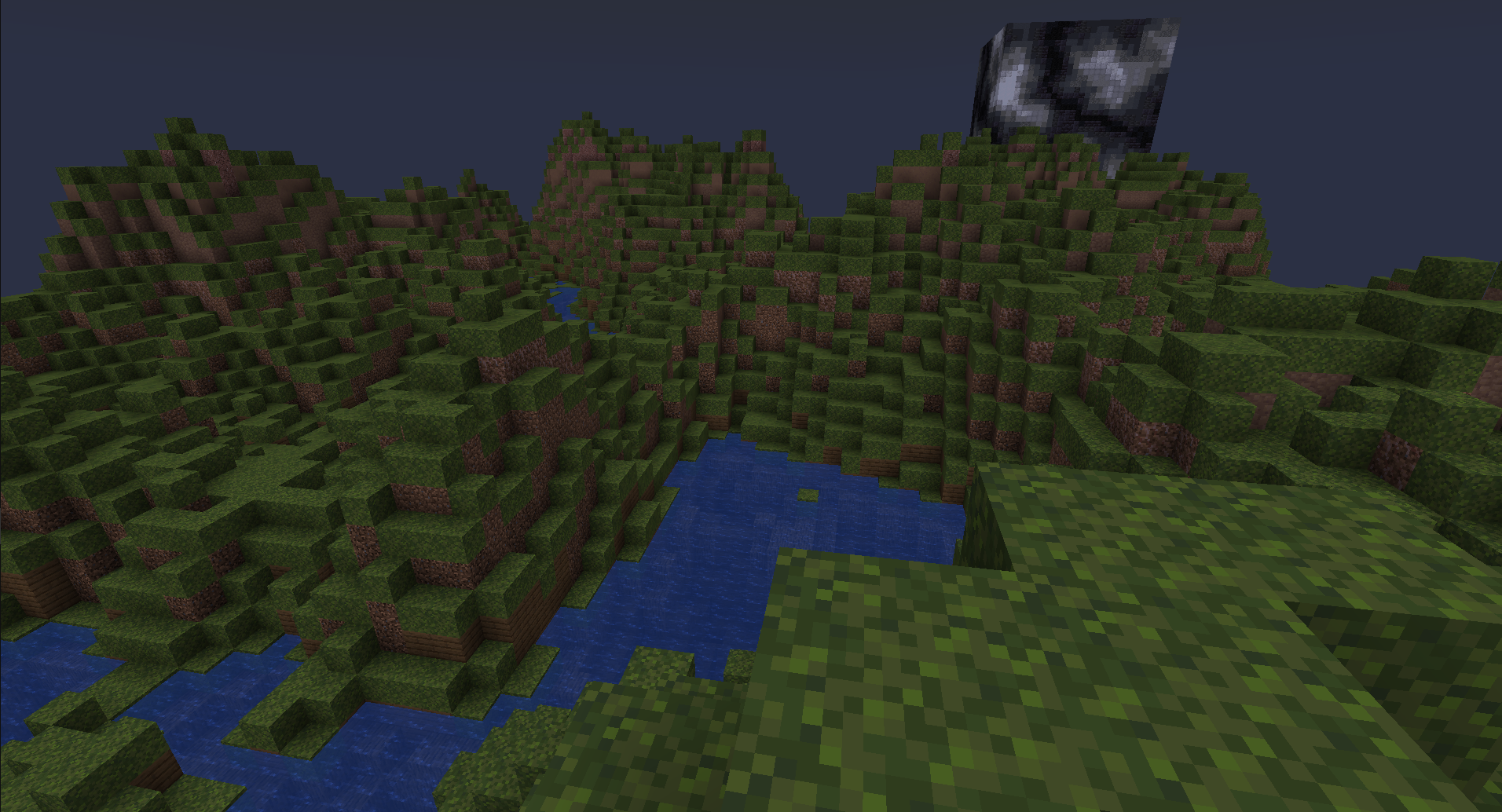 Terrain with water level Code for this can be found here: https://github.com/erv123/ShadertoyMC_Libraries/blob/main/scripts/terrainWithWaterLevel.arucas
Versions
Files
Relations
Project Relations
More like this
Similar Mods
Suggestions use data such as tags, dependencies, dependents, descriptions, titles, and more to rank how much they overlap with this mod.
On ModDex
Community snapshot
By the numbers
Statistics


Get it on
Available Platforms
On ModDex
Community snapshot
By the numbers