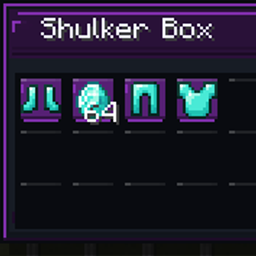
Community listing page, reviews may not be monitored by the author.
Shulker Inside

No reviews yet
Preview Shulker Box contents directly from your inventory with a custom animated UI, configurable positioning, and color-themed panels. Copy summary.

Community voices
Reviews
No reviews yet. Be the first to review this project!
Get it on
Available Platforms
About
Project Details
For authors
Embed Badge
If you're the author of this project, you can embed a live badge anywhere that supports HTML or Markdown. It updates automatically whenever ratings change.
Use HTML for any page that supports it, or Markdown for README files and Markdown-based descriptions.
Identifiers
Platform IDs
Resources
External Links
About
Description
Shulker Inside
See what's inside. No opening required.
Shulker Inside is a Minecraft Java Edition quality-of-life mod that lets you preview the contents of a Shulker Box simply by hovering over it in your inventory.
Instead of opening a Shulker Box just to find a specific item, you can quickly view its contents in a custom preview panel while keeping your inventory open.
✨ Features
-
Instant Content Preview — View the contents of a Shulker Box without opening or placing it.
-
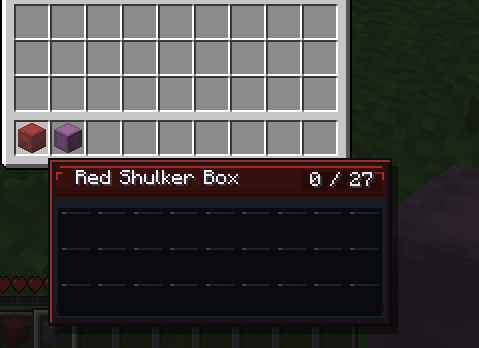
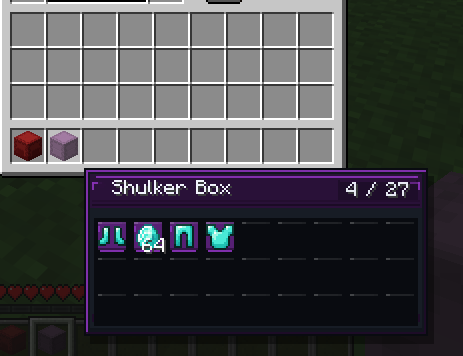
27-Slot Inventory Grid — See the Shulker Box contents in a familiar 9 × 3 layout, including item icons and stack counts.
-
Custom Animated UI — A distinctive preview panel with a dark theme, animated accents, and a Shulker-inspired color scheme.
-
Shulker Color Styling — Customize the appearance using the Shulker Box's color.
-
Modern and Classic Panels — Choose your preferred panel style.
-
Flexible Positioning — Position the preview around your mouse or choose another supported position.
-
Adjustable Scale and Opacity — Customize the preview's size and transparency.
-
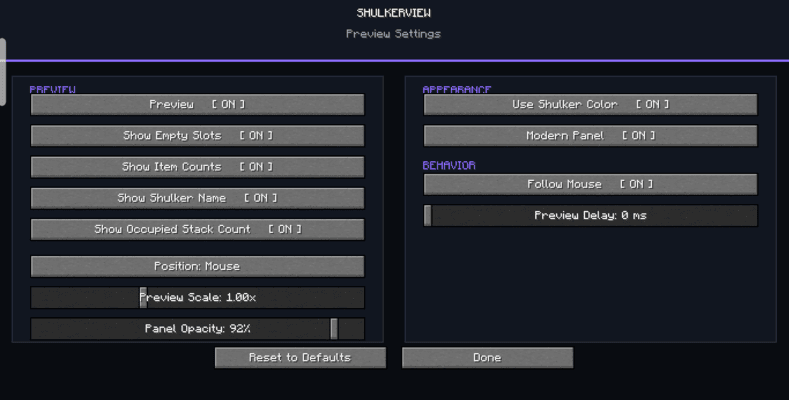
Configurable Display — Choose whether to show empty slots, item counts, the Shulker name, and occupied-slot count.
-
Follow Mouse Option — Control whether the preview follows your cursor.
-
Preview Delay — Adjust the delay before the preview appears.
-
Settings Screen — Configure the available options in-game.
🎮 How to Use
-
Install Minecraft Java Edition with the compatible Fabric Loader.
-
Install Fabric API.
-
Place the Shulker Inside mod JAR in your Minecraft
modsfolder. -
Launch the game using your Fabric installation.
-
Open an inventory and hover over a Shulker Box to preview its contents.
-
Press O to open the settings screen and customize the preview.
📦 Requirements
-
Minecraft Java Edition 1.21+
-
Fabric Loader
-
Fabric API
This release is intended for the Minecraft version and loader listed above. Check the supported versions on the Files tab before installing.
💬 Feedback and Support
Found a bug or have a feature suggestion? Please leave a comment on the project page with your Minecraft version, Fabric Loader version, and a description of the issue.
Thank you for checking out Shulker Inside!
Enjoy a better way to manage your Shulker Boxes.
Screenshots
Gallery
-
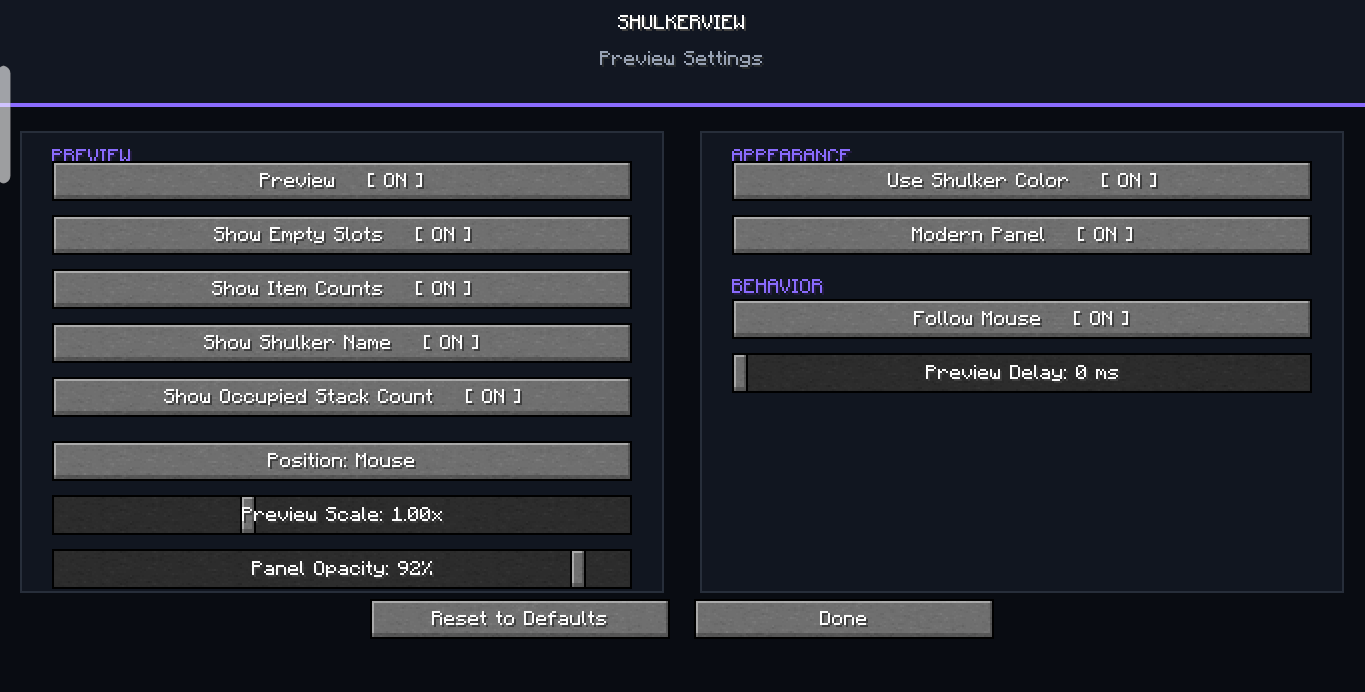 all Configarations that this mod can do
 -
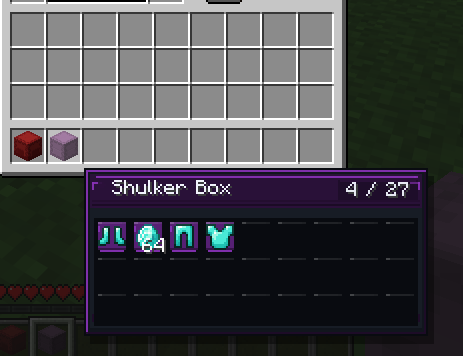 see required things
 -
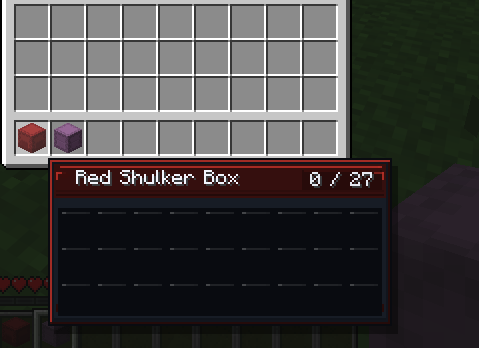 Real Name with colors
Versions
Files
Relations
Project Relations
More like this
Similar Mods
Suggestions use data such as tags, dependencies, dependents, descriptions, titles, and more to rank how much they overlap with this mod.
On ModDex
Community snapshot
By the numbers
Statistics

Get it on
Available Platforms
On ModDex
Community snapshot
By the numbers
Statistics
Resources