Community listing page, reviews here may not be monitored by the author.
Signs: Repainted

No reviews yet
Choose a dye, adjust your brush, and draw directly on any Minecraft sign
Community voices
Reviews
No reviews yet. Be the first to review this project!
Get it on
Available Platforms
About
Project Details
For authors
Embed Badge
If you're the author of this project, you can embed a live badge anywhere that supports HTML or Markdown. It updates automatically whenever ratings change.
Use HTML for any page that supports it, or Markdown for README files and Markdown-based descriptions.
Identifiers
Platform IDs
Resources
External Links
About
Description
Signs: Repainted
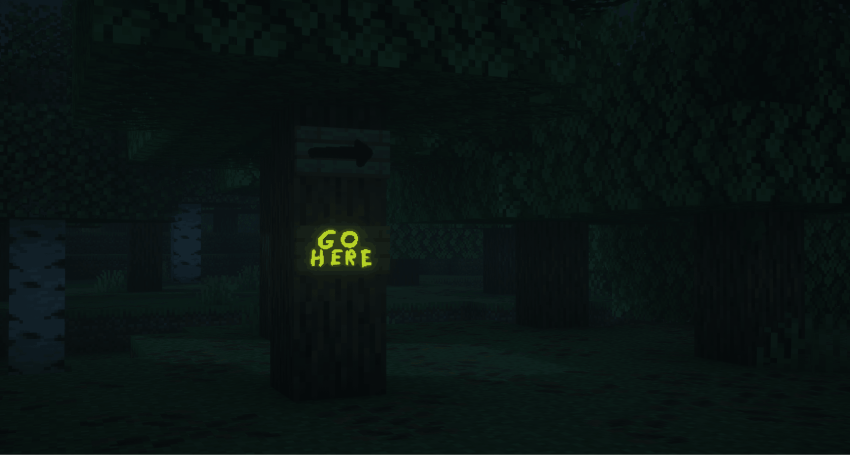
Turn any sign into a tiny canvas.
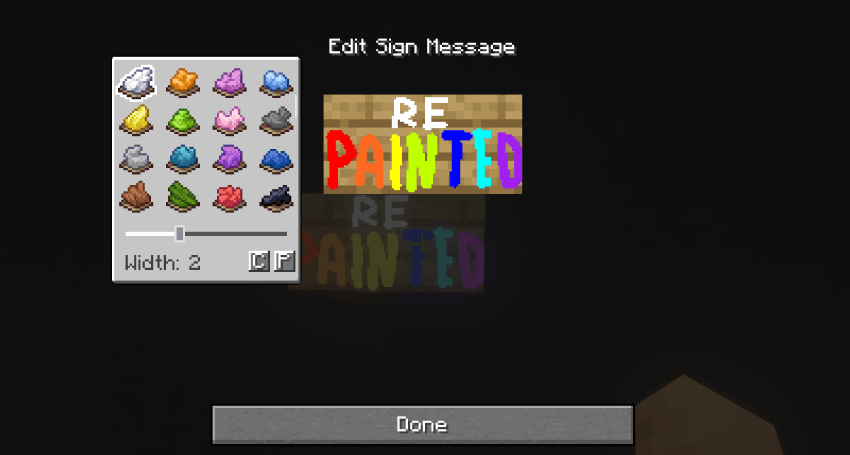
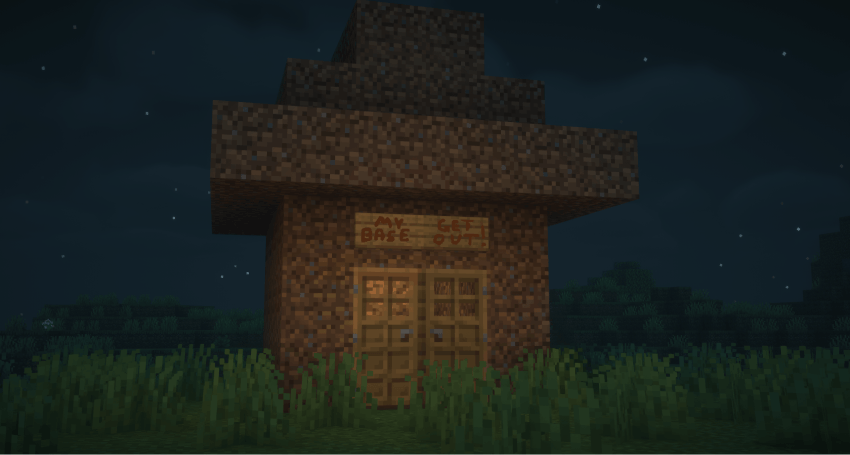
Open the usual sign editor, choose a dye from your paint menu, and draw directly on the sign. Dyes are used as colours and are not consumed while drawing.
Adjust the brush thickness, erase mistakes with right-click, and create colourful icons, arrows, decorations, or little pixel-art pictures.
In sign editor window press C to copy a drawing and P to paste it onto another sign.
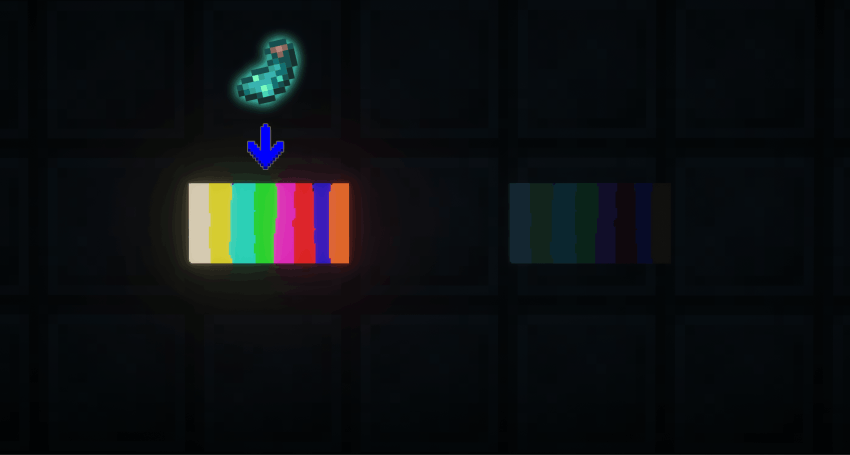
Use a Glow Ink Sac to make your drawing glow in the dark, while vanilla glowing text keeps working as usual.
Works in singleplayer and multiplayer.
Screenshots
Gallery
-
2026-08-30_05.32.59 2.png 2026-08-30_05.32.59 2.png
-
 2026-08-30_05.36.37 (1).png 2026-08-30_05.36.37 (1).png
 -
glow no glow.png glow no glow.png
-
Screenshot 2026-08-30 194144.png Screenshot 2026-08-30 194144.png
Versions
Files
Relations
Project Relations
More like this
Similar Mods
Suggestions use data such as tags, dependencies, dependents, descriptions, titles, and more to rank how much they overlap with this mod.
On ModDex
Community snapshot
By the numbers
Statistics
Want to reach Minecraft players?
We're looking for a server hosting partner to feature here and other parts of the site. Interested? Send us a message!
Get in touchGet it on
Available Platforms
On ModDex
Community snapshot
By the numbers
Statistics
Resources