
Community listing page, reviews here may not be monitored by the author.
Simple Wireless Redstone


No reviews yet
Make redstone easier by making it wireless.
Community voices
Reviews
No reviews yet. Be the first to review this project!
Get it on
Available Platforms
Compatibility
Supported Environments
Works in singleplayer only; does not function in multiplayer.
About
Project Details
For authors
Embed Badge
If you're the author of this project, you can embed a live badge anywhere that supports HTML or Markdown. It updates automatically whenever ratings change.
Use HTML for any page that supports it, or Markdown for README files and Markdown-based descriptions.
Identifiers
Platform IDs
Resources
External Links
About
Description

SWR — Simple Wireless Redstone
SWR is a lightweight Minecraft mod that adds wireless redstone in a simple and intuitive way.
It’s designed to be easy to use, relying on only two items and one block, without any unnecessary complexity.
What SWR Adds
Transmitter
-
Accepts a redstone input
-
Sends the signal wirelessly to linked receivers
Receiver
-
Receives wireless redstone signals
-
Outputs the signal as standard redstone
Linker (Item)
-
Used to connect transmitters and receivers
-
Makes linking quick and straightforward

How to Use SWR
-
Place a Transmitter and one or more Receivers.
-
Hold the Linker.
-
Right-click the transmitter, then right-click the receiver to link them.
Once linked, the wireless redstone connection is active.
Video Tutorial: Watch on YouTube
Tips and Advanced Linking
Linking one transmitter to multiple receivers
-
Shift + right-click a transmitter to select it
-
Shift + right-click any number of receivers to link them
Unselecting a transmitter
-
Shift + right-click in the air
-
(Shift +) right-click a different transmitter
-
Right-click any transmitter or receiver normally
Crafting Recipes
Transmitter
Receiver
Linker
SWR — Simple Wireless Redstone
SWR is a lightweight mod that adds wireless redstone in a simple and intuitive way. It is designed to be easy to use and minimal, relying on only two items and one block while avoiding unnecessary complexity.
What SWR AddsTransmitter
Receiver
Linker (Item)
|
|
How to Use SWR
Once linked, the wireless redstone connection is active. |
Tips and Advanced Linking
Linking one transmitter to multiple receivers
- Shift + right-click a transmitter to select it
- Shift + right-click any number of receivers to link them
Unselecting a transmitter
- Shift + right-click in the air
- (Shift +) right-click a different transmitter
- Right-click any transmitter or receiver normally
Crafting Recipes
|
|
|
|---|---|---|
| Transmitter | Receiver | Linker |
Screenshots
Gallery
-
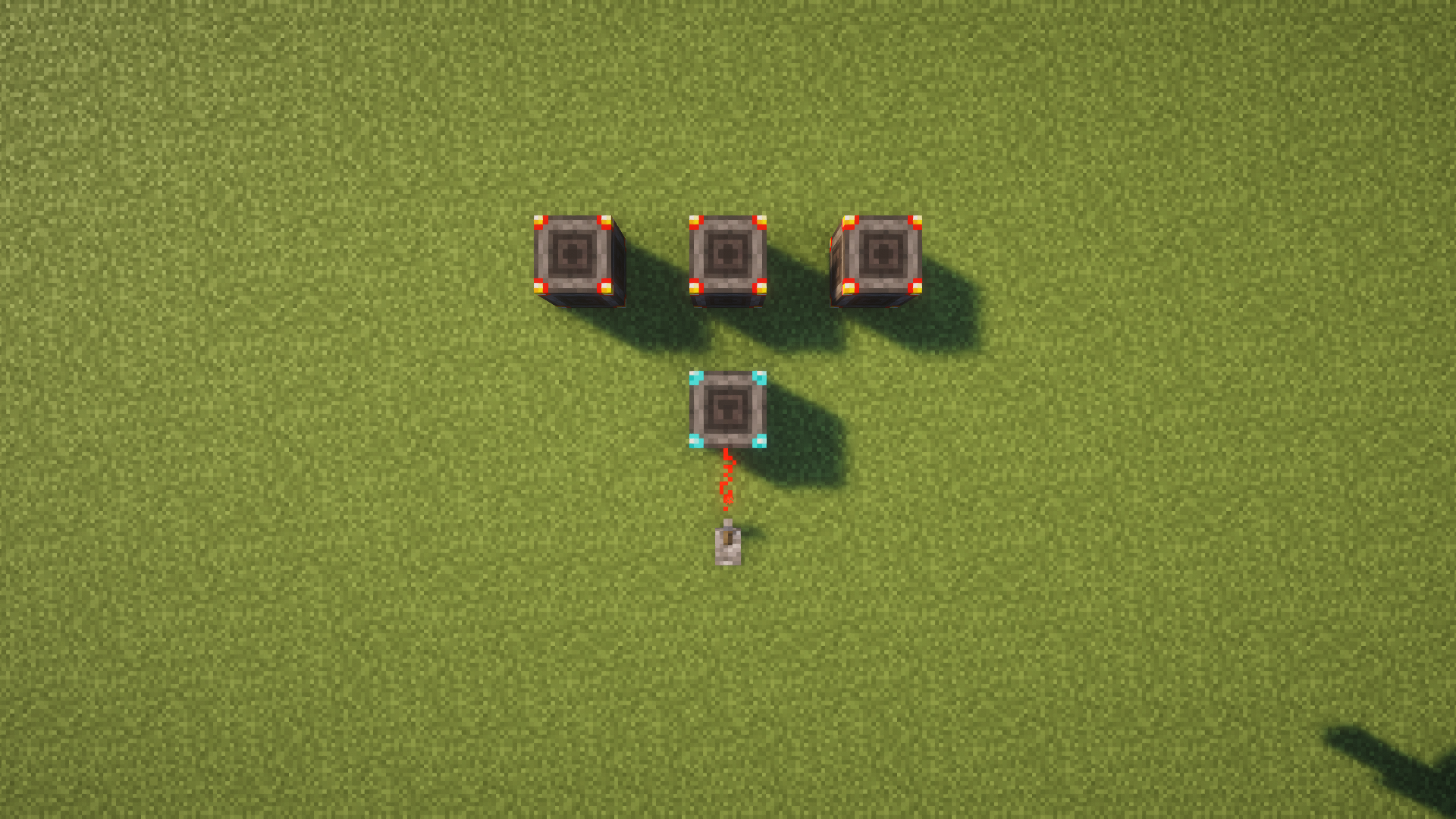 Multi-Link
 -
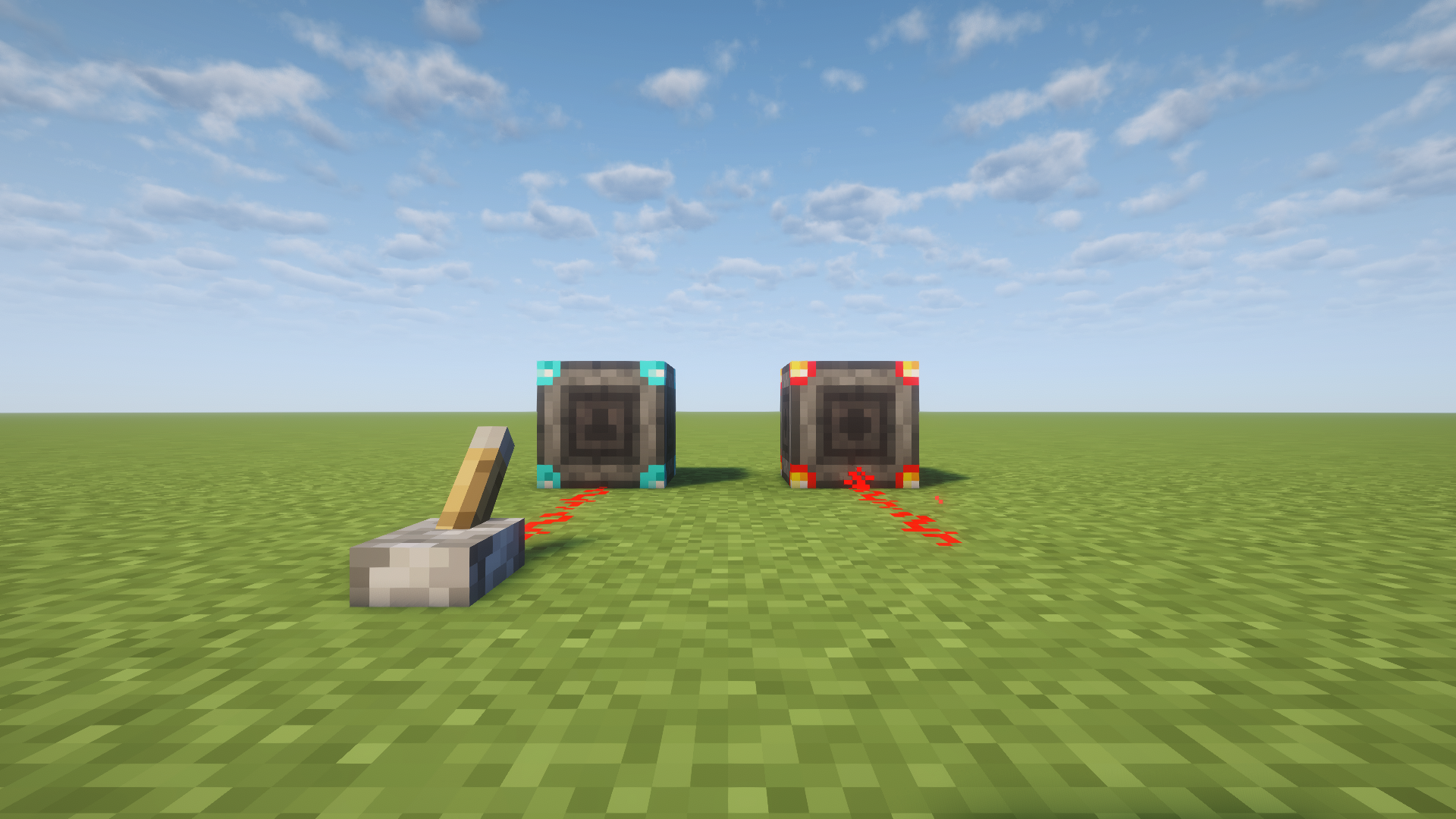 Wireless
 -
 Transmitter
 -
 Receiver
 -
 Linker
 -
 Transmitter Recipe
 -
 Receiver Recipe
 -
 Linker Recipe
Versions
Files
Relations
Project Relations
More like this
Similar Mods
Suggestions use data such as tags, dependencies, dependents, descriptions, titles, and more to rank how much they overlap with this mod.
On ModDex
Community snapshot
By the numbers
Statistics
Want to reach Minecraft players?
We're looking for a server hosting partner to feature here and other parts of the site. Interested? Send us a message!
Get in touchGet it on
Available Platforms
On ModDex
Community snapshot
By the numbers
Statistics
Resources