
Community listing page, reviews may not be monitored by the author.
Sing the Lyrics

No reviews yet
Synced lyrics of whatever you're playing, floating out in the world around you!

Community voices
Reviews
No reviews yet. Be the first to review this project!
Get it on
Available Platforms
About
Project Details
For authors
Embed Badge
If you're the author of this project, you can embed a live badge anywhere that supports HTML or Markdown. It updates automatically whenever ratings change.
Use HTML for any page that supports it, or Markdown for README files and Markdown-based descriptions.
Identifiers
Platform IDs
Resources
External Links
About
Description
Sing the Lyrics
Synced lyrics of whatever you're playing, floating out in the world around you.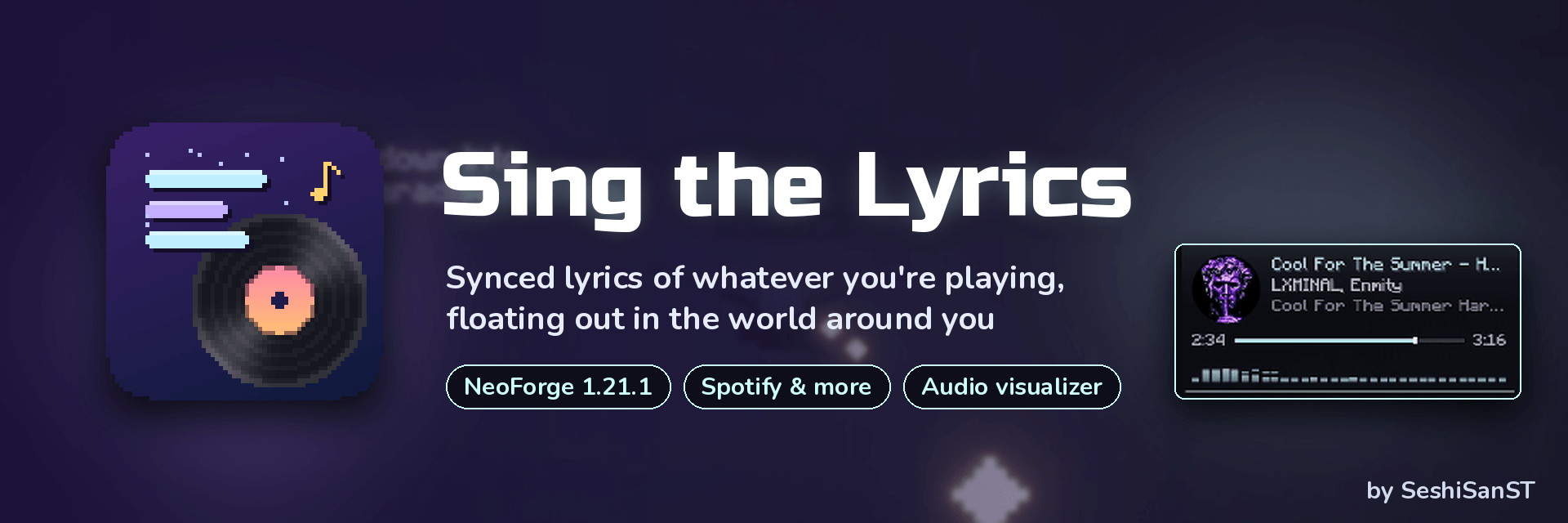
Play a song in Spotify, your browser or any other Windows media player, and its lyrics show up in Minecraft line by line, in time with the music. They float in the 3D world in front of you or sit on your screen. A now-playing widget and an audio visualizer come with it.
Features
Synced lyrics
- Works with any Windows media player that uses system media controls: Spotify, YouTube in the browser, Yandex Music, Apple Music, VLC, and more
- Lyrics come from lrclib.net, with no account or API key needed
- Shown in the 3D world (they travel with you, even while flying with elytra) or as a screen overlay
- Karaoke highlight, next-line preview, instrumental countdown and a sync offset for fine timing
Now-playing widget
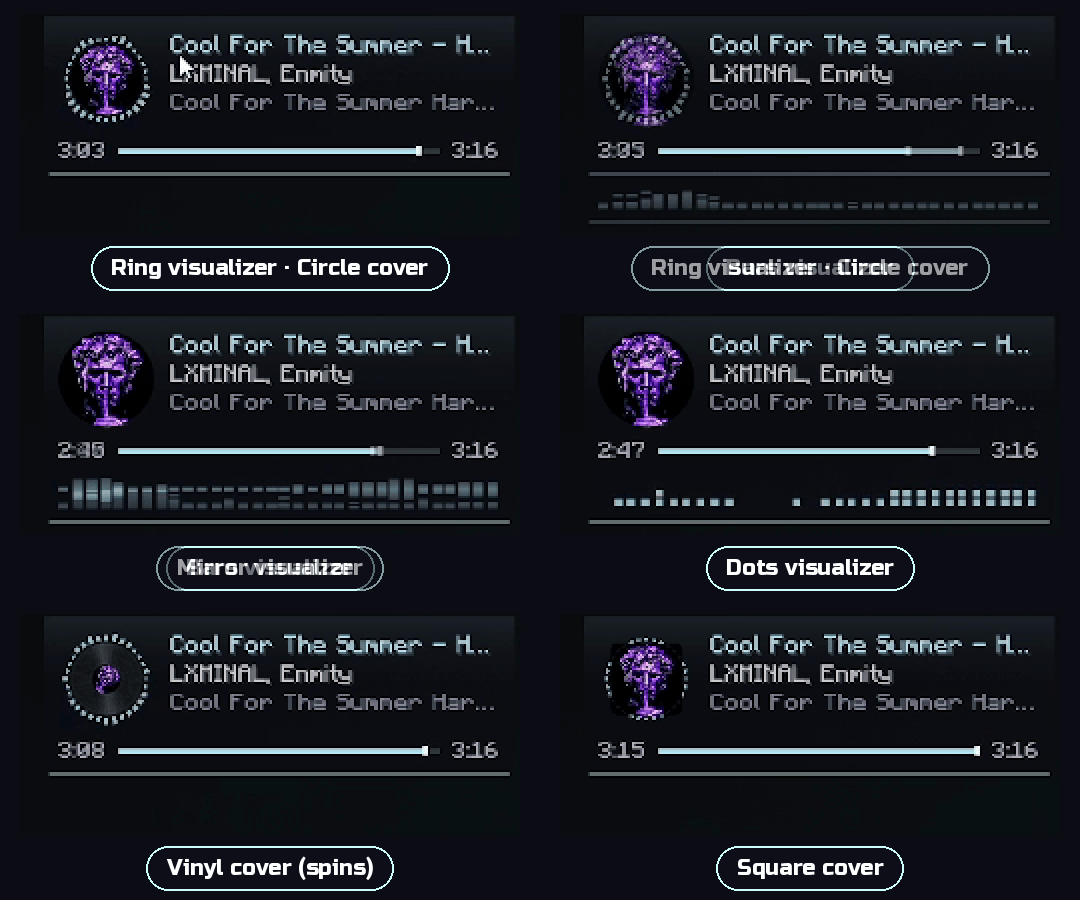
- Cover, title, artist, album and a progress bar
- Cover shapes: Off / Square / Circle / Vinyl (the vinyl one spins!)
Audio visualizer
- Types: Bars, Mirror, Wave, Dots, Ring
- Placement: inside the widget or above the hotbar
- Reacts to real system audio, and you can pick the playback device. A simulated mode is also available.
Look & feel
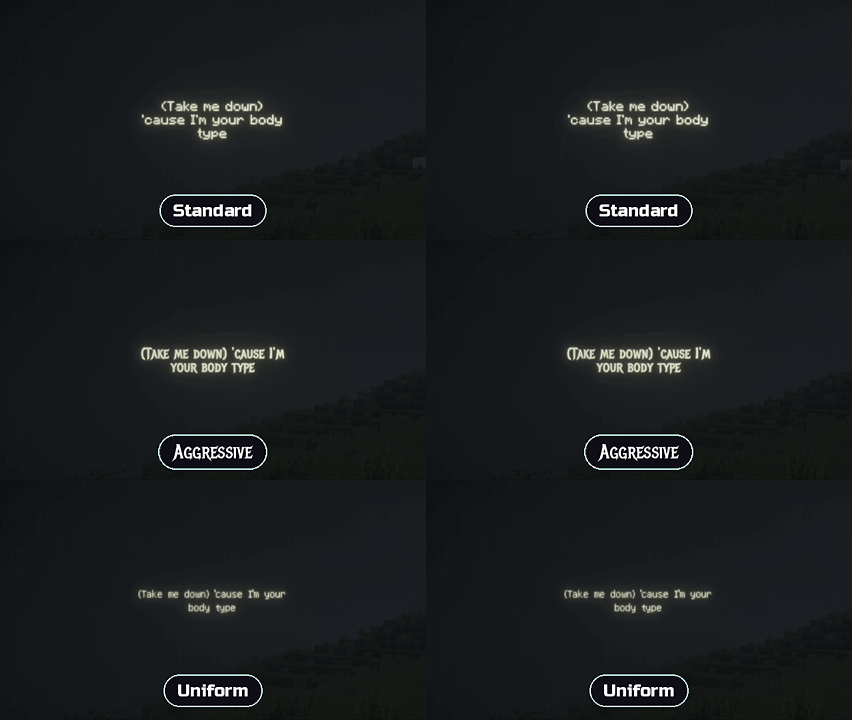
- 6 fonts: Standard, Soft, Aggressive, Uniform, Alt, Illager
- Appearance styles: Soft / Standard / Aggressive
- Line animations: Typewriter, Fade, Drop, Rise, Words
- Text effects: Glow Outline, Soft Glow, Outline, Shadow, with adjustable glow strength and colour
- Text size, line width, bold, uppercase and more
Hotkeys
- F7 opens Quick Settings, which mirror the Mods menu config. If YACL is installed, a nicer config screen is used (it's optional).
- F6 toggles Cinematic Mode: it hides the hand, HUD, hotbar, crosshair and chat but keeps the lyrics and widget. Great for recording videos.
FAQ
No lyrics appear for my song? Not every track has synced lyrics on lrclib.net. Niche songs and remixes often don't. In that case the widget still shows what's playing.
The lyrics are a bit early or late. Change the Sync offset in Quick Settings (F7).
The visualizer isn't moving. Choose the right playback device in the visualizer settings, or switch to Simulated mode.
Does it work on macOS or Linux? Media detection and audio capture currently need Windows.
Do I need it on the server? No, it's purely client-side.
Credits
- Lyrics provided by lrclib.net
- Fonts: Nunito, Metal Mania, Russo One, all under the SIL Open Font License
Made by SeshiSanST 💜
Screenshots
Gallery
-
singthelyrics_header.png singthelyrics_header.png
-
SingTheLyrics_widget.gif SingTheLyrics_widget.gif
-
1007(2).gif 1007(2).gif
Versions
Files
Relations
Project Relations
More like this
Similar Mods
Suggestions use data such as tags, dependencies, dependents, descriptions, titles, and more to rank how much they overlap with this mod.
On ModDex
Community snapshot
By the numbers
Statistics

Get it on
Available Platforms
On ModDex
Community snapshot
By the numbers
Statistics
Resources