
Community listing page, reviews here may not be monitored by the author.
SleepMenu


No reviews yet
Sleep Menu turns every bed into a quick server-side control panel for time and weather.
Community voices
Reviews
No reviews yet. Be the first to review this project!
Get it on
Available Platforms
Compatibility
Supported Environments
Runs entirely on the server. Also works in singleplayer.
About
Project Details
For authors
Embed Badge
If you're the author of this project, you can embed a live badge anywhere that supports HTML or Markdown. It updates automatically whenever ratings change.
Use HTML for any page that supports it, or Markdown for README files and Markdown-based descriptions.
Identifiers
Platform IDs
About
Description
SleepMenu
SleepMenu is a server-side Fabric mod for Minecraft.
Players standing on a bed get a clickable chat menu to change time and weather.
Stand on a bed, click your choice, and shape the sky: day, night, clear, rain, or thunder.
🎮 Commands
- `/sleepmenu open`
- `/sleepmenu set <option>`
- `/sleepmenu reload` (admin only; console allowed)
Options:
`day`, `midnight`, `night`, `noon`, `clear`, `rain` and `thunder`
If `Mod Menu` and `Cloth Config` are installed on the client, the config can also be edited through an in-game config screen. Dedicated servers do not need either dependency.
🔨 Server-side
This mod runs fully server-side. Clients do not need to install the mod.
Also works in single-player (without LuckPerms support).
🔄 LuckPerms permissions
If LuckPerms is installed, these nodes are checked:
- `sleepmenu.use`
- `sleepmenu.time.day`
- `sleepmenu.time.midnight`
- `sleepmenu.time.night`
- `sleepmenu.time.noon`
- `sleepmenu.weather.clear`
- `sleepmenu.weather.rain`
- `sleepmenu.weather.thunder`
If LuckPerms is missing, fallback behavior is controlled by config.
🌍 LuckPerms quick start
Example: allow everyone to open the Sleep Menu, but only moderators to change weather.
/lp group default permission set sleepmenu.use true
/lp group moderator permission set sleepmenu.weather.clear true
/lp group moderator permission set sleepmenu.weather.rain true
/lp group moderator permission set sleepmenu.weather.thunder true
Official LuckPerms docs:
- https://luckperms.net/wiki/Home
- https://luckperms.net/wiki/Command-Usage
⚙️ Configuration
Config file: `config/sleepmenu.json`
json
{
  "cooldownTicks": 400,
  "antiSpamWindowTicks": 12000,
  "timeChangeLimit": 4,
  "weatherChangeLimit": 4,
  "allowStrawBed": false,
  "destroyStrawBedOnUse": false,
  "noLuckPermsAccess": "EVERYONE"
}
- `cooldownTicks`: minimum ticks between successful changes per player (20 ticks = 1 second).
- `antiSpamWindowTicks`: shared anti-spam window for successful changes across all players. Default `12000` ticks = 10 minutes.
- `timeChangeLimit`: maximum successful time changes allowed inside the anti-spam window. Set `0` to disable.
- `weatherChangeLimit`: maximum successful weather changes allowed inside the anti-spam window. Set `0` to disable.
- `allowStrawBed`: allow SleepMenu while standing on a placed straw bed. Default `false`.
- `destroyStrawBedOnUse`: consume the straw bed without dropping an item after a successful time or weather change. Only applies when `allowStrawBed` is `true`; regular beds are unaffected. Default `false`.
- `noLuckPermsAccess`: `EVERYONE` or `OP_ONLY`.
Straw beds
Set `allowStrawBed` to `true`, place a straw bed, and stand on it to use the same menu as a regular bed. Using SleepMenu does not change your existing respawn point. The same permissions, cooldown, and anti-spam limits apply.
Leave `destroyStrawBedOnUse` set to `false` for reusable access, or set both options to `true` for single-use access. Opening the menu or attempting a blocked action does not consume the straw bed. This option controls SleepMenu actions only; normal sleeping keeps its vanilla behavior.
📦 Installation
- Install Fabric Loader for Minecraft.
- Download Fabric API and place it in `mods/`.
- Download `sleepmenu-<version>.jar` and place it in `mods/`.
- Launch Minecraft. The config is created automatically on first run.
🏜️ Test Server
Feel free to join my Minecraft server to test my mods: play.swordfishbe.eu
⁉️ Credits/Idea
Based on the command blocks setup created by TOLoneWolf's: Sleep Menu System for Hypermine SMP.

SleepMenu
SleepMenu is a server-side Fabric mod for Minecraft. Players standing on a bed get a clickable chat menu to change time and weather.
Stand on a bed, click your choice, and shape the sky: day, night, clear, rain, or thunder.
🎮 Commands
/sleepmenu open/sleepmenu set <option>/sleepmenu reload(admin only; console allowed)
Options:
day, midnight, night, noon, clear, rain and thunder
If Mod Menu and Cloth Config are installed on the client, the config can also be edited through an in-game config screen. Dedicated servers do not need either dependency.
🔨 Server-side
This mod runs fully server-side. Clients do not need to install the mod.
Also works in single-player (without LuckPerms support).
🔄 LuckPerms permissions
If LuckPerms is installed, these nodes are checked:
sleepmenu.usesleepmenu.time.daysleepmenu.time.midnightsleepmenu.time.nightsleepmenu.time.noonsleepmenu.weather.clearsleepmenu.weather.rainsleepmenu.weather.thunder
If LuckPerms is missing, fallback behavior is controlled by config.
🌍 LuckPerms quick start
Example: allow everyone to open the Sleep Menu, but only moderators to change weather.
/lp group default permission set sleepmenu.use true
/lp group moderator permission set sleepmenu.weather.clear true
/lp group moderator permission set sleepmenu.weather.rain true
/lp group moderator permission set sleepmenu.weather.thunder true
Official LuckPerms docs:
⚙️ Configuration
Config file: config/sleepmenu.json
{
"cooldownTicks": 400,
"antiSpamWindowTicks": 12000,
"timeChangeLimit": 4,
"weatherChangeLimit": 4,
"allowStrawBed": false,
"destroyStrawBedOnUse": false,
"noLuckPermsAccess": "EVERYONE"
}
cooldownTicks: minimum ticks between successful changes per player (20 ticks = 1 second).antiSpamWindowTicks: shared anti-spam window for successful changes across all players. Default12000ticks = 10 minutes.timeChangeLimit: maximum successful time changes allowed inside the anti-spam window. Set0to disable.weatherChangeLimit: maximum successful weather changes allowed inside the anti-spam window. Set0to disable.allowStrawBed: allow SleepMenu while standing on a placed straw bed. Defaultfalse.destroyStrawBedOnUse: consume the straw bed without dropping an item after a successful time or weather change. Only applies whenallowStrawBedistrue; regular beds are unaffected. Defaultfalse.noLuckPermsAccess:EVERYONEorOP_ONLY.
Straw beds
Set allowStrawBed to true, place a straw bed, and stand on it to use the same menu as a regular bed. Using SleepMenu does not change your existing respawn point. The same permissions, cooldown, and anti-spam limits apply.
Leave destroyStrawBedOnUse set to false for reusable access, or set both options to true for single-use access. Opening the menu or attempting a blocked action does not consume the straw bed. This option controls SleepMenu actions only; normal sleeping keeps its vanilla behavior.
📦 Installation
- Download the latest JAR.
- Place the JAR in your server's
mods/folder. - Make sure Fabric API is also installed.
- Start Minecraft — the config file will be created automatically.
🏜️ Test Server
Feel free to join my Minecraft server to test my mods: play.swordfishbe.eu
⁉️ Credits/Idea
Based on the command blocks setup created by TOLoneWolf's: Sleep Menu System for Hypermine SMP
Screenshots
Gallery
-
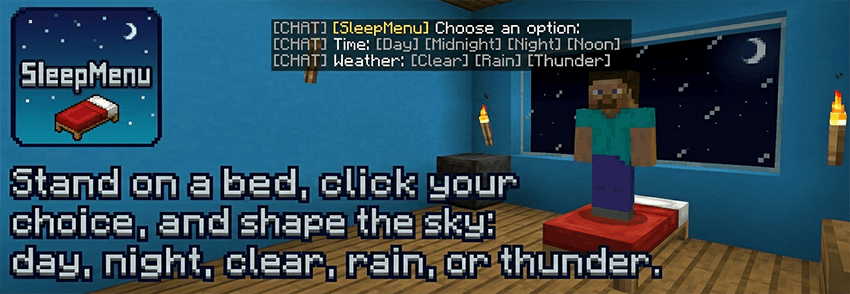 Sleep Menu: Choose! Stand on a bed, click your choice, and shape the sky: day, night, clear, rain, or thunder.
 -
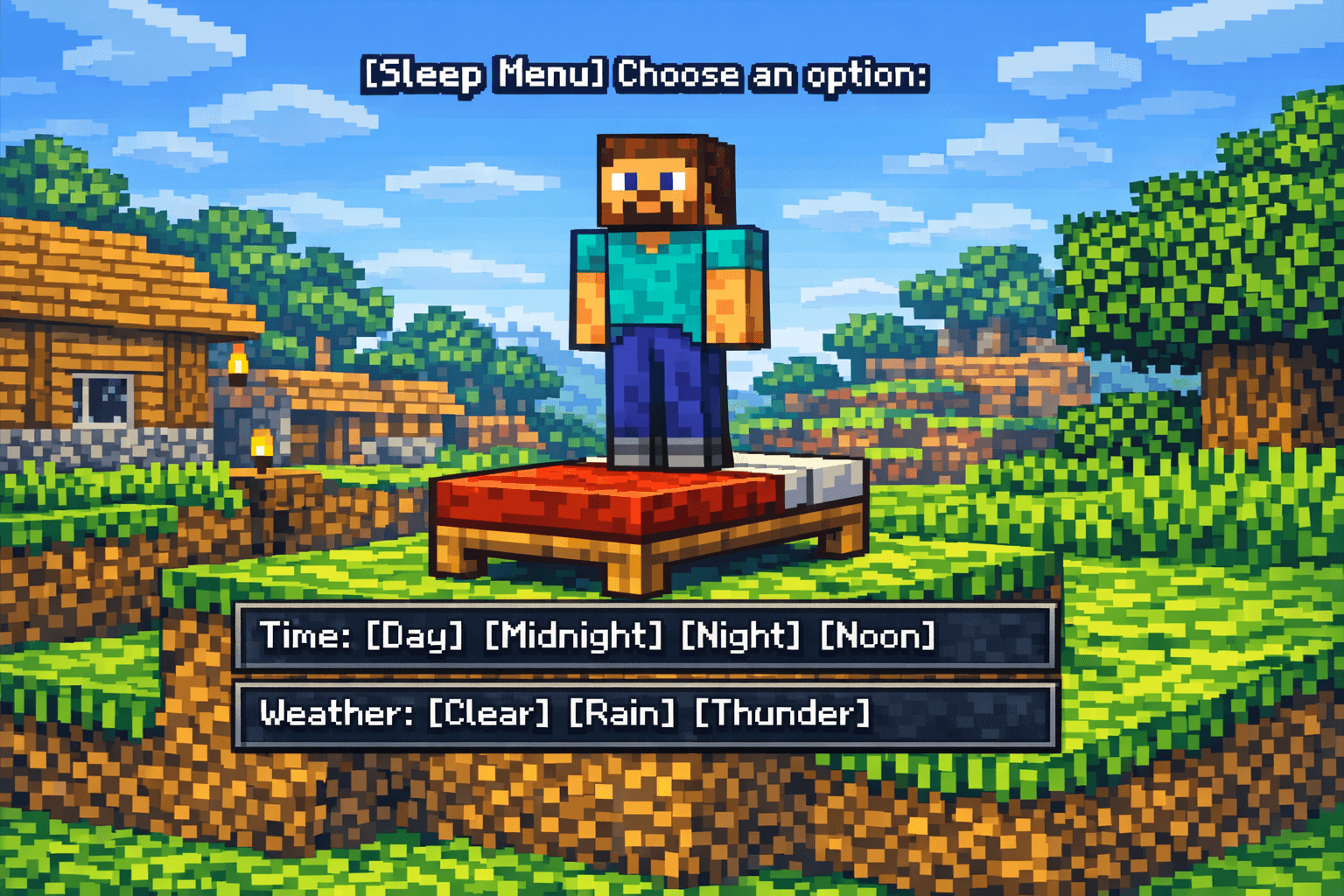 Sleep Menu: Choose! Stand on a bed, click your choice, and shape the sky: day, night, clear, rain, or thunder. Players standing on a bed get a clickable chat menu to change time and weather.
-
 SleepMenu - Toggle Weather Example of SleepMenu. Full video: https://www.youtube.com/watch?v=nKogS5d8gF4
 -
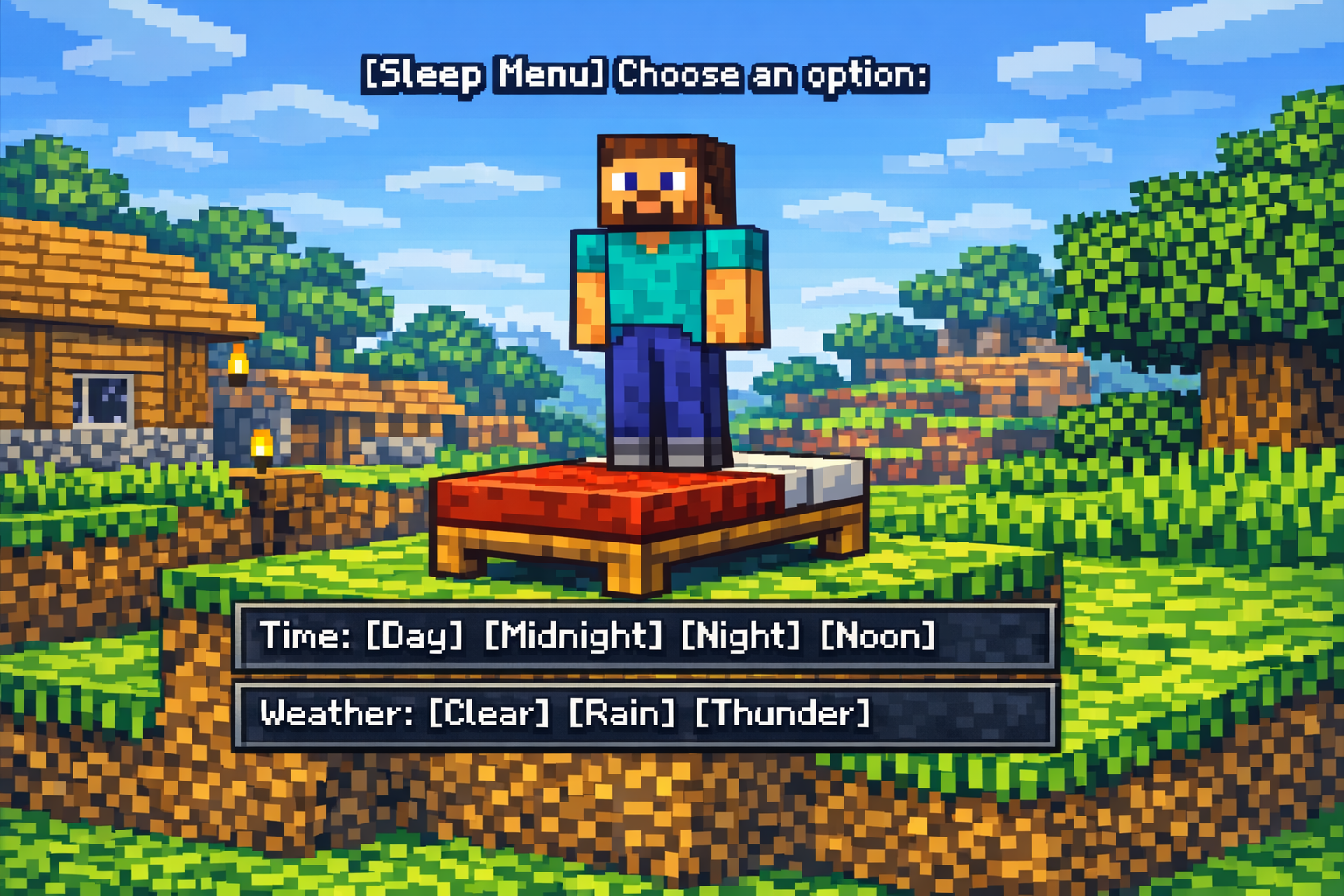 Sleep Menu: Choose! Stand on a bed, click your choice, and shape the sky: day, night, clear, rain, or thunder. Players standing on a bed get a clickable chat menu to change time and weather.
 -
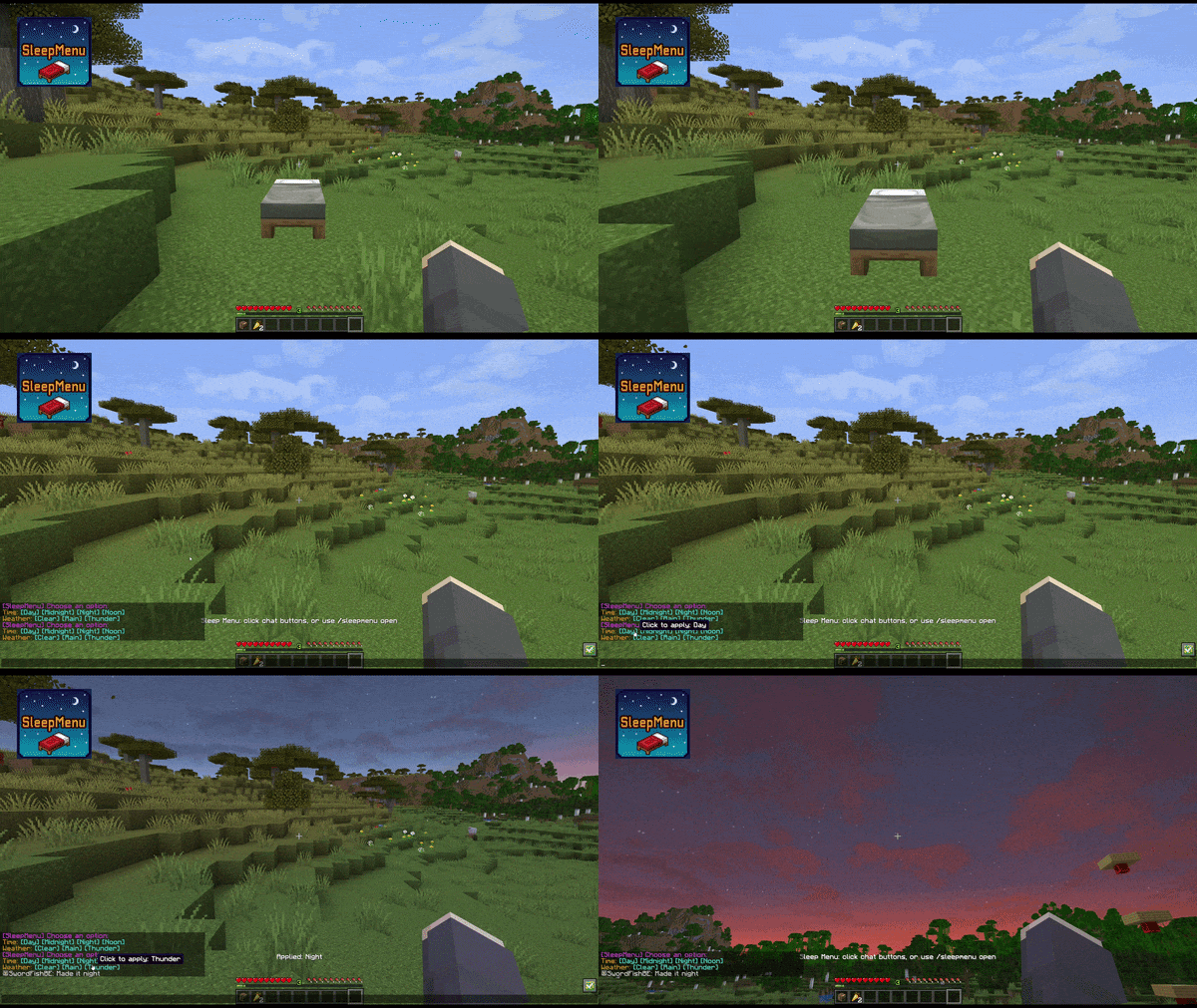 SleepMenu - Toggle Night Example of SleepMenu. Full video: https://www.youtube.com/watch?v=0dFpzSdLNq8
Versions
Files
Relations
Project Relations
More like this
Similar Mods
Suggestions use data such as tags, dependencies, dependents, descriptions, titles, and more to rank how much they overlap with this mod.
On ModDex
Community snapshot
By the numbers
Statistics
Want to reach Minecraft players?
We're looking for a server hosting partner to feature here and other parts of the site. Interested? Send us a message!
Get in touchGet it on
Available Platforms
On ModDex
Community snapshot
By the numbers