
Community listing page, reviews may not be monitored by the author.
Slo


No reviews yet
Load servers as singleplayer worlds

Community voices
Reviews
No reviews yet. Be the first to review this project!
Get it on
Available Platforms
Compatibility
Supported Environments
Runs entirely on the client. Works on vanilla servers.
About
Project Details
For authors
Embed Badge
If you're the author of this project, you can embed a live badge anywhere that supports HTML or Markdown. It updates automatically whenever ratings change.
Use HTML for any page that supports it, or Markdown for README files and Markdown-based descriptions.
Identifiers
Platform IDs
About
Description
With Slo installed, Minecraft servers in your saves directory will be available during world selection. With the right configuration, you can even choose the server type when creating a world!
- Open the server console in-game (
`by default) - Autodetect server JAR files, auto-accept EULA
- Seamless integration with Minecraft's UI
When developing a Minecraft server, it's good practice to run it on your machine and connect to it locally. Slo automates this process: given a server world, the mod starts the server JAR, listens to its output, and connects to localhost when ready. If anything goes wrong, or if the player disconnects, the server process exits gracefully.
Slo is a client-side mod—it integrates local server processes into Minecraft's UI. However, the mod may require you to be connected to the internet; server software usually downloads Minecraft's files on first launch.
Slo supports server presets—templates for a server save—that users can choose from when creating a world. The mod loads these presets from the configuration directory; alternatively, users can drag and drop presets into the selection screen. To learn how to create these presets, visit the wiki.
MIT © 2025 Skye Prince
Note: by running this mod, you agree to Minecraft's End User License Agreement (EULA).
Slo: Server Loader
With Slo installed, Minecraft servers in your saves directory will be available during world selection. With the right configuration, you can even choose the server type when creating a world!
Additional Features
- Open the server console in-game (
`by default) - Autodetect server JAR files, auto-accept EULA
- Seamless integration with Minecraft's UI
How It Works
When developing a Minecraft server, it's good practice to run it on your machine and connect to it locally. Slo automates this process: given a server world, the mod starts the server JAR, listens to its output, and connects to localhost when ready. If anything goes wrong, or if the player disconnects, the server process exits gracefully.
Slo is a client-side mod—it integrates local server processes into Minecraft's UI. However, the mod may require you to be connected to the internet; server software usually downloads Minecraft's files on first launch.
Configuration
Slo supports server presets—templates for a server save—that users can choose from when creating a world. The mod loads these presets from the configuration directory; alternatively, users can drag and drop presets into the selection screen. To learn how to create these presets, visit the wiki.
License
MIT © 2025 Skye Prince
Note: by running this mod, you agree to Minecraft's End User License Agreement (EULA).
Screenshots
Gallery
-
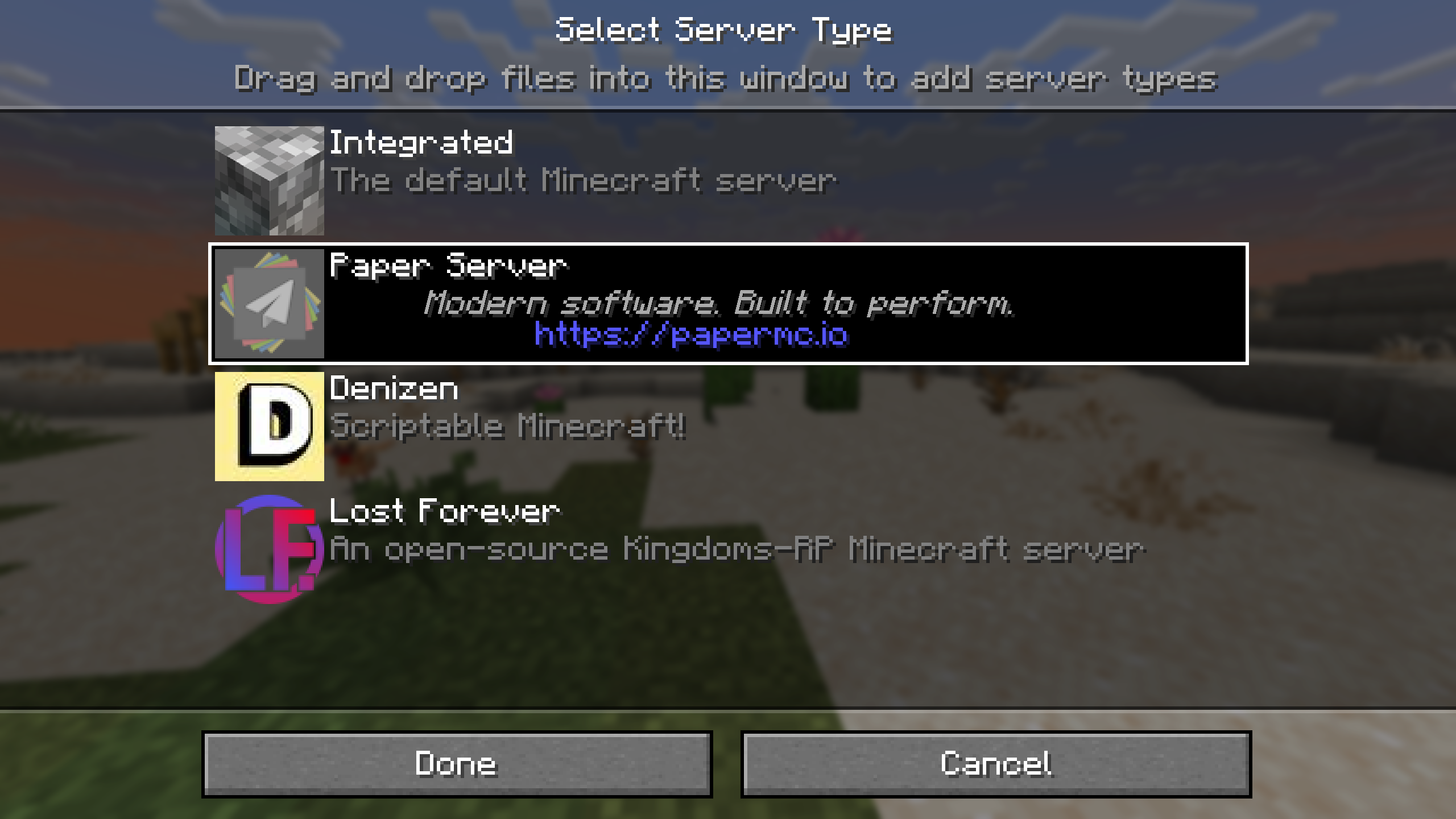 Server Types Configurable server types to choose from when creating a world.
 -
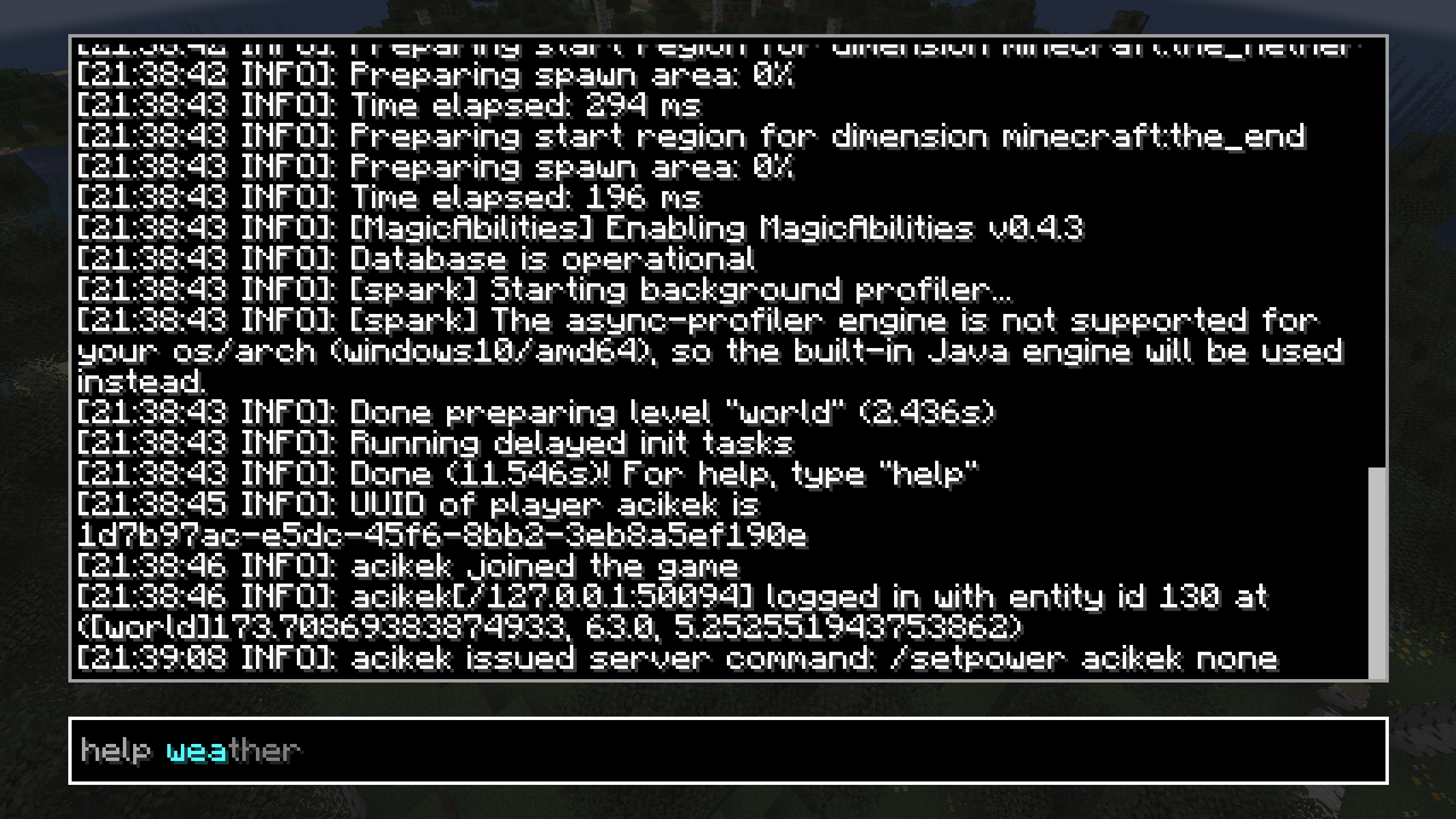 Server Console
 -
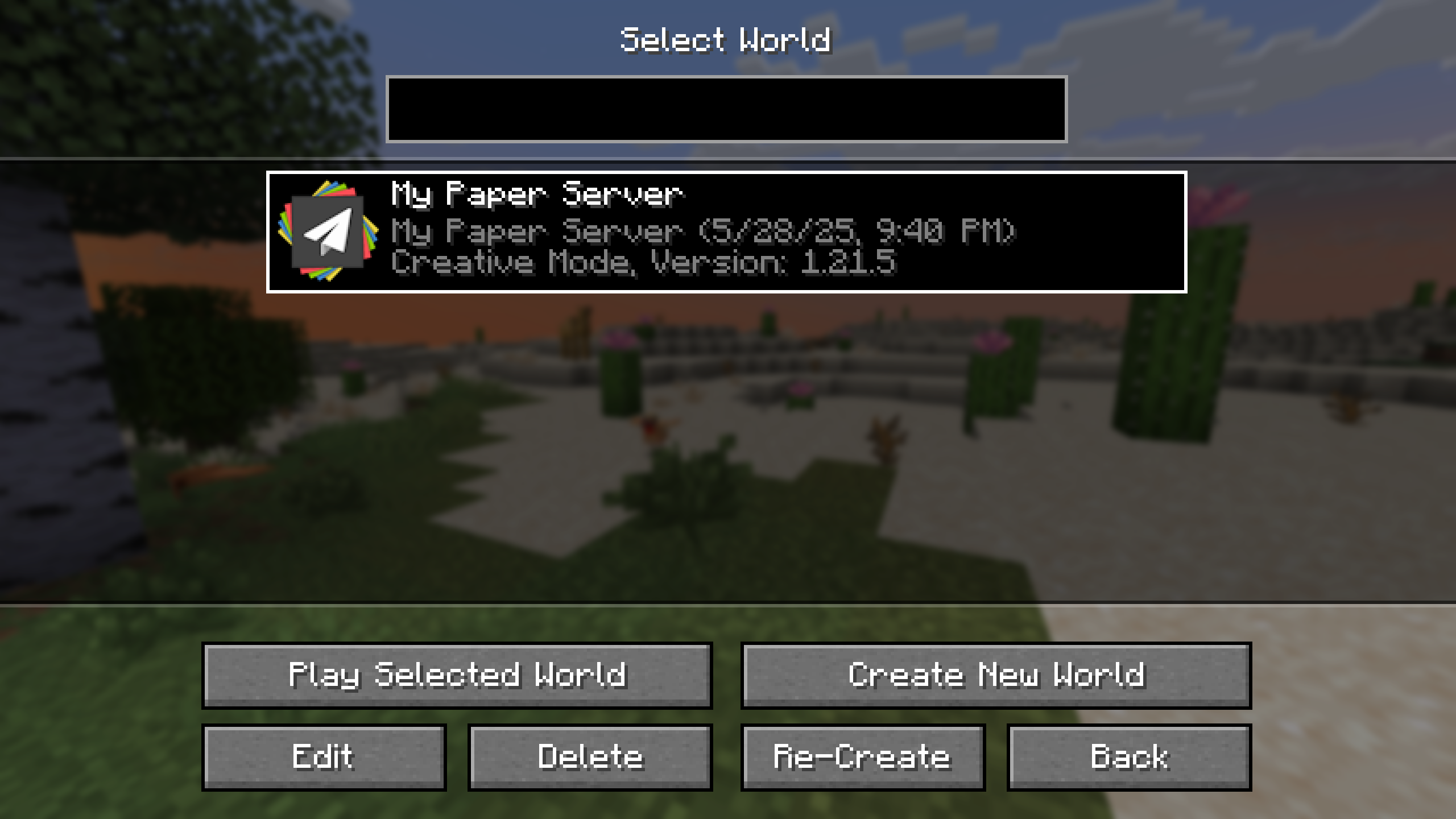 Select World Screen A server world appearing in the world selection screen.
-
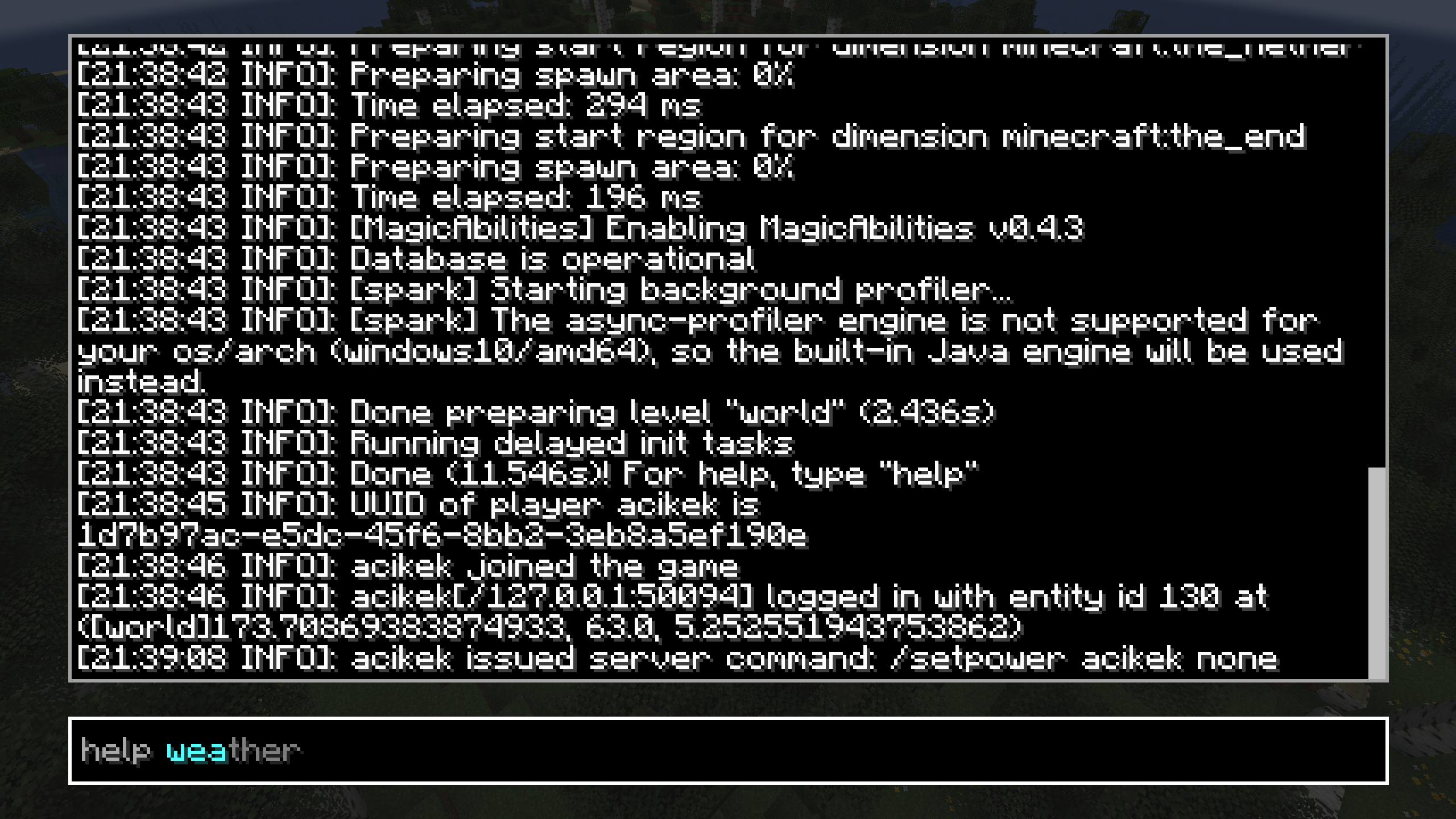 Server Console
 -
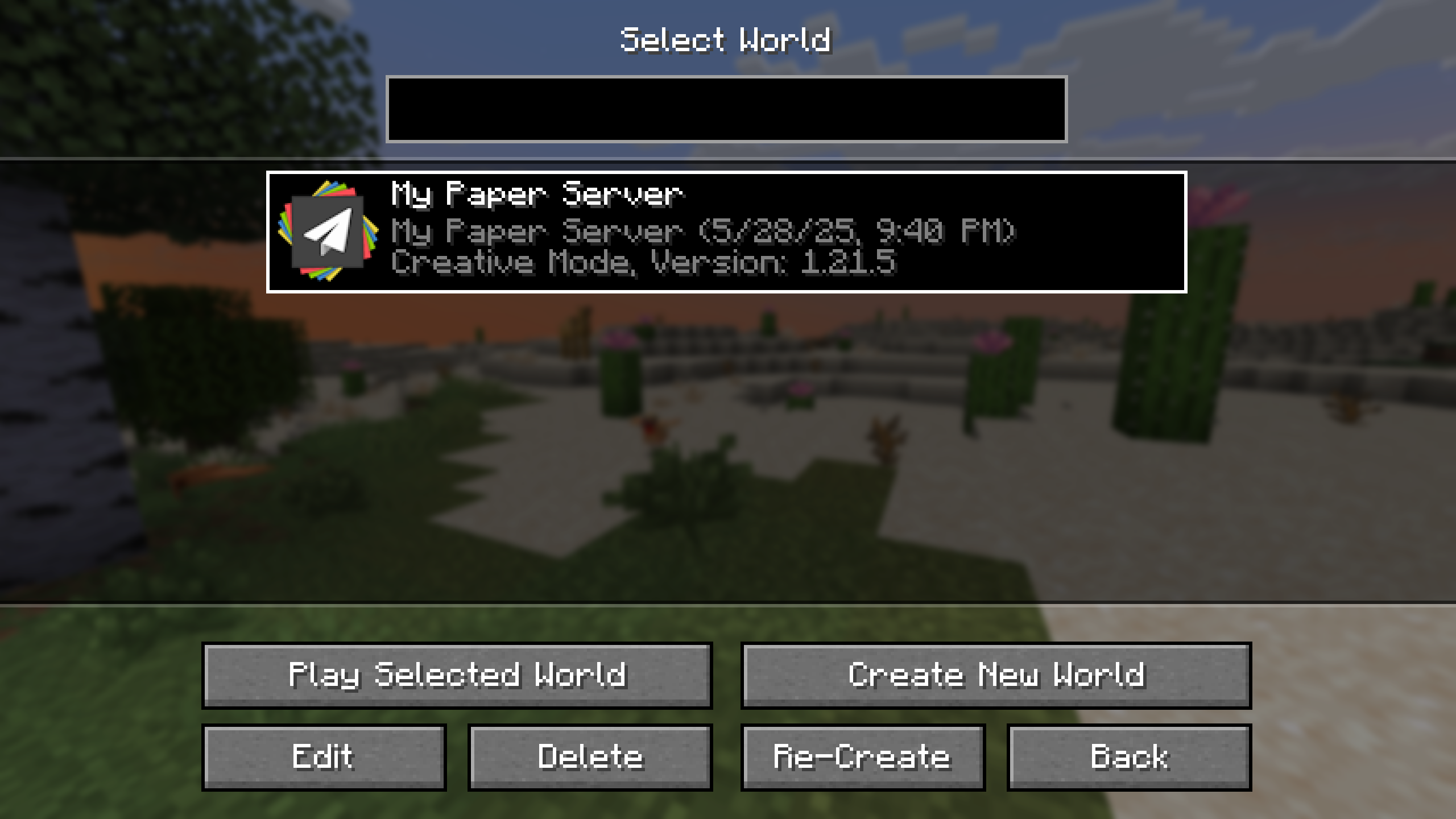 Select World Screen A server world appearing in the world selection screen.
 -
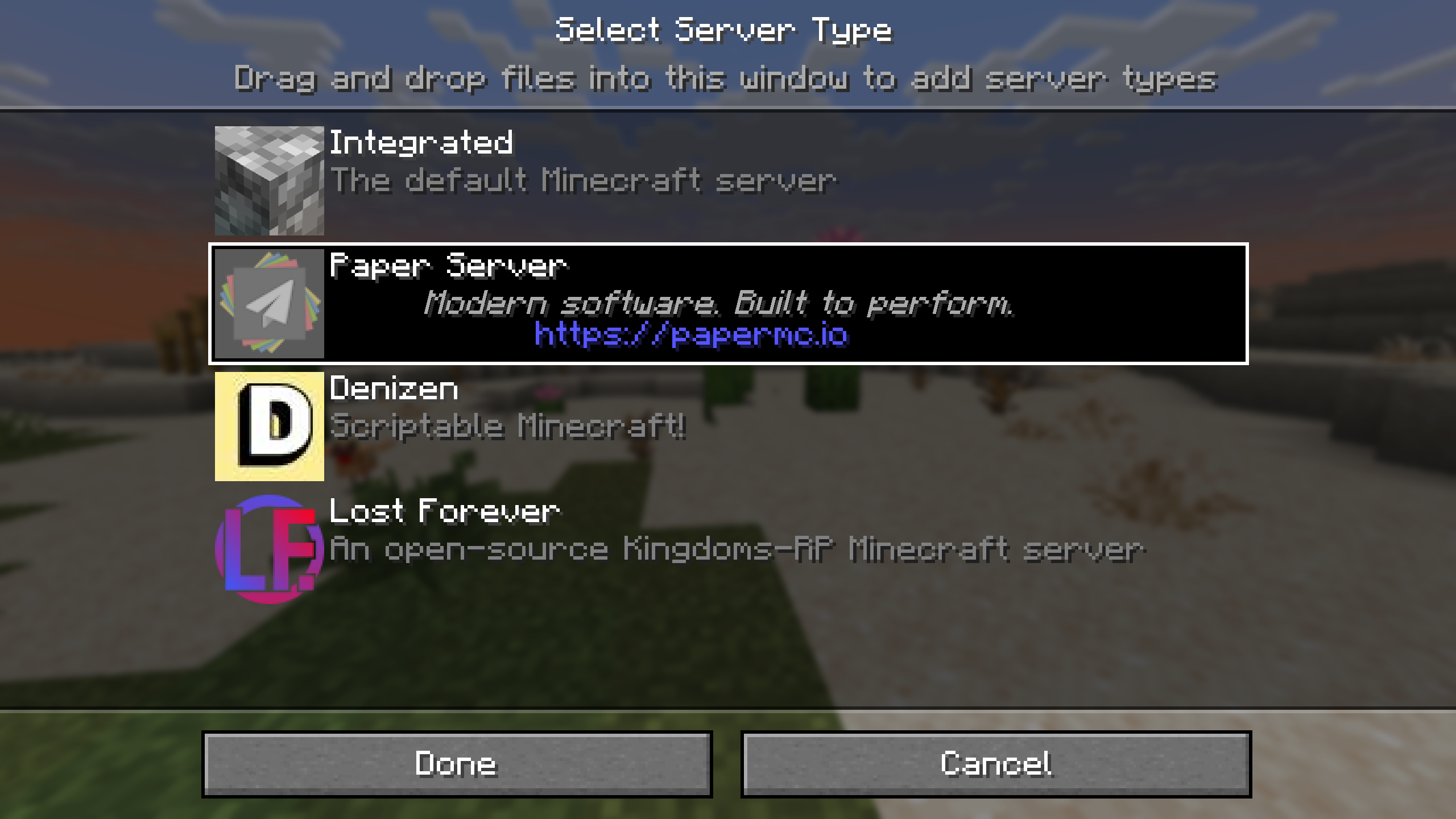 Server Types Configurable server types to choose from when creating a world.
Versions
Files
Relations
Project Relations
More like this
Similar Mods
Suggestions use data such as tags, dependencies, dependents, descriptions, titles, and more to rank how much they overlap with this mod.
On ModDex
Community snapshot
By the numbers
Statistics

Get it on
Available Platforms
On ModDex
Community snapshot
By the numbers