Community listing page, reviews here may not be monitored by the author.
Some Basic Skills

No reviews yet
A simple UI made for my skill trees.

Community voices
Reviews
No reviews yet. Be the first to review this project!
Get it on
Available Platforms
About
Project Details
For authors
Embed Badge
If you're the author of this project, you can embed a live badge anywhere that supports HTML or Markdown. It updates automatically whenever ratings change.
Use HTML for any page that supports it, or Markdown for README files and Markdown-based descriptions.
Identifiers
Platform IDs
About
Description
A core mod for my other skill trees.
TODO: 1. convert txt data to more efficient nbt form, 2. use Action Core, 3. update the UI, 4. merge with apothicattribute if installed.
Here is a simple guide about how to setup skills:
- Open skill tree by pressing P.
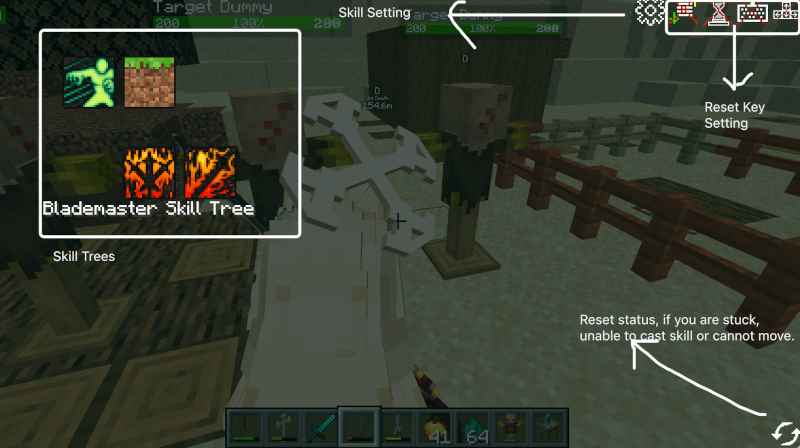
2. Choose one of the skill tree listed above, then see a list of skill icons.
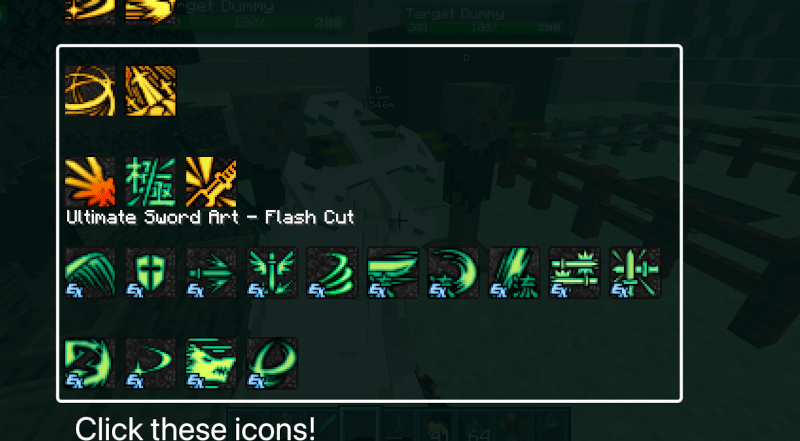
3. After click any icon which is listed above, you will see a skill window about how to acquire a skill and setup keybdings and keysequence for that skill.
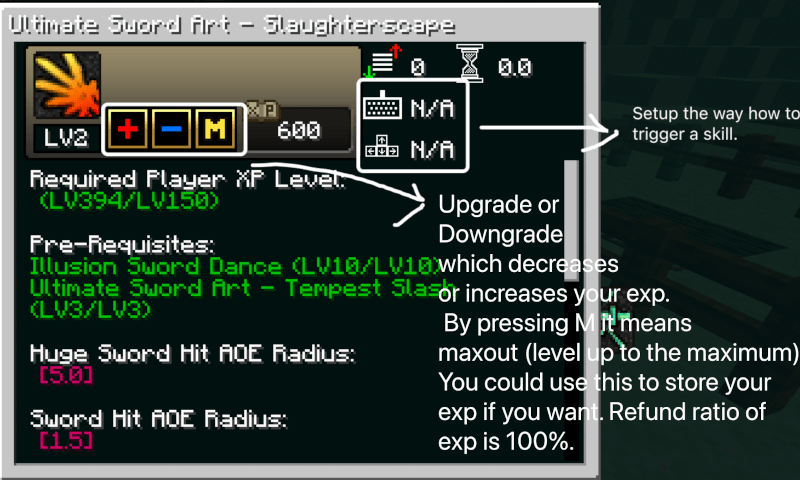
Here is the comprehensive introduction about how to setup keybindings and key sequence about how to trigger the skill. THIS IS IMPORTANT OTHERWISE YOU HAVE NO OTHER WAYS TO TRIGGER SKILLS.
1. In this Skill Window Interface, you can see butons listed on the area I pointed out.
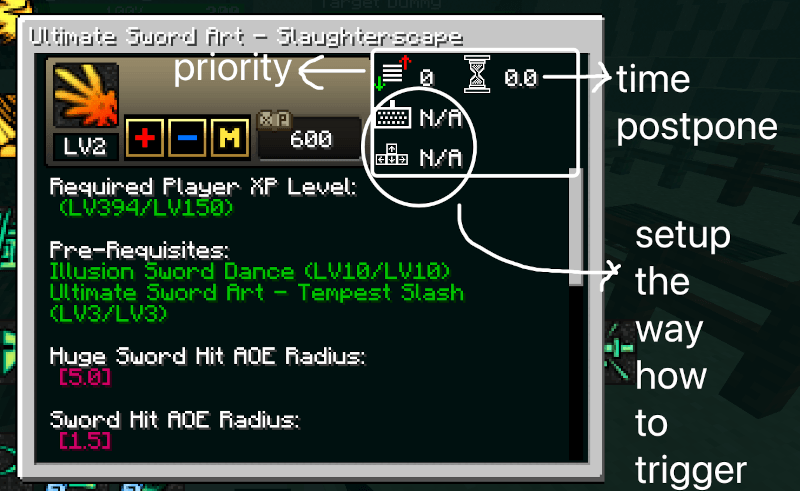
2. In order to assign a skill, click one of these buttons to start record your key like the way how you setup keys in minecraft ESC keyboard settings.
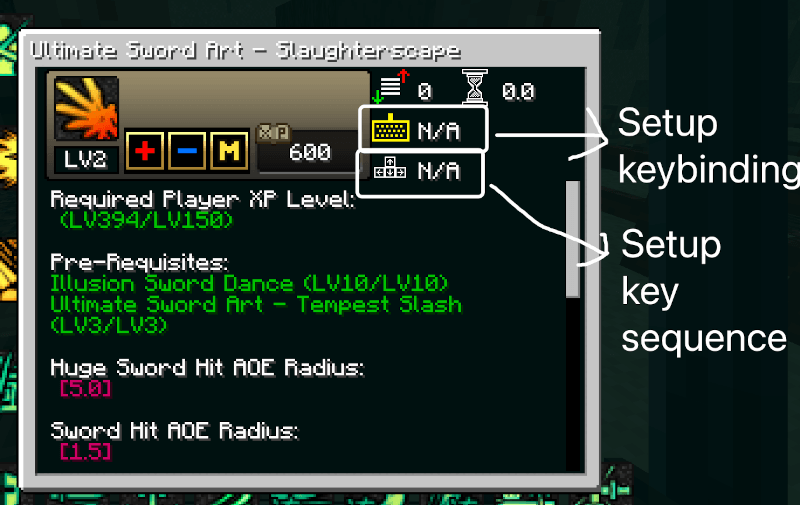
2.1. To setup keybinding, click the keyboard icon and enter the keybinding you want to assign to this skill. Click this button again to save the setting. YOU WILL HAVE TO CLICK THIS BUTTON AGAIN TO SAVE THE SETTING OTHERWISE NOTHING GONNA HAPPEN.
2.2. To setup keybinding sequence, click the keybinding sequence icon and record your keybinding by pressing, for example, WWASS to trigger this skill. Click this button again to save the setting. YOU WILL HAVE TO CLICK THIS BUTTON AGAIN TO SAVE THE SETTING OTHERWISE NOTHING GONNA HAPPEN.
Here is an example of how a skill setup complete. All these buttons must be the white color instead of yellow one.
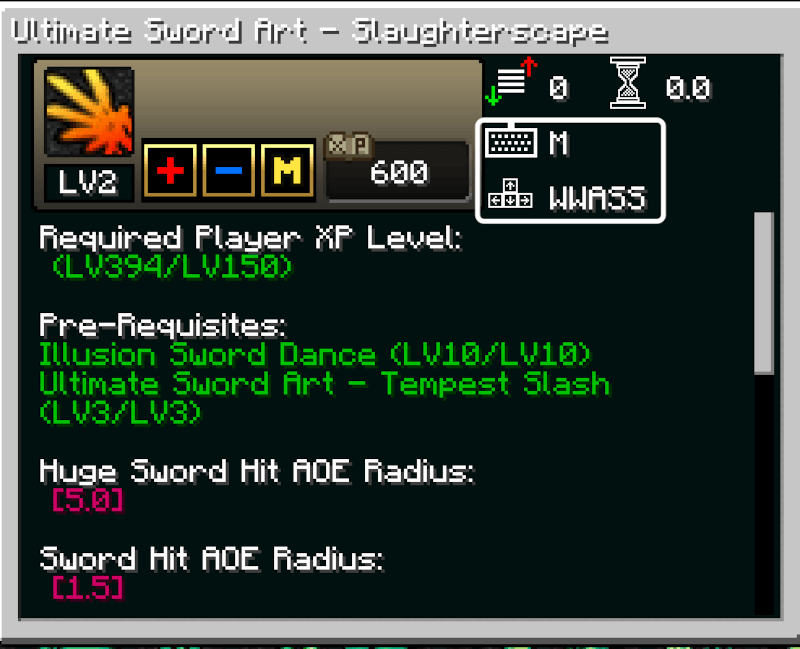
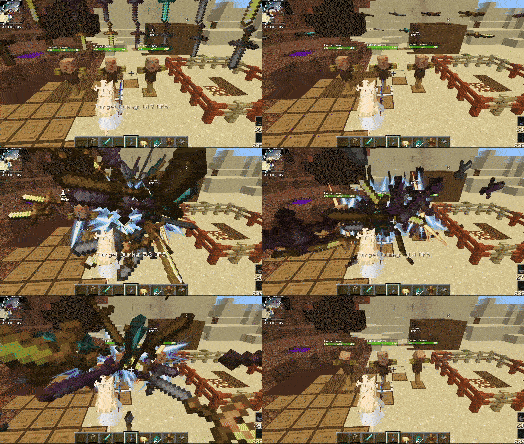
Here is a gif image about how I trigger the skill with keybinding only and keybinding sequence:
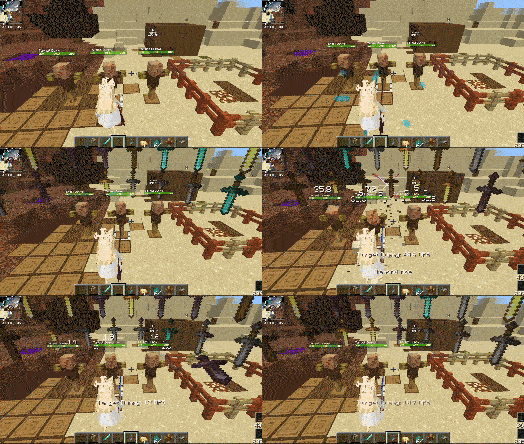
I activated the skill through keybinding sequence again:
Extra information about assigning up skills:
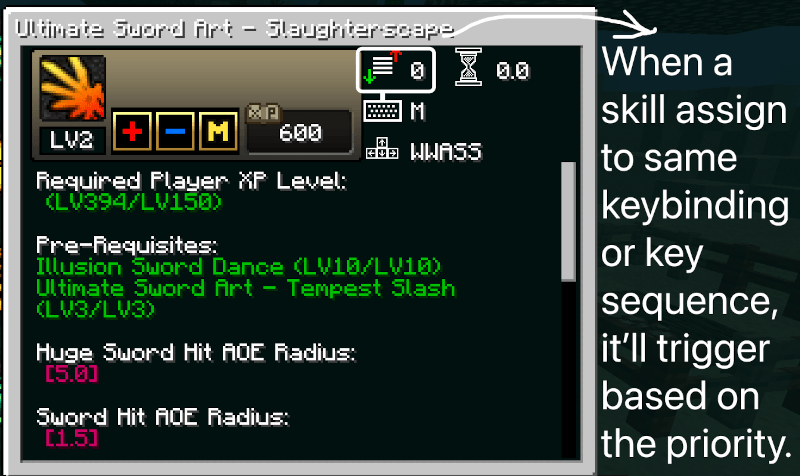
About Priority 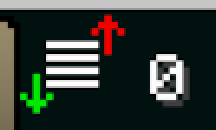 , in default setting, all skills' priority is assigned to 0. When press a keybinding that is assigned with multiple skills, it will trigger the skill with highest priority first.
About this hourglass thing 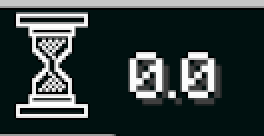 , this will postpone the time (increase the cooldown) after trigger the skill, what is the reason for the existance of this button? lol, it is just to help to cast skills with priority which are all assigned to the same keybinding. Making a timeline for which skill will be casted in specific time. Generally speaking this shouldn't be used unless skills conflict with each other because of cooldown or you know exactly about what you are trying to do with it.
If you feel some skills that are unbalanced and needed to be nerfed, you could make a resource pack to overwrite files under assets/XXX/skilldata path. Be aware that if a server tweaks any skill data, then you must also have the same resource pack installed or get weird phenomenons like pressing key won't trigger the skill which assigned to it, leveling up a skill without special effects, or crashing with a client side report generated under minecraft/crash-reports path etc.
Screenshots
Gallery
-
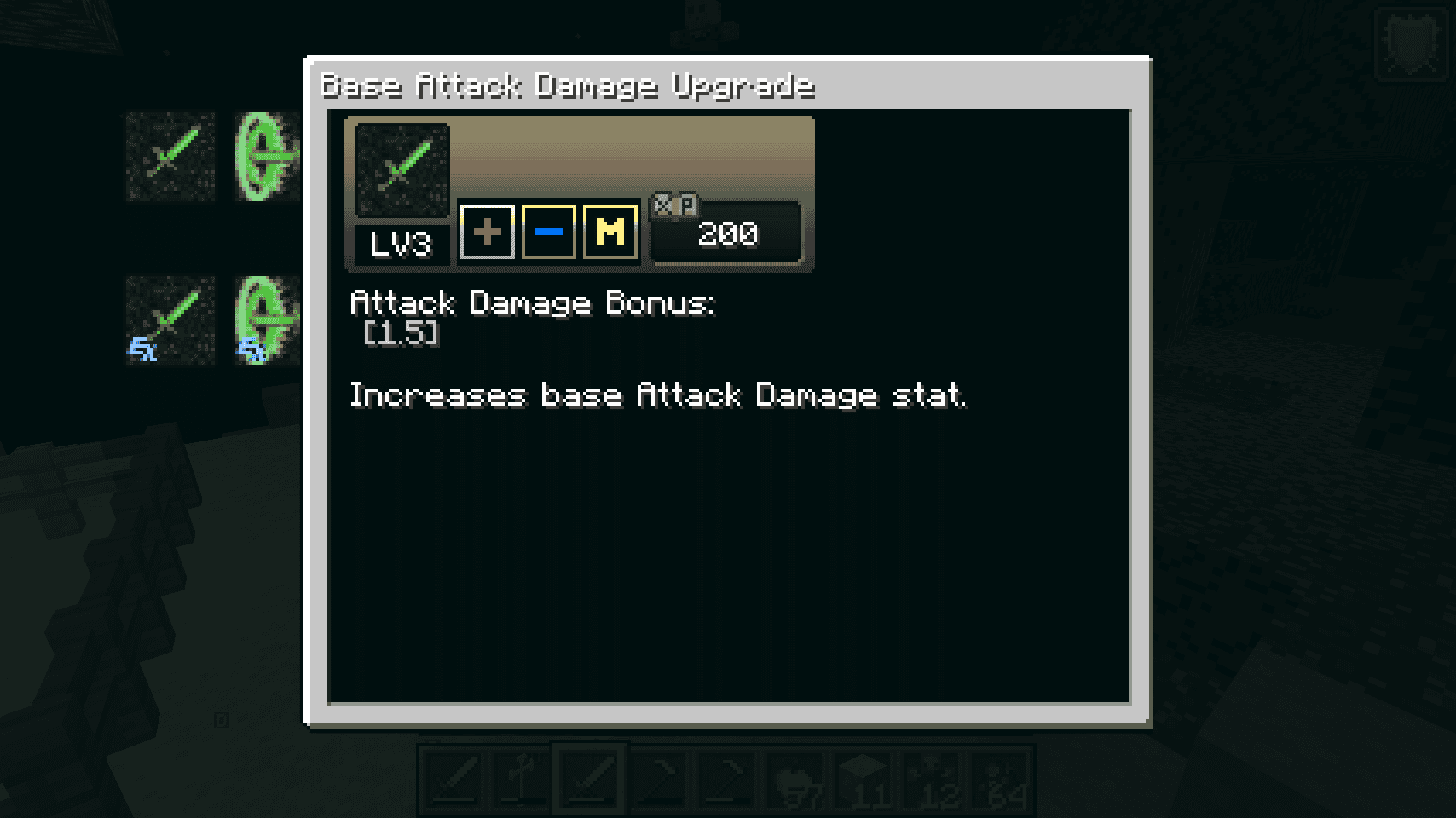 buy_skill_via_xp_points.png buy_skill_via_xp_points.png
 -
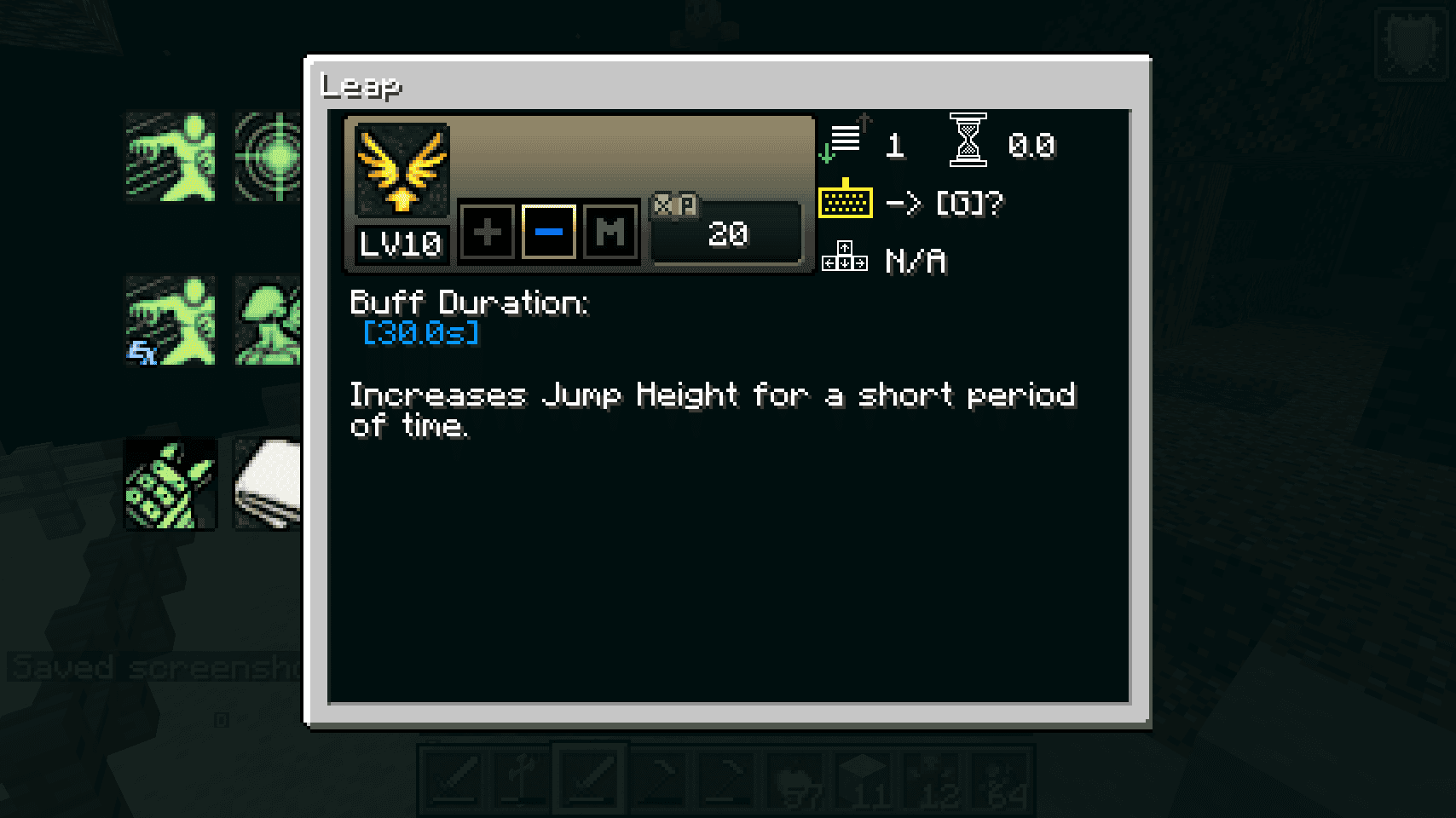 setup_active_skill_hotkey.png setup_active_skill_hotkey.png
 -
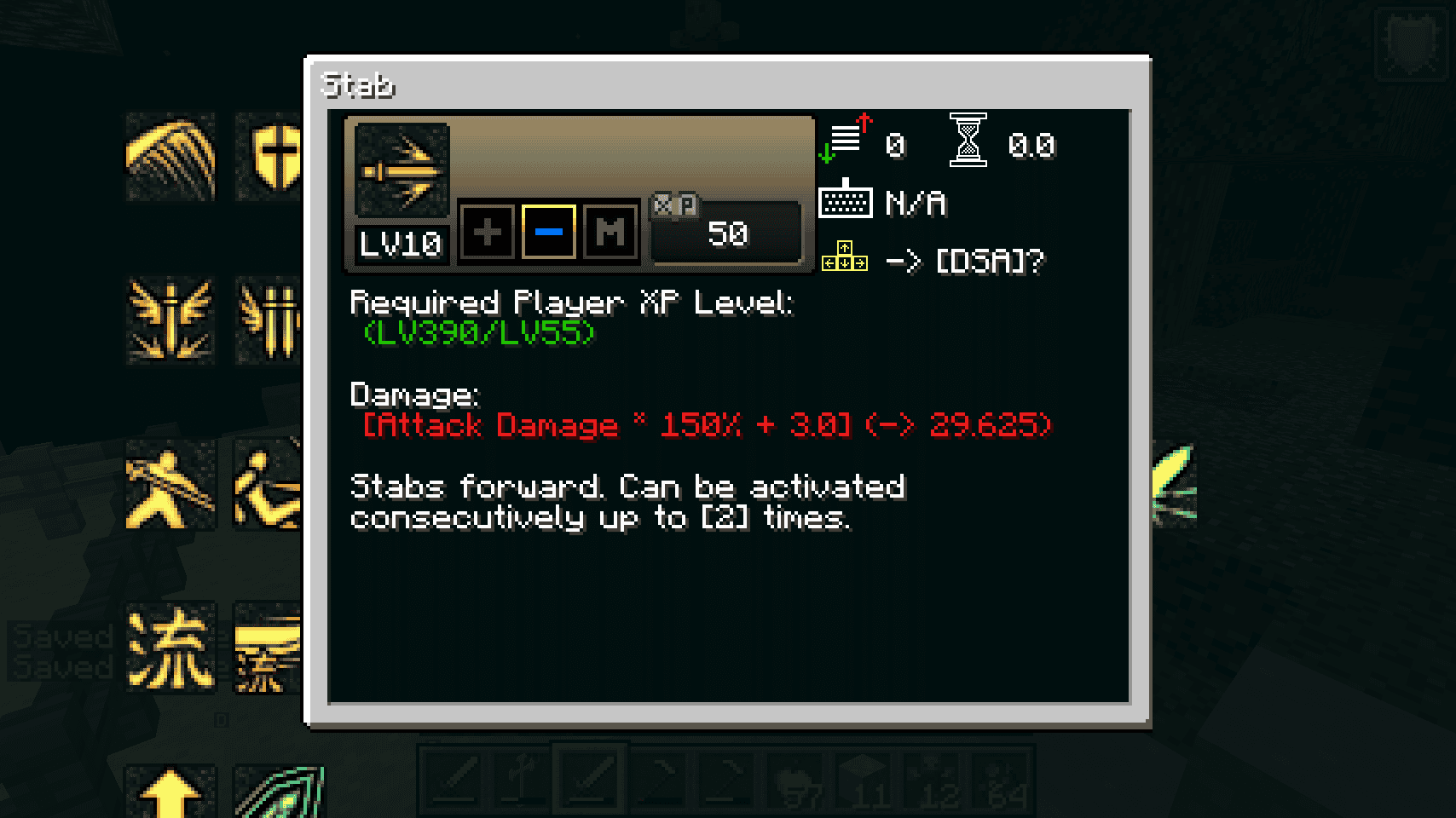 setup_key_combo.png setup_key_combo.png
 -
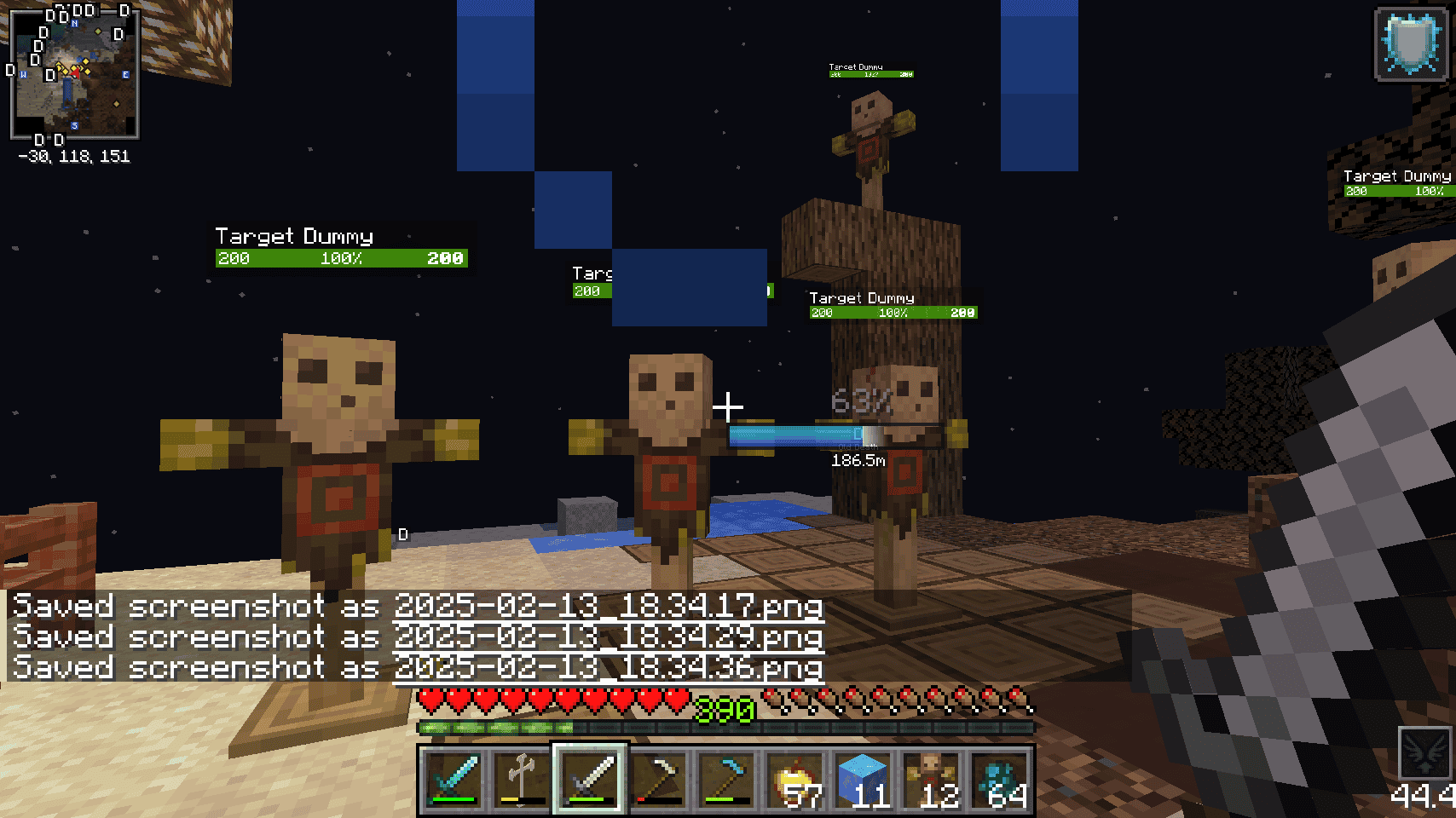 skill_channeling.png skill_channeling.png
 -
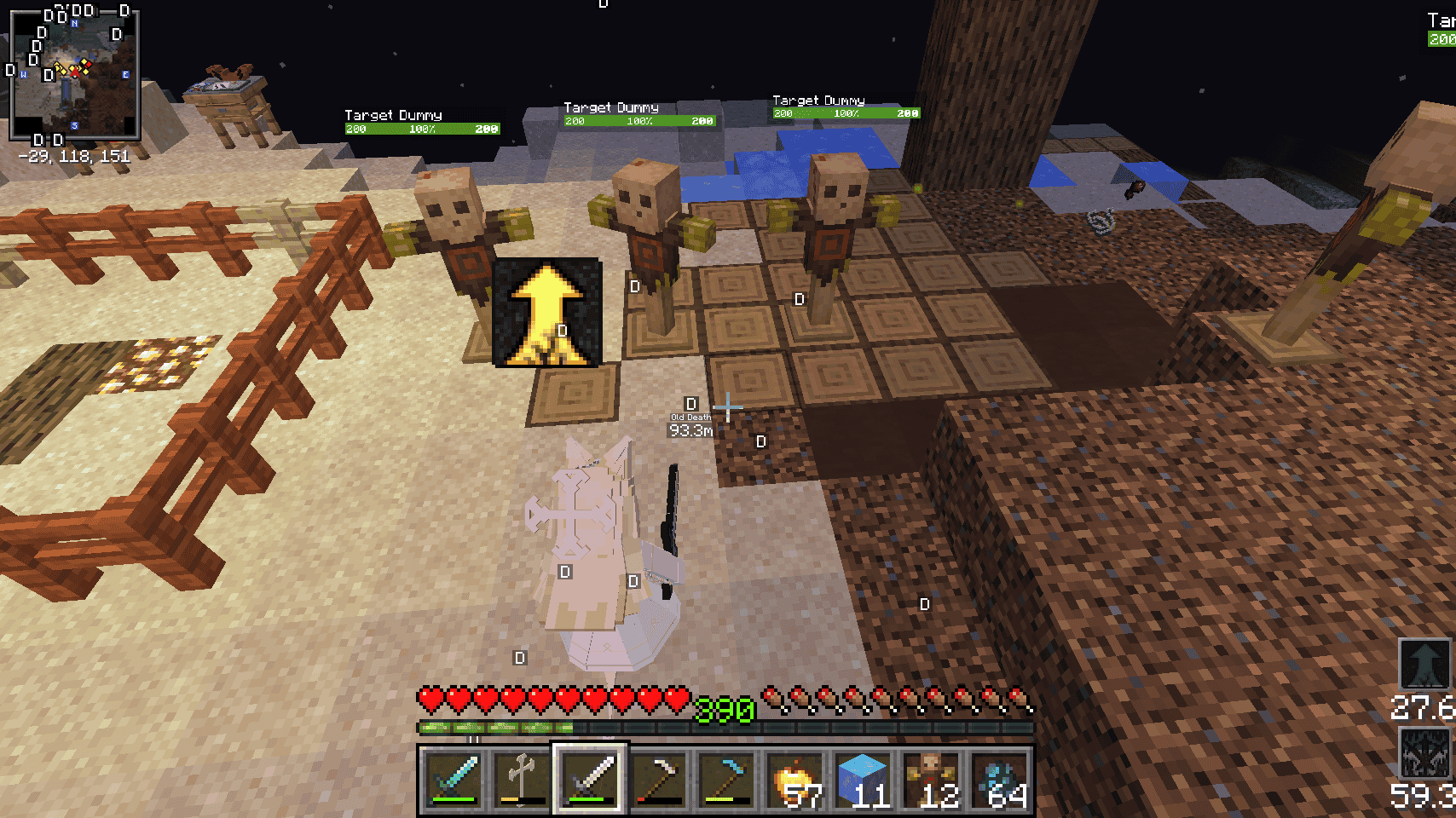 skill_cooldown.png skill_cooldown.png
Versions
Files
Relations
Project Relations
More like this
Similar Mods
Suggestions use data such as tags, dependencies, dependents, descriptions, titles, and more to rank how much they overlap with this mod.
On ModDex
Community snapshot
By the numbers
Statistics
 (opens in a new tab)
Get it on
Available Platforms
On ModDex
Community snapshot
By the numbers