Community listing page, reviews here may not be monitored by the author.
sorted hopper

No reviews yet
A hopper that sorts items into three outputs (forward/left/right) by category, using craftable Filter Cards imprinted from item tags.
Community voices
Reviews
No reviews yet. Be the first to review this project!
Get it on
Available Platforms
About
Project Details
For authors
Embed Badge
If you're the author of this project, you can embed a live badge anywhere that supports HTML or Markdown. It updates automatically whenever ratings change.
Use HTML for any page that supports it, or Markdown for README files and Markdown-based descriptions.
Identifiers
Platform IDs
Resources
External Links
About
Description
Sorted Hoppers
A Fabric mod that adds the Filtered Hopper — a hopper variant that automatically sorts items into three outputs (forward, left, right) by category, instead of vanilla hoppers, which just push everything forward.
What it does
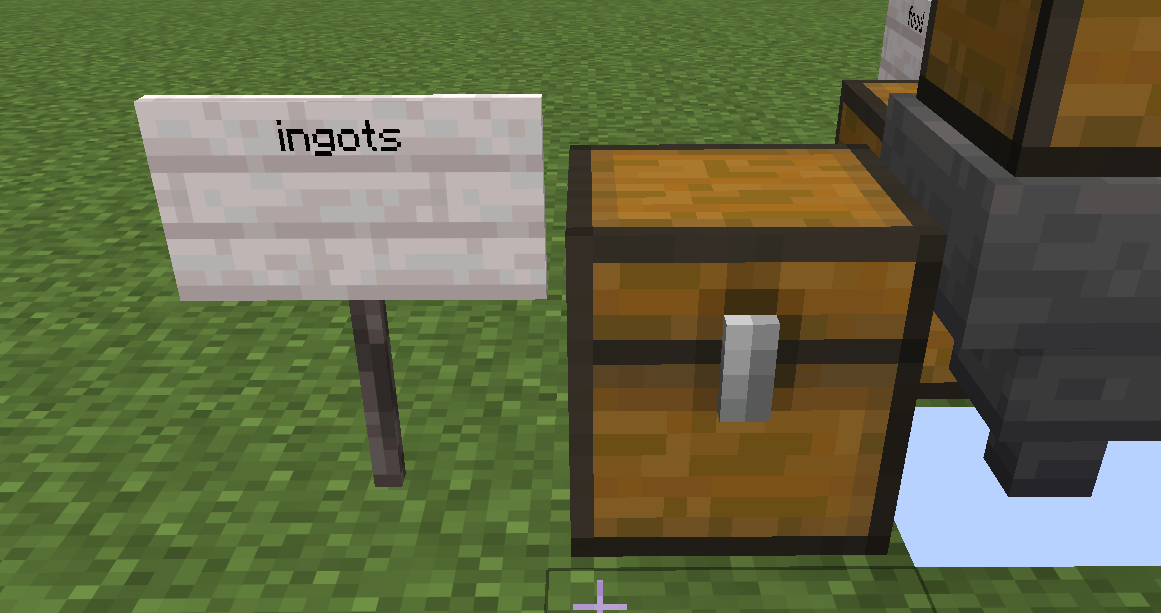
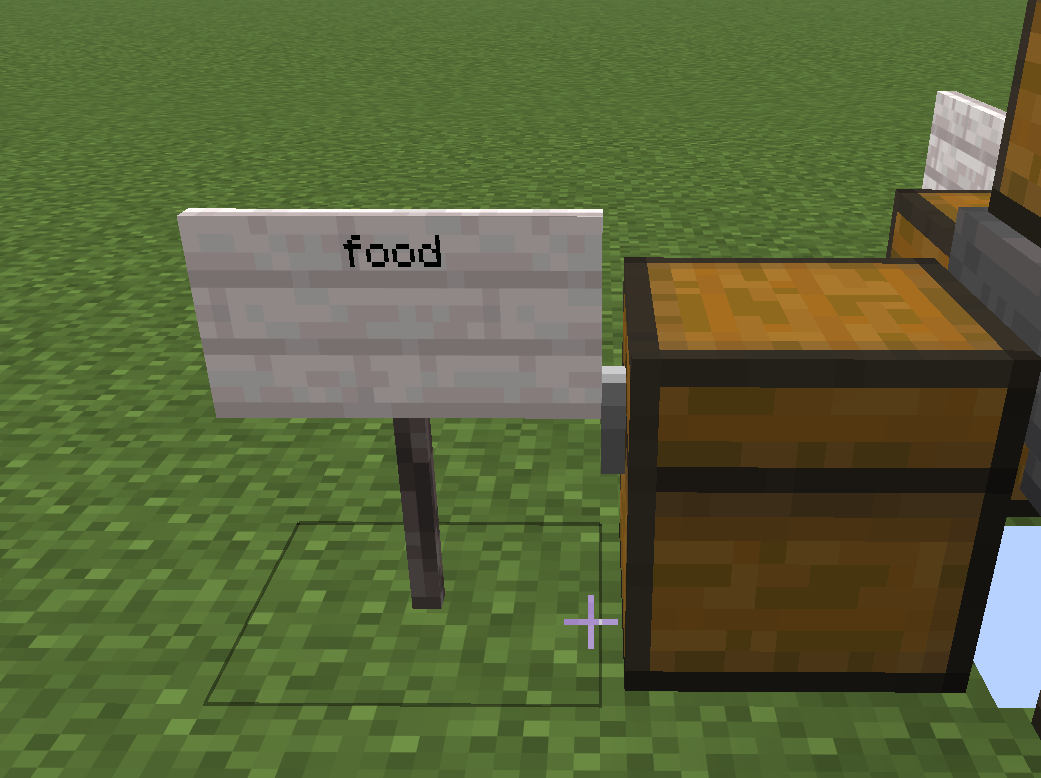
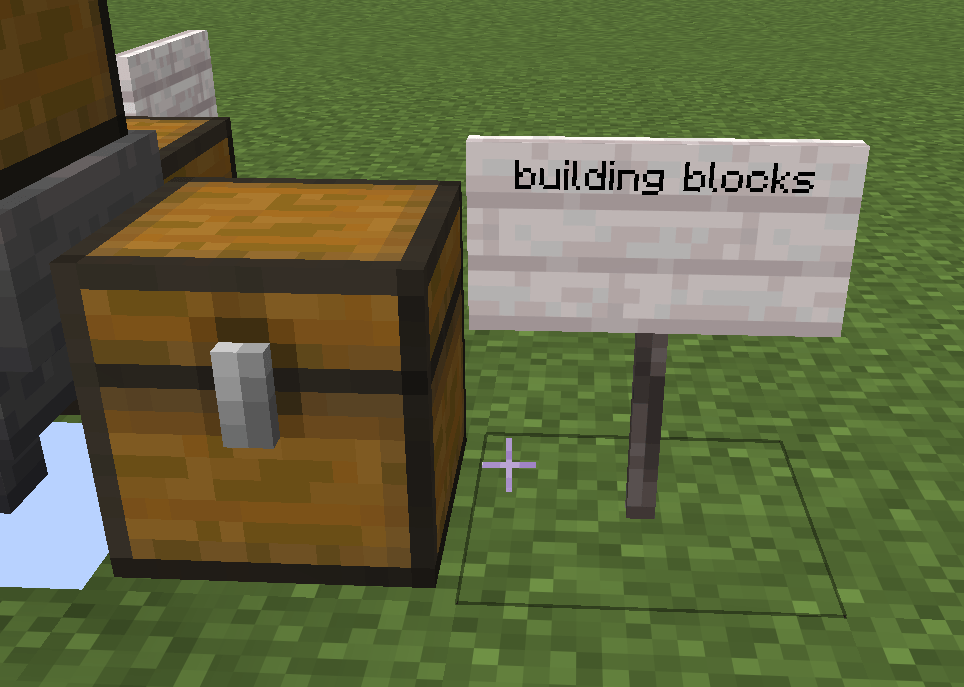
The Filtered Hopper has three output directions instead of one. Each direction can be assigned a category — food, ores, tools, building blocks, and so on — so that as items pass through, they're automatically routed to the matching output. Food goes one way, ores another, everything else either waits for a match or falls through an unconfigured direction, exactly like a plain vanilla hopper.
This replaces the usual comparator-and-filter contraptions needed to sort a storage system, farm, or automated base into a single block with visual, in-world configuration.
How it works
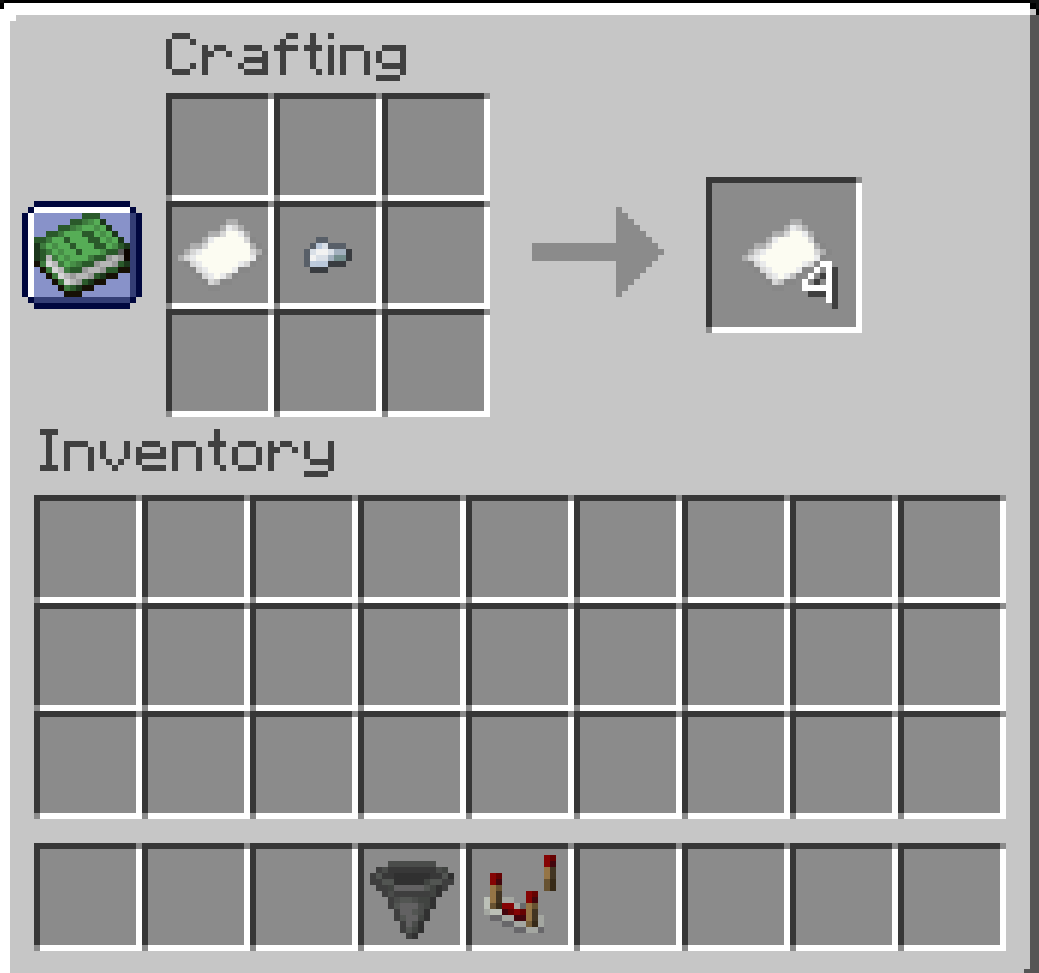
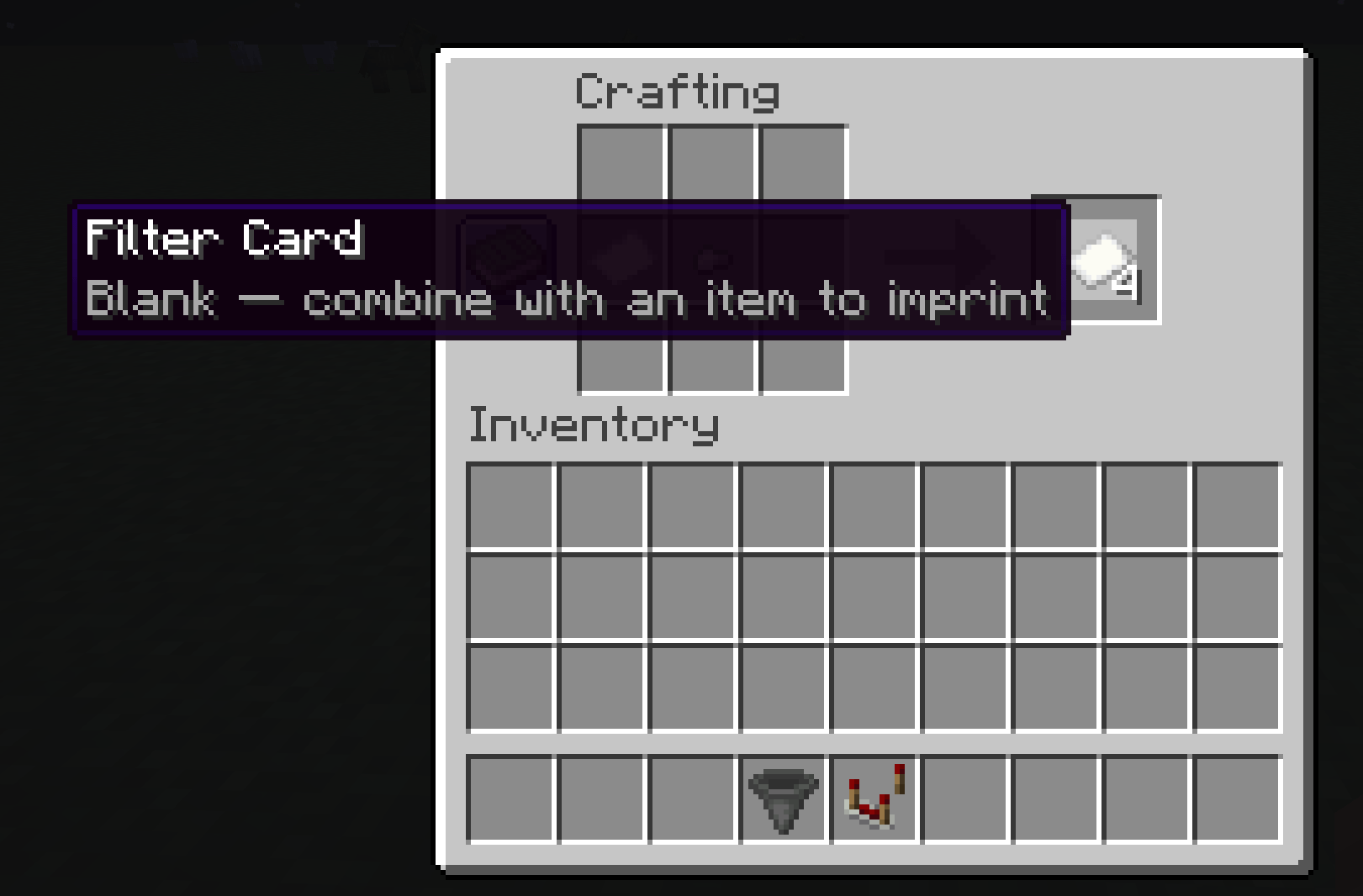
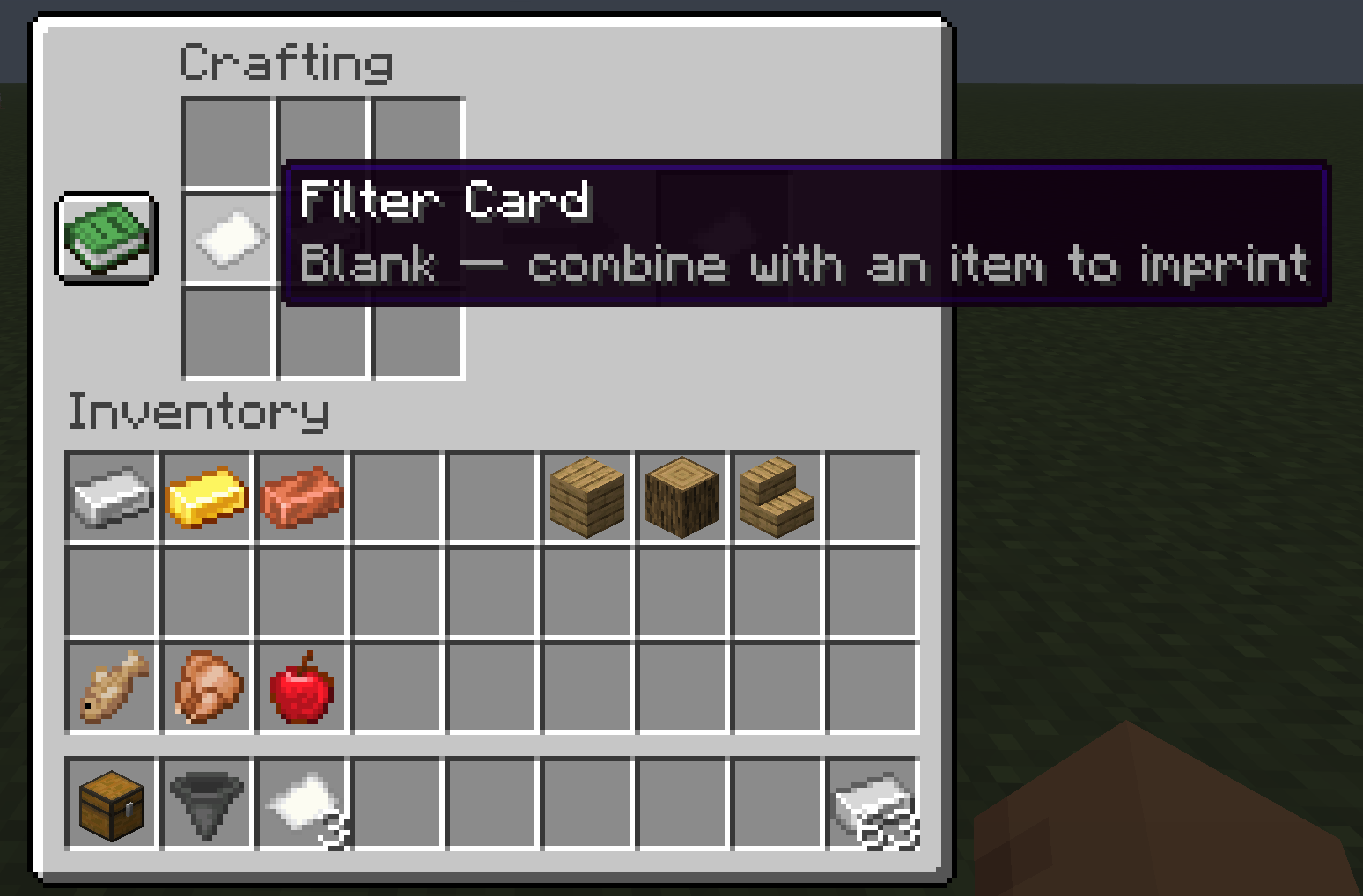
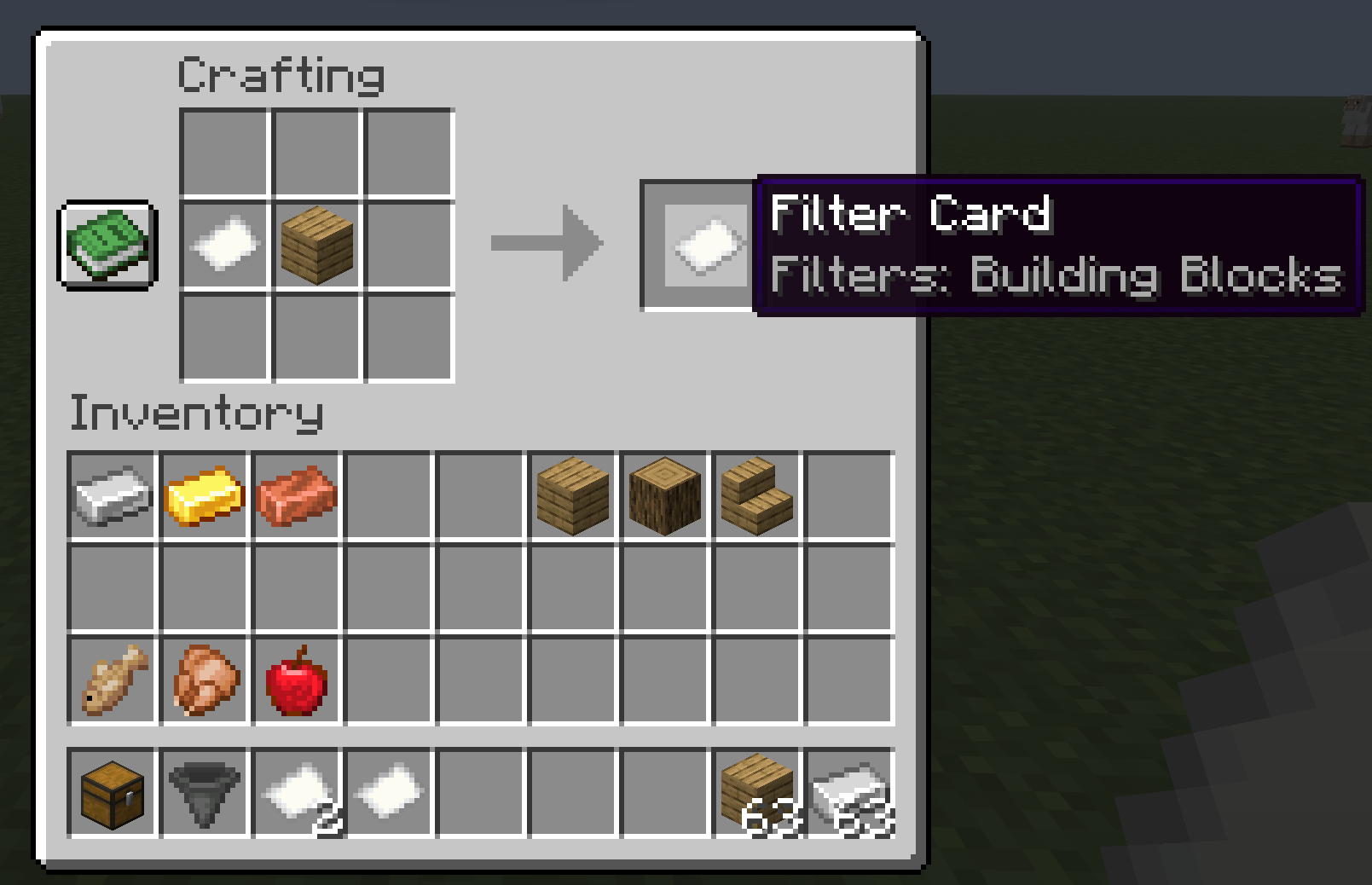
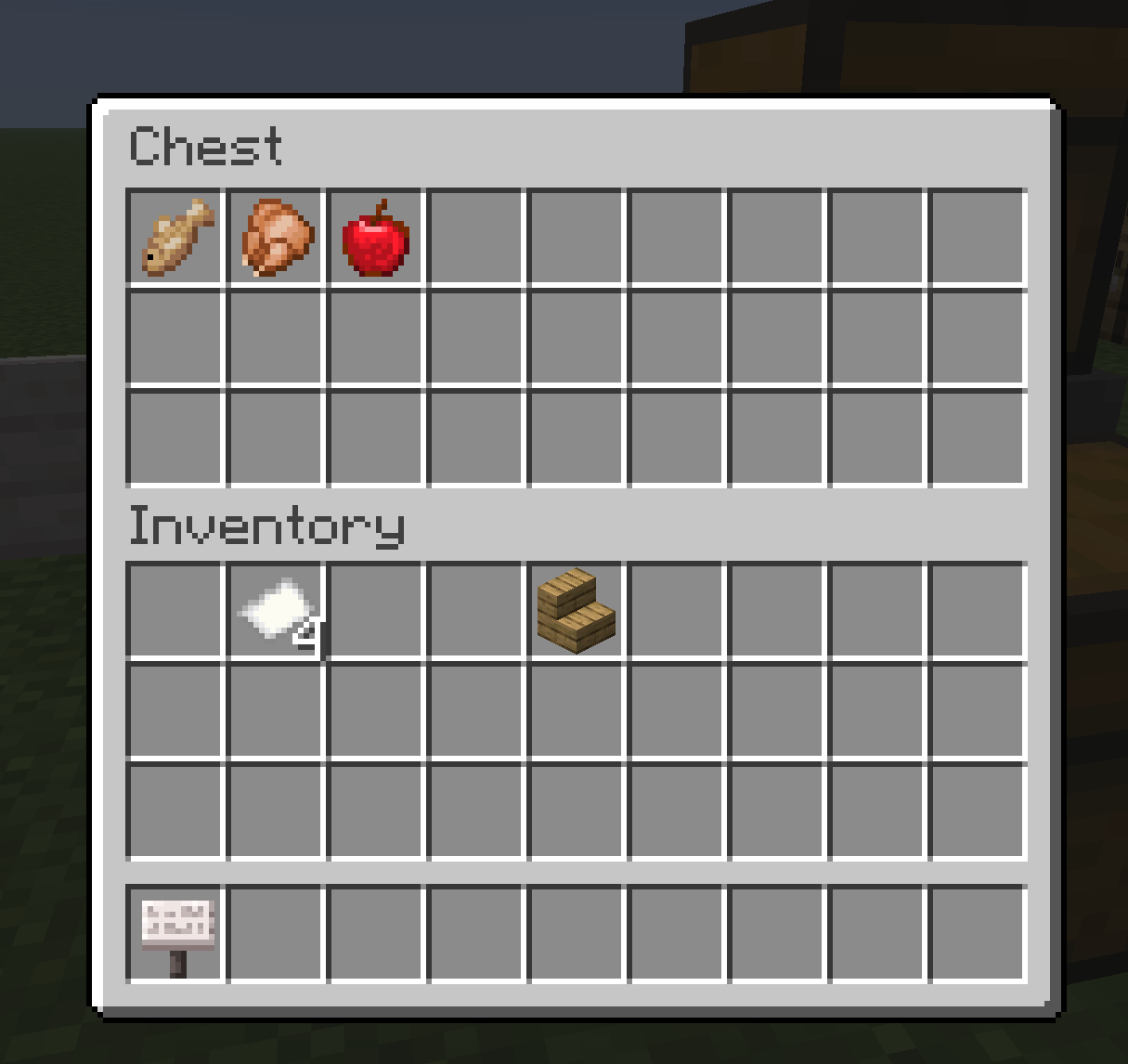
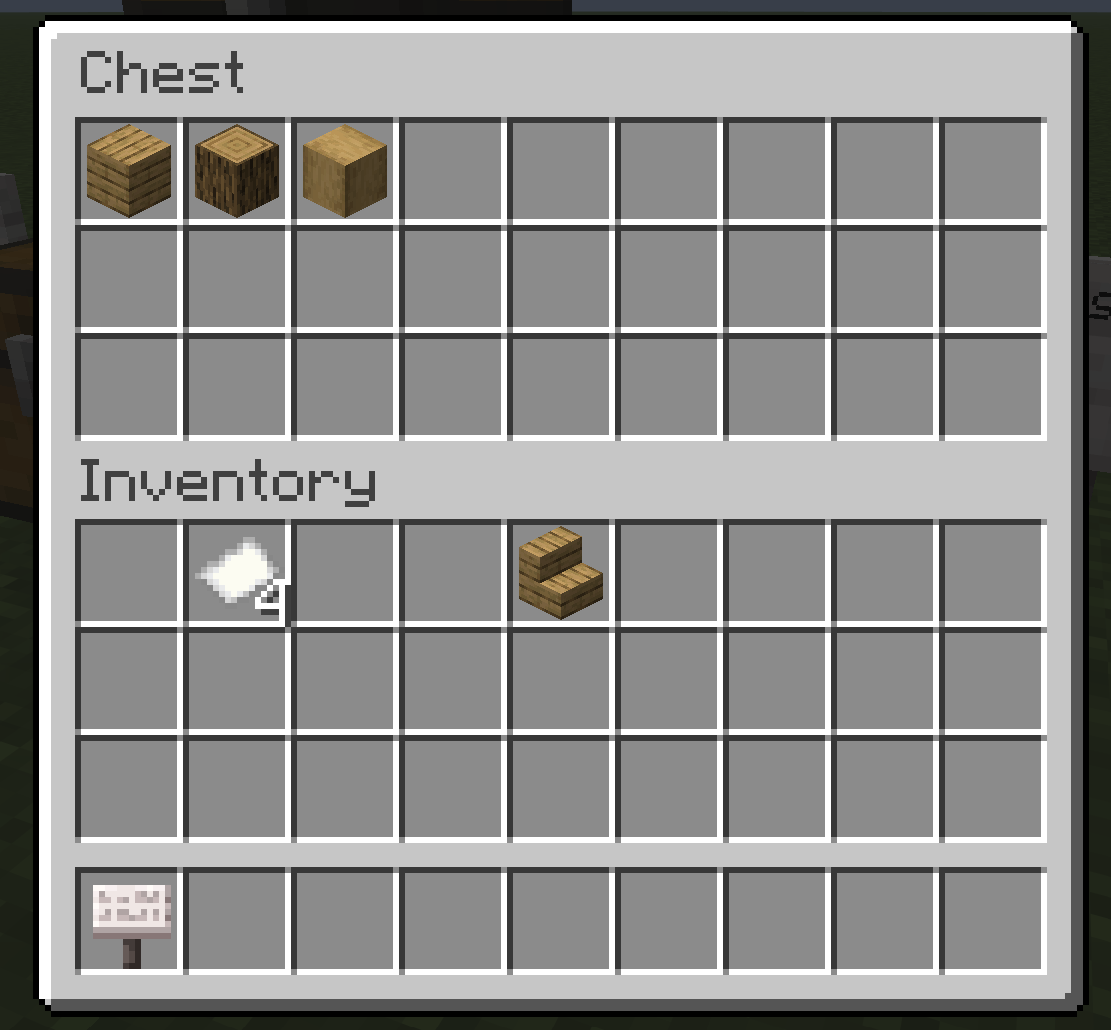
Filter Cards. A blank Filter Card is a craftable item (paper + iron nugget). Combine a blank card with an example item in a crafting grid to imprint it with that item's category — combine with bread to get a Food card, with iron ore to get an Ores card, and so on. Configuration happens physically, in the crafting grid, rather than through a menu.
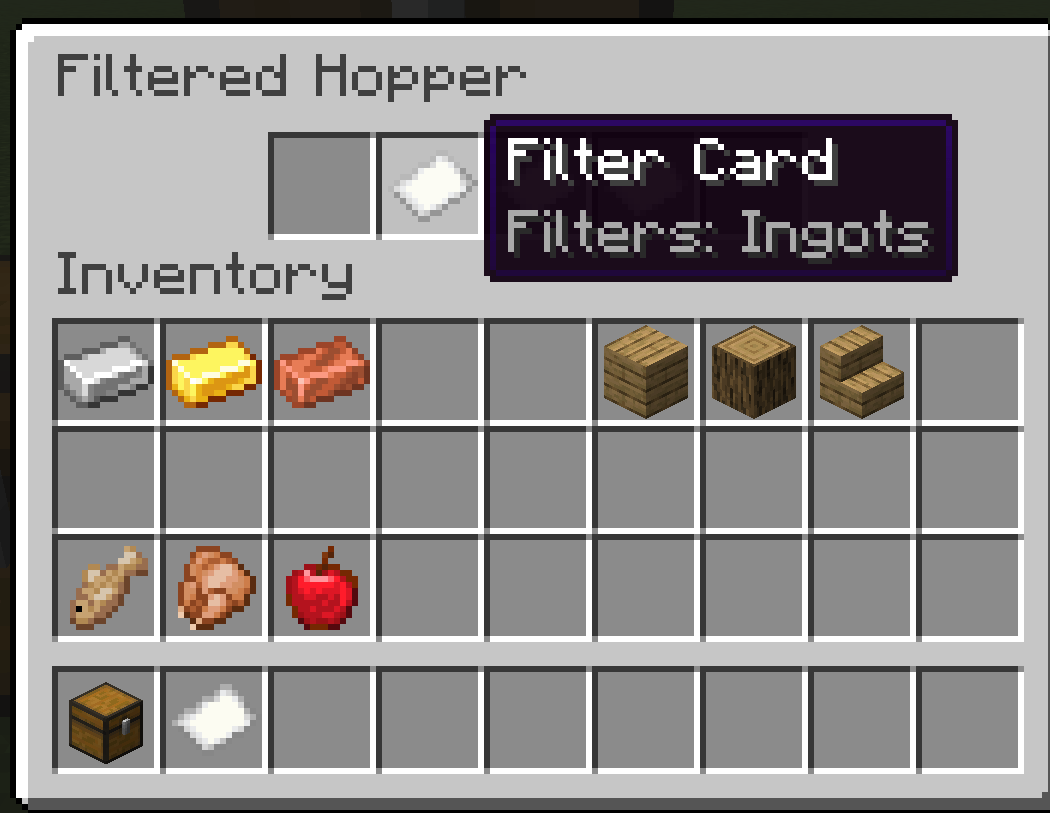
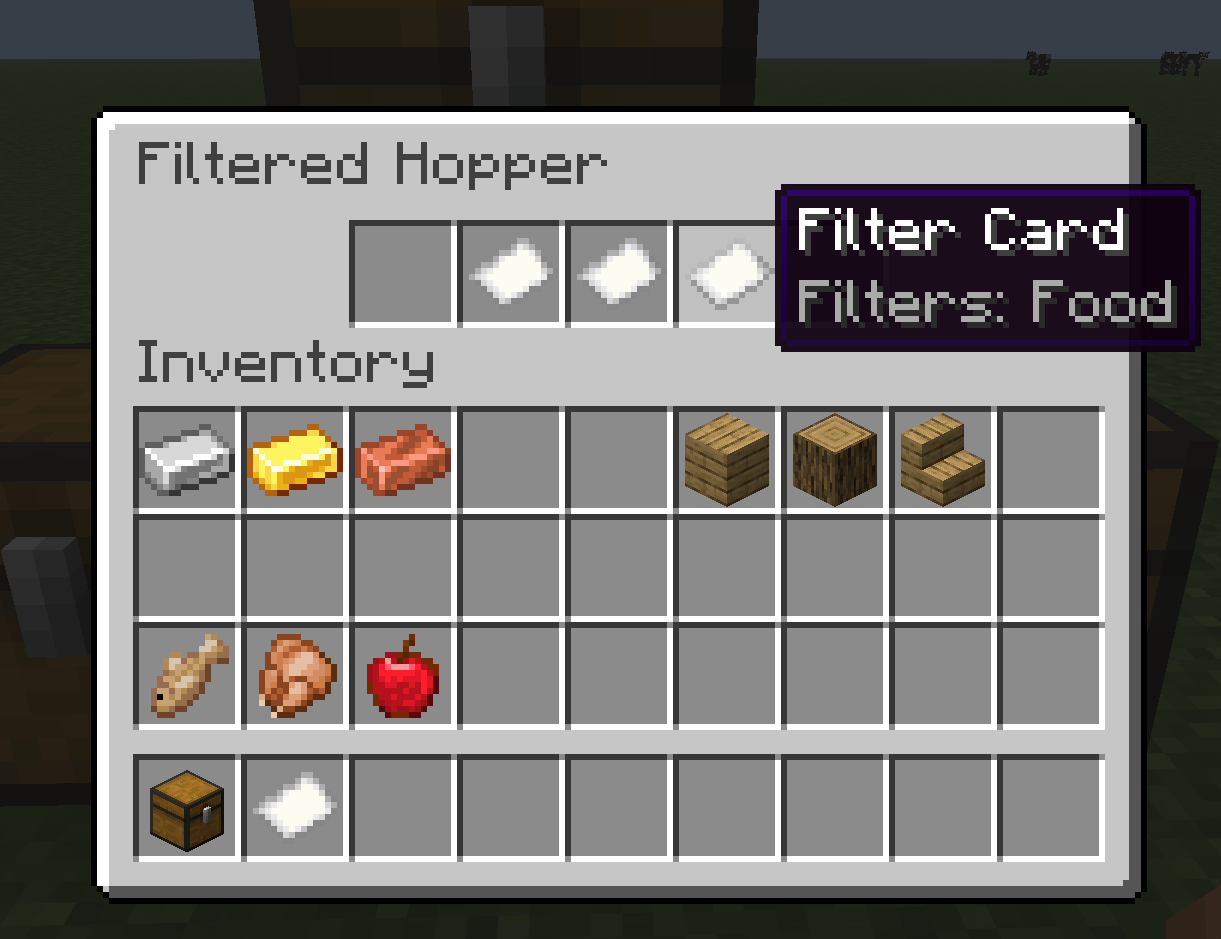
Routing. Drop imprinted cards into the hopper's three slots (accessible by right-clicking the block, same as a vanilla hopper) — one each for forward, left, and right, relative to the direction the hopper is facing. As items arrive, the hopper checks them against each configured card in forward → left → right order and pushes the first match through. Slot order is priority order, so it doubles as the configuration UI. If a direction's card doesn't match, or its target container is full, the hopper tries the next matching direction. If nothing matches and the forward slot has no card, forward acts as a wildcard/overflow output — an unconfigured hopper behaves exactly like a vanilla one.
Categories are item tags, not a custom list — the hopper checks c:foods, c:ores, c:tools, c:ingots, c:gems, minecraft:logs, and a bundled building_blocks tag (a composite of stone/brick/glass/concrete/planks/wool/etc.). Since these are ordinary datapack-overridable tags, modded items are sorted correctly automatically as long as they're tagged normally, and server owners can extend or remap categories without touching any code.
Placement. Unlike vanilla hoppers, the Filtered Hopper only places facing one of the four horizontal directions (no down-facing) — forward/left/right need a horizontal facing to be well-defined. It still sucks items up from directly above, same as vanilla.
Crafting
- Filter Card: 1 paper + 1 iron nugget → 4 blank cards
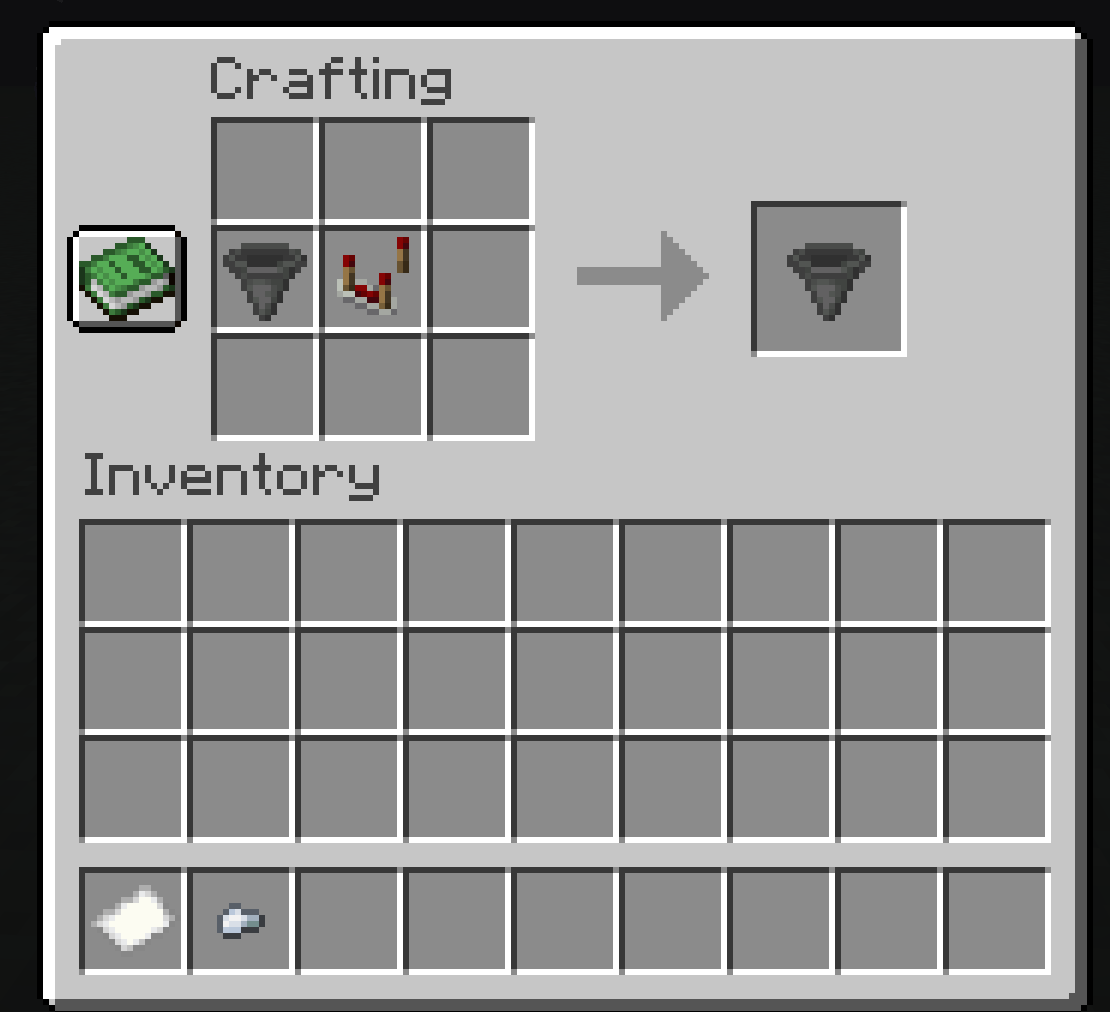
- Filtered Hopper: 1 hopper + 1 comparator → 1 Filtered Hopper
Setup
For setup instructions, please see the Fabric Documentation page related to the IDE that you are using.
License
This template is available under the CC0 license. Feel free to learn from it and incorporate it in your own projects.
Screenshots
Gallery
-
 Screenshot 2026-07-19 163224.png Screenshot 2026-07-19 163224.png
 -
 Screenshot 2026-07-19 163238.png Screenshot 2026-07-19 163238.png
 -
 Screenshot 2026-07-19 163258.png Screenshot 2026-07-19 163258.png
 -
 Screenshot 2026-07-19 163555.png Screenshot 2026-07-19 163555.png
 -
 Screenshot 2026-07-19 163836.png Screenshot 2026-07-19 163836.png
 -
 Screenshot 2026-07-19 163642.png Screenshot 2026-07-19 163642.png
 -
 Screenshot 2026-07-19 163856.png Screenshot 2026-07-19 163856.png
 -
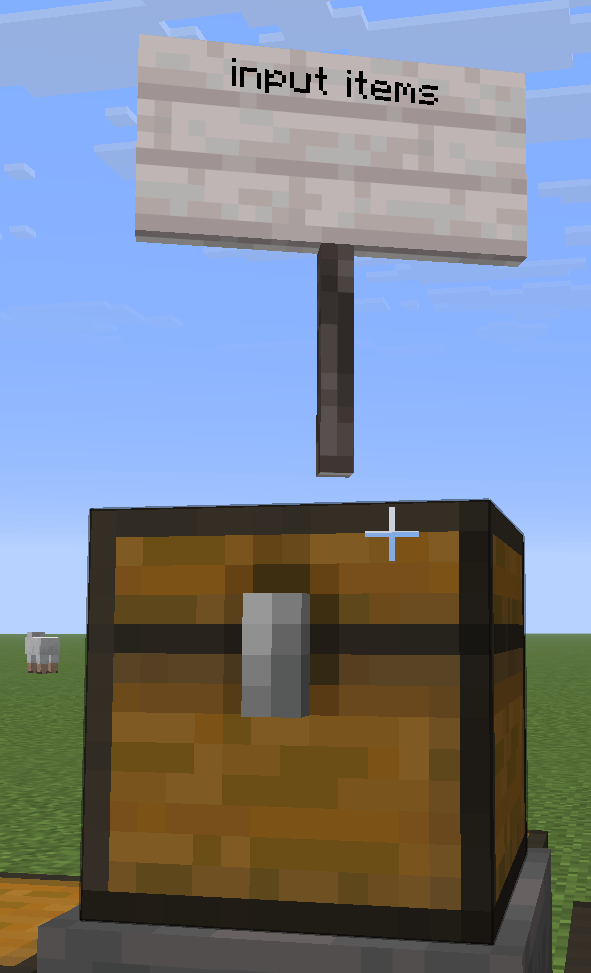 Screenshot 2026-07-19 164913.png Screenshot 2026-07-19 164913.png
 -
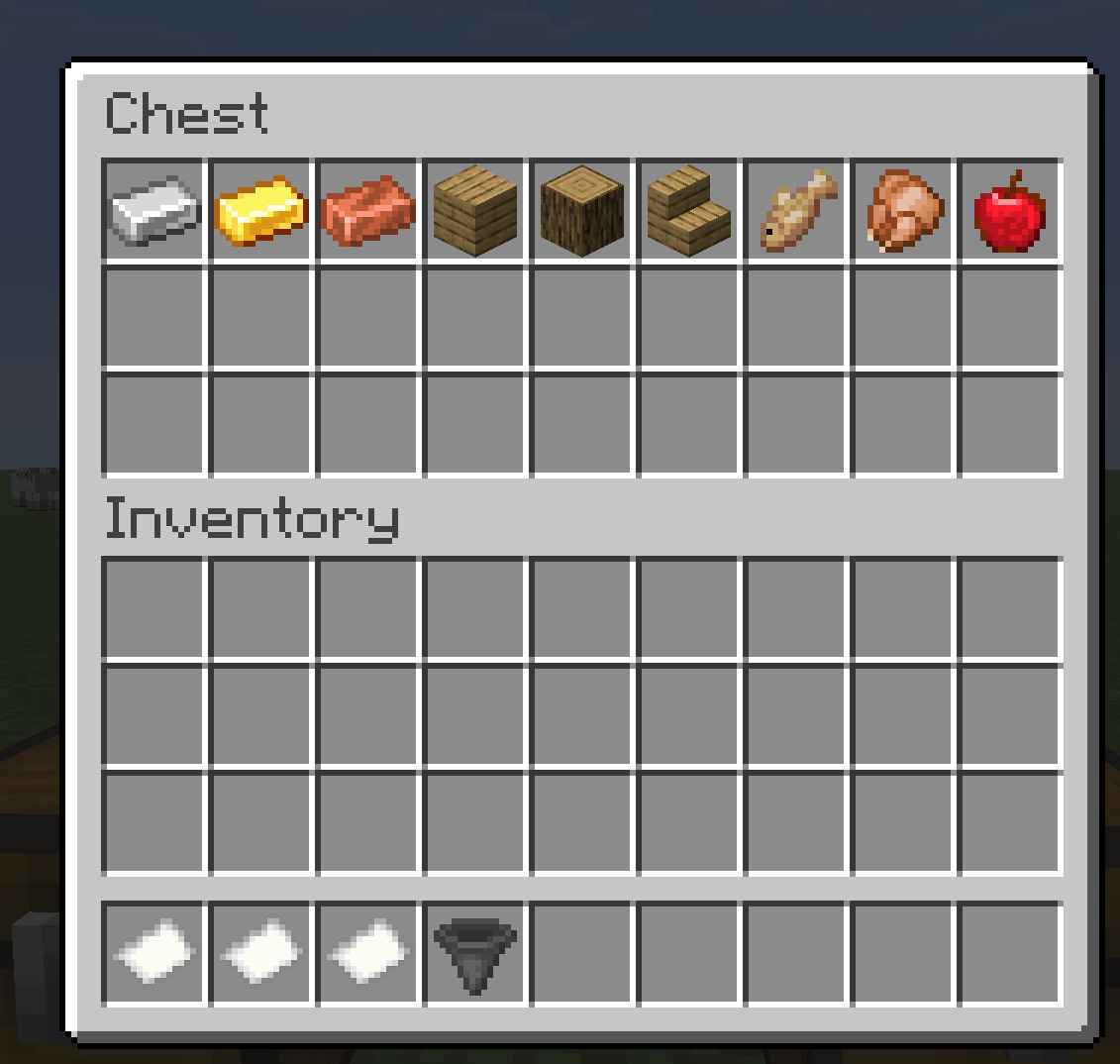 Screenshot 2026-07-19 164435.png Screenshot 2026-07-19 164435.png
 -
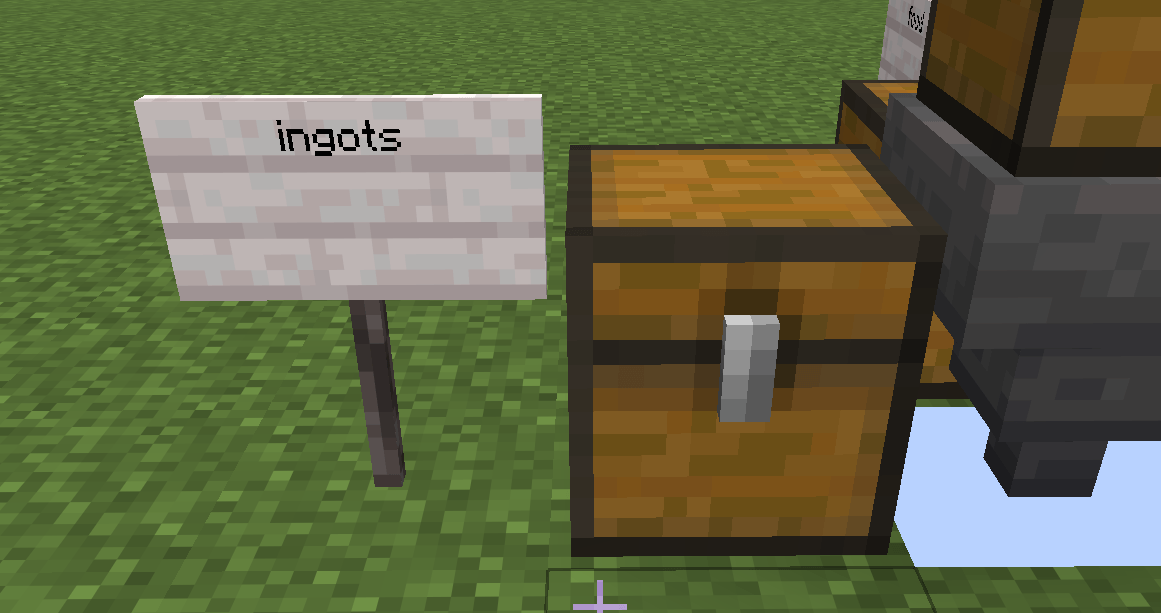 Screenshot 2026-07-19 164746.png Screenshot 2026-07-19 164746.png
 -
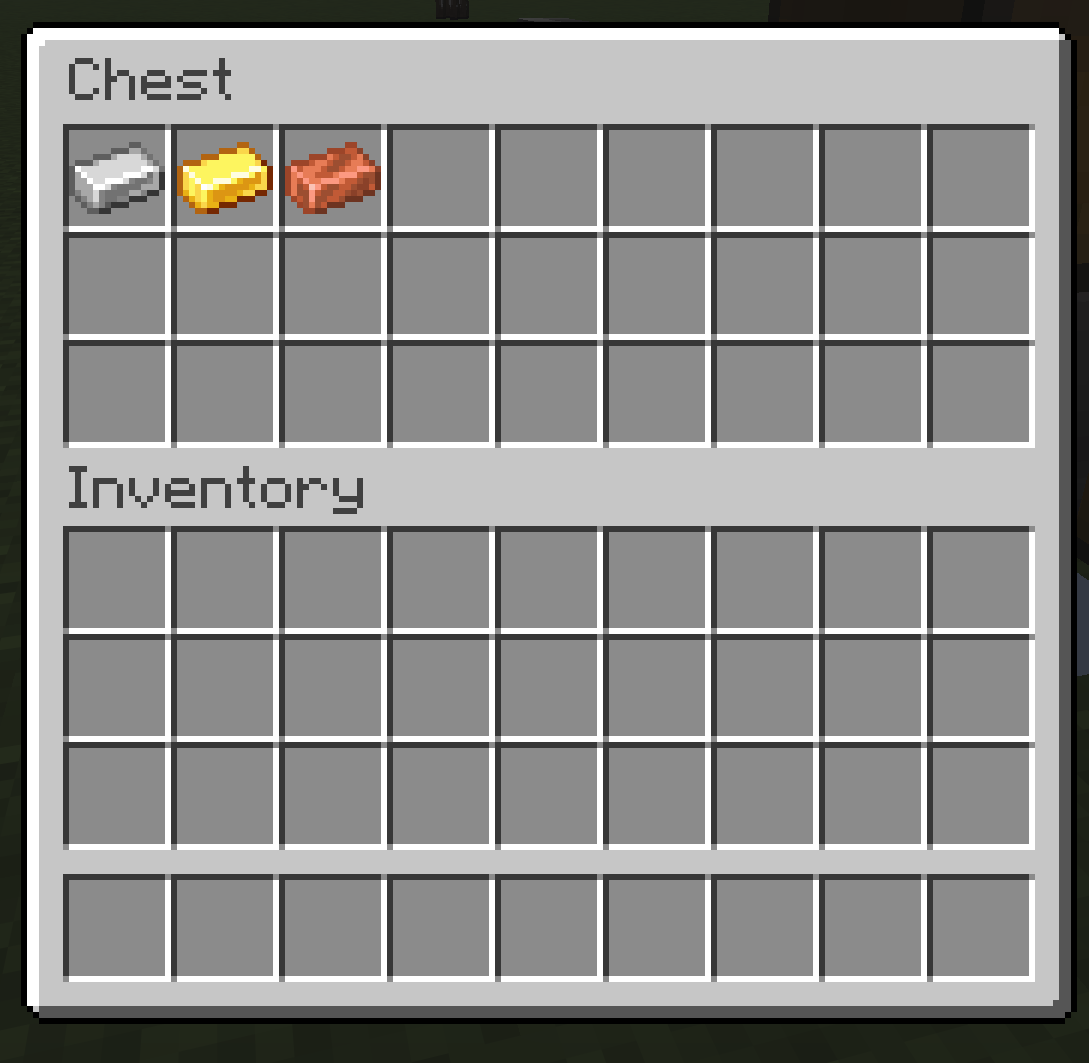 Screenshot 2026-07-19 164522.png Screenshot 2026-07-19 164522.png
 -
 Screenshot 2026-07-19 164746.png Screenshot 2026-07-19 164746.png
 -
 Screenshot 2026-07-19 164800.png Screenshot 2026-07-19 164800.png
 -
 Screenshot 2026-07-19 164808.png Screenshot 2026-07-19 164808.png
 -
 Screenshot 2026-07-19 164823.png Screenshot 2026-07-19 164823.png
 -
 Screenshot 2026-07-19 164835.png Screenshot 2026-07-19 164835.png
Versions
Files
Relations
Project Relations
More like this
Similar Mods
Suggestions use data such as tags, dependencies, dependents, descriptions, titles, and more to rank how much they overlap with this mod.
On ModDex
Community snapshot
By the numbers
Statistics
Want to reach Minecraft players?
We're looking for a server hosting partner to feature here and other parts of the site. Interested? Send us a message!
Get in touchGet it on
Available Platforms
On ModDex
Community snapshot
By the numbers
Statistics
Resources