
Community listing page, reviews here may not be monitored by the author.
Soundvisualizer


No reviews yet
Draw around sounds. It also possible to avoid danger.
Community voices
Reviews
No reviews yet. Be the first to review this project!
Get it on
Available Platforms
Compatibility
Supported Environments
Runs entirely on the client. Works on vanilla servers.
About
Project Details
For authors
Embed Badge
If you're the author of this project, you can embed a live badge anywhere that supports HTML or Markdown. It updates automatically whenever ratings change.
Use HTML for any page that supports it, or Markdown for README files and Markdown-based descriptions.
Identifiers
Platform IDs
Resources
External Links
About
Description
This mod add a disply of around souds. It like the visualization of sound in fortnite.
There are several typs of shape
- Boots:other player's footsteps
- Pickaxe:breaking block,putting block
- Blue endereye:thunder
- Allow/Trident:indicate place where they falled
- Canp fire:indicate fire
- Potion:indicate drinking potion
- Bukket:indicate sound of water/magma
- Minecart:indicate only running minecart(doesn't include own)
- Bell:indicate sound of bell
- Horn:indicate sound of horn
- Barrier Block:indicate direction of the attacked
- Image of mob:indicate direction of each mob (The arrow indicates an enemy if it is red, or a friendly mob if it is green)
About options
This mod have some options.
Can change following things.
- Display size
- Opacity
- Distance from the center
- Restricted audio display
- Simple dot display(enemy=🟥,friendly=🟩)
This mod add a disply of around souds. It like the visualization of sound in fortnite.
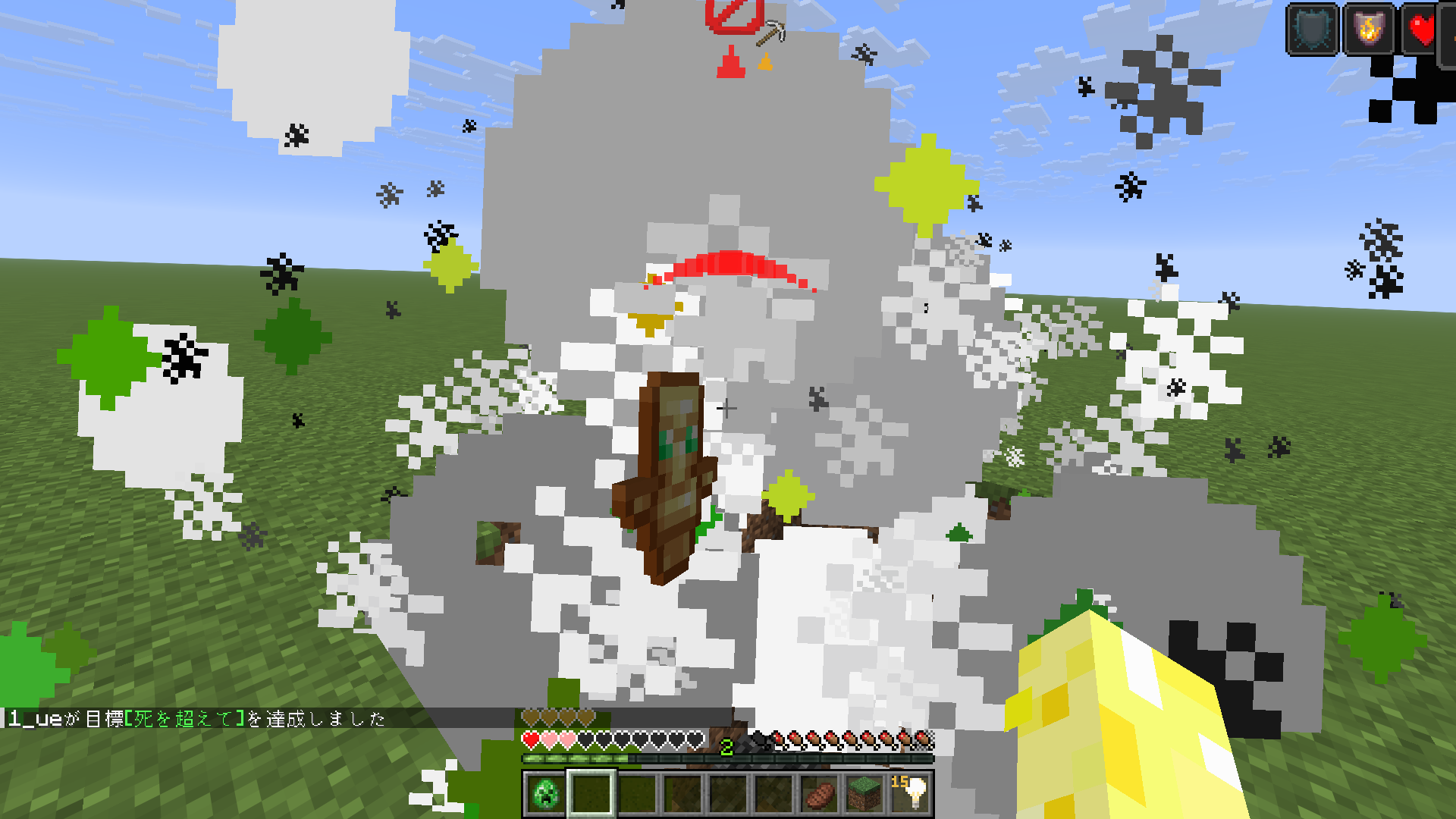
There are several typs of shape
- Boots:other player's footsteps
- Pickaxe:breaking block,putting block
- Blue endereye:thunder
- Allow/Trident:indicate place where they falled
- Canp fire:indicate fire
- Potion:indicate drinking potion
- Bukket:indicate sound of water/magma
- Minecart:indicate only running minecart(doesn't include own)
- Bell:indicate sound of bell
- Horn:indicate sound of horn
- Barrier Block:indicate direction of the attacked
- Image of mob:indicate direction of each mob (The arrow indicates an enemy if it is red, or a friendly mob if it is green)
About options
This mod have some options.
Can change following things.
- Display size
- Opacity
- Distance from the center
- Restricted audio display
- Simple dot display(enemy=🟥,friendly=🟩)
https://youtube.com/channel/UC7DGSVEgrreHJThpIW6sy1A?si=79e_turnPd46aEbR
Screenshots
Gallery
-
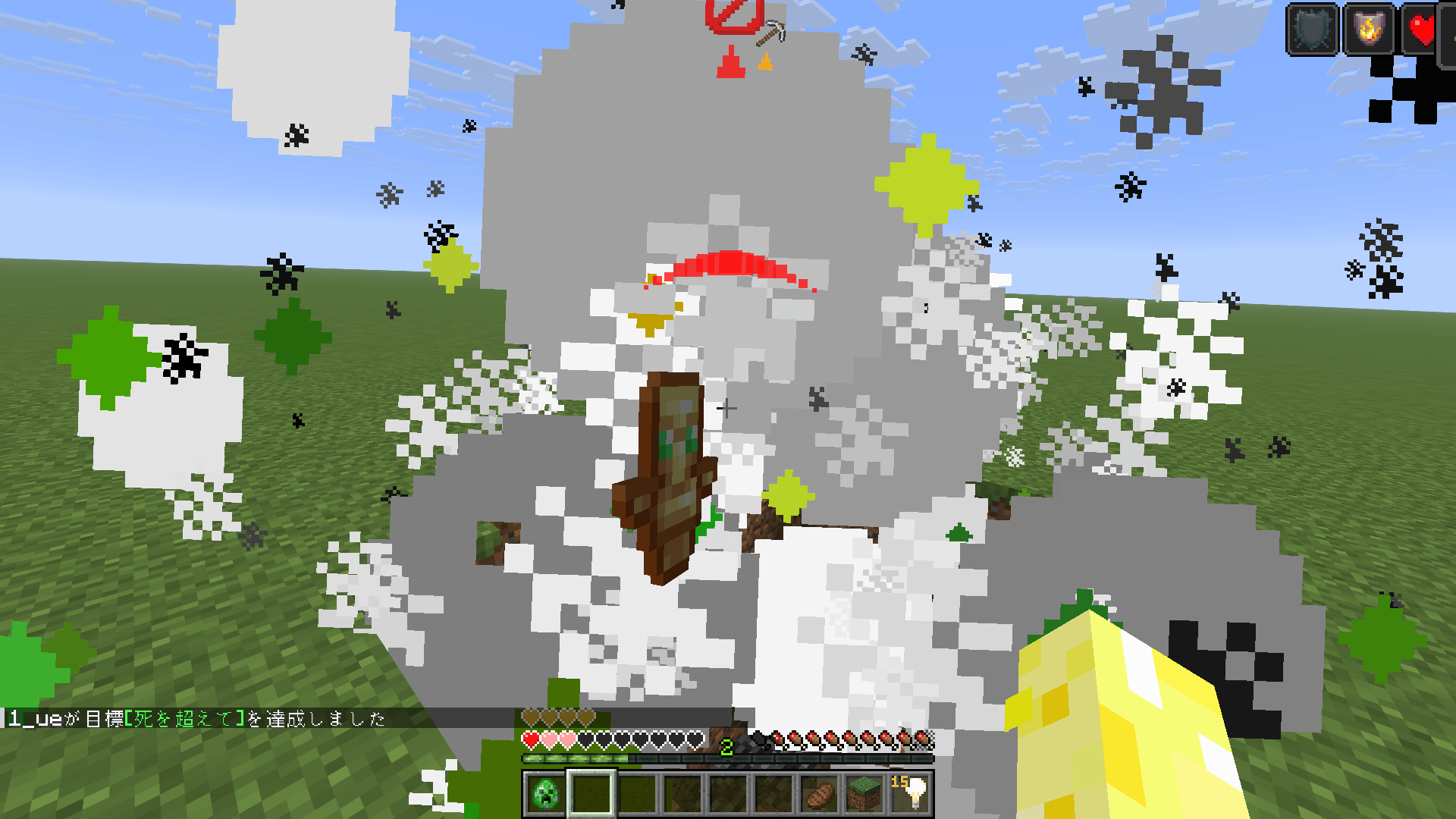 2026-07-20_19.19.52.png 2026-07-20_19.19.52.png
-
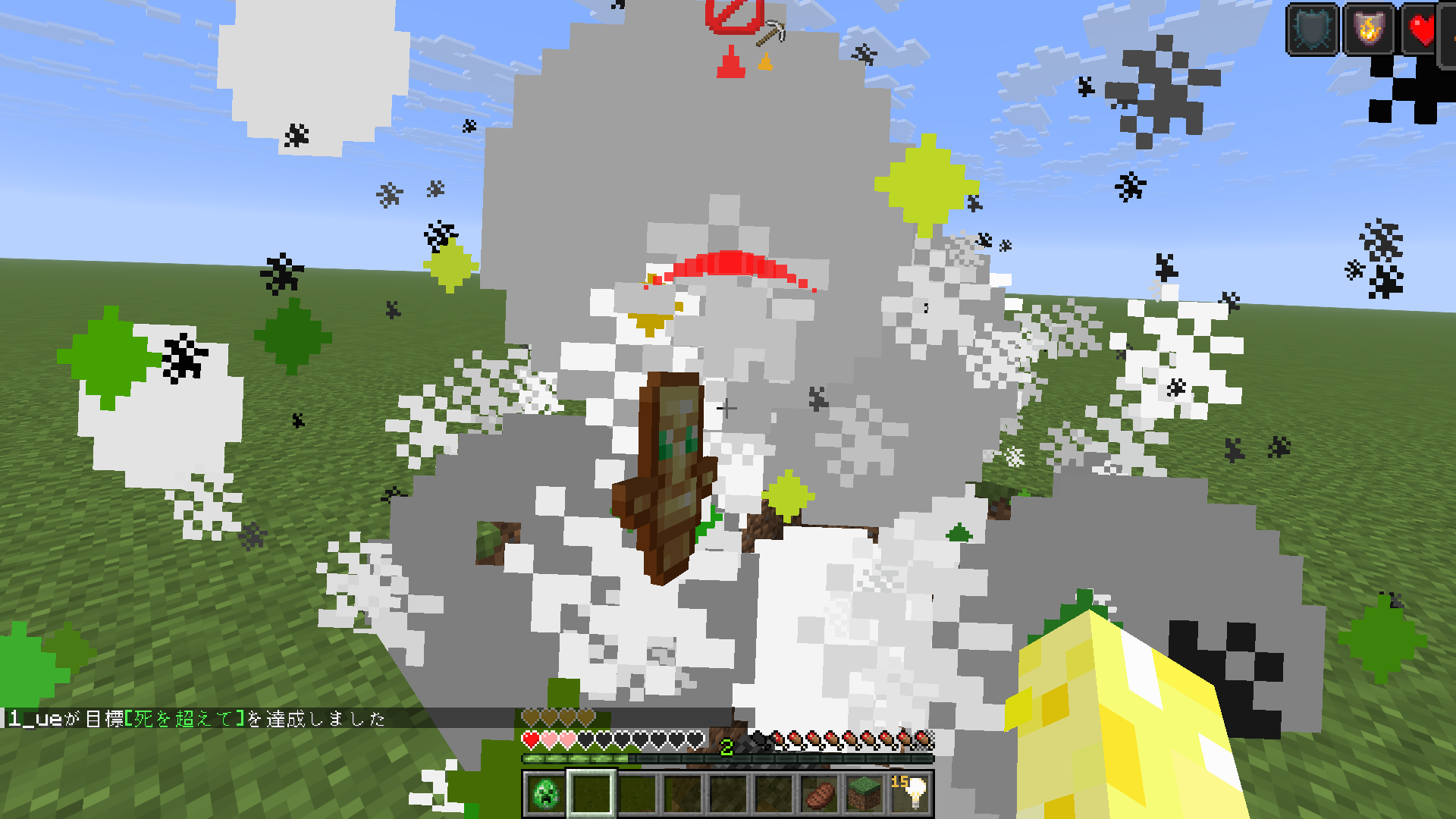 First-person perspective you can see when you take damage and when your block is broken.
 -
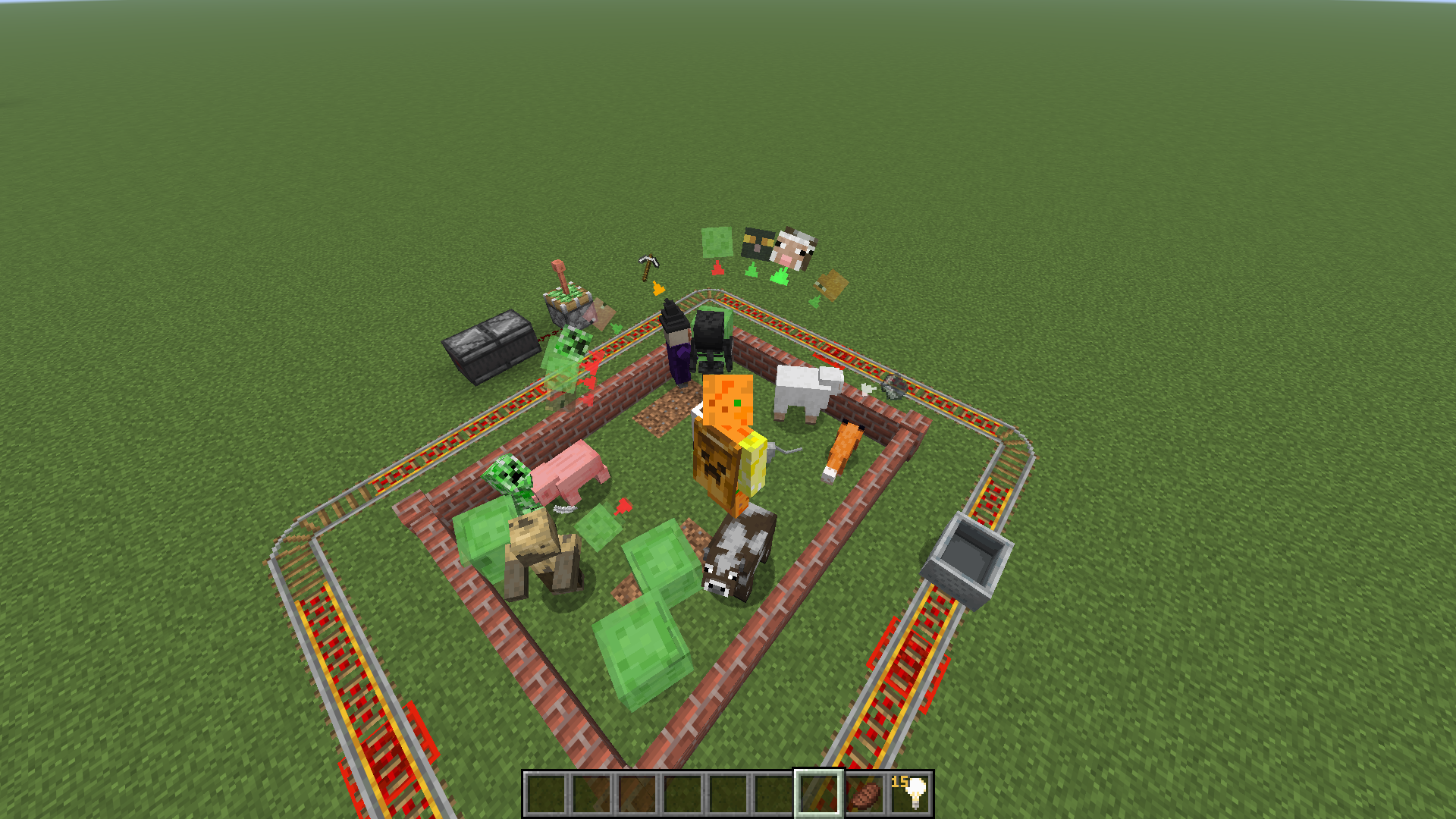 Third-person perspective It is displayed enclosed in a circle.
Versions
Files
Relations
Project Relations
More like this
Similar Mods
Suggestions use data such as tags, dependencies, dependents, descriptions, titles, and more to rank how much they overlap with this mod.
On ModDex
Community snapshot
By the numbers
Statistics
Want to reach Minecraft players?
We're looking for a server hosting partner to feature here and other parts of the site. Interested? Send us a message!
Get in touchGet it on
Available Platforms
On ModDex
Community snapshot
By the numbers
Statistics
Resources