Community listing page, reviews may not be monitored by the author.
Spatial GUI (Forge)

No reviews yet
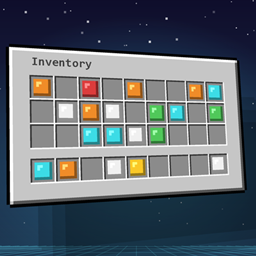
Unofficial Forge port of Spatial GUI by tastytrash. Your inventory, chests and crafting screens float as a 3D plane in front of you, with your character beside it. Client-side only, fully configurable. Minecraft 1.20.1 and 1.20.2.

Community voices
Reviews
No reviews yet. Be the first to review this project!
Get it on
Available Platforms
About
Project Details
For authors
Embed Badge
If you're the author of this project, you can embed a live badge anywhere that supports HTML or Markdown. It updates automatically whenever ratings change.
Use HTML for any page that supports it, or Markdown for README files and Markdown-based descriptions.
Identifiers
Platform IDs
Resources
External Links
About
Description
Spatial GUI (Forge)
Your inventory doesn't have to be flat.
Open your inventory and watch it float into the world. Spatial GUI renders inventories and containers as a 3D plane in front of you, while the camera swings around to show your character standing right next to it. Chests, crafting tables, furnaces, villager trades: everything feels like it lives inside the game instead of sitting on top of it.
It is purely visual. It changes how screens are drawn, not how the game works, so it gives you no gameplay advantage.
Credits: This is an unofficial Forge port of Spatial GUI by tastytrash, who created the original for Fabric and NeoForge. All credit for the idea and design goes to them. Source: https://github.com/tastytrash/Spatial-GUI
What you get
- A floating 3D screen that tilts gently toward your cursor
- Character view: a third-person camera with your character beside the panel
- Smooth open/close animations: fade, scale and a choice of easing curves
- Shadow and glow: soft drop shadow, optional glowing rim in several colours
- Make it yours: hold ALT to drag the panel around or scroll to resize it (right or middle click resets)
- JEI and REI support: the item list floats right next to the inventory. Hold ALT and scroll over the list to resize it separately from the inventory (also in the settings: Recipe List Size)
- Works with almost every screen: inventory, creative, crafting, furnaces, anvil, enchanting, brewing, beacon, smithing, chests, barrels, shulker boxes, hoppers, dispensers, villager trading, grindstone, loom, cartography, stonecutter, books, lecterns and more. Each one can be switched on or off.
- First-person options: move and rotate the plane, hide hotbar, hands or shield
- Everything is configurable in an in-game settings screen with live preview
Quick start
- Install the mod and start the game.
- Open your inventory.
- Press F8 for the settings, F9 to turn the effect on or off. Both keys can be rebound.
Compatibility
- Minecraft 1.20.1, Forge 47+
- Client-side only. Not needed on the server, works on any server (check your server's rules on client-side mods).
- JEI and REI are supported (optional, not required). EMI is not supported: its item list stays flat on the plane.
- Other mods that heavily change GUIs may behave oddly. You can turn Spatial GUI off per screen type in the settings.
- Modpack use is welcome. The original author explicitly allows it.
License
Released under the MIT License. The original license text is included in the mod file (LICENSE-SpatialGUI.txt).
Not an official Minecraft product. Not approved by or associated with Mojang or Microsoft.
Screenshots
Gallery
-
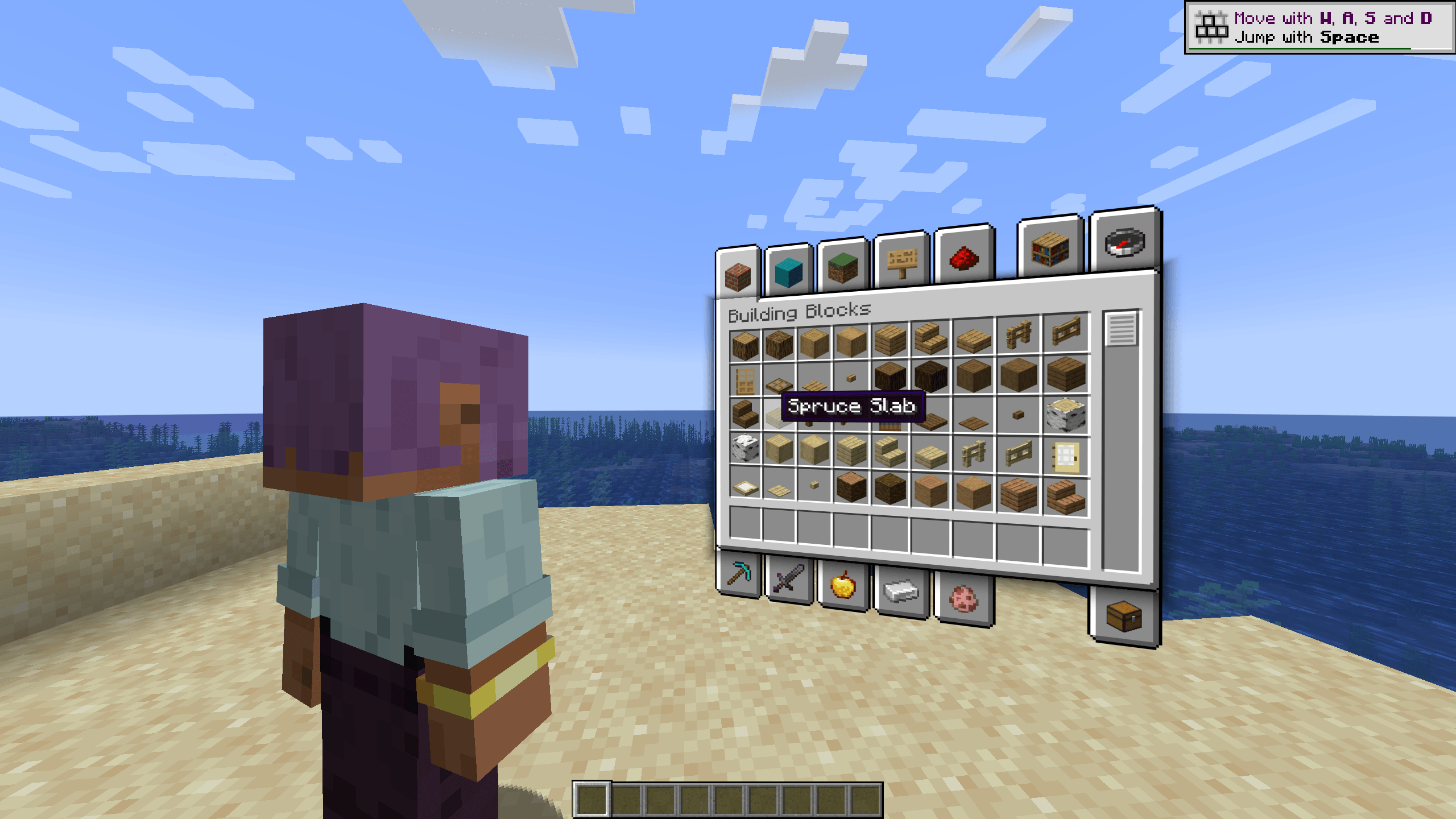 Inventory.png
 -
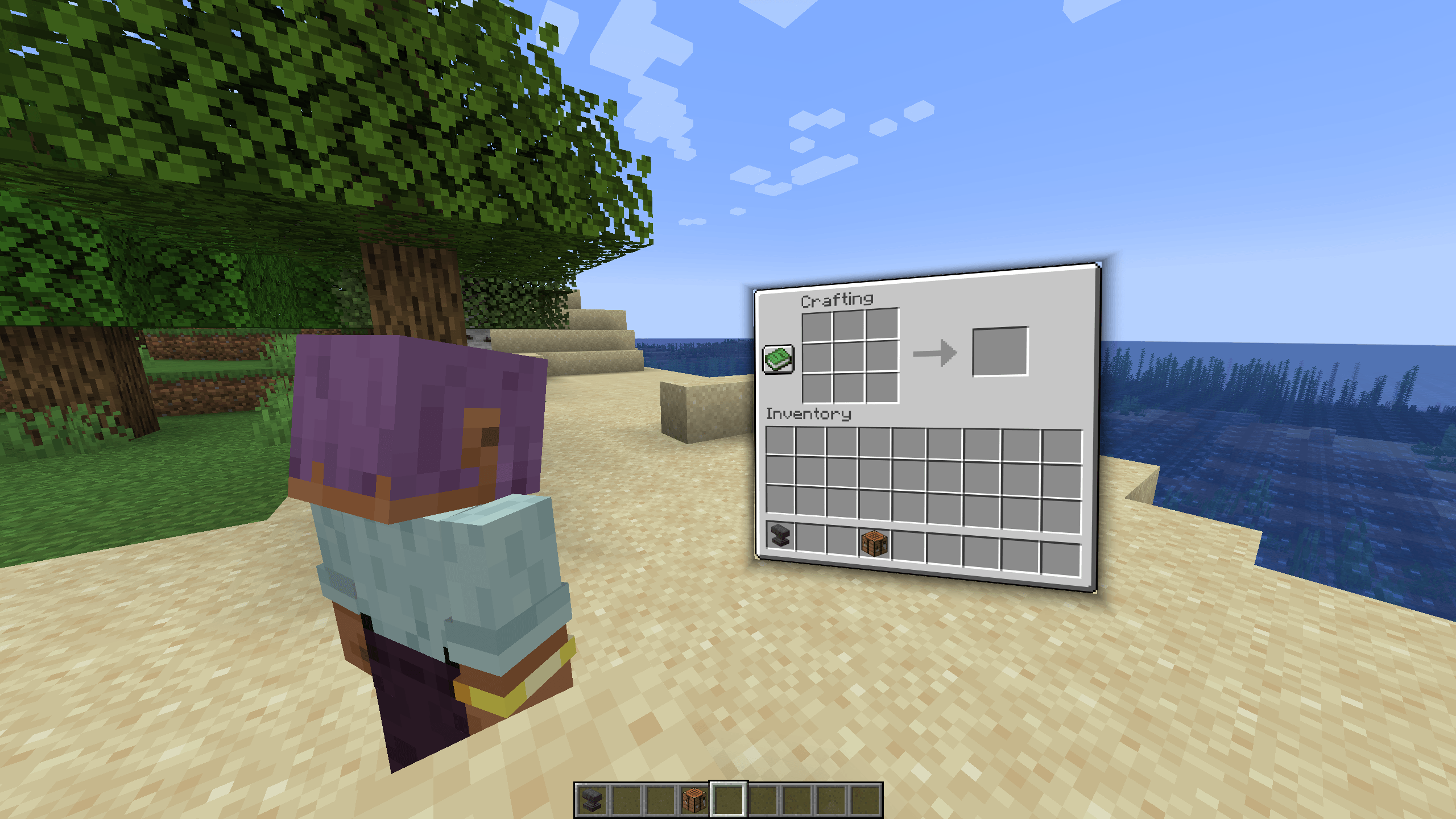 Crafting.png
 -
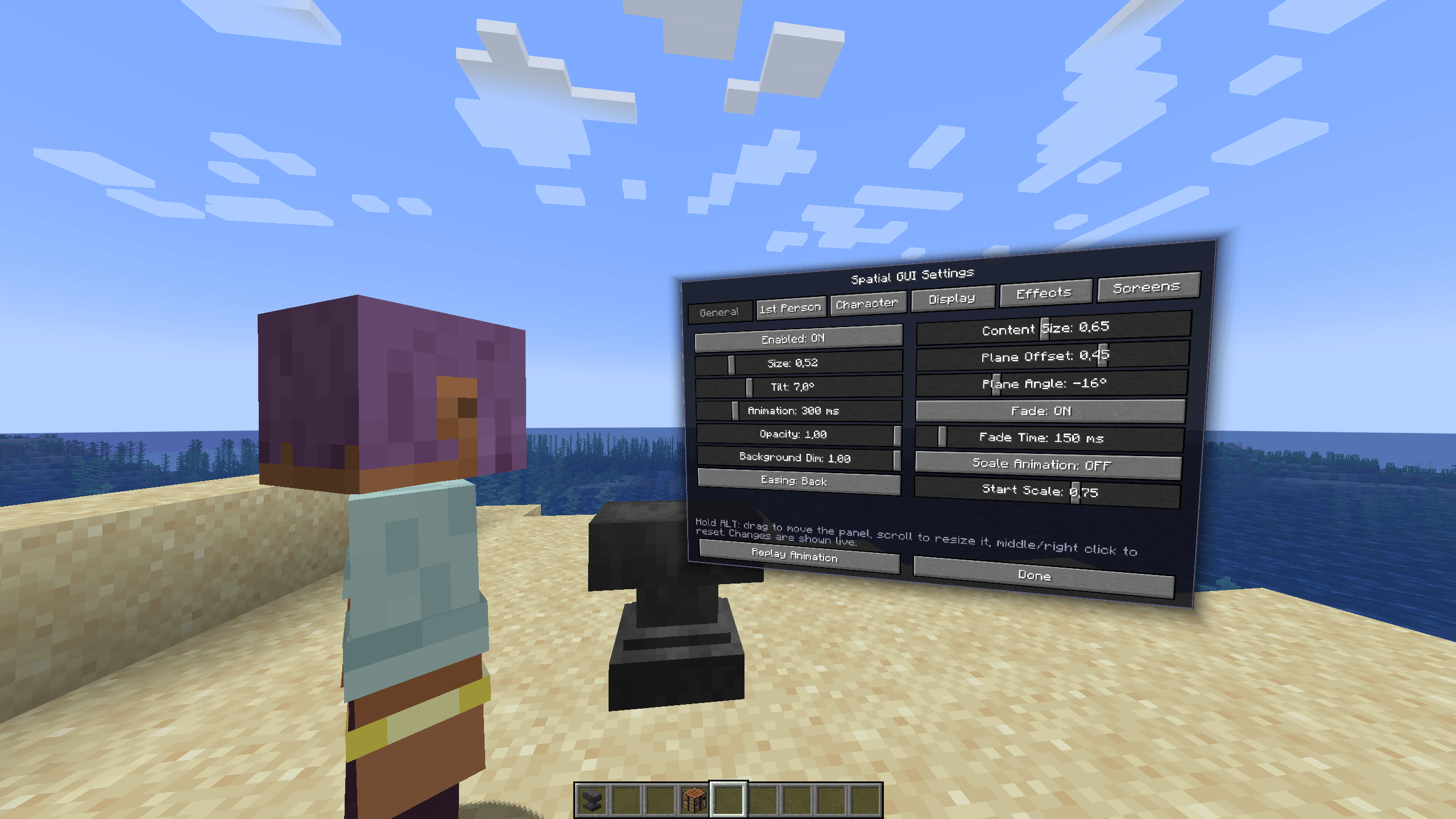 Settings.png
Versions
Files
Relations
Project Relations
More like this
Similar Mods
Suggestions use data such as tags, dependencies, dependents, descriptions, titles, and more to rank how much they overlap with this mod.
On ModDex
Community snapshot
By the numbers
Statistics

Get it on
Available Platforms
On ModDex
Community snapshot
By the numbers
Statistics
Resources