
Community listing page, reviews here may not be monitored by the author.
Spawn Distance

No reviews yet
Tiny HUD with 3D distance and a directional arrow back to your world spawn — handy when you wander far from base and want a quick way home.
Community voices
Reviews
No reviews yet. Be the first to review this project!
Get it on
Available Platforms
Compatibility
Supported Environments
Runs entirely on the client. Works on vanilla servers.
About
Project Details
For authors
Embed Badge
If you're the author of this project, you can embed a live badge anywhere that supports HTML or Markdown. It updates automatically whenever ratings change.
Use HTML for any page that supports it, or Markdown for README files and Markdown-based descriptions.
Identifiers
Platform IDs
Resources
External Links
About
Description
Spawn Distance adds a small, unobtrusive HUD in the top-left corner that shows you the 3D distance to your world spawn point, together with a directional arrow that rotates with your view. When you wander deep into caves, far across the seas, or get lost during night-time exploration, one glance at the HUD tells you both how far home is and which way to walk.
Features
- 3D distance to world spawn (including elevation difference), displayed in meters and switching to kilometers once you cross 1 km.
- Compass arrow that always points back to spawn from your current facing direction — eight cardinal/intercardinal arrows (
up uright right dright down dleft left uleft). - Dimension-aware: in the Nether or the End the HUD says "in Overworld" instead of guessing nonsense coordinates.
- Toggle with the
Okey (single press). - Client-side only — works on any vanilla server, no server install required, doesn't touch gameplay or world data.
- Cross-version: one JAR runs on Minecraft 1.21.8 -> 1.21.11 on Fabric.
Why use it
Vanilla gives you F3 for coordinates, but no quick "how far is home" answer without arithmetic. Dedicated minimaps are overkill if you only want one landmark. Spawn Distance is a single line of HUD text with a directional arrow — minimal, unobtrusive, and exactly enough information to navigate back to base.
Controls
O— toggle the HUD on / off
Compatibility
- Minecraft: 1.21.8, 1.21.9, 1.21.10, 1.21.11
- Mod loader: Fabric (>=0.16.0)
- Fabric API: required
- Side: client (server install not required)
License
MIT — fork, modify, redistribute freely.
Screenshots
Gallery
-
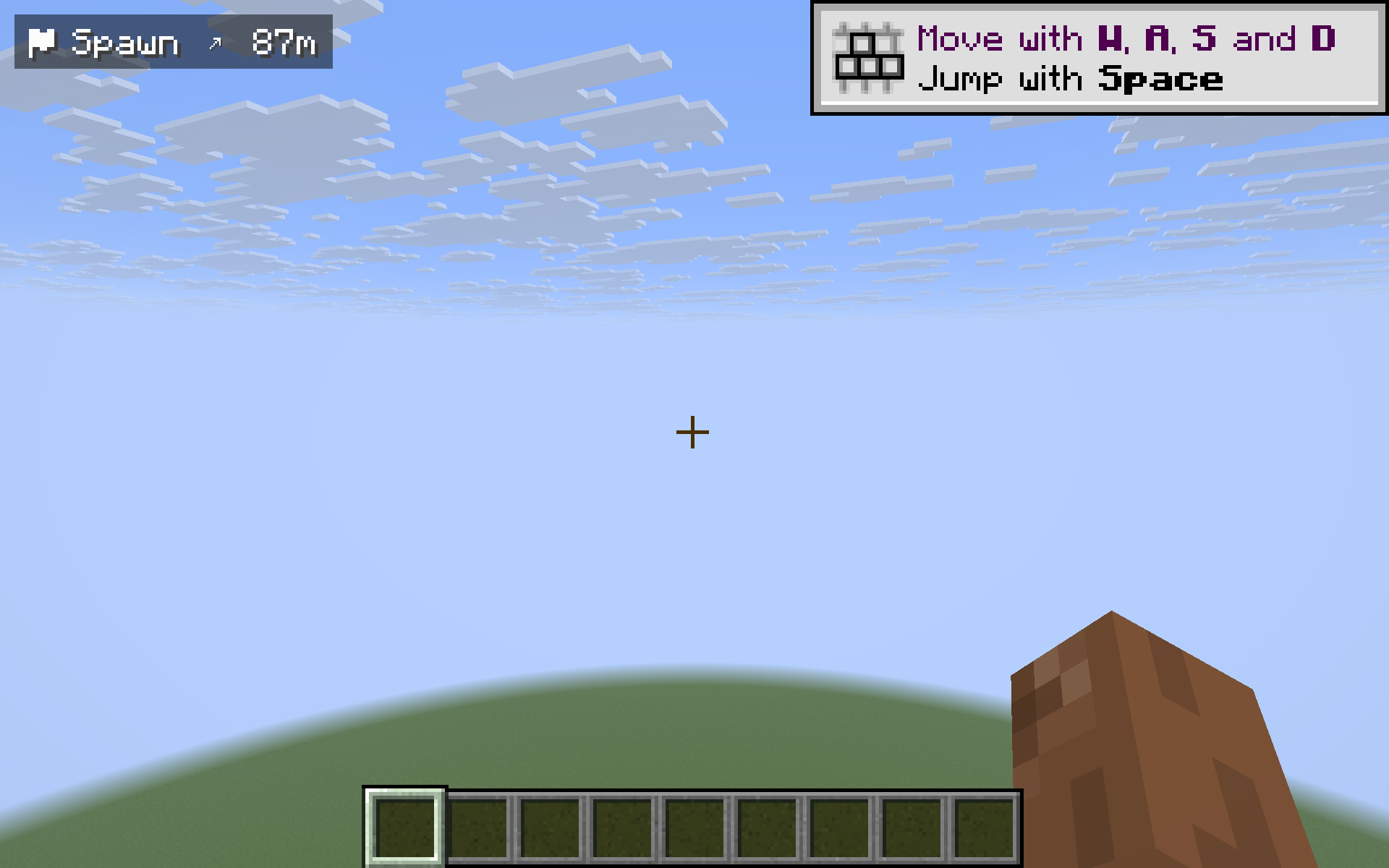 Standing at spawn - distance drops to zero
 -
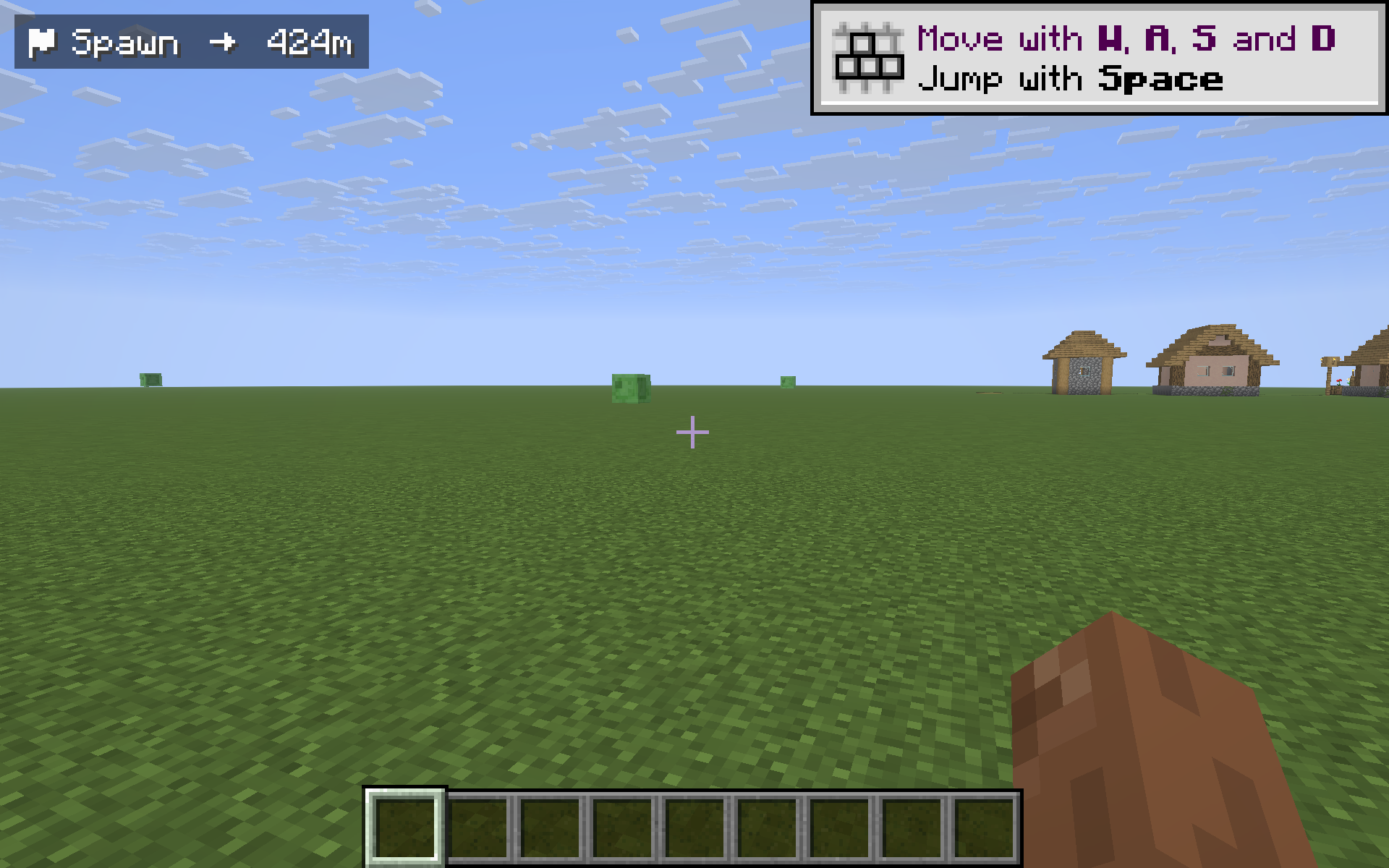 Camera turned 180 - arrow flips to opposite side
 -
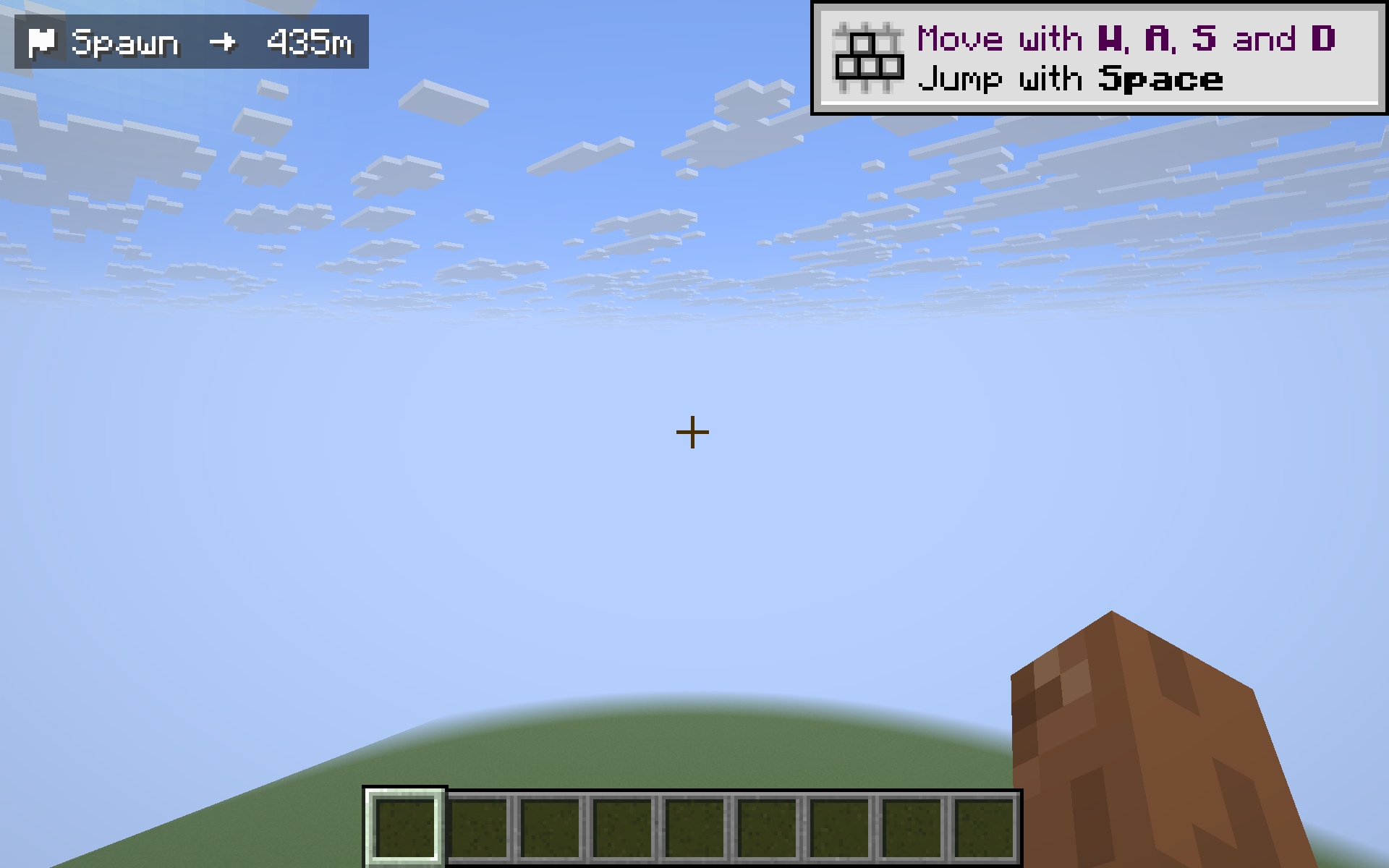 HUD with distance and arrow pointing to spawn (looking southeast)
Versions
Files
Relations
Project Relations
More like this
Similar Mods
Suggestions use data such as tags, dependencies, dependents, descriptions, titles, and more to rank how much they overlap with this mod.
On ModDex
Community snapshot
By the numbers
Statistics

Want to reach Minecraft players?
We're looking for a server hosting partner to feature here and other parts of the site. Interested? Send us a message!
Get in touchGet it on
Available Platforms
On ModDex
Community snapshot
By the numbers
Statistics
Resources