Community listing page, reviews here may not be monitored by the author.
Splitscreen Support


No reviews yet
Easy window positioning for local multiplayer
Community voices
Reviews
No reviews yet. Be the first to review this project!
Get it on
Available Platforms
Compatibility
Supported Environments
Runs entirely on the client. Works on vanilla servers.
About
Project Details
For authors
Embed Badge
If you're the author of this project, you can embed a live badge anywhere that supports HTML or Markdown. It updates automatically whenever ratings change.
Use HTML for any page that supports it, or Markdown for README files and Markdown-based descriptions.
Identifiers
Platform IDs
About
Description
Splitscreen Support
Simple mod that makes it easier to position windows for local multiplayer.
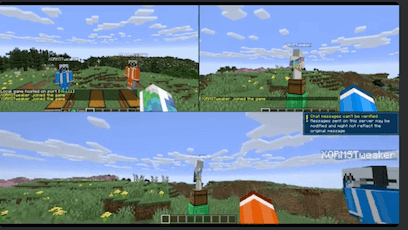
With this mod installed, hitting the 'Toggle Fullscreen' button (F11) will cycle you through different half- and quarter-size window positions for split screen play. It then saves your choice and brings the window up in the same place when you restart the game.
This makes it easier for you to start two or more copies of Minecraft and have the windows be positioned automatically for splitscreen.
Usage Video
Suggested Setup
Stuff you need
- Two or more copies of minecraft
- PrismLauncher
- Midnight Controls
- Splitscreen Support
- Two or more gamepads
- One or more friends
- One big TV hooked up to your computer
- One couch
What to do
- Create two or more minecraft instances in PrismLauncher, one for each account
- In each instance, install SplitScreen Support and MidnightControls
- Launch each of the instances and configure them
- Hit F11 to get the screens aligned in each one
- Get a gamepad for each instance and configure MidnightControls
- In one of the instances, create a new world and 'Open to LAN'
- Connect the other instances to that one (e.g., localhost:25565)
- Get your friends and have a Minecraft party!
Other mod features
- Username is displayed in the upper-left corner of the main menu (so you can tell who's who)
- Skips the 'I Know What I'm Doing' backup screen
Acknowledgements
- Video courtesy of wormstweaker
- Icon based on Squares icons created by Rahul Kaklotar - Flaticon
Questions?
If you have questions about this mod, please join the Discord server:
Comments have been disabled and I will not reply to private messages on Curseforge.
Splitscreen Support
Simple mod that makes it easier to position windows for local multiplayer.
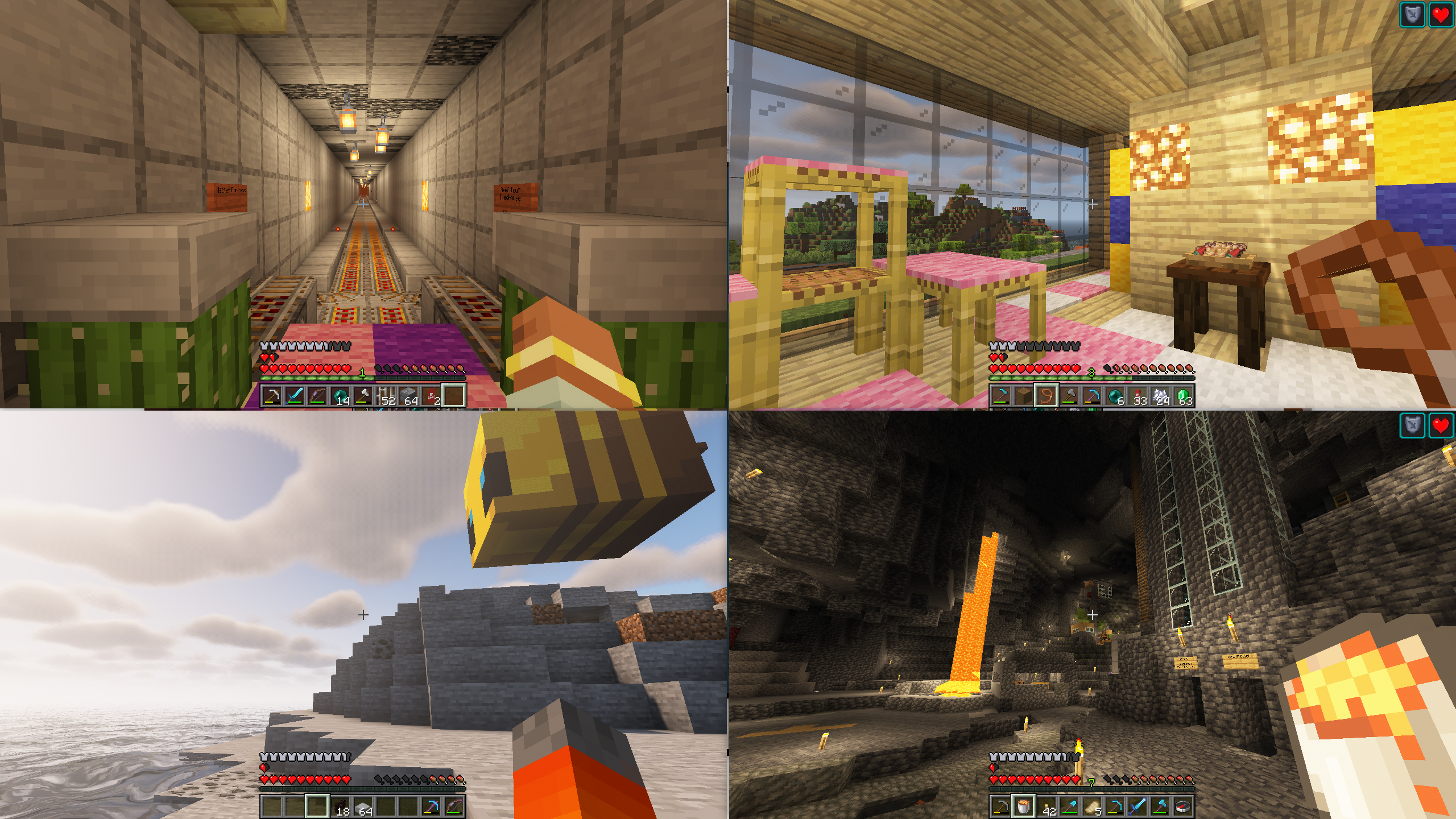
With this mod installed, hitting the 'Toggle Fullscreen' button (F11) will cycle you through different half- and quarter-size window positions for split screen play. It then saves your choice and brings the window up in the same place when you restart the game.
This makes it easier for you to start two or more copies of Minecraft and have the windows be positioned automatically for splitscreen.
This mod is designed to be used in conjunction with a Minecraft launcher (such as PrismLauncher) and a gamepad mod (such Midnight Controls)
Usage Video
Suggested Setup
Stuff you need
- Two or more legal minecraft accounts
- PrismLauncher
- Midnight Controls
- Splitscreen Support
- Two or more gamepads
- One or more friends
- One big TV hooked up to your computer
- One couch
What to do
- Create two or more minecraft instances in PrismLauncher, one for each account
- In each instance, install SplitScreen Support and MidnightControls
- Launch the instances and configure each of them as follows:
- SplitScreen Support: Press
F11to position the windows - MidnightControls: Enable
Unfocused InputandVirtual Mouseas described here - Minecraft: Press
F3+Pto disable Pause on Lost Focus
- Get a gamepad for each instance and configure MidnightControls
- In one of the instances, create a new world and 'Open to LAN'
- Connect the other instances to that one (e.g., localhost:25565)
- Get your friends and have a Minecraft party!
- SplitScreen Support: Press
Other mod features
- Username is displayed in the upper-left corner of the main menu (so you can tell who's who)
Adjusting the gap between windows
By default, the mod puts a small gap between windows. You can change the width of this gap
(or make it 0) by setting the value of the gap property in config/splitscreen.properties.
(This file doesn't exist until you quit minecraft for the first time with the mod running).
Acknowledgements
- Video courtesy of wormstweaker
- Icon based on Squares icons created by Rahul Kaklotar - Flaticon
Questions?
If you have questions about this mod, please join the Discord server:
Comments have been disabled and I will not reply to private messages on Curseforge.
Screenshots
Gallery
-
 4-player
-
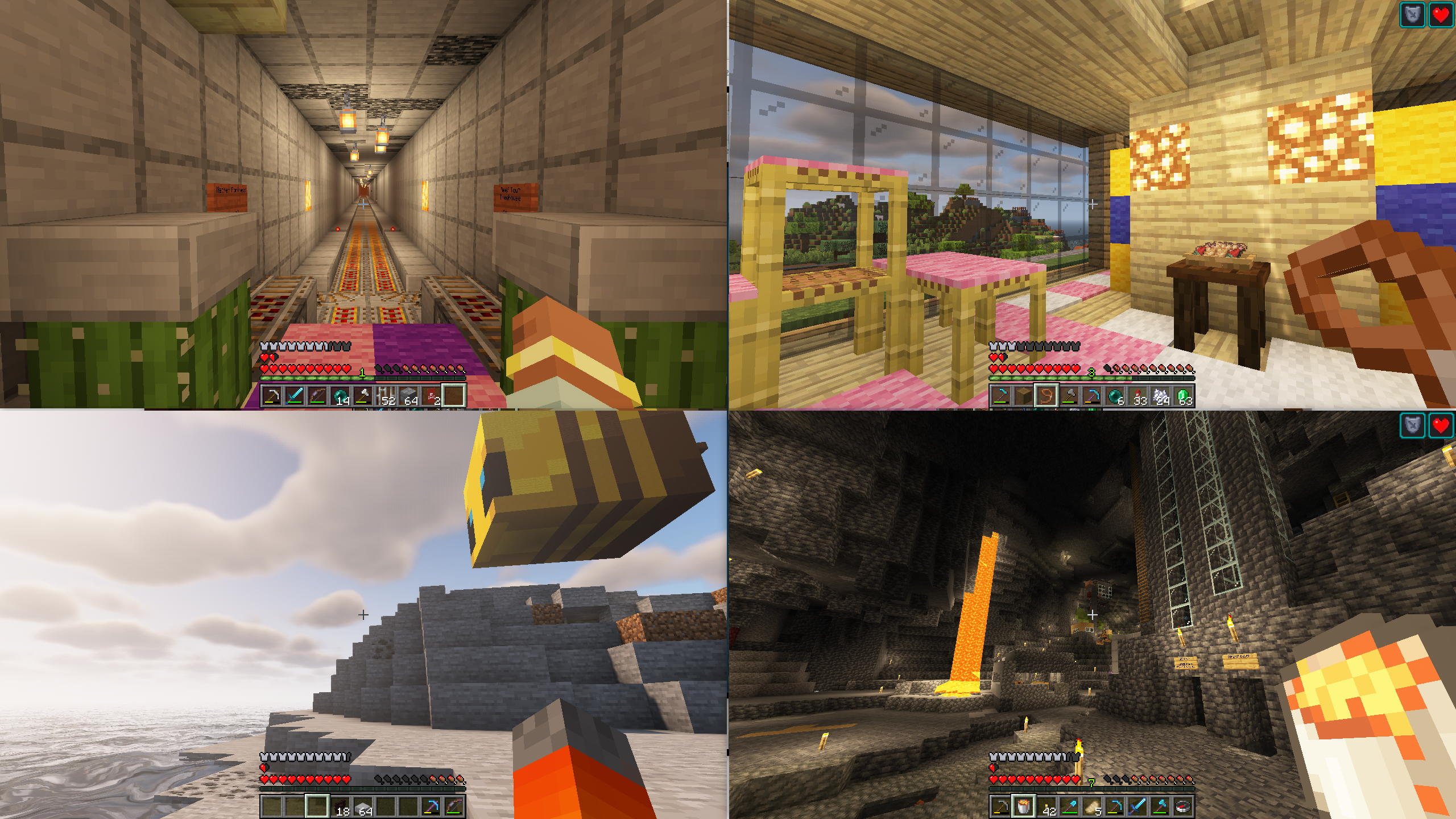 4-player splitscreen
Versions
Files
Relations
Project Relations
More like this
Similar Mods
Suggestions use data such as tags, dependencies, dependents, descriptions, titles, and more to rank how much they overlap with this mod.
On ModDex
Community snapshot
By the numbers
Statistics
Want to reach Minecraft players?
We're looking for a server hosting partner to feature here and other parts of the site. Interested? Send us a message!
Get in touchGet it on
Available Platforms
On ModDex
Community snapshot
By the numbers