
Community listing page, reviews may not be monitored by the author.
Spyro's Tools

No reviews yet
Adds a GUI with many useful tools for building servers: Warps, player TP, effects, attributes, and much more. + Tutorial on how to customise the data pack and make it your own.

Community voices
Reviews
No reviews yet. Be the first to review this project!
Get it on
Available Platforms
About
Project Details
For authors
Embed Badge
If you're the author of this project, you can embed a live badge anywhere that supports HTML or Markdown. It updates automatically whenever ratings change.
Use HTML for any page that supports it, or Markdown for README files and Markdown-based descriptions.
Identifiers
Platform IDs
Resources
External Links
About
Description
Does your server need some quality of life features?
Spyro's Tools is a data pack made for creative building servers and worlds. It makes teleporting, warps and using potion effects much easier. Take a wooden axe, look straight down and right-click to open the GUI.
Features:
Warp points, player TP, effects and attributes and much more
Warp Points
A simple way to teleport to where ever you want.
You can customize item, name and positon of any warp. You can also copy warps and place them on any of the 7 customizable pages.

Use the tag st.admin to give yourself the permision to edit warps:
/tag @s add st.admin
Player TP
A simple way to teleport to other players. It shows the head of other online players.
You can teleport to a player, teleport a player to you, spectate a player or let a player spectate you.

Effects and Attributes
Toggle nightvision, resistance, saturation, conduit power and invisibility.
Set your speed and jump boost from 0 to 30.
Change the player height from tiny to giant.

Shared Chest
Adds a "virtual" chest that everyone can access. Can be used to store and share items.
Ender Chest
Adds a simple way to access your ender chest through the GUI.
TPC (Teleport Cycle)
Teleports you to the next player. It can also be accessed with this command:
function tools:commands/tpc
Especially useful when bound to a keyboard key or mouse button using a macro. (for example, using this mod: https://modrinth.com/mod/commandkeys) Click the button multiple times to cycle through all players online.
Screenshots
Gallery
-
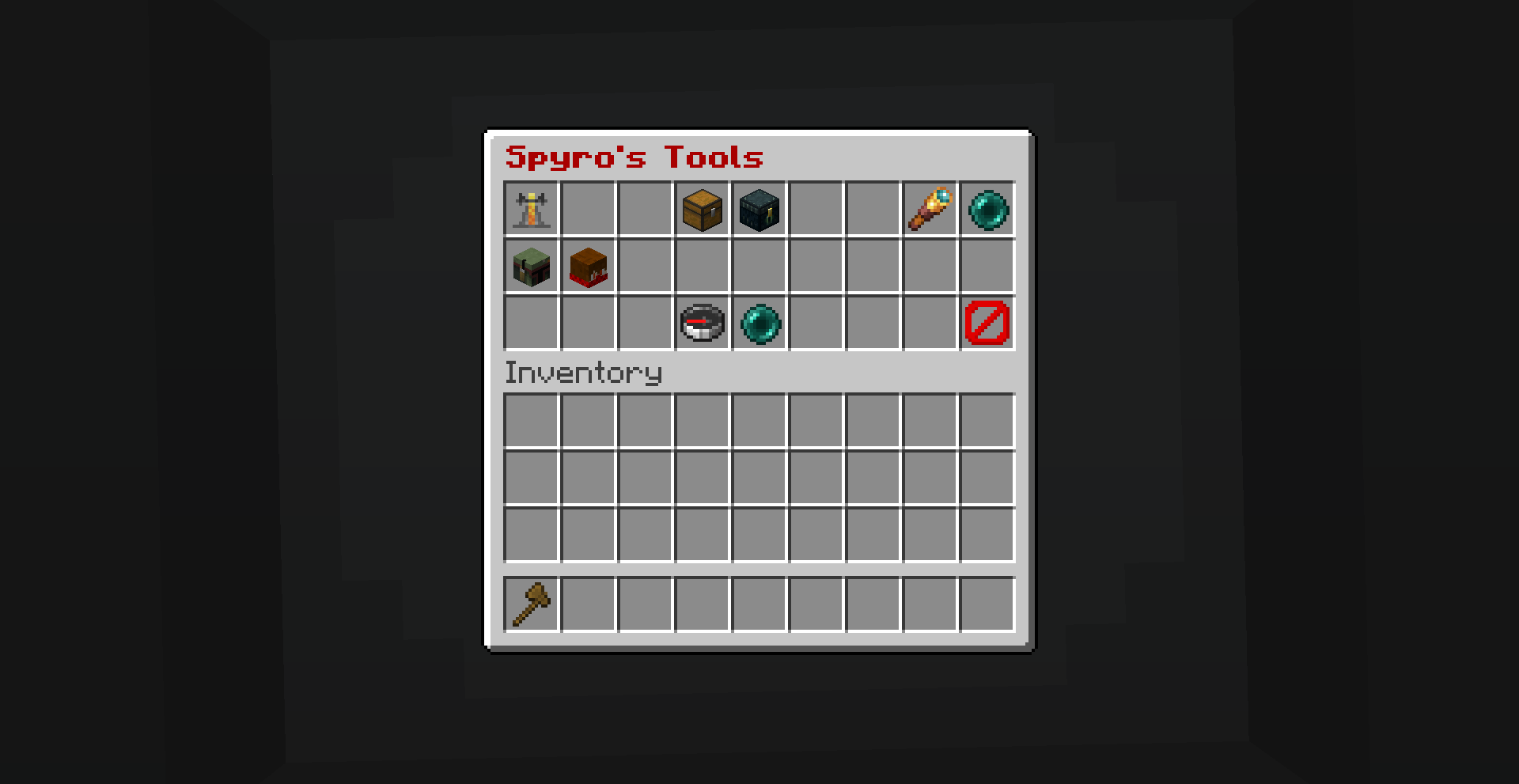 Main Menu Start Menu with Player TP, Button for Warp Menu, Effect Menu and Shared/Ender Chest
-
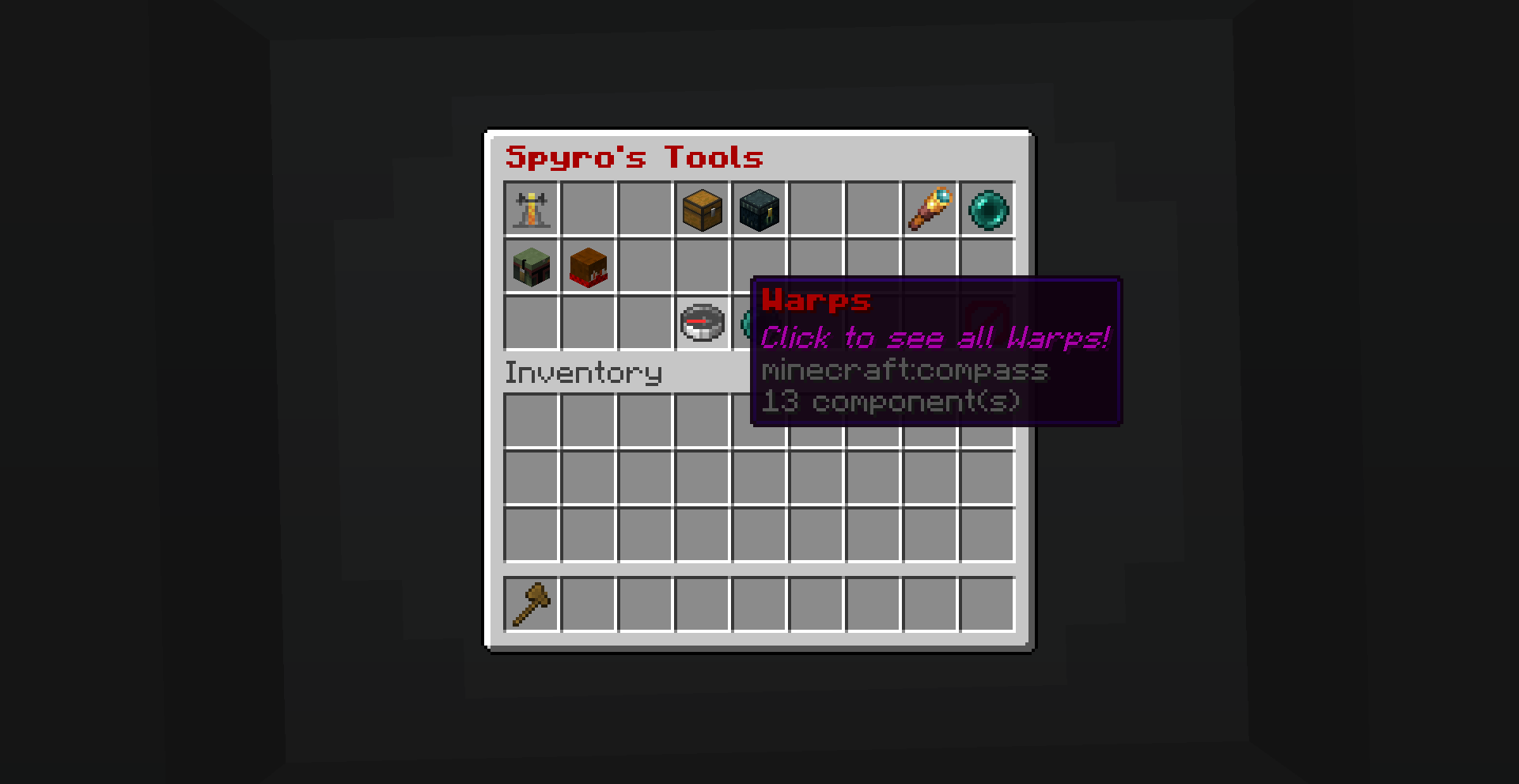 Warp Menu Button
-
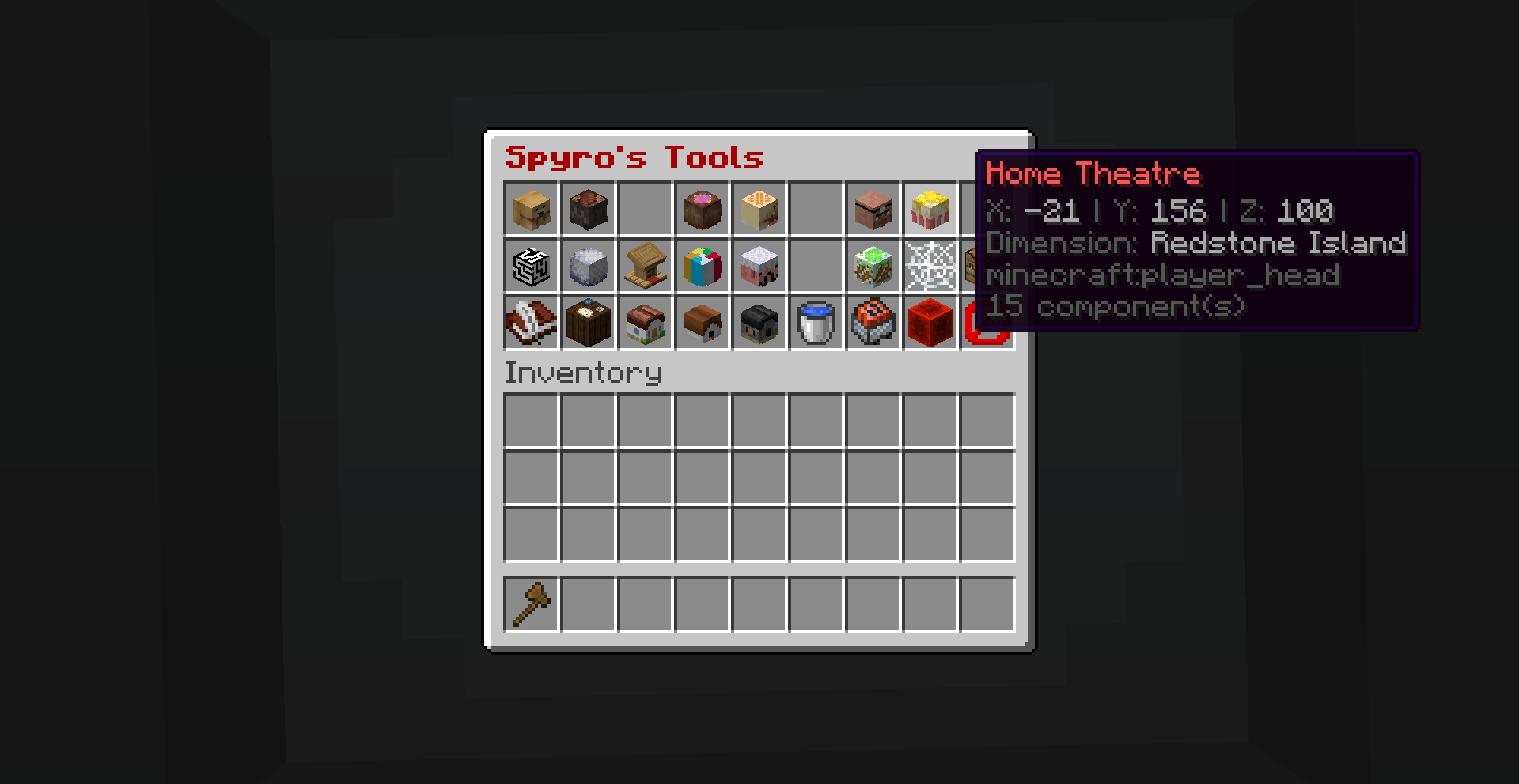 Warp Menu Warp Menu on a server with a lot of warps
-
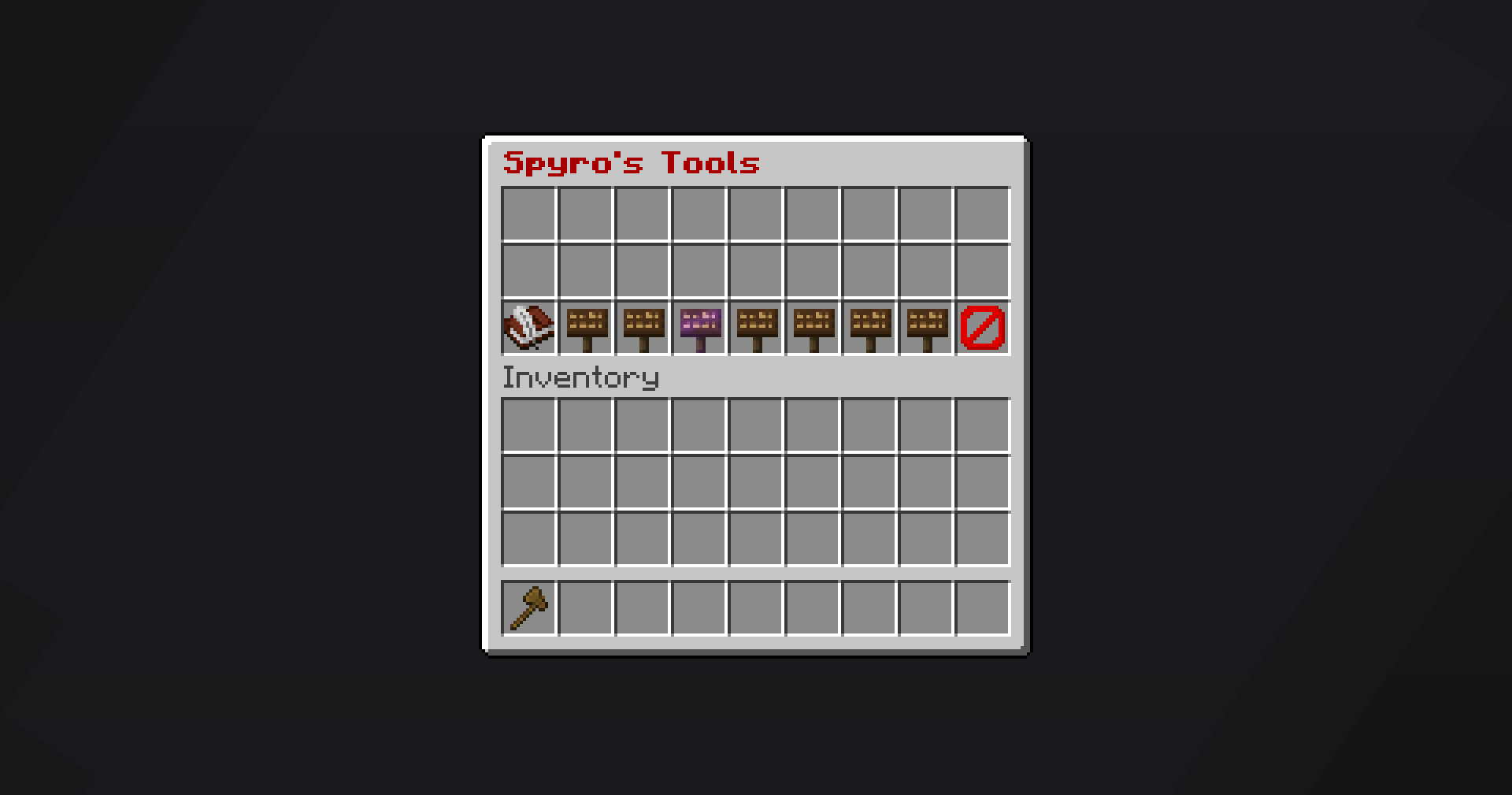 Empty Warp Menu Empty Warp Menu Page with no warps
-
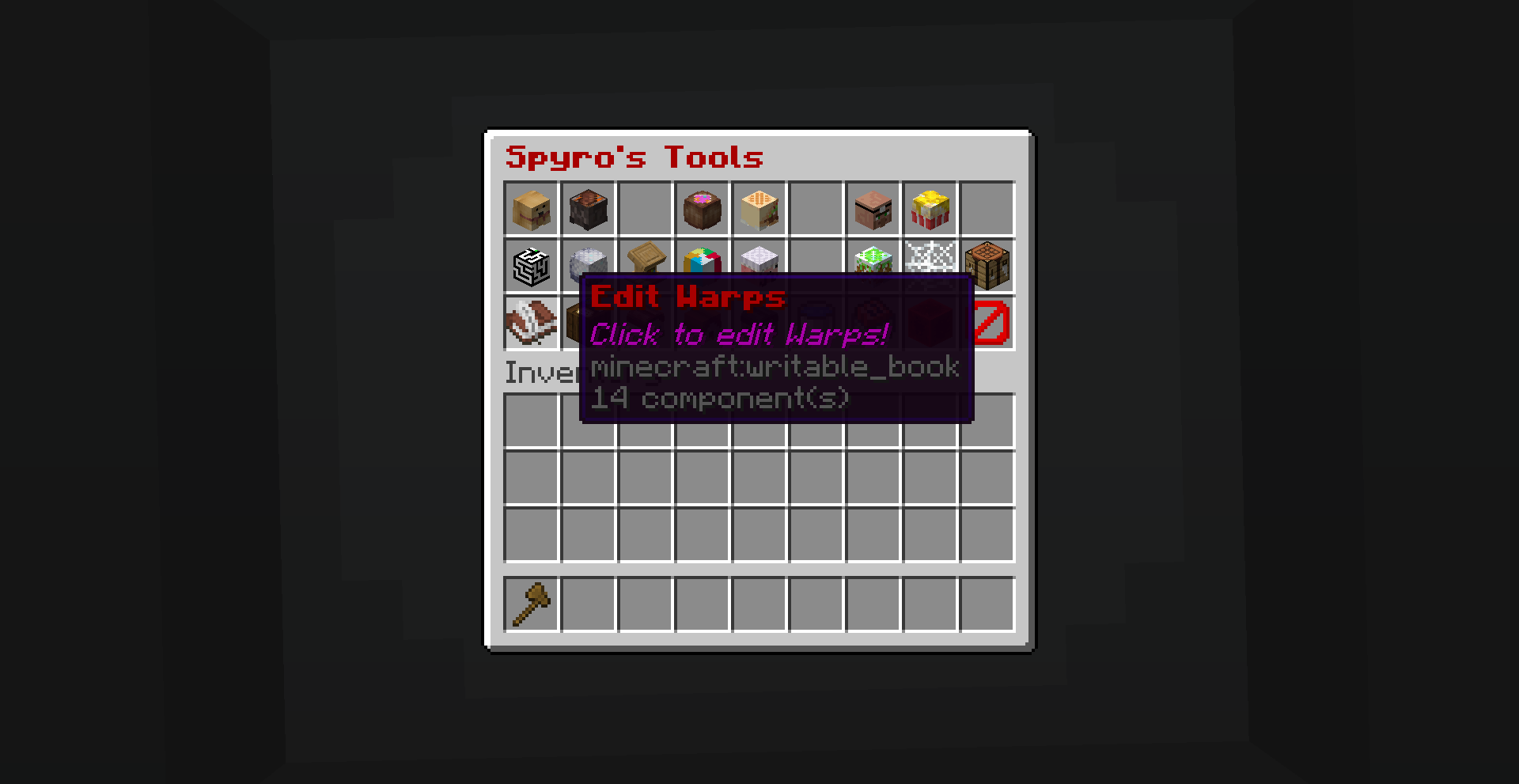 Edit Warp Button
-
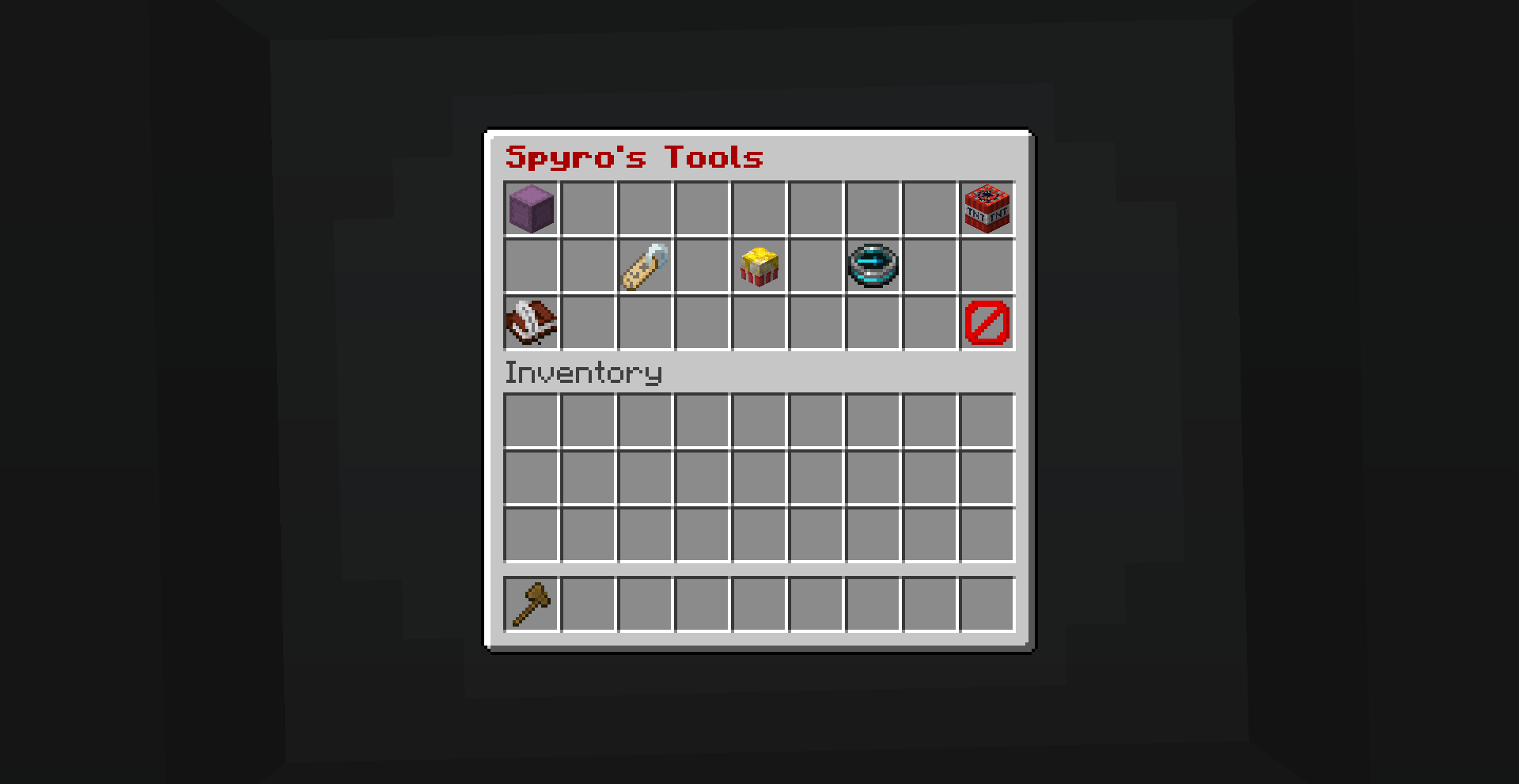 Edit Warp Menu With Copy, Change Name, Change Coordinate and Delete Button.
-
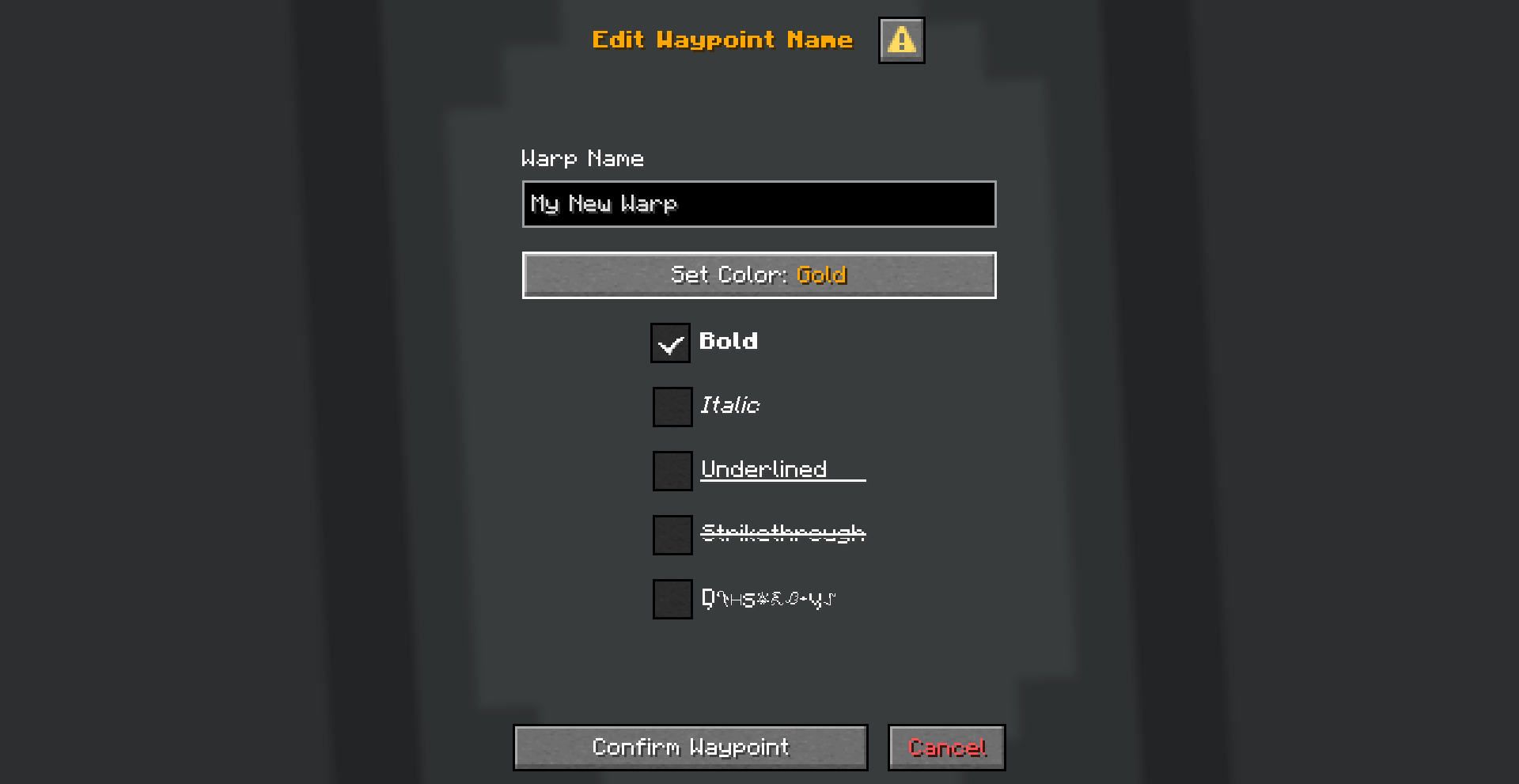 Edit Warp Name Dialog to change Warp Name
-
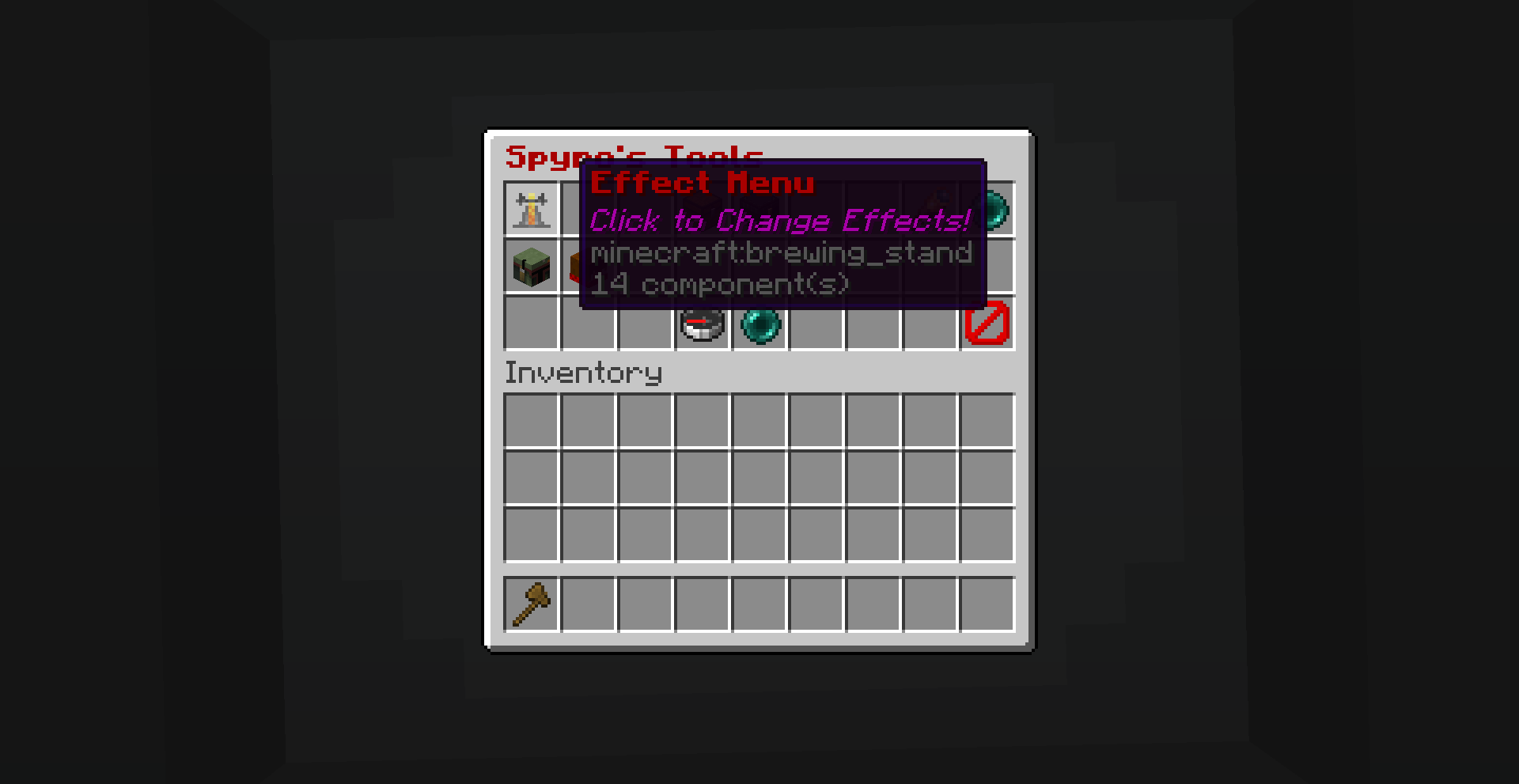 Effect Menu Button
-
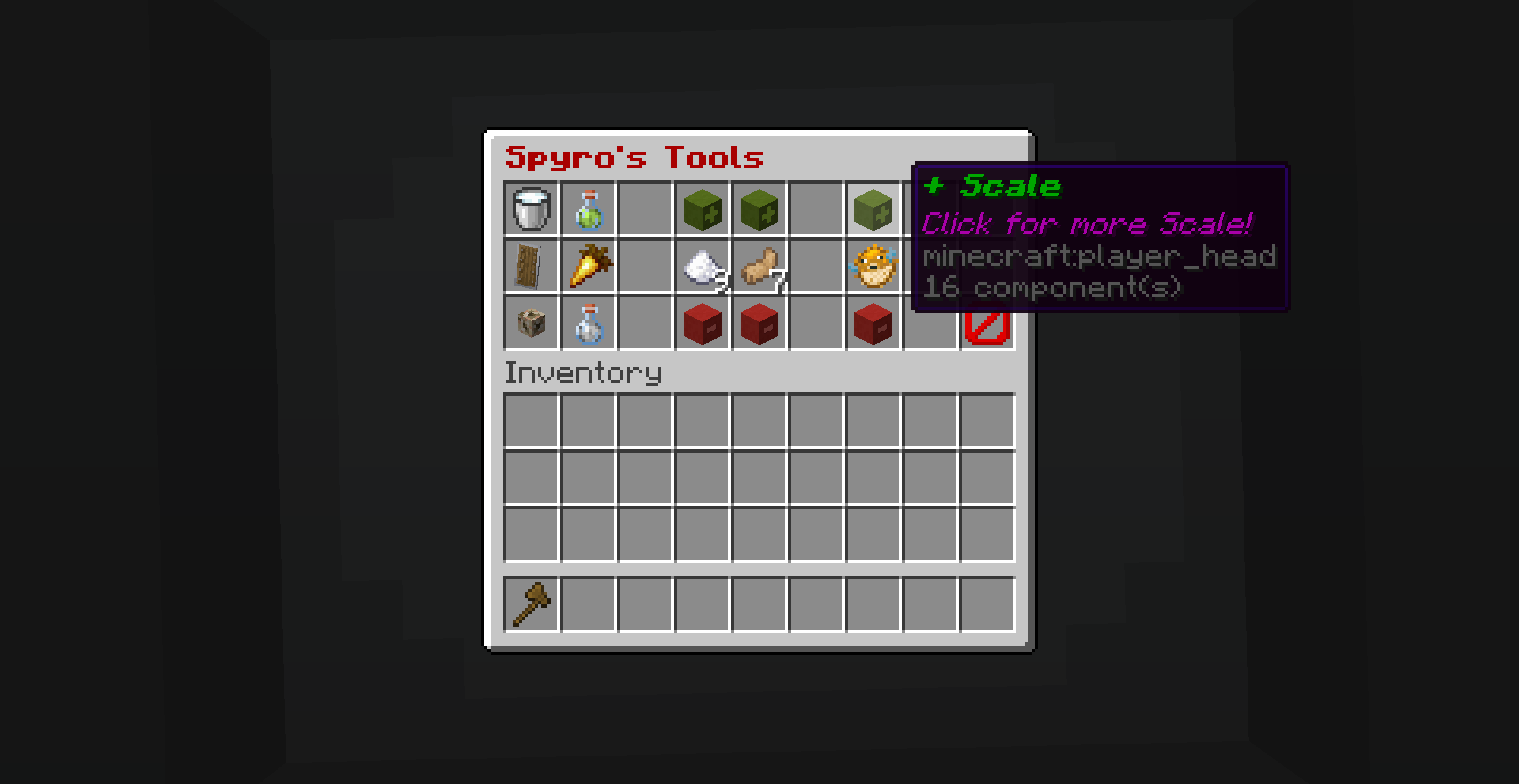 Effect Menu Button to change player scale
-
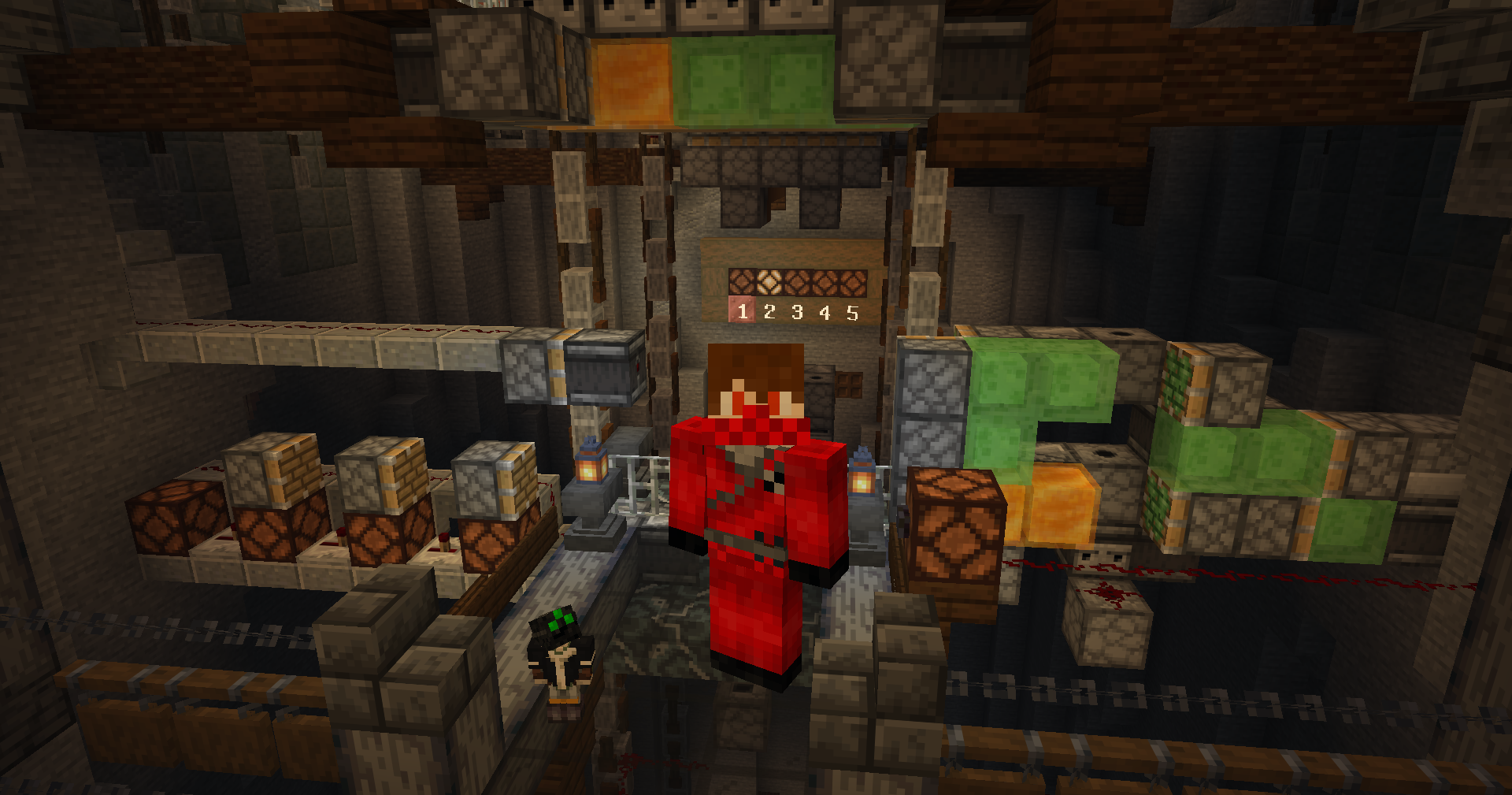 Player with changed scale
-
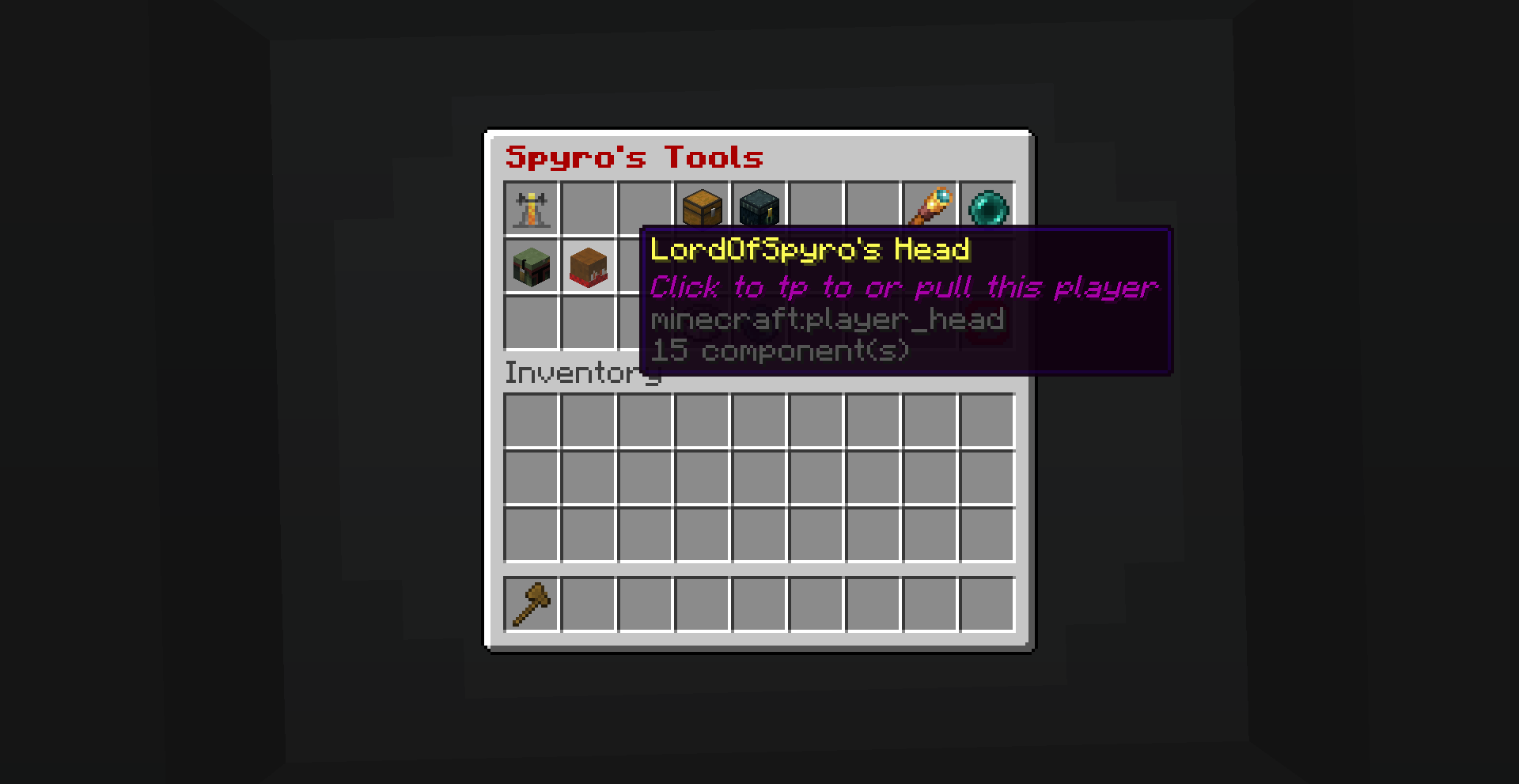 Player Tp Teleport to all online players
-
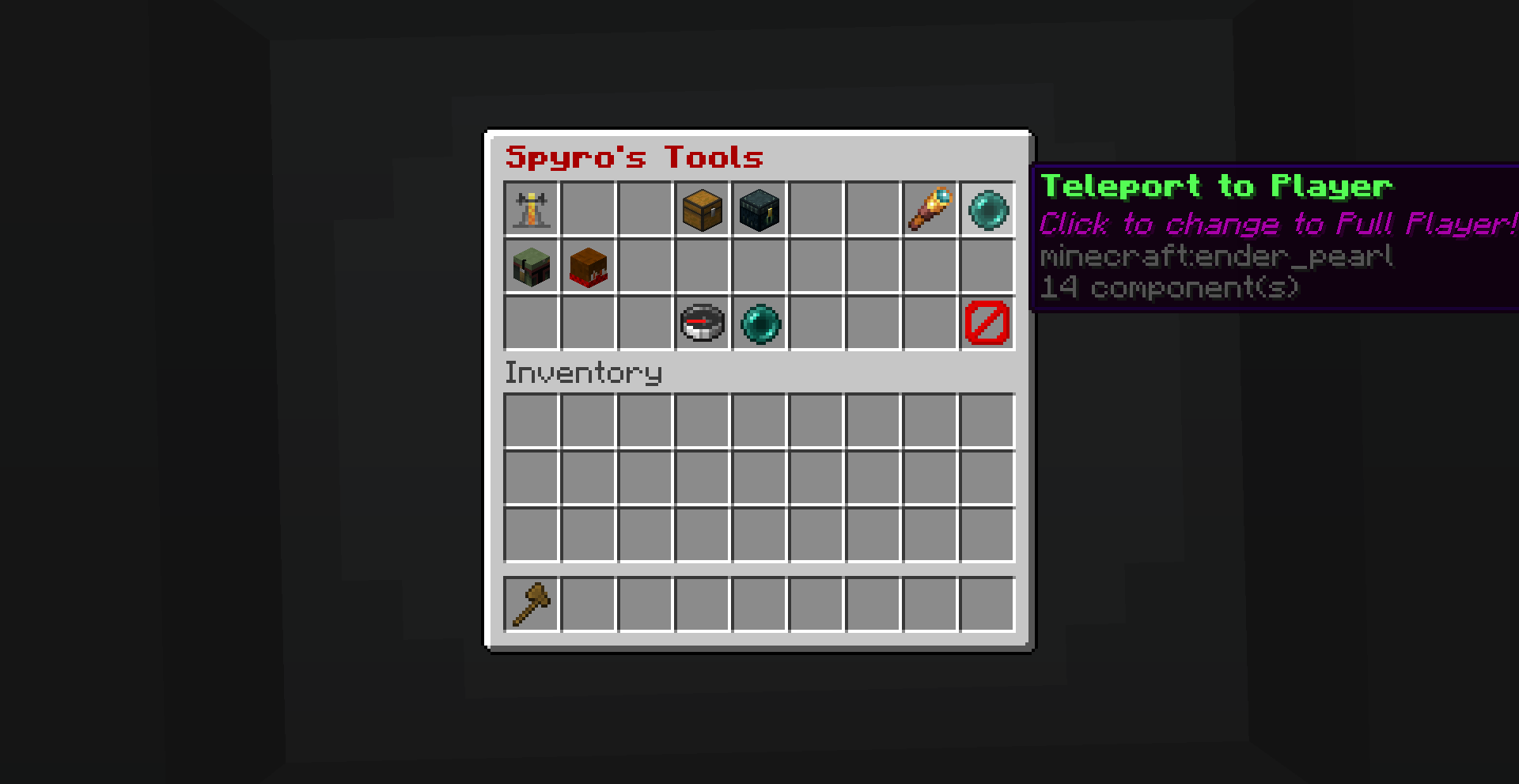 Toggle TP Toggle between teleporting yourself to a player or teleporting a player to yourself.
-
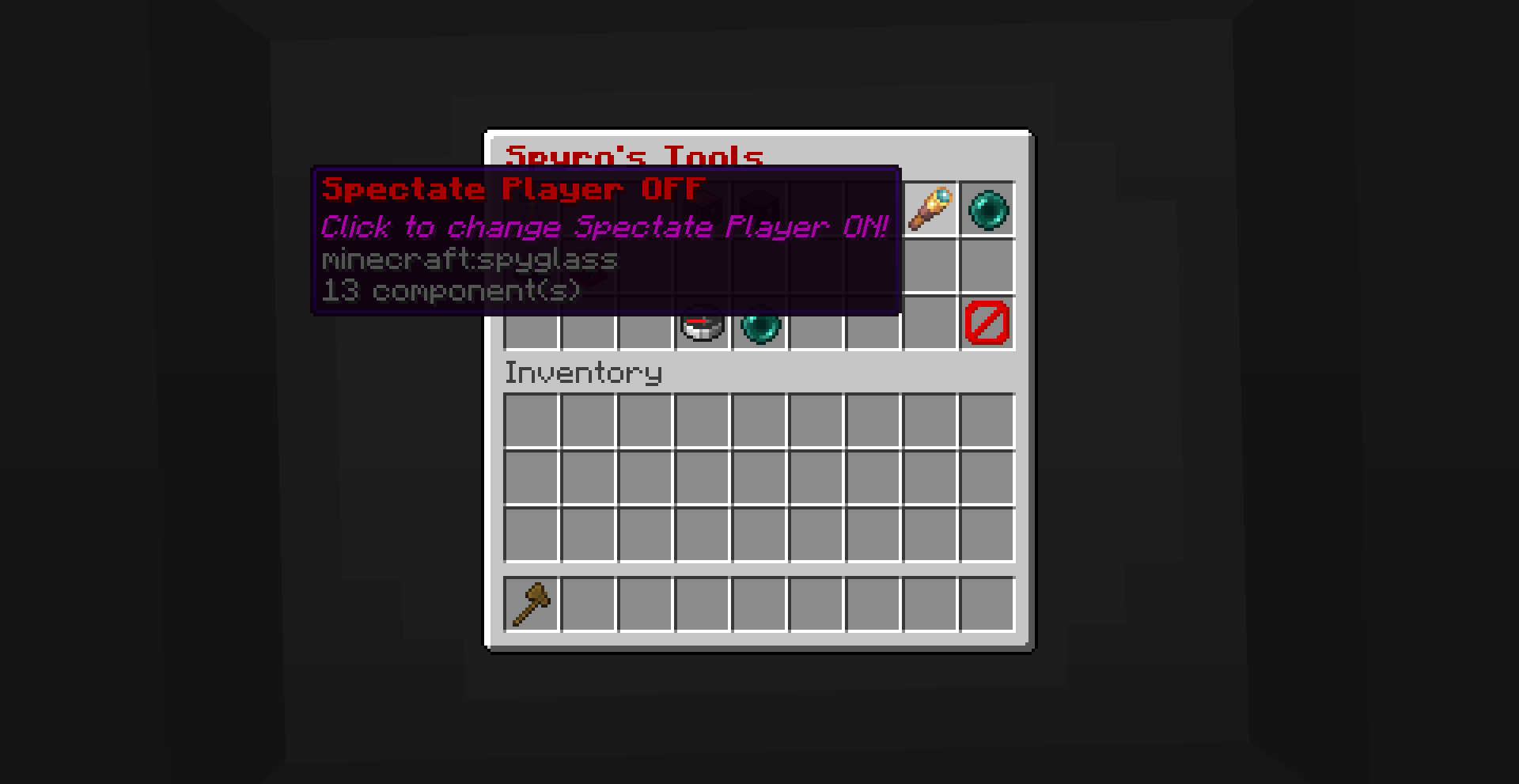 Toggle Spectate Toggle if you spectate player when teleporting.
-
 Quick actions menu Access player tp, warp list and warp pages
-
 Search for warps
Versions
Files
Relations
Project Relations
More like this
Similar Mods
Suggestions use data such as tags, dependencies, dependents, descriptions, titles, and more to rank how much they overlap with this mod.
On ModDex
Community snapshot
By the numbers
Statistics


Get it on
Available Platforms
On ModDex
Community snapshot
By the numbers
Statistics
Resources