
Community listing page, reviews here may not be monitored by the author.
Square Border MITE

- De6risMember
,
- hahahhaMember
,
- huanglanmuMember
,
- Inf1nltyMember
,
- jeffyjamzhdMember
,
- JWXHWMember
,
- Life_livingMember
,
- vb1dra_6847Member
,
- Xy_LuceMember
No reviews yet
Customize the selected block highlight and F3+B entity hitbox highlight in Minecraft 1.6.4-MITE.
Community voices
Reviews
No reviews yet. Be the first to review this project!
Get it on
Available Platforms
Compatibility
Supported Environments
Runs entirely on the client. Works on vanilla servers.
About
Project Details
For authors
Embed Badge
If you're the author of this project, you can embed a live badge anywhere that supports HTML or Markdown. It updates automatically whenever ratings change.
Use HTML for any page that supports it, or Markdown for README files and Markdown-based descriptions.
Identifiers
Platform IDs
About
Description
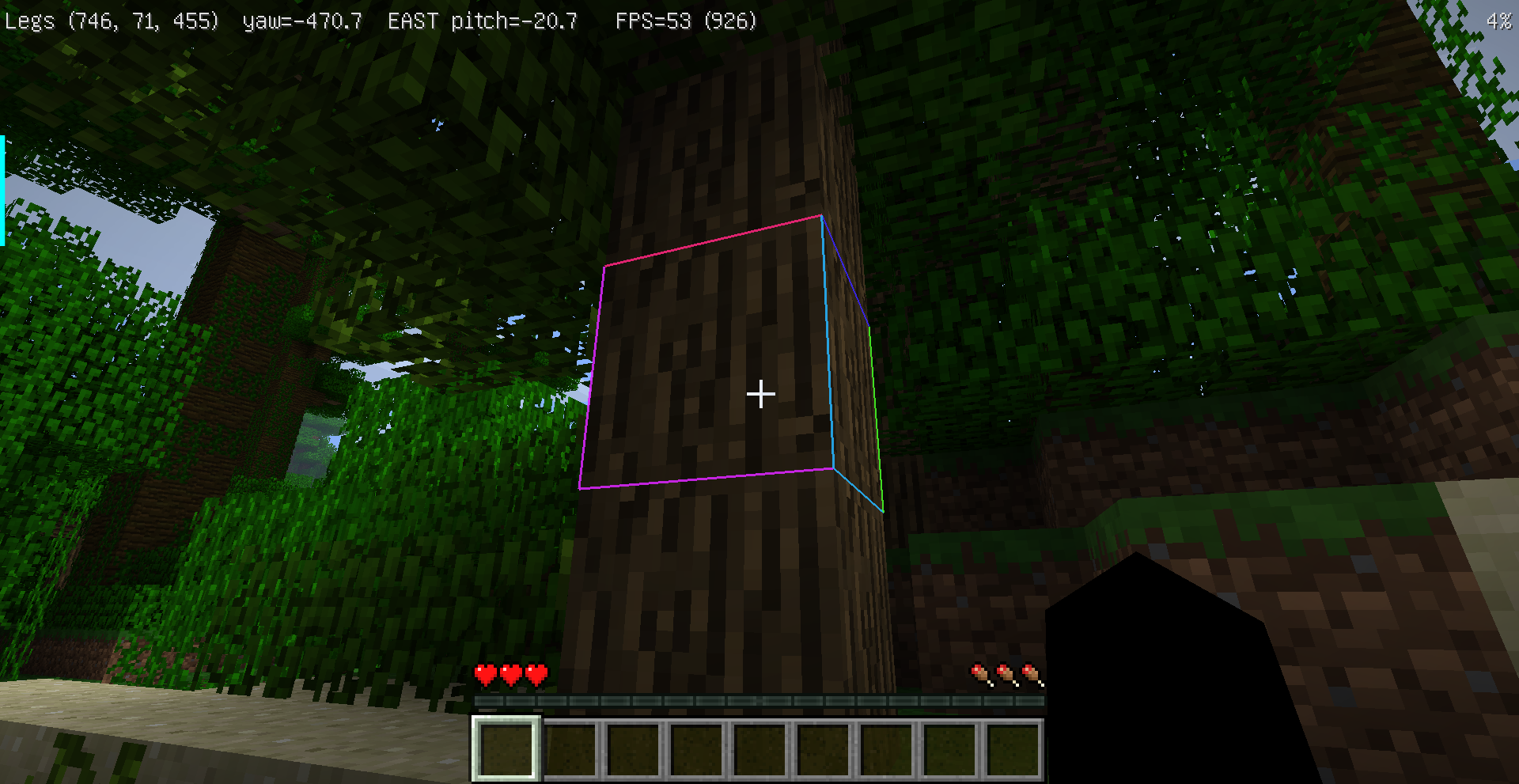
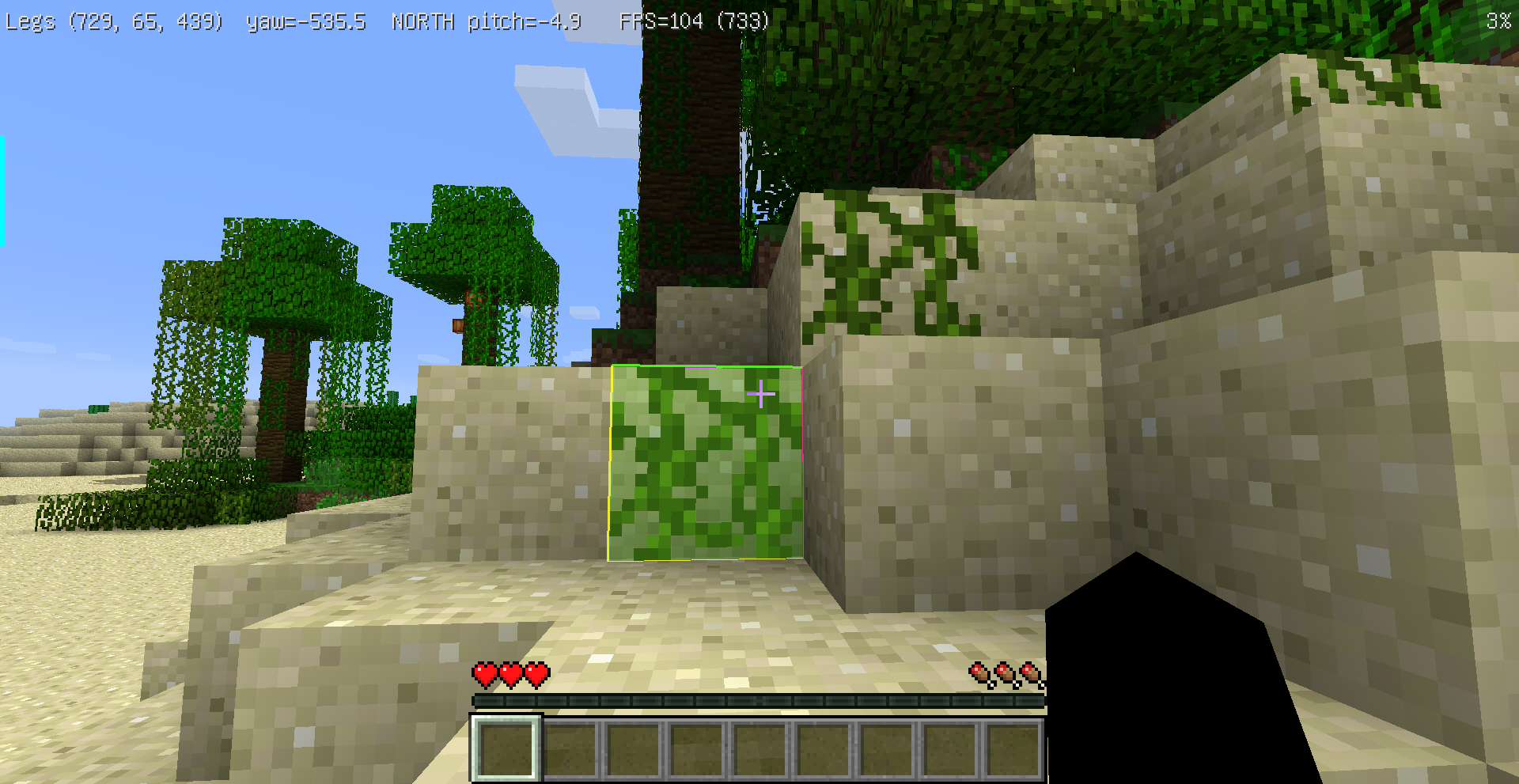
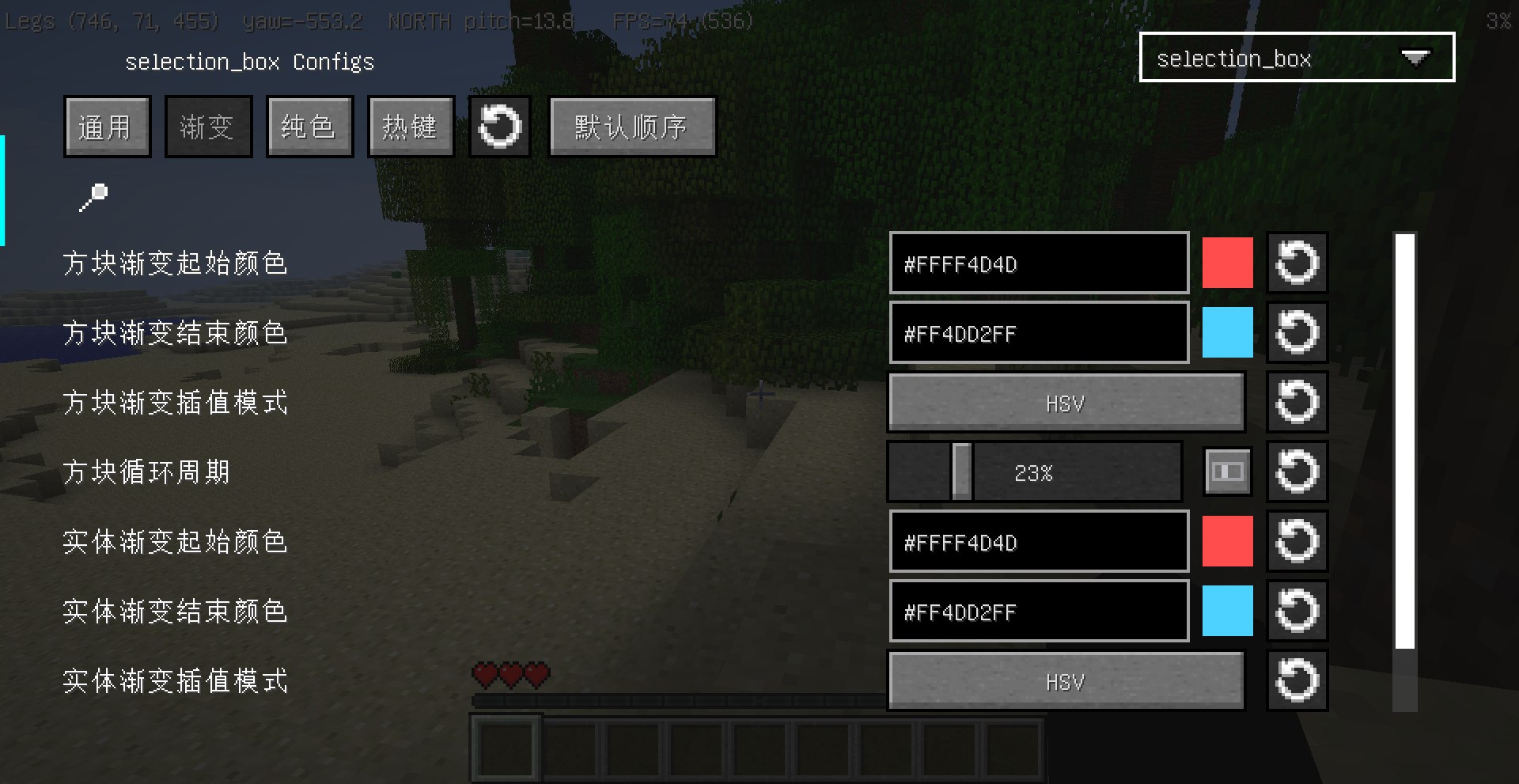
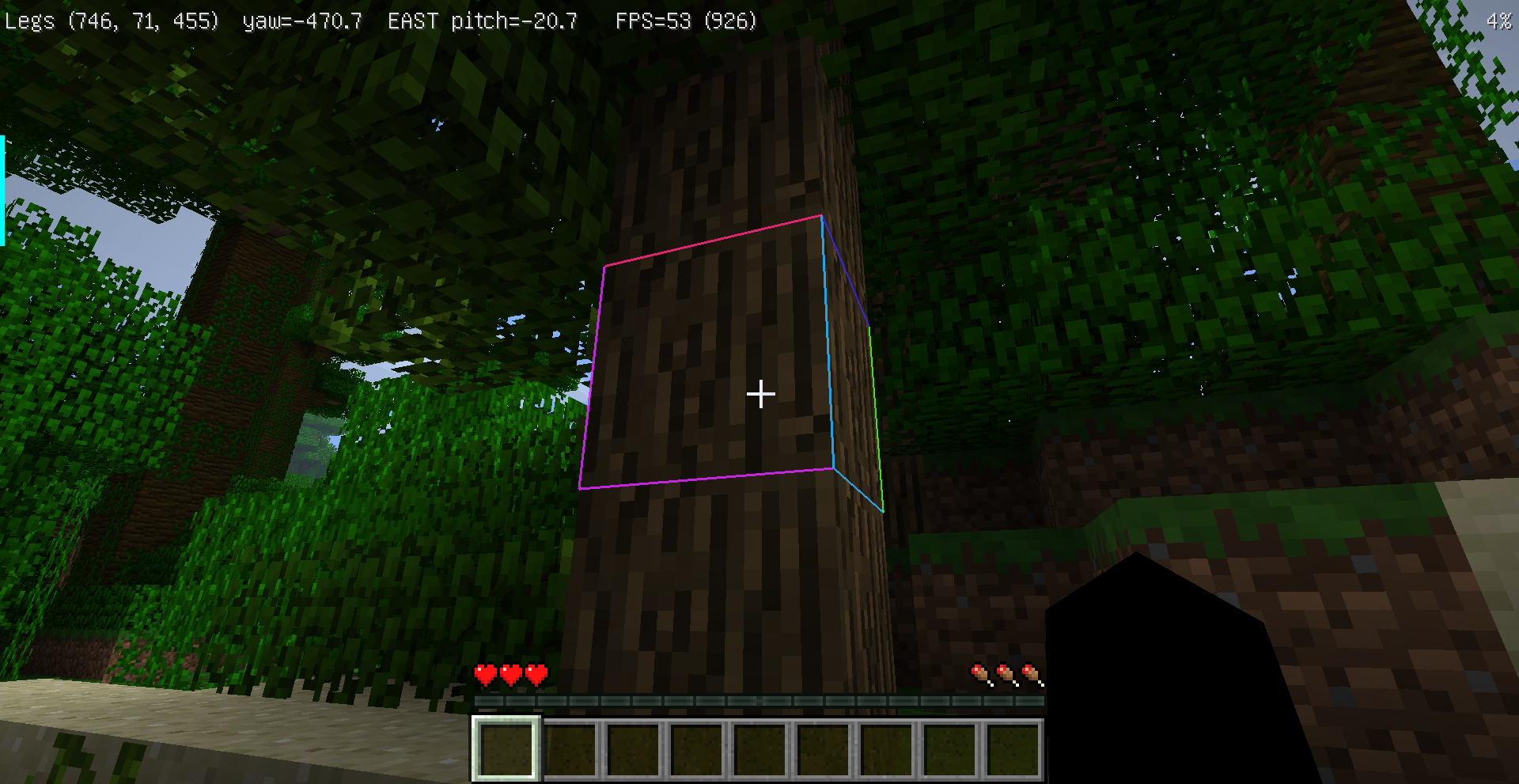
Selected block highlight border
Customize the selected block highlight and F3+B entity hitbox highlight in Minecraft 1.6.4-MITE.
中文说明
这是一个用于 Minecraft 1.6.4-MITE 的客户端模组,可以自定义方块选中框和 F3+B 实体碰撞箱高亮。
功能
- 方块高亮和实体碰撞箱高亮可以分别设置样式。
- 支持经典黑框、红蓝渐变、彩虹、低透明度和粗边框预设。
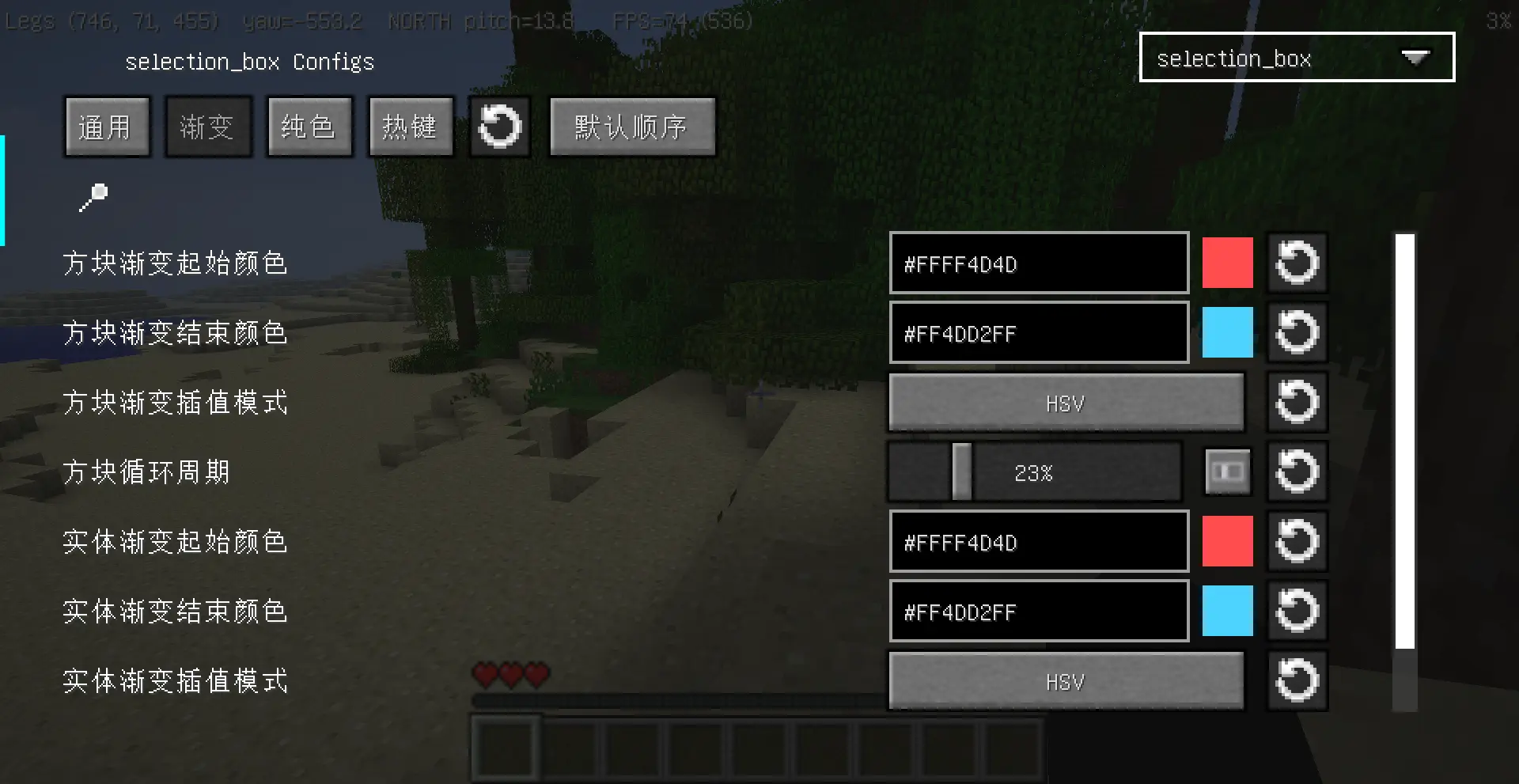
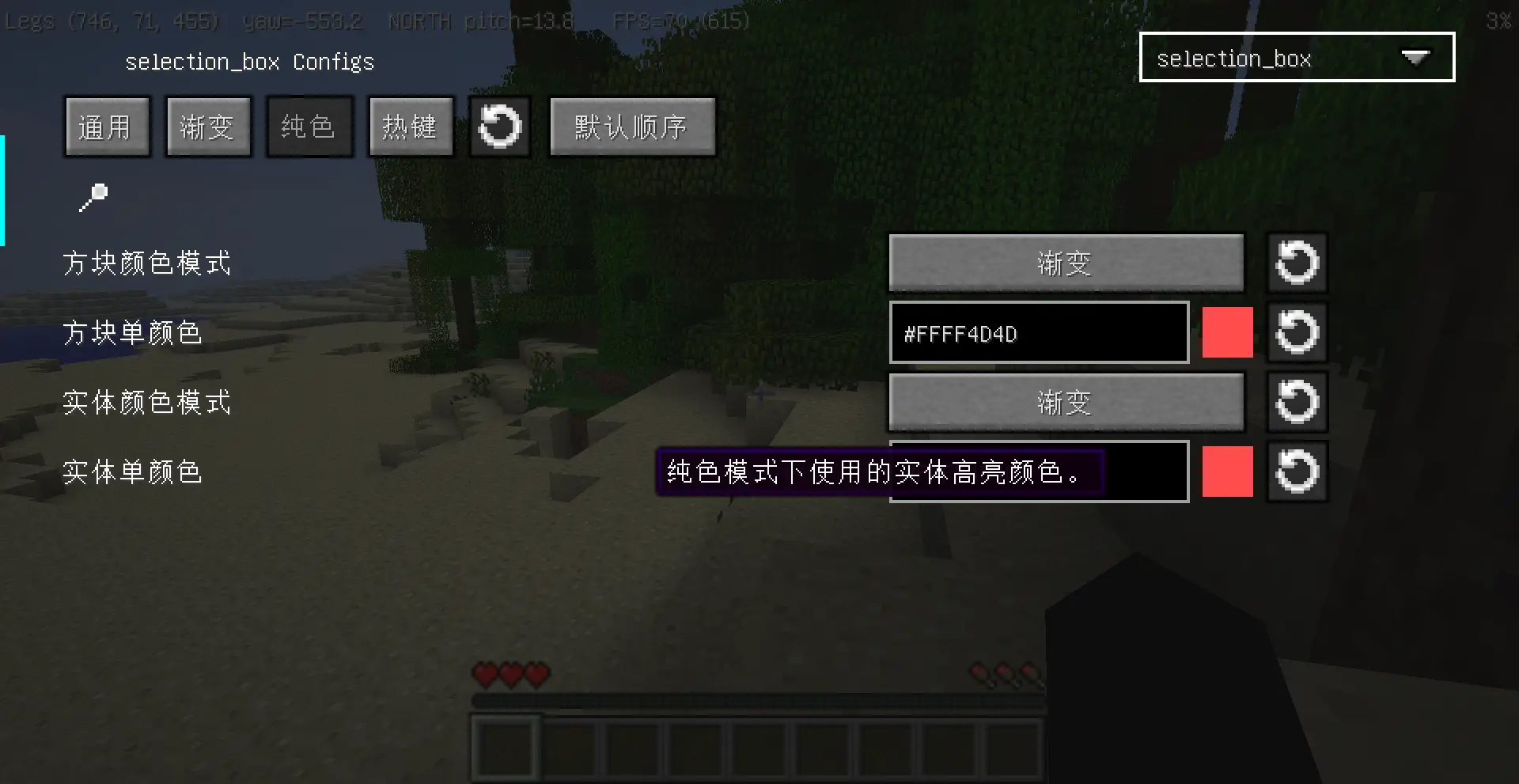
- 支持渐变或纯色、RGB 或 HSV 插值、线宽、透明度和循环速度。
- 支持仅描边、仅半透明填充、描边 + 填充三种显示方式。
- 描边和填充可以分别设置正常遮挡或透墙可见。
- 支持动画渐变、静态渐变、呼吸透明度和关闭动画。
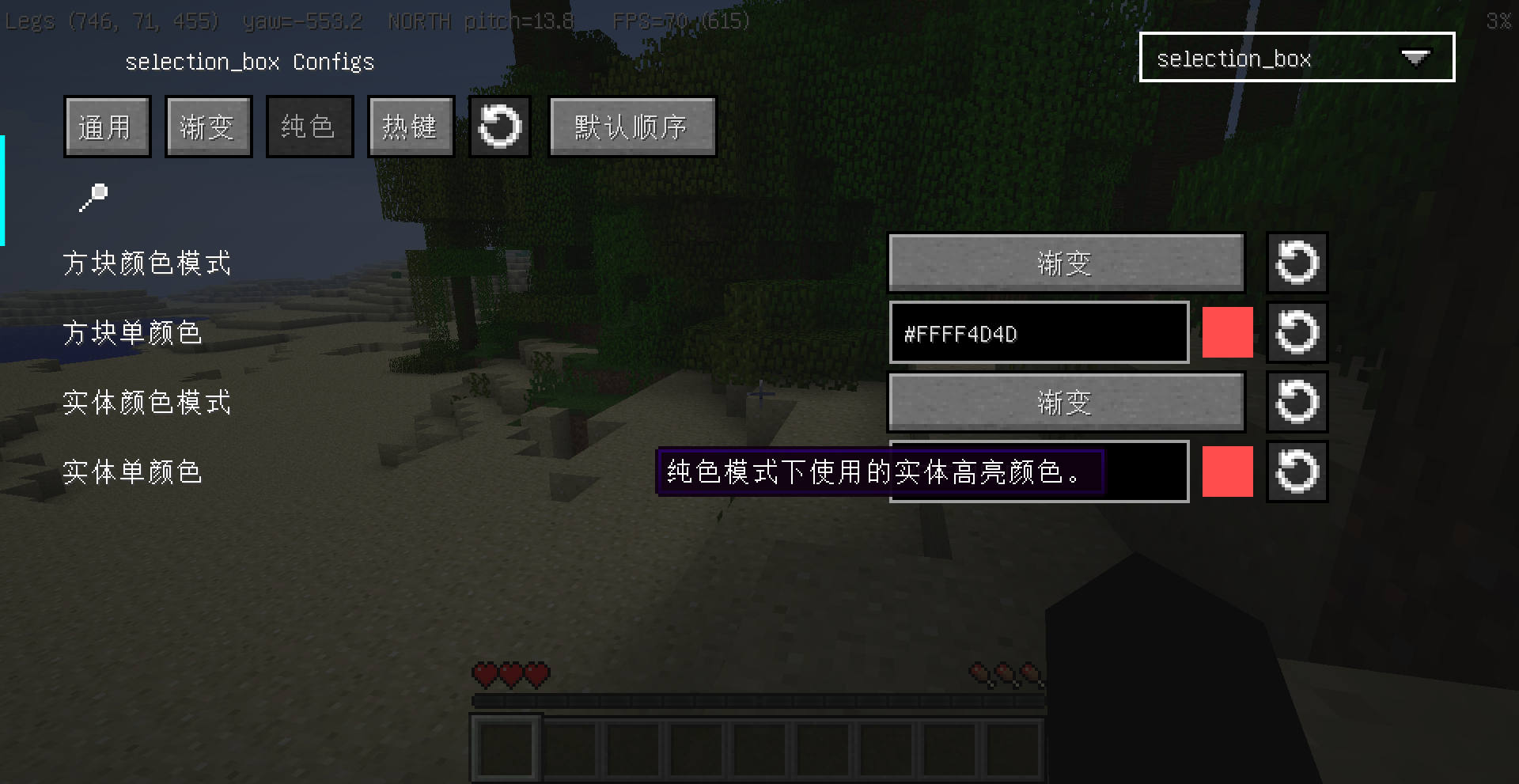
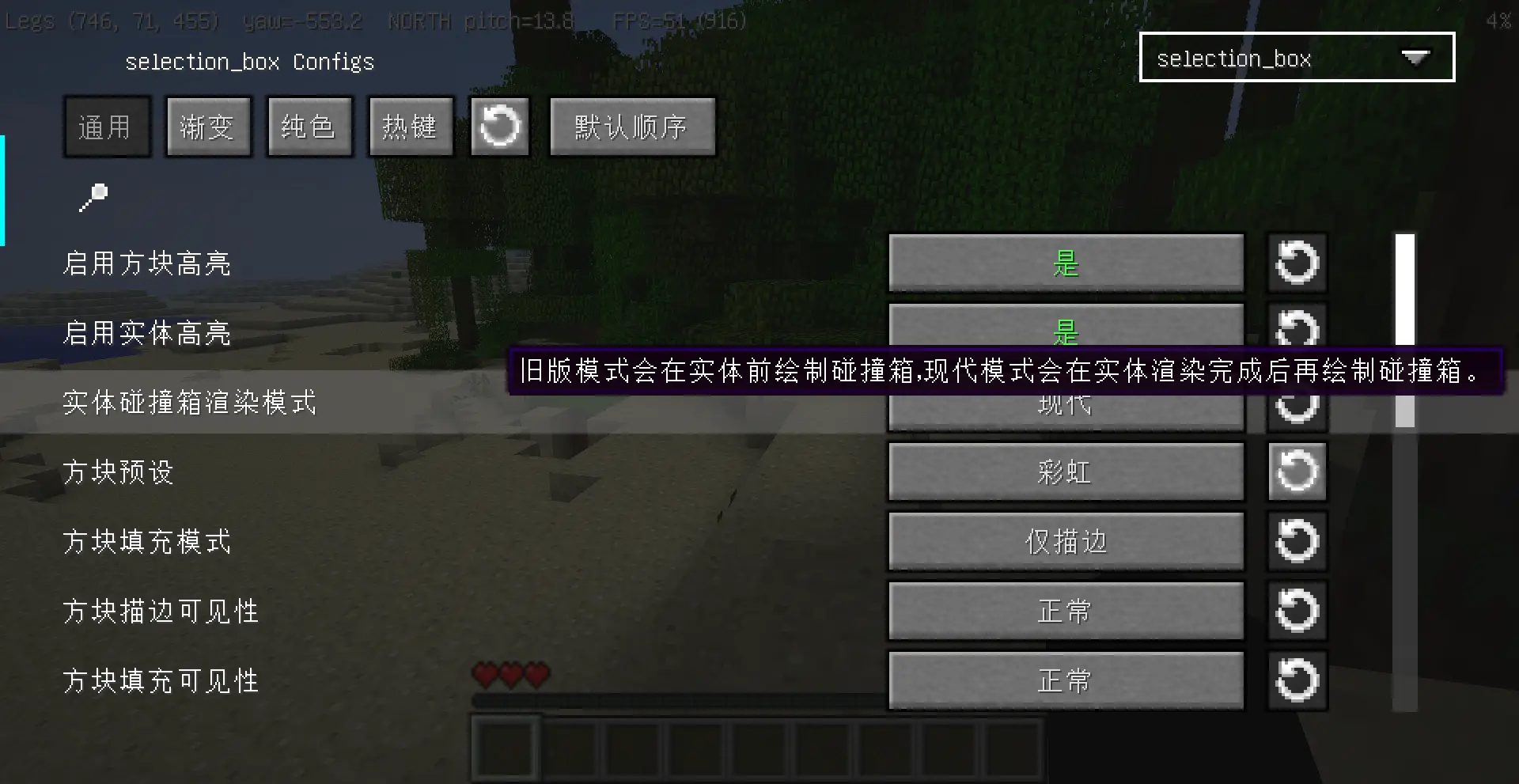
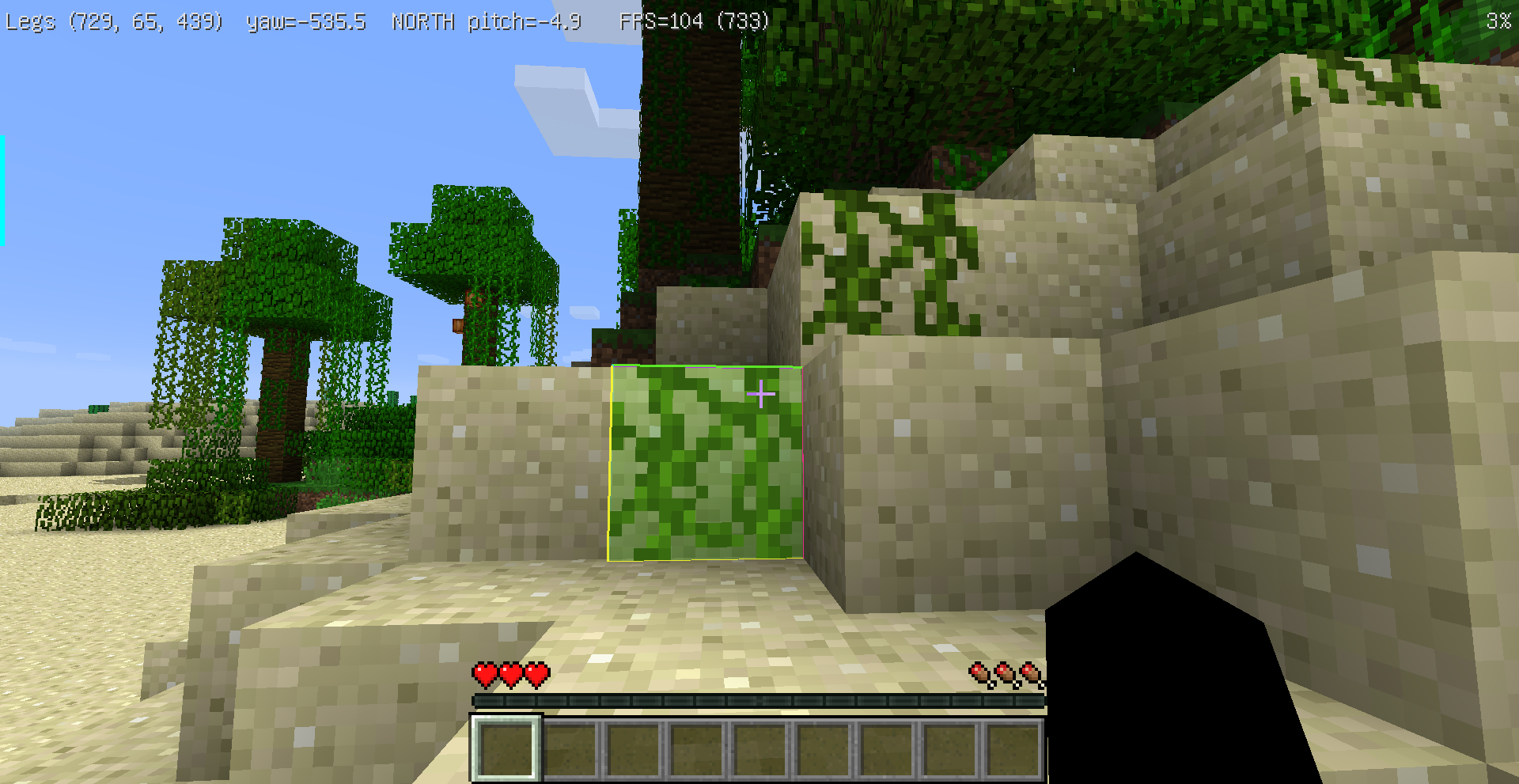
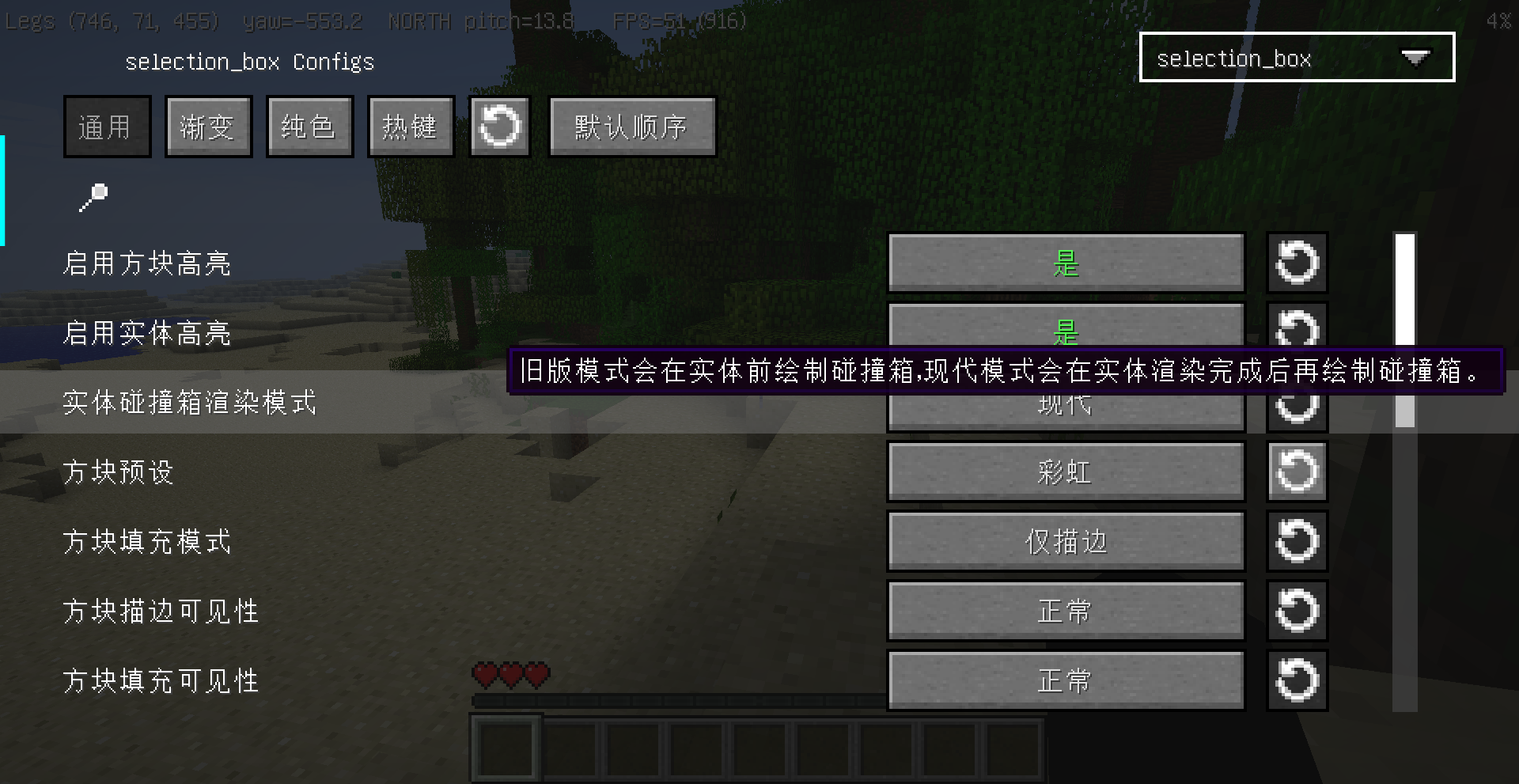
- 配置界面按通用、渐变、纯色、热键分页,方便查找设置。
默认设置会保持原来的视觉效果:动画渐变描边、无填充、正常深度遮挡。
Features
- Separate style settings for block highlights and entity hitbox highlights.
- Presets for classic black, red/blue, rainbow, low alpha, and bold highlights.
- Gradient or solid colors, RGB or HSV interpolation, line width, opacity, and cycle speed.
- Outline-only, fill-only, or outline + translucent fill rendering.
- Separate through-wall visibility controls for outlines and fills.
- Animation modes: animated gradient, static gradient, breathing alpha, or off.
- ManyLib config screen and ModMenu integration.
- Config screen pages split settings into Common, Gradient, Solid, and Hotkey sections.
The default settings keep the original mod behavior: animated gradient outlines, no fill, and normal depth visibility.
Rely
- [MITE]ManyLib
- [MITE]ModMenu
Photo
License
This project is licensed under the MIT License. See LICENSE.
Screenshots
Gallery
Versions
Files
Relations
Project Relations
More like this
Similar Mods
Suggestions use data such as tags, dependencies, dependents, descriptions, titles, and more to rank how much they overlap with this mod.
On ModDex
Community snapshot
By the numbers
Statistics

Want to reach Minecraft players?
We're looking for a server hosting partner to feature here and other parts of the site. Interested? Send us a message!
Get in touchGet it on
Available Platforms
On ModDex
Community snapshot
By the numbers