Community listing page, reviews here may not be monitored by the author.
Stoddle's Simple Mech Datapack

No reviews yet
Datapack that adds customizable mechs to the game.
Community voices
Reviews
No reviews yet. Be the first to review this project!
Get it on
Available Platforms
About
Project Details
For authors
Embed Badge
If you're the author of this project, you can embed a live badge anywhere that supports HTML or Markdown. It updates automatically whenever ratings change.
Use HTML for any page that supports it, or Markdown for README files and Markdown-based descriptions.
Identifiers
Platform IDs
About
Description
📖 The basics
This datapack adds simple and customizable mechs to the game. Perfect to spice up your survival world or add to your modpack. The datapack also has multiplayer compatibility if you're feeling like fighting your friends in an epic mech battle.
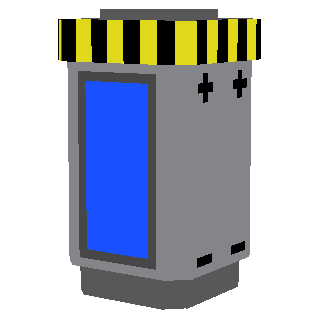
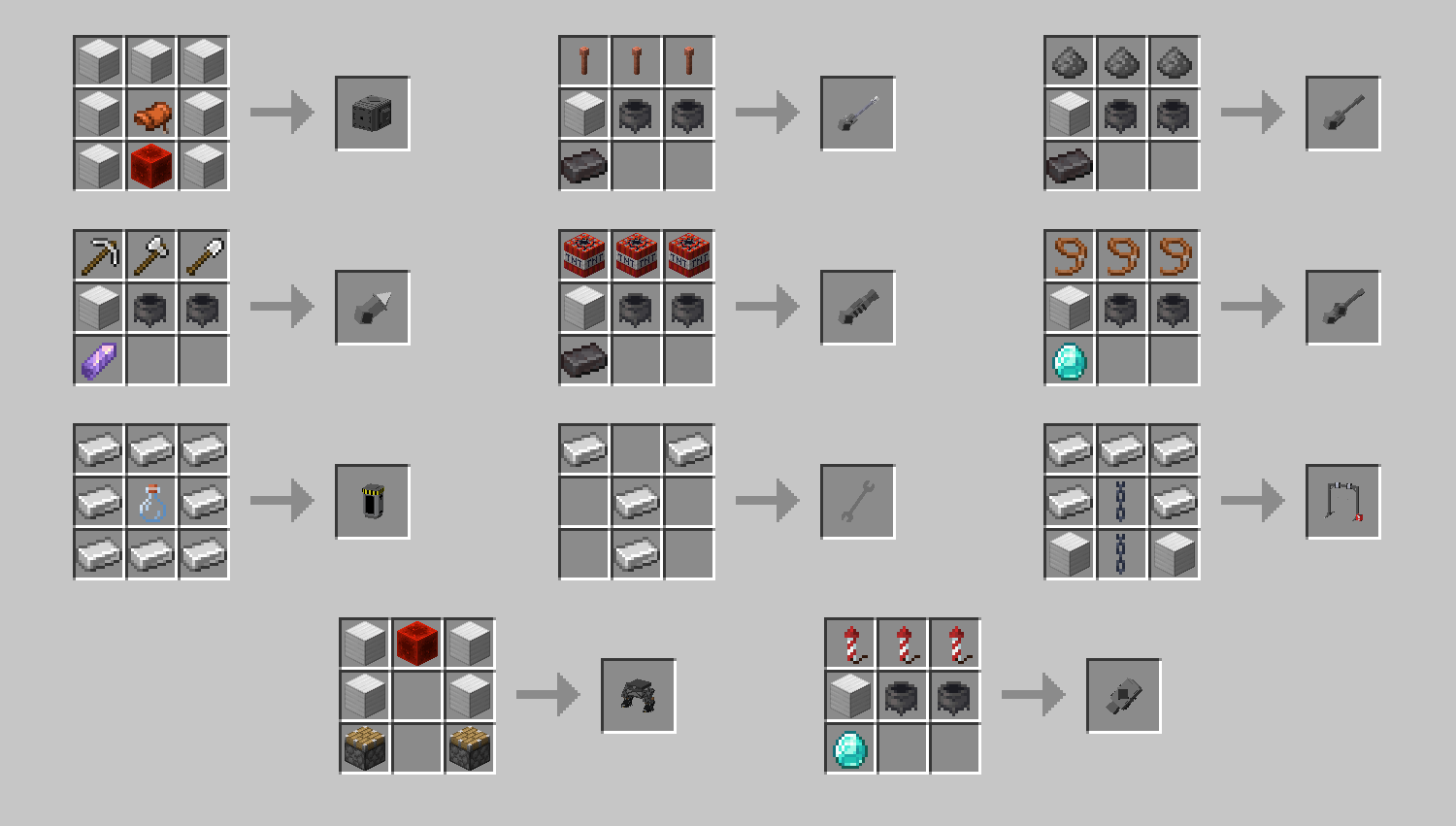
To make yourself a mech you will first have to make an assembly station and place it on the ground. From there you will need to craft an upper mech body, a lower mech body and an energy cell and assemble all three pieces at the assembly station by right-clicking. Once assembled, you will be able to pilot the mech, change its different attachments or color it with a dye of your choice. Every recipes are unlocked automatically, in order, as your craft items from the datapack. The recipe for the assembly station is unlocked when collecting an iron ingot for the first time. If needed, a list of all the recipes will be provided down below. For creative players, you can use the command "/function core:items/give_items" to instantly give yourself every item needed. Check the "README.txt" file located in the datapack .zip file for a list of other useful commands. Mechs can be repaired with iron blocks.
📋 Recipes
📋 How to install/uninstall
Download "Stoddle's Simple Mechs (datapack)" and put the .zip file in the datapacks folder of the world you want to play in. Download "Stoddle's Simple Mechs (resourcepack)" and put the .zip file in your resourcepacks folder. Enable the resourcepack in the settings and you'll be ready to go! To uninstall, enter the command "/function core:uninstall" and remove the datapack from the datapacks folder or your world.
🔍 FAQ
Q: Where is the resourcepack? I can't see the models and textures.
A: The resourcepack is located here on modrinth. It's a seperated file underneath the download for the datapack when on the page of the desired version. On this modrinth page, click on "Versions" then click on the desired version and the resourcepack will be located in the "Files" section right under the datapack.
Q: Can I use this datapack in my modpack or adventure map?
A: Of course you can! Just make sure to give proper credit :)
Q: Can you add [insert idea you have here] to the datapack?
A: I always take note of the feedback I get and try my best to add requested features in my datapacks whenever I update them.
Q: Could you downgrade the datapack to another version?
A: No, sorry :(
Q: Does this datapack work on servers?
A: Yos
⚠️ Dislcaimer regarding datapack conflicts
I am not held accountable for any conflicts with other datapacks you have installed. It may be better to use this datapack standalone to avoid any problems or if you aren't sure of what you are doing.
⚖️ License
This project is licensed under the Attribution-NonCommercial-ShareAlike 4.0 International (CC BY-NC-SA 4.0) license. You may use and modify the datapack as you please, as long as proper credit is given to the original author, do not use it for commercial purposes, and share any modifications under the same license.
Screenshots
Gallery
-
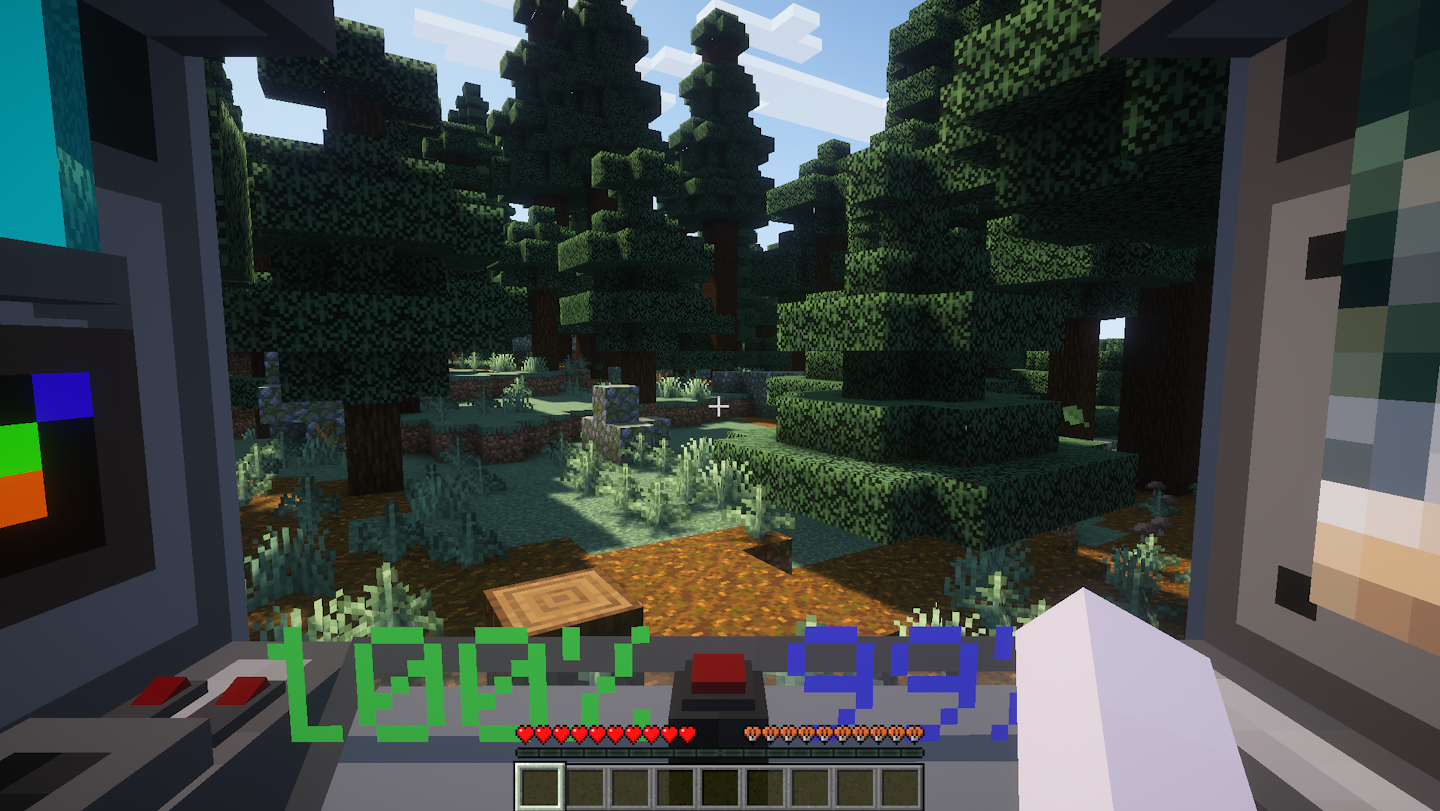 First person view View of what it looks like inside the mech
 -
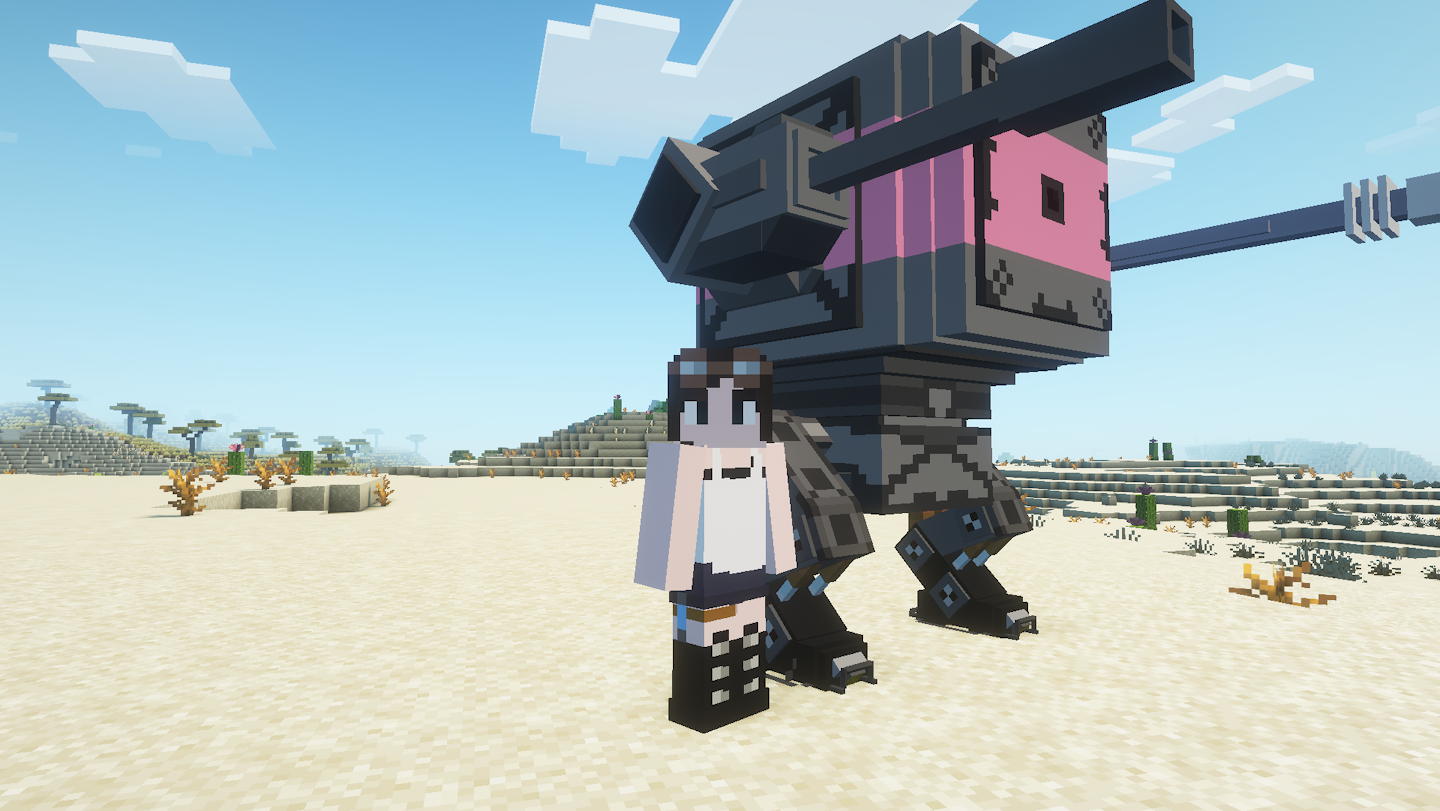 Side by side A player standing next to a mech
 -
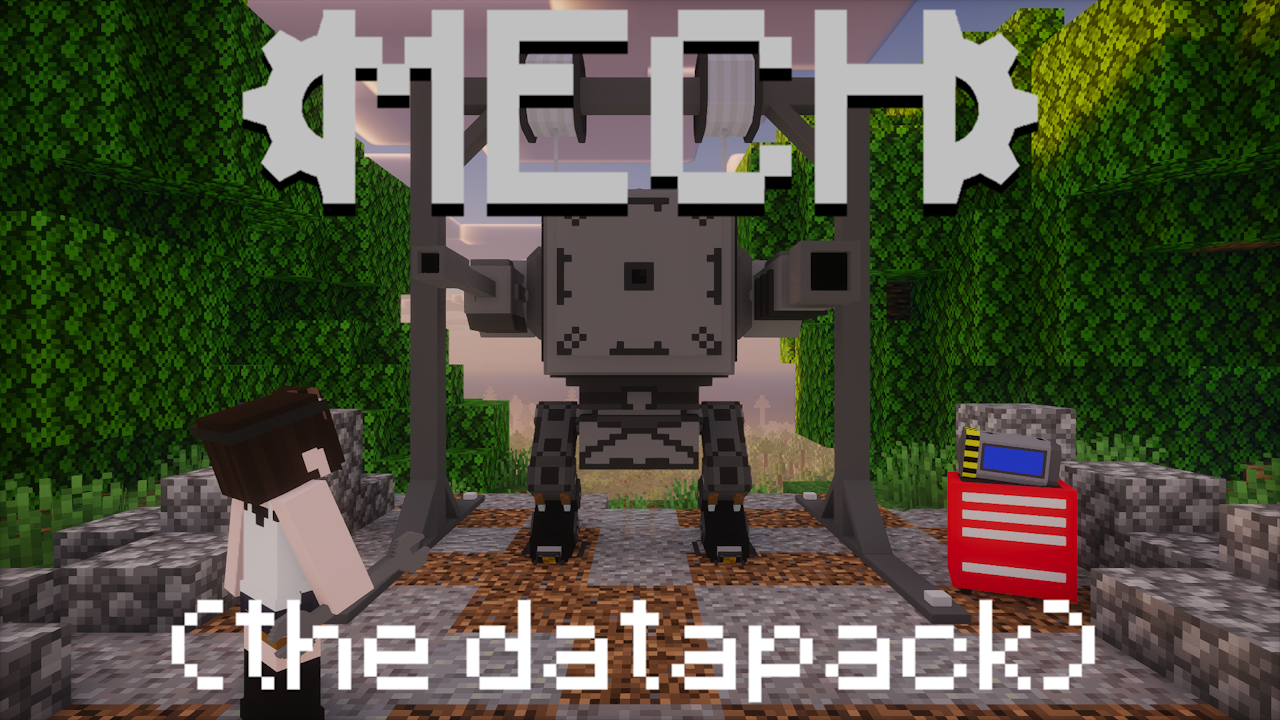 Thumbnail It's the thumbnail
 -
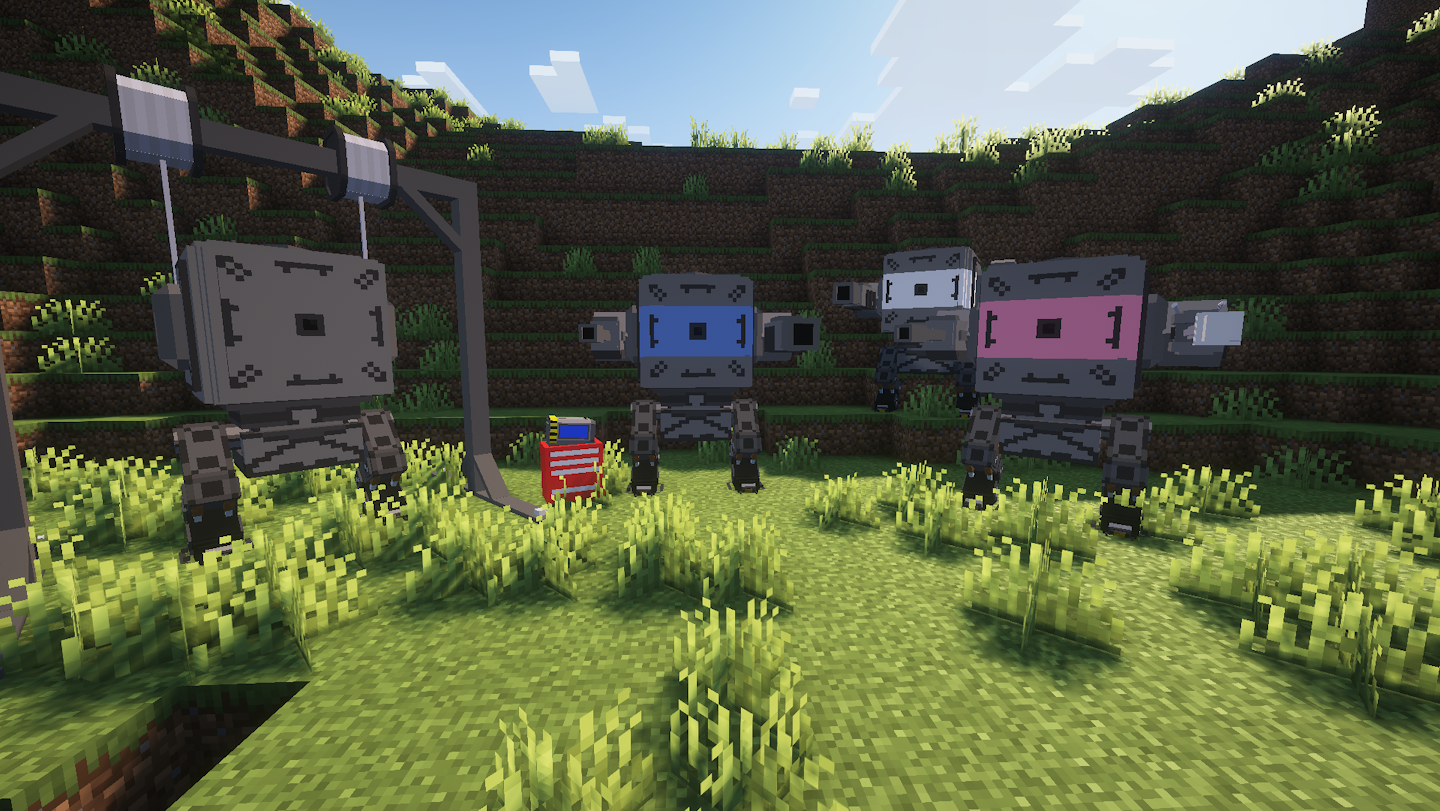 Different mechs A few mechs standing next to each other
Versions
Files
Relations
Project Relations
More like this
Similar Mods
Suggestions use data such as tags, dependencies, dependents, descriptions, titles, and more to rank how much they overlap with this mod.
On ModDex
Community snapshot
By the numbers
Statistics

Want to reach Minecraft players?
We're looking for a server hosting partner to feature here and other parts of the site. Interested? Send us a message!
Get in touchGet it on
Available Platforms
On ModDex
Community snapshot
By the numbers