
Community listing page, reviews may not be monitored by the author.
Storage Finder


No reviews yet
Search the contents of containers you have opened and highlight matching chests through walls, so you can find where you left an item.

Community voices
Reviews
No reviews yet. Be the first to review this project!
Get it on
Available Platforms
Compatibility
Supported Environments
Runs entirely on the client. Works on vanilla servers.
About
Project Details
For authors
Embed Badge
If you're the author of this project, you can embed a live badge anywhere that supports HTML or Markdown. It updates automatically whenever ratings change.
Use HTML for any page that supports it, or Markdown for README files and Markdown-based descriptions.
Identifiers
Platform IDs
Resources
External Links
About
Description
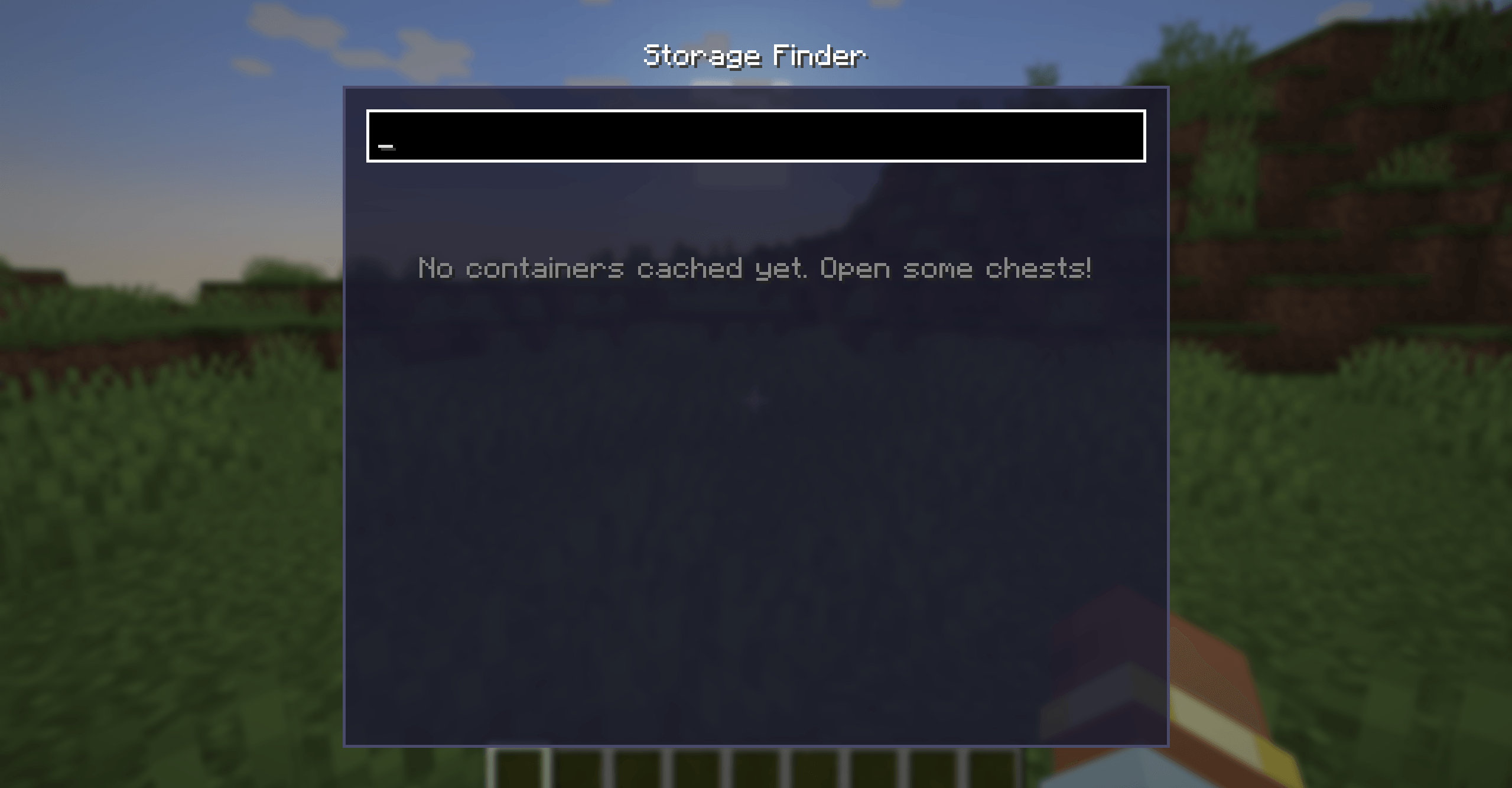
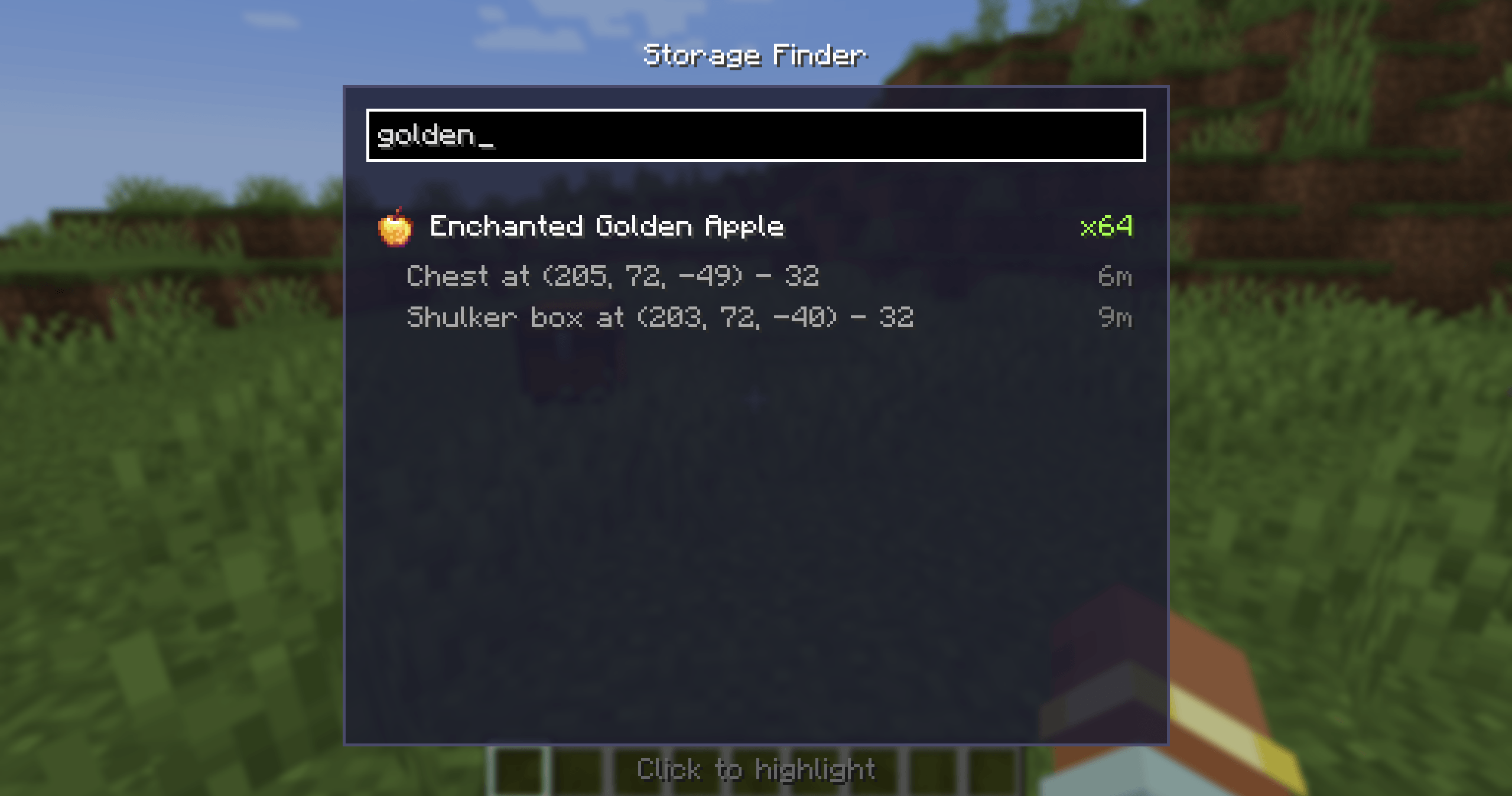
Storage Finder helps you find items without opening every chest in your base. It remembers the contents of containers you've opened, then lets you search that saved information and see matching containers through walls.
Using it
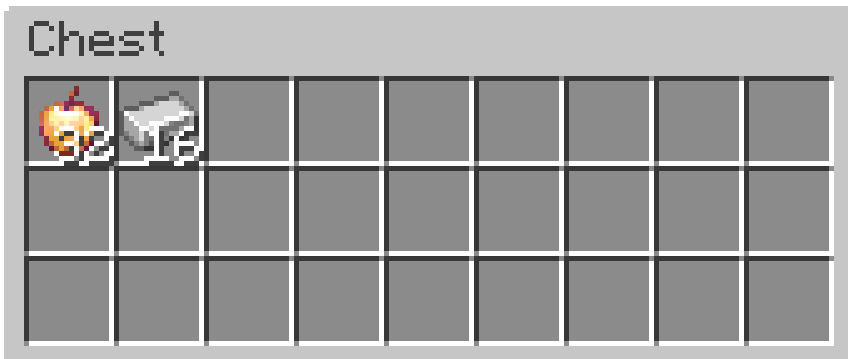
Open your chests, barrels, or shulker boxes as usual. The mod saves their contents on your client and keeps that memory between sessions, separately for each world. It works with modded containers too.
Press the search keybind and type an item name to see matching containers, item counts, and distances. Fuzzy matching helps when you haven't typed the exact name.
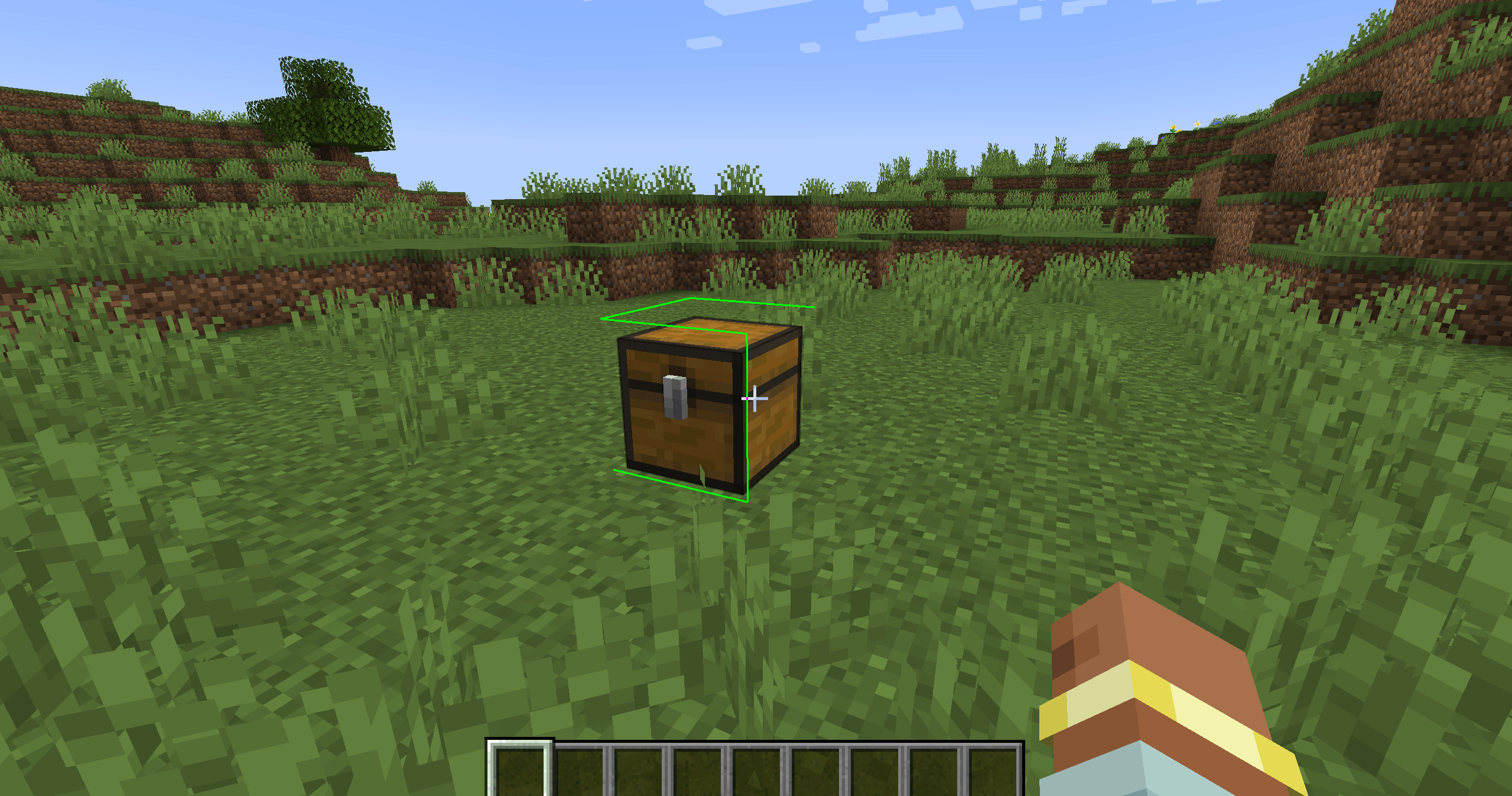
Matching containers get an outline visible through blocks. Green means plenty of the item, yellow means the supply is running low, and red means only a few remain.
You can also give containers names and colored categories, such as "Building blocks" or "Redstone." Labels appear above the container. You can leave this alone if you only want the search.
Installation
Install the mod on your client. It works in singleplayer and on vanilla or modded servers without a server installation or additional dependencies. It is designed to be lightweight, and you can change the keybinds in the controls menu.
Available for Fabric and NeoForge on Minecraft 1.21.1, and Fabric and Forge on Minecraft 1.20.1.
If you find a bug or have an idea, leave a comment. For bugs, include your Minecraft version and loader so I can look into it.
Storage Finders helps you find items without opening every chest in your base. It remembers the contents of containers you have opened, then lets you search that saved information and see matching containers through walls.
Quick Find and cache warnings
In version 1.3.0, hover over an item in an inventory or container and press Y to highlight cached containers holding it. The action bar shows how many items and containers were found.
Recent versions also show scan ages and flag containers that another player may have changed with an orange ?. Open the container yourself to refresh its contents. These warnings only work within render distance; silent hopper, dropper, and dispenser transfers cannot be detected.
Screenshots
Gallery
-
 Screenshot 2026-02-20 210530.png Screenshot 2026-02-20 210530.png
-
 Screenshot 2026-02-20 210617.png Screenshot 2026-02-20 210617.png
-
 Screenshot 2026-02-20 210625.png Screenshot 2026-02-20 210625.png
-
 Screenshot 2026-02-20 210639.png Screenshot 2026-02-20 210639.png
-
 Screenshot 2026-02-20 210645.png Screenshot 2026-02-20 210645.png


Versions
Files
Relations
Project Relations
More like this
Similar Mods
Suggestions use data such as tags, dependencies, dependents, descriptions, titles, and more to rank how much they overlap with this mod.
On ModDex
Community snapshot
By the numbers
Statistics

Get it on
Available Platforms
On ModDex
Community snapshot
By the numbers
Statistics
Resources